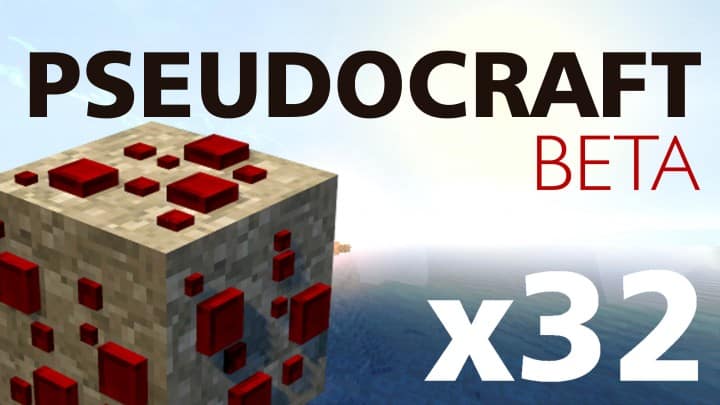
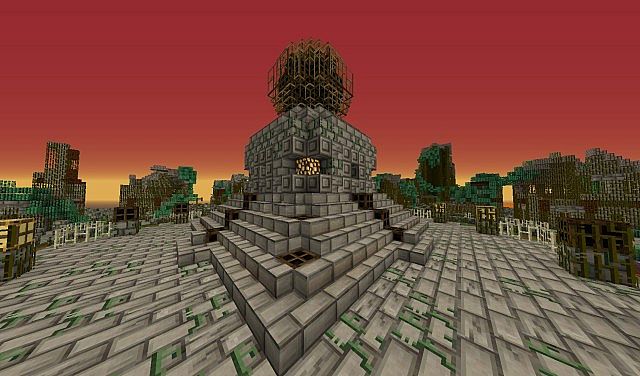
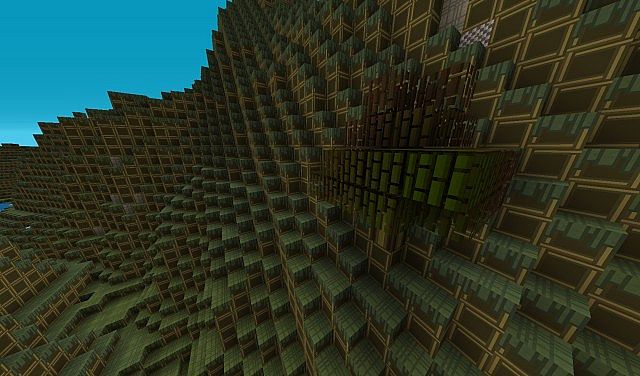
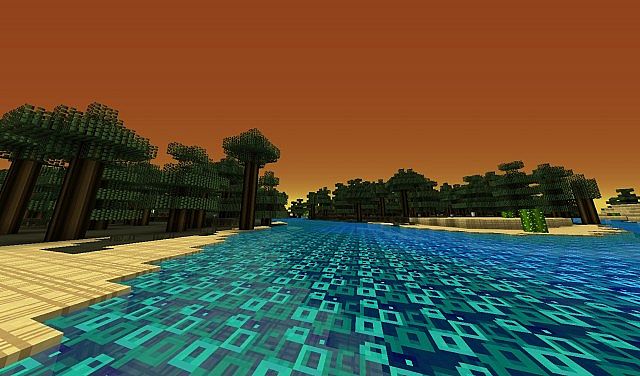
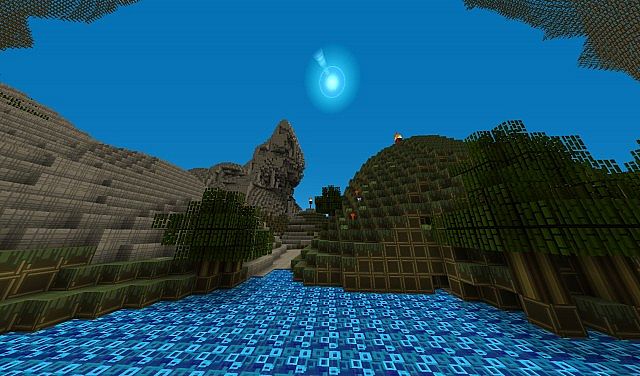
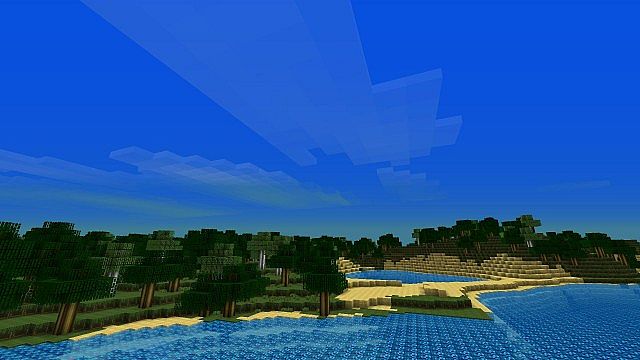
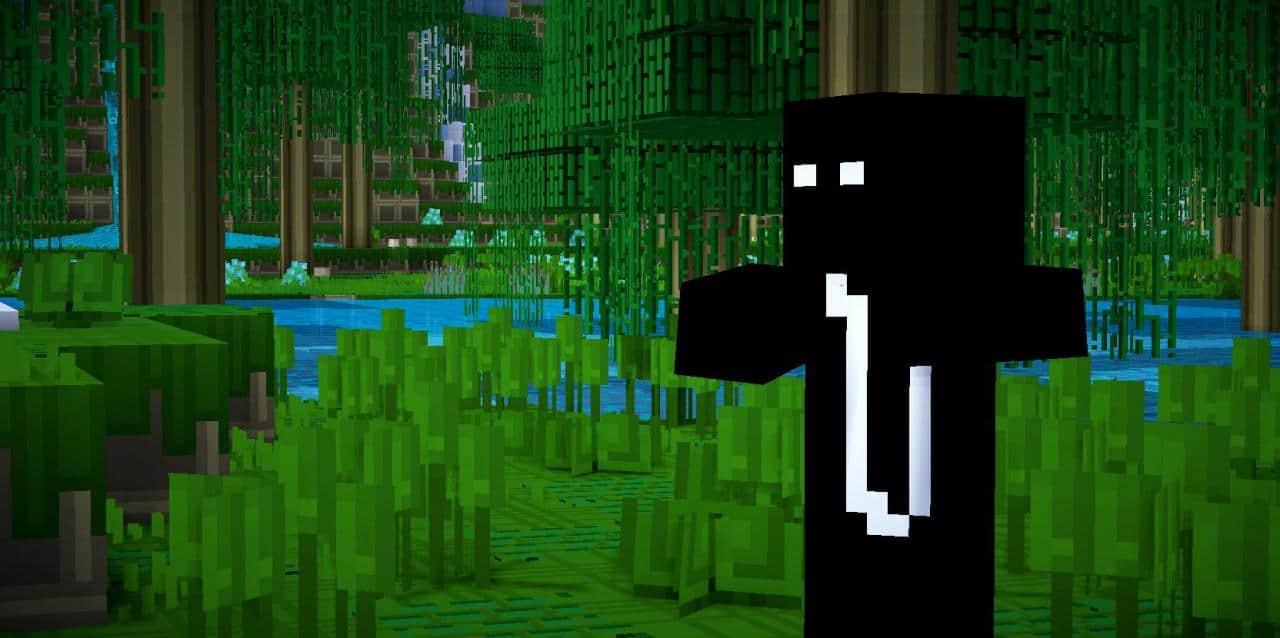
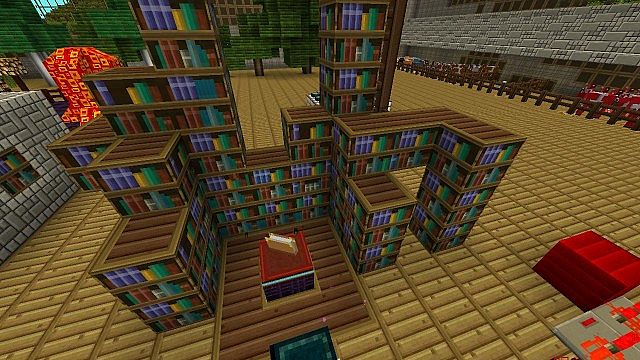
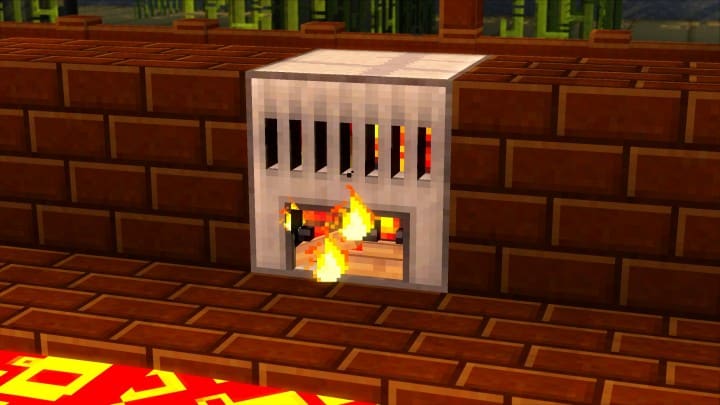
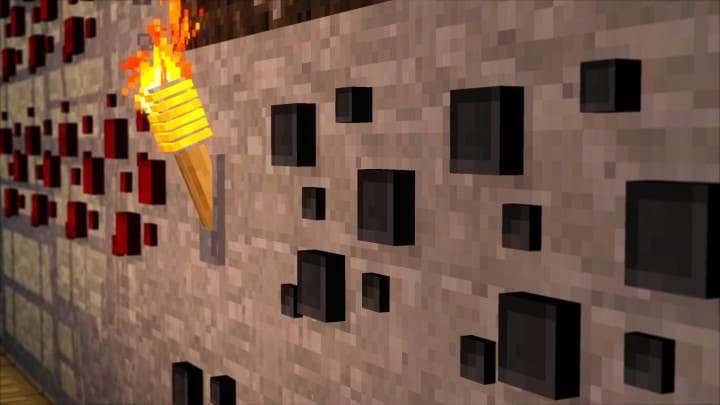
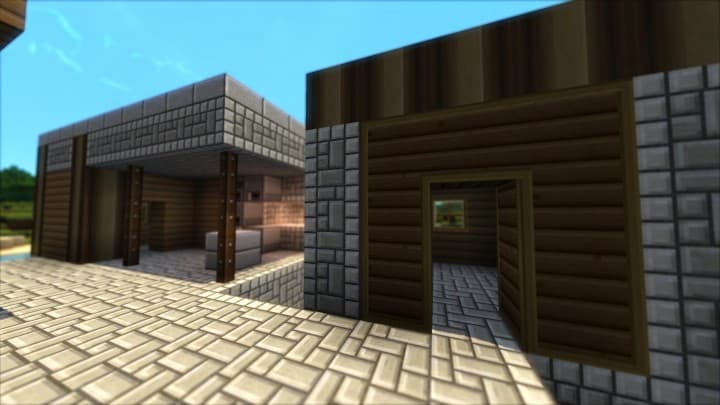
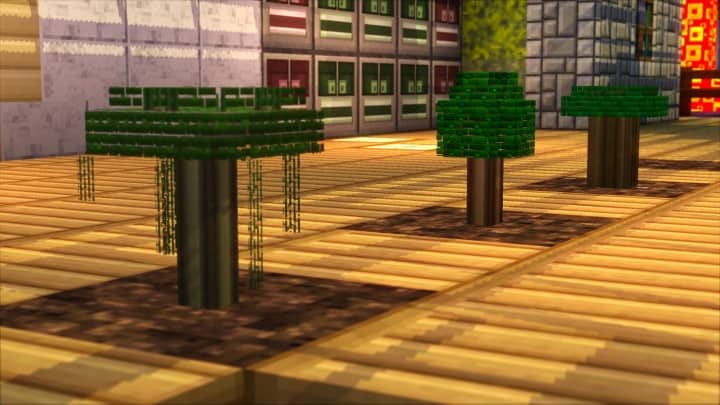
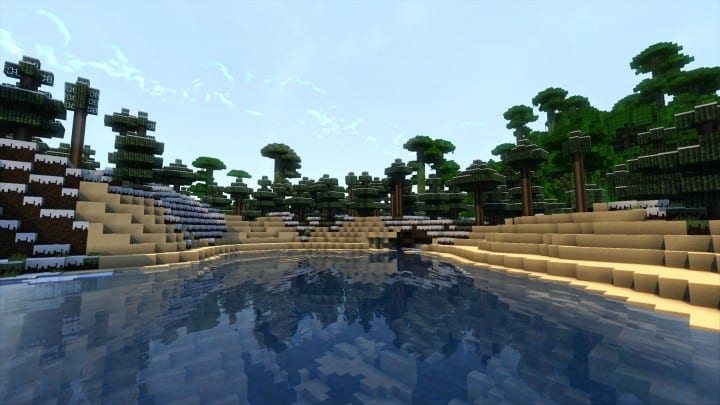
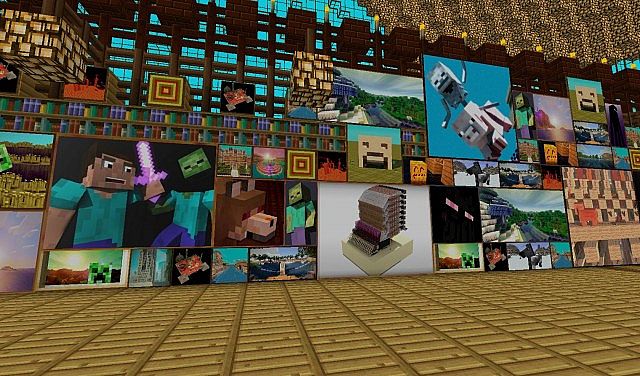
The brilliant PseudoCraft resource pack is currently still navigating through the beta stages of its development, but even with the pack being relatively new and not fully completed just yet, it consistently brings some of the absolute best textures to the game. Boasting a charming 32x resolution, the textures remain delightfully simple and thankfully do not require a supercomputer to run smoothly. The vast majority of players will be able to download and install this resource pack without ever needing to compromise on frame rates or face pesky hardware issues. Many of the gorgeous textures featured in this pack ingeniously utilize layering techniques that make the individual blocks look as though they possess actual 3D properties, even though they technically do not. With the PseudoCraft resource pack, you truly get high-quality visuals paired with zero speed issues. Certain blocks, such as the furnace, sport a wonderfully modern look to them thanks to the creative direction of the PseudoCraft resource pack.
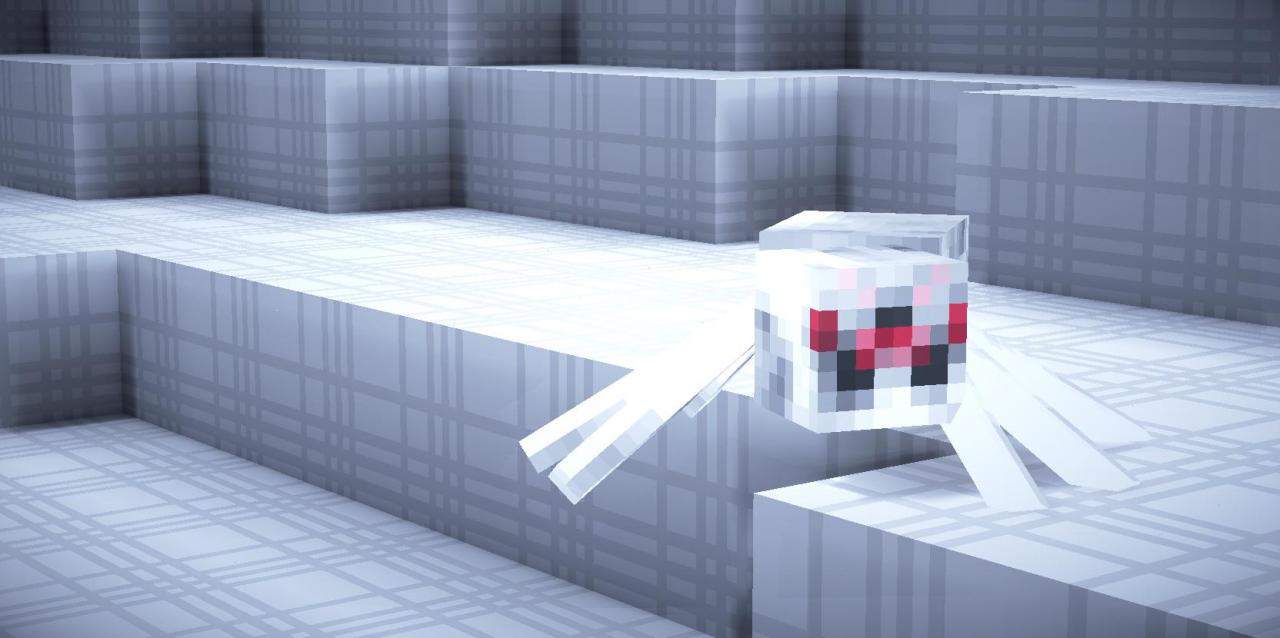
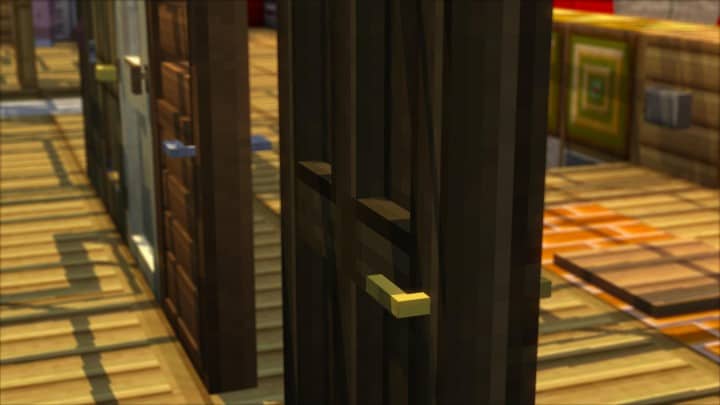
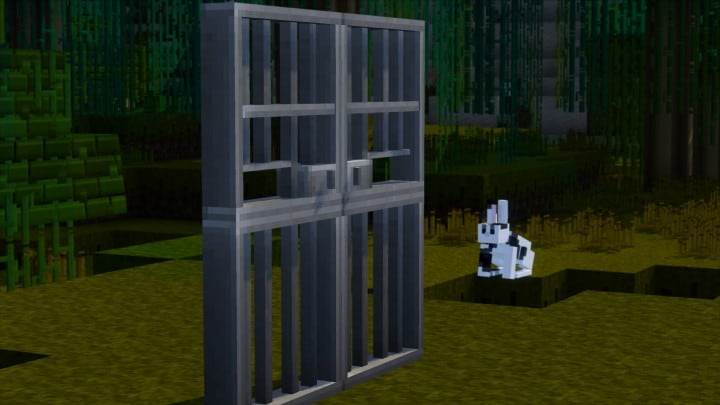
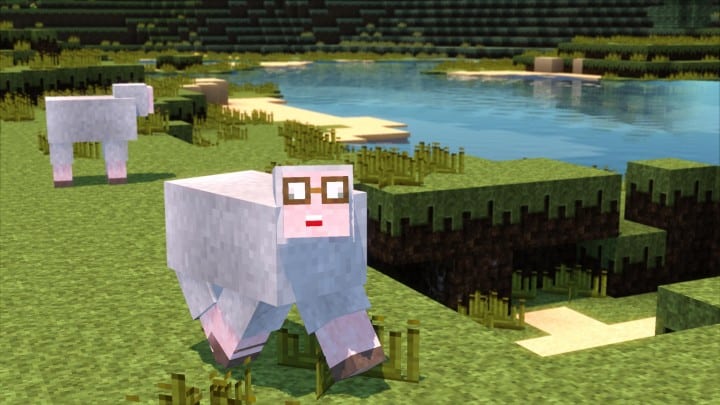
It is quite common for doors to be completely forgotten and left looking lackluster in other texture packs, but PseudoCraft has actively picked up on this oversight and thoughtfully redesigned the doors to look significantly better than average. This applies not just to wooden doors, but iron doors as well, which now proudly feature a striking jail-style design. The PseudoCraft texture pack includes several not-so-small changes that you will definitely notice and appreciate when finishing off the interior and exterior of your dream house. Because the PseudoCraft texture pack is still actively evolving in the early stages of development, currently only the items and fundamental building blocks are fully covered in this pack. As mentioned, with it being unfinished at the moment, even more items and blocks are expected to be added in the near future. As of right now, most mobs remain entirely vanilla, while trees, sugar canes, and grass particles also retain their vanilla appearance. Overall, once installed, you might not notice the majority of world changes right away, but the specific parts that have been revamped look absolutely excellent. With all of this being said, be sure to keep a close eye on the amazing PseudoCraft pack in the coming days as it continues to grow.
PseudoCraft should be compatible with all of these Minecraft versions: 1.9.4 – 1.9 – 1.8.9 – 1.8.8 – 1.8.1 – 1.8.6 – 1.8 – 1.7.10 – 1.7.9 – 1.7.4 – 1.7 – 1.6.4 – 1.6.2
Screenshots
How to Install Texture Pack (Simple 10 Steps)
- Download OptiFine: Most of the texture packs and shaders need OptiFine. That’s why, first download and install OptiFine for the version of Minecraft you want to play.
- Download the Texture Pack: Get the texture pack you want from the download section. Choose the version that works with your Minecraft and your PC’s performance.
- Open Minecraft Launcher: Start Minecraft using the official game launcher — or even TLauncher, if you use that.
- Go to Options: From the main menu, click on the “Options” button.
- Open Resource Packs: Inside Options, click on “Resource Packs…”.
- Open the Resource Pack Folder: Click on “Open Resource Pack Folder” — this will open a folder named “resourcepacks”.
- Move the Pack File: Copy or move the .zip file you downloaded into that “resourcepacks” folder. (Don’t unzip the file — Minecraft uses it as-is!)
- Go Back and Refresh: Close the folder and click “Done”, then go back into “Resource Packs…” again.
- Activate the Pack: You’ll see the pack on the left side. Hover over it and click the arrow to move it to the right (active side).
Tip: If you get a message that the pack is for a different version, just click “Yes” — it usually works fine. - Click Done and Enjoy: Click “Done” again. Now your pack is ready to use in-game. It’s that easy!
Credits
This resource pack was created by ThePseudopes. We do not own or modify the files hosted here; all rights and ownership belong strictly to the original author. We strongly encourage you to support the creator by visiting their official source links and downloading directly from them.
Download Links
Java Edition
Download Instructions
Curseforge: download starts automatically after a few seconds;
Mediafire: click the big blue button with the text “DOWNLOAD”;
Google Drive: in the top right corner you will see a small download icon (down arrow), click it and the download should start;


