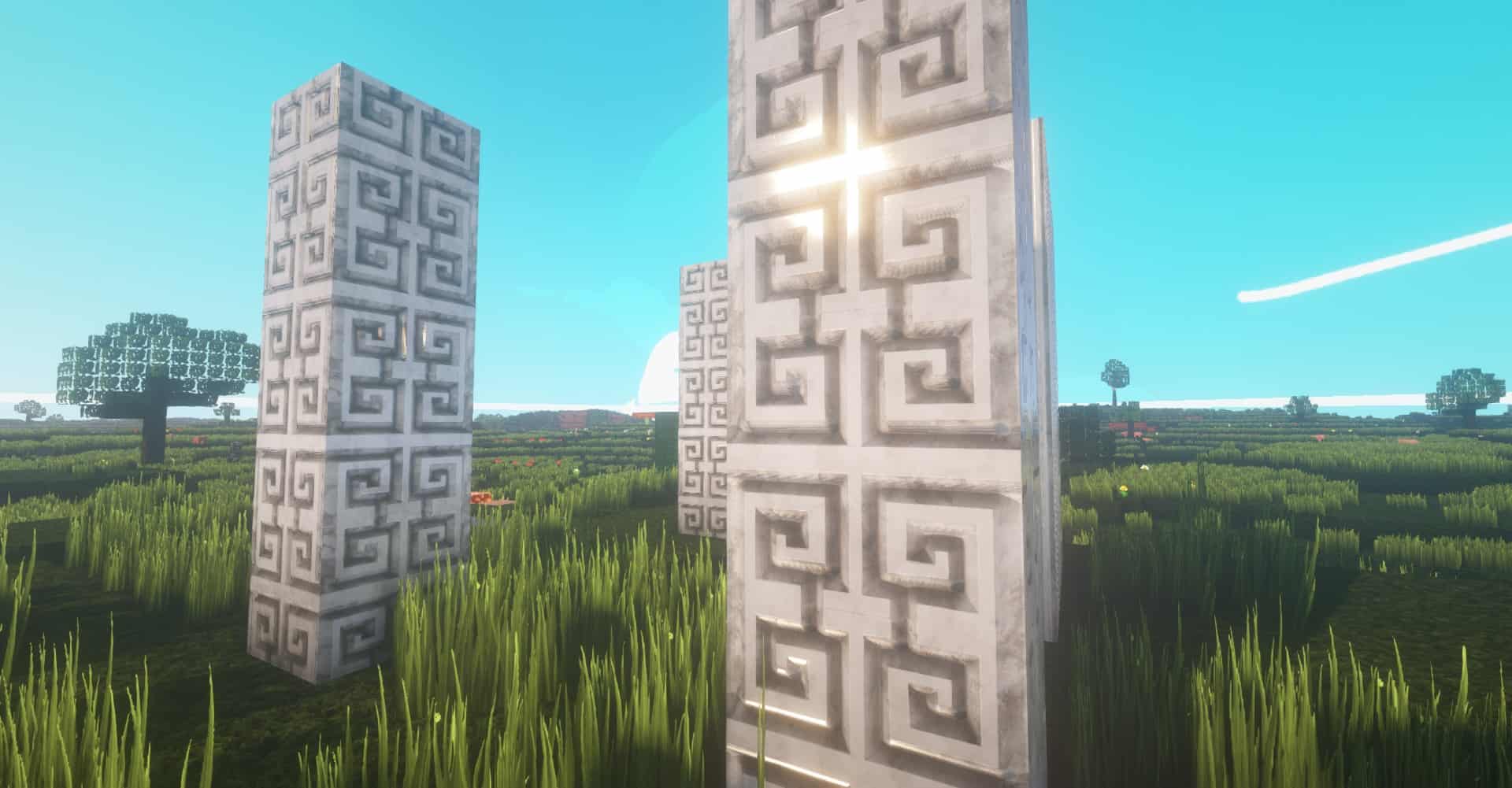
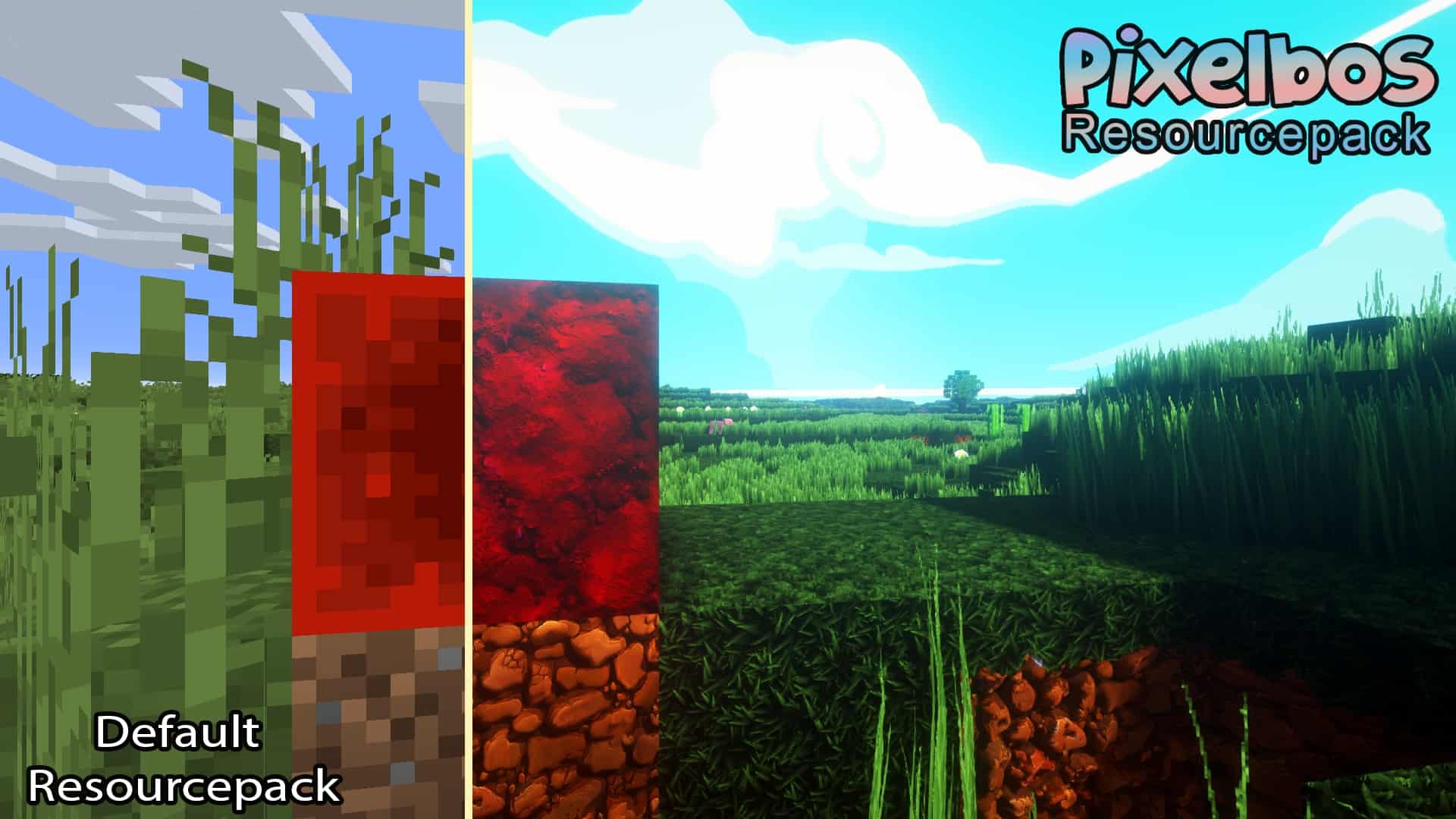
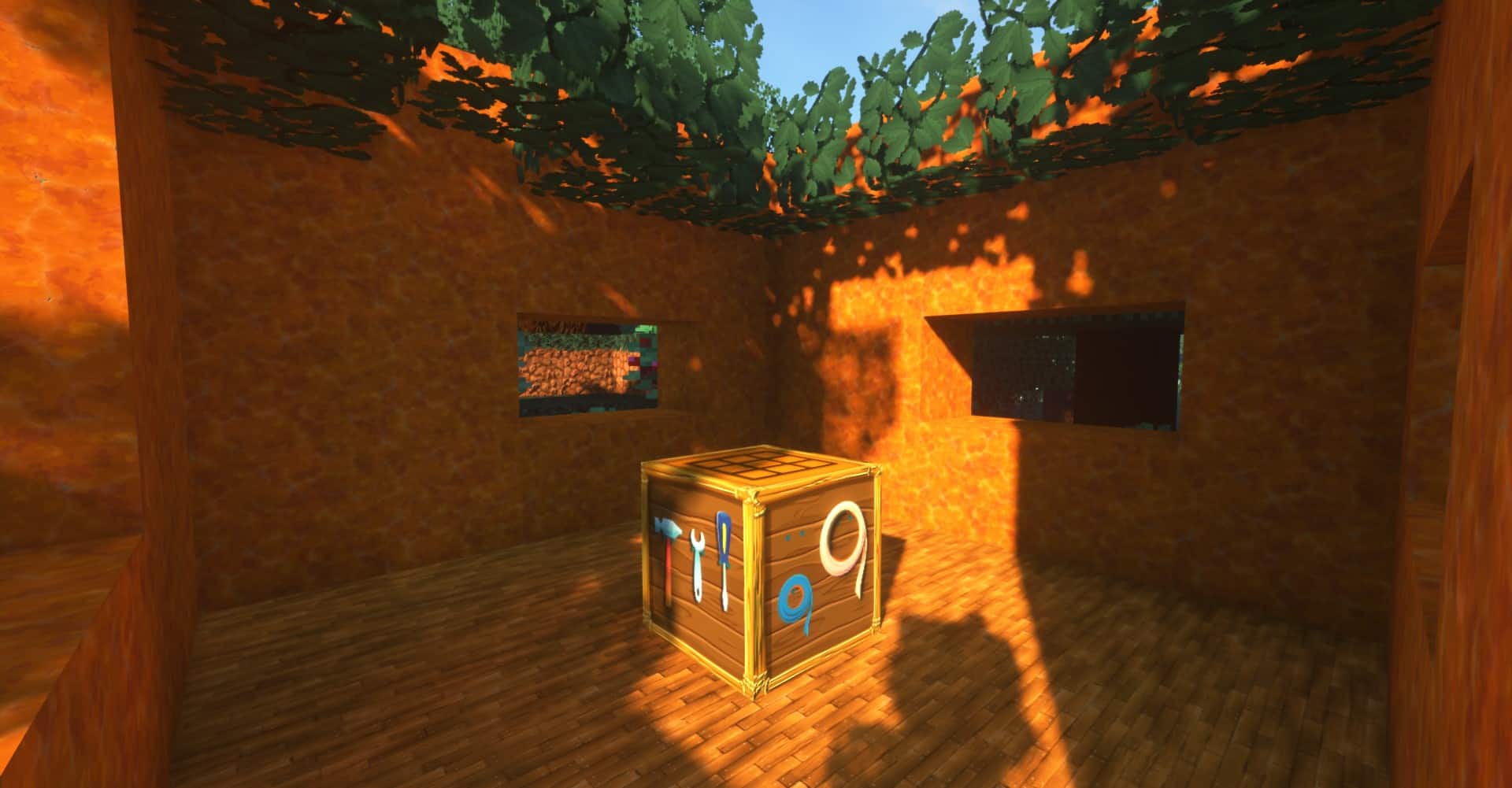
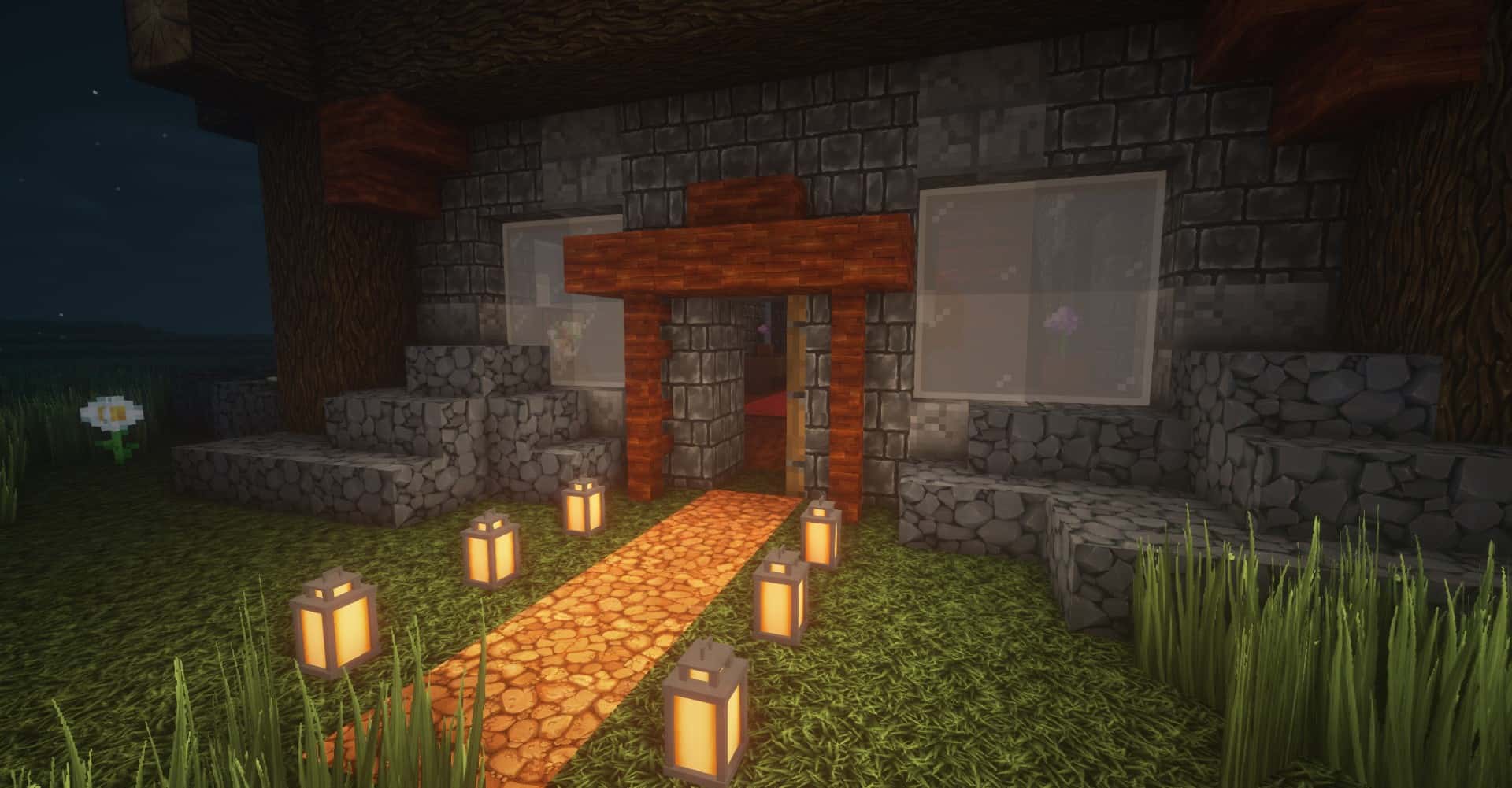
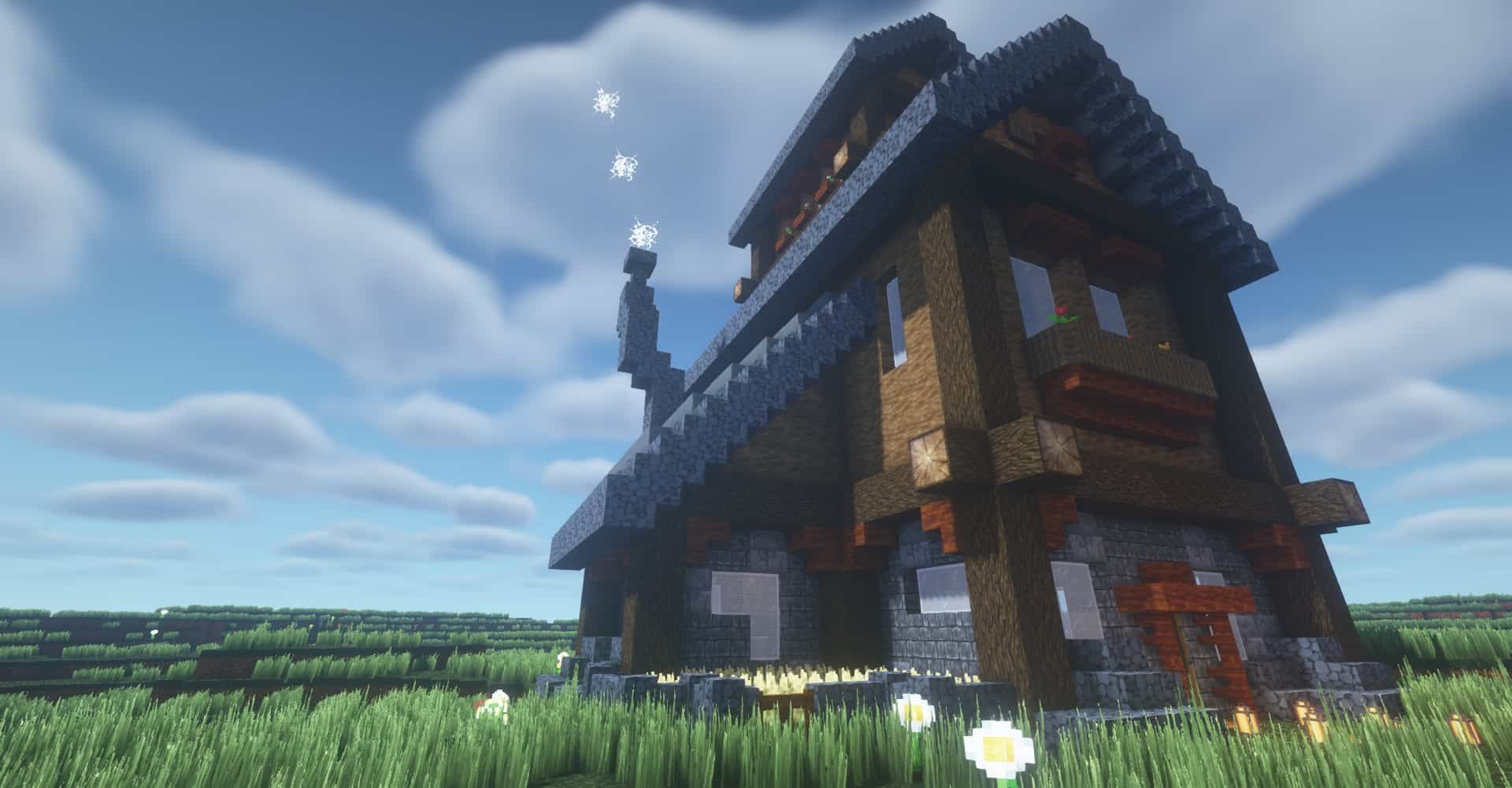
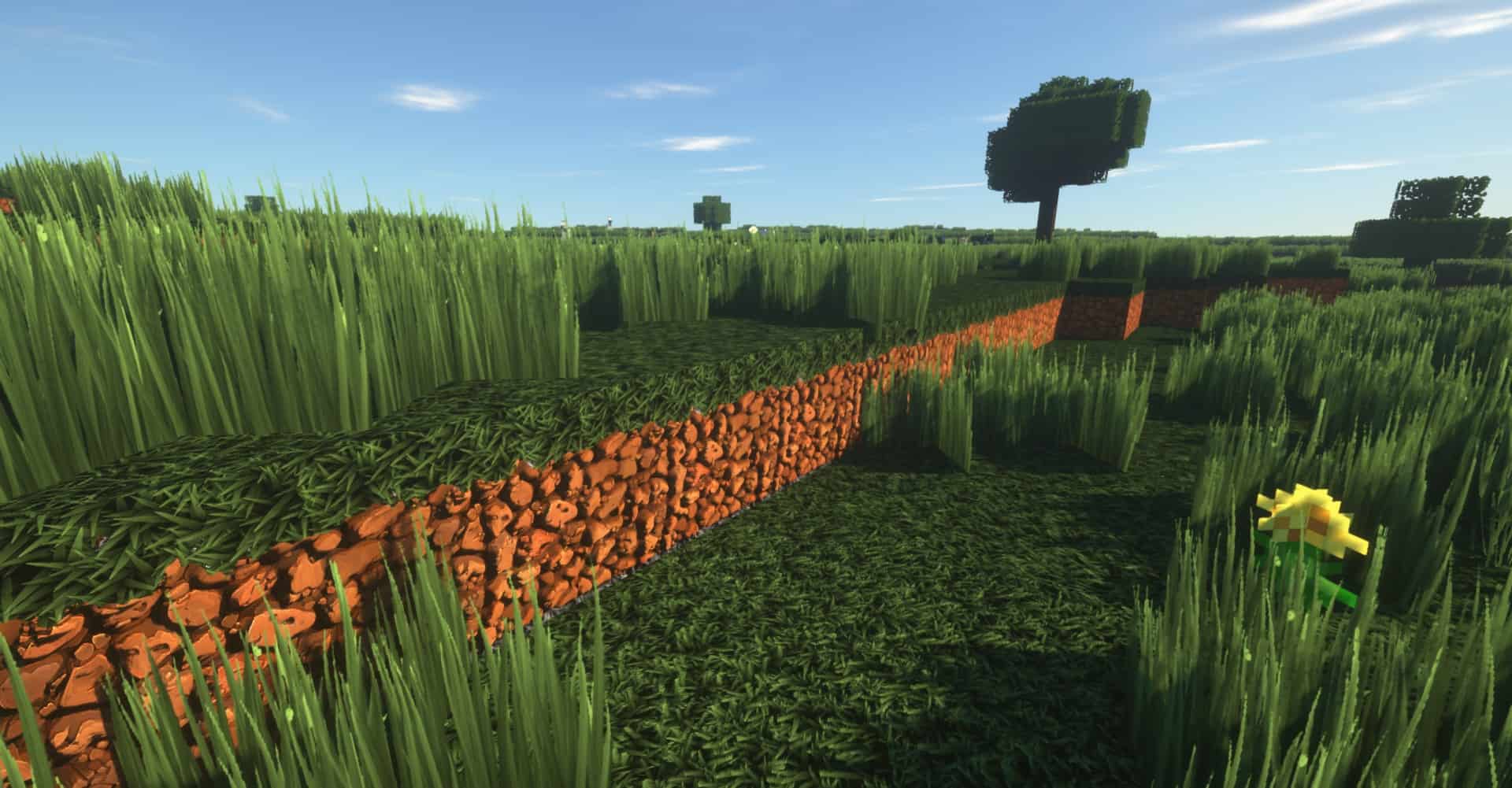
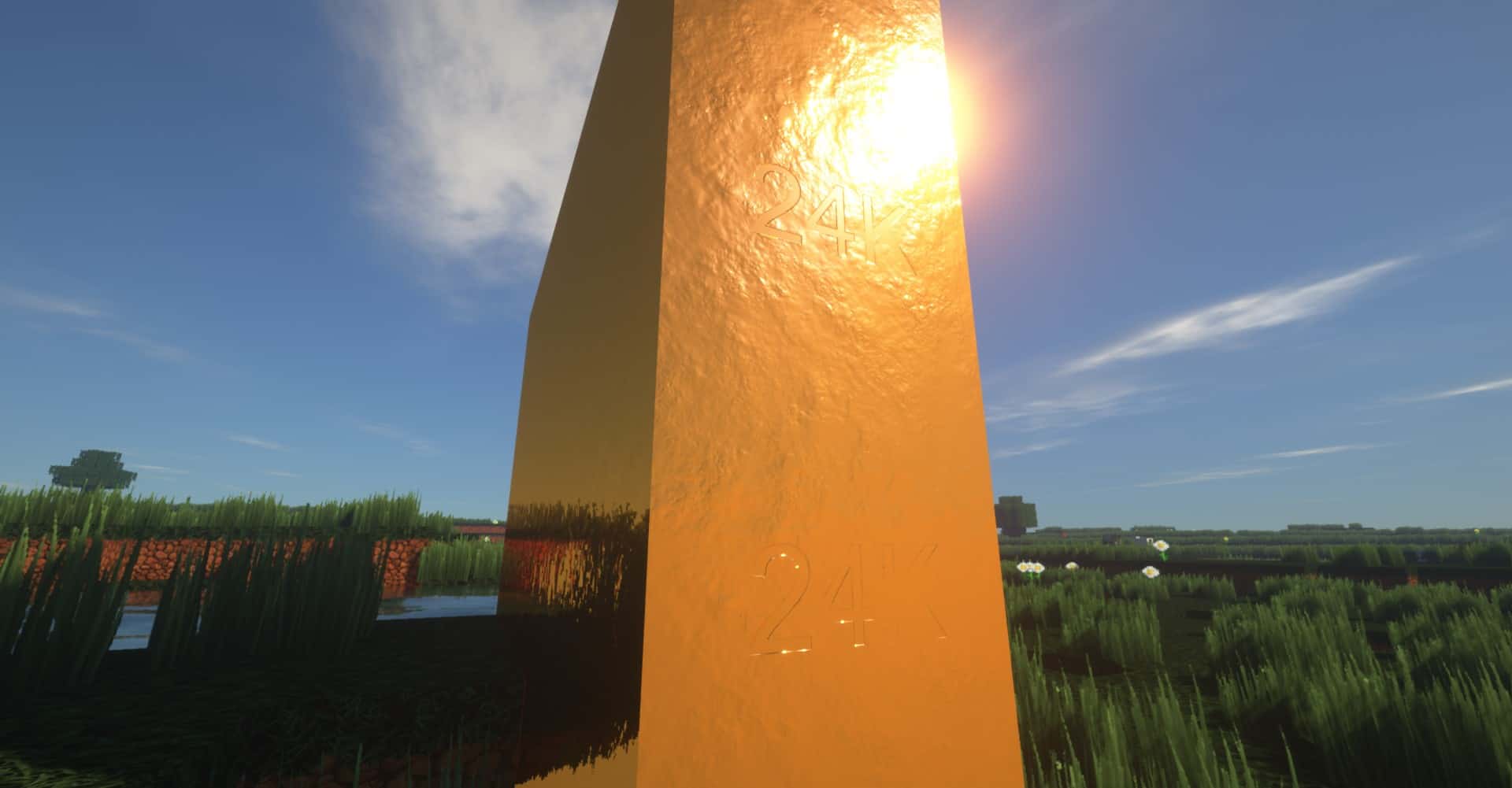
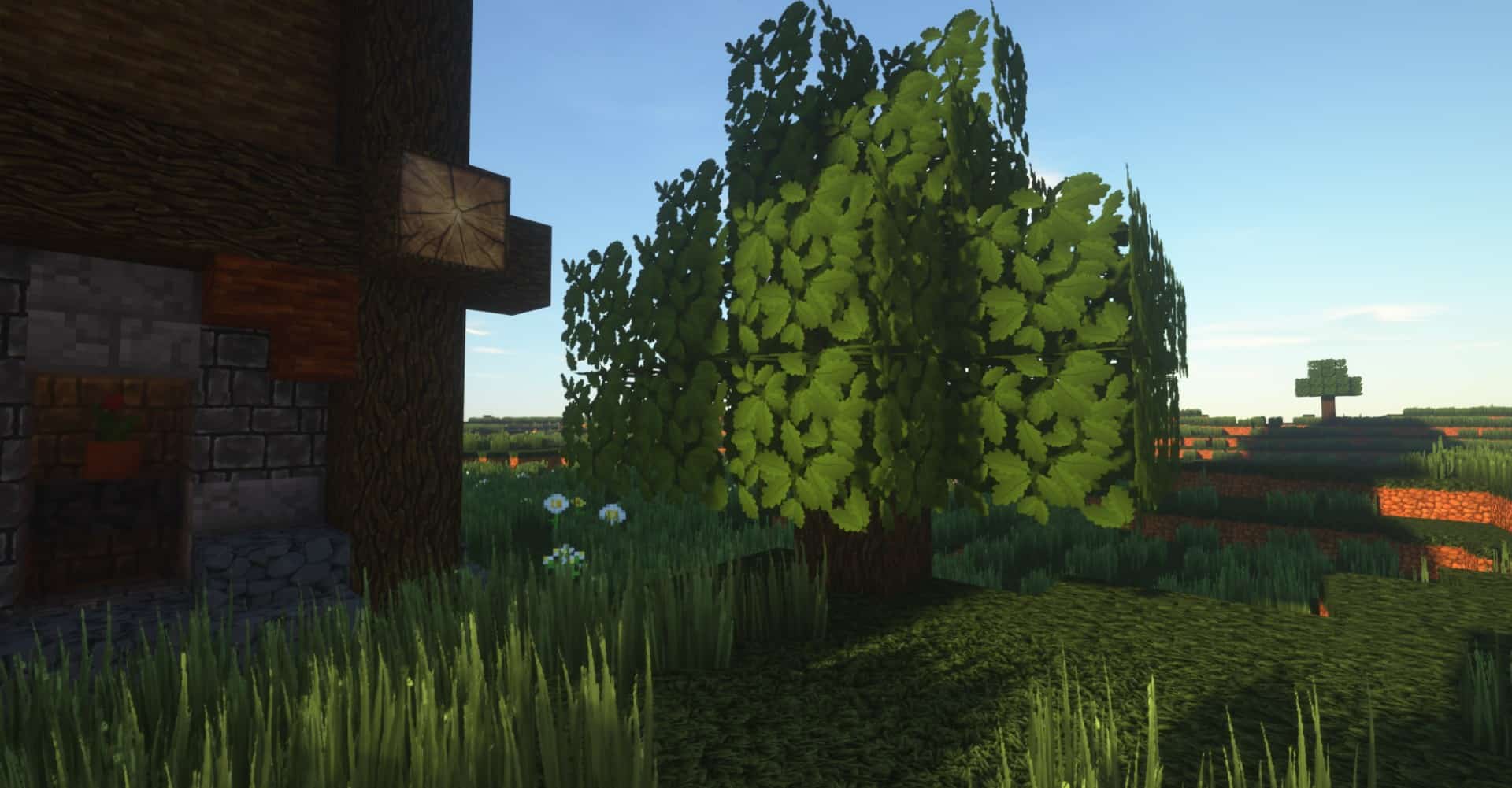
There are tons of resource packs out there that do very little for Minecraft. While they might change some textures or increase the resolution from the standard 16x, they completely fail to bring any major visual improvement to the game. I can happily say that the Pixelbos resource pack is definitely not one of them! It is so much more than just a simple resolution upscale meant to decrease pixelation. It does things remarkably differently while remaining wonderfully loyal to what makes Minecraft so instantly recognizable. Hailed as a truly premium set of textures complete with POM and PBR support, Pixelbos is hands down one of the few resource packs that I find very difficult not to recommend to everyone. If there is one aspect that could be considered a downside of the Pixelbos texture pack, it would be the increased texture resolution. There are several variants of the resource pack available with resolutions ranging from 64x all the way up to a massive 512x. As everyone undoubtedly knows, the higher the resolution you choose, the bigger the toll it will unfortunately take on your game’s performance. Even the 64x version of the resource pack might prove a bit taxing for anyone playing on an older computer, seeing as it is four times the standard 16x resolution used in vanilla Minecraft. Moving past the minor performance hurdles of running such a high-resolution resource pack, Pixelbos is immensely popular simply because of its breathtaking visuals. The brilliant way the Pixelbos resource pack achieves this gorgeous look is by utilizing advanced 3D textures. What this really means is that textures are no longer just flat lines and drawings completely lacking in depth; there are gorgeous shades and realistic contours built right into the elements, making them appear wonderfully 3D despite still being 2D images projected onto classic blocky models.
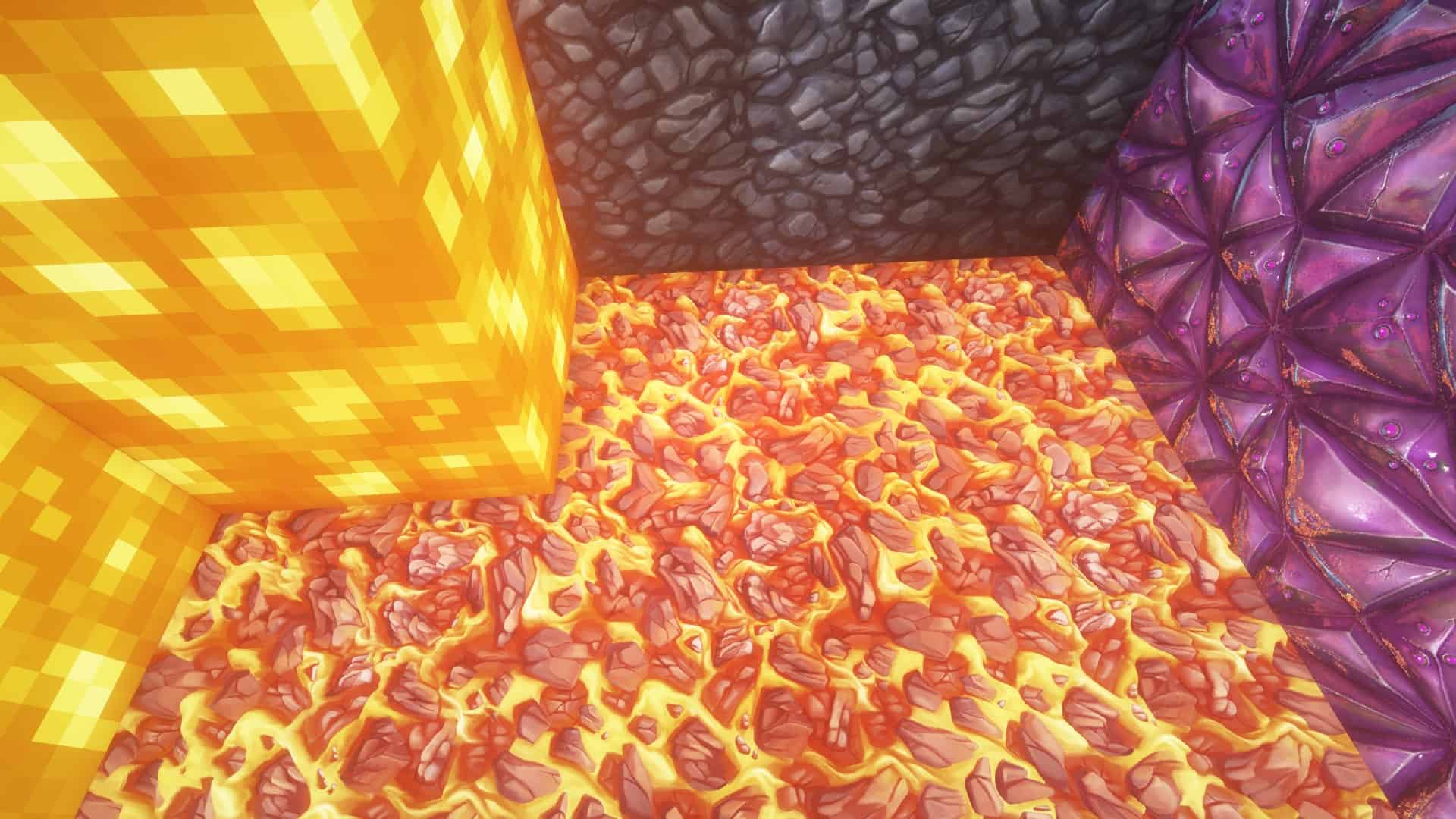
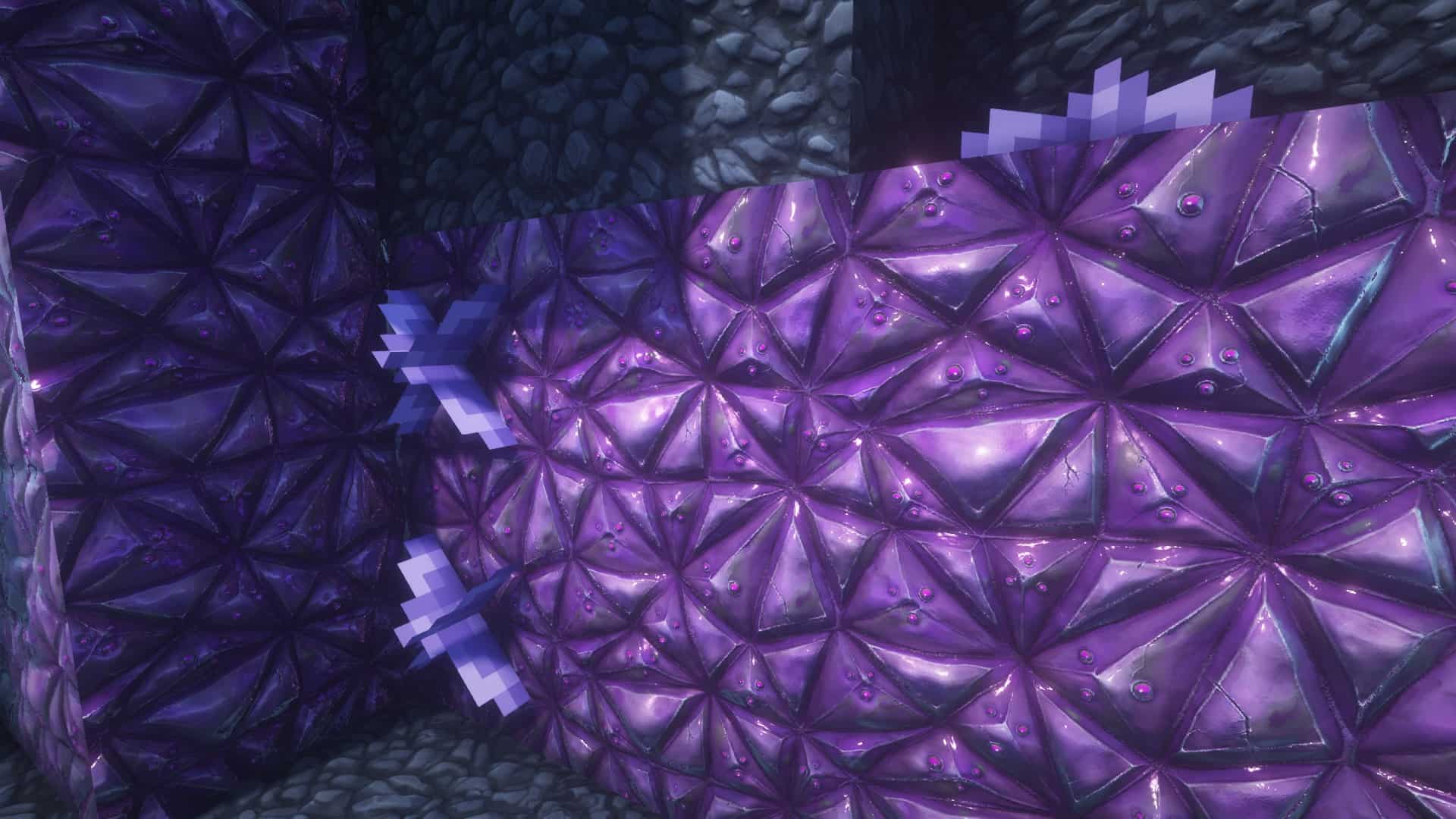
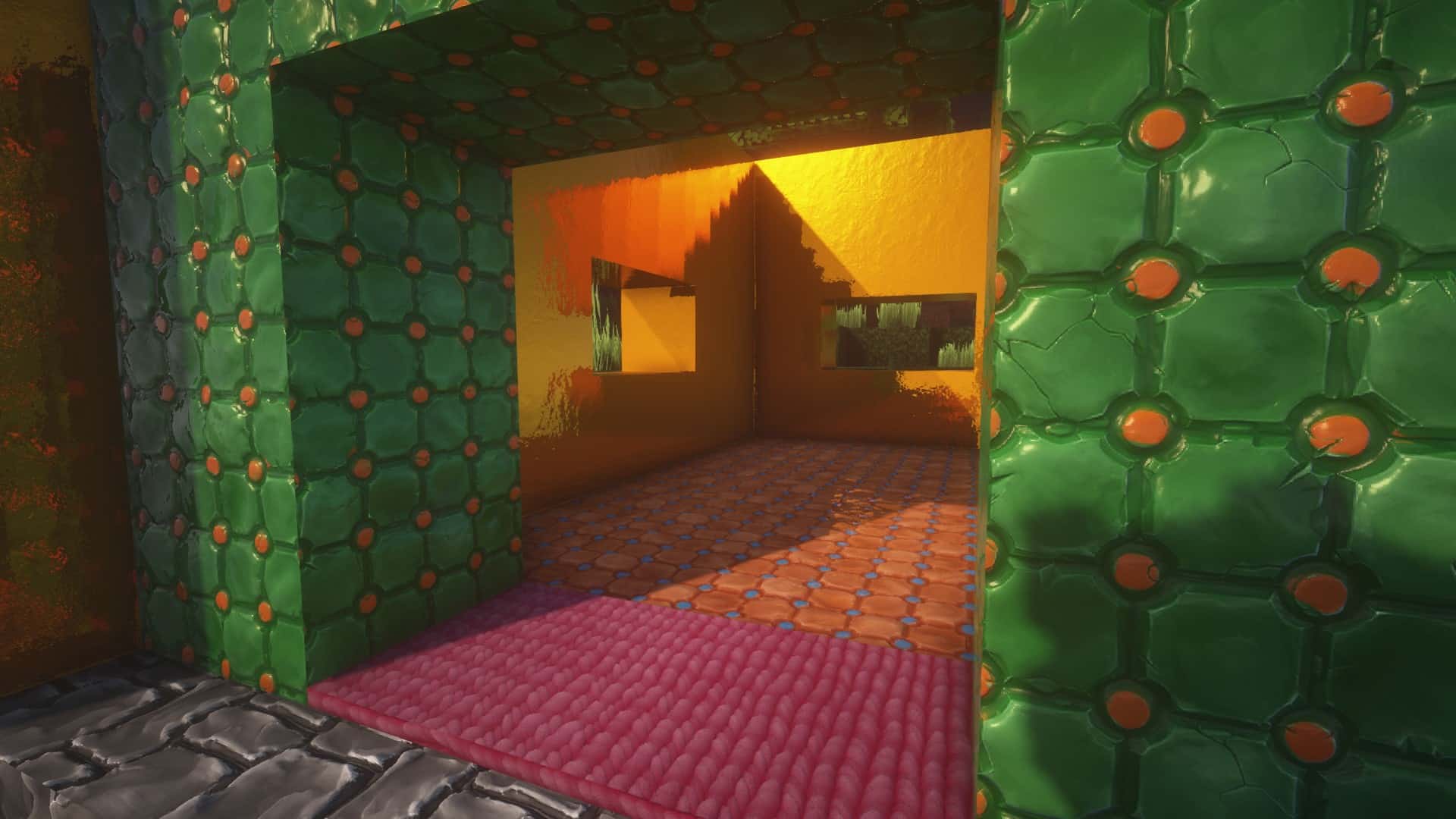
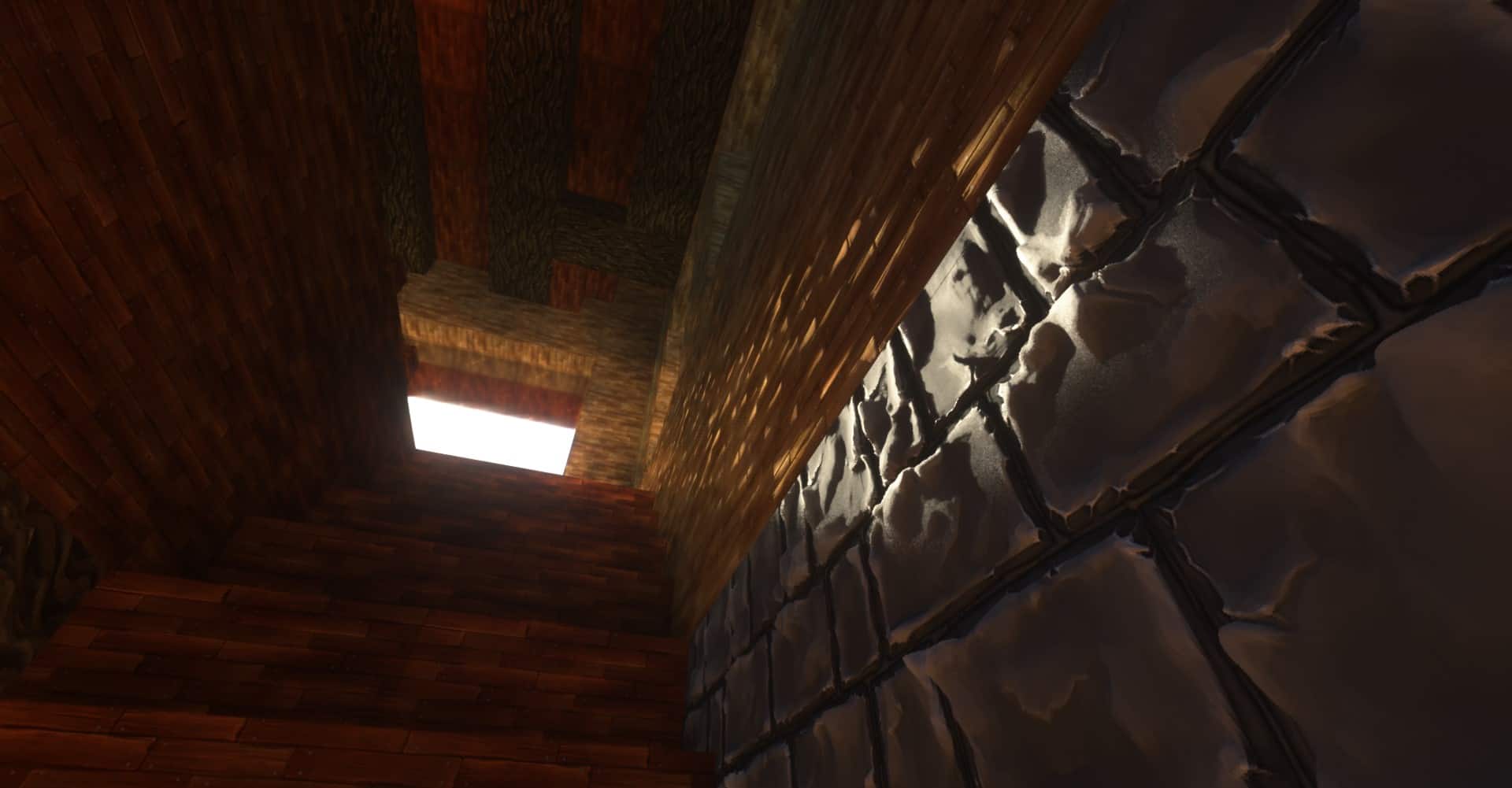
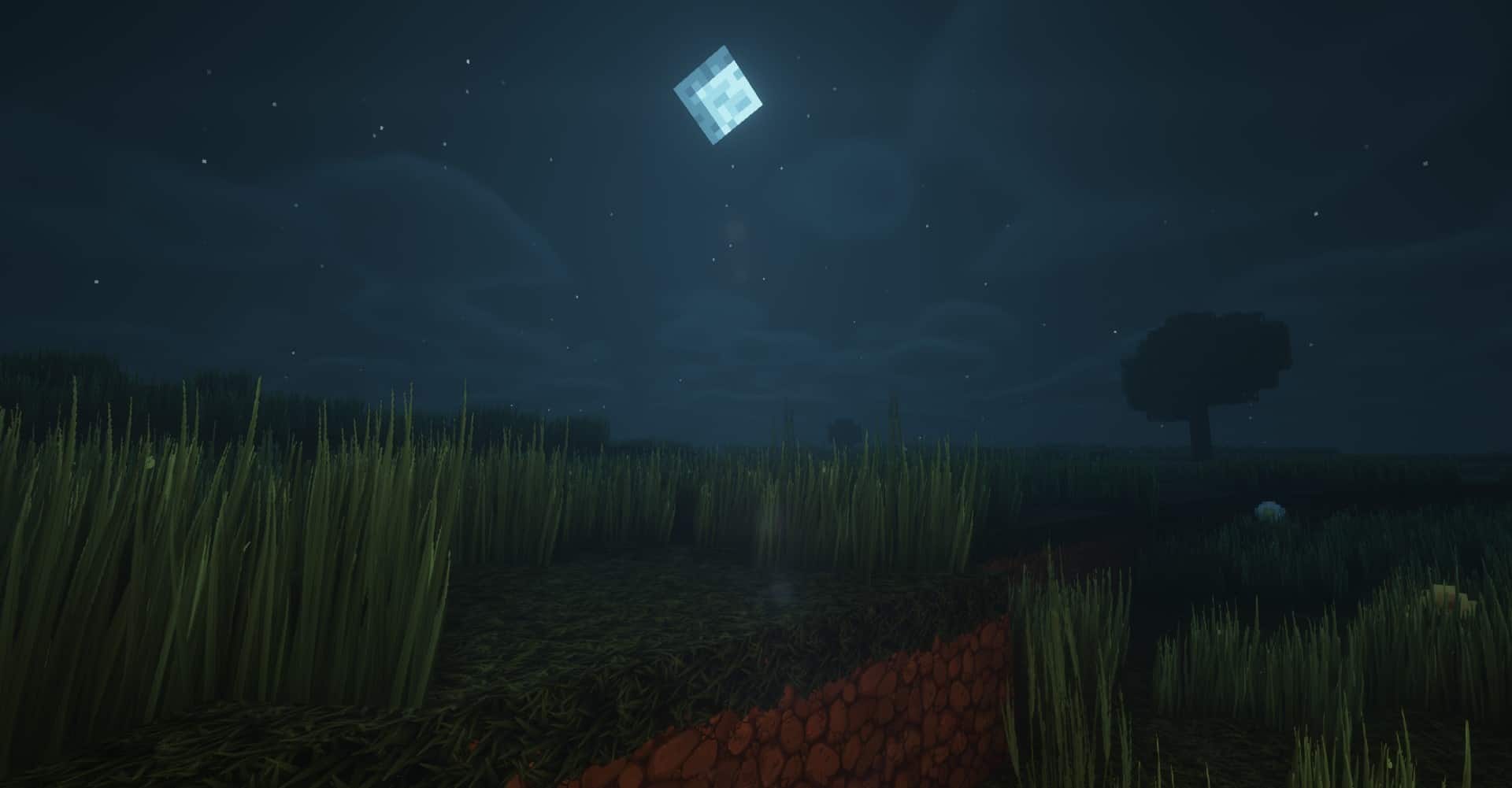
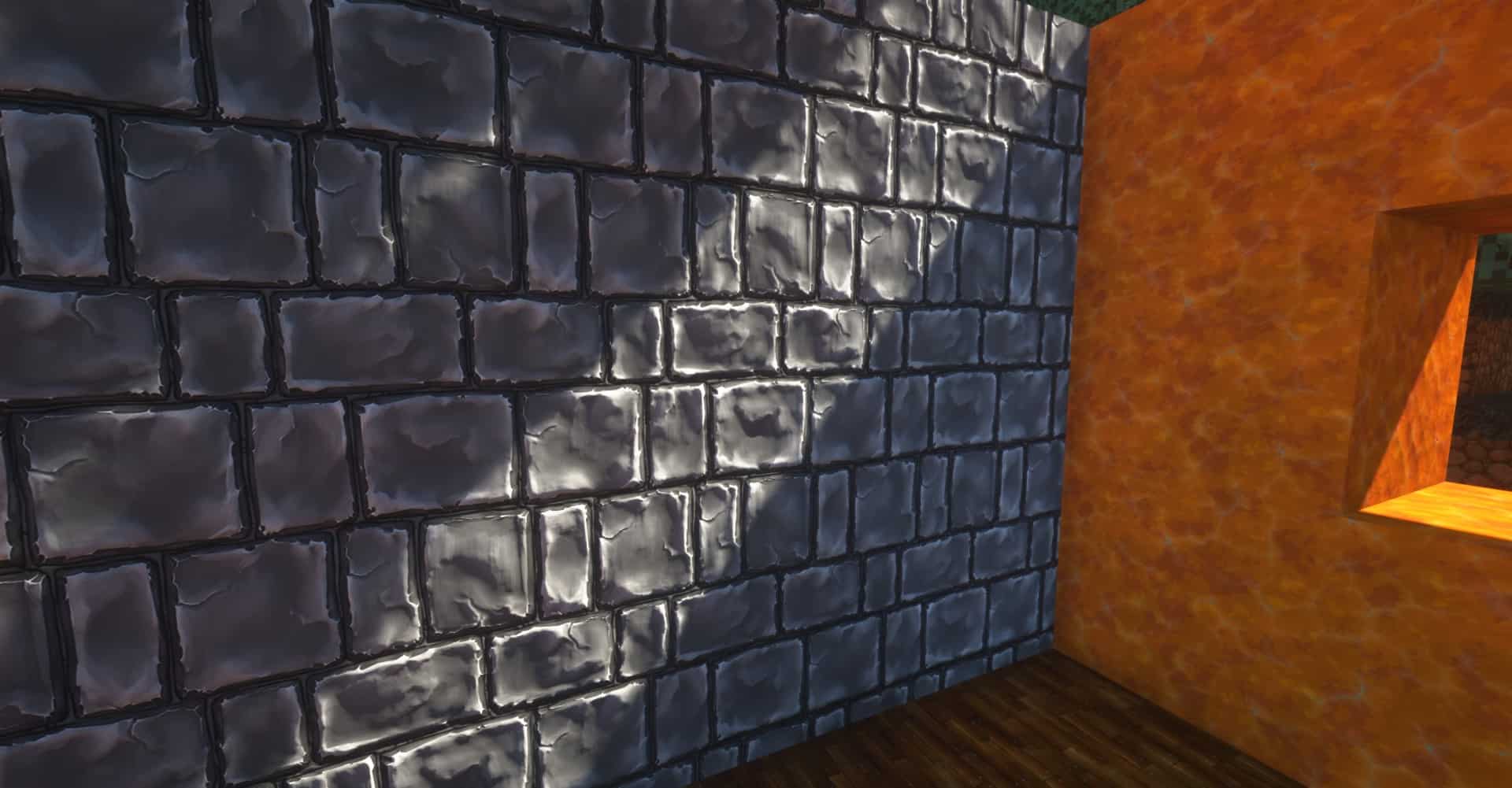
Unlike overly ambitious photorealistic resource packs, the talented developers of Pixelbos did not just lazily slap a bunch of real-world photos onto the blocks. What you get to experience instead are meticulously crafted textures that feature incredible physical depth. For instance, you can easily spot individual pebbles on a stone texture complete with proper shading, making them genuinely appear as if they are popping out in 3D. The exact same amazing treatment goes for textures covering different types of ores, rocks, pavements, sand, dirt, trees, leaves, grass, plants, bricks, and so much more. While only around 30% of the total textures in the game have received this massive visual overhaul so far, it is honestly more than enough to make Minecraft look considerably better overall. It features a stunning cartoonish theme that feels significantly more up-to-date in terms of pure visual fidelity when compared directly to vanilla Minecraft. The developers are thankfully still very active and consistently push out frequent updates. Because brand-new textures are continually added with each update, the Pixelbos resource pack keeps on improving Minecraft in exciting new ways. One crucial thing worth adding is that Pixelbos officially requires the BSL shader pack to function properly. According to the developers themselves, the textures might look a bit weird if you decide to use a completely different shader. What is certain is that the resource pack simply cannot achieve this jaw-dropping level of visual improvement without a compatible shader pack installed. As far as the resolution options go, the developers generously offer the base 64x version completely for free. There are also 128x, 256x, and 512x resolution versions of the Pixelbos resource pack available, but they currently require an active Patreon membership. This means you will need to subscribe to the author’s Patreon page for a small fee if you want to gain early access to all the latest updates and download the ultra-high-resolution versions of the Pixelbos resource pack. Before rushing to pay for a higher resolution tier, I strongly recommend trying out the free version first to properly check how it might impact the overall performance of your game.
Pixelbos should be compatible with all of these Minecraft versions: 1.18.2 – 1.18.1 – 1.18 – 1.17.1 – 1.17 – 1.16.5 – 1.16.4 – 1.16.3 – 1.16.2 – 1.16.1 – 1.16
Screenshots






How to Install Texture Pack (Simple 10 Steps)
- Download OptiFine: Most of the texture packs and shaders need OptiFine. That’s why, first download and install OptiFine for the version of Minecraft you want to play.
- Download the Texture Pack: Get the texture pack you want from the download section. Choose the version that works with your Minecraft and your PC’s performance.
- Open Minecraft Launcher: Start Minecraft using the official game launcher — or even TLauncher, if you use that.
- Go to Options: From the main menu, click on the “Options” button.
- Open Resource Packs: Inside Options, click on “Resource Packs…”.
- Open the Resource Pack Folder: Click on “Open Resource Pack Folder” — this will open a folder named “resourcepacks”.
- Move the Pack File: Copy or move the .zip file you downloaded into that “resourcepacks” folder. (Don’t unzip the file — Minecraft uses it as-is!)
- Go Back and Refresh: Close the folder and click “Done”, then go back into “Resource Packs…” again.
- Activate the Pack: You’ll see the pack on the left side. Hover over it and click the arrow to move it to the right (active side).
Tip: If you get a message that the pack is for a different version, just click “Yes” — it usually works fine. - Click Done and Enjoy: Click “Done” again. Now your pack is ready to use in-game. It’s that easy!
Credits
Credits to batusai-x for creating the Pixelbos Resource Pack. We do not own or modify the files provided here. All rights belong to the original creator. Please consider supporting the author via their official pages.
Download Links
Java Edition
Download Instructions
Curseforge: download starts automatically after a few seconds;
Mediafire: click the big blue button with the text “DOWNLOAD”;
Google Drive: in the top right corner you will see a small download icon (down arrow), click it and the download should start;


