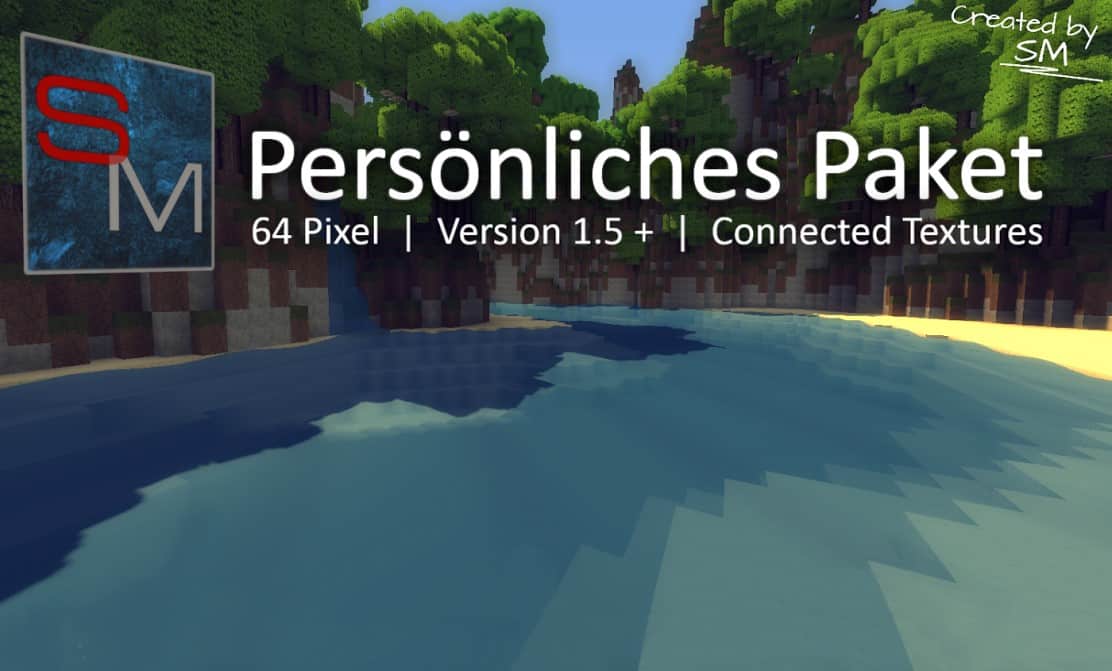
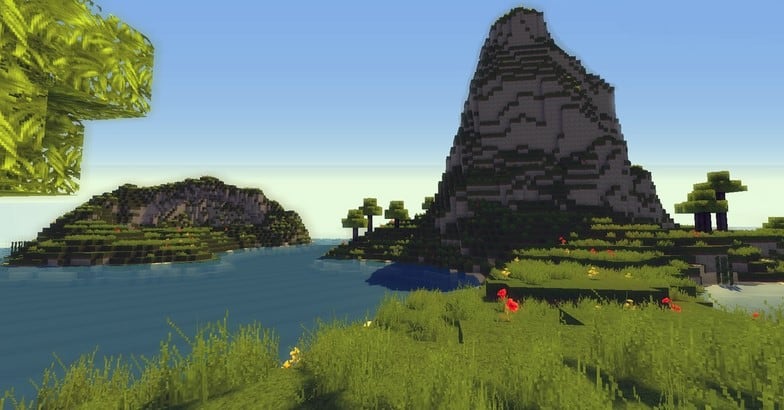
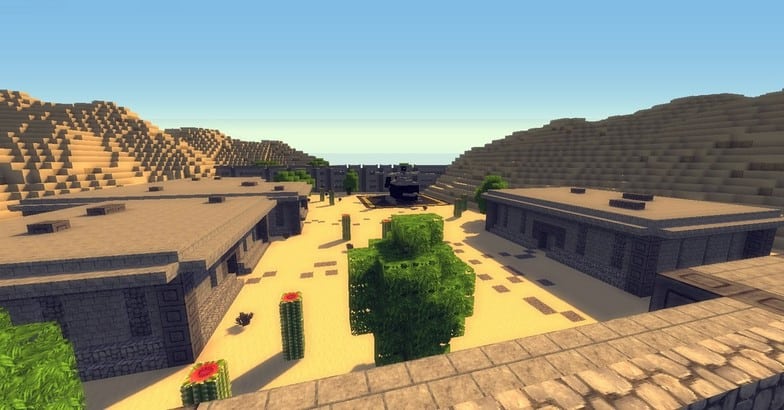
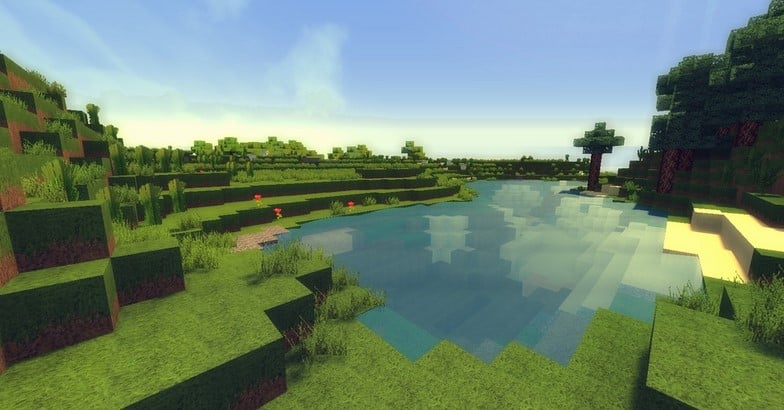
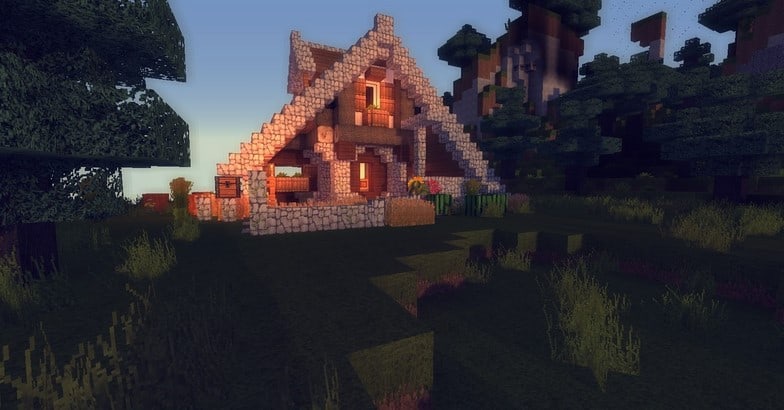
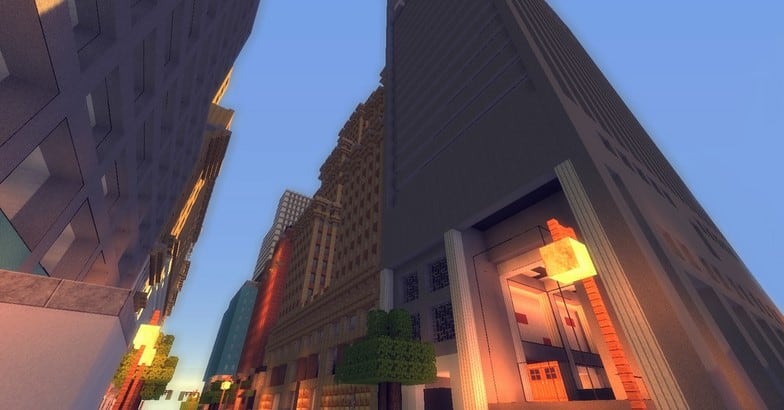
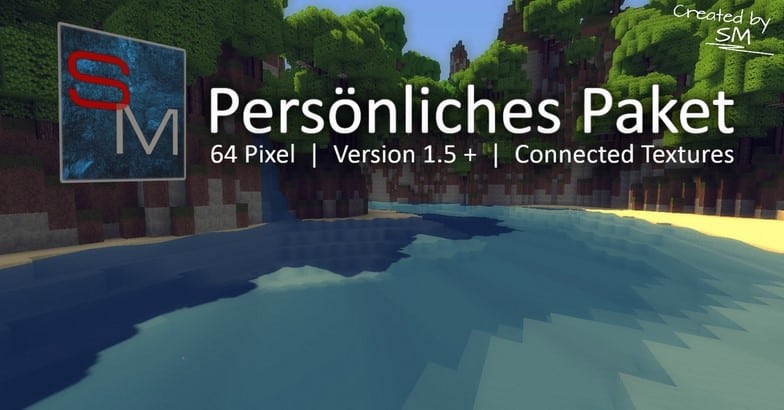
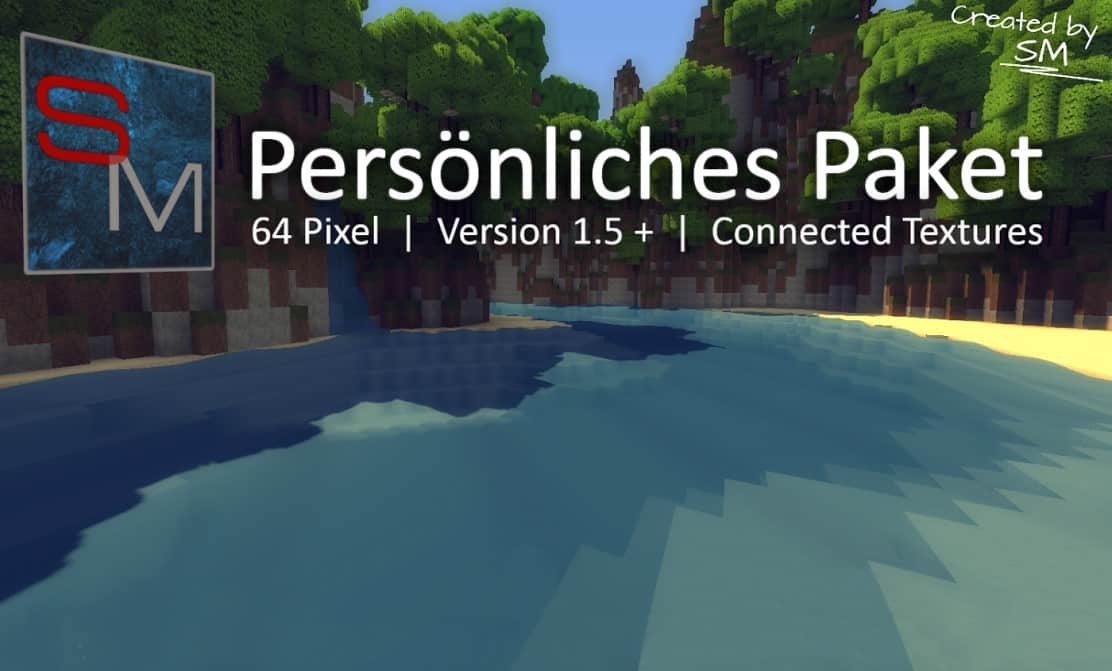
Persönliches Paket (which translates from German as Personal Pack) is an astonishingly true-to-life resource pack that completely breathes wonderful new life into many of the game’s standard and sometimes bland textures. Alongside the much more complex blocks, this pack thoughtfully overhauls some of the absolute most common and frequently seen textures such as cobblestone and dirt, which serves as a true testament to its incredibly detailed approach. The considerable increase in the resolution of the textures is immediately noticeable the moment you load into a world. Whereas the game’s original vanilla textures are only able to fit 256 pixels per block, the Personliches Paket resource pack quadruples that amount for a whopping 4096 pixels. Best of all, this incredible pixel amount isn’t only limited to blocks; mobs and items are beautifully included as well. As its fitting name might suggest, the Personal Pack is the brilliant result of the creator’s personal likings and preferences. This mainly refers to the fact that this pack is a carefully curated mix of tiny bits and details from many other packs that are somewhat similar and manage to work together in absolute unison.
All of the blocks are wonderfully compatible with one another due to their sleek, modern looks. Many of them actually come from quite popular resource packs by the likes of Meinekraft and Misa. While it has occasionally received some criticism due to so-called plagiarism, Persönliches Paket actually has official permissions from the creators of the implemented textures. However, even though it takes inspiration from many other resource packs, the Personal Pack features quite a few unique implementations that simply can’t be found anywhere else. This includes custom paintings and immersive sounds that regularly receive updates to give it a solid novelty factor. The mobs themselves also feature a wonderfully special twist which will make every single nightly survival encounter a whole lot more interesting. Fortunately, you don’t even have to go through the struggle of guessing how it looks before trying out the pack yourself, as there are quite a few wonderful video and written reviews available on the Internet. All things considered, Personliches Paket is definitely not a bad choice for those who have tried and liked Meinekraft or Misa but are looking to spice up their Minecraft gameplay even further.
Persönliches Paket should be compatible with all of these Minecraft versions: 1.9.4 – 1.9 – 1.8.9 – 1.8.8 – 1.8.1 – 1.8.6 – 1.8
Screenshots



How to Install Texture Pack (Simple 10 Steps)
- Download OptiFine: Most of the texture packs and shaders need OptiFine. That’s why, first download and install OptiFine for the version of Minecraft you want to play.
- Download the Texture Pack: Get the texture pack you want from the download section. Choose the version that works with your Minecraft and your PC’s performance.
- Open Minecraft Launcher: Start Minecraft using the official game launcher — or even TLauncher, if you use that.
- Go to Options: From the main menu, click on the “Options” button.
- Open Resource Packs: Inside Options, click on “Resource Packs…”.
- Open the Resource Pack Folder: Click on “Open Resource Pack Folder” — this will open a folder named “resourcepacks”.
- Move the Pack File: Copy or move the .zip file you downloaded into that “resourcepacks” folder. (Don’t unzip the file — Minecraft uses it as-is!)
- Go Back and Refresh: Close the folder and click “Done”, then go back into “Resource Packs…” again.
- Activate the Pack: You’ll see the pack on the left side. Hover over it and click the arrow to move it to the right (active side).
Tip: If you get a message that the pack is for a different version, just click “Yes” — it usually works fine. - Click Done and Enjoy: Click “Done” again. Now your pack is ready to use in-game. It’s that easy!
Credits
This project was created by SM-Textures, incorporating elements from original works by Meinekraft, Misa, and others under granted permissions. We do not own or claim ownership of this content, nor do we host modified files on our servers. We encourage players to support the original author and creators by utilizing their official download links and following their community channels.
Download Instructions
Curseforge: download starts automatically after a few seconds;
Mediafire: click the big blue button with the text “DOWNLOAD”;
Google Drive: in the top right corner you will see a small download icon (down arrow), click it and the download should start;


