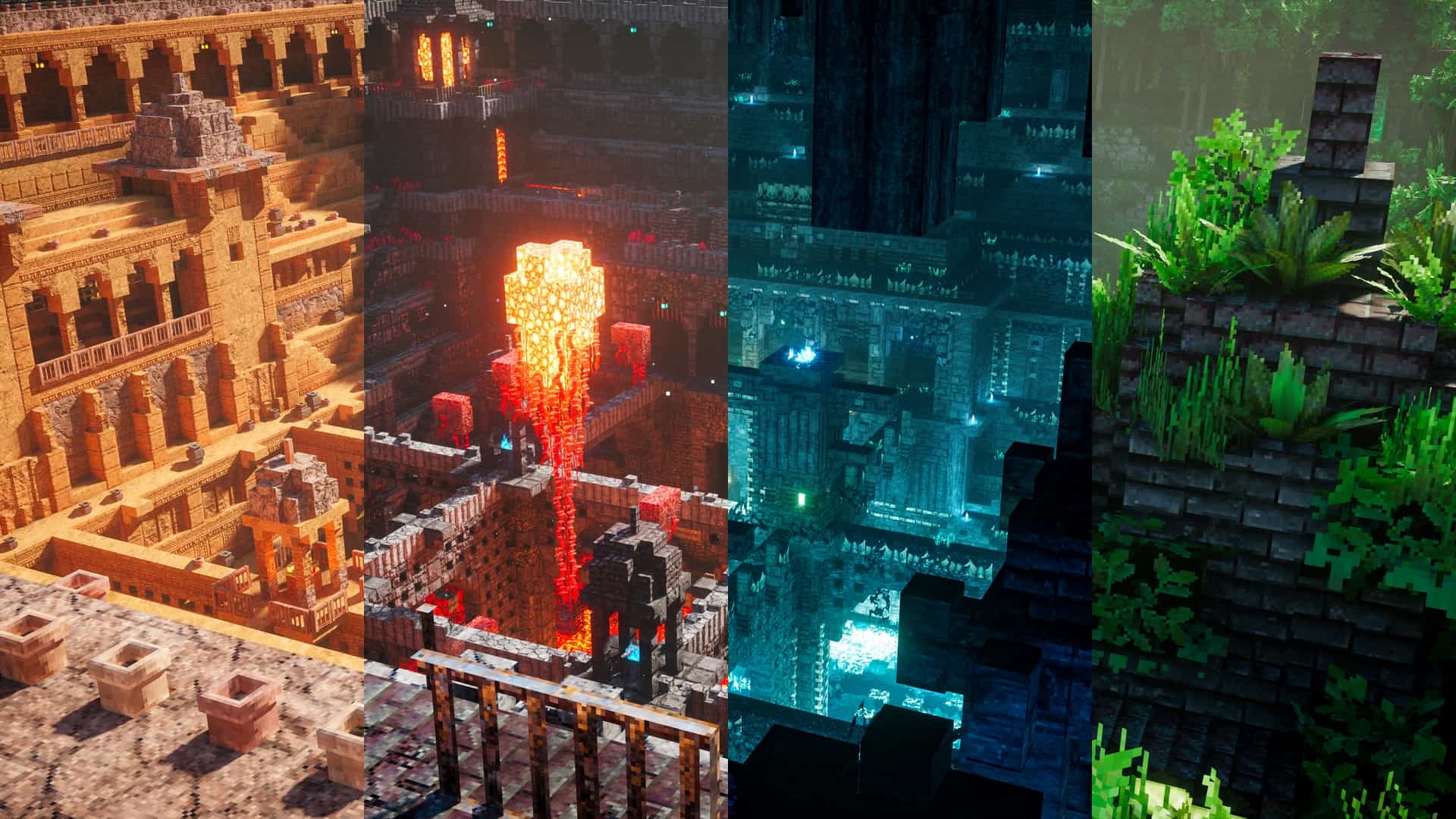
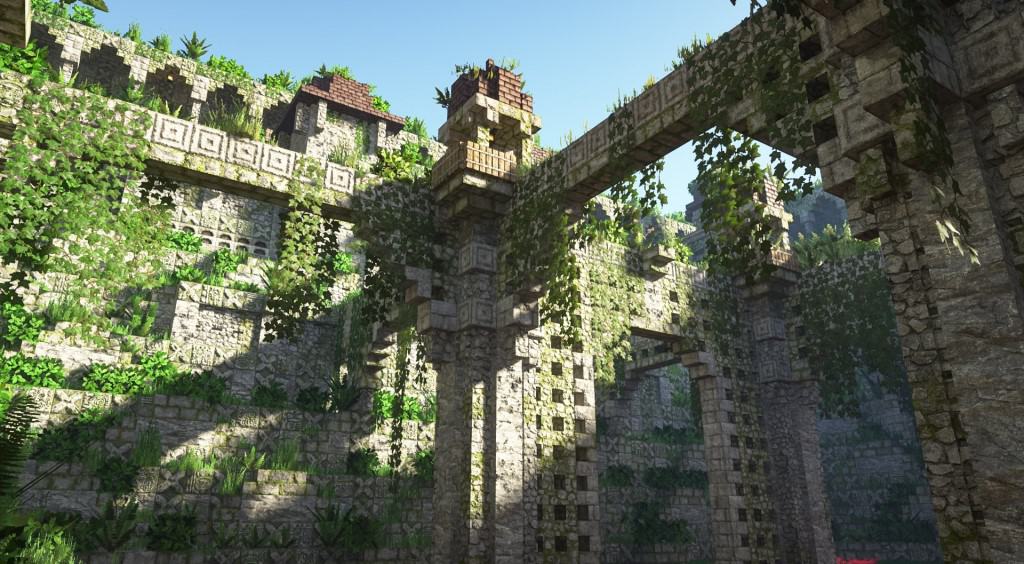
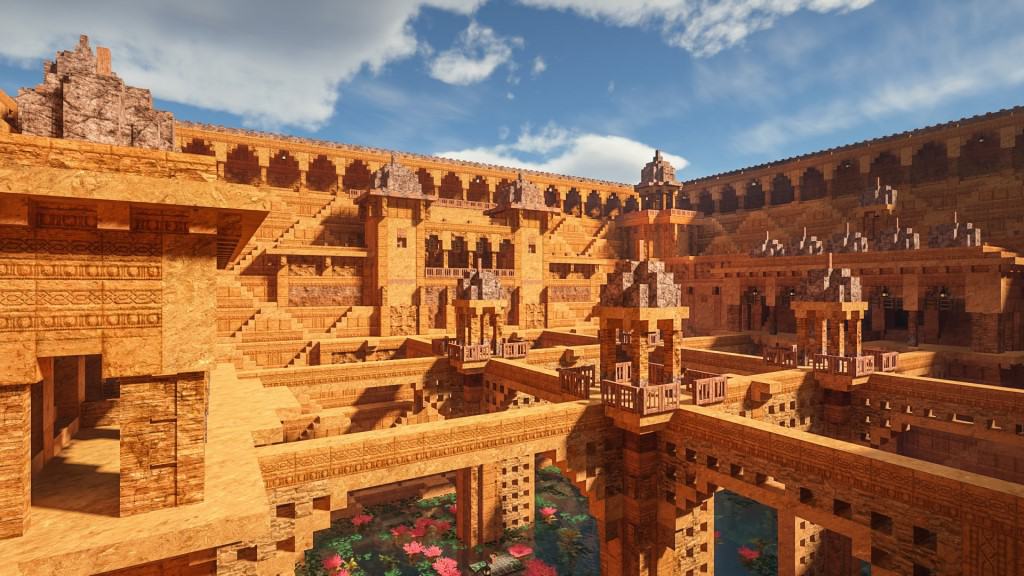
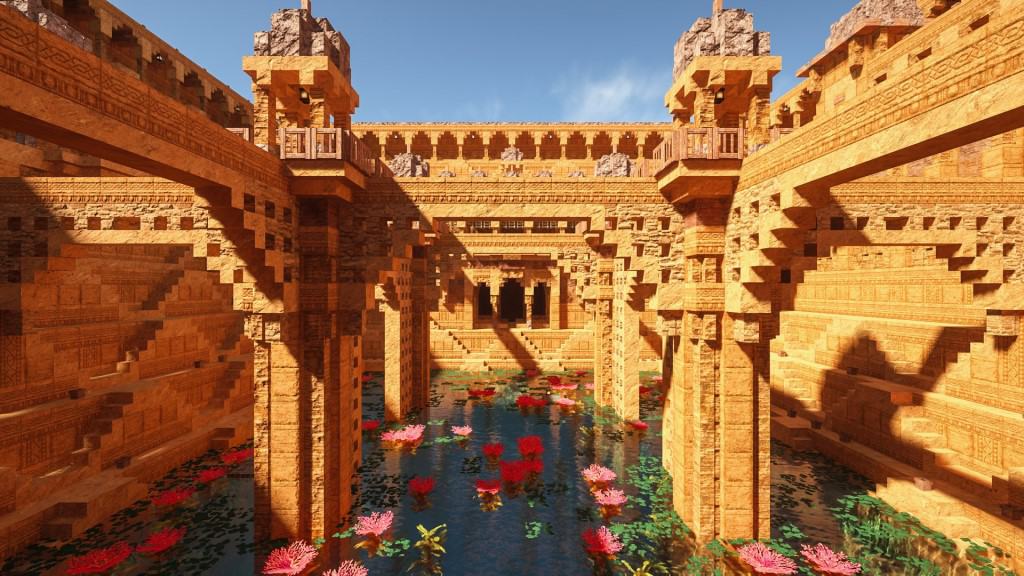
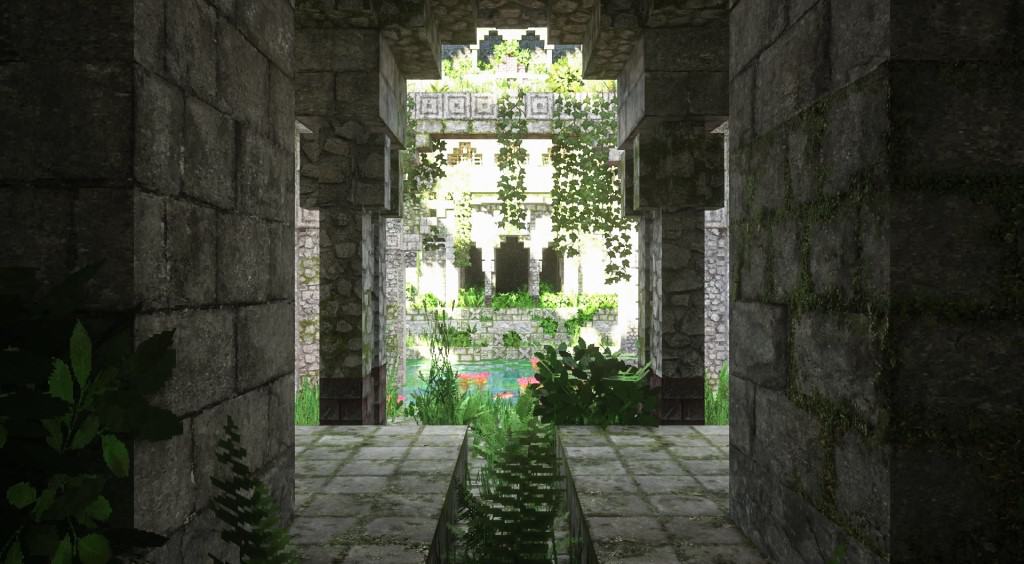
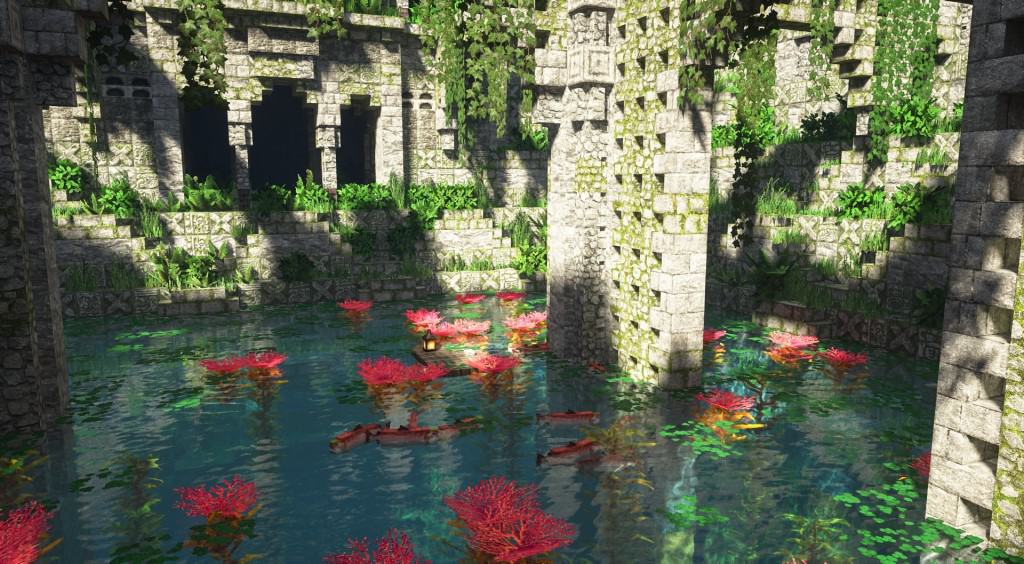
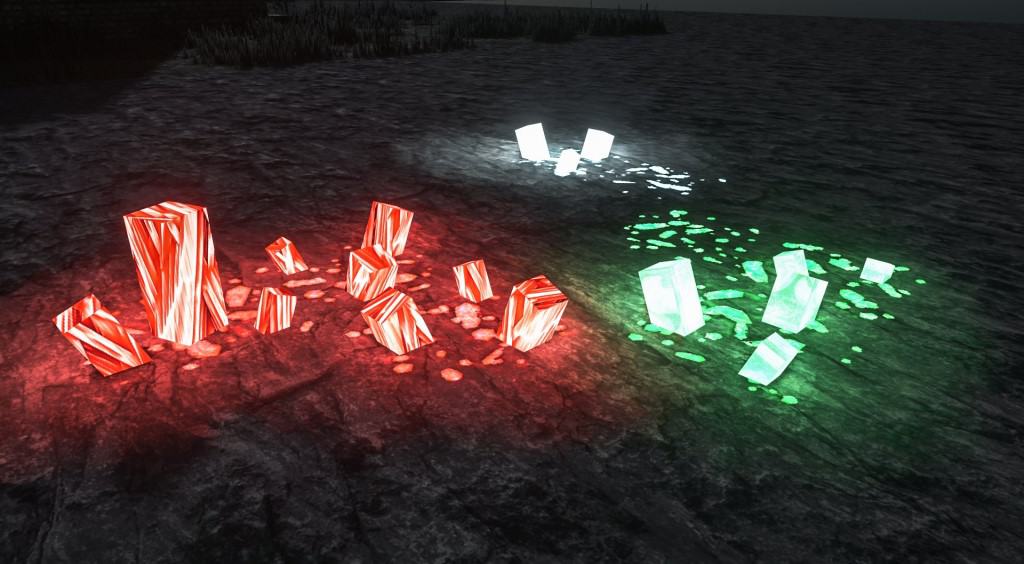
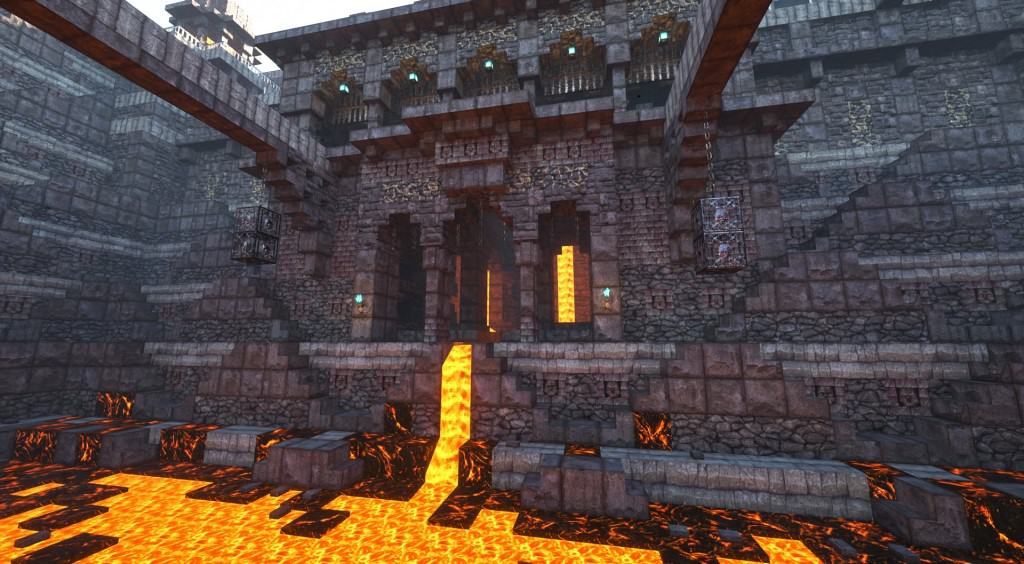
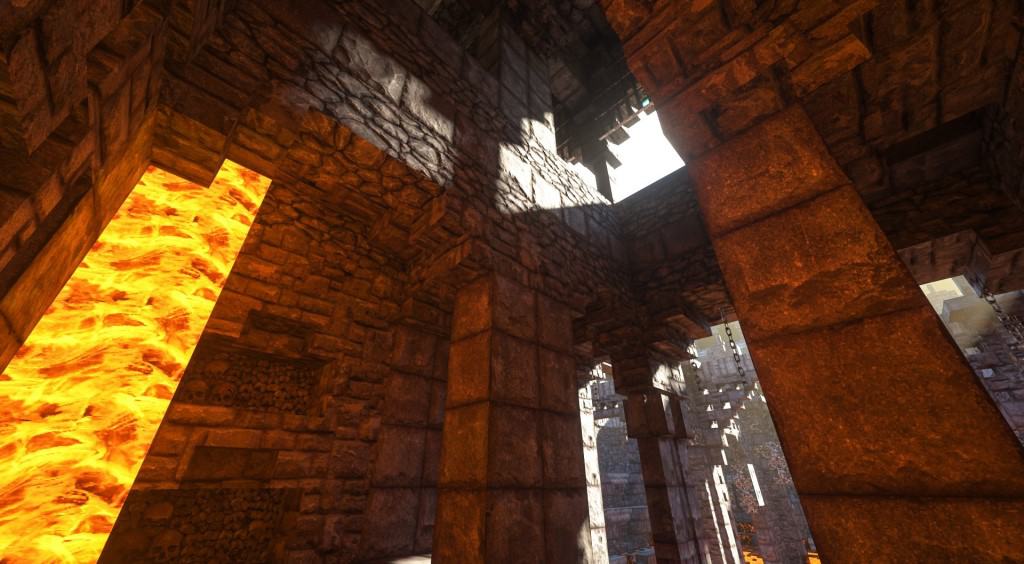
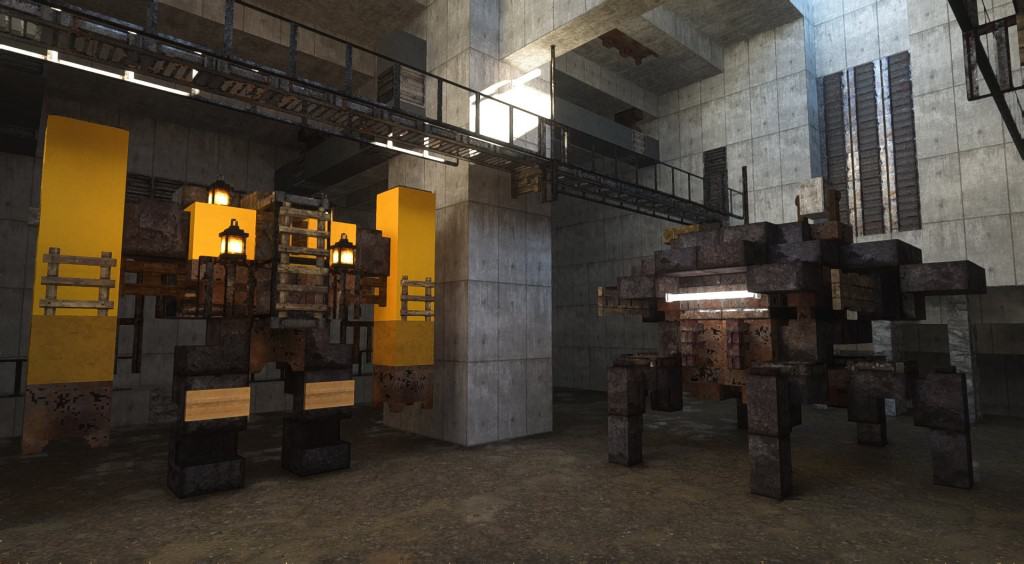
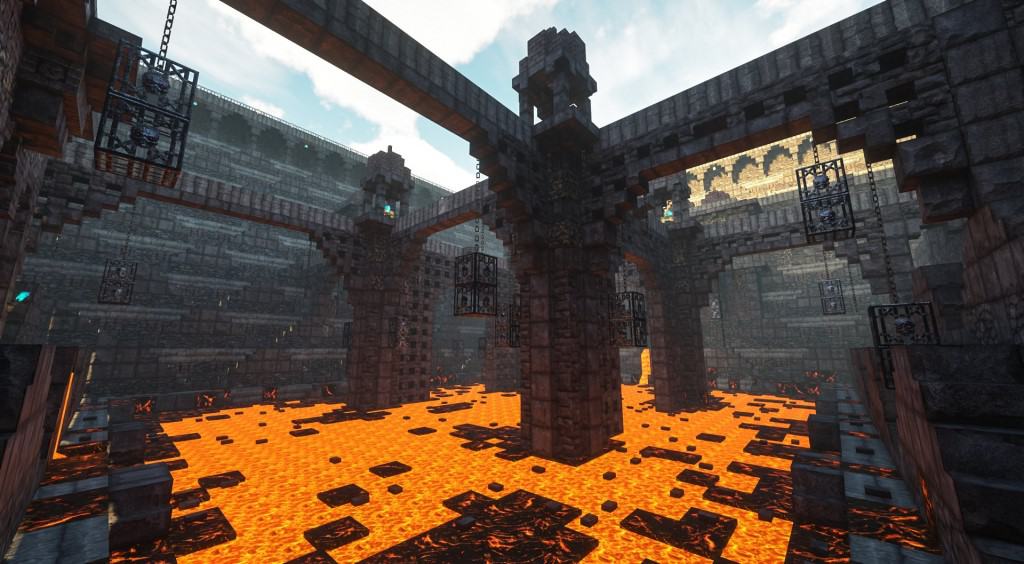
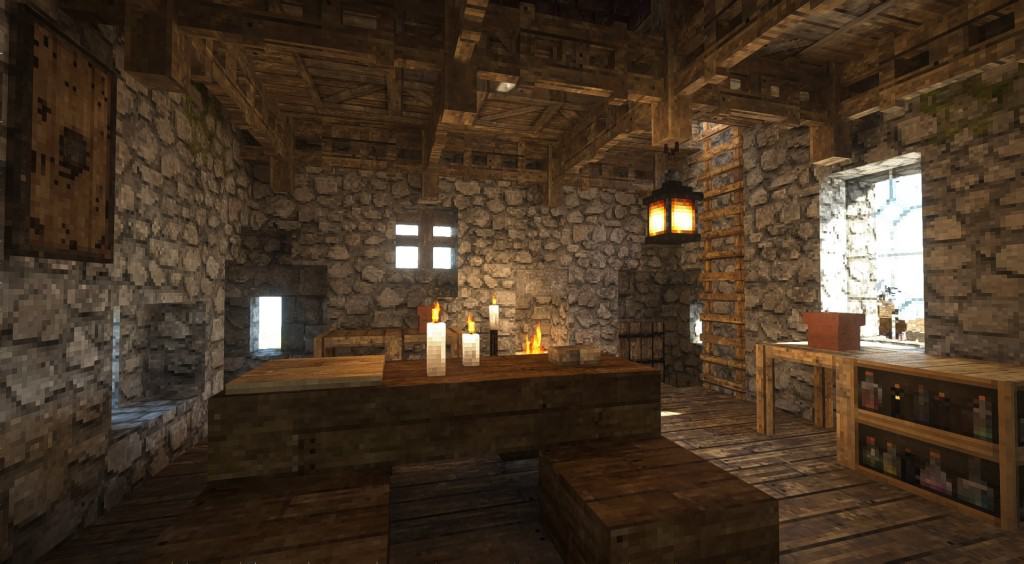
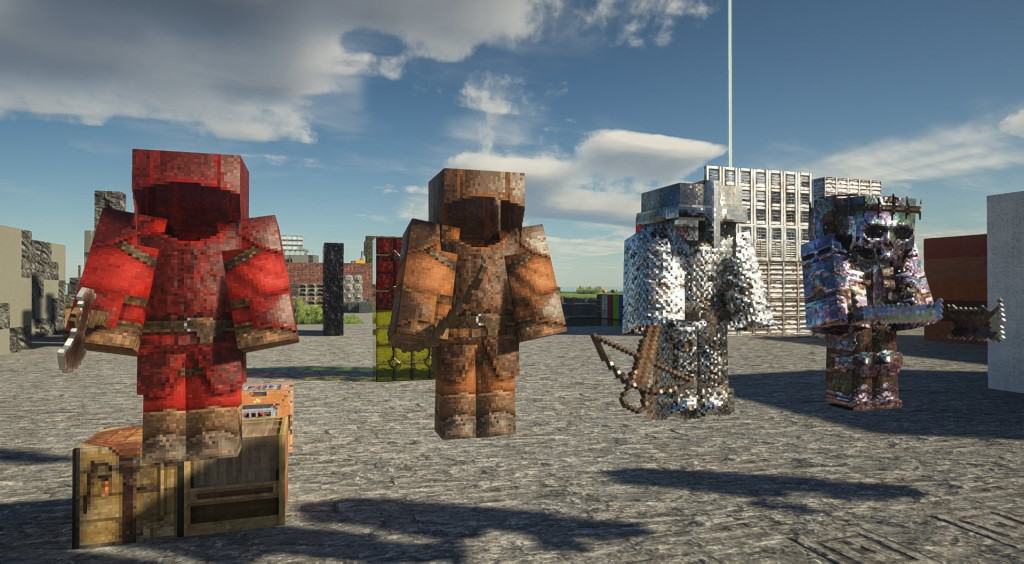
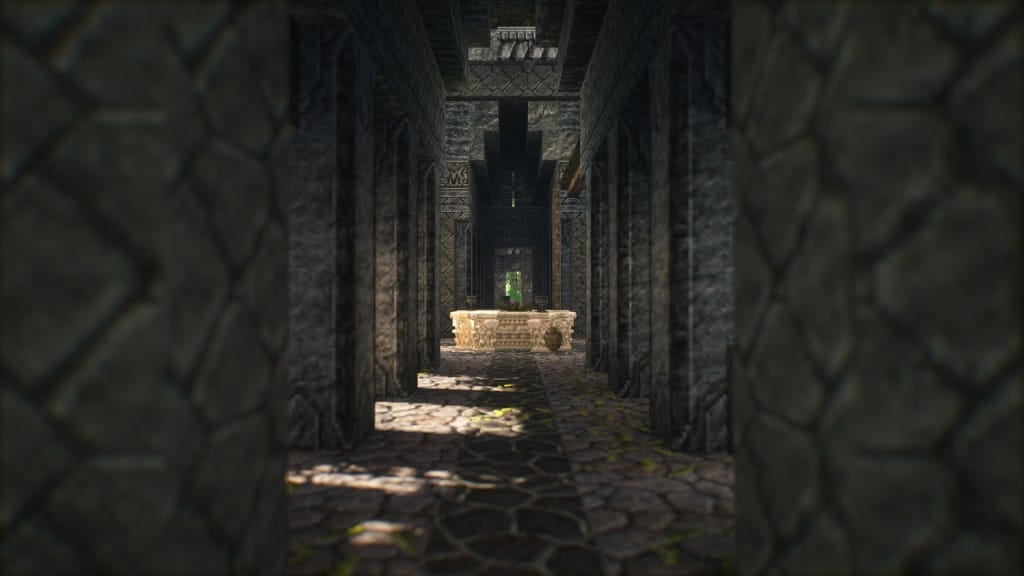
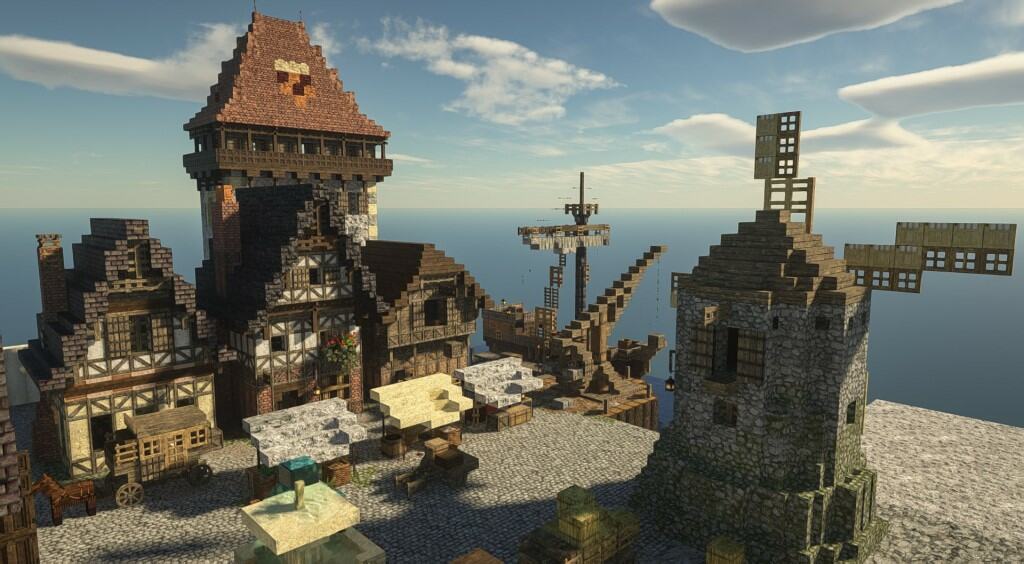
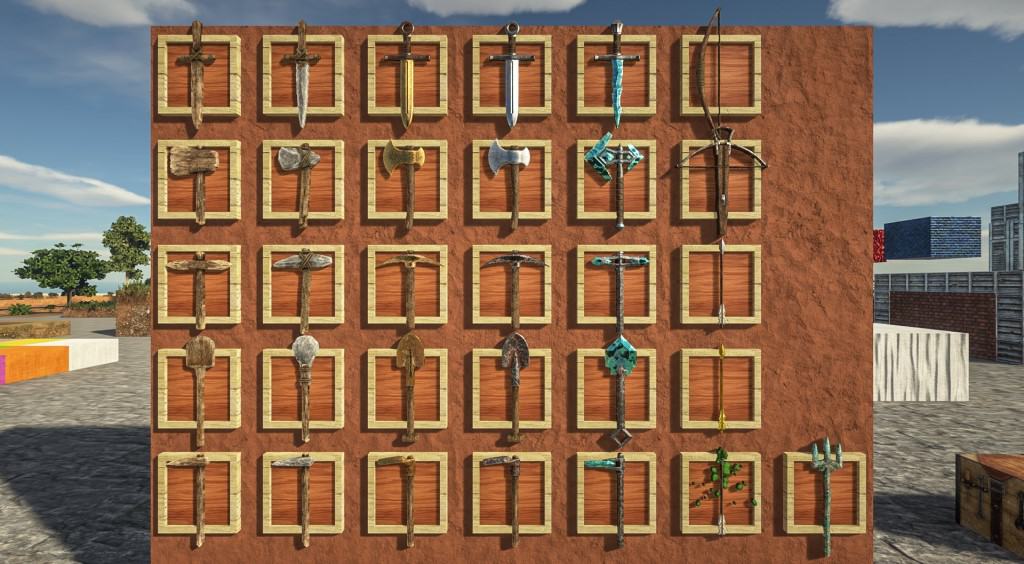
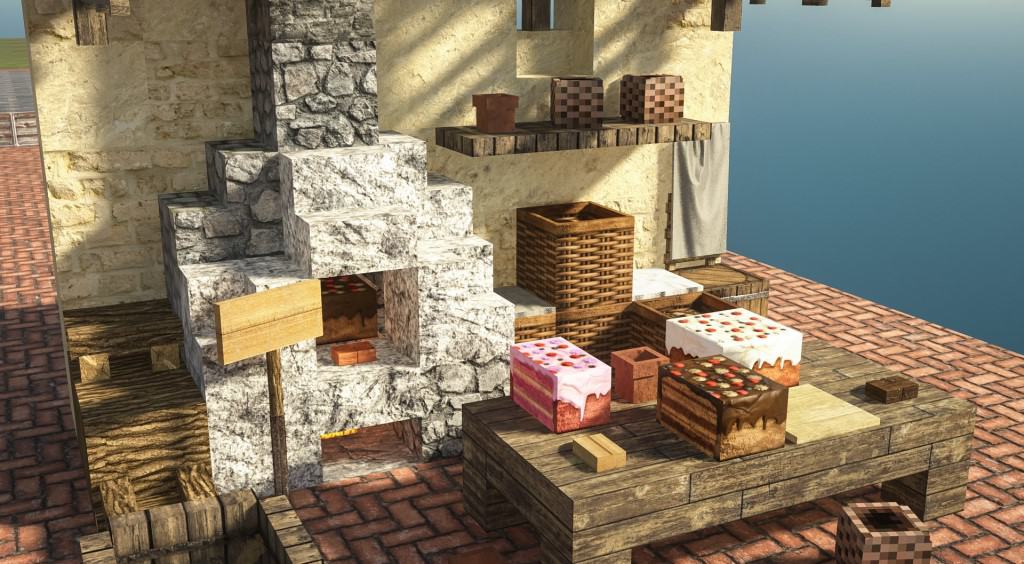
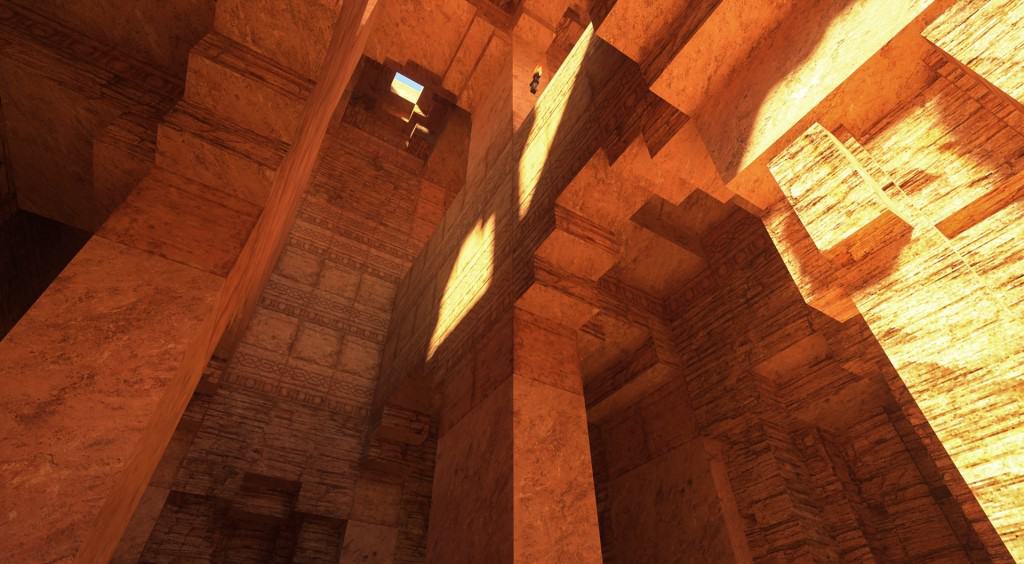
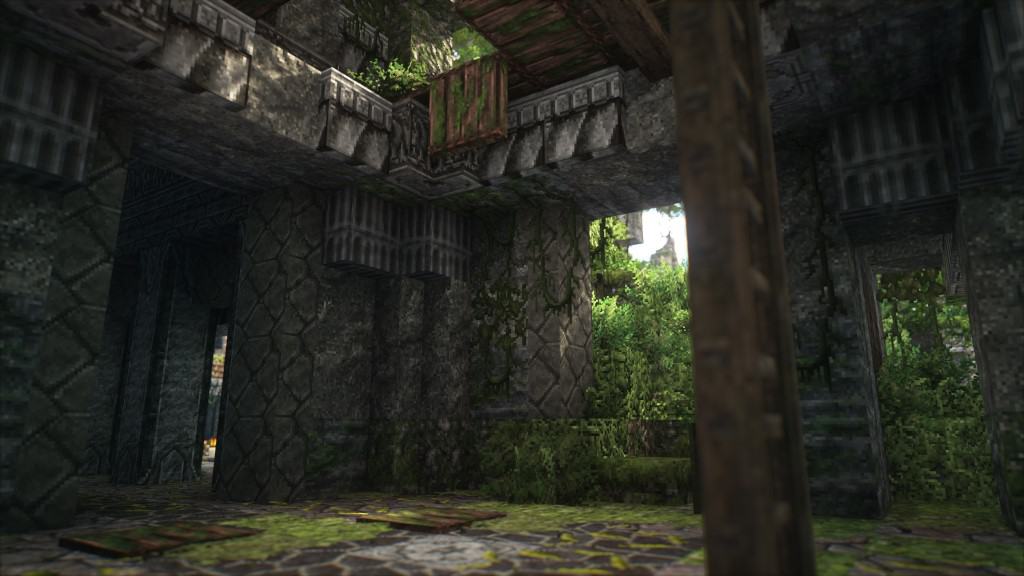
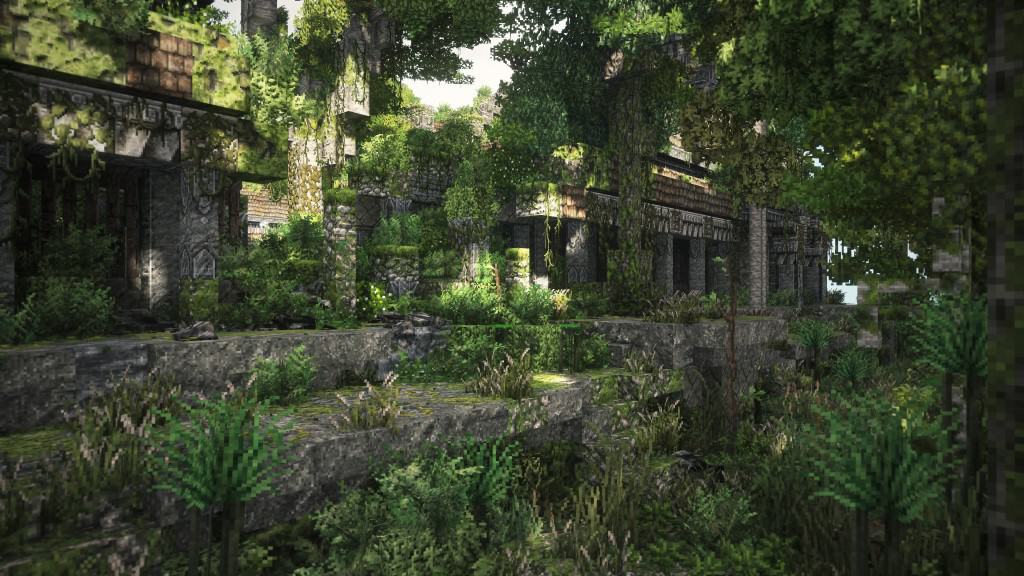
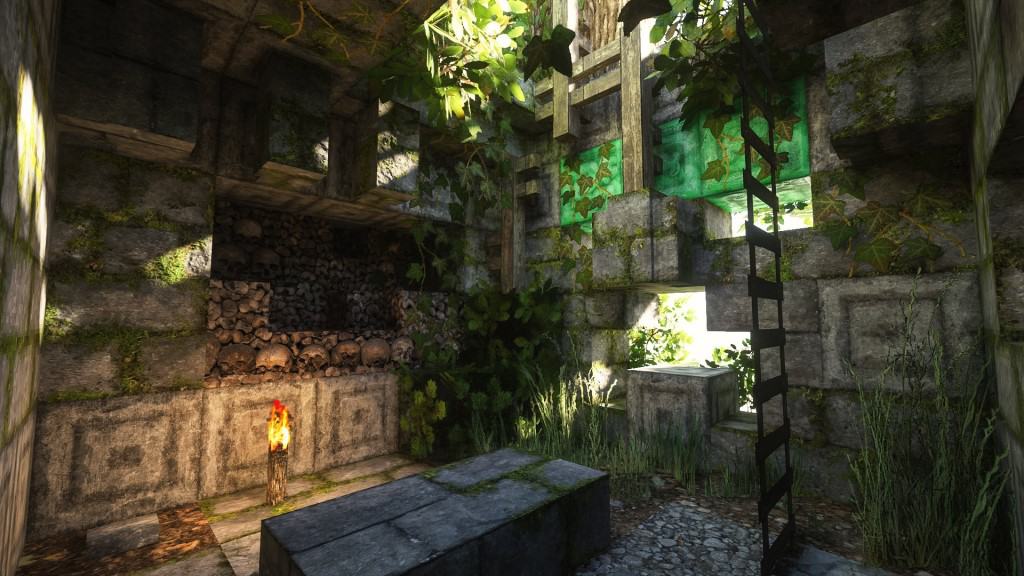
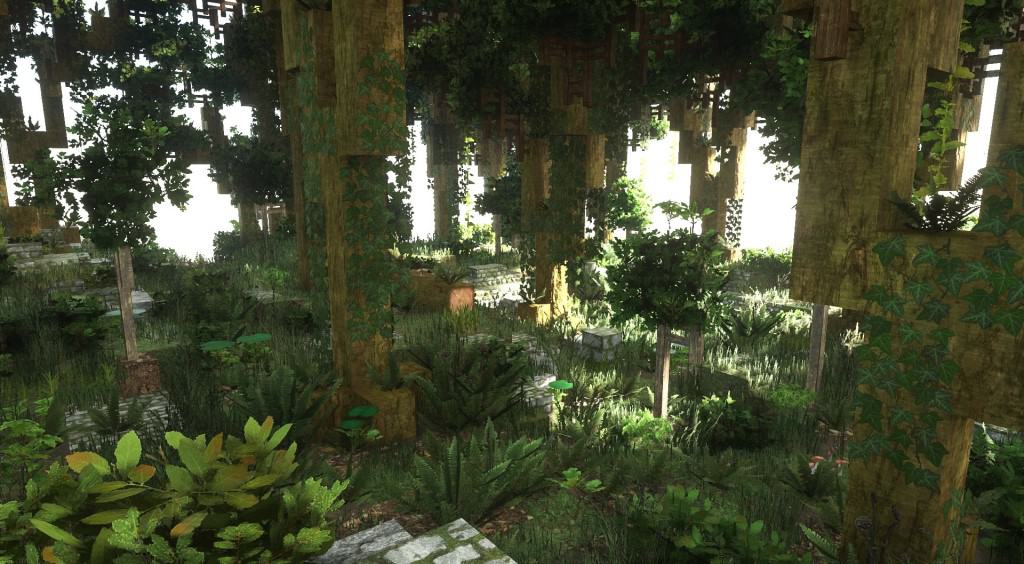
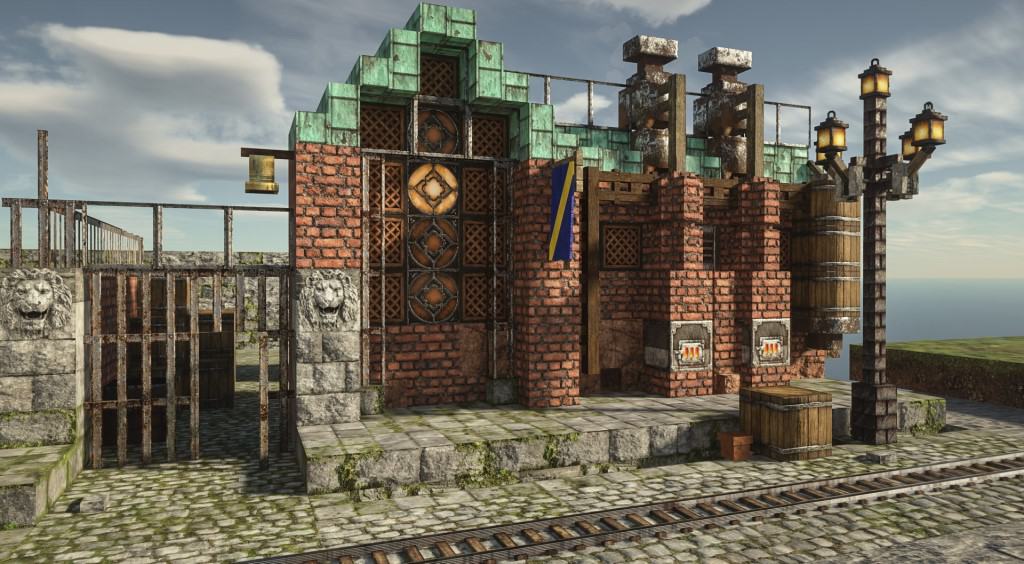
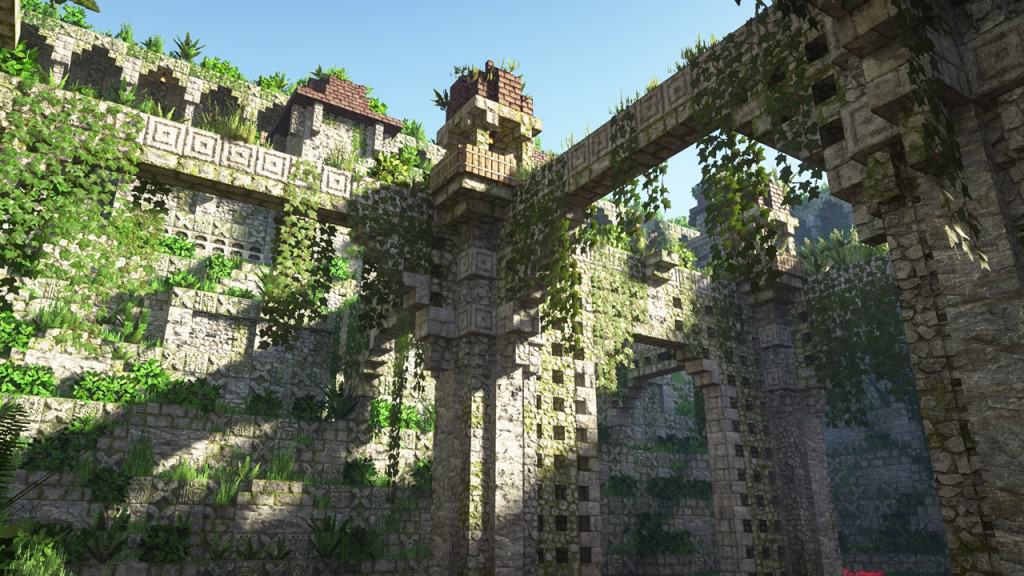
Very few resource packs manage to achieve what the Patrix resource pack achieves. I was completely blown away as it utterly transforms the visuals within vanilla Minecraft, turning it into an almost unrecognizable game boasting truly stunning graphics. The incredible photorealism of the textures and the amazing added details to the 3D models in the game genuinely bring Minecraft closer to modern-day AAA titles. It is an exceptionally refreshing look that should be warmly welcomed by all Minecraft players who are looking for a brand new, vastly superior visual experience. Certainly, there are similar resource packs that boast photo-realistic textures, but Patrix takes it one step further because it feels less like a simple fresh coat of paint and more like a fully-fledged triple A game. What really sets Patrix apart for me is the astonishing level of detail poured into every single block and texture in the game, ensuring all aspects of Minecraft were thoughtfully redone to deliver a wonderfully cohesive and consistent experience. Out from the get-go, it is so easy to notice that the 3D models of most blocks and assets in the game were vastly improved. I noticed that some models had their blocks reduced in size to cleverly increase the number of polygons in certain objects, a brilliant method that adds even more breathtaking details to objects such as trees, mobs, ladders, plants, and furniture. Weapons and certain items are almost unrecognizable now due to the dramatically increased resolution and intricately detailed textures. The texture work in the Patrix pack adds even more layer of depth on top of the many structural improvements, and having a higher resolution naturally allows for so much more detail to be cramped into the exact same texture space. The colors of the textures have also been meticulously tweaked so that they are much more vibrant and exceptionally easy to distinguish, simply making everything look far more crisp and detailed. According to the developer of Patrix, many of the textures were lovingly derived from free stock textures, collected from different websites, and through careful cropping, editing, and mixing, they were brilliantly adapted to be suitable for use in Minecraft. Other textures were crafted by the developer using procedural texturing, and to ensure the game does not look jarringly different, they utilized procedural color-matching so that the new textures share a harmonious palette with default textures, making it entirely possible to use Patrix with existing worlds without making them look weird. By leveraging various tools to automate some of the heavy lifting, Patrix successfully introduces photo-realistic textures for the entire game, whereas most resource packs usually only replace around 30% to 50% of textures. I found that the Patrix resource pack is best recommended to be used alongside Optifine HD, as it cleverly utilizes specific features in Optifine to make certain advanced mechanics work, such as blocks having multiple different randomized textures to create deeply varied environments. Lighting also plays a crucially important role here, and Patrix specifically requires the SEUS PTGI shader pack which can be installed like any other shader pack, as other shaders unfortunately lack the specific features required by Patrix. Shadows now look profoundly crisper with the wonderful aid of this specialized shader pack and the incredible higher resolution of ingame textures. I love that the resource pack is cleverly made available in 3 different resolutions including 32x, 128x, and a stunning 256x version, though keep in mind the 256x resolution version is extremely demanding in terms of system resources and even modern computers may encounter difficulties running it smoothly. For players experiencing extreme frame rate drops, it is strongly recommended to use the 128x version instead, while the developer also thoughtfully created a 32x low-resolution version which still looks remarkably better than vanilla Minecraft’s default 16x textures. I am glad to note that Patrix is receiving constant, dedicated updates from the developer, and to actively fund his ongoing efforts to improve the resource pack, a Patreon page was established which grants direct access to the higher-fidelity 128x and 256x versions of the resource pack to all generous paying members, alongside wonderful additional perks like Patreon-only dev updates and early previews, while the fantastic 32x version of the resource pack remains completely free for anyone to enjoy.
Patrix should be compatible with all of these Minecraft versions: 26.2 – 26.1.2 – 26.1.1 – 26.1 – 1.21.11 – 1.21.10 – 1.21.9 – 1.21.8 – 1.21.7 – 1.21.6 – 1.21.5 – 1.21.4 – 1.21.3 – 1.21.2 – 1.21.1 – 1.21 – 1.20.6 – 1.20.5 – 1.20.4 – 1.20.3 – 1.20.2 – 1.20.1 – 1.20 – 1.19.4 – 1.19.3 – 1.19.2 – 1.19.1 – 1.19 – 1.18.2 – 1.18.1 – 1.18 – 1.17.1 – 1.17 – 1.16.5 – 1.16.4 – 1.16.3 – 1.16.2 – 1.16.1 – 1.16 – 1.15.2 – 1.15.1 – 1.15
Screenshots



How to Install Texture Pack (Simple 10 Steps)
- Download OptiFine: Most of the texture packs and shaders need OptiFine. That’s why, first download and install OptiFine for the version of Minecraft you want to play.
- Download the Texture Pack: Get the texture pack you want from the download section. Choose the version that works with your Minecraft and your PC’s performance.
- Open Minecraft Launcher: Start Minecraft using the official game launcher — or even TLauncher, if you use that.
- Go to Options: From the main menu, click on the “Options” button.
- Open Resource Packs: Inside Options, click on “Resource Packs…”.
- Open the Resource Pack Folder: Click on “Open Resource Pack Folder” — this will open a folder named “resourcepacks”.
- Move the Pack File: Copy or move the .zip file you downloaded into that “resourcepacks” folder. (Don’t unzip the file — Minecraft uses it as-is!)
- Go Back and Refresh: Close the folder and click “Done”, then go back into “Resource Packs…” again.
- Activate the Pack: You’ll see the pack on the left side. Hover over it and click the arrow to move it to the right (active side).
Tip: If you get a message that the pack is for a different version, just click “Yes” — it usually works fine. - Click Done and Enjoy: Click “Done” again. Now your pack is ready to use in-game. It’s that easy!
Credits
The Patrix resource pack was created by Patrix. We are not the original creators or owners of this content, and we do not claim ownership of any files or intellectual property associated with it. This content is hosted for informational and community sharing purposes only. We strongly encourage all users to support the original creator by visiting their official pages, utilizing their authorized distribution links, and contributing through their official crowdfunding campaigns.
Download Links
Java Edition
- [32x] Download Patrix Resource Pack (v26.2)
- [32x] Download Patrix Resource Pack (v26.1)
- [32x] Download Patrix Resource Pack (Minecraft 1.21)
- [32x] Download Patrix Resource Pack (Minecraft 1.20.6 – 1.20.2)
- [32x] Download Patrix Resource Pack (Minecraft 1.20.1 – 1.20)
- [32x] Download Patrix Resource Pack (Minecraft 1.19)
- [128x] Download Patrix Resource Pack (1.21 – 1.15)
- [256x] Download Patrix Resource Pack (1.21 – 1.15)
- [32x] Patrix Addon (v26.2)
- [32x] Patrix Addon (v26.1)
- [32x] Patrix Addon (Minecraft 1.21)
- [32x] Patrix Addon (Minecraft 1.20.6 – 1.20.2)
- [32x] Patrix Addon (Minecraft 1.20.1 – 1.20)
- [32x] Patrix Addon (Minecraft 1.19)
- [128x – 256x] Patrix Add-on (1.21 – 1.15)
- [32x] Patrix Bonus (v26.2)
- [32x] Patrix Bonus (v26.1)
- [32x] Patrix Bonus (Minecraft 1.21)
- [32x] Patrix Bonus (Minecraft 1.20.6 – 1.20.2)
- [32x] Patrix Bonus (Minecraft 1.20.1 – 1.20)
- [32x] Patrix Bonus (Minecraft 1.19)
- [128x – 256x] Patrix Bonus (1.20 – 1.15)
- [32x] Patrix Models (v26.2)
- [32x] Patrix Models (v26.1)
- [32x] Patrix Models (Minecraft 1.21)
- [32x] Patrix Models (Minecraft 1.20.6 – 1.20.2)
- [32x] Patrix Models (Minecraft 1.20.1 – 1.20)
- [32x] Patrix Models (Minecraft 1.19)
- [128x – 256x] Patrix Models (1.20 – 1.15)
Download Instructions
Curseforge: download starts automatically after a few seconds;
Mediafire: click the big blue button with the text “DOWNLOAD”;
Google Drive: in the top right corner you will see a small download icon (down arrow), click it and the download should start;


