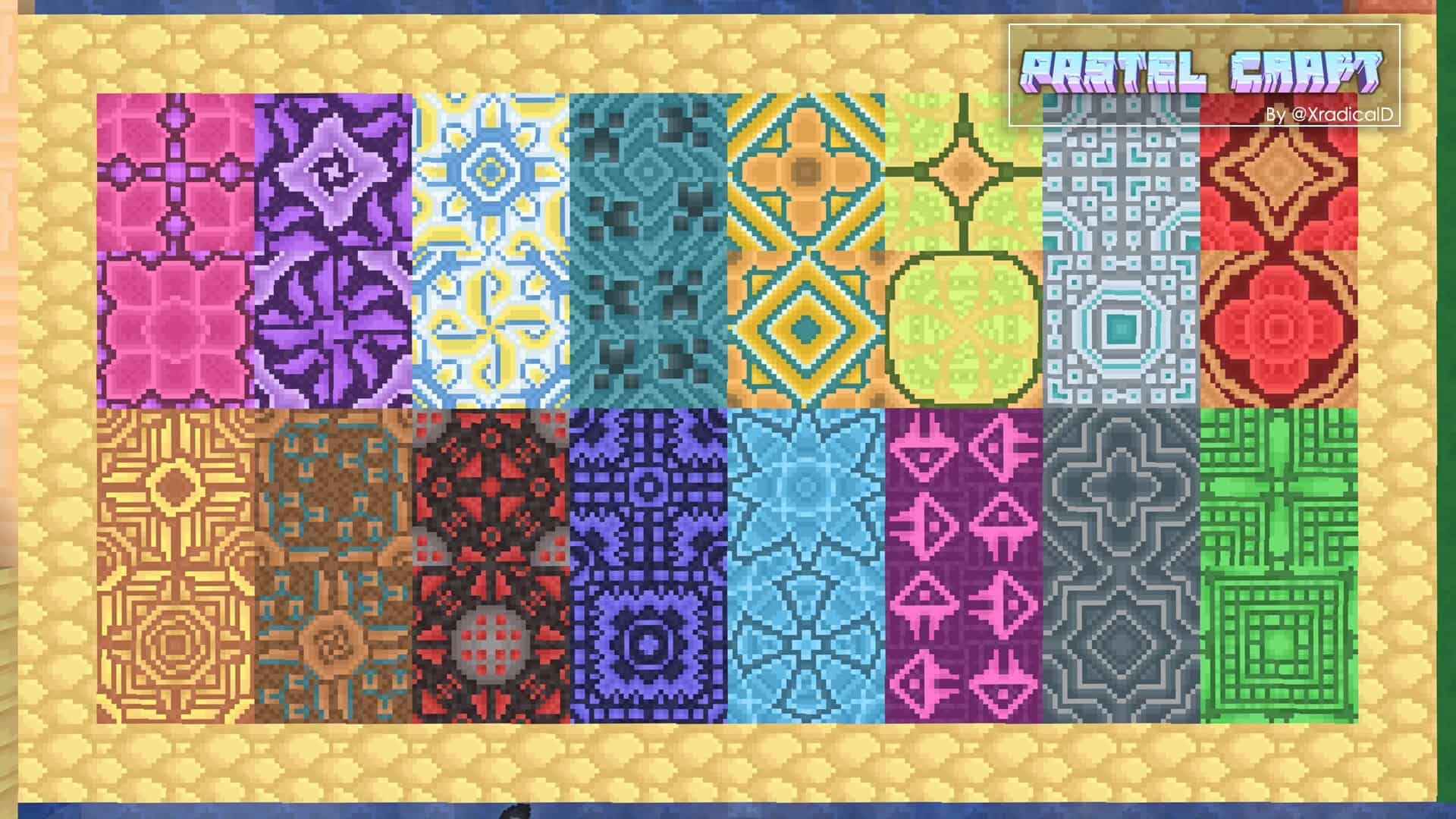
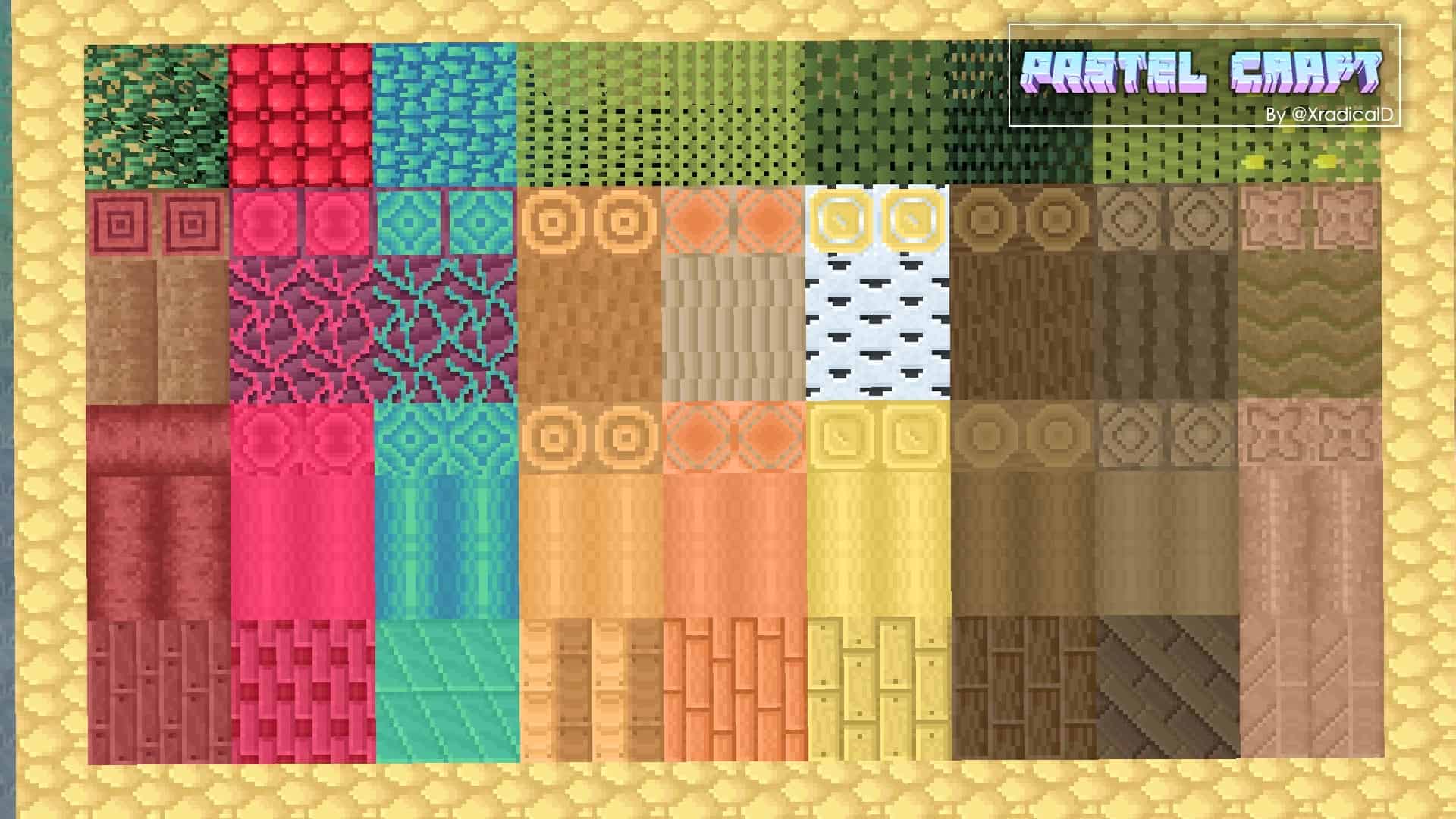
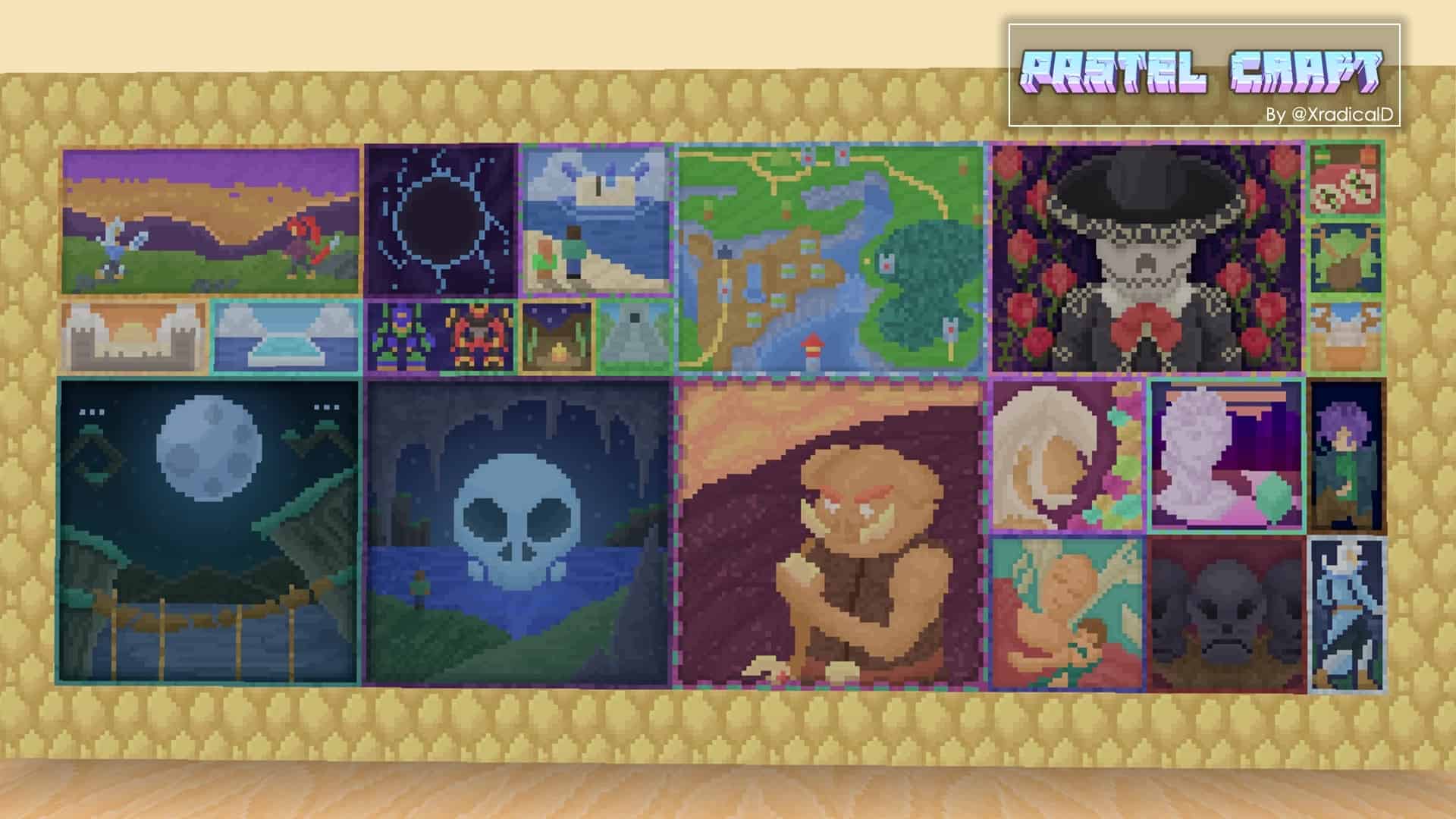
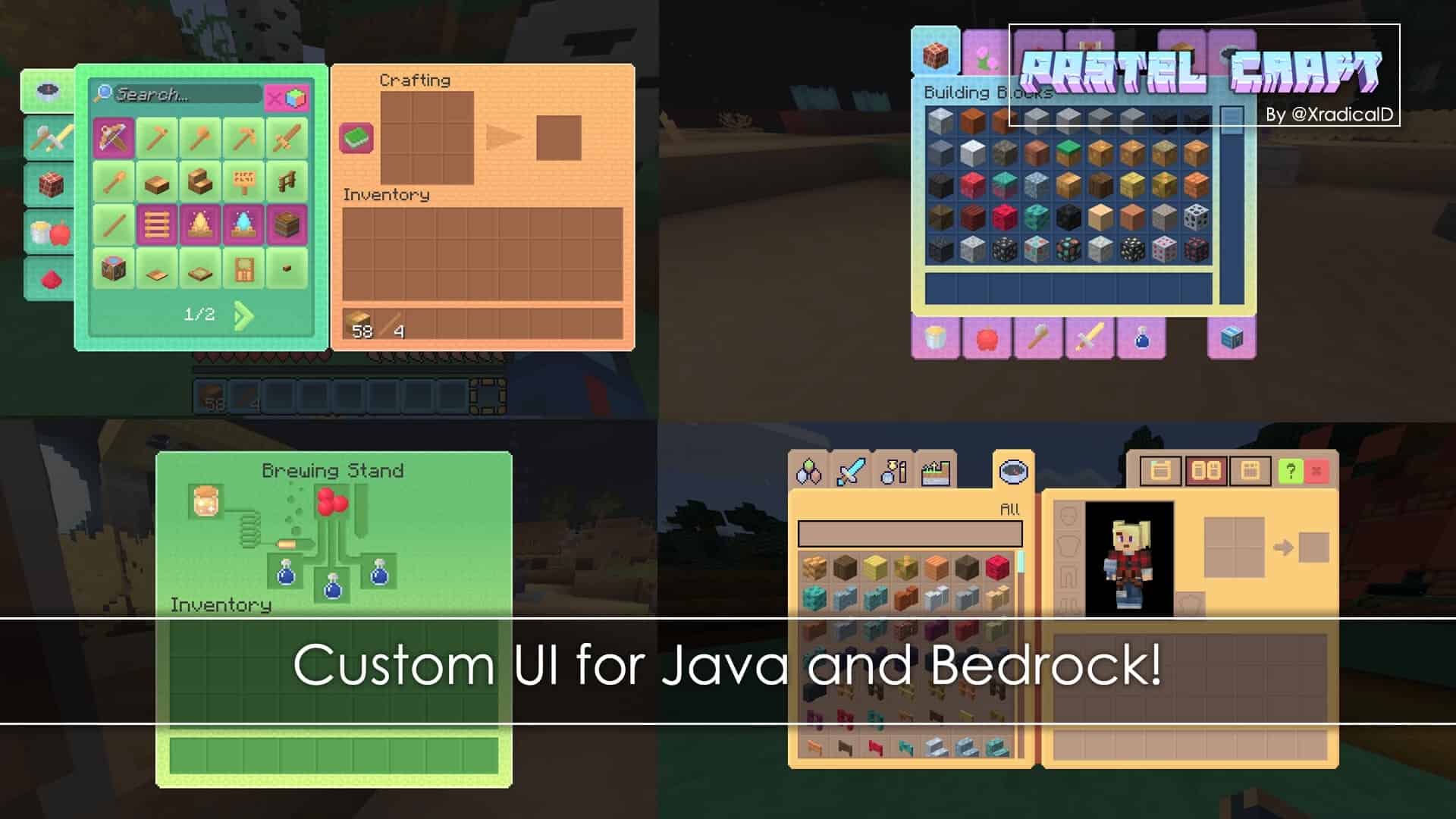
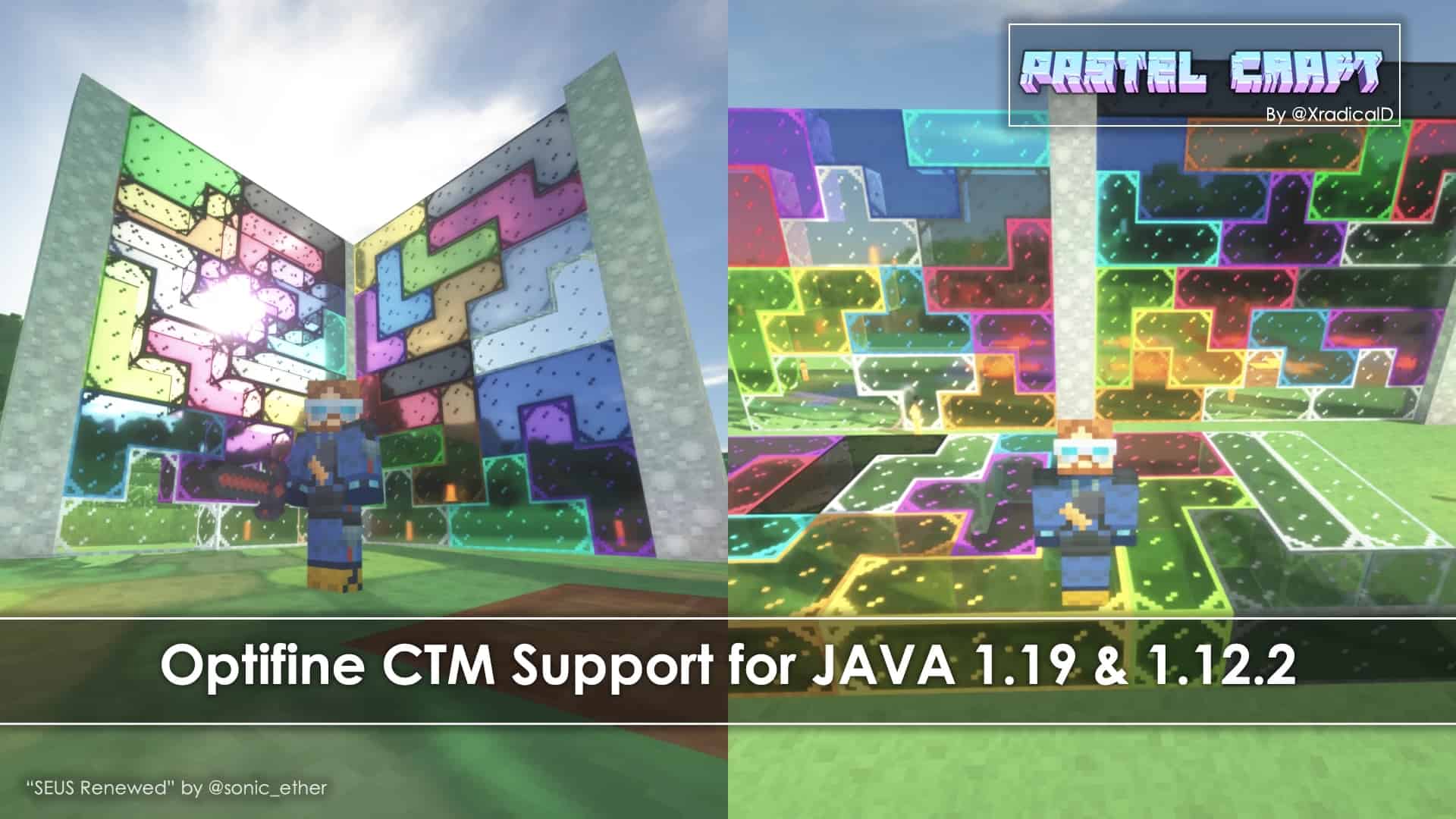
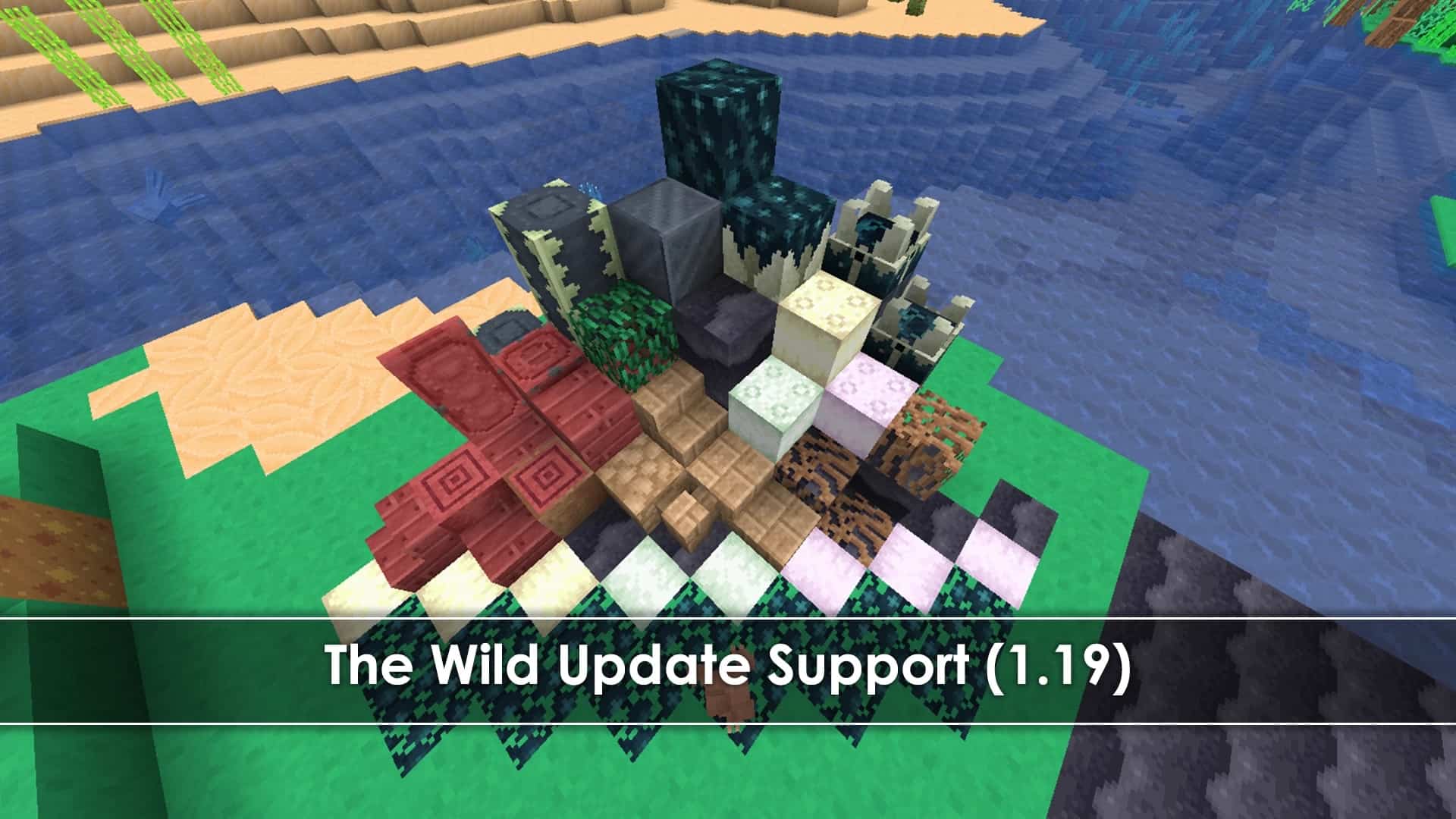
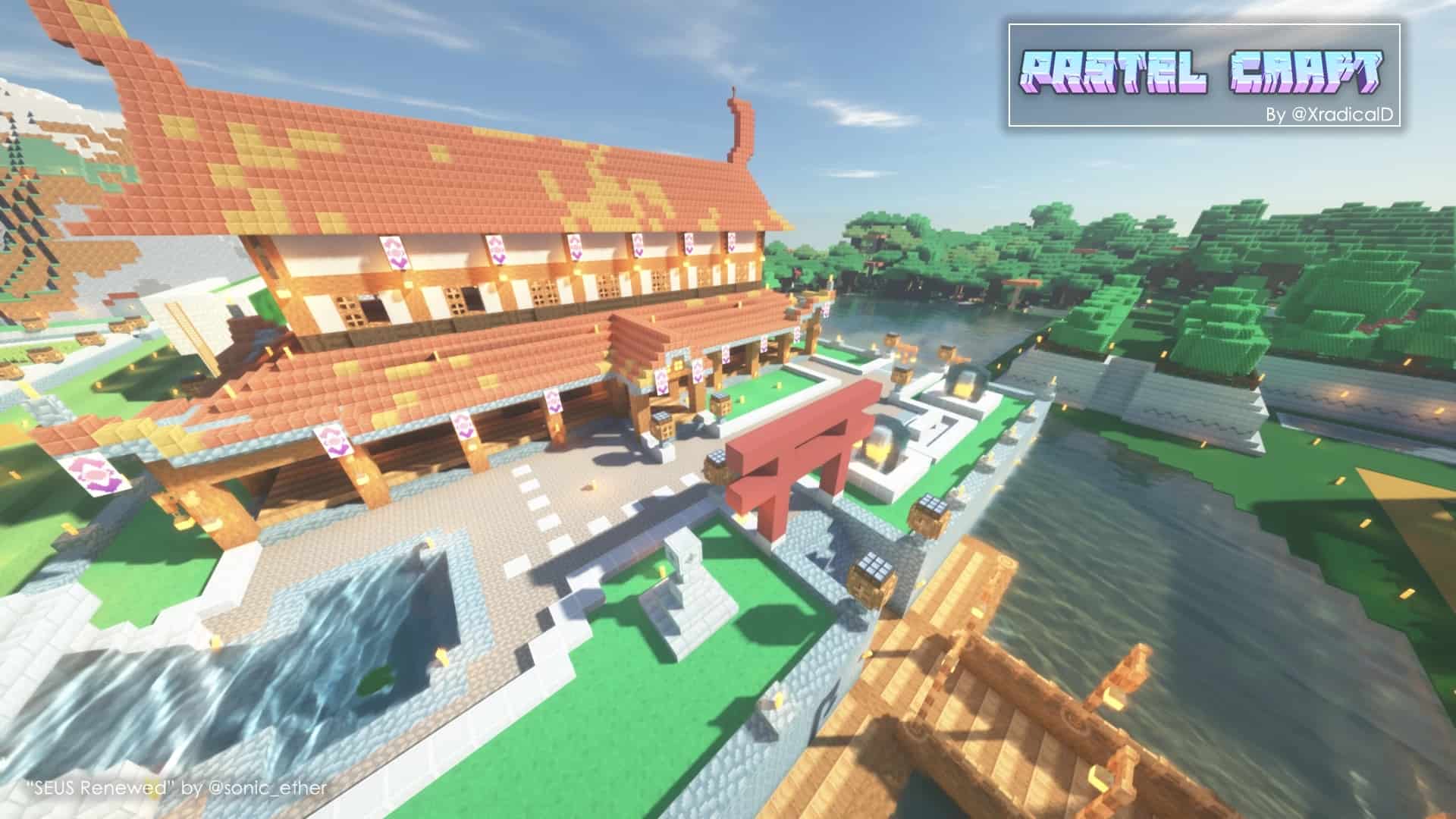
Are you searching for a distinctive and refreshing look for Minecraft? If yes, then I can definitely recommend checking out the PastelCraft resource pack! Please note that it is designed by XradicalD. Most Minecraft texture packs are modern, simplistic, or medieval and tend to follow a very specific art style. But the Pastel Craft resource pack is a wonderful exception. It doesn’t strictly follow or represent any single conventional art style, yet it transforms the way the game looks in a remarkably unique and interesting way. With this PastelCraft resource pack installed, you get plenty of newly designed textures for your game that I found to be absolutely amazing and beautiful. On top of that, they create a stunning, brand-new look for your entire gameplay experience. Please note that these PastelCraft textures make the game layout and look as simple as possible. None of these textures feel overly complicated, but they aren’t just plain single-color blocks either. There is one more intriguing aspect of these textures as well: to be more precise, they make the visuals as clean and nice as humanly possible.
The main aim of this resource pack is to ensure a clean yet stunning look that doesn’t impose too many details on the player’s eyes. In addition to that, the colors of the textures introduce a truly perfect blend. None of the colors are too bright and vibrant, while at the same time, they manage never to look dull either. That is precisely why these textures are so apt for passionate Minecraft game lovers! The PastelCraft resource pack introduces a bunch of unique textures that are extremely appealing and compelling. What is more, some of the textures simply go above and beyond everything else, featuring a super design and a super look. This resource pack has already been available for quite some time and is sitting right at the 80% completion milestone, so it will take a little more time until PastelCraft reaches its final state. But even if you install the current version today, you will surely get extraordinary visuals that capture this unique pastel-themed style. That is why it has already gained huge popularity among enthusiastic game lovers like us. It doesn’t just offer an impressive pack; it adds a fantastic twist to default Minecraft visuals. As a neat technical detail, this resource pack has been developed using two incredible software suites: Aseprite and Blockbench.
PastelCraft should be compatible with all of these Minecraft versions: 1.21.11 – 1.21.10 – 1.21.8 – 1.21.7 – 1.21.6 – 1.21.5 – 1.21.4 – 1.21.3 – 1.21.2 – 1.21.1 – 1.21 – 1.19.4 – 1.19.3 – 1.19.2 – 1.19.1 – 1.19 – 1.18.2 – 1.18.1 – 1.18 – 1.17.1 – 1.17 – 1.16.5 – 1.16.4 – 1.16.3 – 1.16.2 – 1.16.1 – 1.16 – 1.15.2 – 1.15.1 – 1.15 – 1.14.4 – 1.14.3 – 1.14.2 – 1.14 – 1.13.2 – 1.13.1 – 1.13 – 1.12.2 – 1.12 – Bedrock Edition – PE
Screenshots

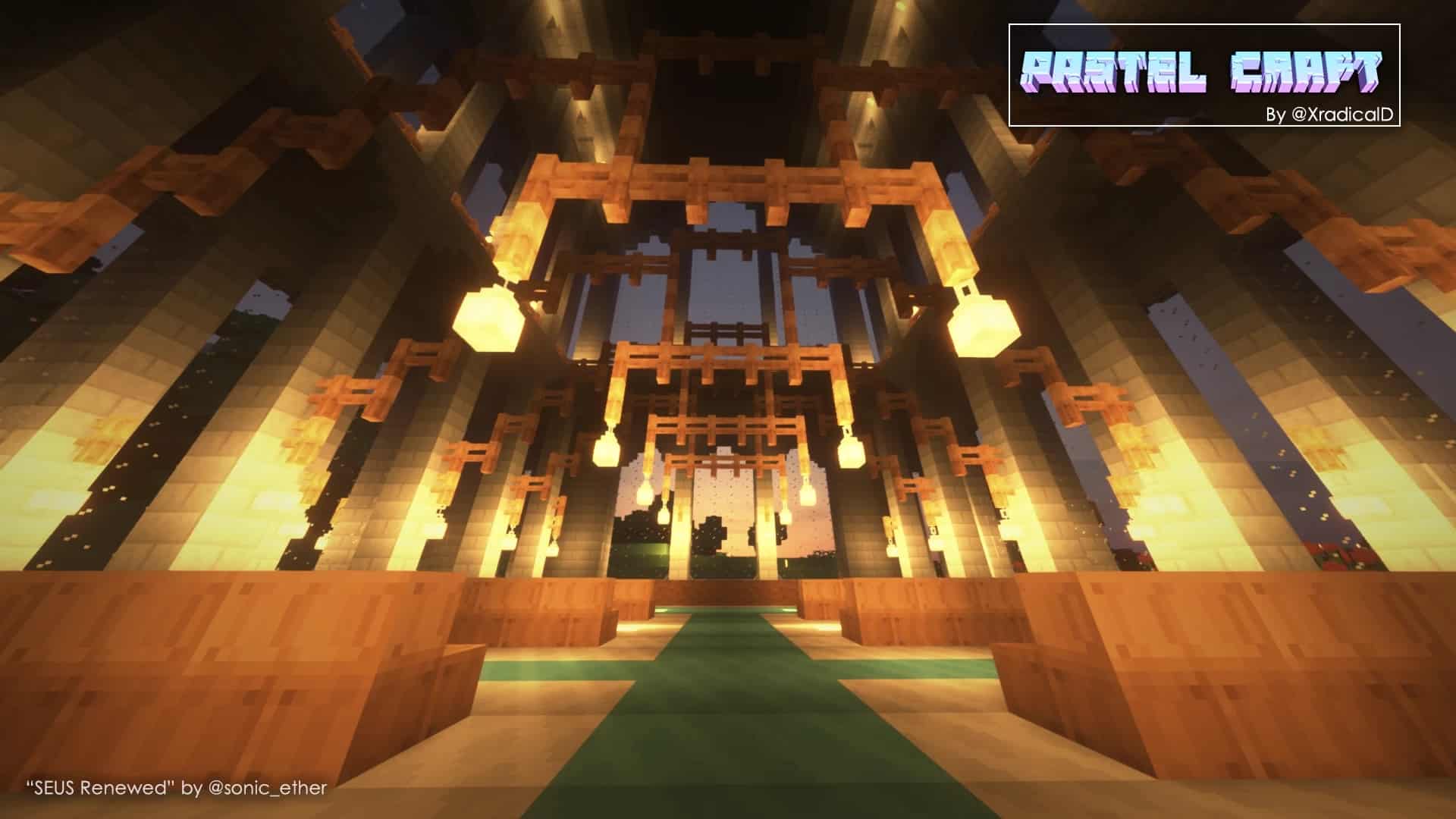
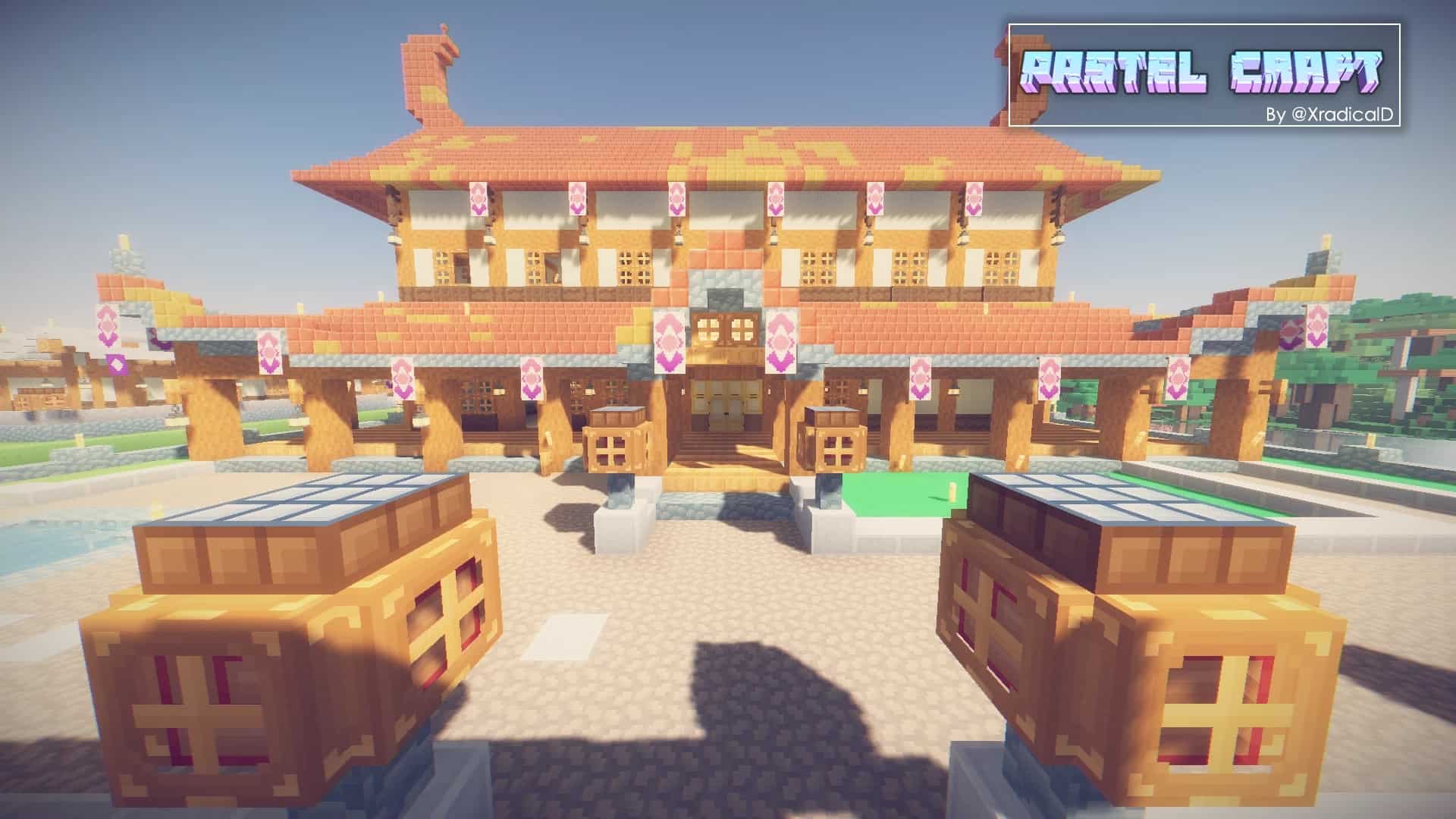
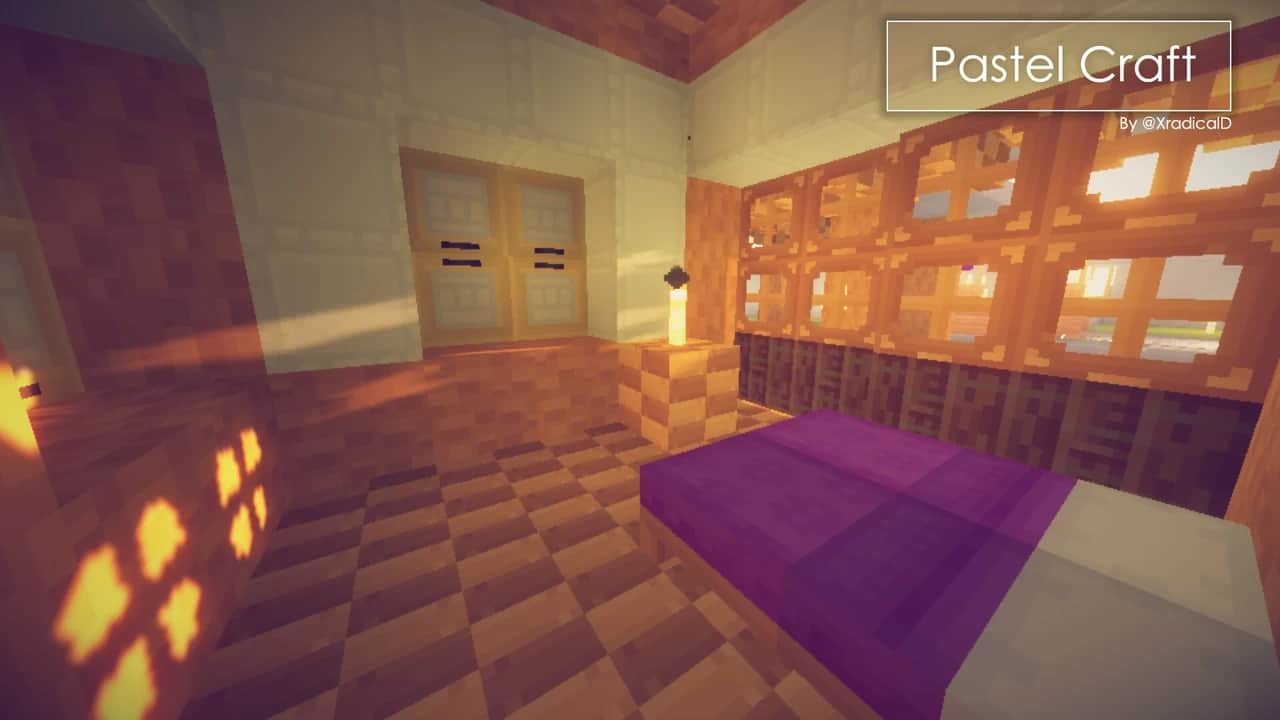
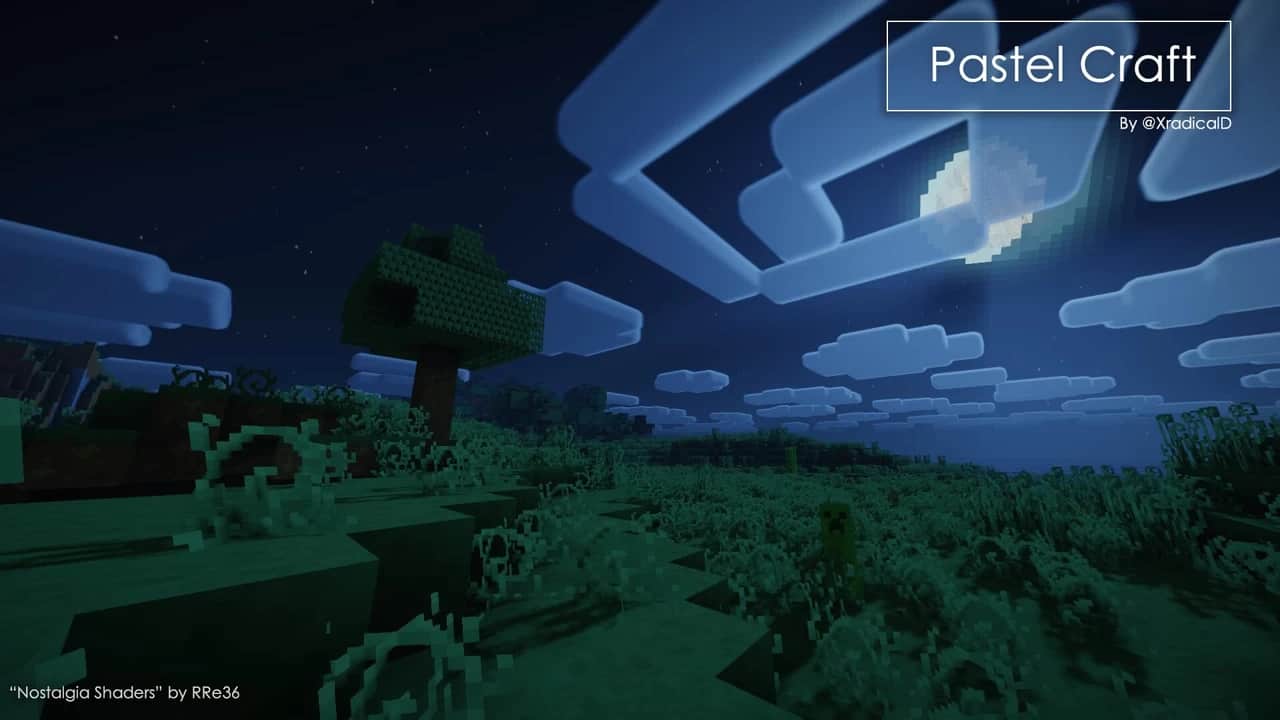
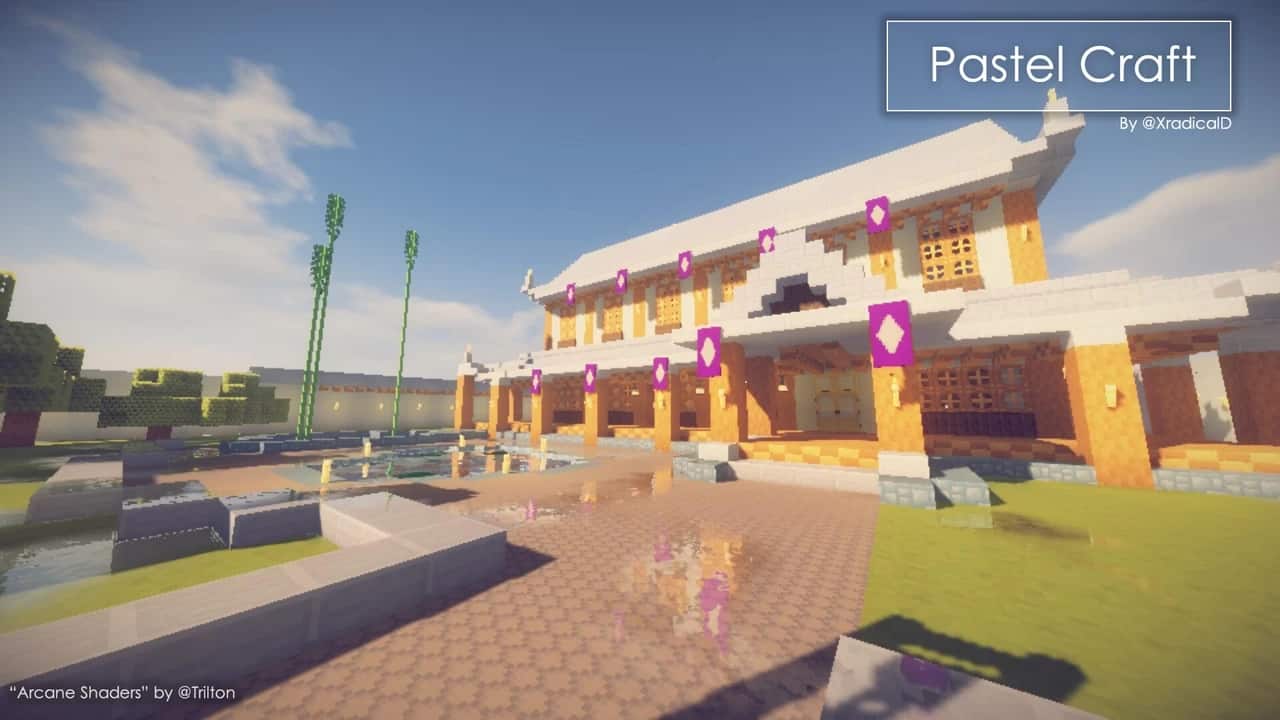
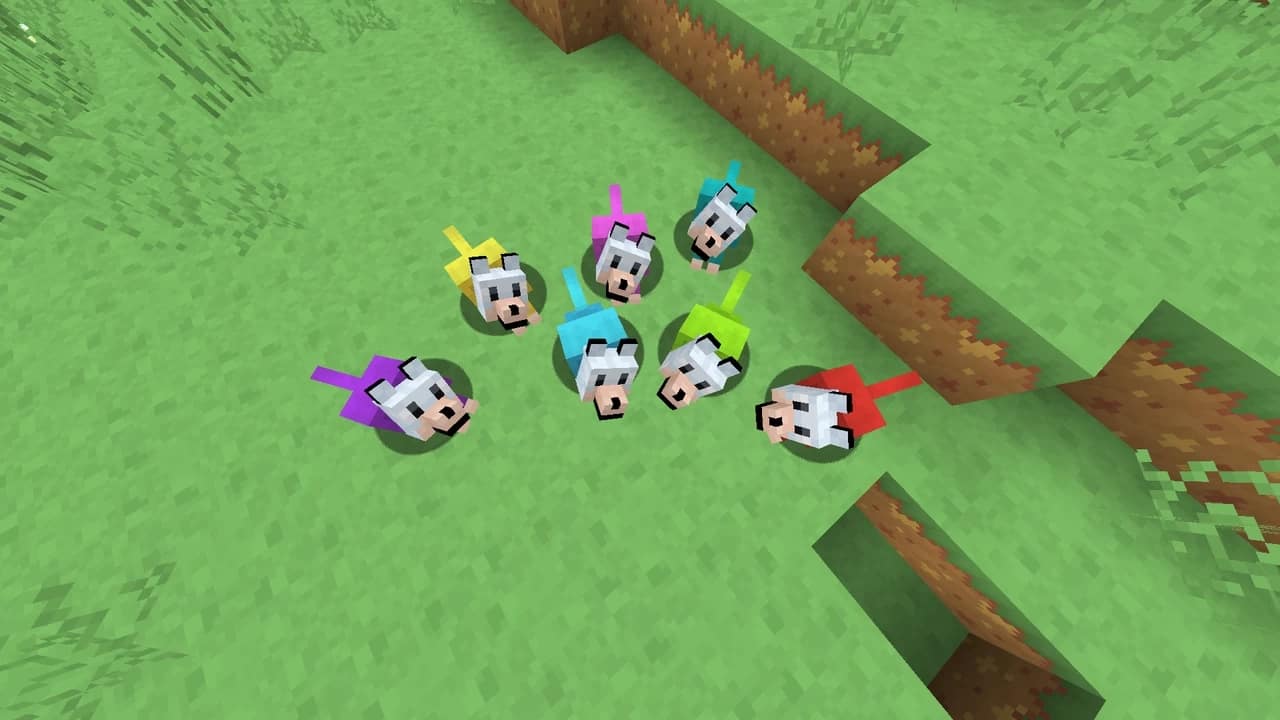
How to Install Texture Pack (Simple 10 Steps)
- Download OptiFine: Most of the texture packs and shaders need OptiFine. That’s why, first download and install OptiFine for the version of Minecraft you want to play.
- Download the Texture Pack: Get the texture pack you want from the download section. Choose the version that works with your Minecraft and your PC’s performance.
- Open Minecraft Launcher: Start Minecraft using the official game launcher — or even TLauncher, if you use that.
- Go to Options: From the main menu, click on the “Options” button.
- Open Resource Packs: Inside Options, click on “Resource Packs…”.
- Open the Resource Pack Folder: Click on “Open Resource Pack Folder” — this will open a folder named “resourcepacks”.
- Move the Pack File: Copy or move the .zip file you downloaded into that “resourcepacks” folder. (Don’t unzip the file — Minecraft uses it as-is!)
- Go Back and Refresh: Close the folder and click “Done”, then go back into “Resource Packs…” again.
- Activate the Pack: You’ll see the pack on the left side. Hover over it and click the arrow to move it to the right (active side).
Tip: If you get a message that the pack is for a different version, just click “Yes” — it usually works fine. - Click Done and Enjoy: Click “Done” again. Now your pack is ready to use in-game. It’s that easy!
Credits
This resource pack was created by XradicalD. We do not own or claim ownership of this content, and no modifications have been made to the original files provided by the author. We encourage all players to support the original creator by downloading the pack from their official channels and following their future updates.
Download Links
Java Edition
- [16x] Minecraft 1.21.x
- [16x] Minecraft 1.19.x
- [16x] Minecraft 1.18.x
- [16x] Minecraft 1.17.x
- [16x] Minecraft 1.16.x – 1.13.x
- [16x] Minecraft 1.12.x
Bedrock Edition
Download Instructions
Curseforge: download starts automatically after a few seconds;
Mediafire: click the big blue button with the text “DOWNLOAD”;
Google Drive: in the top right corner you will see a small download icon (down arrow), click it and the download should start;


