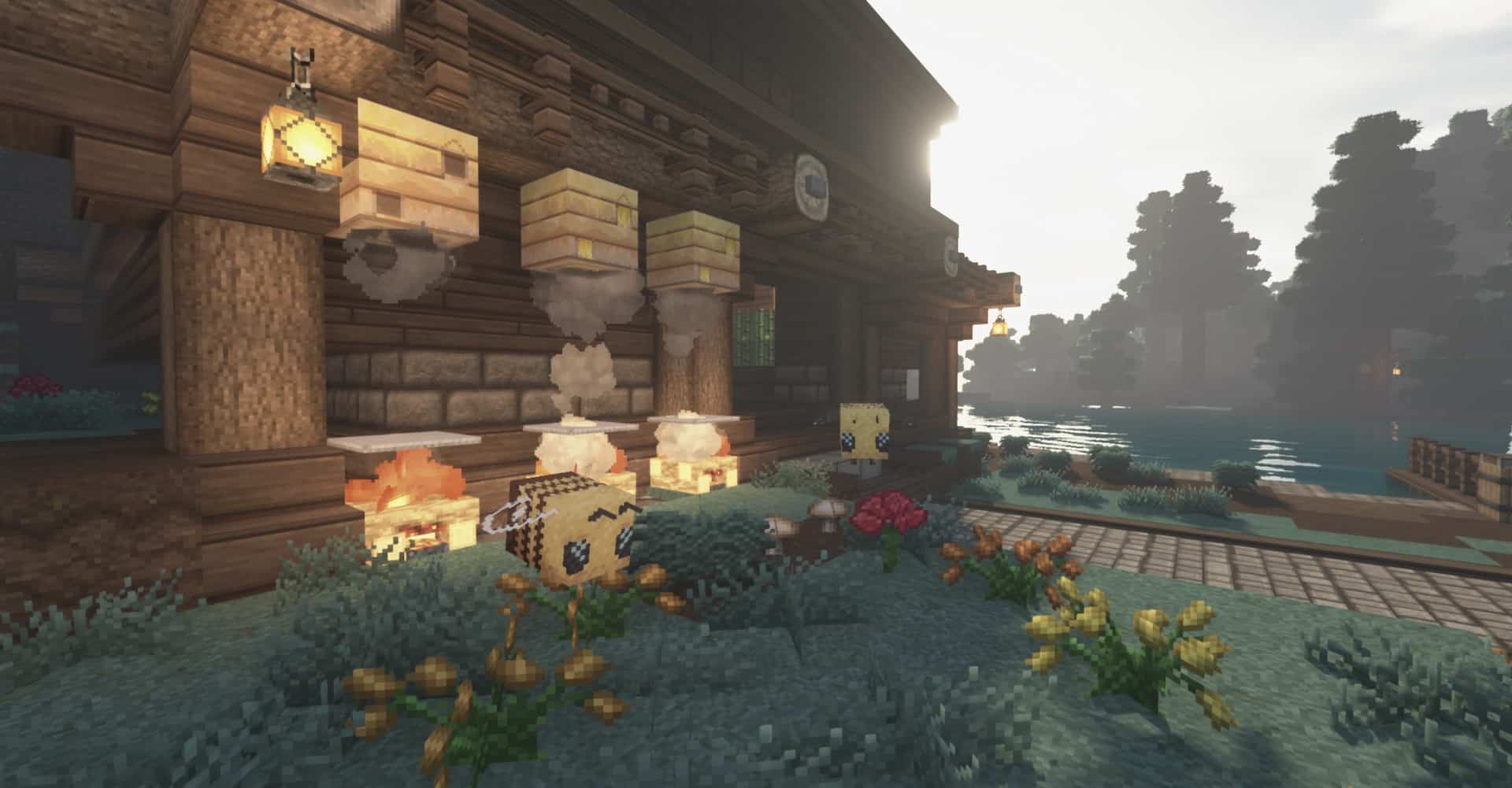
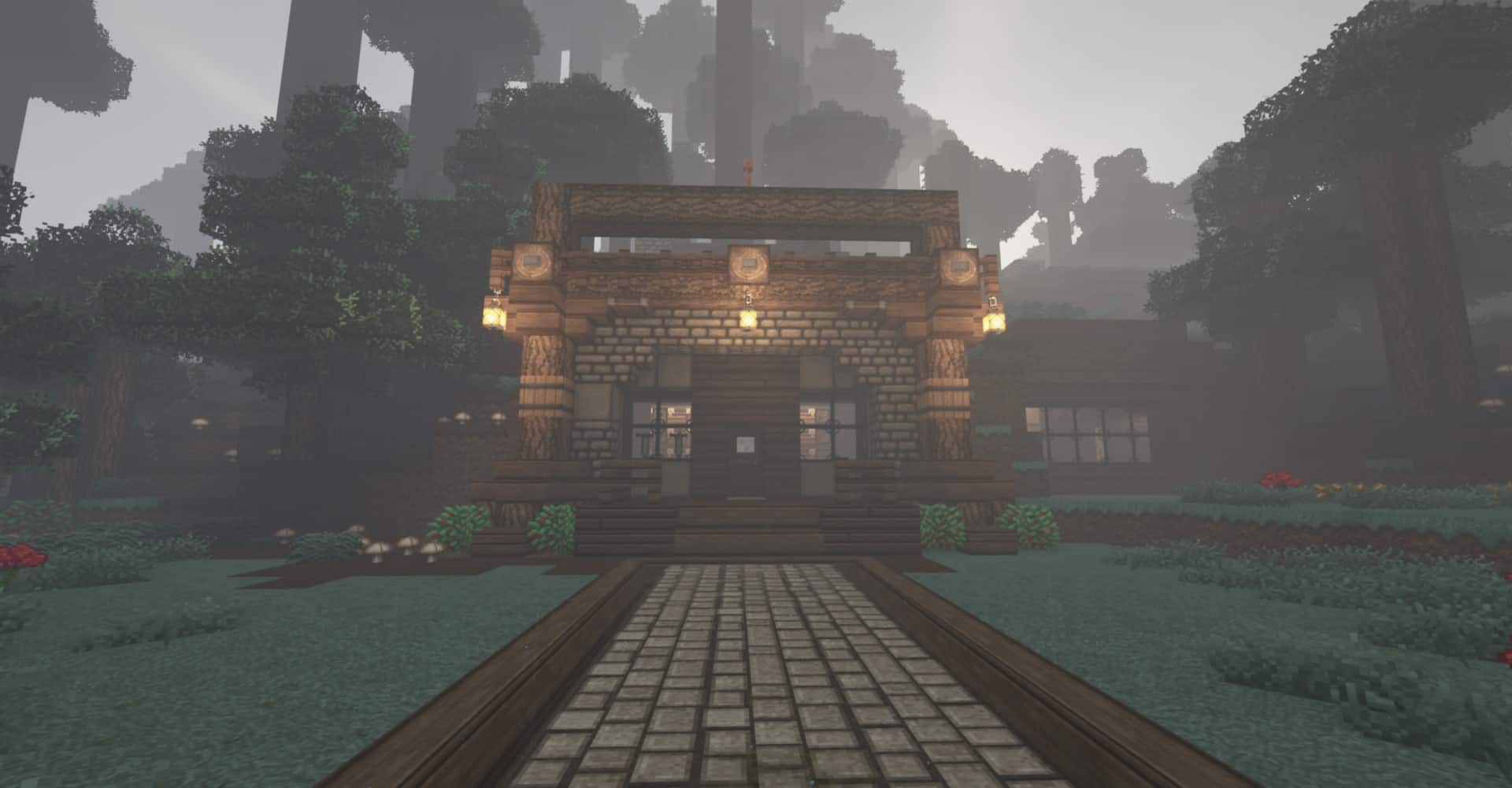
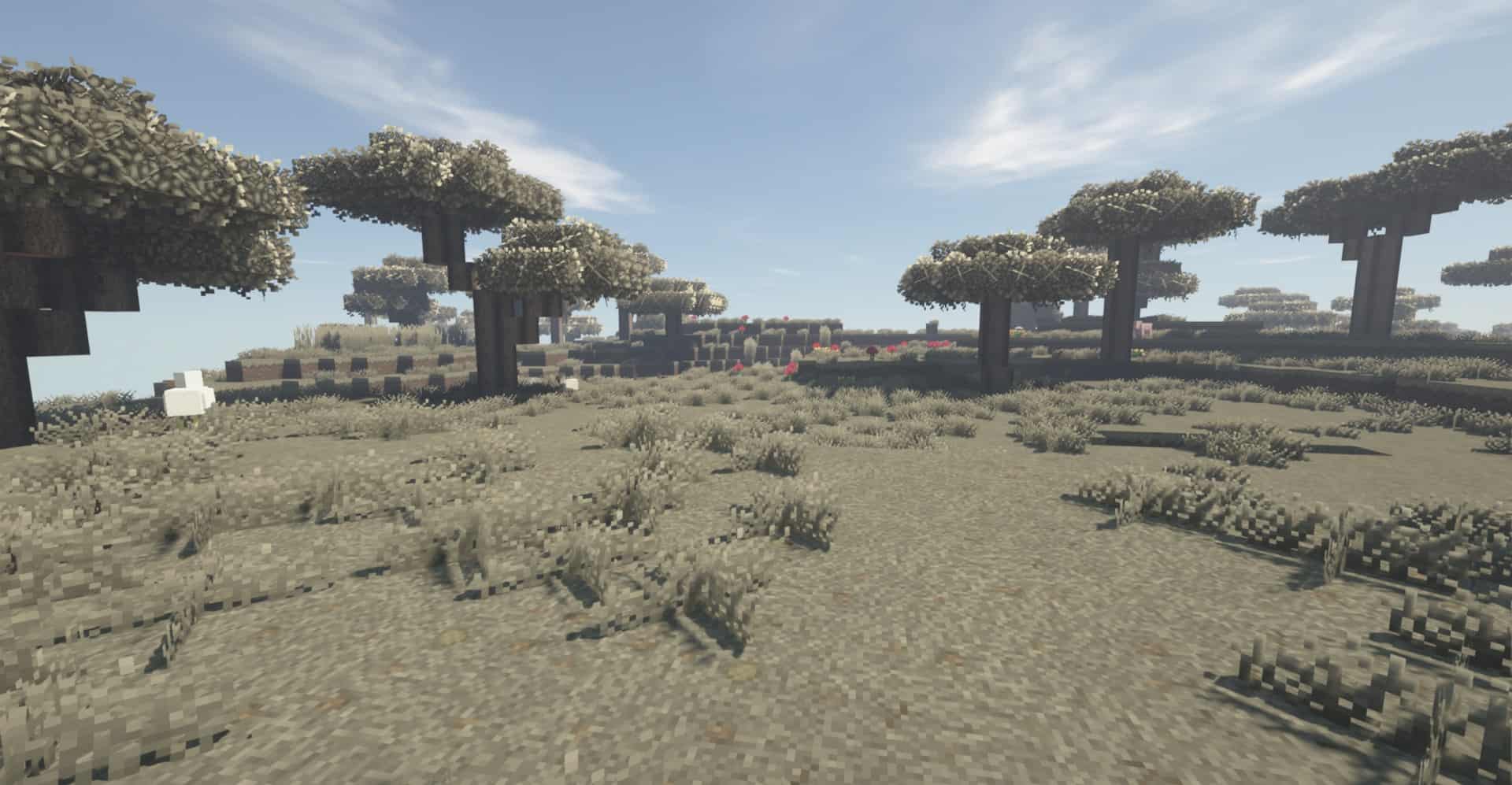
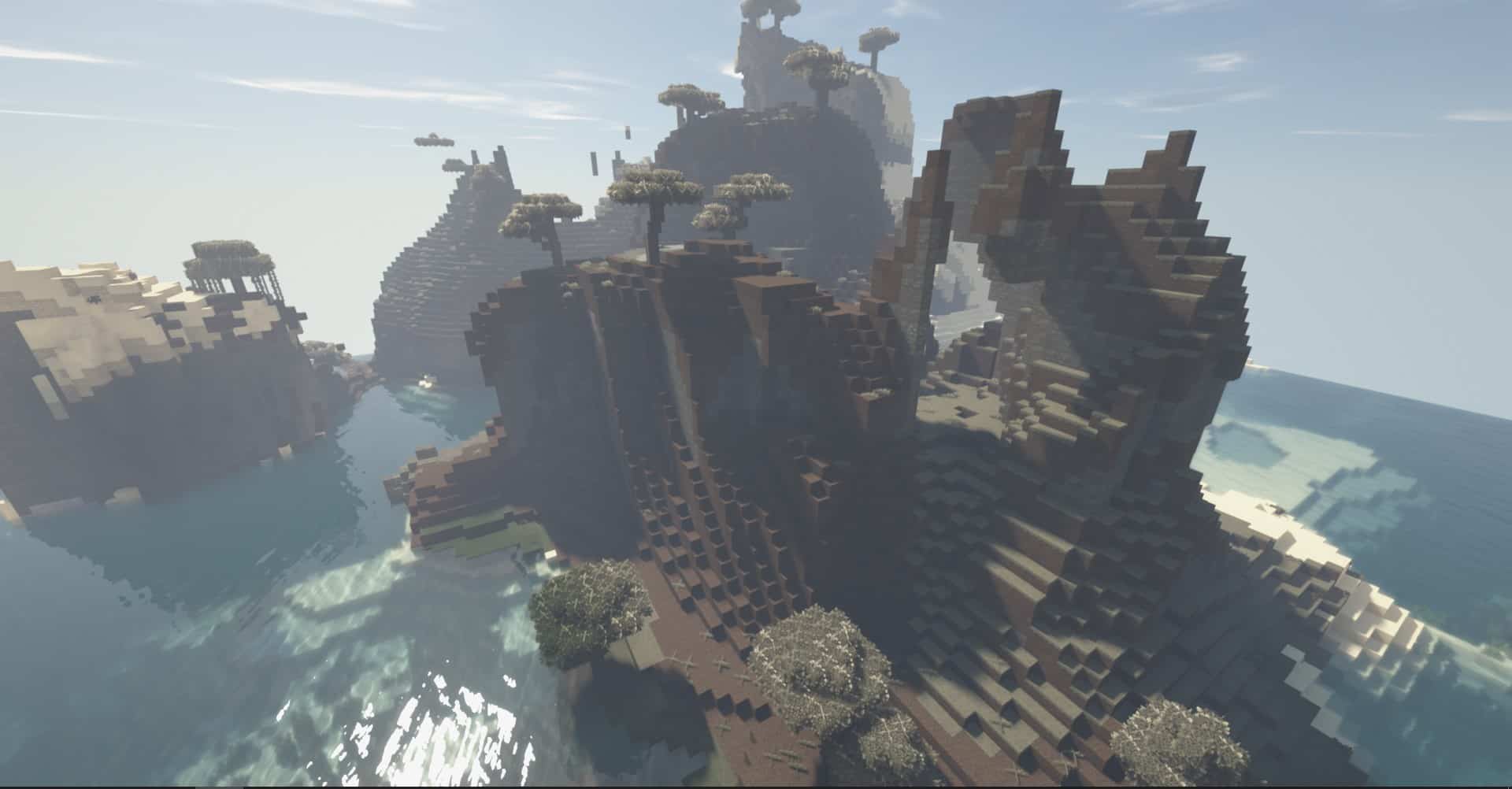
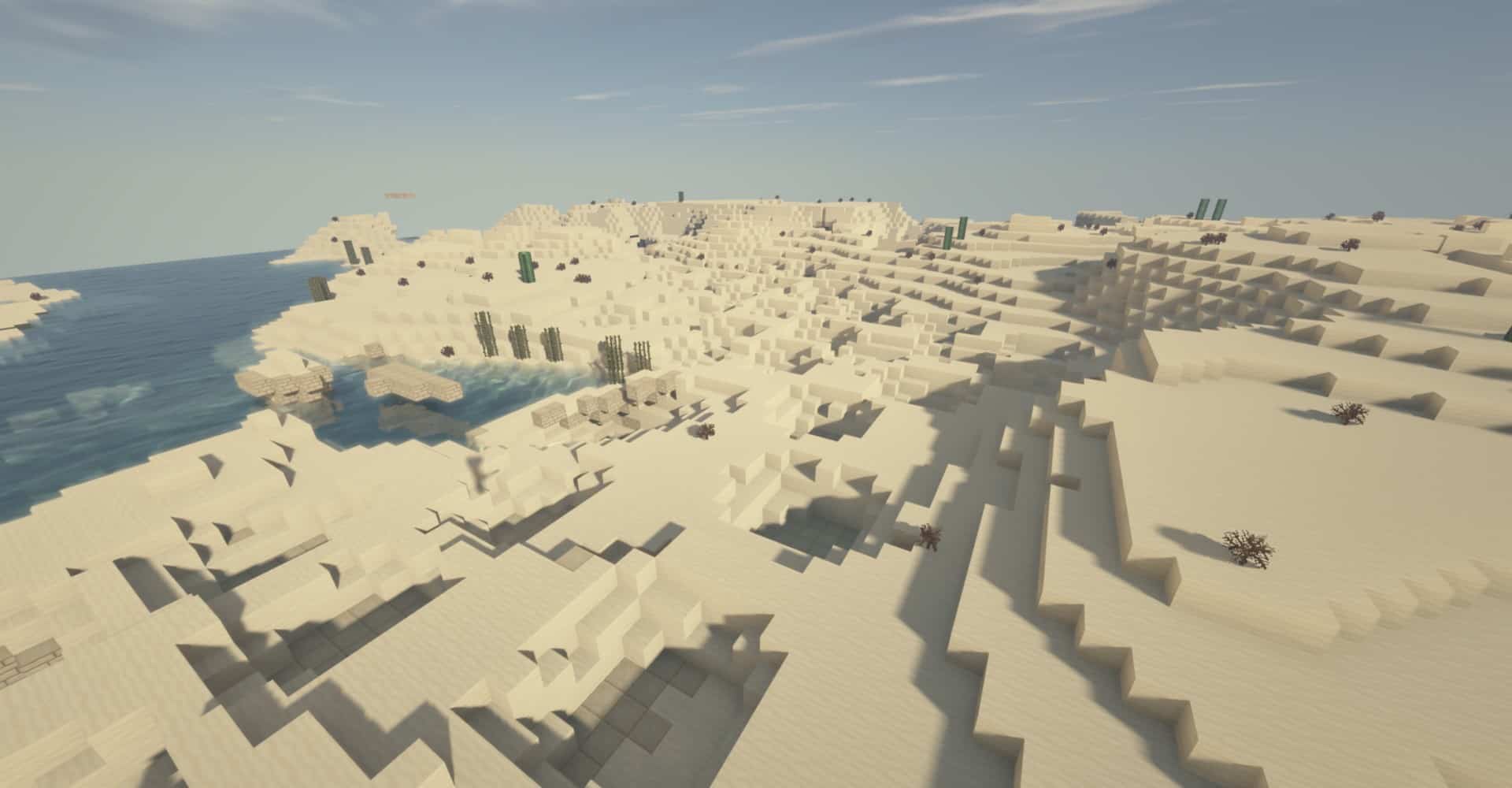
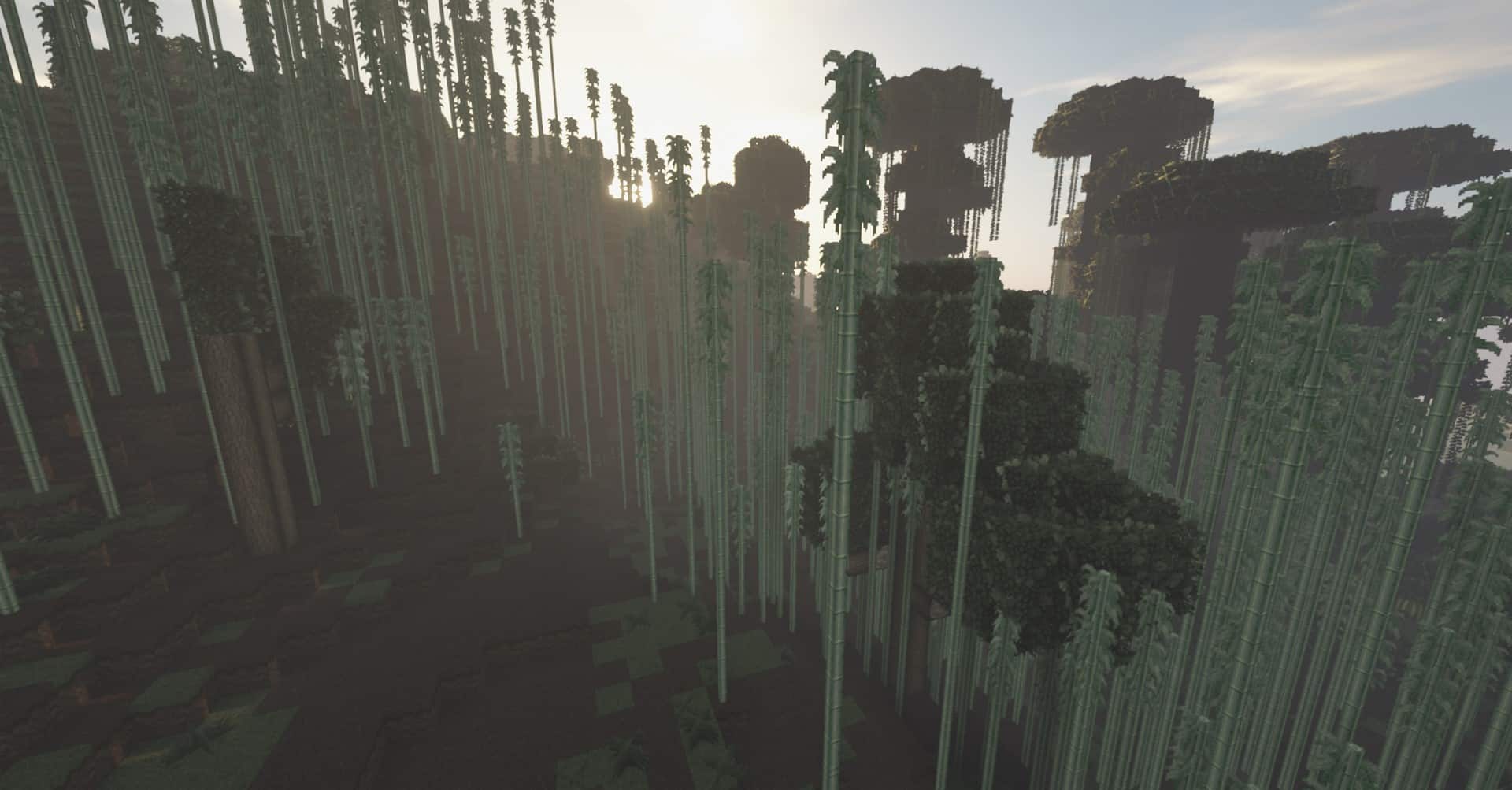
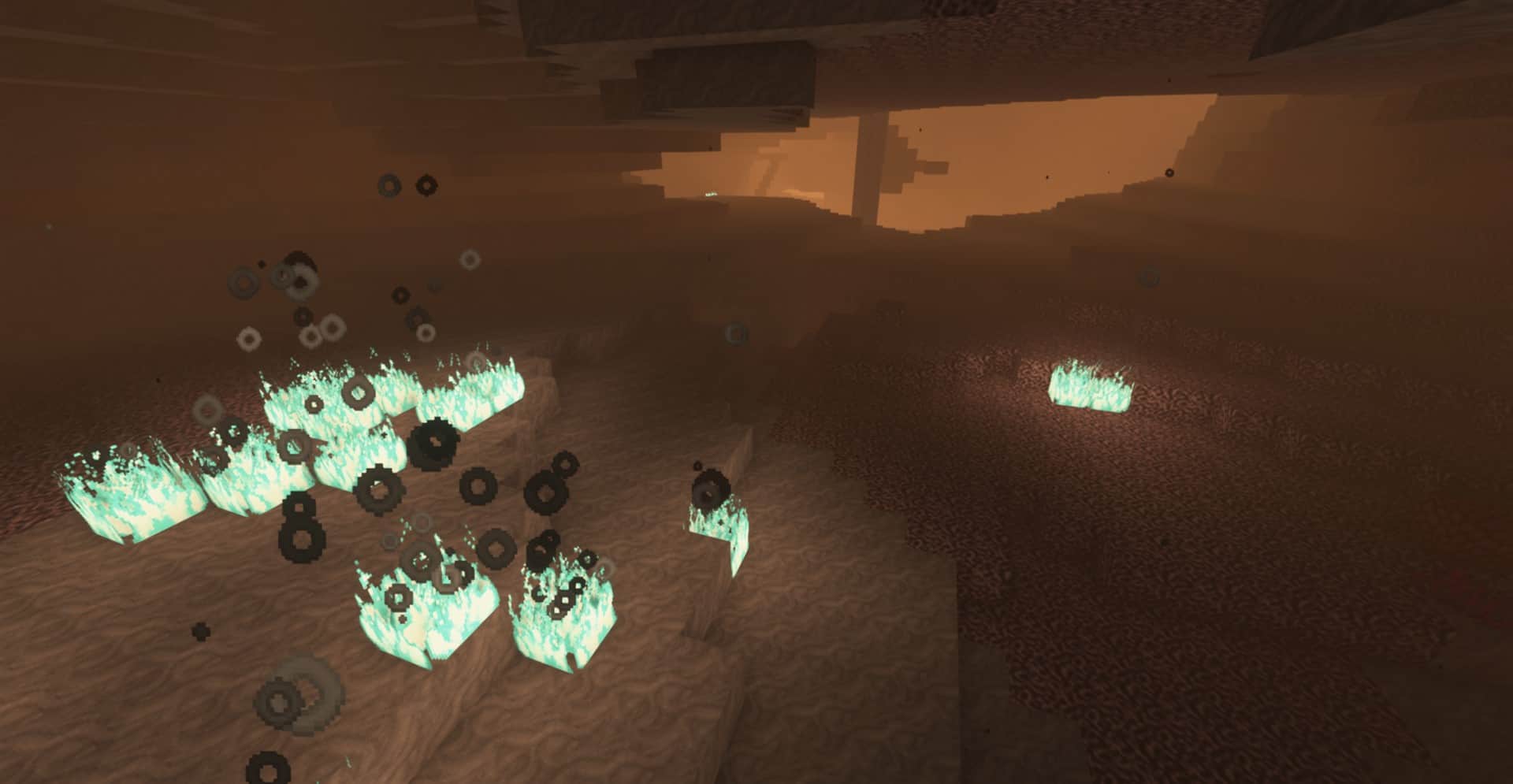
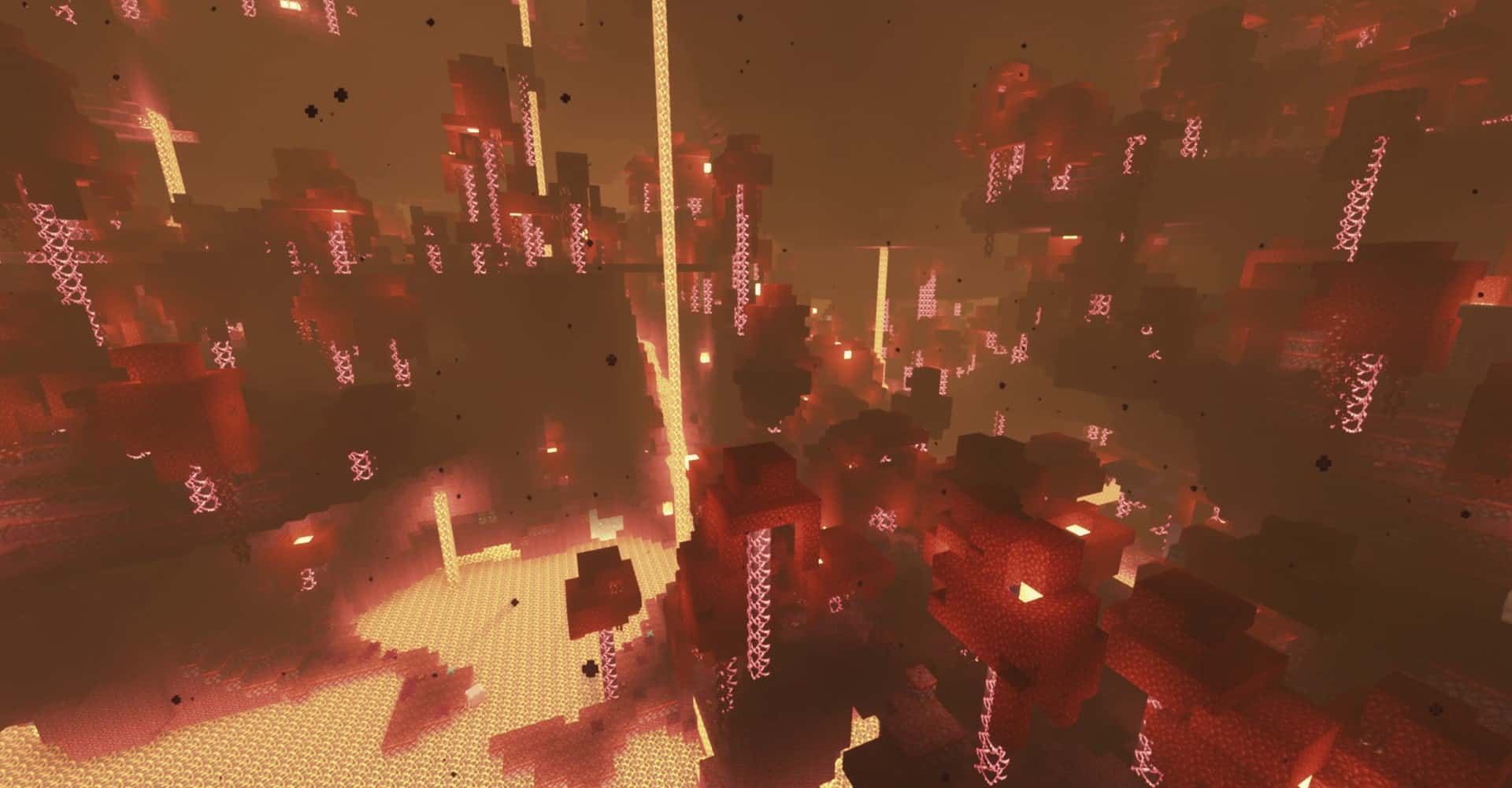
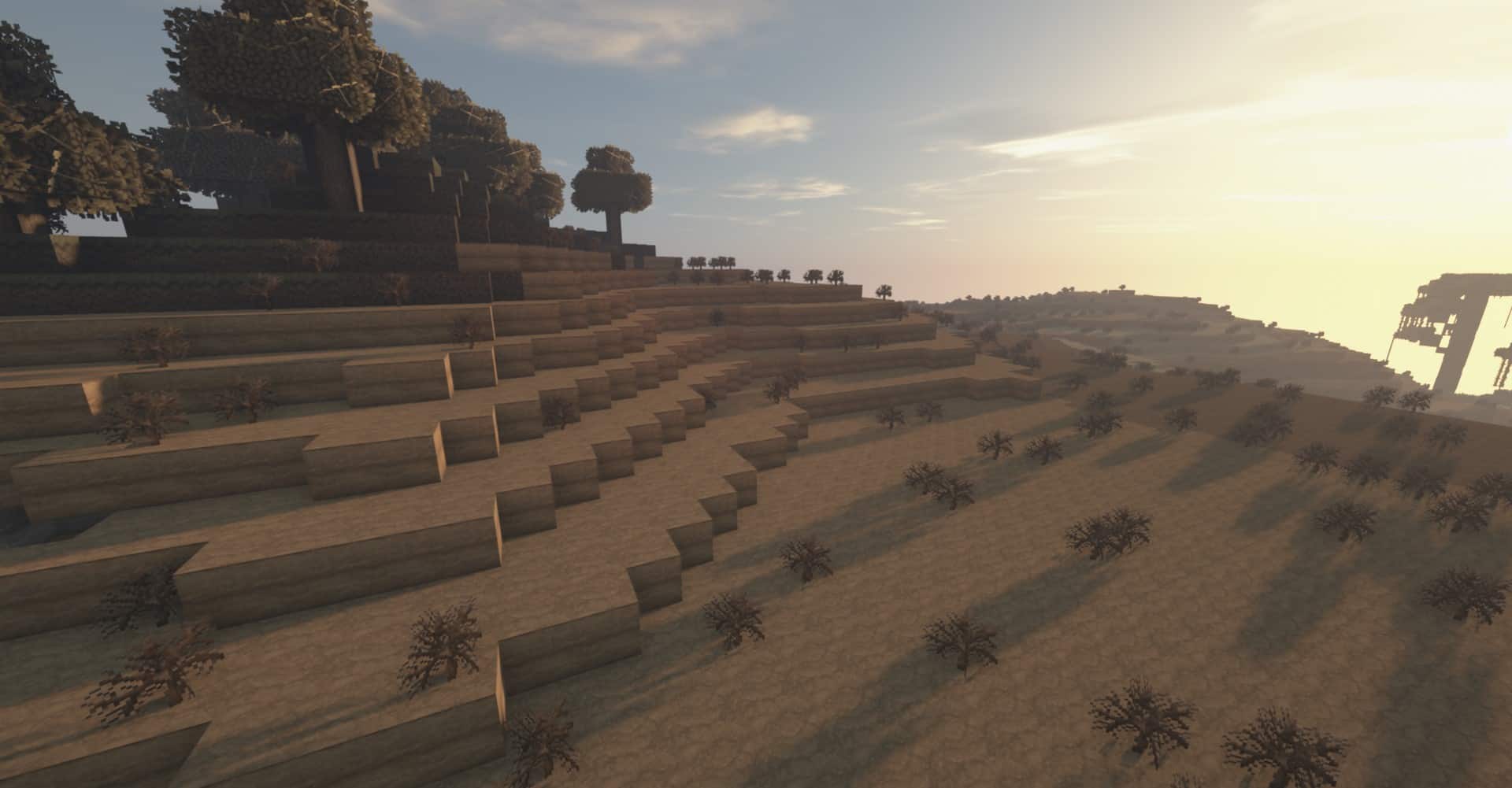
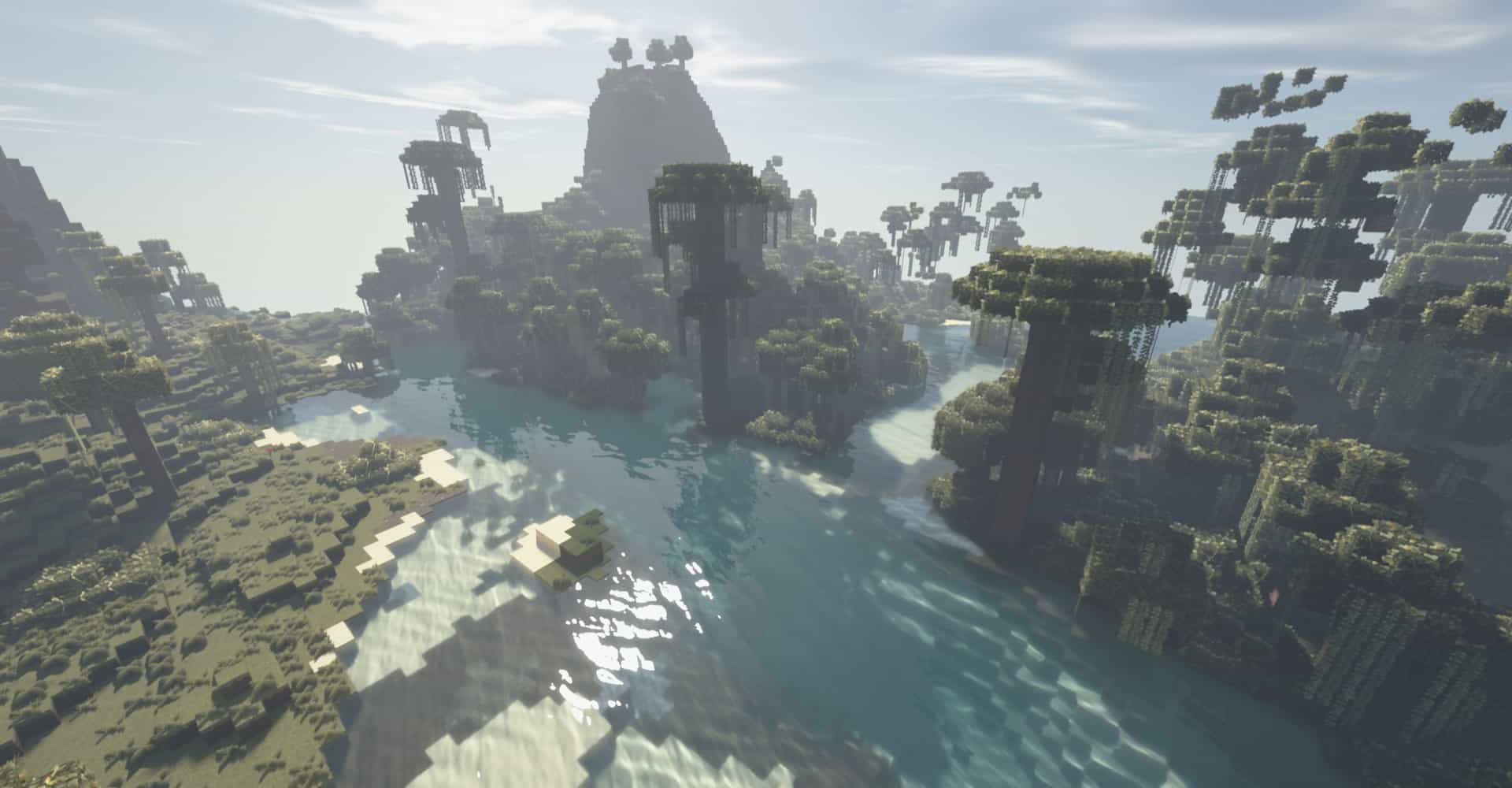
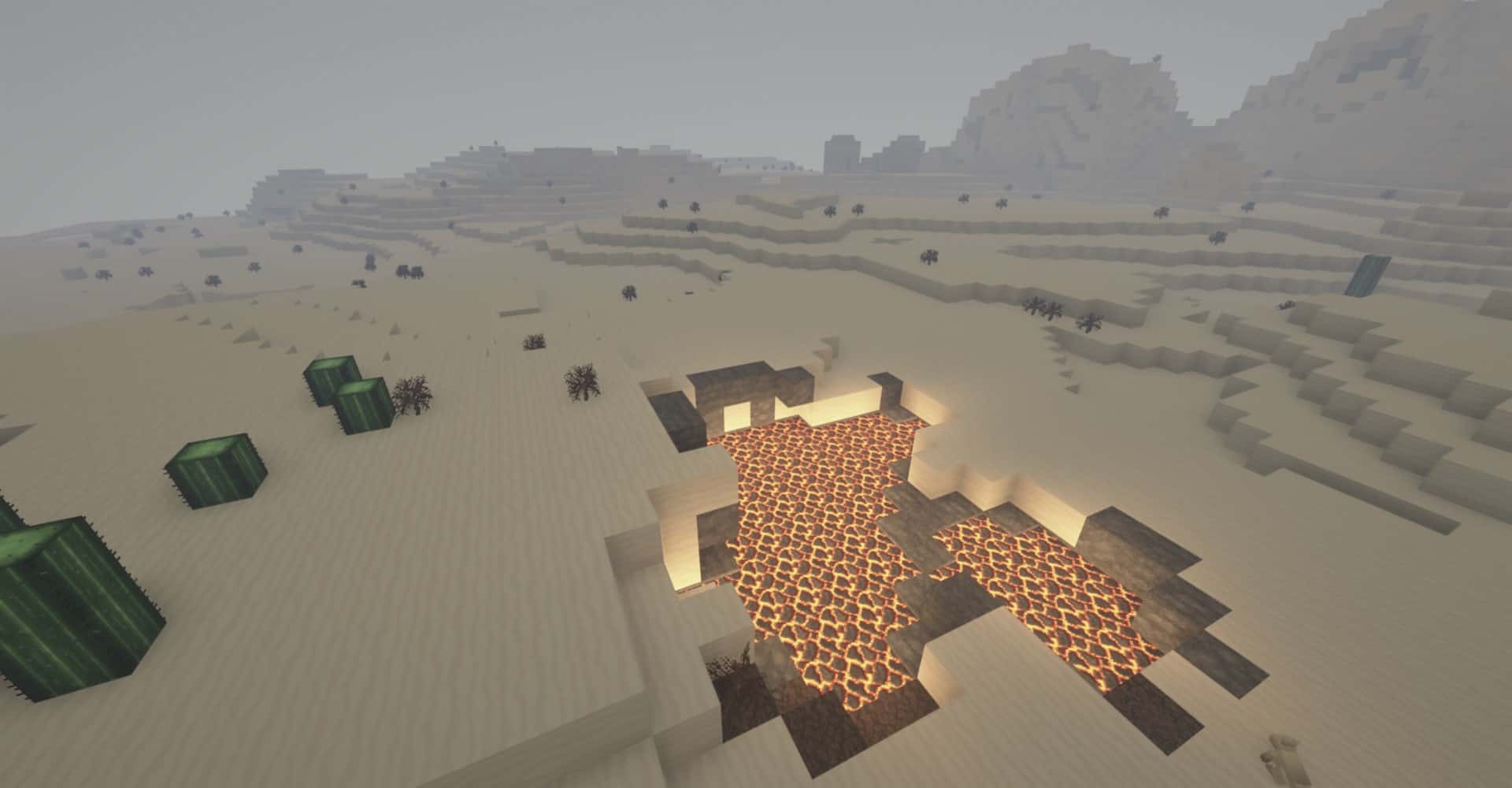
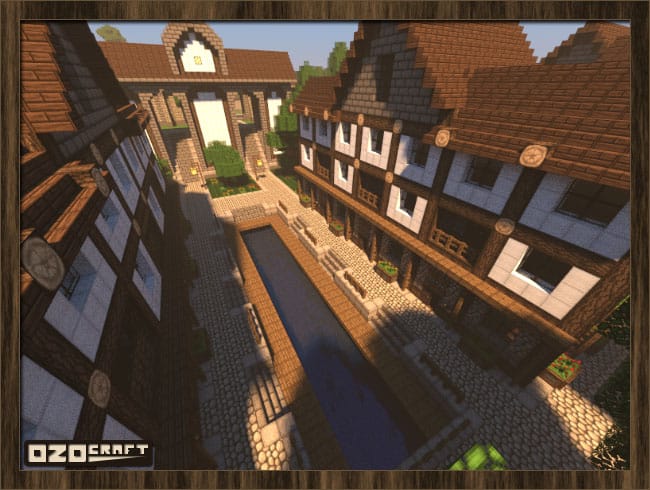
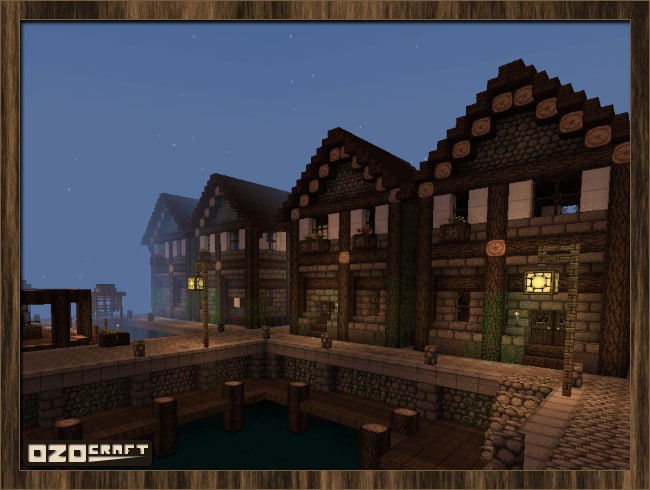
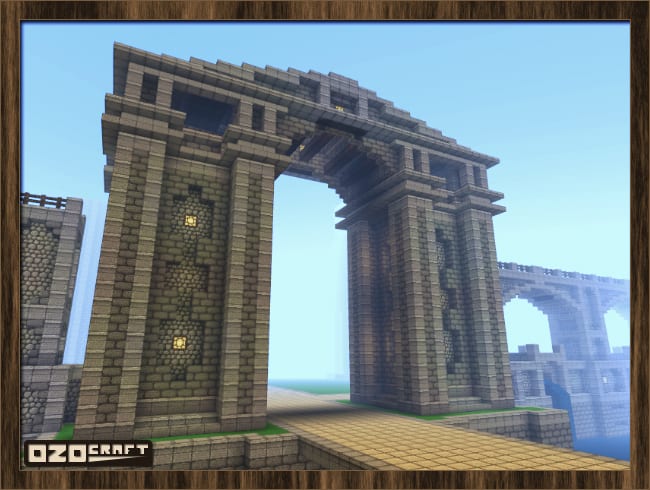
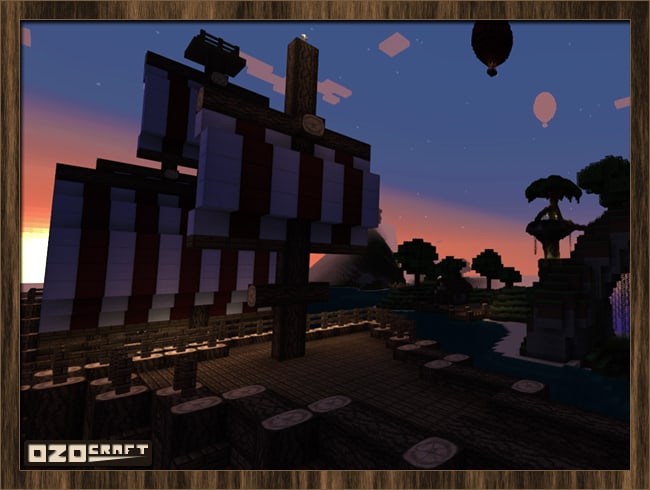
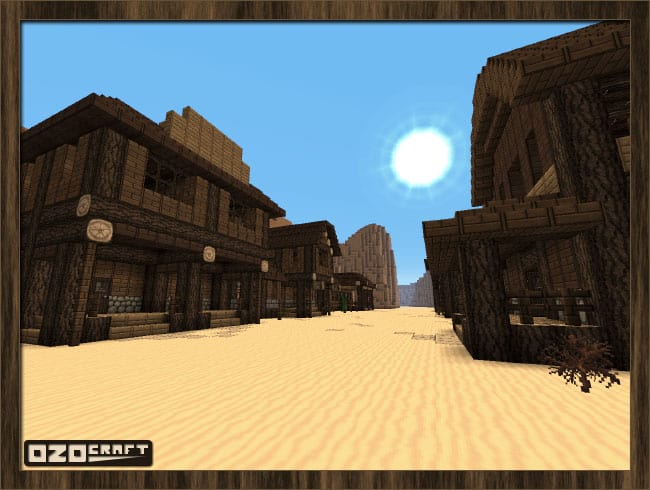
If you are playing Minecraft and need something truly special for your world, you definitely have to try out the OzoCraft resource pack. It adds an incredible middle-ages flair to the game that I absolutely fell in love with! It has achieved the exact same greatness as other enthralling resource packs like John Smith and Ovo Rustic, making it an exceptionally high-quality choice. The OzoCraft texture pack focuses much less on pragmatic or practical playthroughs and much more on dated aesthetics. Even though it is famously difficult to make things appear antique and outdated in texture packs, this one accomplishes it masterfully. Now, that annoying conundrum of trying to make buildings in Minecraft look ancient and plain while still remaining elaborate and charming is completely fixed. It opens up an entirely new style of building that vanilla Minecraft just could not give you. You can create just about anything you can imagine with the OzoCraft resource pack because it adds an immense amount of detail to all the blocks. The colors are rich and vibrant, which gives your creations an incredibly realistic finish that is just perfect for players who love to craft intricate designs when they build. I honestly feel like the OzoCraft resource pack will quickly become one of your absolute favorite additions to your collection. It truly stands a chance of becoming completely unparalleled thanks to its amazing ability to make buildings stunning to look at, combined with unique textures that make anything in the world look extraordinary. OzoCraft is designed as a medieval 32×32 texture pack for Minecraft which makes everything appear as if it genuinely belonged in the middle ages. It is a staple of Minecraft to be bright, blocky, and normally very cheerful, which definitely has its place, but it can always be expanded upon. This resource pack does exactly that! The OzoCraft texture pack builds a wonderfully darker atmosphere for the world and makes it so much easier to build in a gloomy or almost gothic style, which is otherwise quite hard to achieve in the base game. This creates the most perfect visualization of the middle ages that is fitting for both fantasy lovers and historic players alike. The textures fit seamlessly into RPG and medieval maps thanks to their outstanding ability to simulate realism in castles, villages, fortresses, and other medieval architecture. It really opens the door to a whole new way to play Minecraft.
It could easily become an epic fantasy adventure for you and your friends, a historical roleplaying server, or just another brilliant way to impress people with your builds if creating structures is your preferred way to play. It is bound to expand your Minecraft gaming experience to exciting new horizons regardless of how you use it, and it can be reused for so many different scenarios. I found it nearly impossible to go wrong when using this pack because of how wonderfully well-crafted it is. This awesome resource pack goes amazingly well with most builds, though I noticed it wouldn’t fit quite as easily into sci-fi and modern buildings. It will most likely turn out looking a bit strange if you try to use it for that specific purpose, but it could also serve as a stimulating challenge if you like to give yourself tough rules to work around while building, so definitely keep that in mind. For example, it could make a surprisingly impressive steampunk spaceship if used with enough creativity. Combining wood and stone structures is truly the best way to utilize the OzoCraft resource pack since it looks infinitely more realistic than what those builds would look like in default Minecraft. If you enjoy making naval fleets and crafting huge ships, this pack is perfect for exactly that! The darker resolution ages the appearance of whatever you create and makes it feel much more rustic, but the OzoCraft resource pack still manages to capture that underlying playfulness and fun found in vanilla Minecraft. It can also create a very cozy atmosphere too, featuring warm colors, special details, unique blocks, and items that fit seamlessly with the rest of the pack. This makes it stand out brilliantly among resource packs dedicated to fancy textures, yet it can still be relied upon to make breathtaking castles and mansions. It revolves around being pleasant and peaceful, though the OzoCraft resource pack has a great many ways that it can be applied. From fantasy to realism, cozy cottages to steampunk cities, and everything in-between, this pack is bound to significantly enhance the appearance of your Minecraft world and bring your buildings to stunning new heights once you download it.
OzoCraft should be compatible with all of these Minecraft versions: 26.2 – 26.1.2 – 26.1.1 – 26.1 – 1.21.11 – 1.21.10 – 1.21.9 – 1.21.8 – 1.21.7 – 1.21.6 – 1.21.5 – 1.21.4 – 1.21.3 – 1.21.2 – 1.21.1 – 1.21 – 1.20.6 – 1.20.5 – 1.20.4 – 1.20.3 – 1.20.2 – 1.20.1 – 1.20 – 1.19.4 – 1.19.3 – 1.19.2 – 1.19.1 – 1.19 – 1.18.2 – 1.18.1 – 1.18 – 1.17.1 – 1.17 – 1.14.4 – 1.14.3 – 1.14.2 – 1.14 – 1.13.2 – 1.13.1 – 1.13 – 1.12.2 – 1.12 – 1.11.2 – 1.11 – 1.10.2 – 1.10 – 1.9.4 – 1.9 – 1.8.1 – 1.8.6 – 1.8 – 1.7.10 – 1.7.9 – 1.7.4 – 1.7 – 1.6.4 – 1.6.2
Screenshots
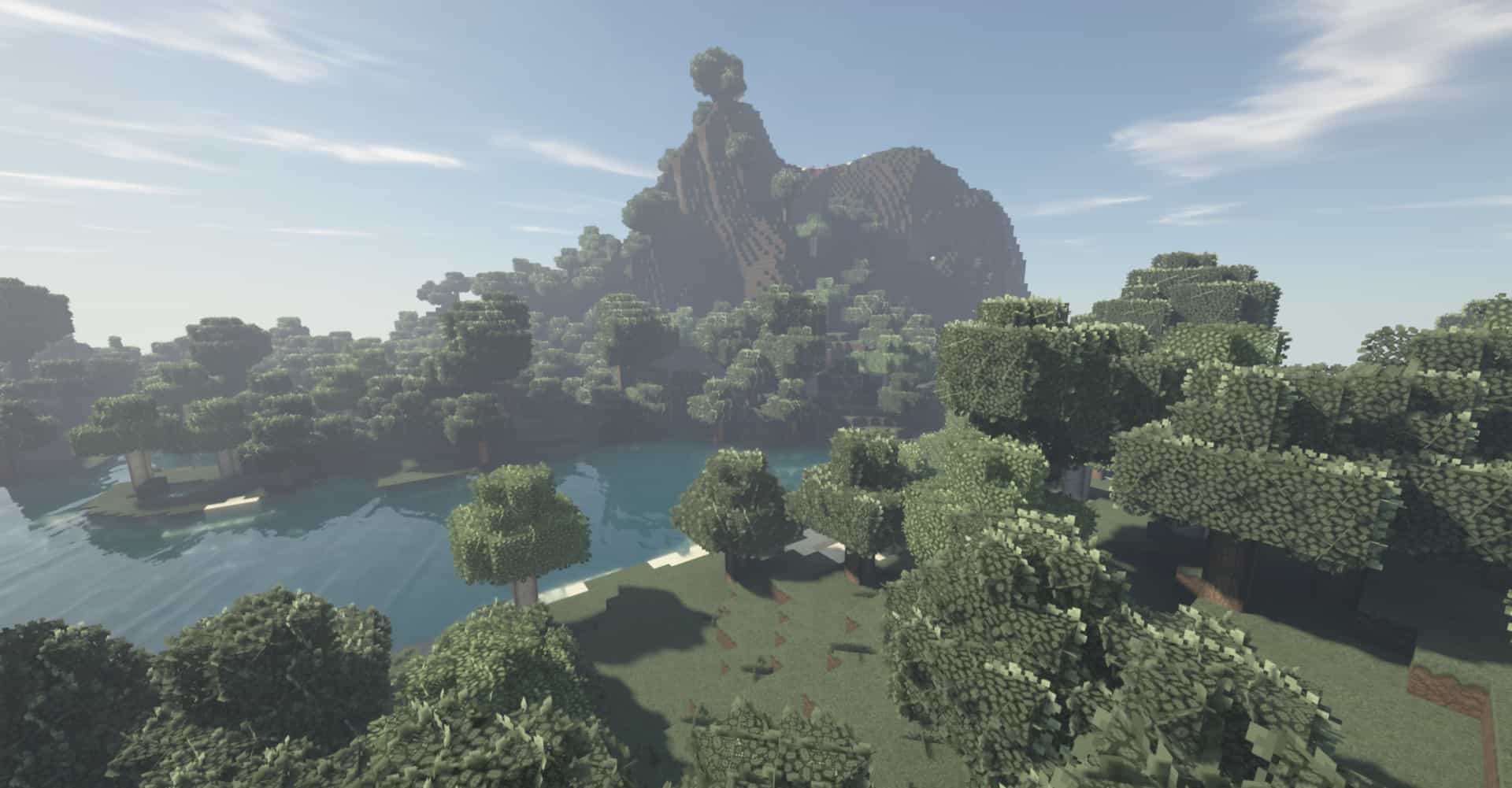
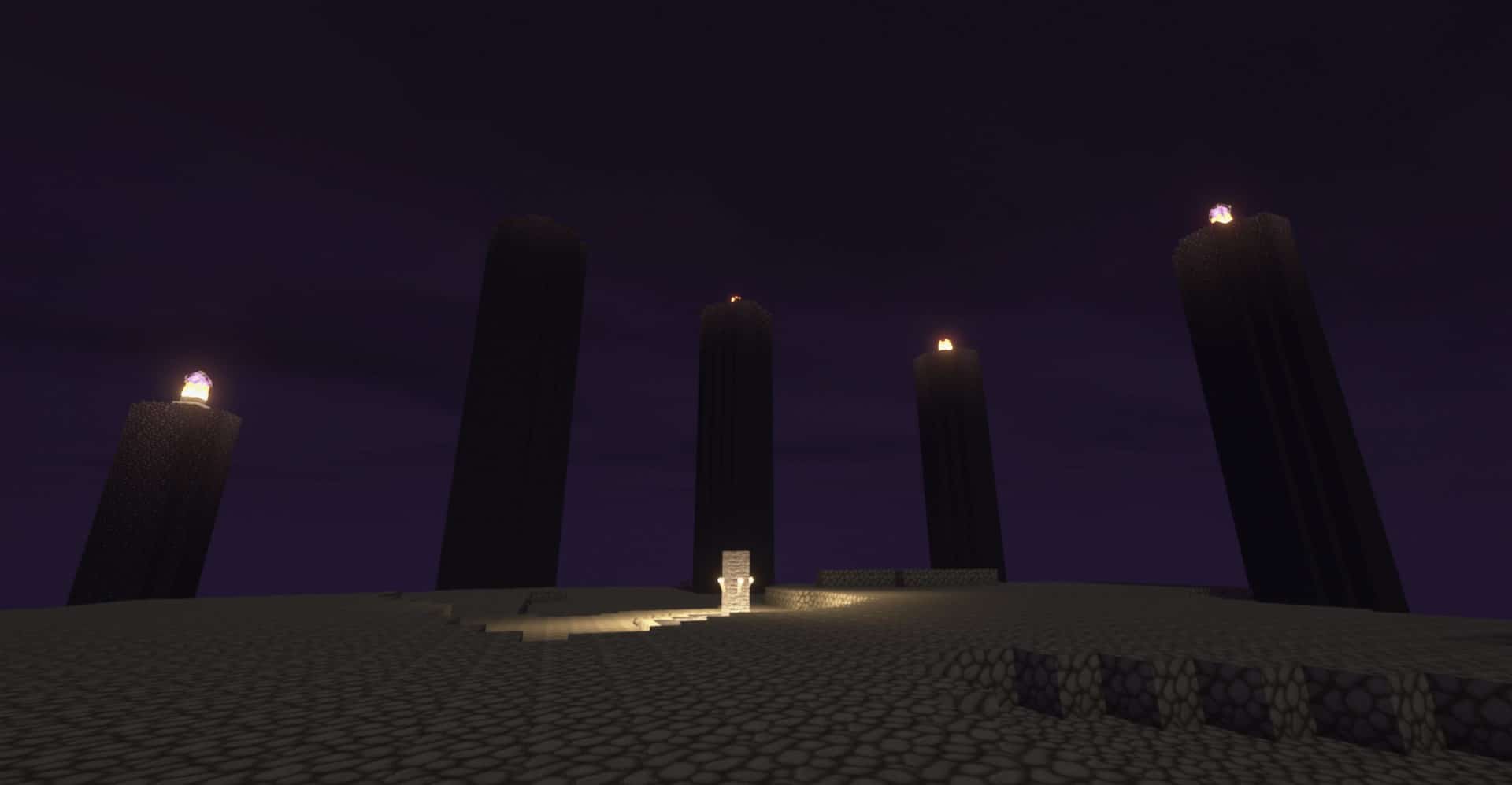
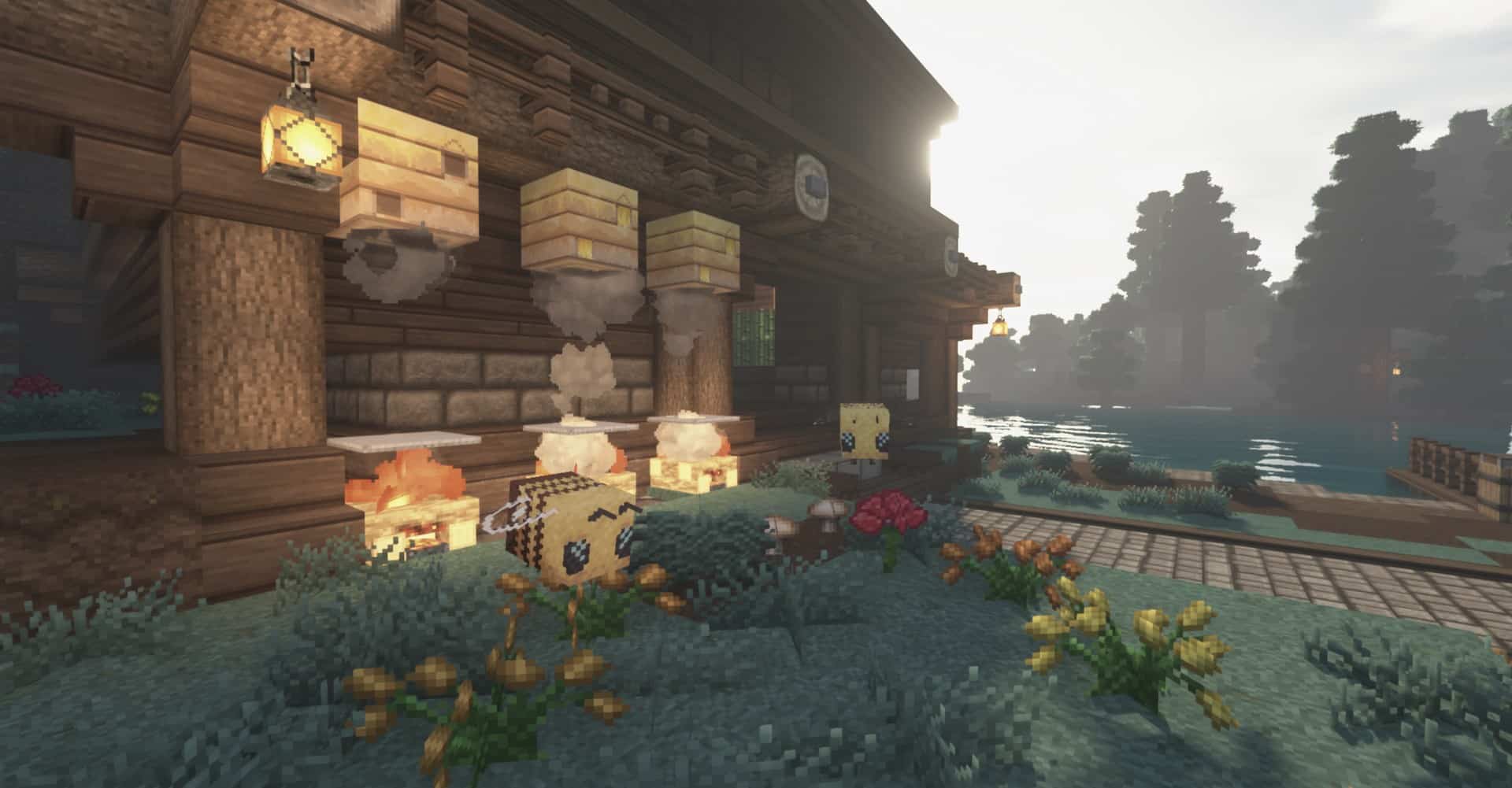
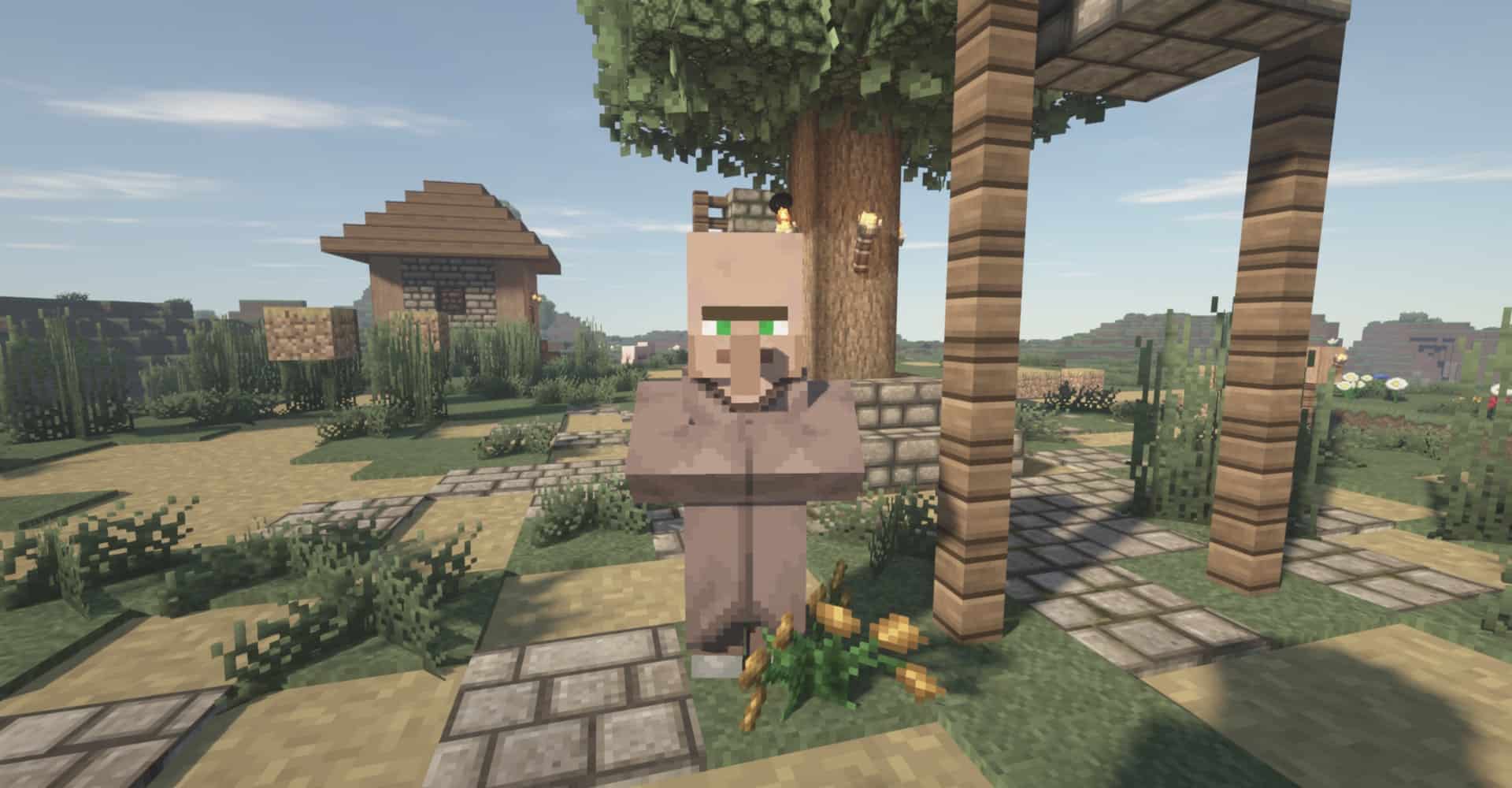


How to Install Texture Pack (Simple 10 Steps)
- Download OptiFine: Most of the texture packs and shaders need OptiFine. That’s why, first download and install OptiFine for the version of Minecraft you want to play.
- Download the Texture Pack: Get the texture pack you want from the download section. Choose the version that works with your Minecraft and your PC’s performance.
- Open Minecraft Launcher: Start Minecraft using the official game launcher — or even TLauncher, if you use that.
- Go to Options: From the main menu, click on the “Options” button.
- Open Resource Packs: Inside Options, click on “Resource Packs…”.
- Open the Resource Pack Folder: Click on “Open Resource Pack Folder” — this will open a folder named “resourcepacks”.
- Move the Pack File: Copy or move the .zip file you downloaded into that “resourcepacks” folder. (Don’t unzip the file — Minecraft uses it as-is!)
- Go Back and Refresh: Close the folder and click “Done”, then go back into “Resource Packs…” again.
- Activate the Pack: You’ll see the pack on the left side. Hover over it and click the arrow to move it to the right (active side).
Tip: If you get a message that the pack is for a different version, just click “Yes” — it usually works fine. - Click Done and Enjoy: Click “Done” again. Now your pack is ready to use in-game. It’s that easy!
Credits
This resource pack was originally created by Ozo and subsequently maintained by Aeonix_Aeon. We are not the owners or creators of this content, and we do not host or modify the original files. All rights and ownership belong strictly to the original authors. We highly encourage you to support the creators by downloading the pack from their official links and checking out their other works.
Download Links
Java Edition
- [32x] Minecraft 26.2.x – 1.21.x
- [32x] Minecraft 1.20.6 – 1.20.2
- [32x] Minecraft 1.20.1 – 1.20
- [32x] Minecraft 1.19.x
- [32x] Minecraft 1.18.x
- [32x] Minecraft 1.17.x
- [32x] Minecraft 1.14.x
- [32x] Minecraft 1.13.x
- [32x] Minecraft 1.12.x – 1.11.x
- [32x] Minecraft 1.10.x – 1.9.x
- [32x] Minecraft 1.8.x – 1.7.x
- [32x] Minecraft 1.6.x
Download Instructions
Curseforge: download starts automatically after a few seconds;
Mediafire: click the big blue button with the text “DOWNLOAD”;
Google Drive: in the top right corner you will see a small download icon (down arrow), click it and the download should start;


