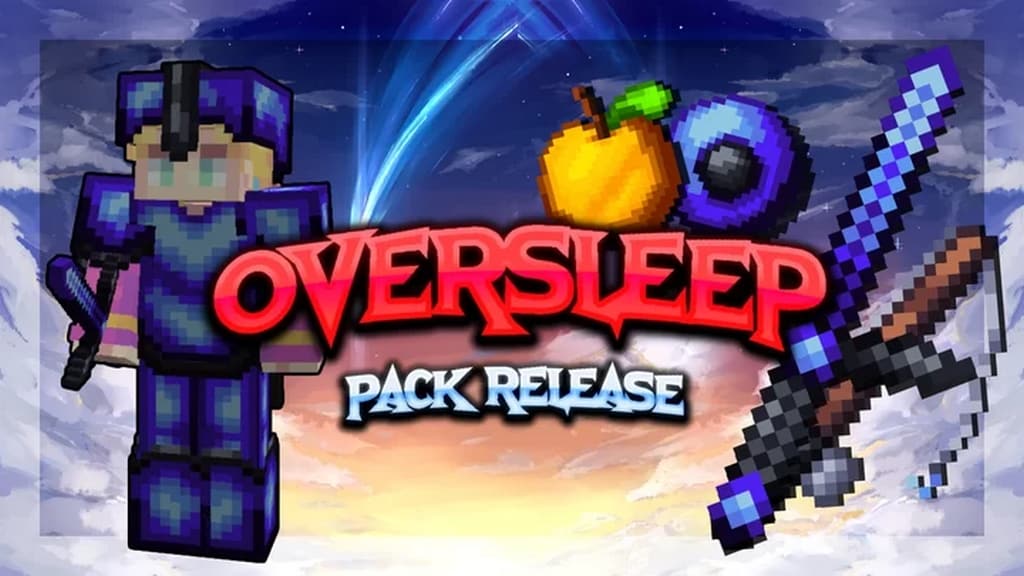
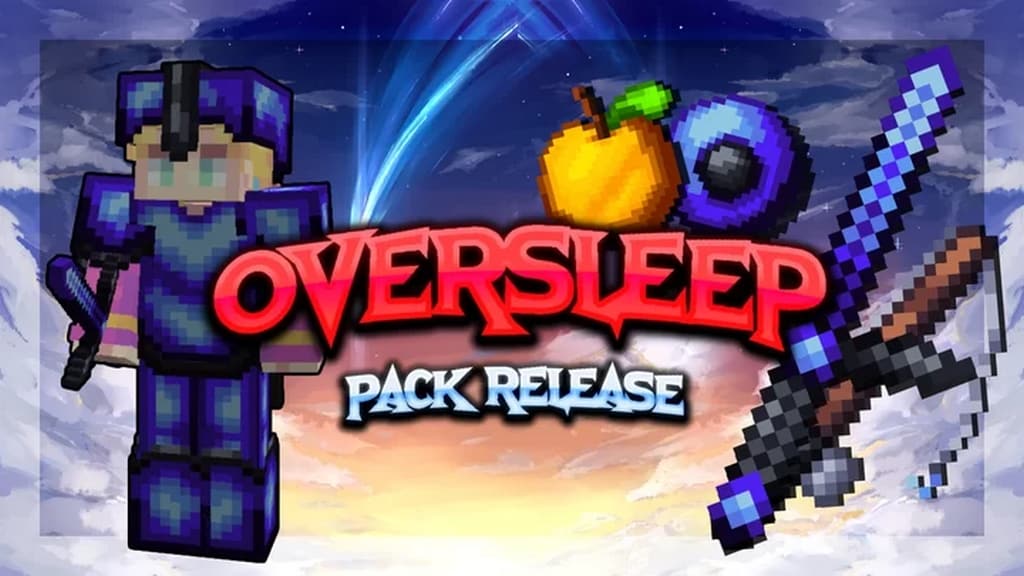
If you want to take your PvP to a higher level and increase Minecraft’s visual appeal tremendously, the Oversleep PvP resource pack is definitely the best option to try out. I found that Minecraft players can use this PvP resource pack full of features to revolutionize your experience in a real sense. The Oversleep PvP texture pack contains a wide range of professionally designed textures that truly promise to bring all the expected benefits. You will get a significant improvement in the performance level coupled with a total renovation of some critical visual parts, which will elevate the players’ visual experience to the next level. These kinds of PvP resource packs are known for providing a cleaner look leading to a smooth performance than earlier. However, they sometimes suffer from an apparent downside that you hardly get anything else with that. But if we talk about the Oversleep PvP resource pack, it wonderfully offers you dual benefits of performance and visuals. You will get a significant improvement in the overall performance, and I love how you can also get a much better visual experience with a high appeal during those intense PvP sittings.
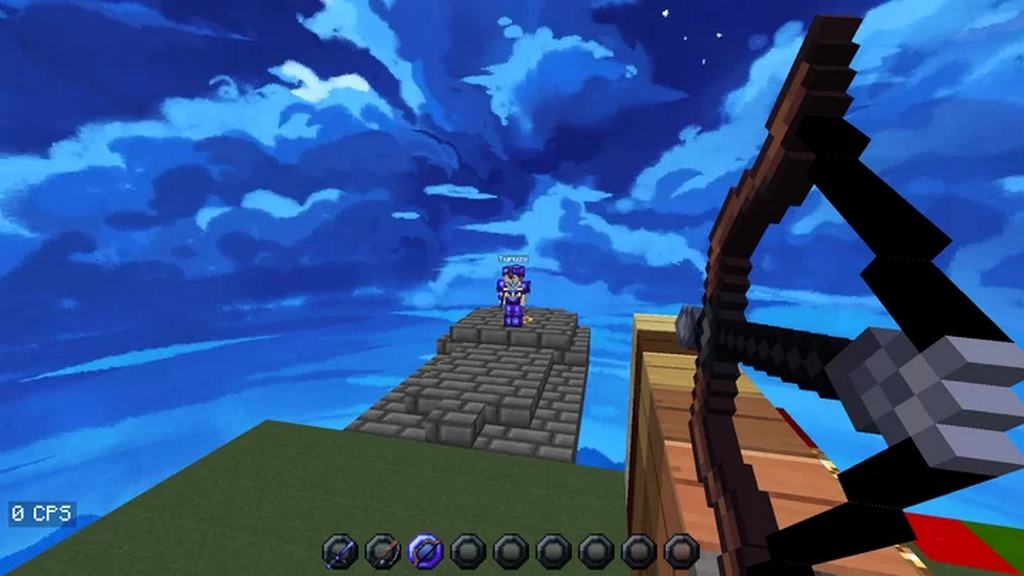
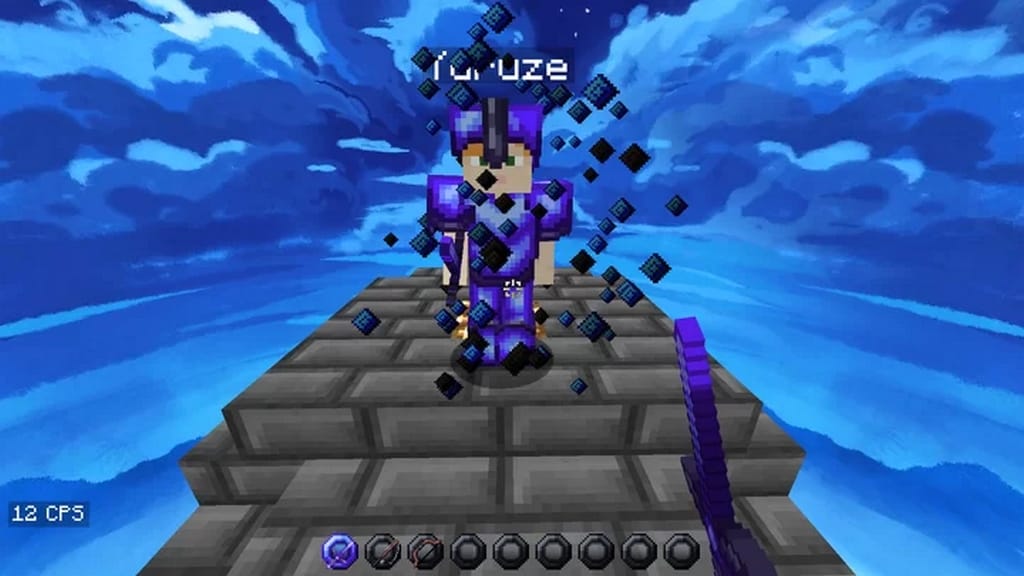
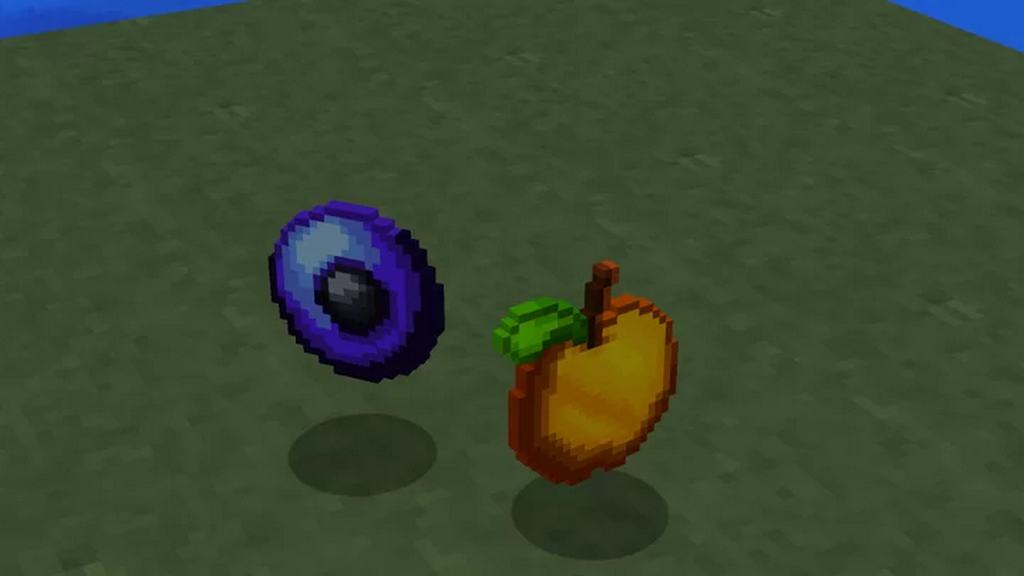
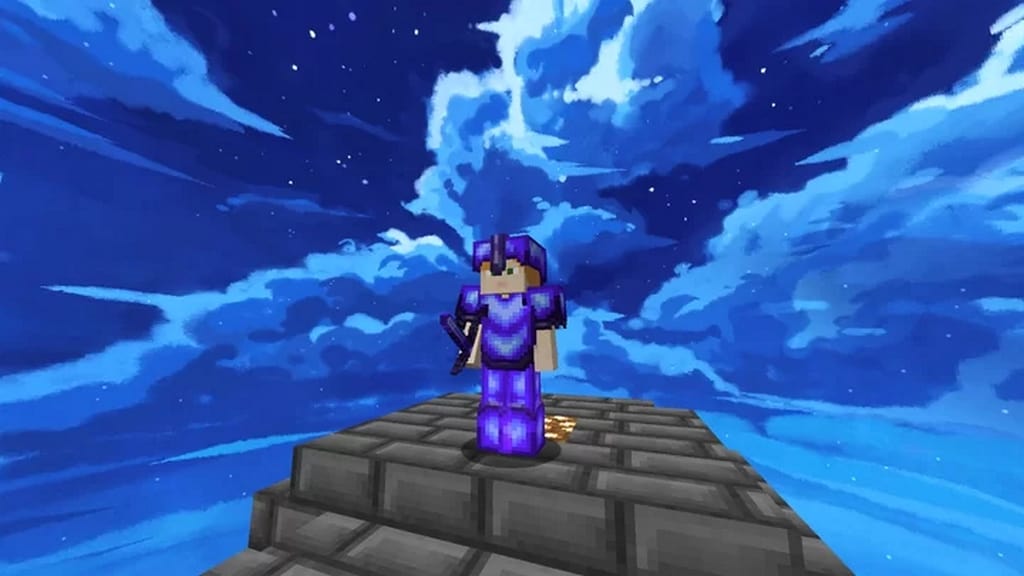
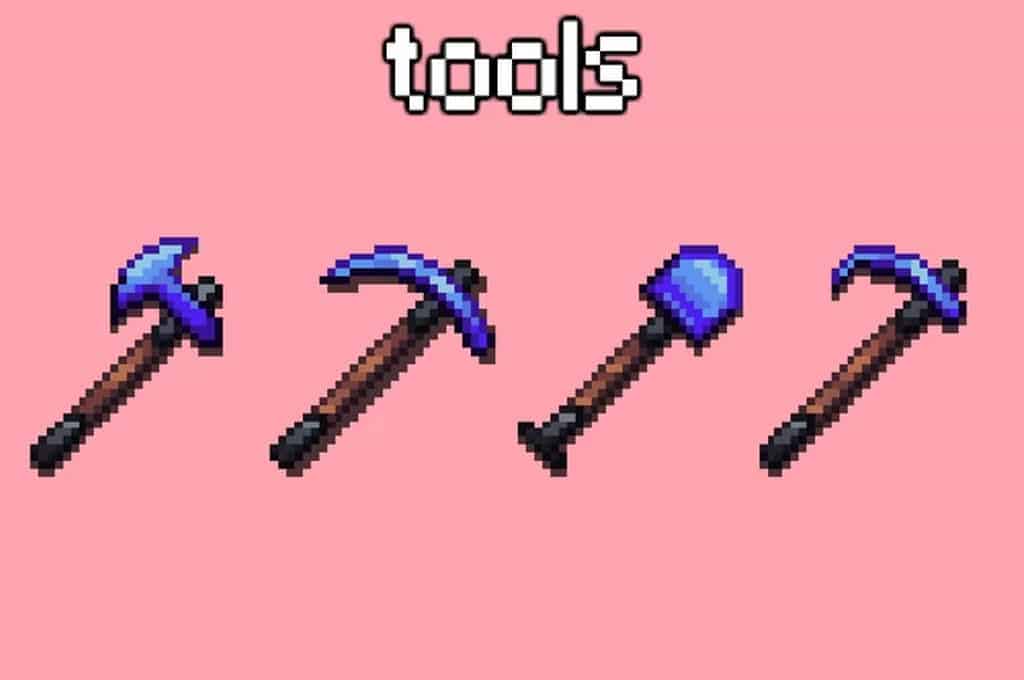
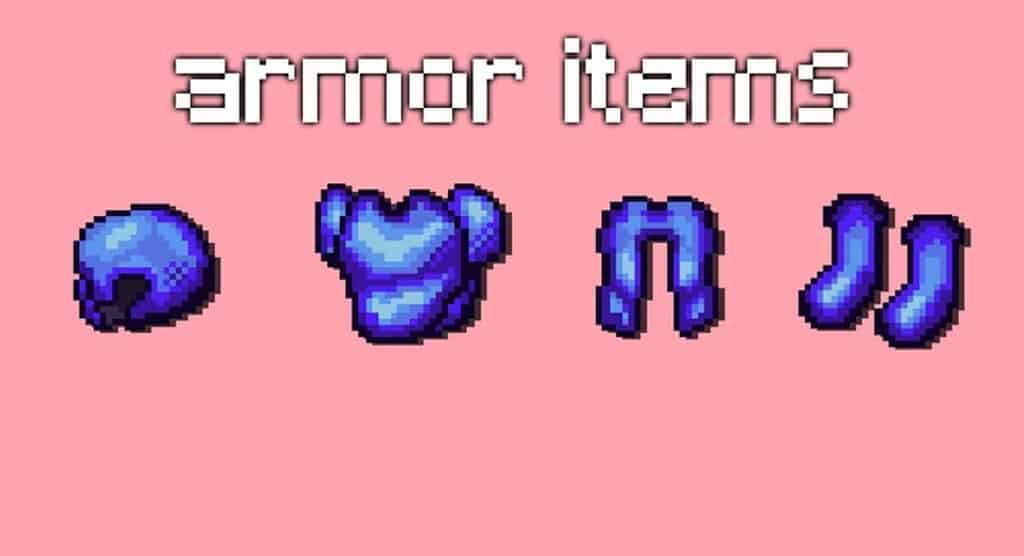
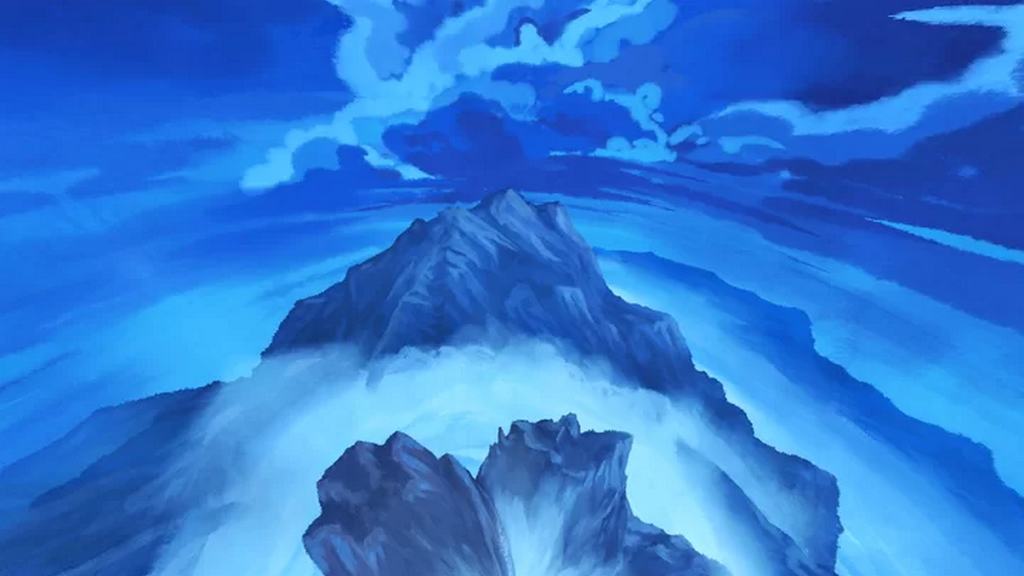
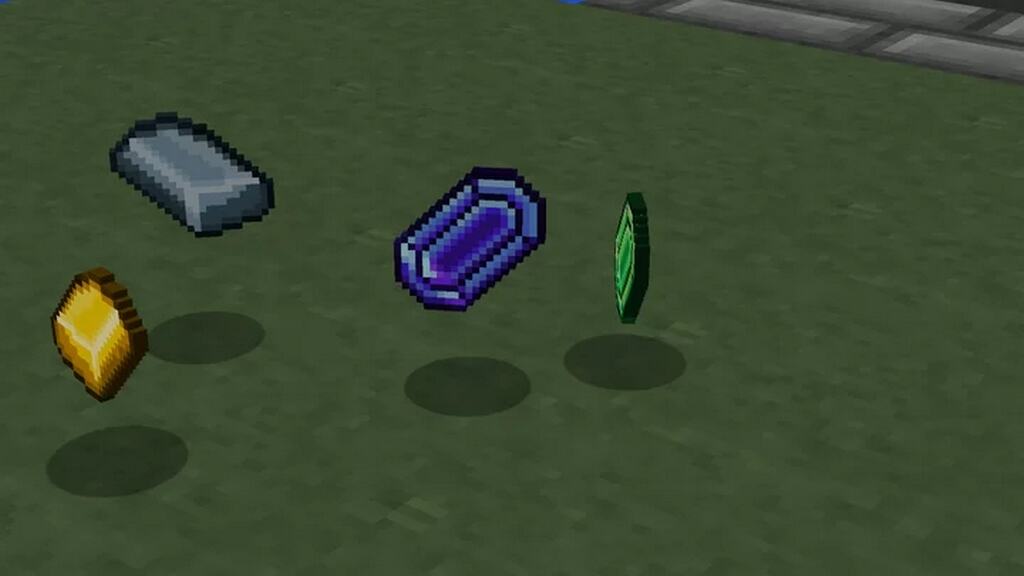
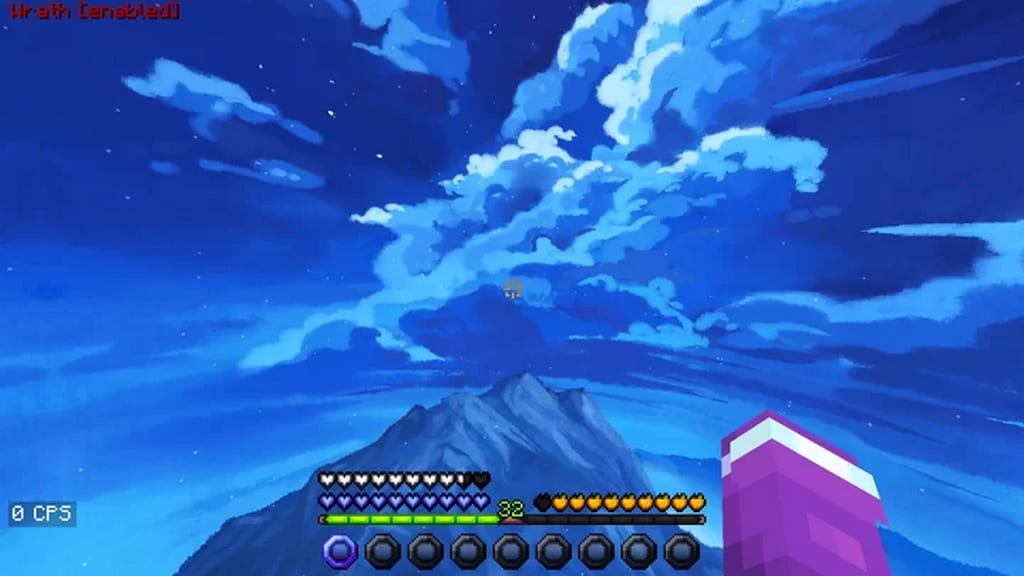
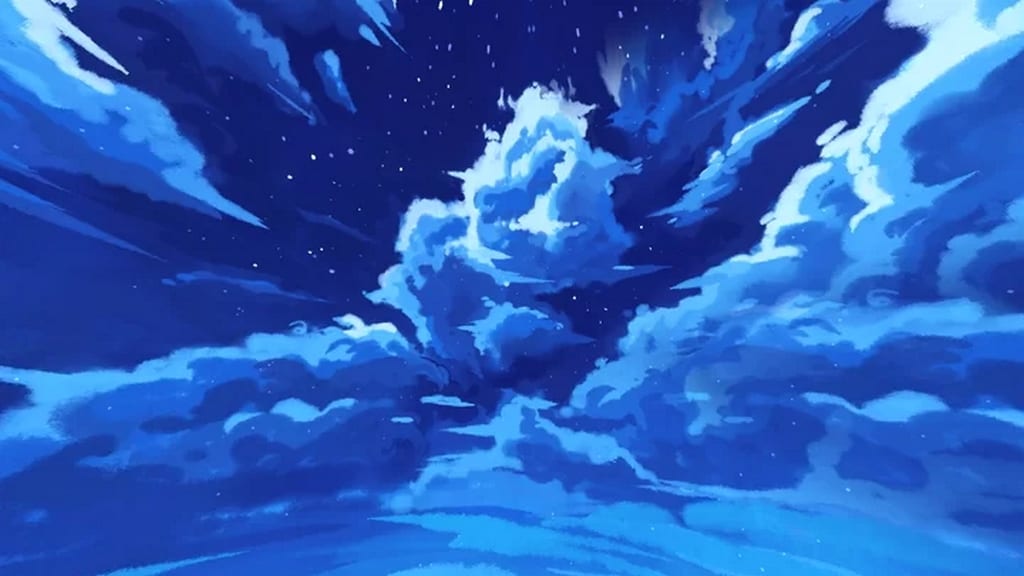
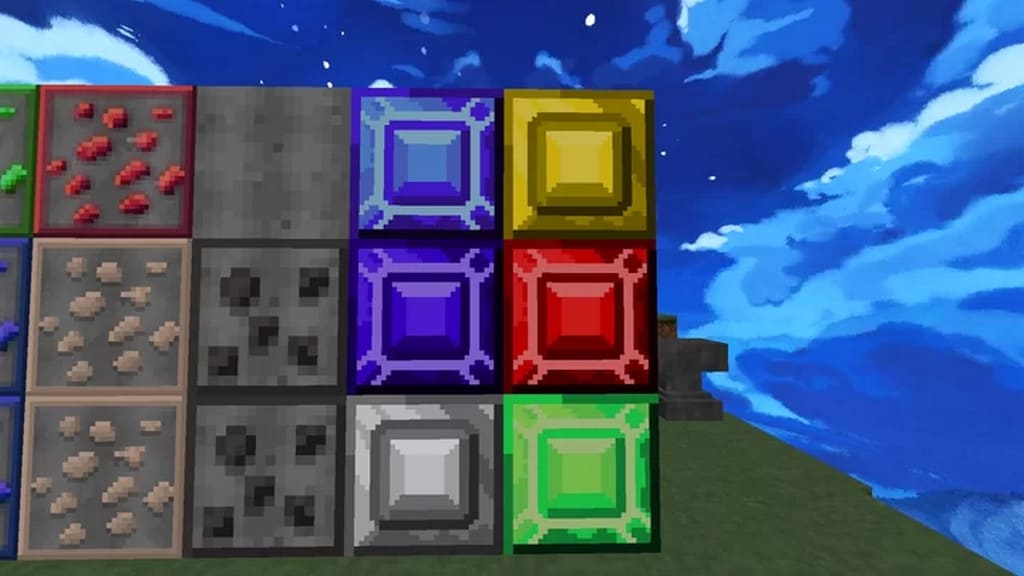
Many PvP type resource packs are famous among Minecraft players, but this one stands out. Yuruze has created the Oversleep PvP pack and is also the brilliant creator behind many other amazing PvP resource packs, including the Synthwave PvP resource pack. Before going into the Oversleep PvP resource pack’s specific details, we intend to highlight that this pack contains all the features you would typically expect in a usual PvP resource pack. Such elements include features with a lower level of animation noise, smoother textures, and reduced fire that genuinely help you keep an eye on the enemies. Apart from these usual changes, what distinguishes Oversleep PvP from other PvP resource packs is that it has overhauled the entire sky view, which is extremely pleasing to the eyes. It has also included a lively color scheme for different items besides designing a graphic user interface that completely changes Minecraft’s classic looks. In general, most of the PvP resource packs designed for Minecraft come in a resolution of 16×16, but I noticed the Oversleep PvP Resource Pack comes in a stunning 32×32 resolution. It is not much of an issue because you will not face any performance problems since the creator has meticulously optimized all the textures to give a remarkably smooth performance. It is to reassure that if your system can play default Minecraft without any hiccups, this resource pack will also run smoothly because of its excellent optimization.
Oversleep PvP should be compatible with all of these Minecraft versions: 1.16.5 – 1.16.4 – 1.16.3 – 1.16.2 – 1.16.1 – 1.16 – 1.15.2 – 1.15.1 – 1.15 – 1.8.9 – 1.8.8 – 1.8.1 – 1.8.6 – 1.8 – 1.7.10 – 1.7.9 – 1.7.4 – 1.7
Screenshots
How to Install Texture Pack (Simple 10 Steps)
- Download OptiFine: Most of the texture packs and shaders need OptiFine. That’s why, first download and install OptiFine for the version of Minecraft you want to play.
- Download the Texture Pack: Get the texture pack you want from the download section. Choose the version that works with your Minecraft and your PC’s performance.
- Open Minecraft Launcher: Start Minecraft using the official game launcher — or even TLauncher, if you use that.
- Go to Options: From the main menu, click on the “Options” button.
- Open Resource Packs: Inside Options, click on “Resource Packs…”.
- Open the Resource Pack Folder: Click on “Open Resource Pack Folder” — this will open a folder named “resourcepacks”.
- Move the Pack File: Copy or move the .zip file you downloaded into that “resourcepacks” folder. (Don’t unzip the file — Minecraft uses it as-is!)
- Go Back and Refresh: Close the folder and click “Done”, then go back into “Resource Packs…” again.
- Activate the Pack: You’ll see the pack on the left side. Hover over it and click the arrow to move it to the right (active side).
Tip: If you get a message that the pack is for a different version, just click “Yes” — it usually works fine. - Click Done and Enjoy: Click “Done” again. Now your pack is ready to use in-game. It’s that easy!
Credits
This resource pack was created by Yuruze. We do not claim ownership of this content, nor do we host modified versions of these files. All rights remain with the original author. We strongly encourage you to support Yuruze by downloading the pack from the official sources.
Download Links
Java Edition
Download Instructions
Curseforge: download starts automatically after a few seconds;
Mediafire: click the big blue button with the text “DOWNLOAD”;
Google Drive: in the top right corner you will see a small download icon (down arrow), click it and the download should start;


