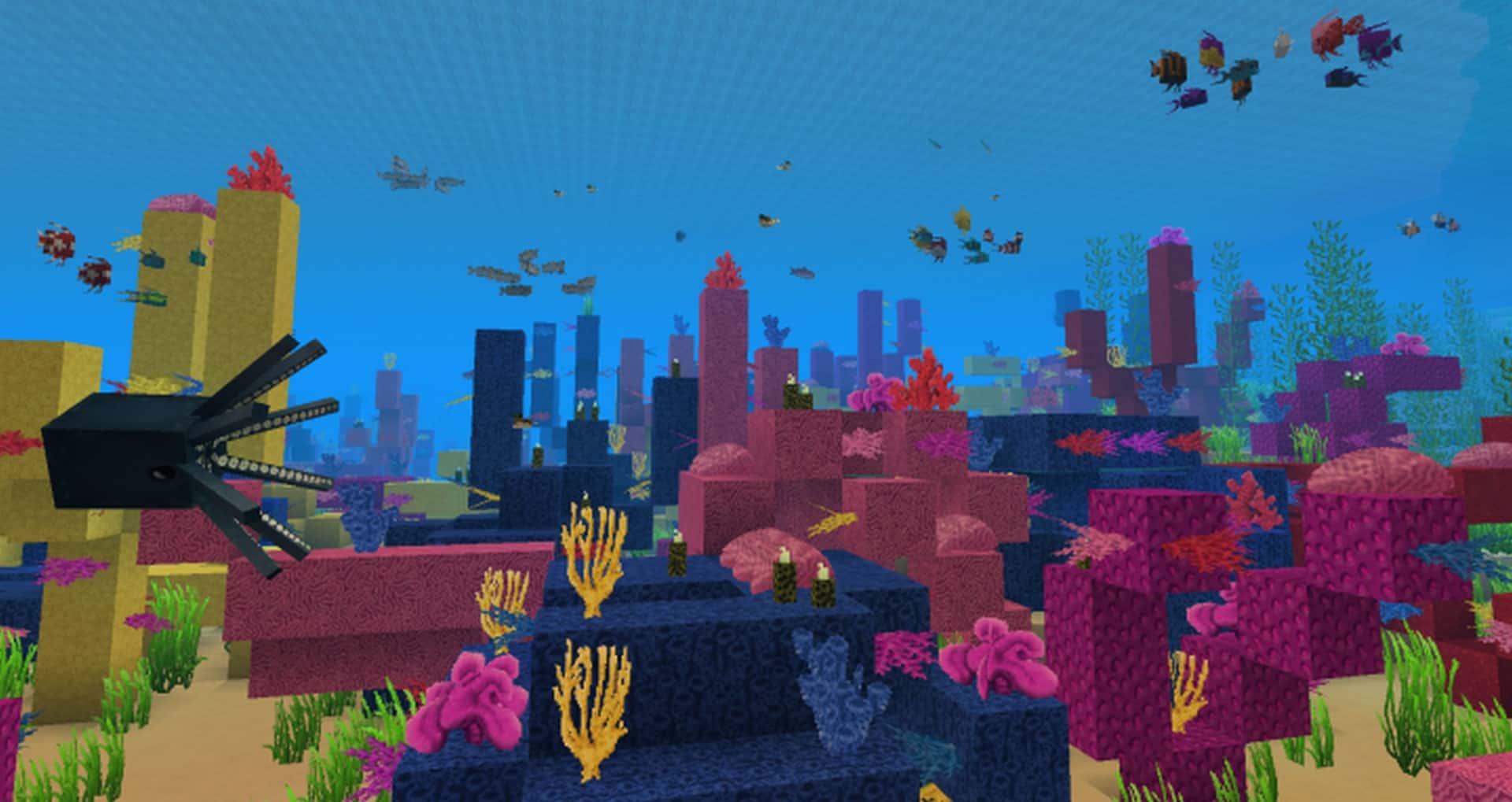
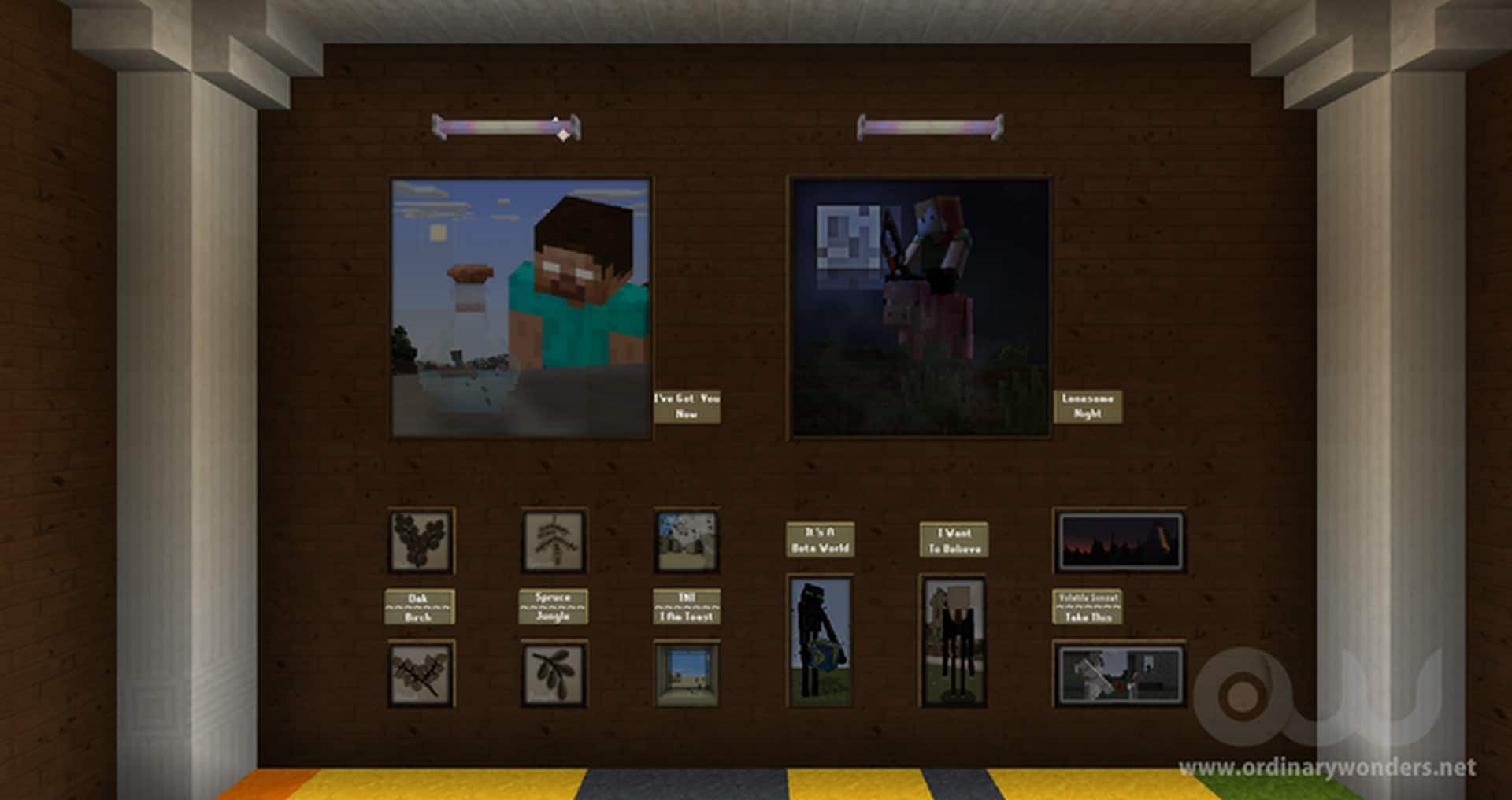
For many gamers, Minecraft can appear rather dull and ordinary and lacking the vibrancy of other games. It is after all a block game and thus appears very solid but frankly a bit dreary at times. However there are resource packs that can remedy this issue and one of the best of these packs is Ordinary Wonders resource pack. This texture pack truly transforms the appearance of Minecraft by making it seem far more vibrant and colorful. Ordinary Wonders real strength is what it does to the colors of the game, and I was genuinely amazed by the results. This resource pack really livens up the colors and this greatly improves the textures as well making them appear far more smoother and thus greatly increasing the appeal factor for gamers, especially new gamers whose initial view of Minecraft can often be that it is a bit dull looking especially if their gaming experience to date has been fantasy or real life sim games.
Ordinary Wonders texture pack is really designed for more modern PCs as it runs on x64 resolution rather than the most common x16 that the game comes with. There is a reason why Ordinary Wonders has such a positive impact and this is why. It really is a significant upgrade but can create a performance issue, especially on older PCs. Hence if your PC does not have updated hardware the game may lag and appear slow. However if you are confident your PC can handle this pack, the impact it has is totally worth the effort. If you want to make your game appear more livelier and a far deeper and more immersive experience, then Ordinary Wonders is the pack for you. Best of all, the author made this pack quite optimized and you also don’t need any OptiFine functionality, in other words, you can install and fully use this resource pack without OptiFine. The pack is now 100% complete and it is regularly updated and improved, making it a fantastic addition to your game.
Ordinary Wonders should be compatible with all of these Minecraft versions: 1.18.2 – 1.18.1 – 1.18 – 1.17.1 – 1.17 – 1.16.5 – 1.16.4 – 1.16.3 – 1.16.2 – 1.16.1 – 1.16 – 1.15.2 – 1.15.1 – 1.15 – 1.14.4 – 1.14.3 – 1.14.2 – 1.14 – 1.13.2 – 1.13.1 – 1.13
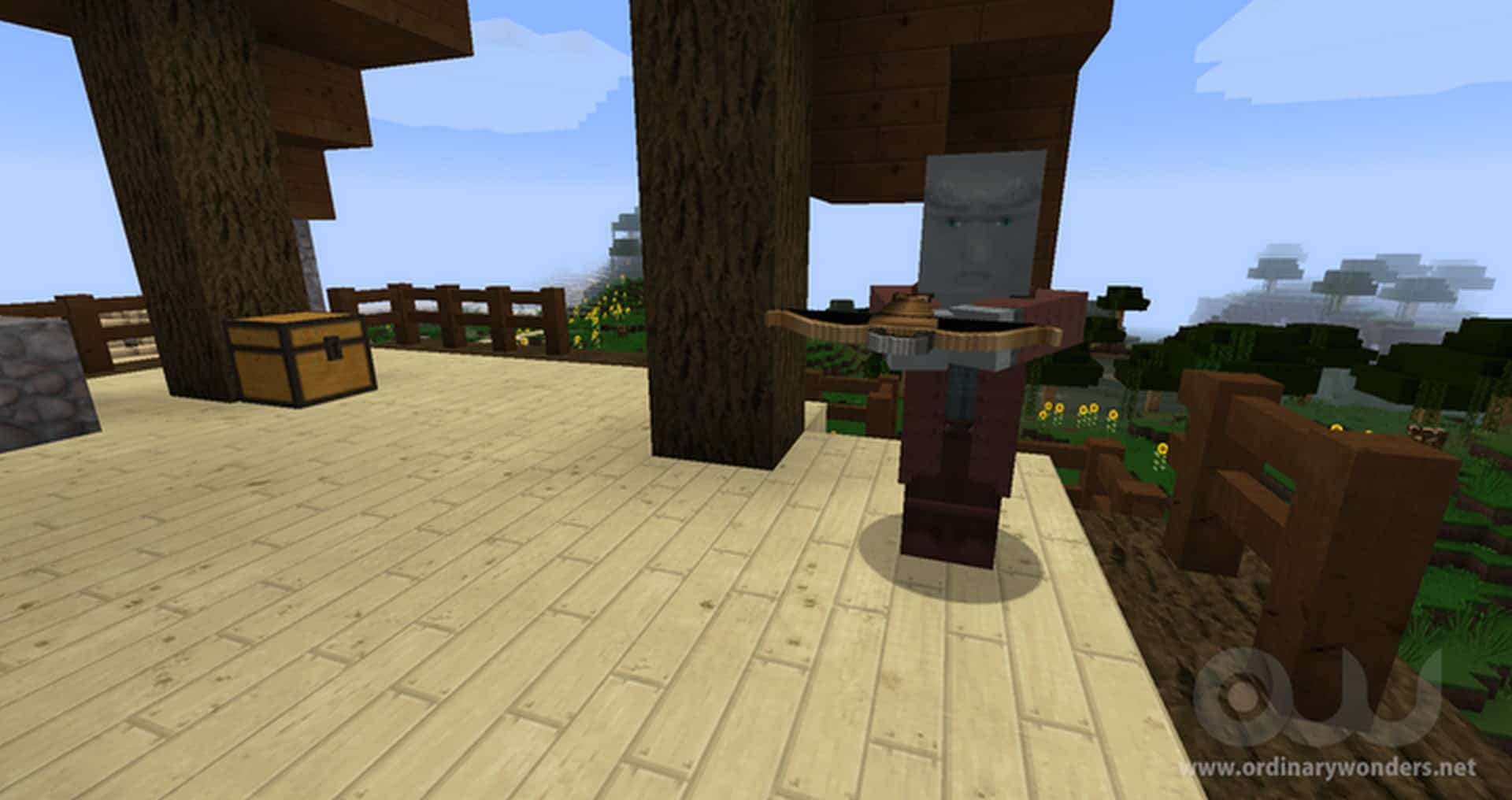
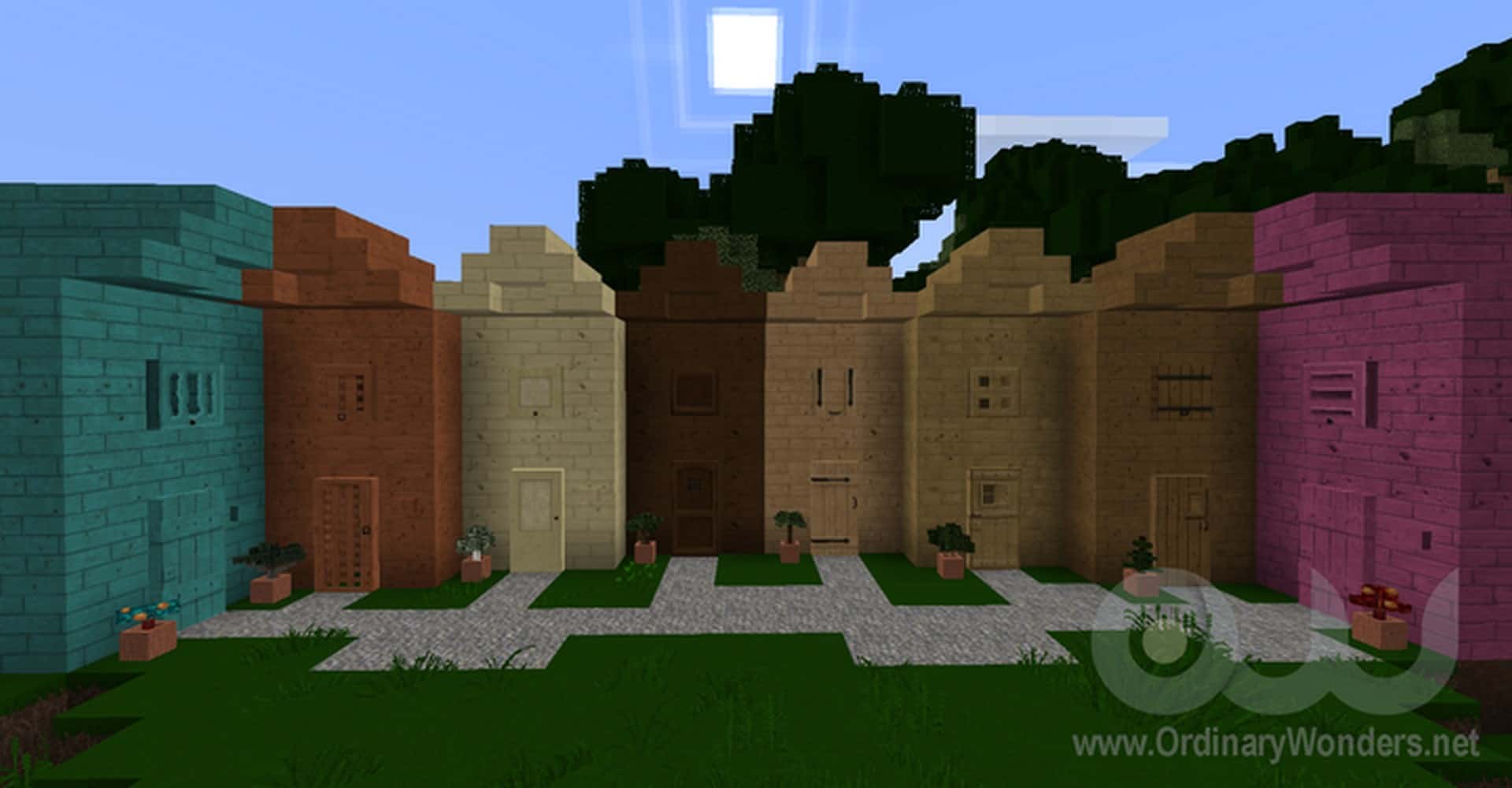
Screenshots
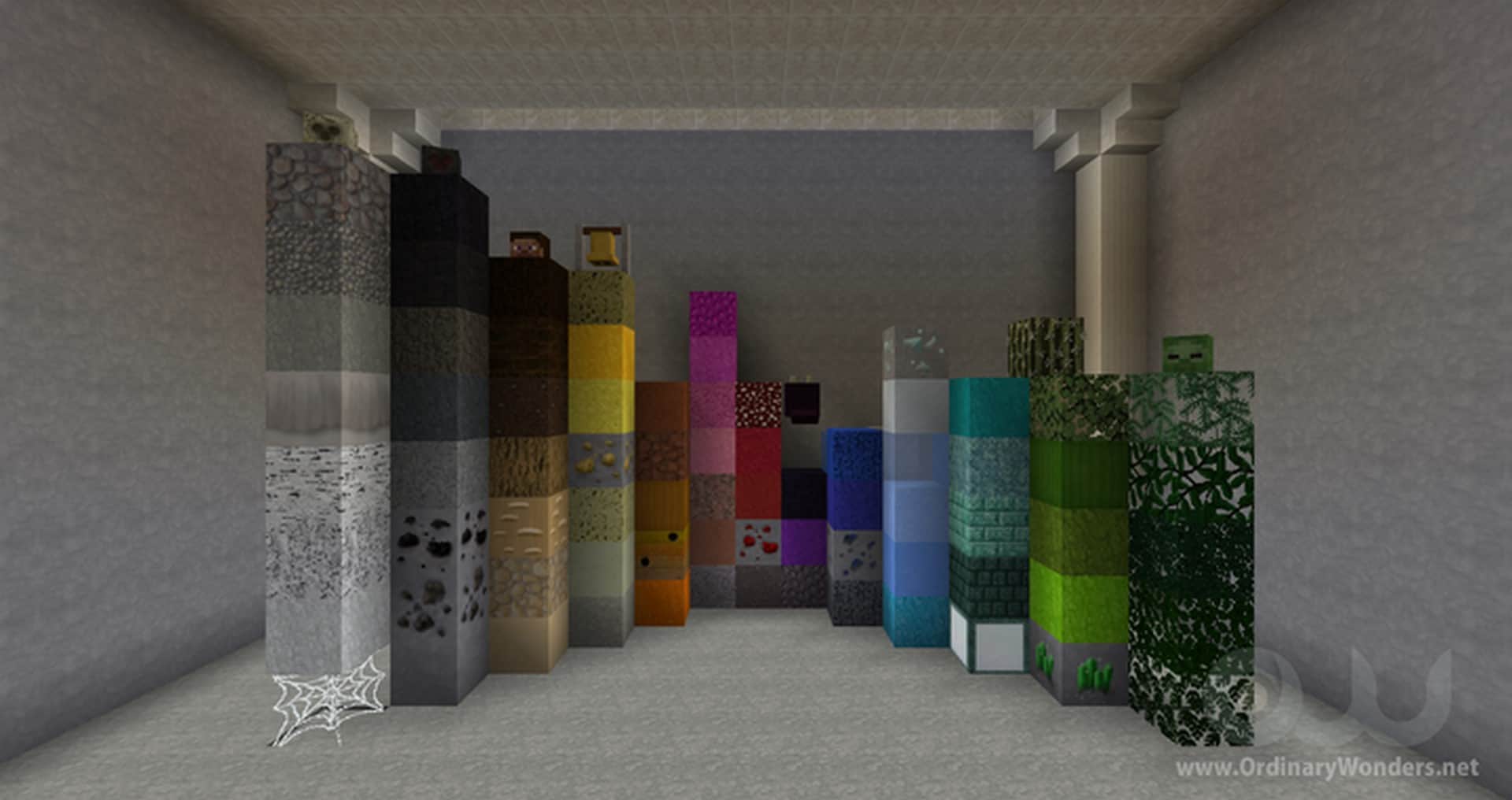
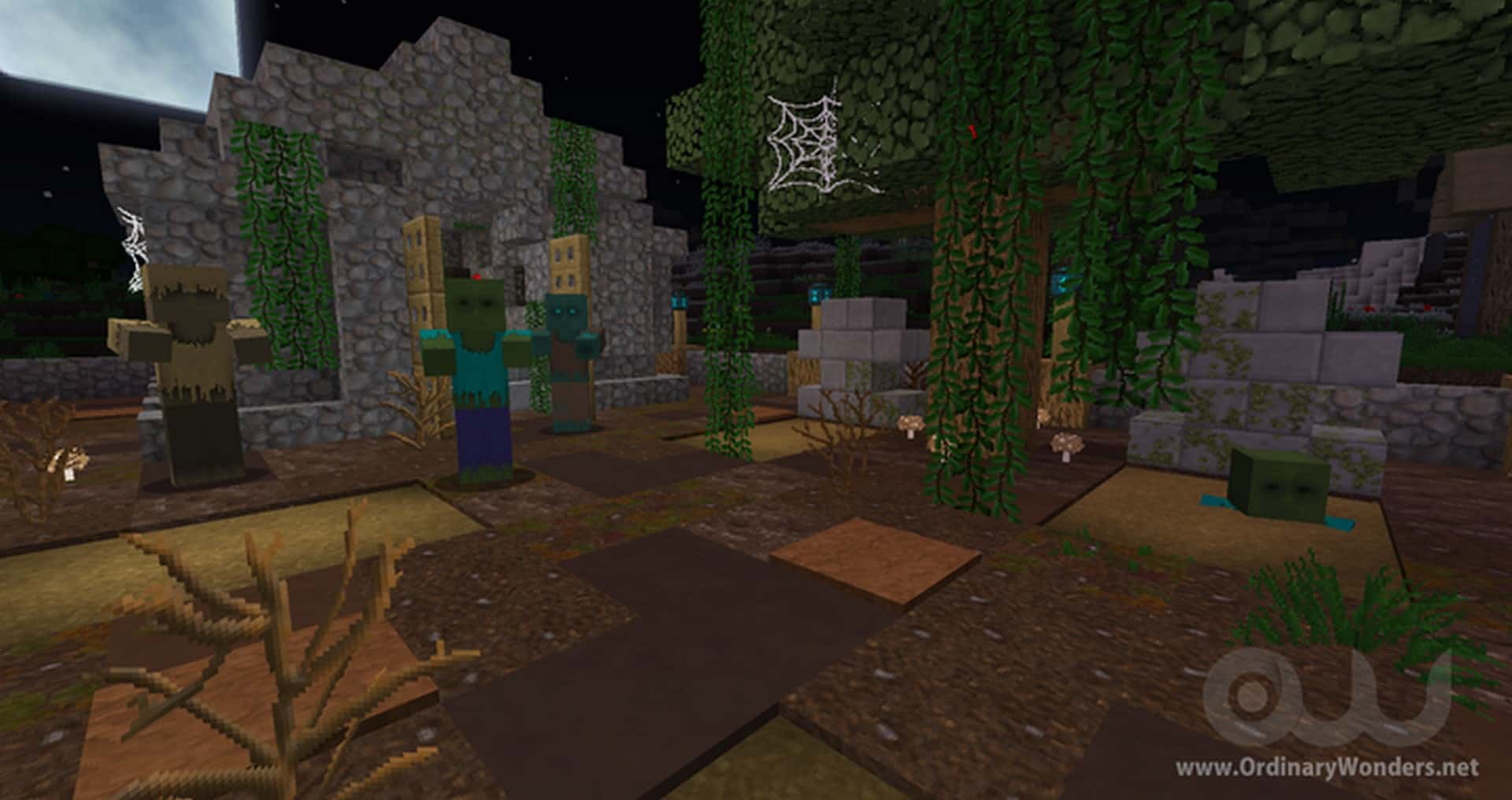
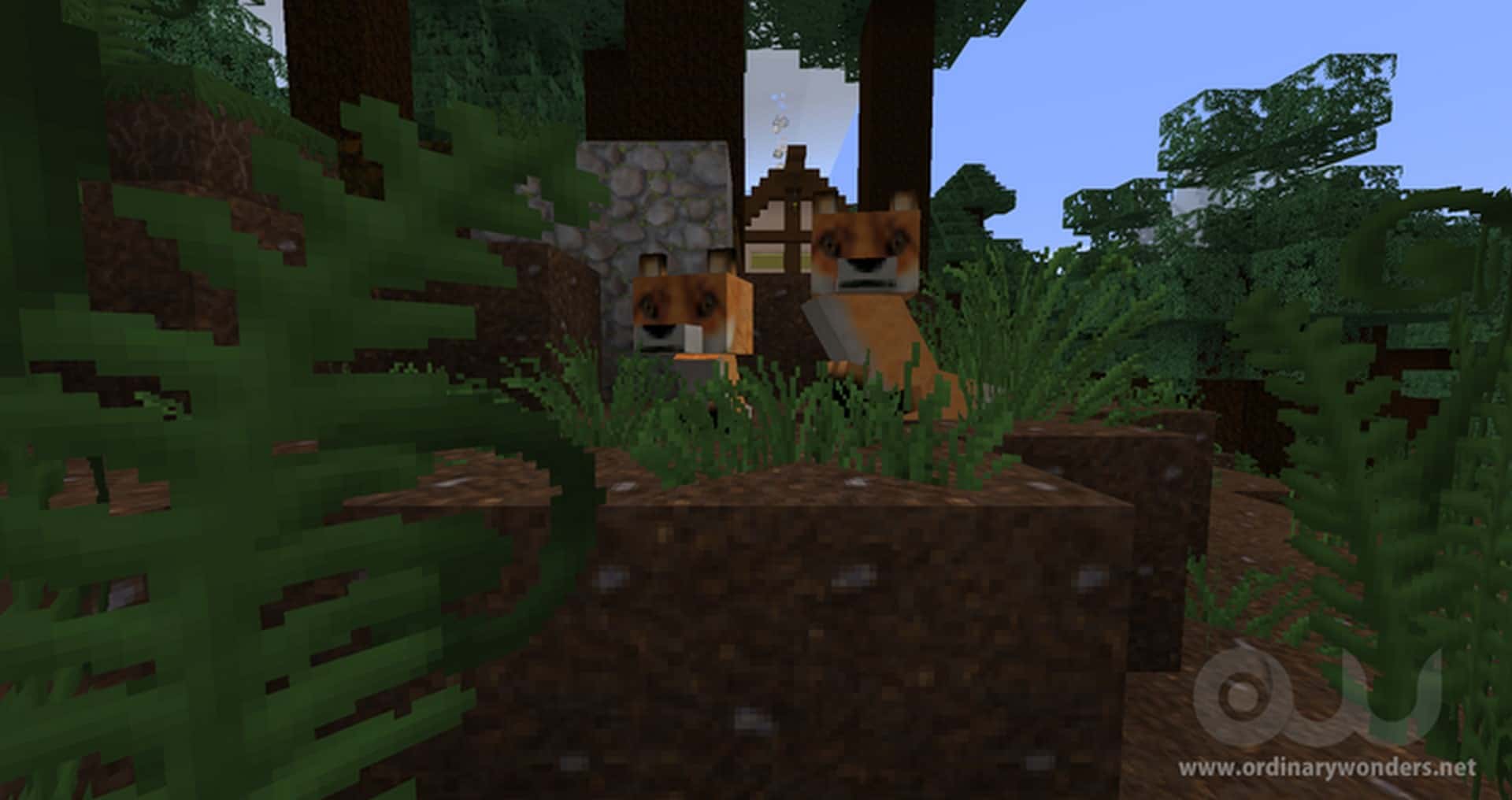
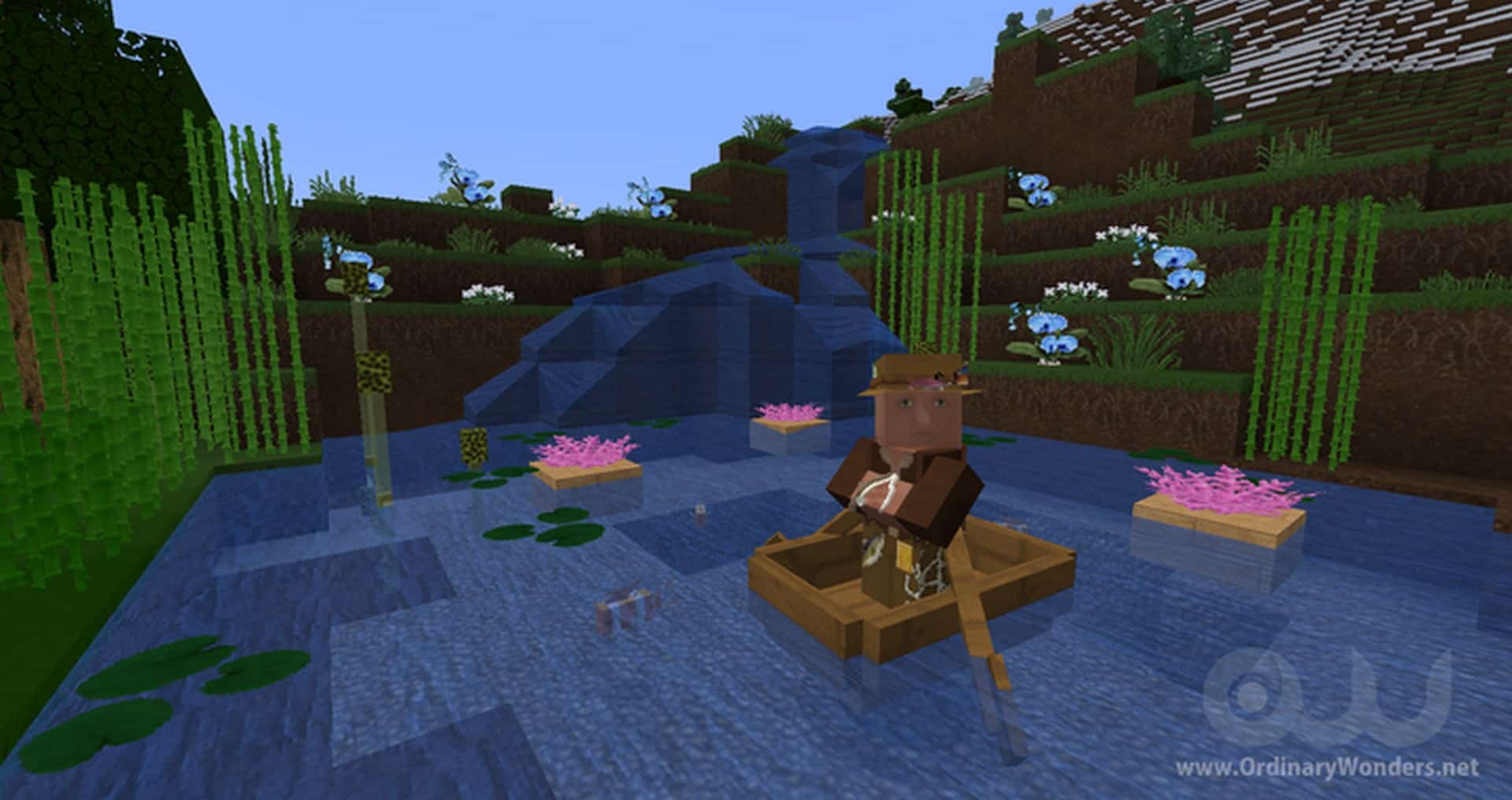
How to Install Texture Pack (Simple 10 Steps)
- Download OptiFine: Most of the texture packs and shaders need OptiFine. That’s why, first download and install OptiFine for the version of Minecraft you want to play.
- Download the Texture Pack: Get the texture pack you want from the download section. Choose the version that works with your Minecraft and your PC’s performance.
- Open Minecraft Launcher: Start Minecraft using the official game launcher — or even TLauncher, if you use that.
- Go to Options: From the main menu, click on the “Options” button.
- Open Resource Packs: Inside Options, click on “Resource Packs…”.
- Open the Resource Pack Folder: Click on “Open Resource Pack Folder” — this will open a folder named “resourcepacks”.
- Move the Pack File: Copy or move the .zip file you downloaded into that “resourcepacks” folder. (Don’t unzip the file — Minecraft uses it as-is!)
- Go Back and Refresh: Close the folder and click “Done”, then go back into “Resource Packs…” again.
- Activate the Pack: You’ll see the pack on the left side. Hover over it and click the arrow to move it to the right (active side).
Tip: If you get a message that the pack is for a different version, just click “Yes” — it usually works fine. - Click Done and Enjoy: Click “Done” again. Now your pack is ready to use in-game. It’s that easy!
Credits
The Ordinary Wonders resource pack was created by EternityMine. We do not own, host, or modify this resource pack. All rights, intellectual property, and original assets belong strictly to EternityMine. We strongly encourage you to visit the official links provided below to download the pack and support the original creator.
Download Instructions
Curseforge: download starts automatically after a few seconds;
Mediafire: click the big blue button with the text “DOWNLOAD”;
Google Drive: in the top right corner you will see a small download icon (down arrow), click it and the download should start;


