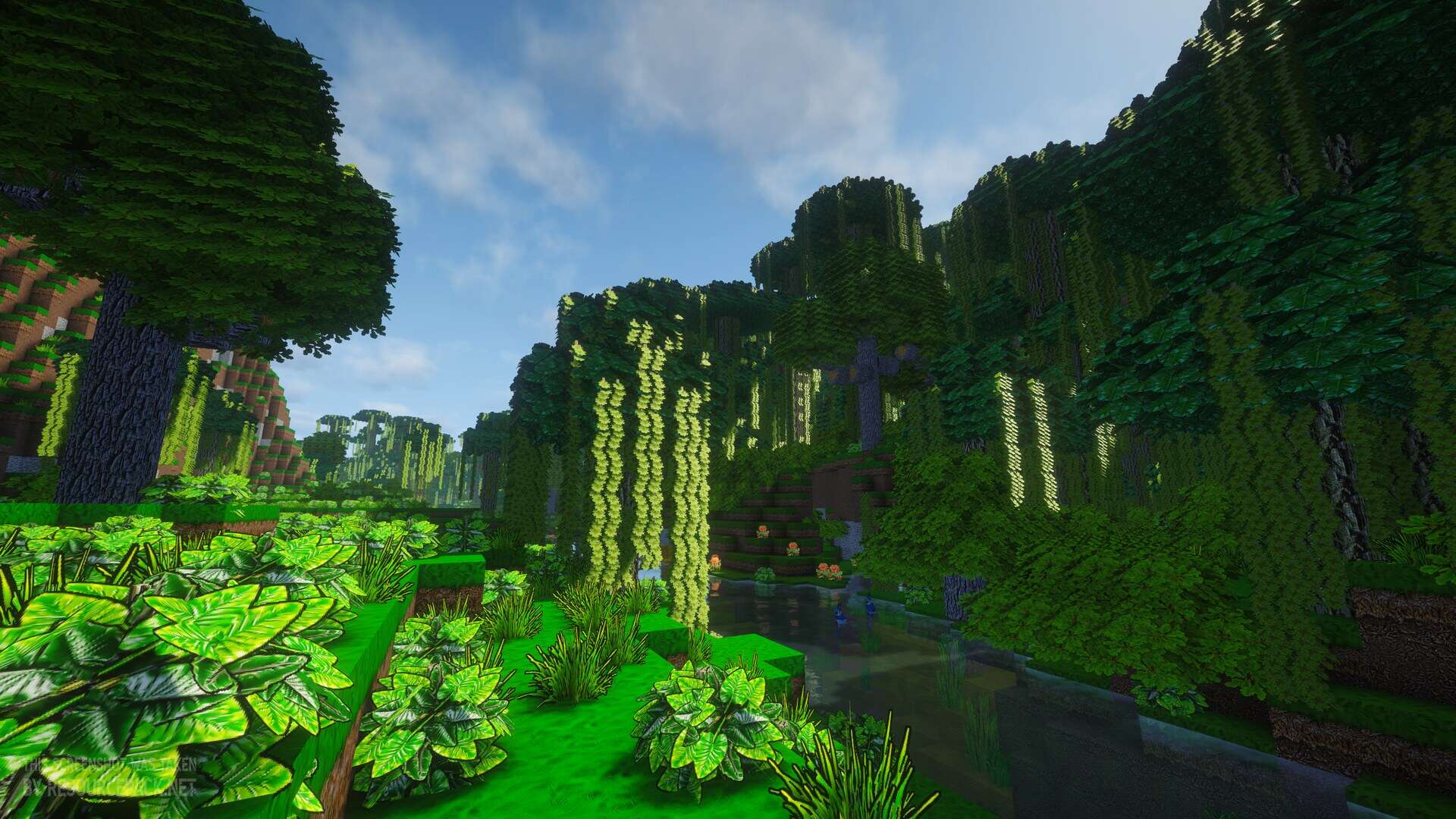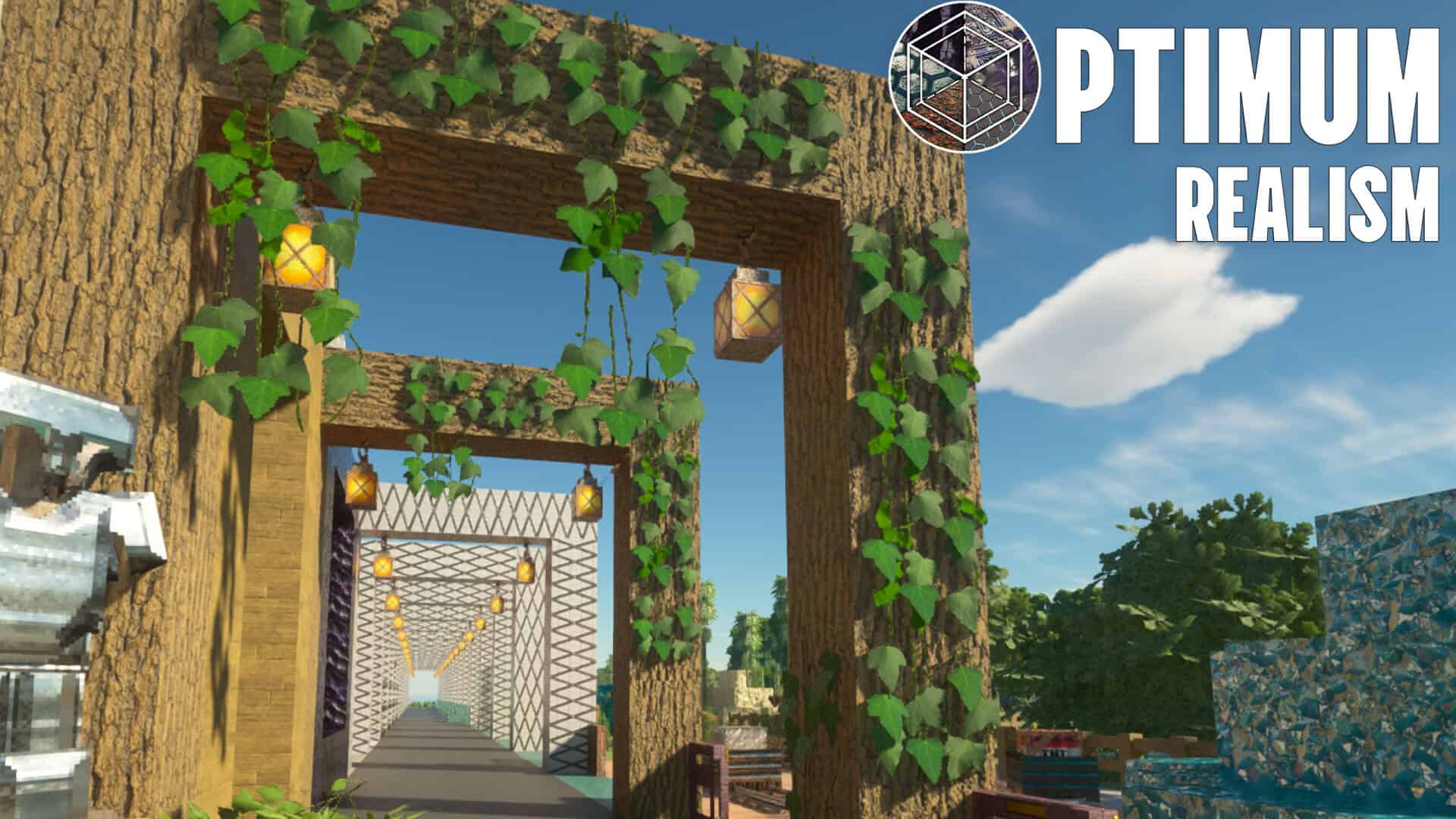
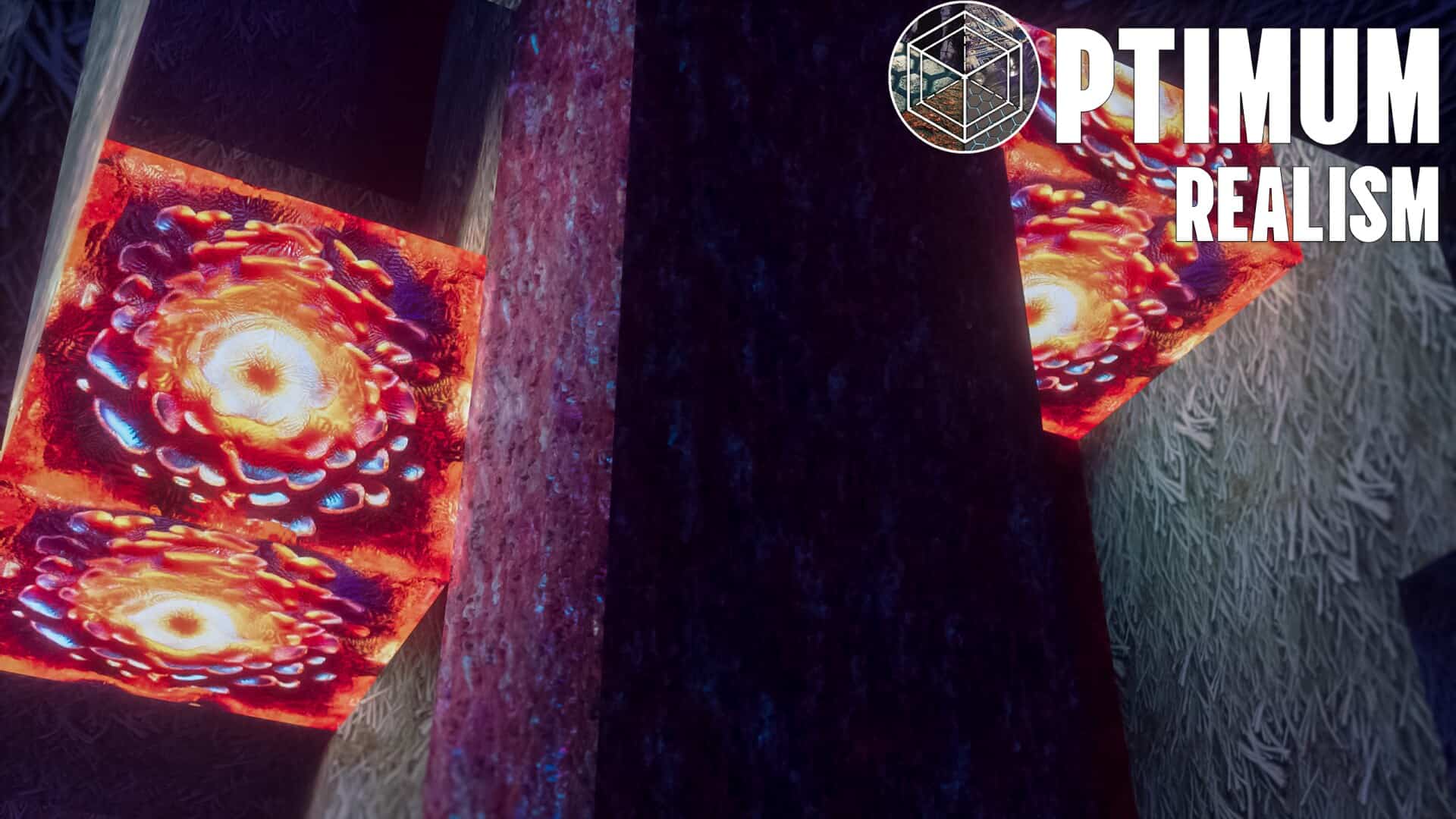
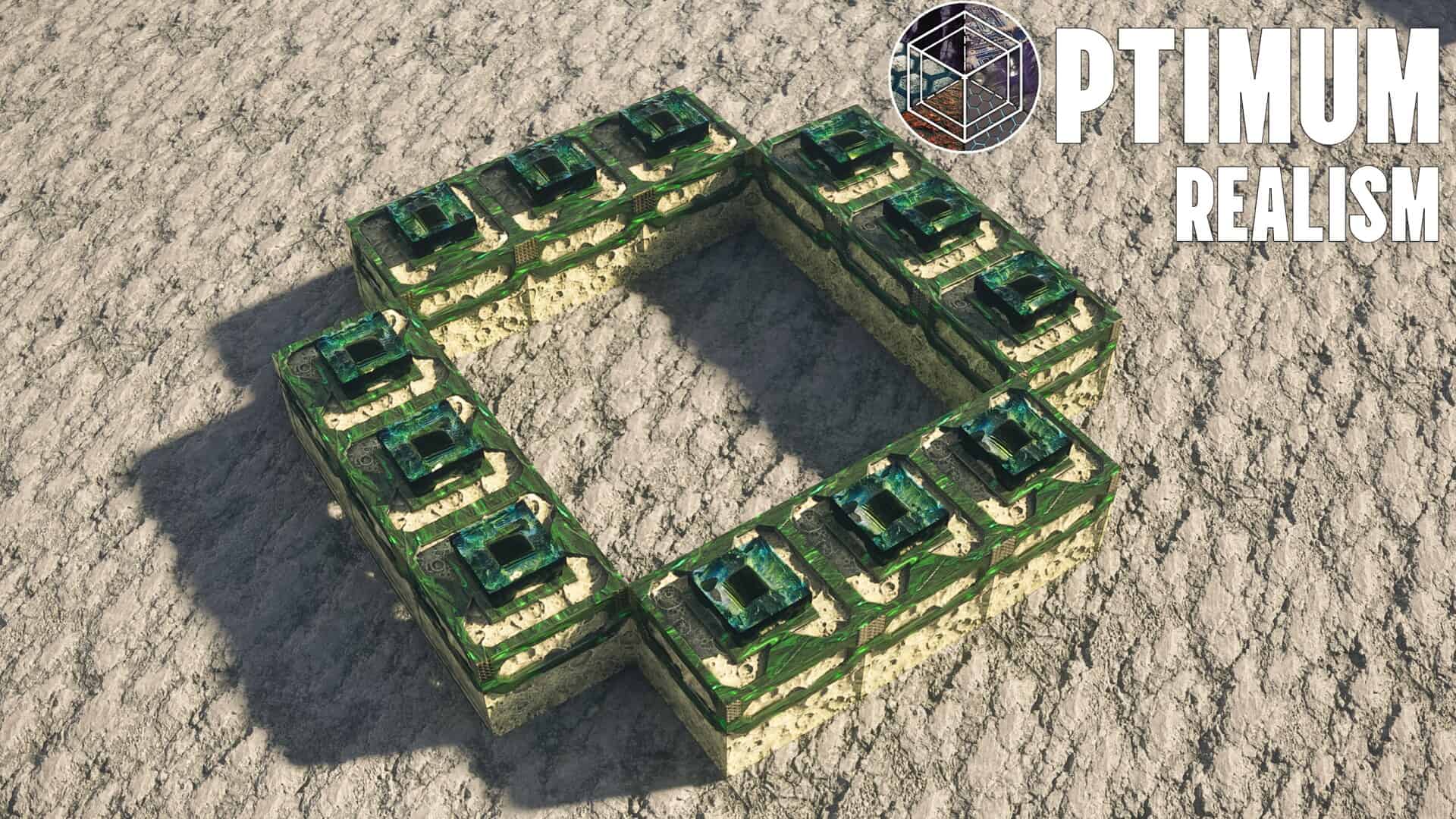
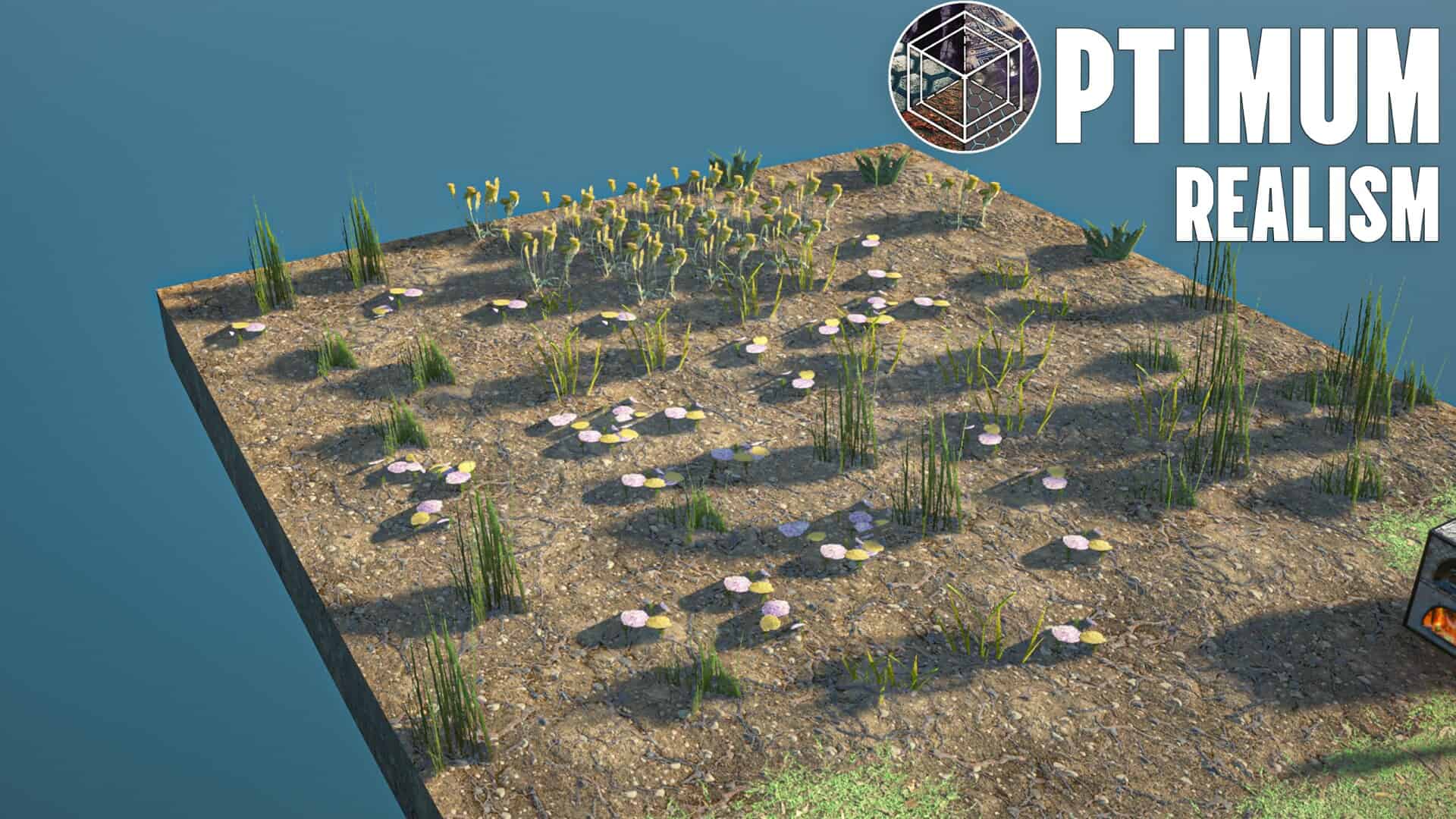
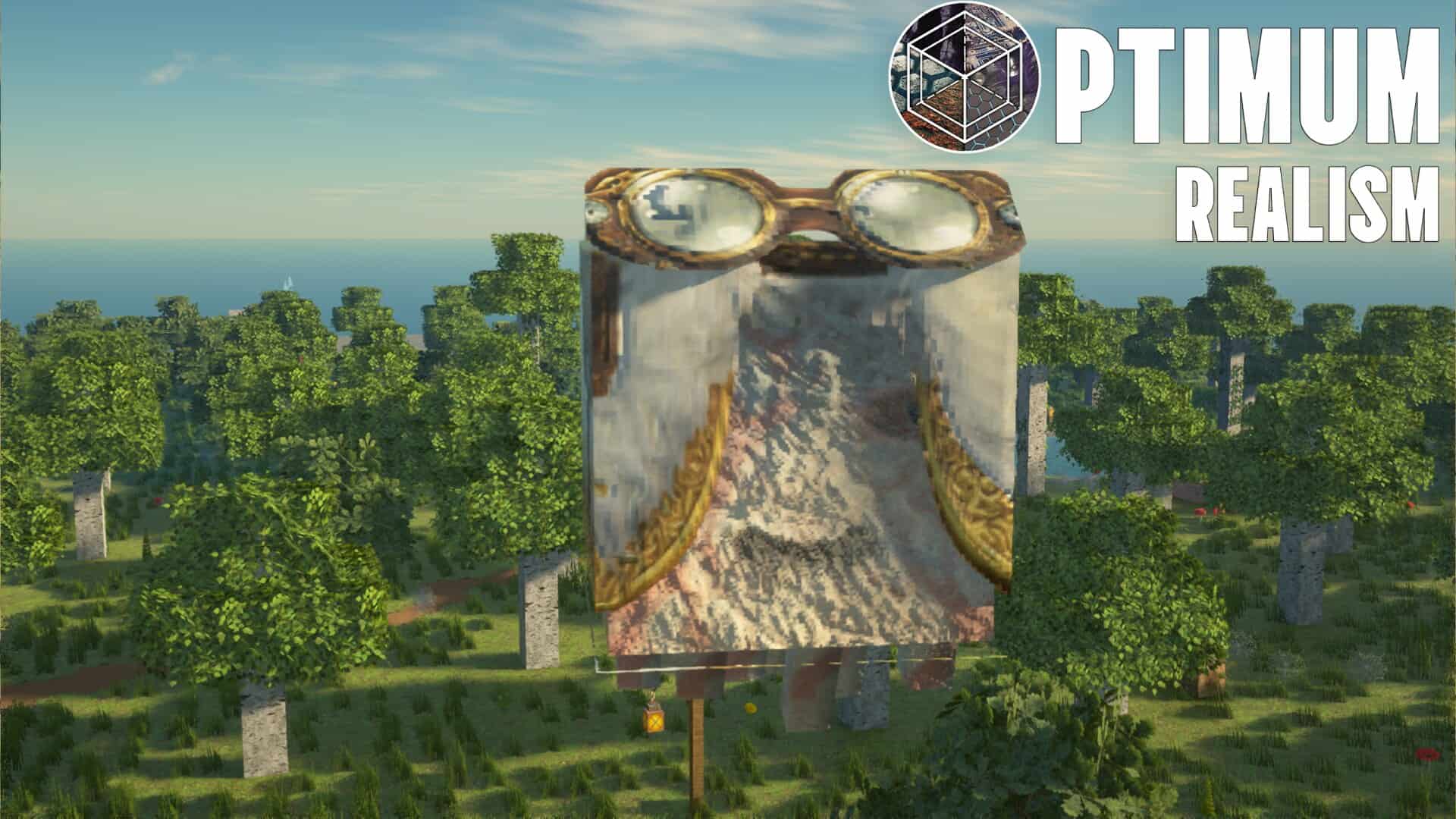
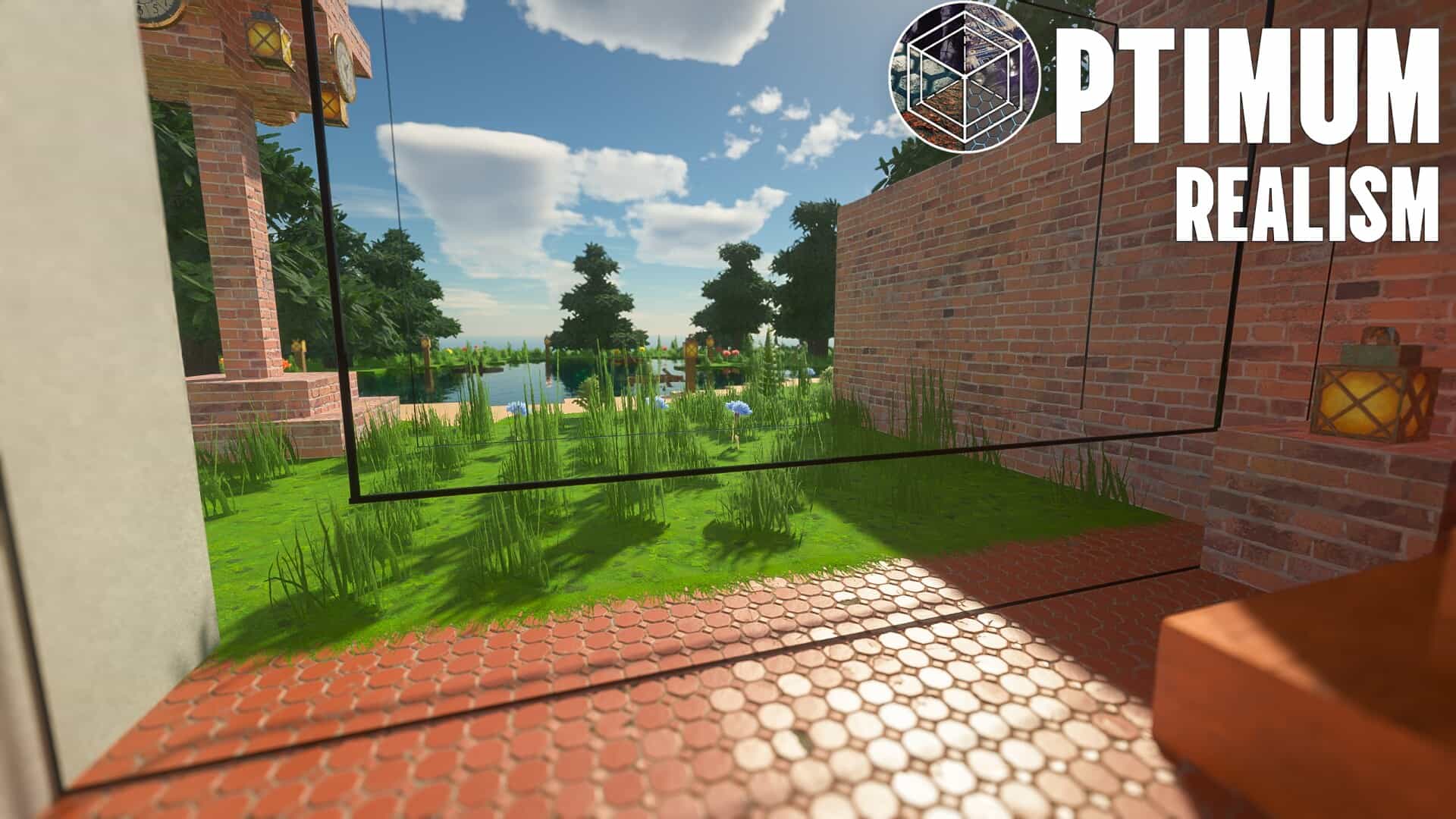
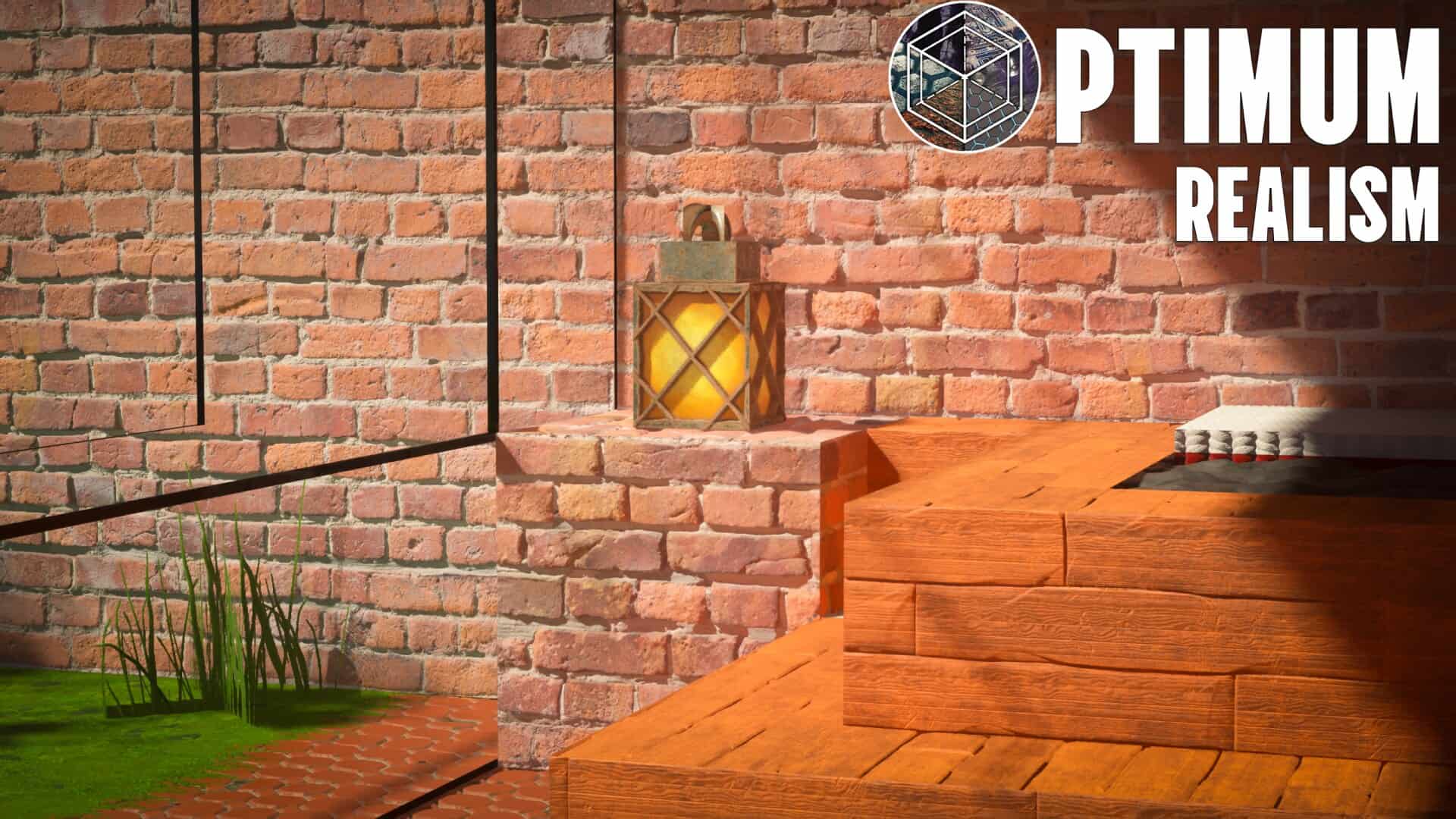
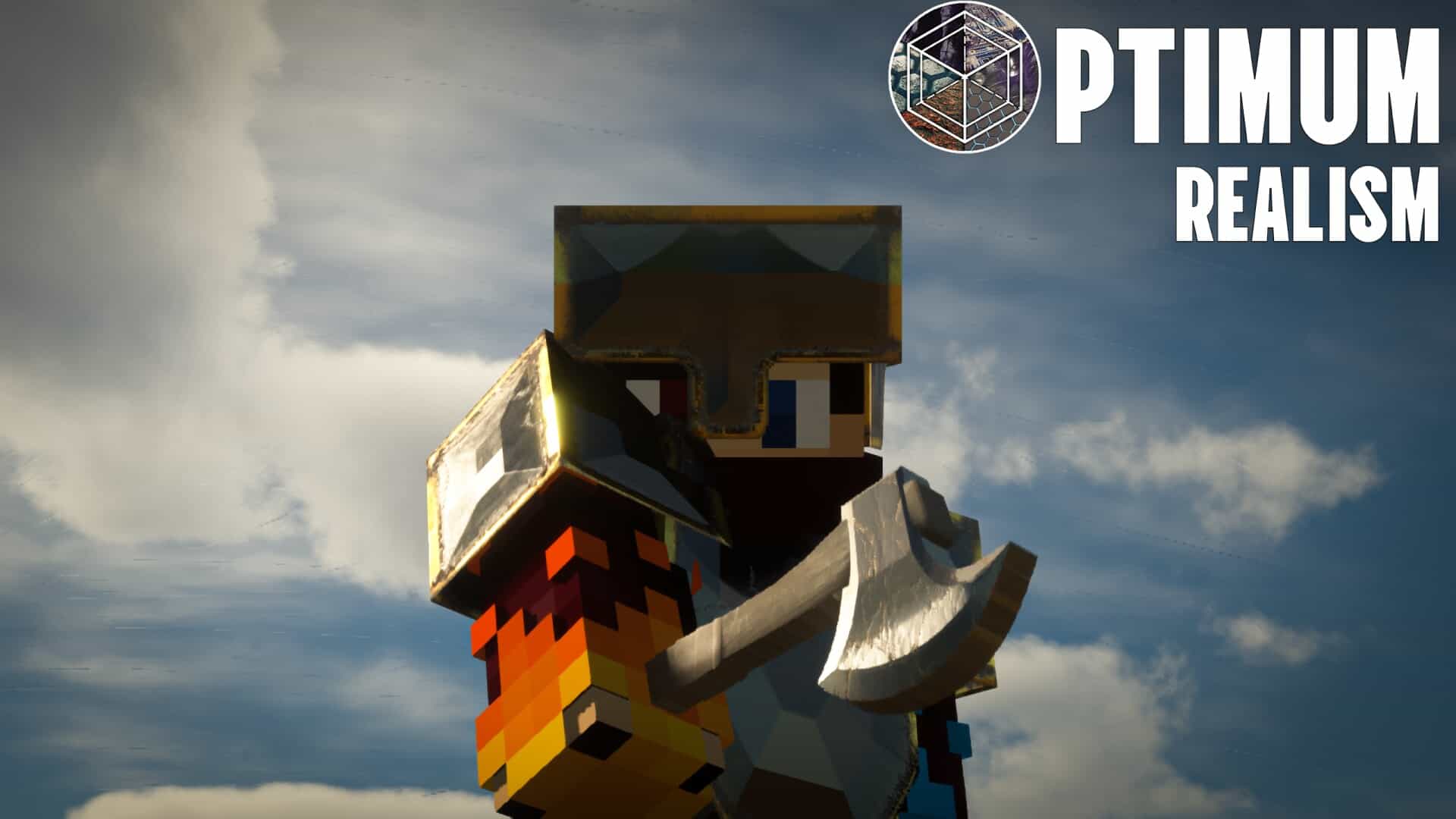
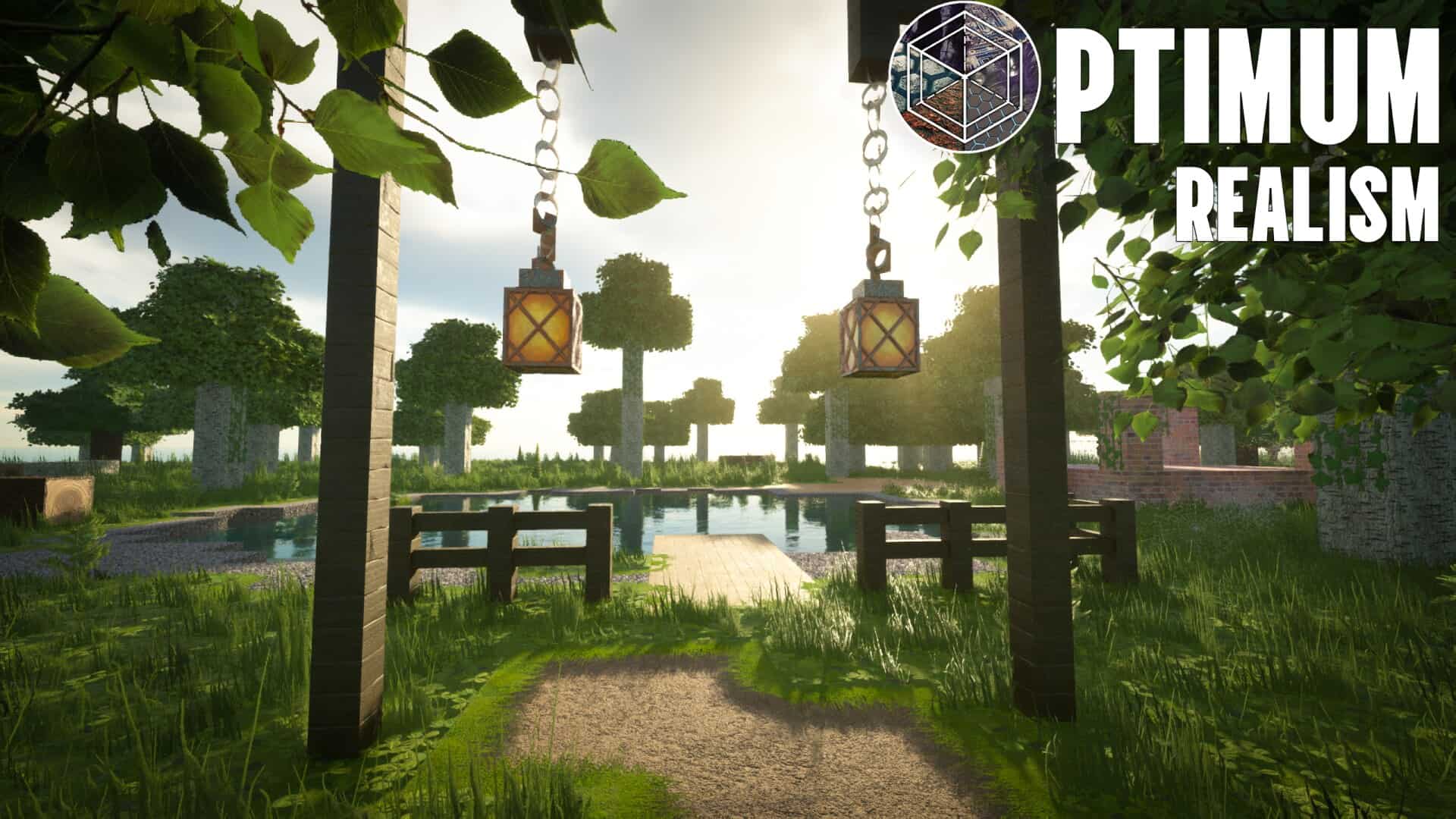
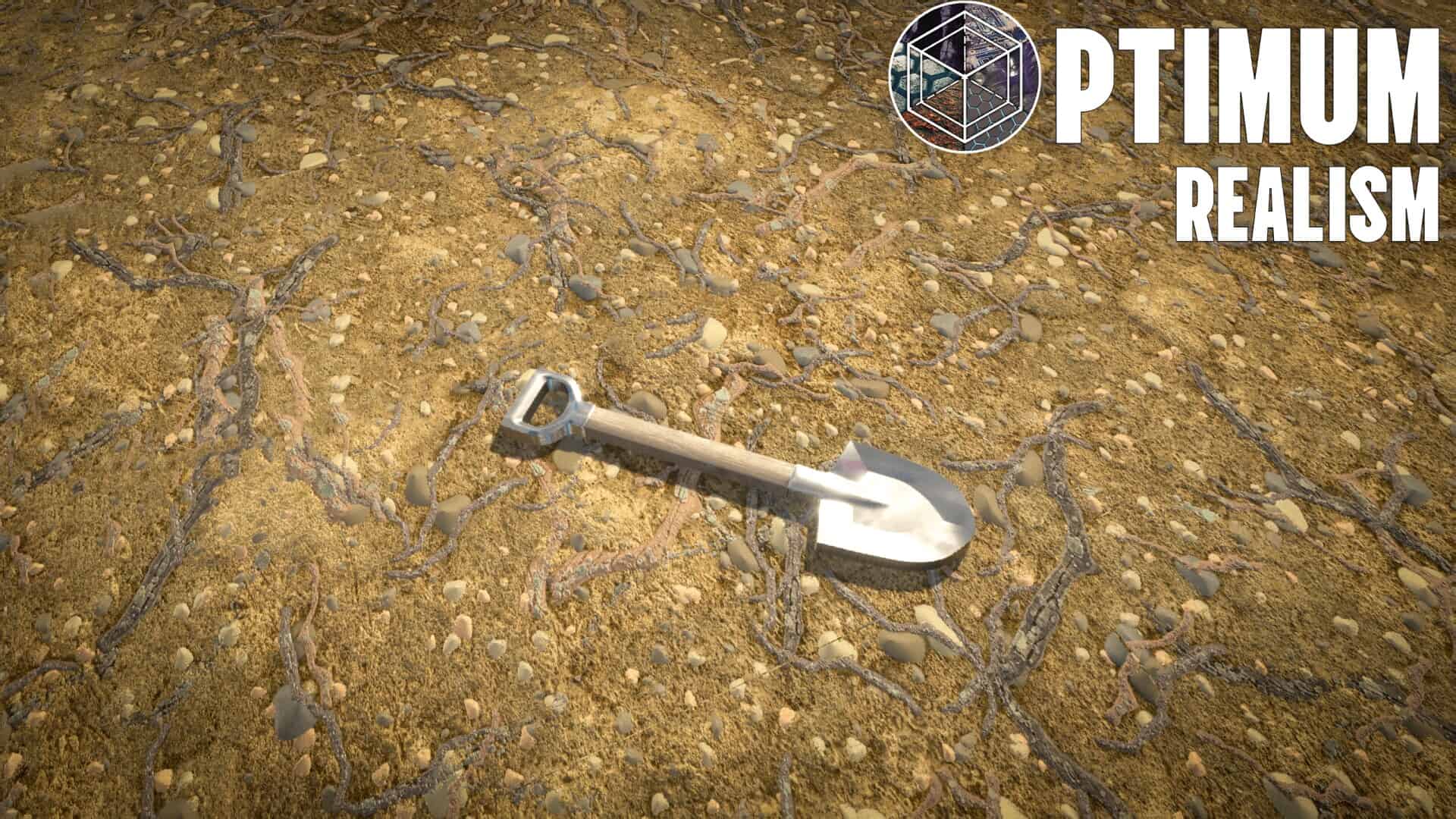
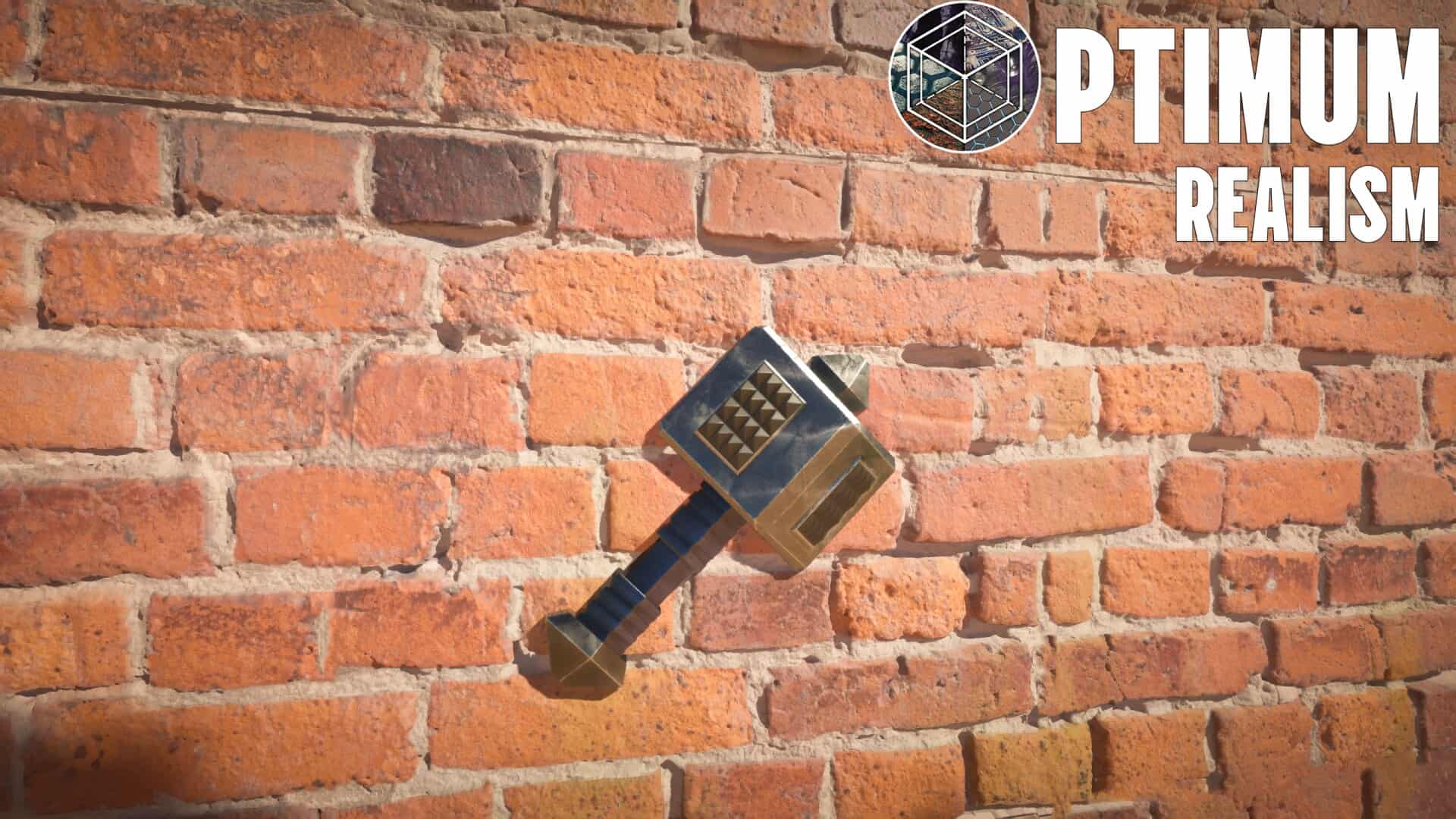
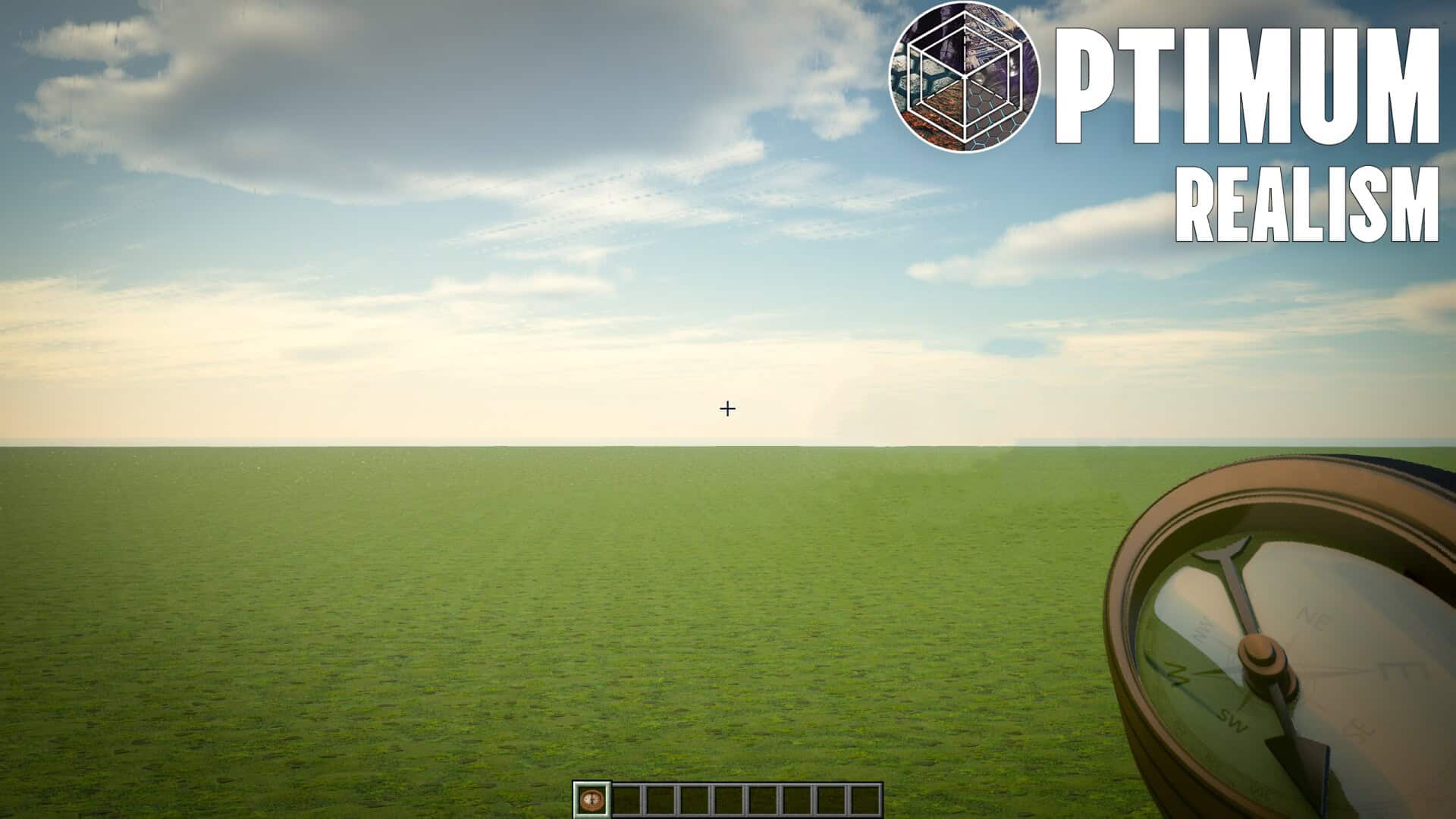
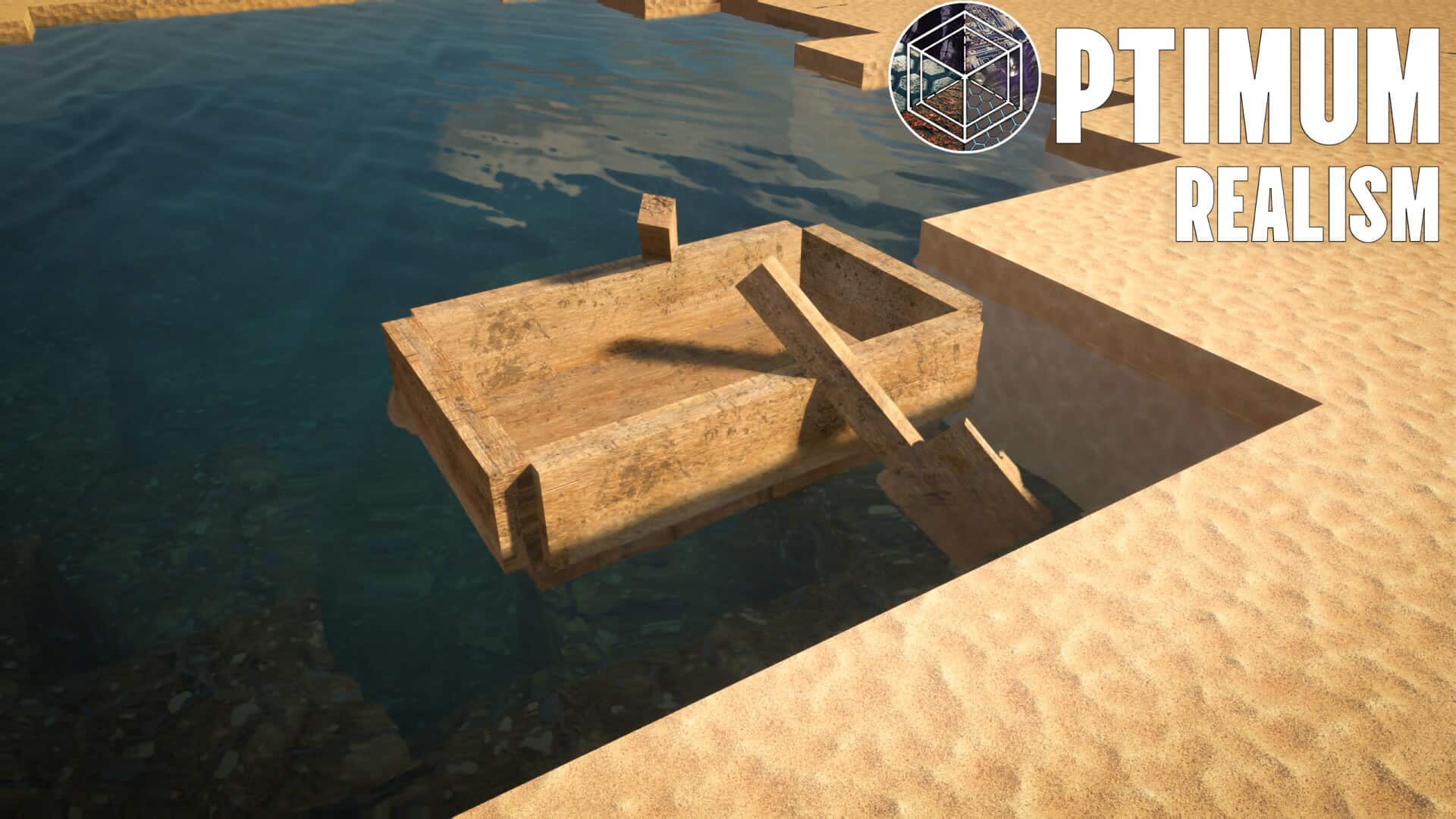
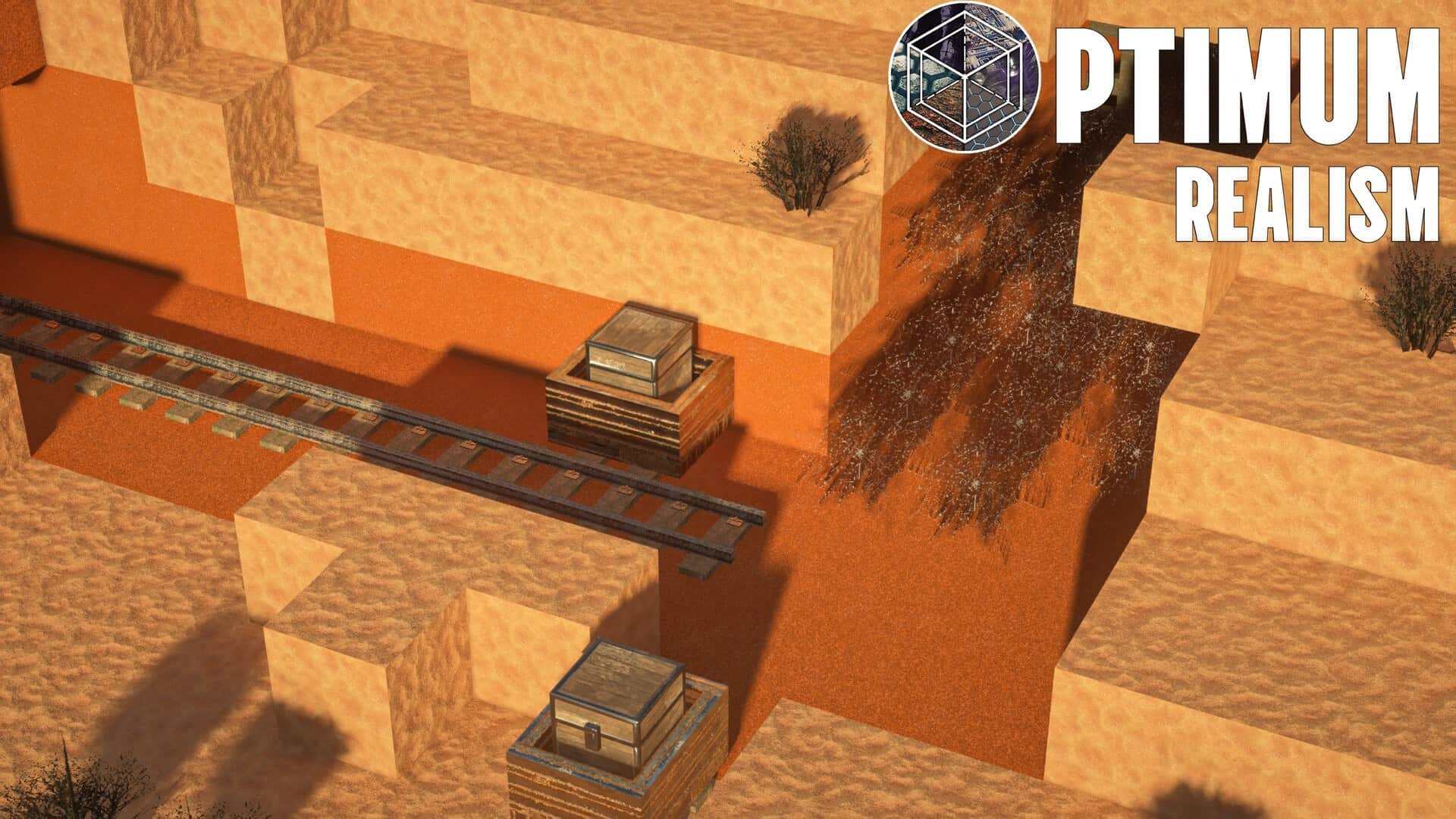
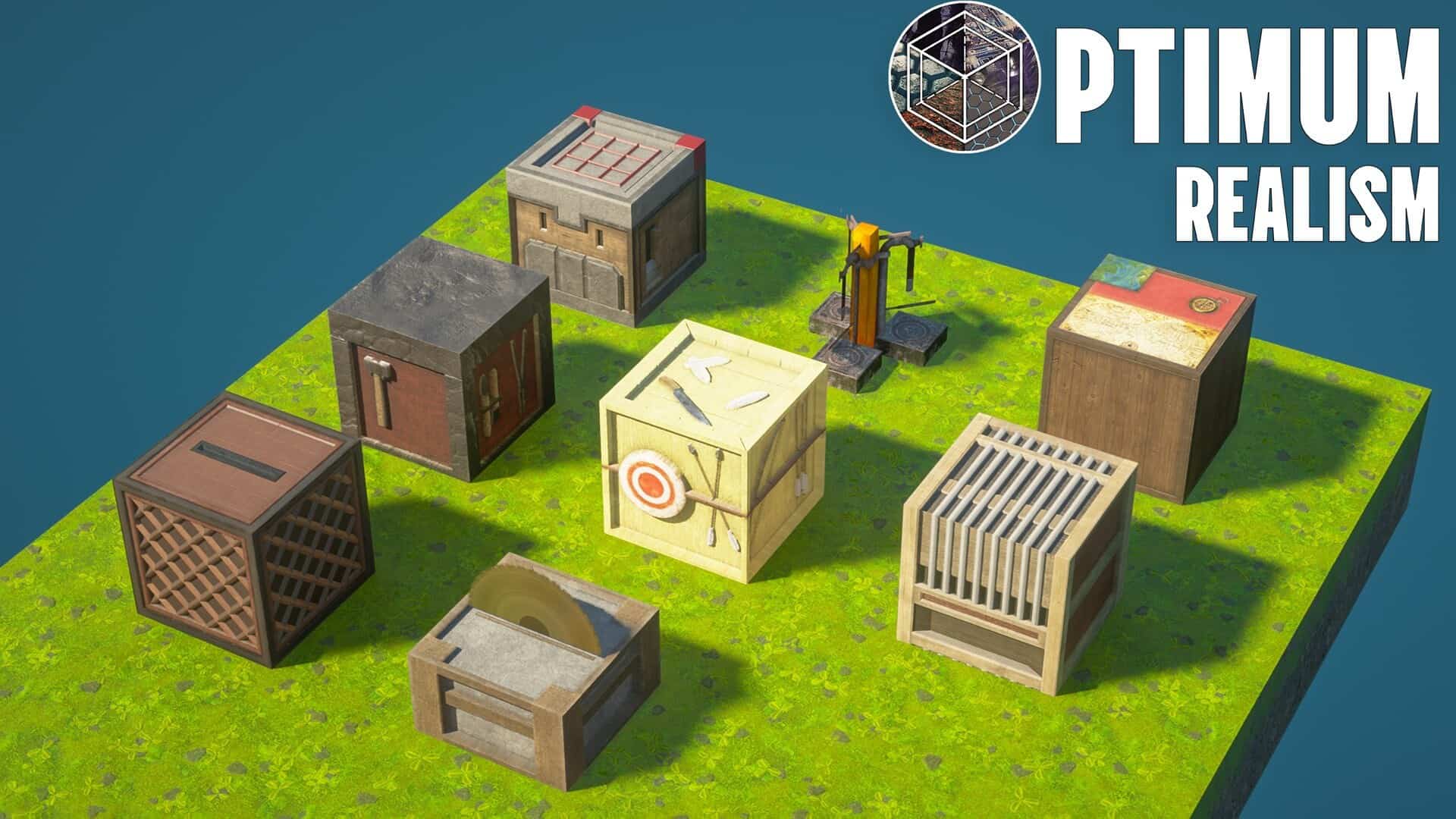
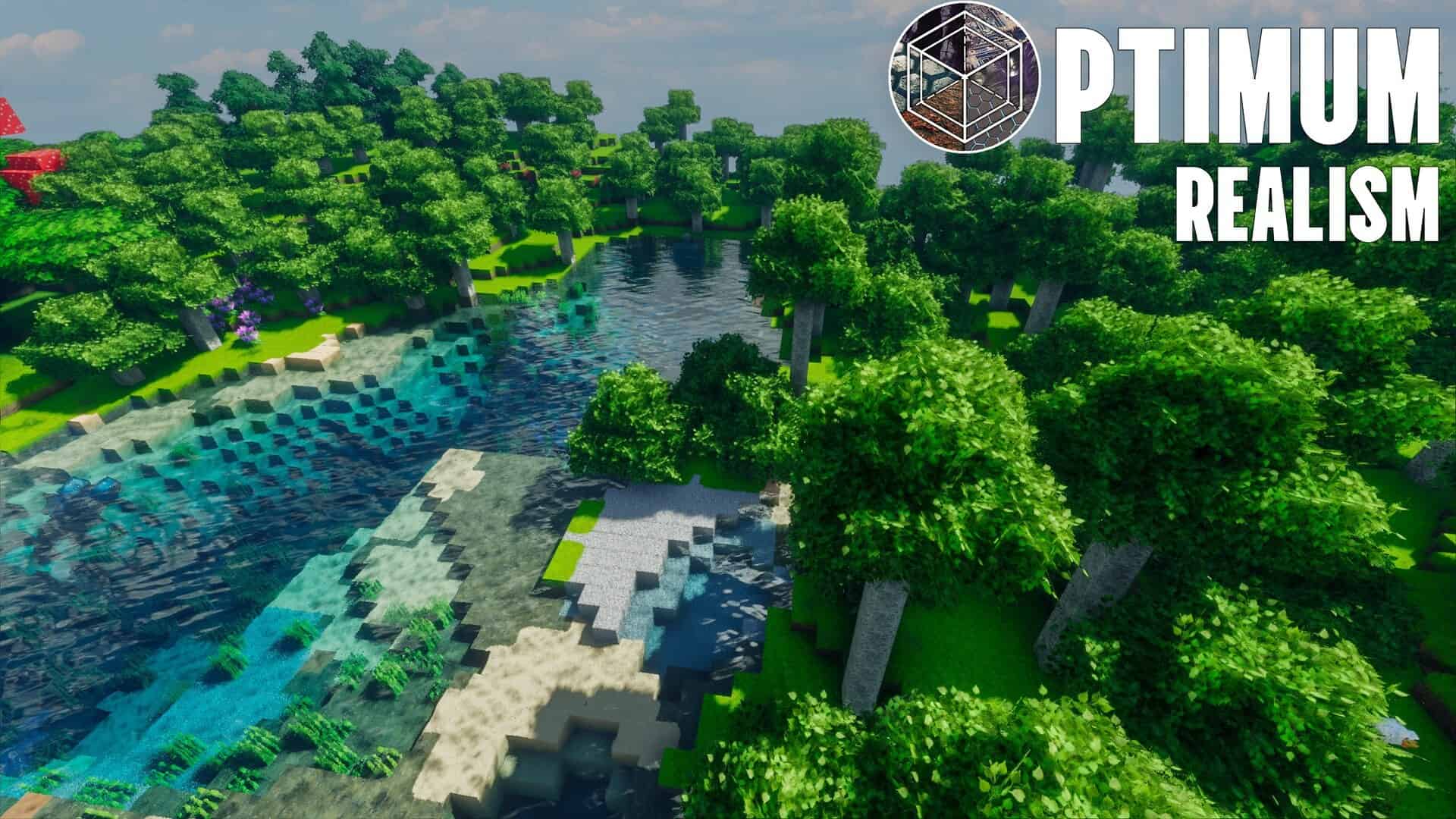
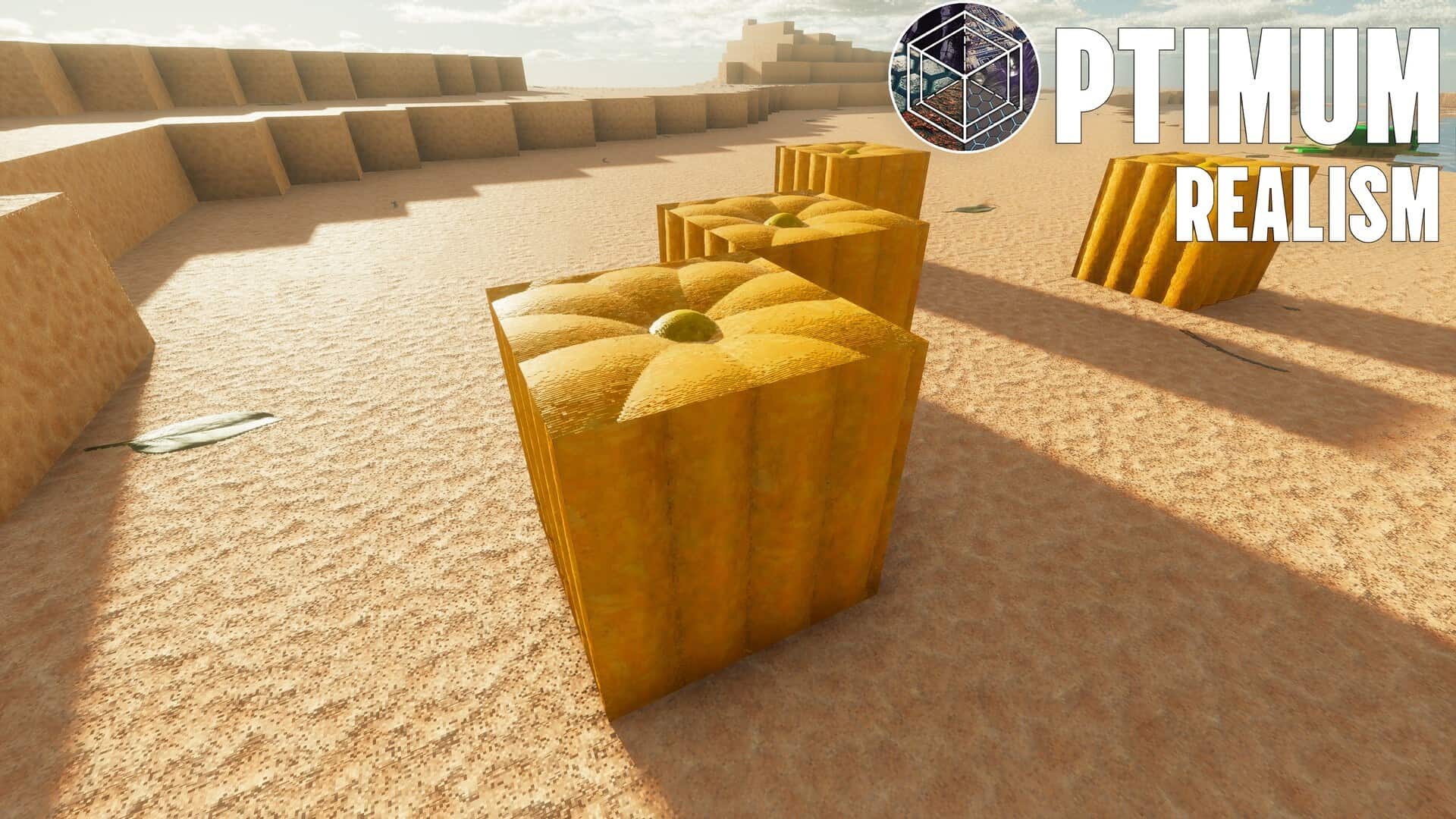
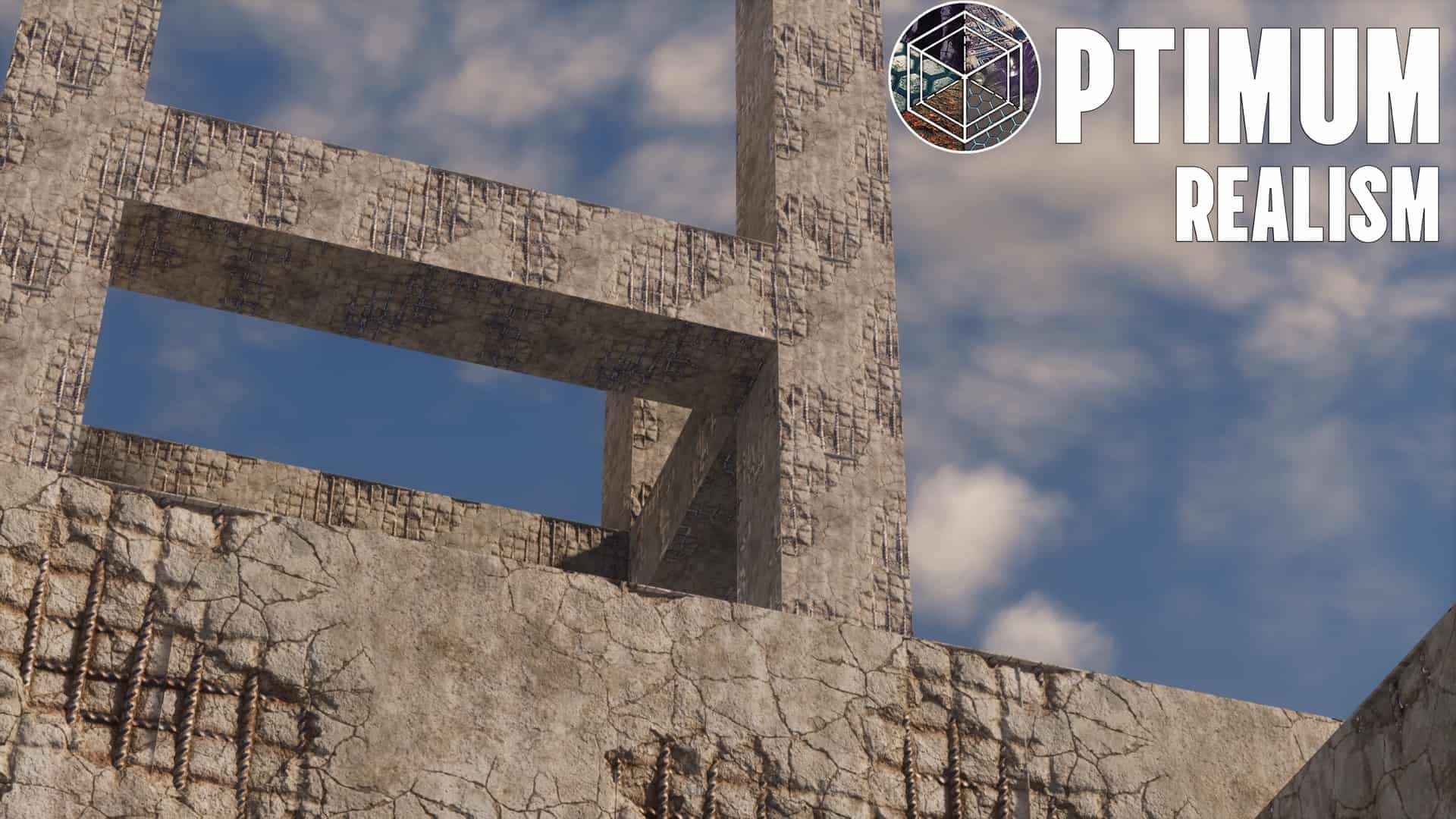
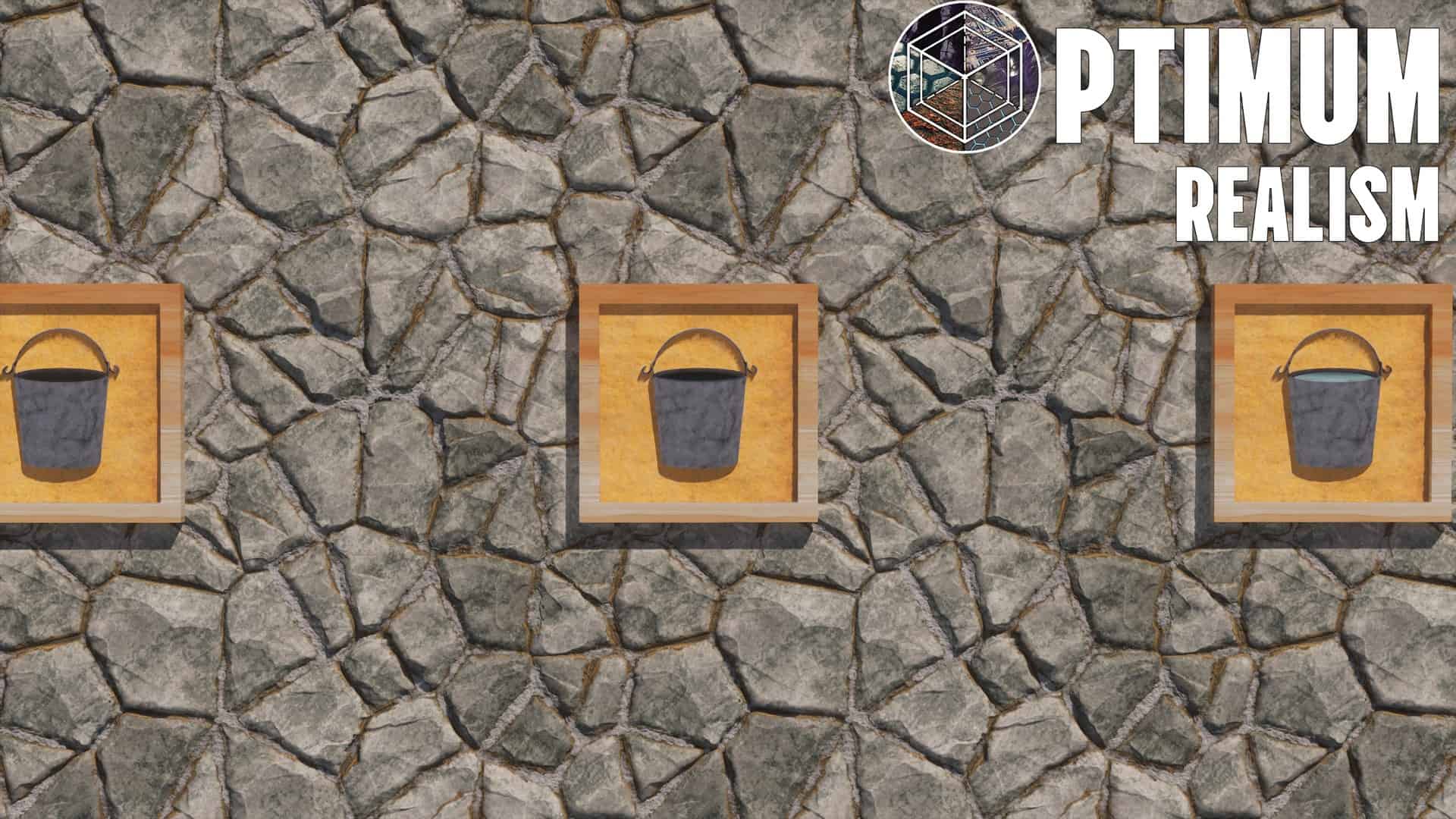
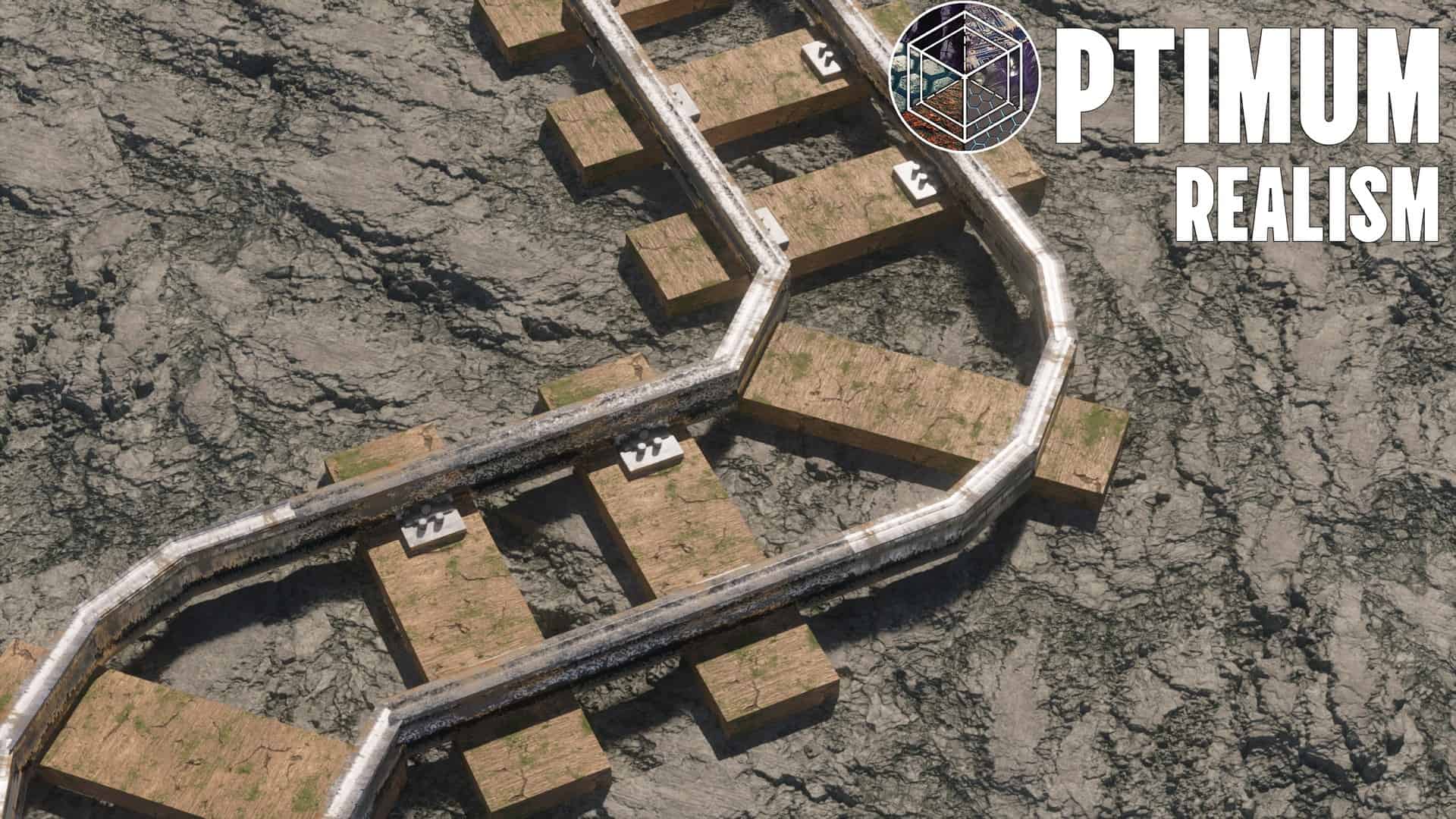
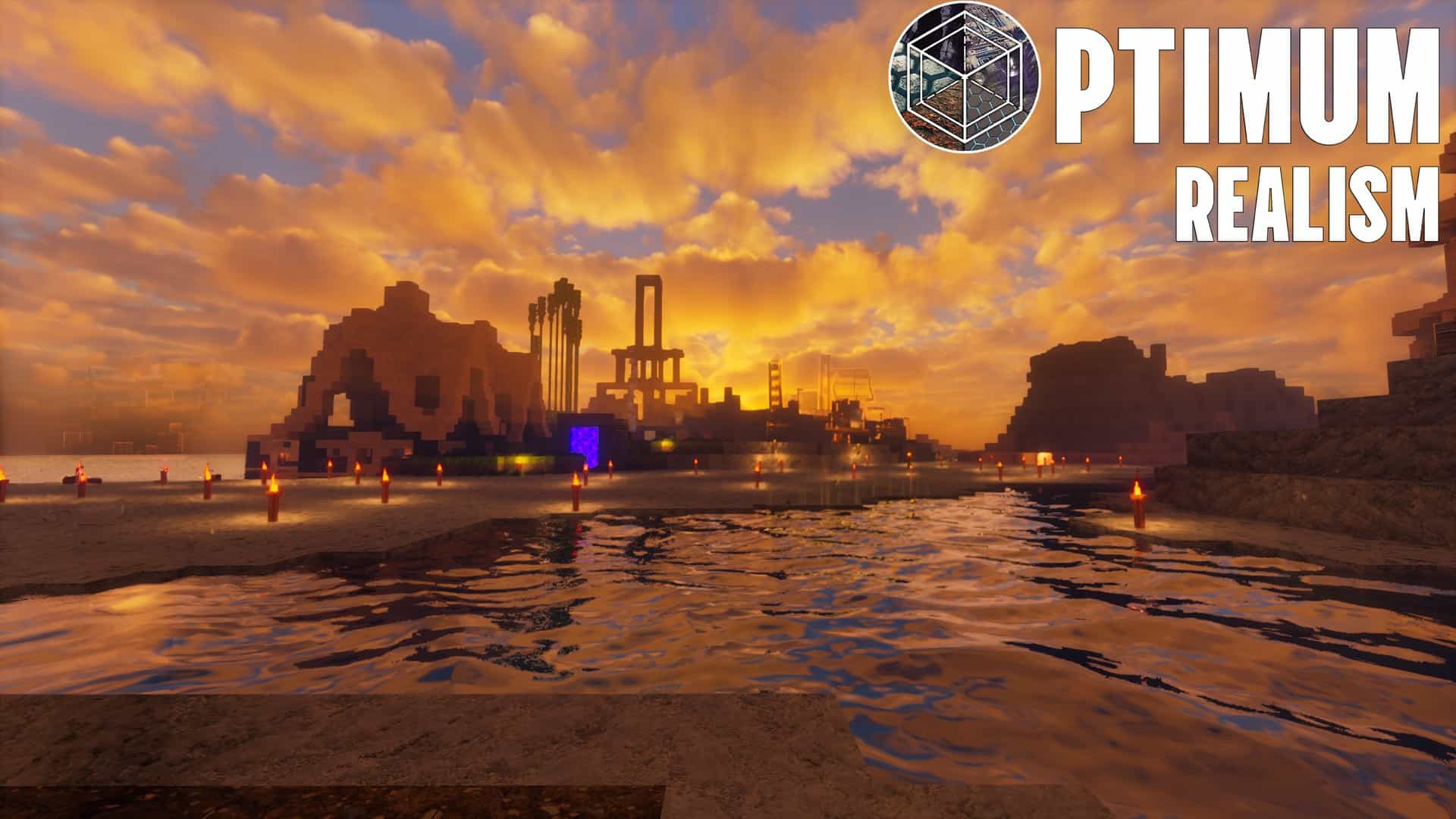
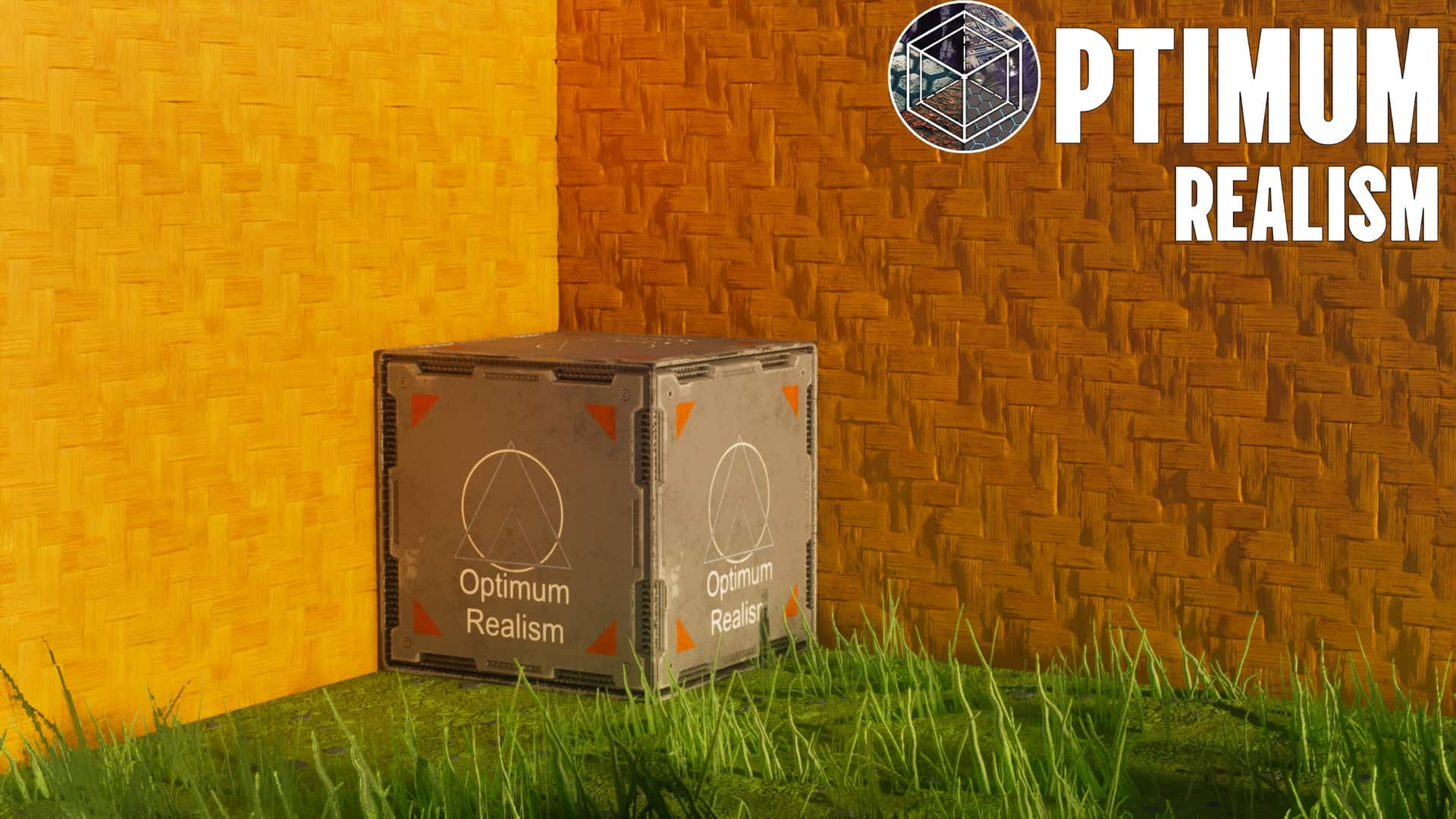
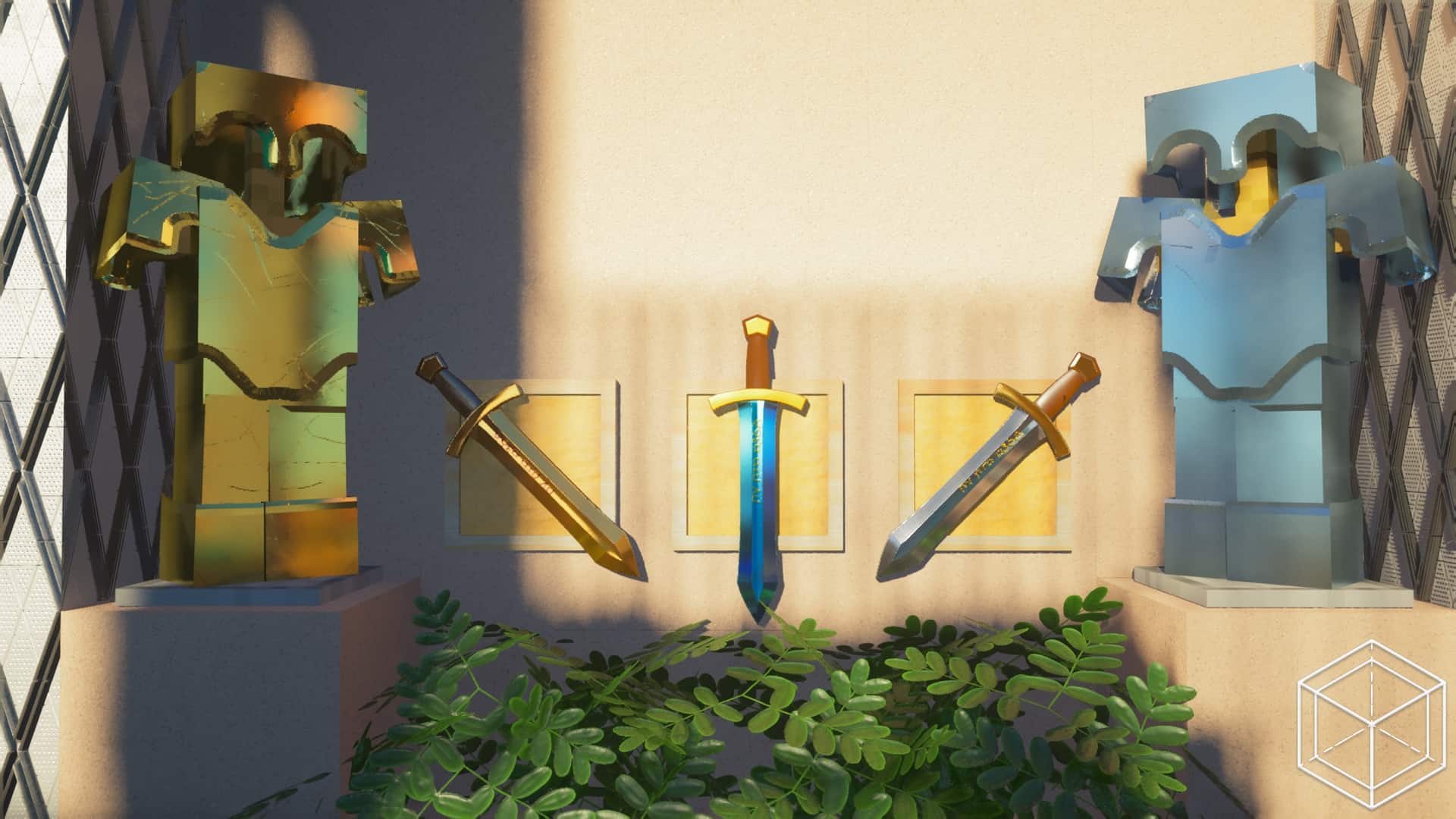
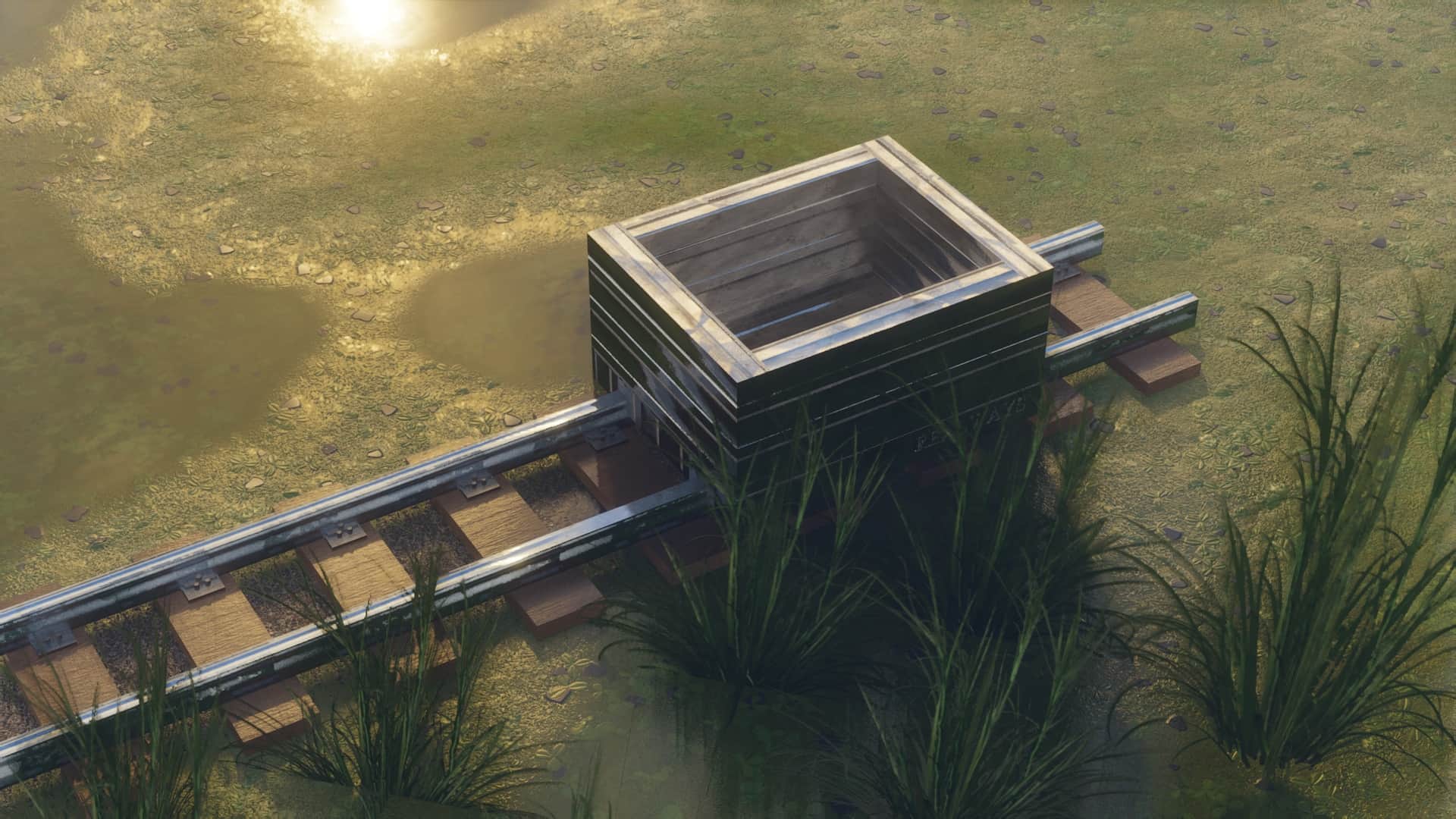
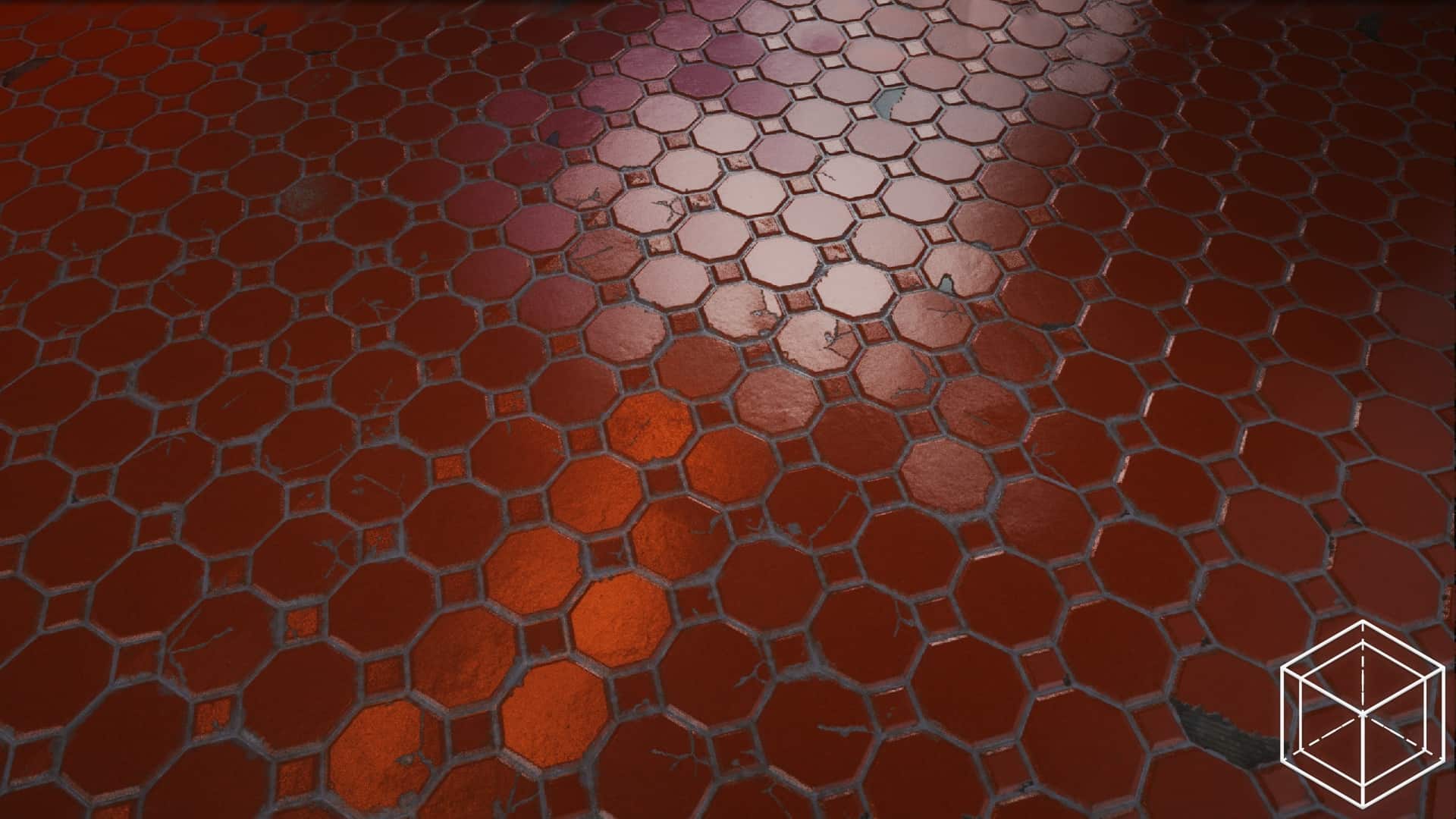
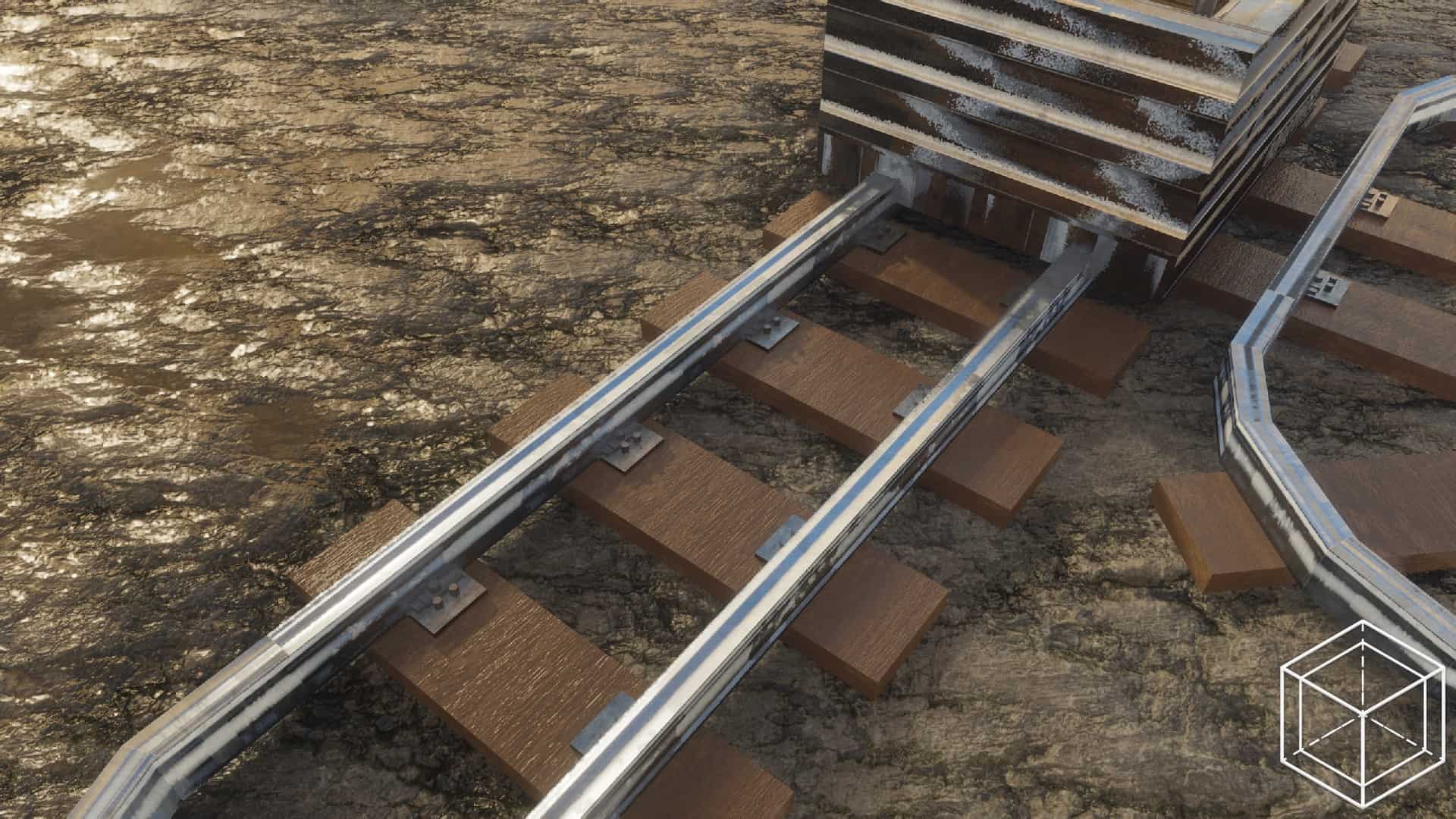
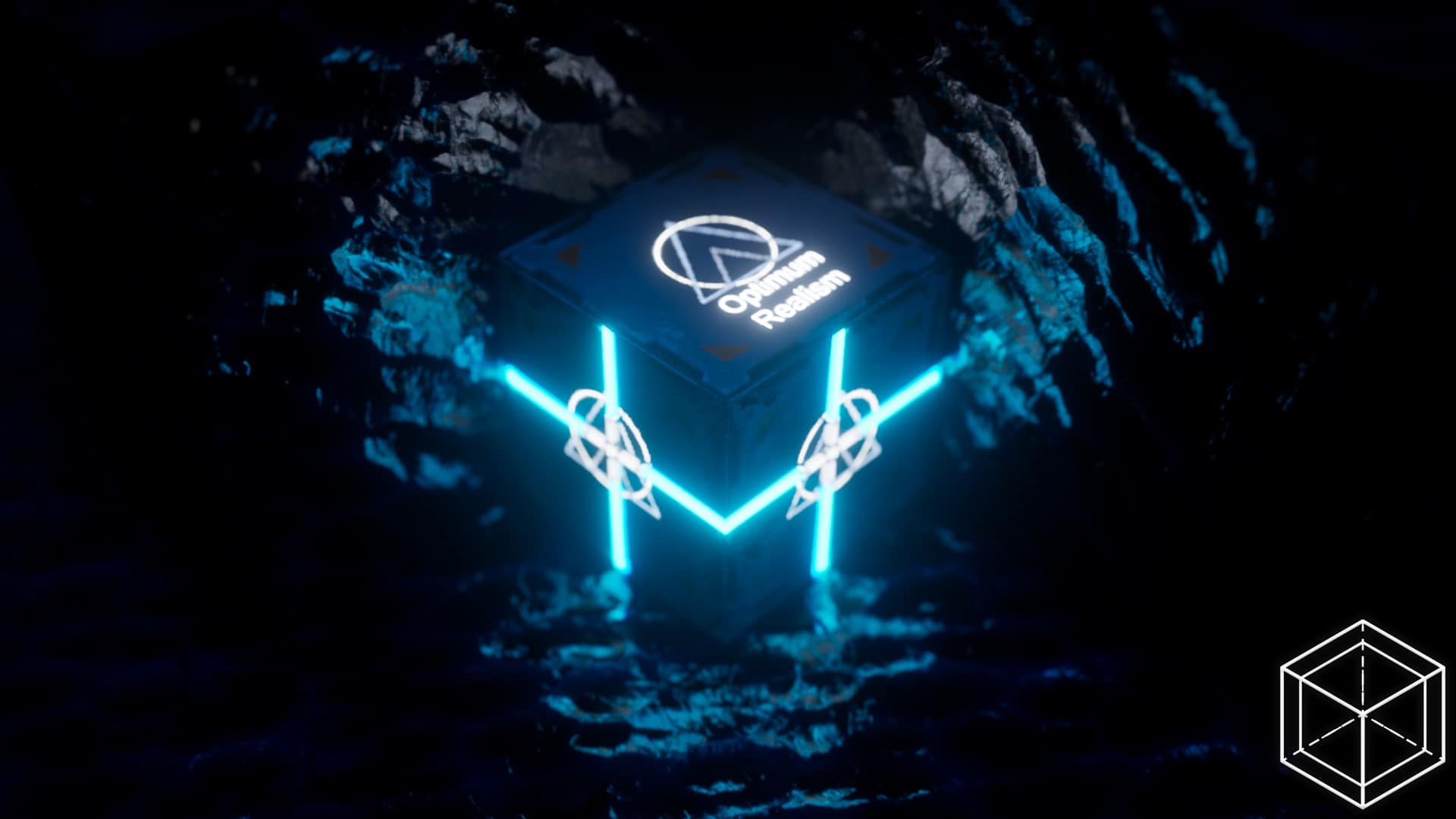
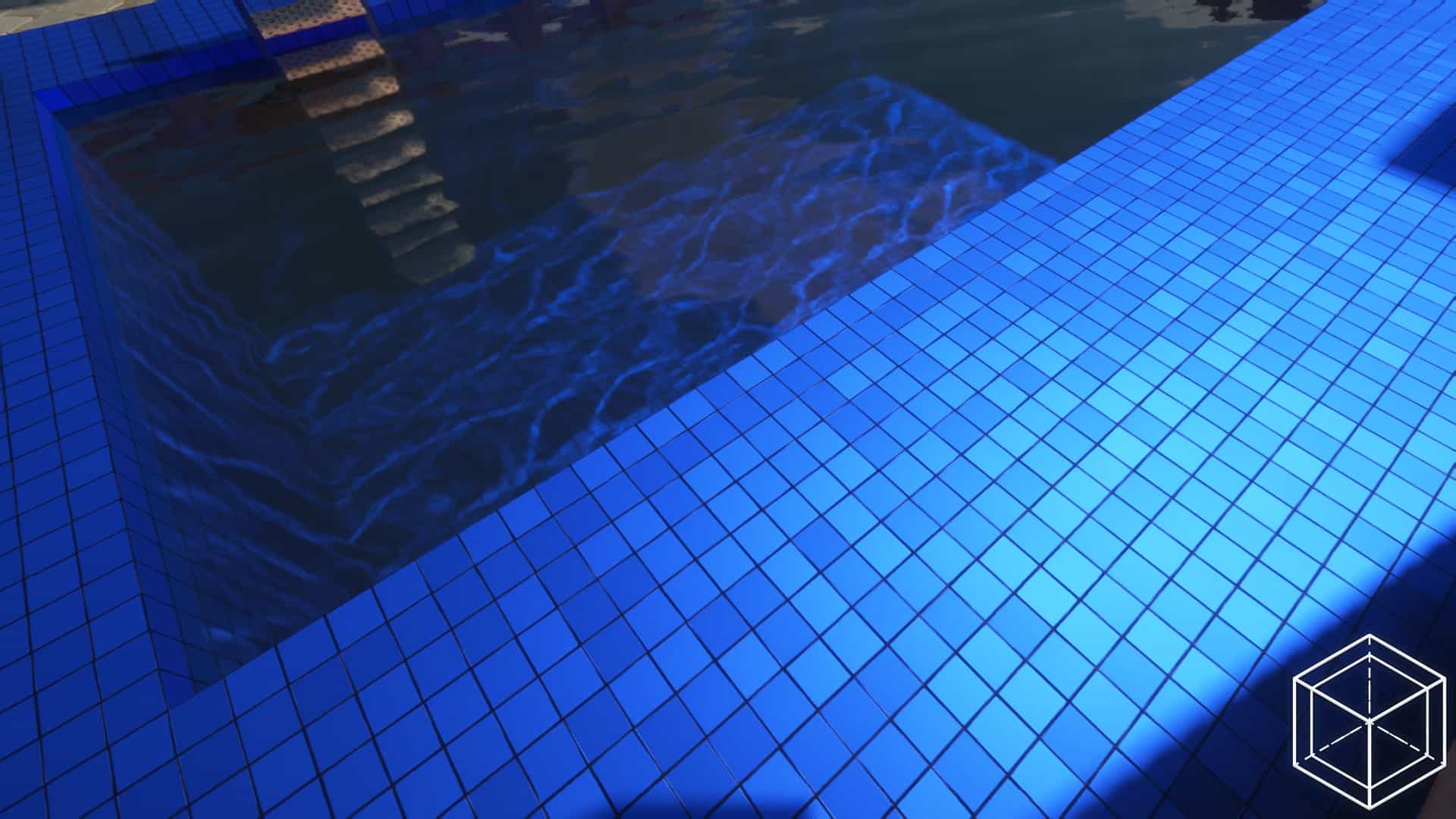
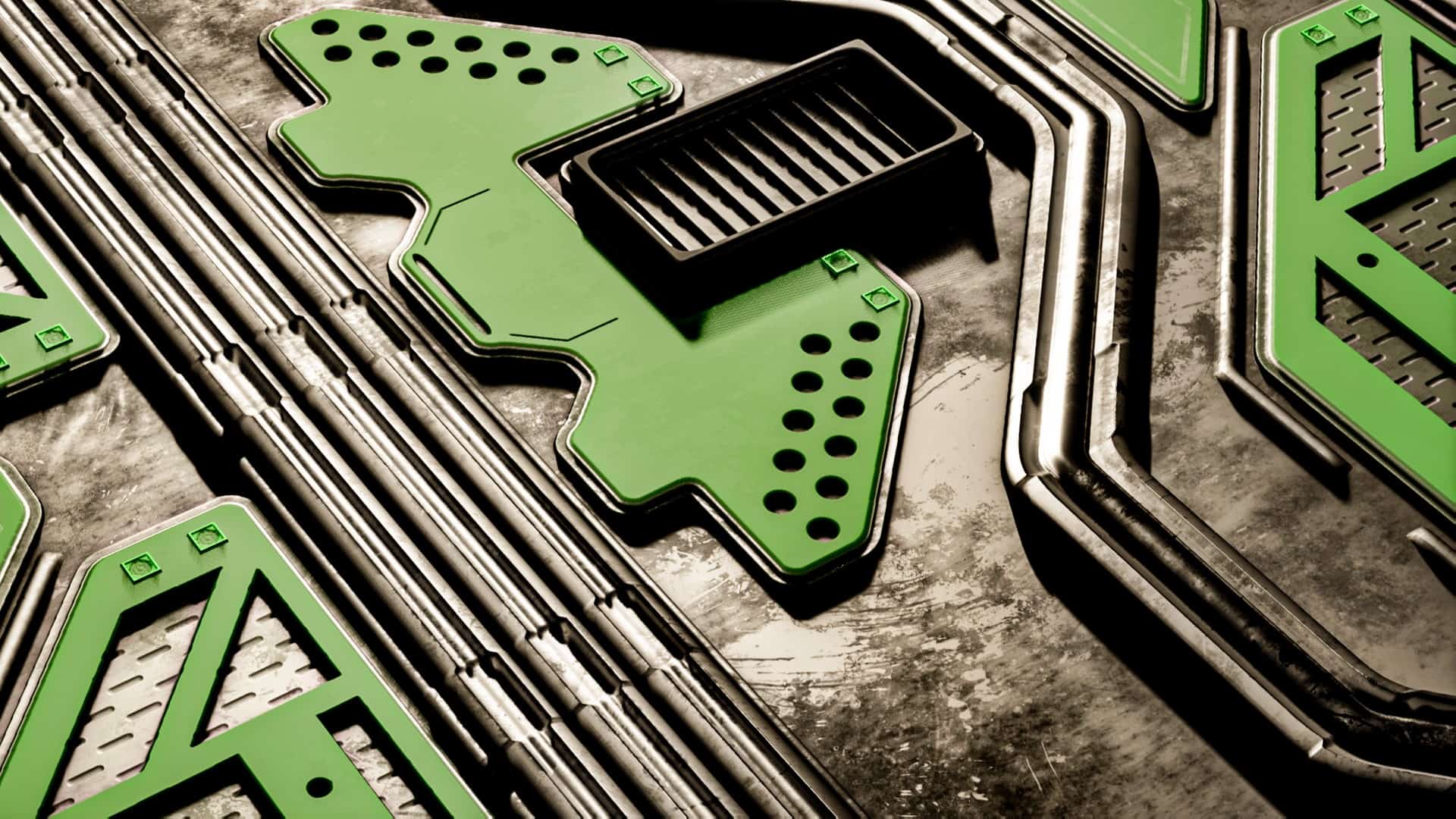
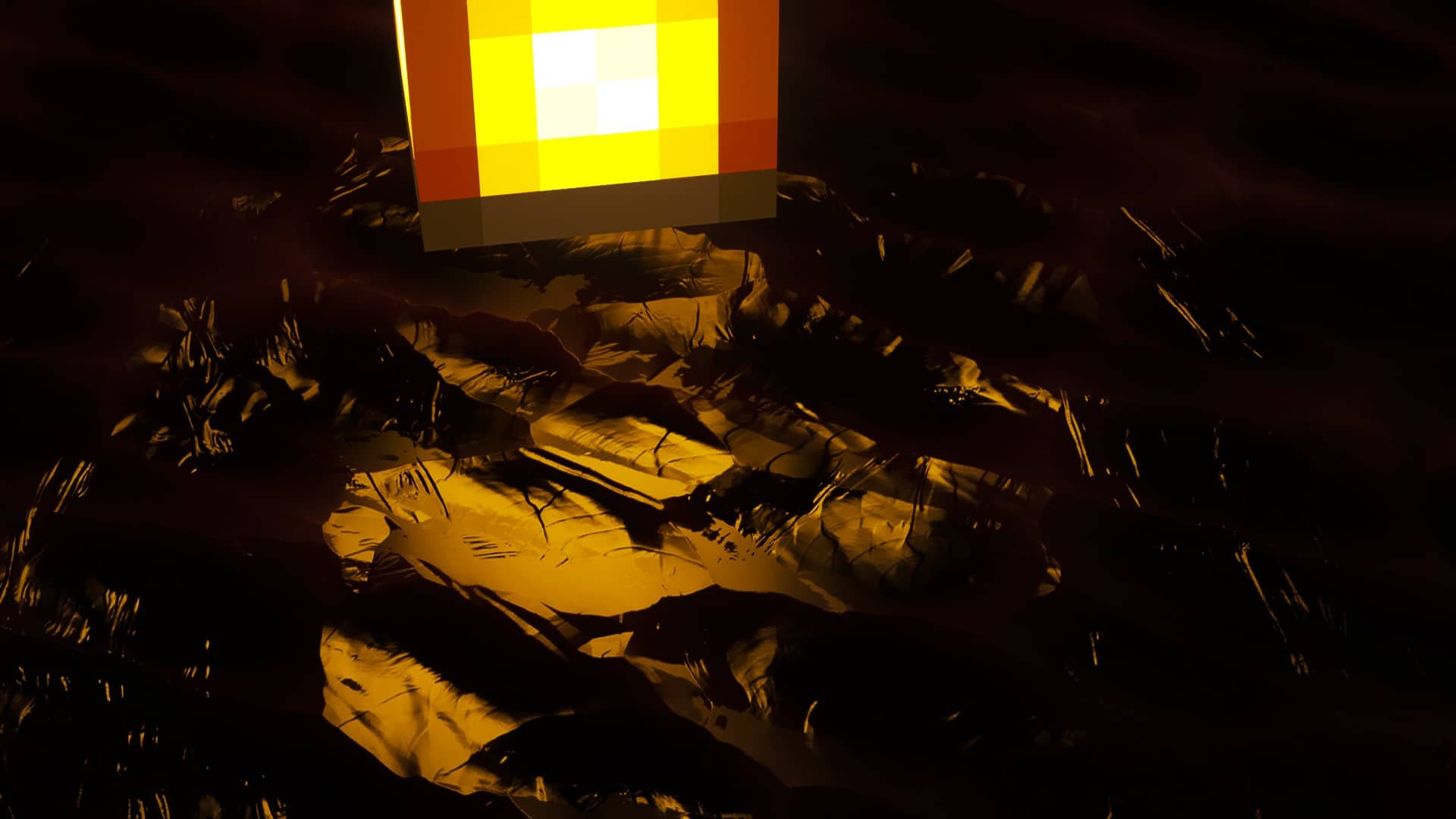
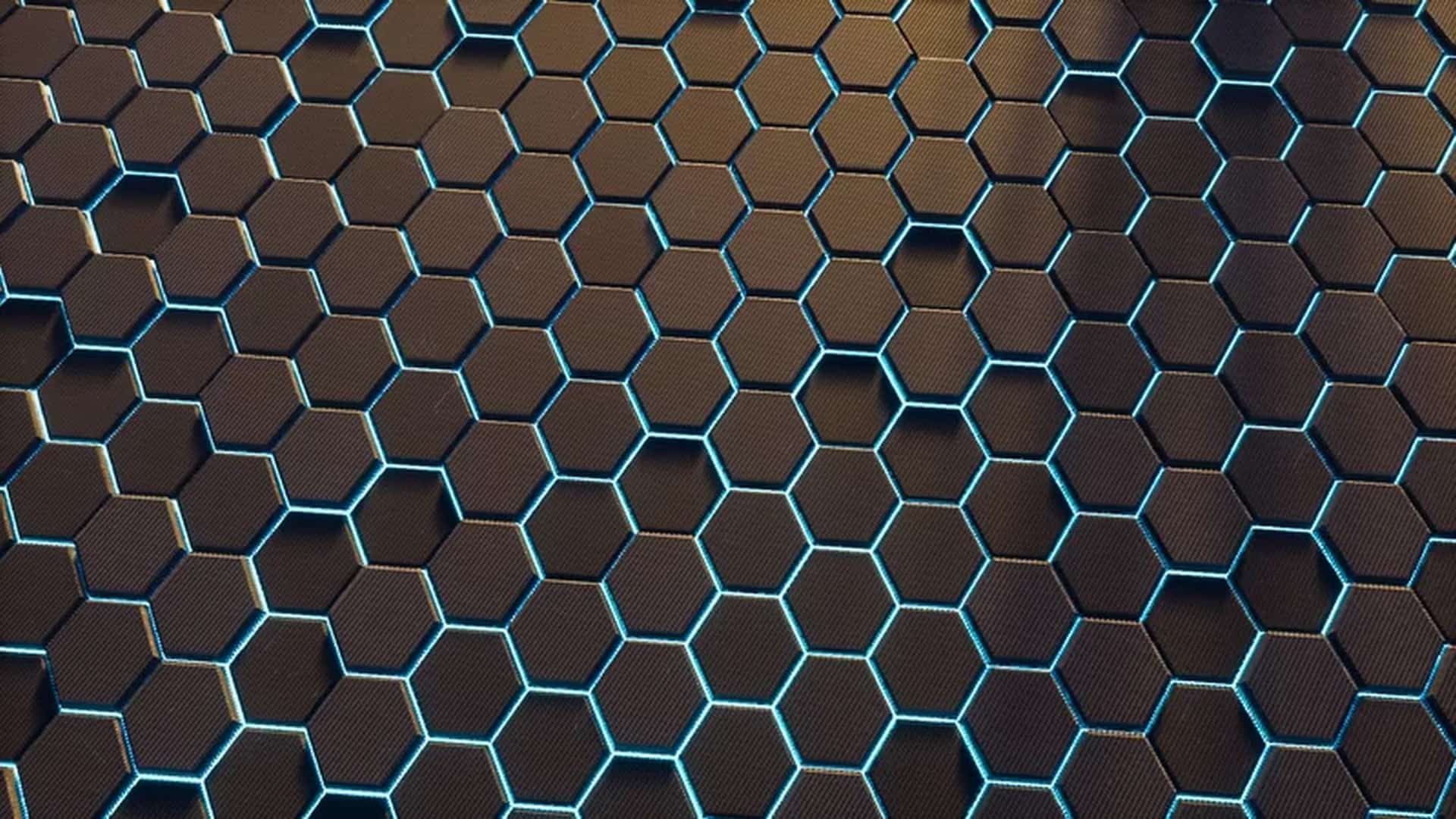
Even if for some players Minecraft might seem a bit dated in terms of its graphics, many of us truly enjoy it just the way it is. Yet, discovering a resource pack that injects extra depth and noticeably upscales the visuals is an absolute must-have experience. For those of us looking for this exact upgrade, the solution shines brightly in the form of the incredible Optimum Realism resource pack. Truly, many such resource packs push texture resolutions to thrilling new extremes to introduce stunning details and profound depth, though the usual compromise is performance. Game performance can definitely take a hit from high-resolution textures, but Optimum Realism strives to balance performance as gracefully as possible while propelling visuals to an entirely new level. Optimum Realism is a phenomenal texture pack that introduces gorgeous high-resolution textures across several distinct iterations and resolutions. The 64x resolution can be enjoyed for free, and most players will instantly feel right at home with this version since it has the absolute lightest impact on your overall game performance. If you want to push further, there are 128x, 256x, and even 512x versions available to Patreon supporters under various tiers that unlock these higher fidelity options alongside early updates, exclusive Discord access, voting power for future projects, and other fantastic perks. One of the best aspects I noticed while testing Optimum Realism is its commitment to frequent updates, proving it is a living project powered by a very active development team.
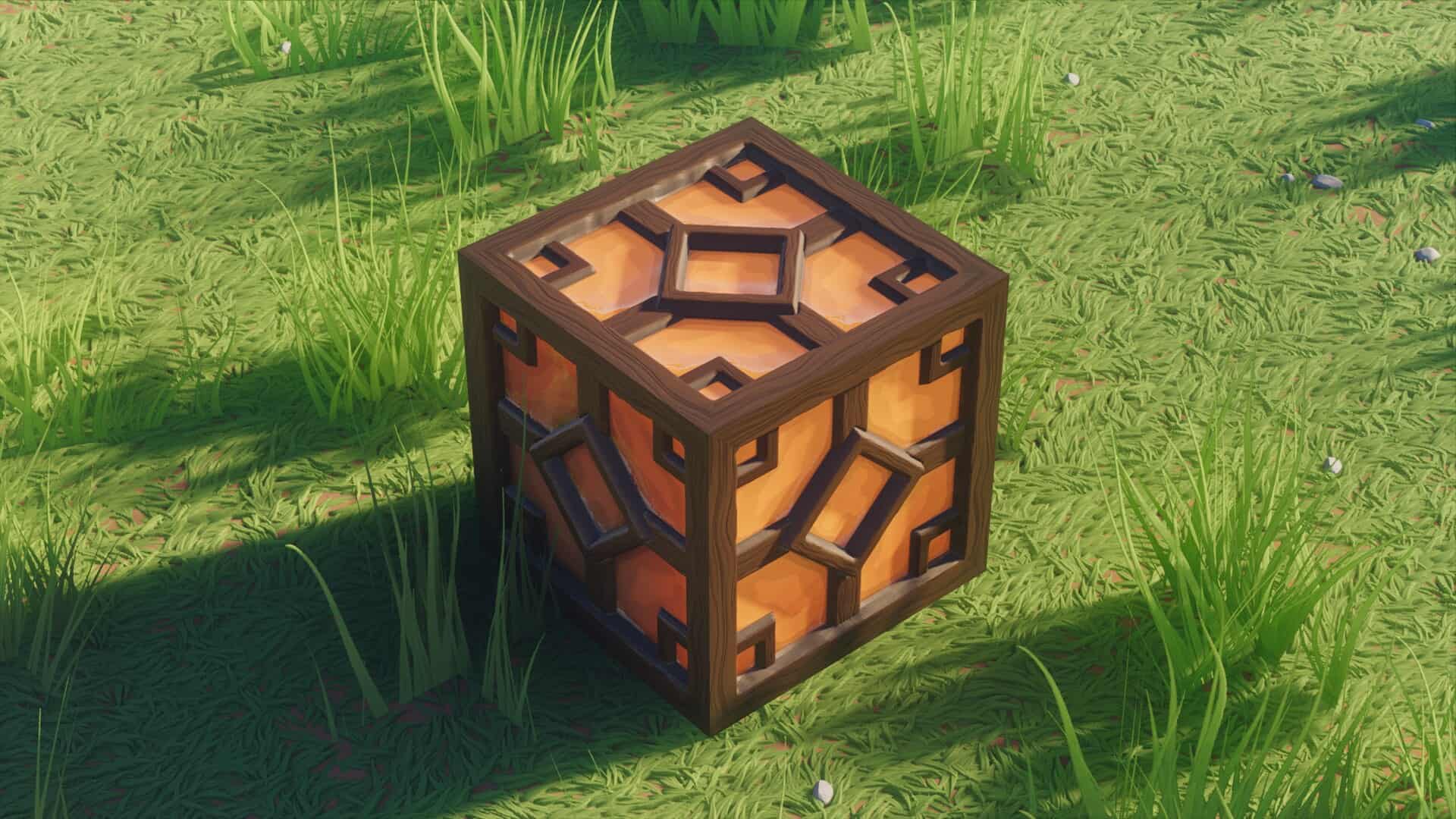
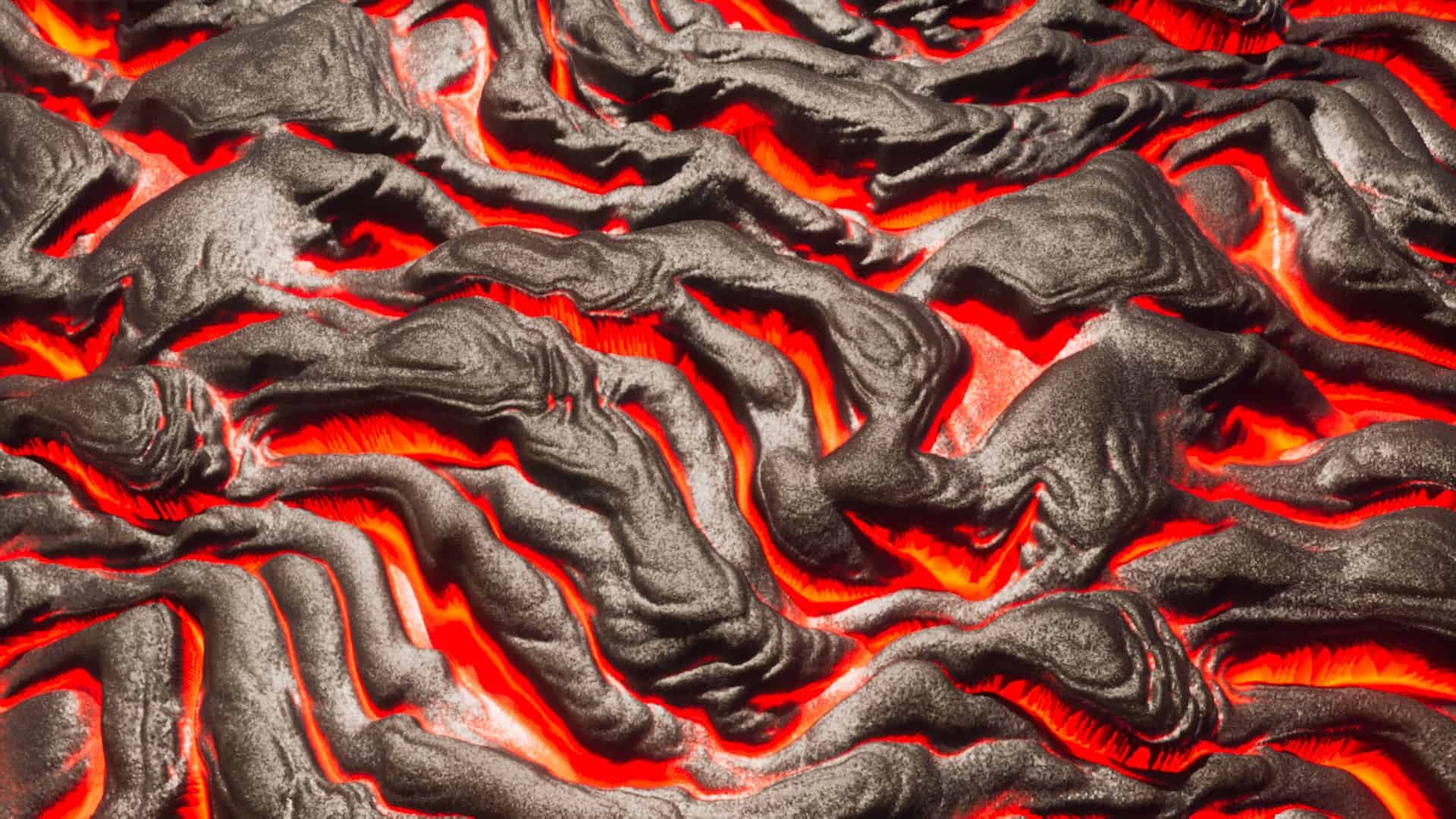
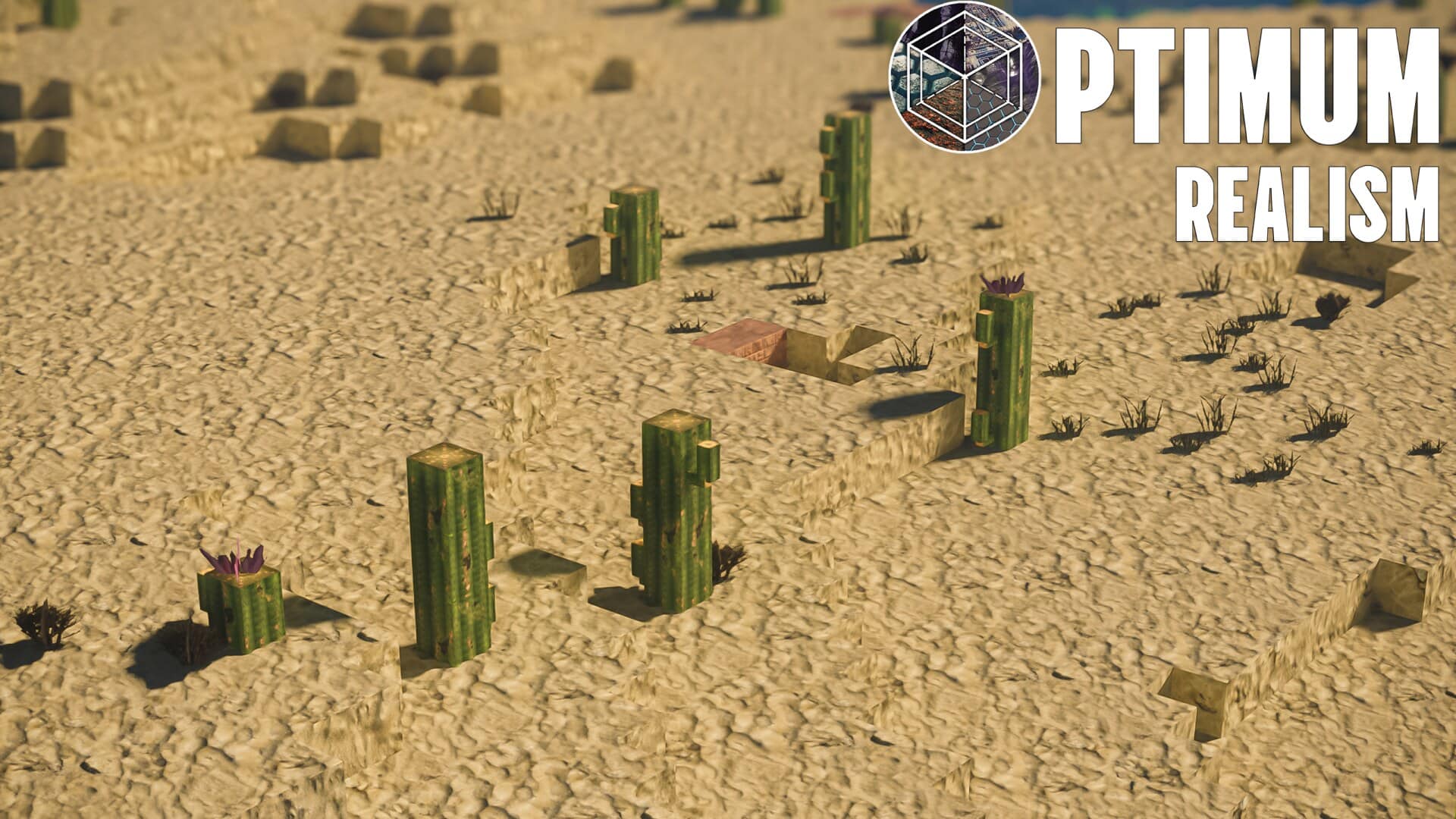
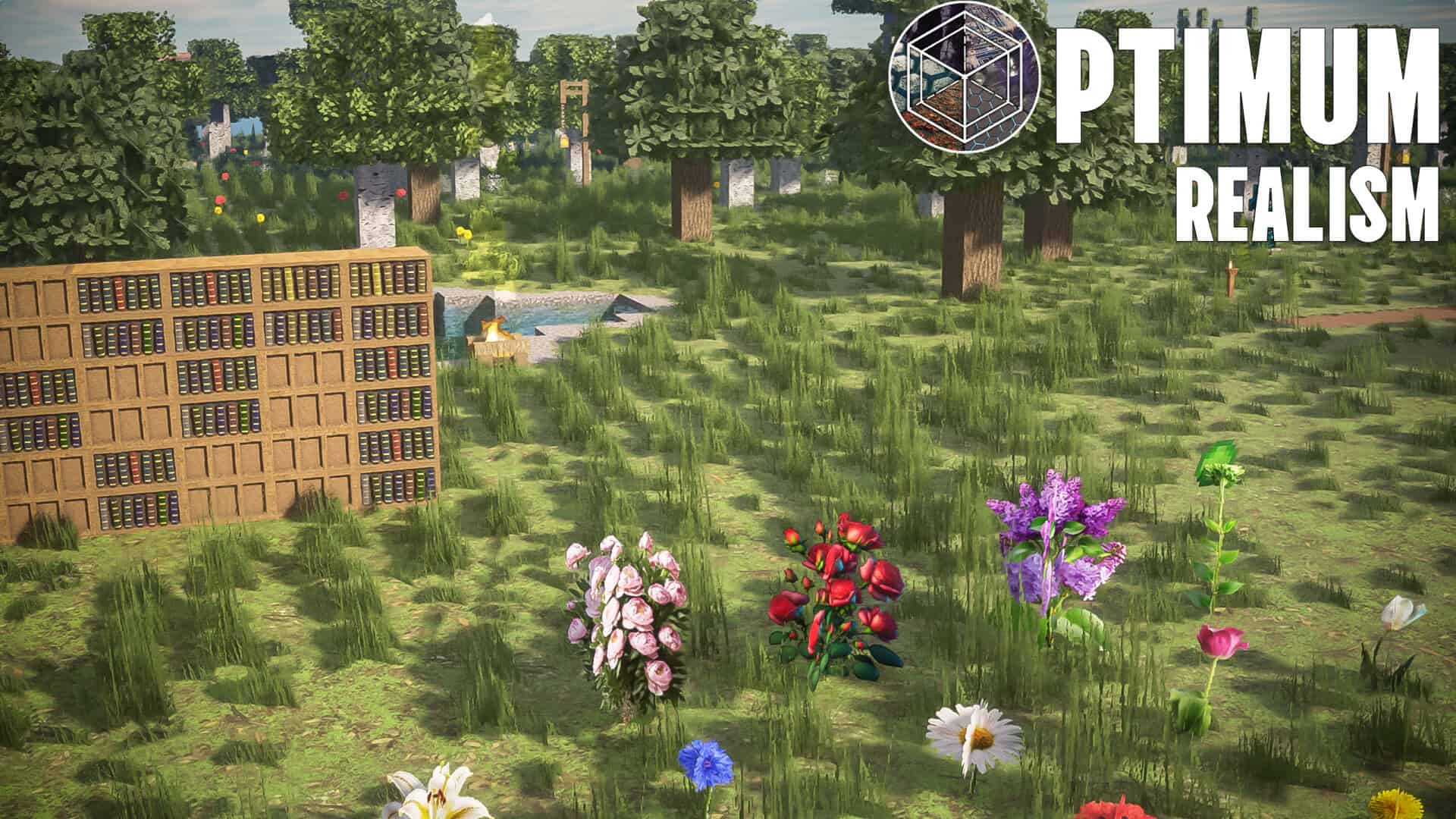
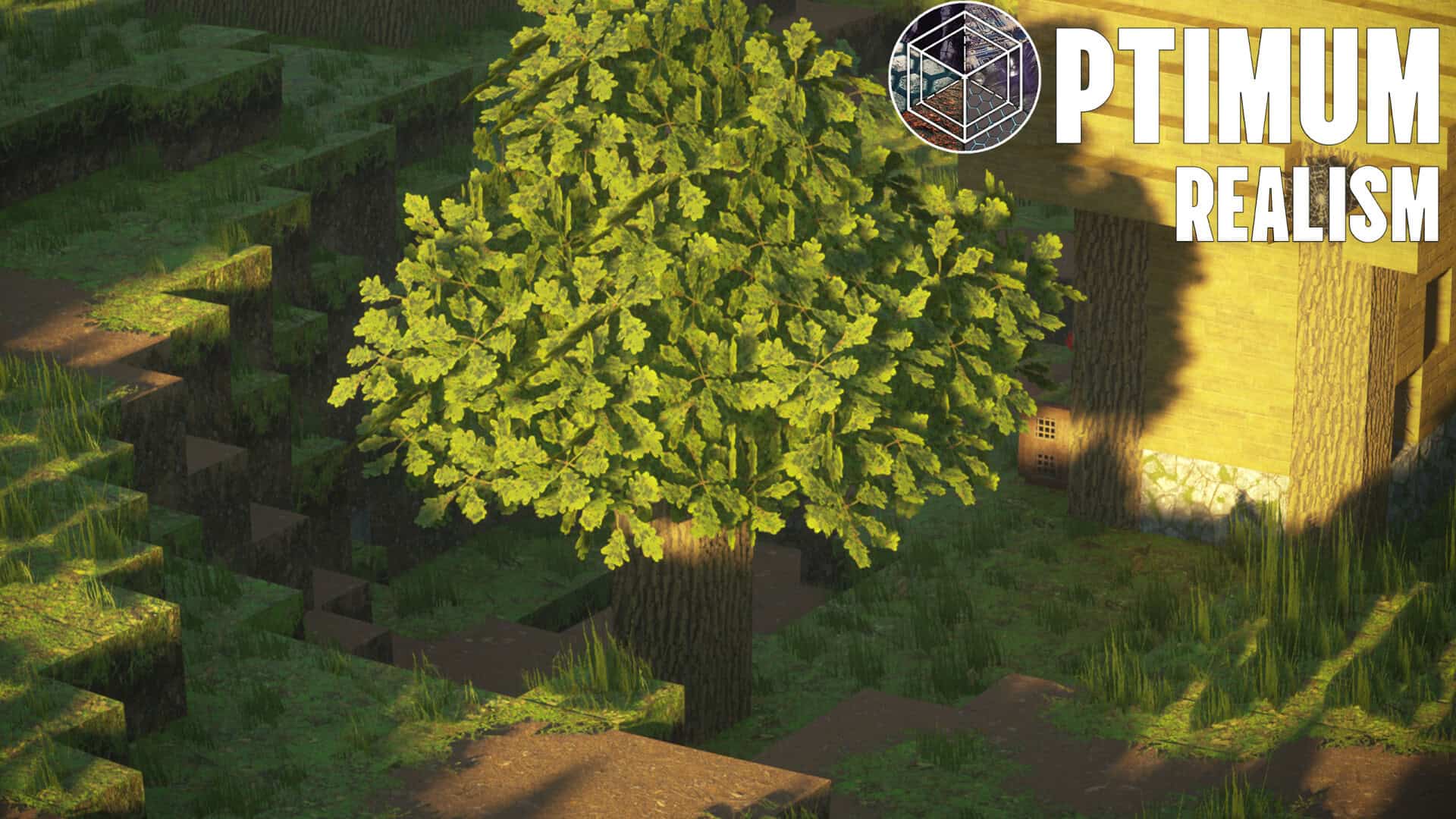
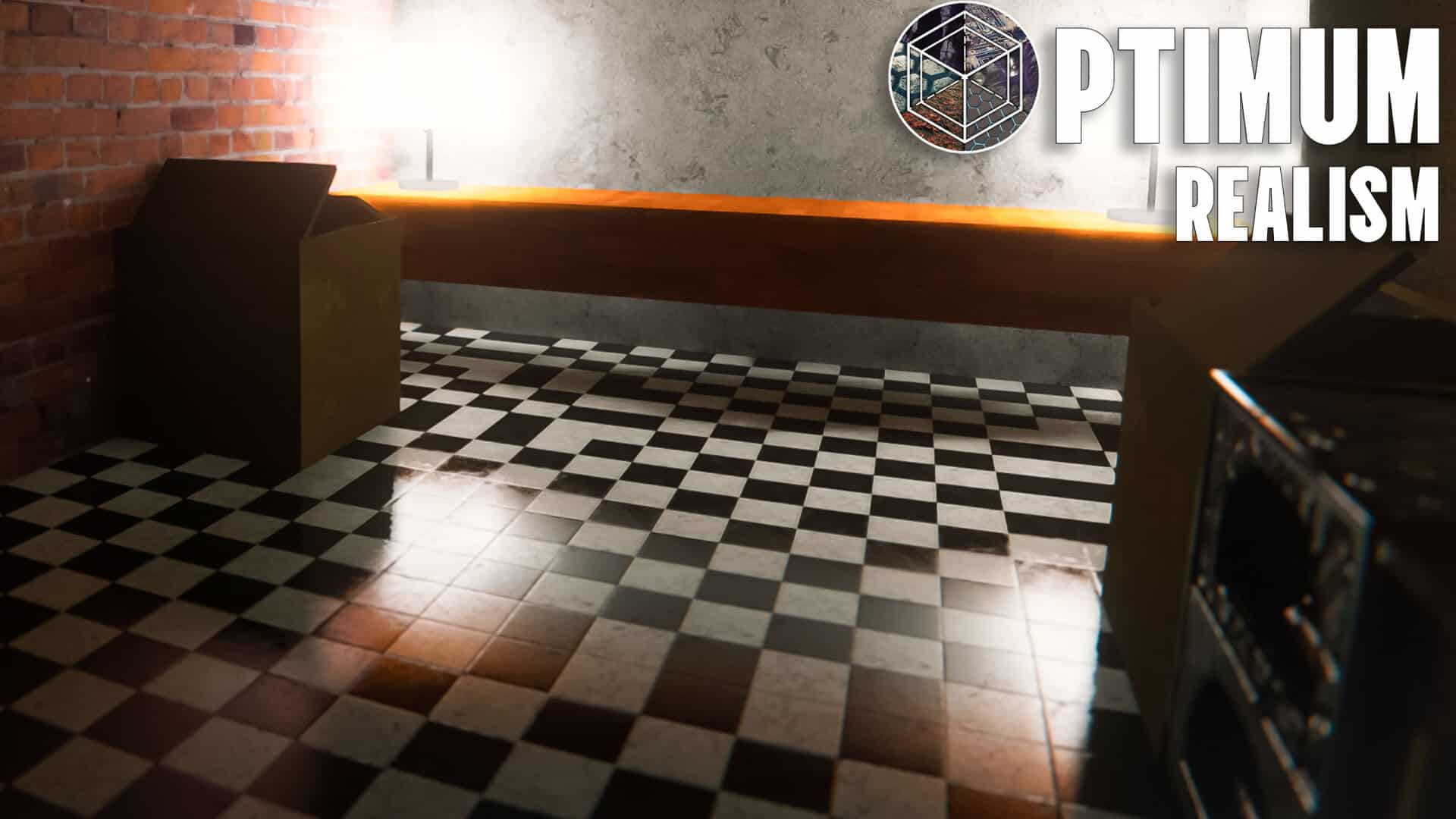
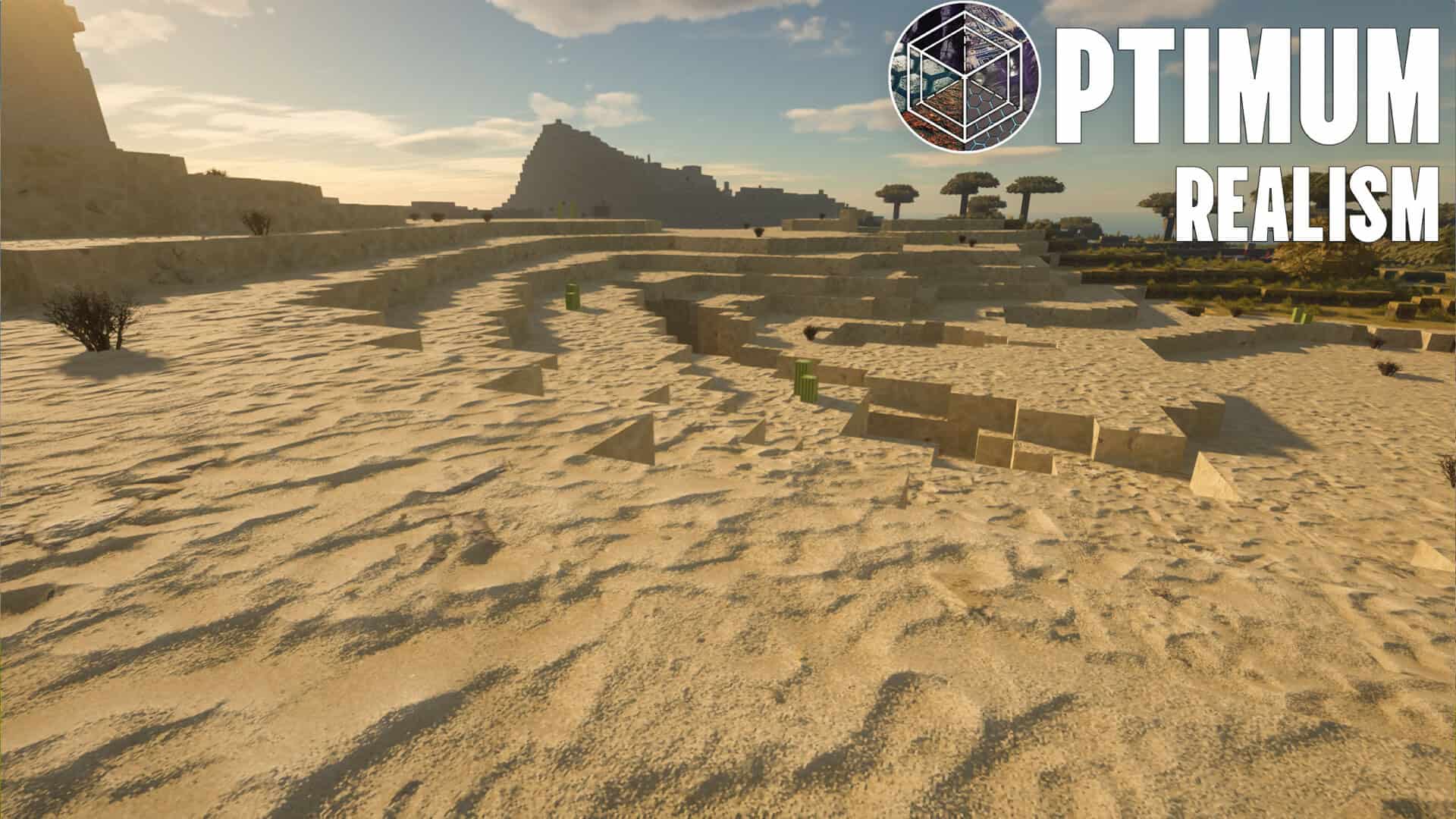
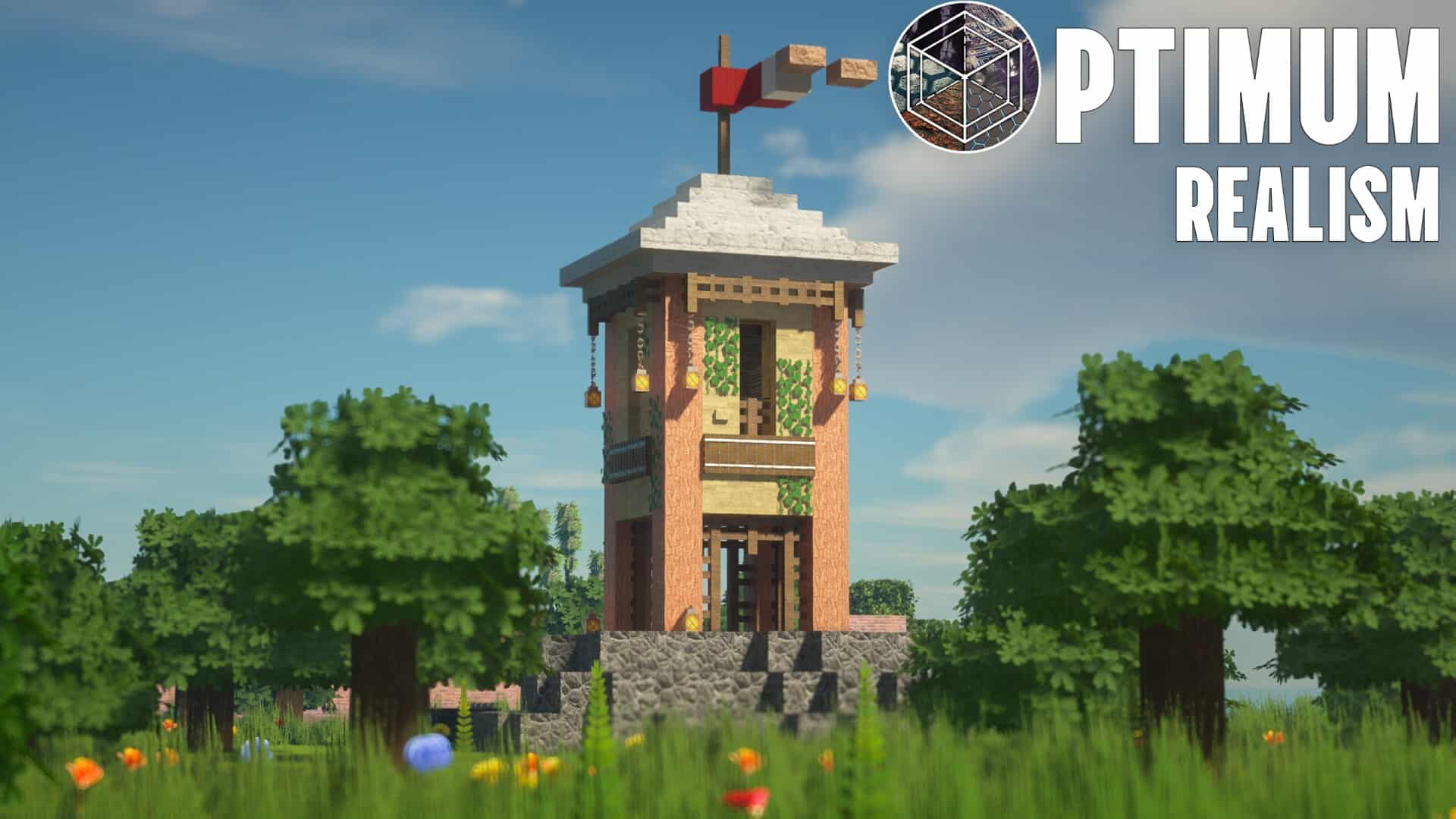
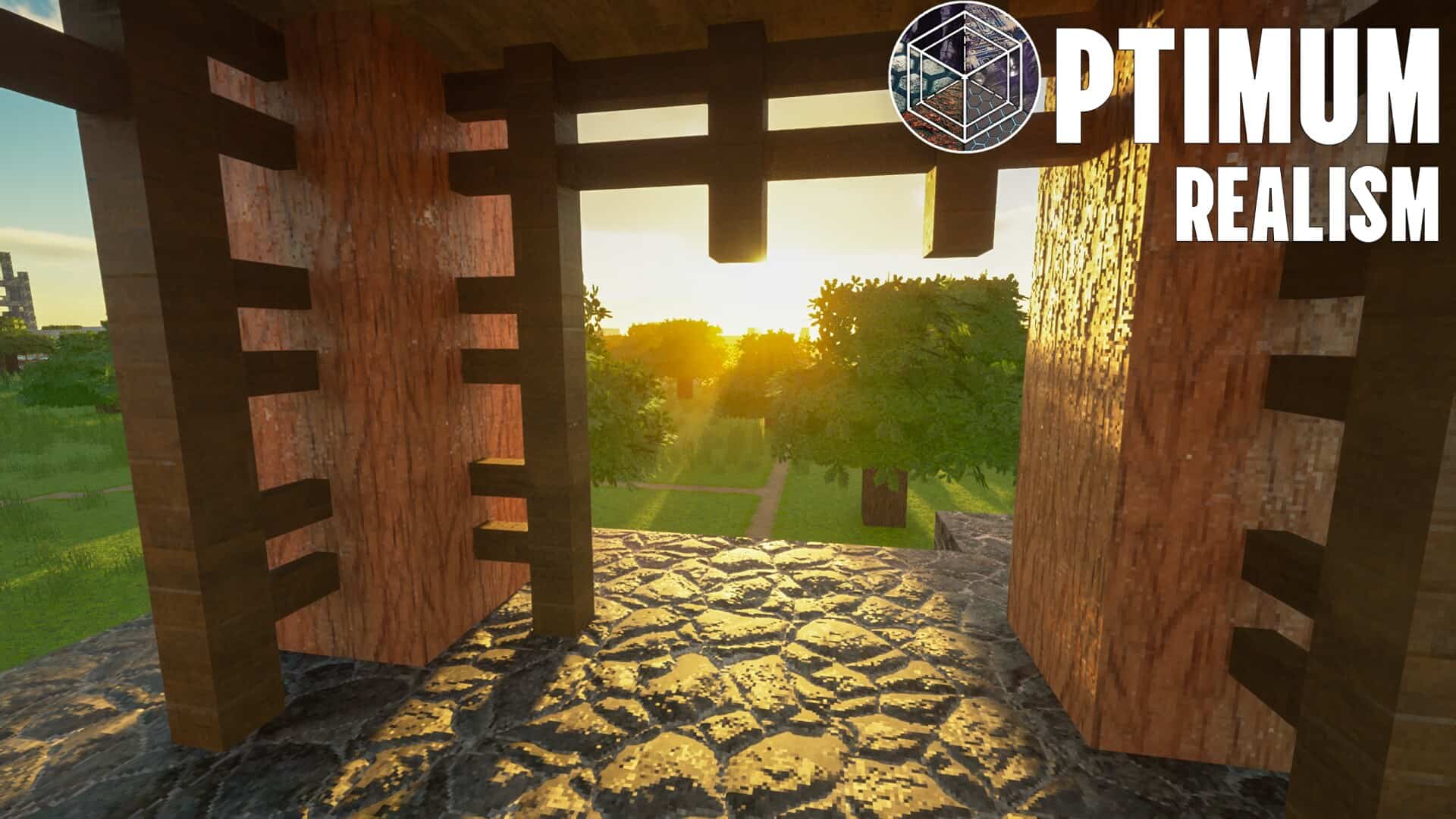
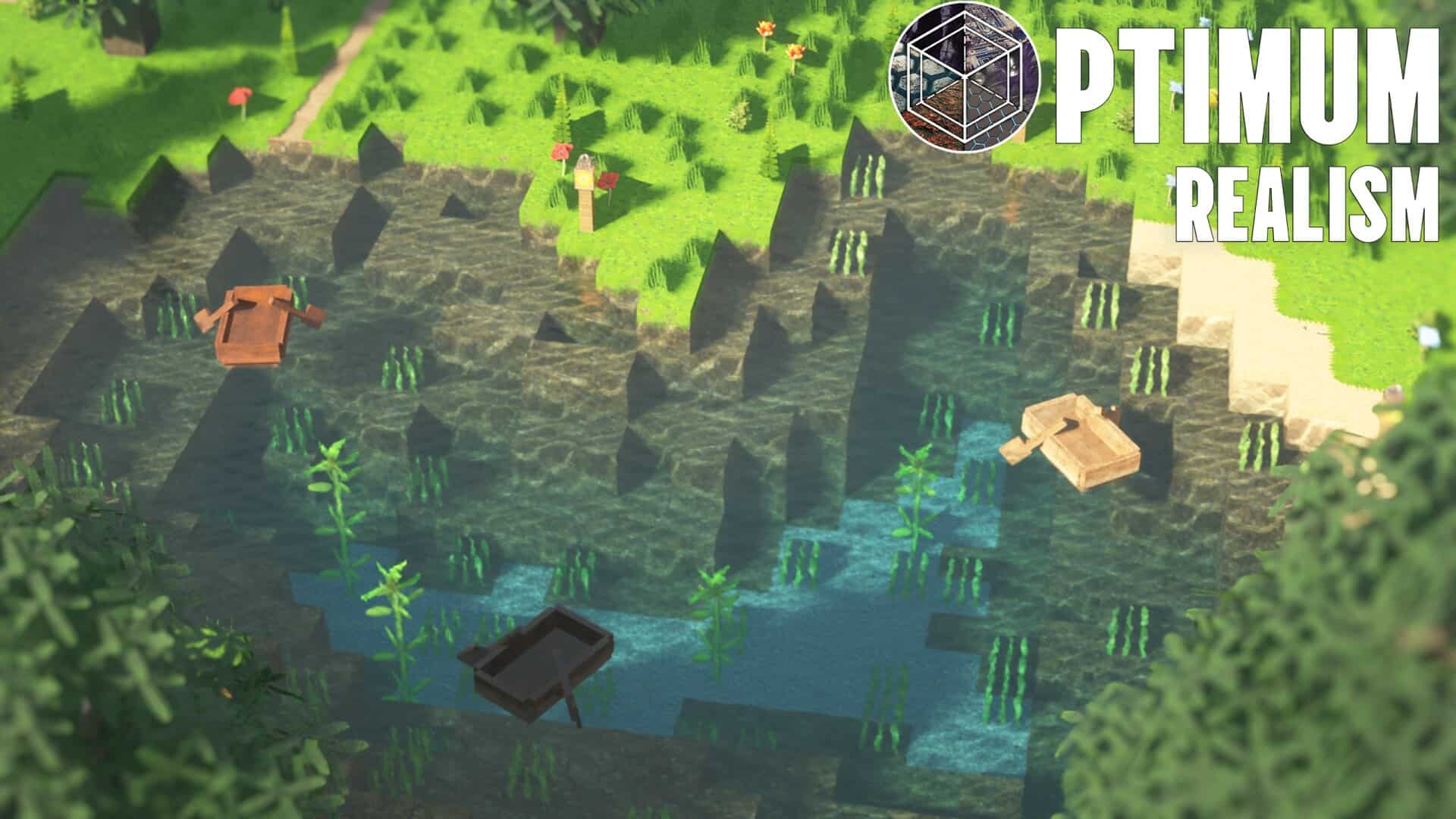
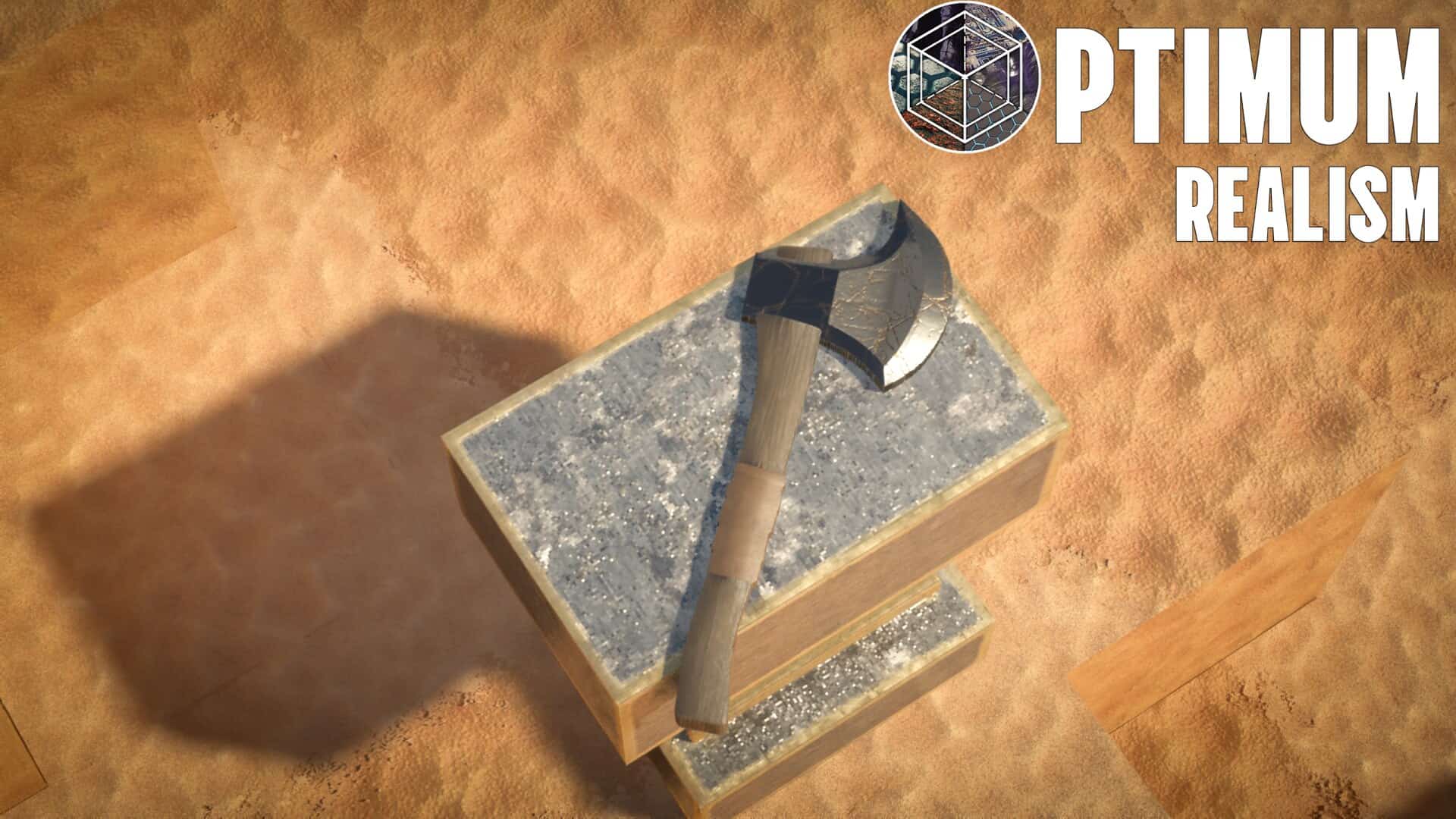
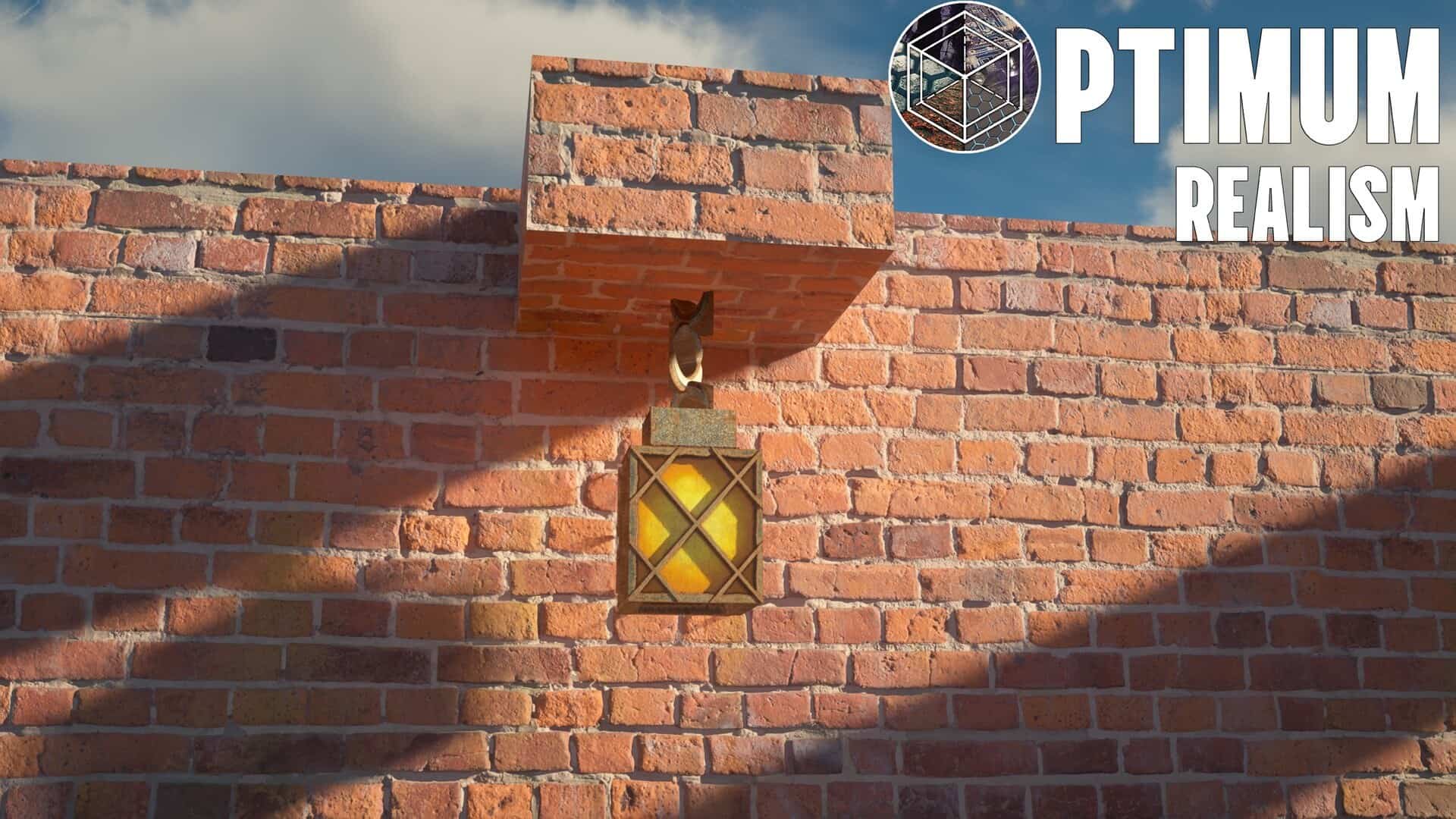
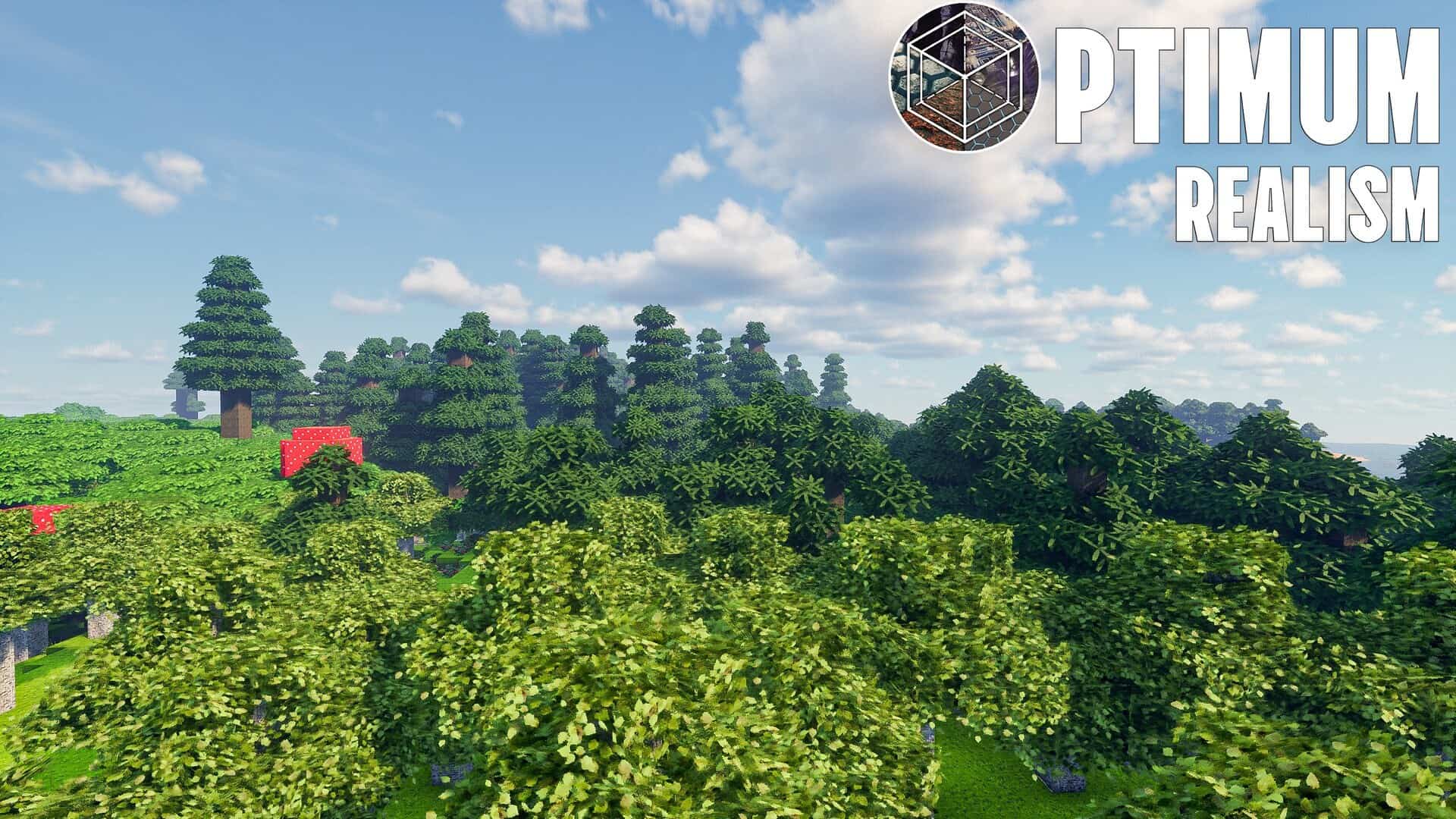
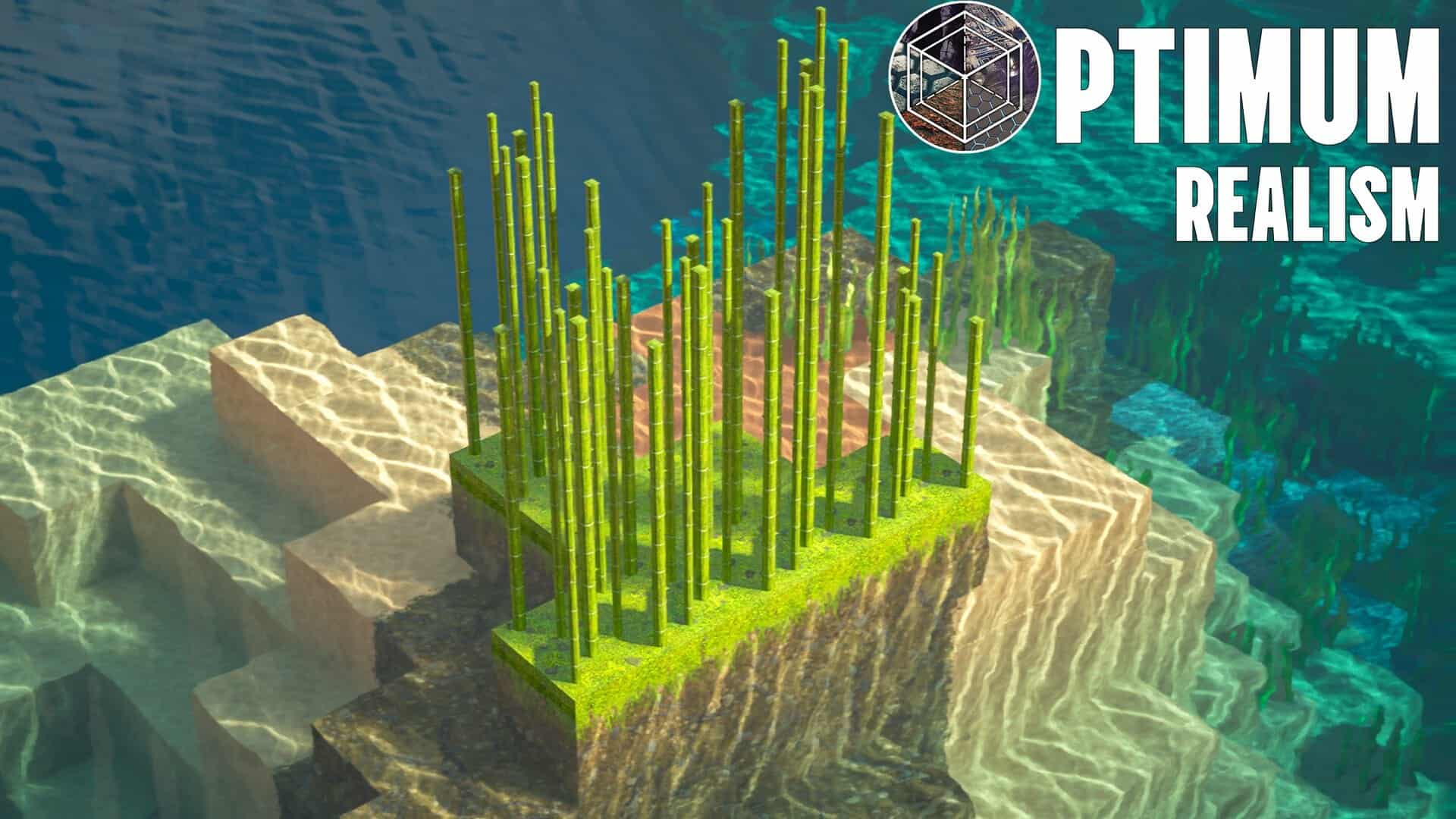
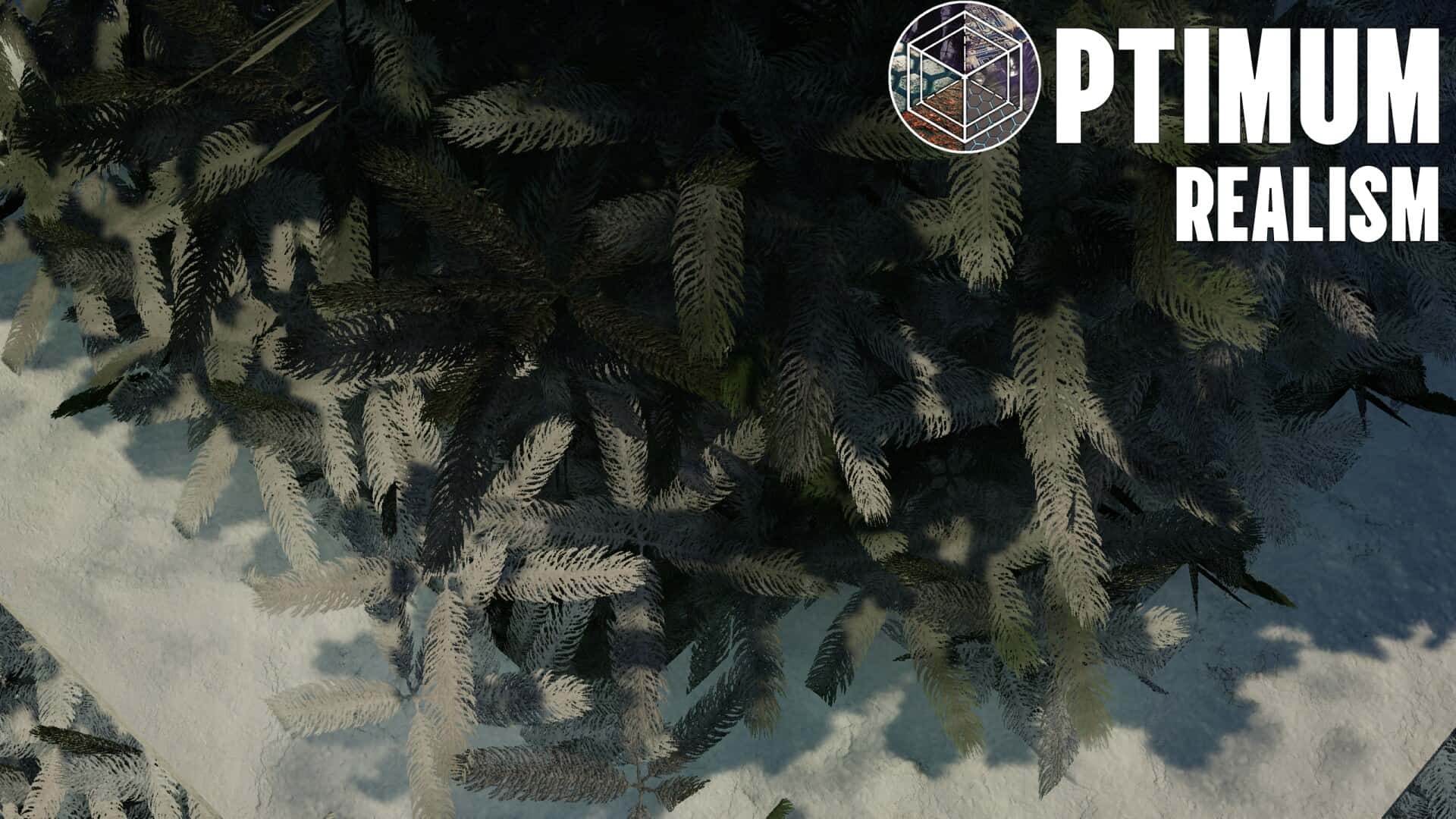
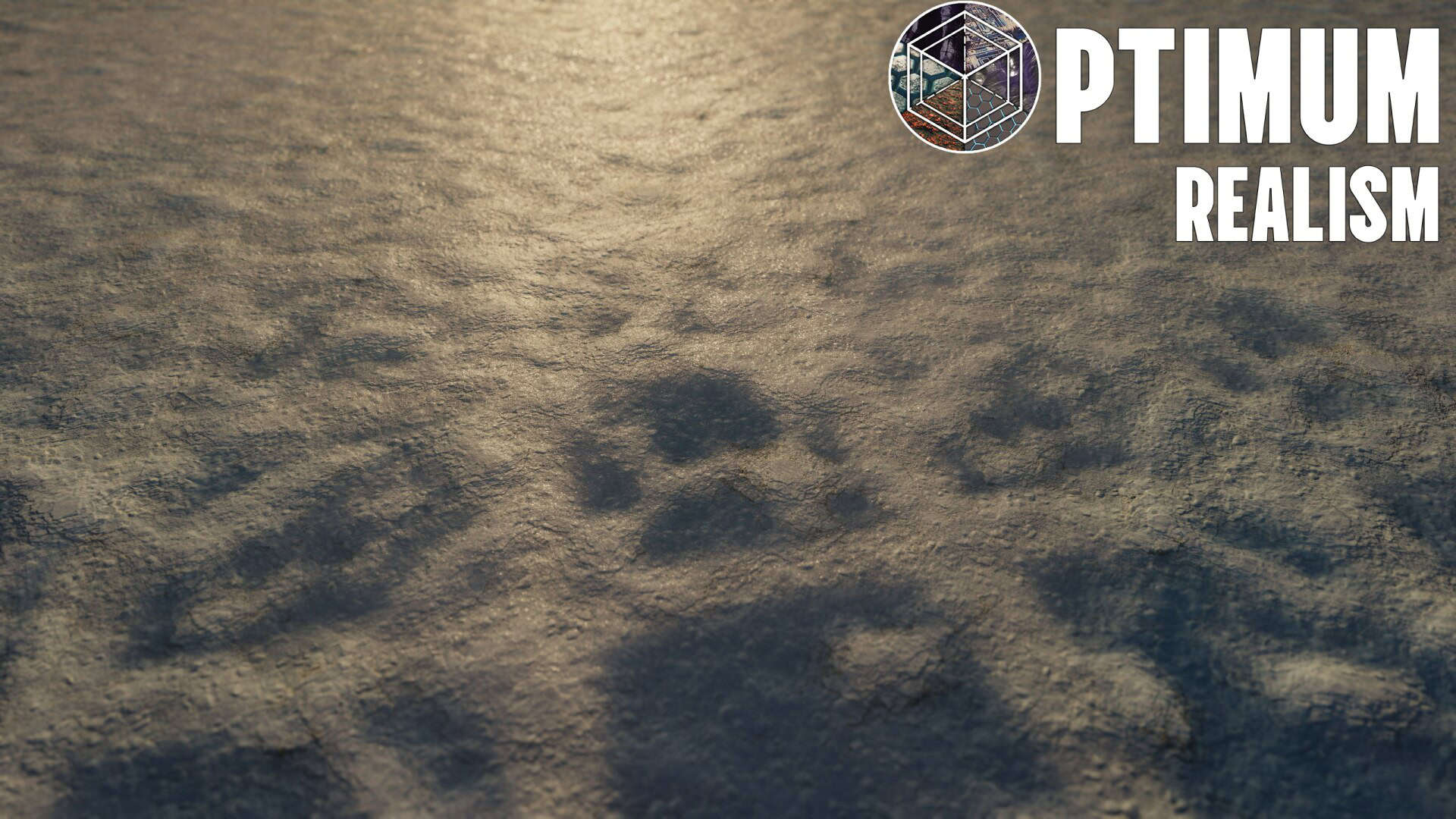
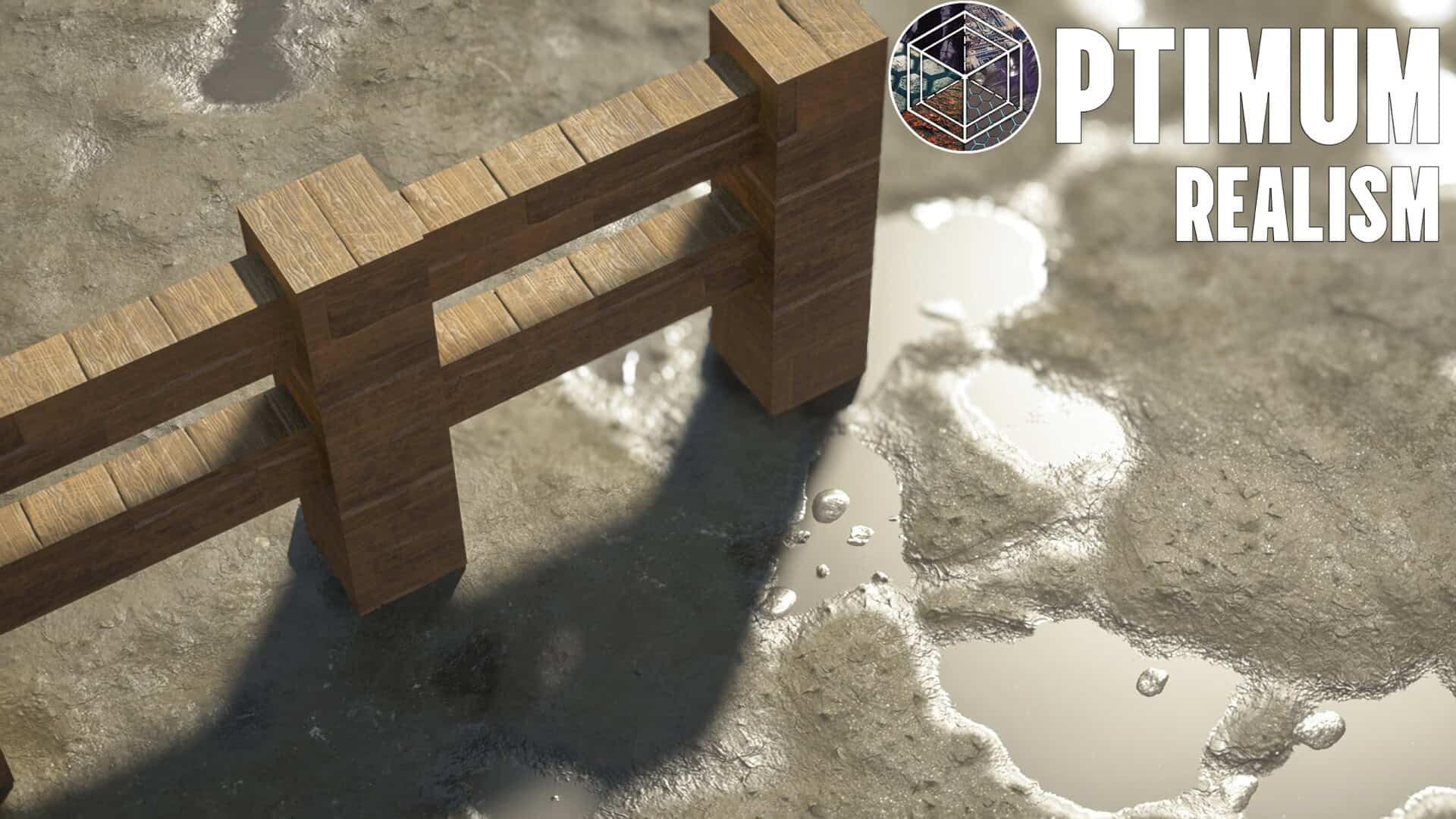
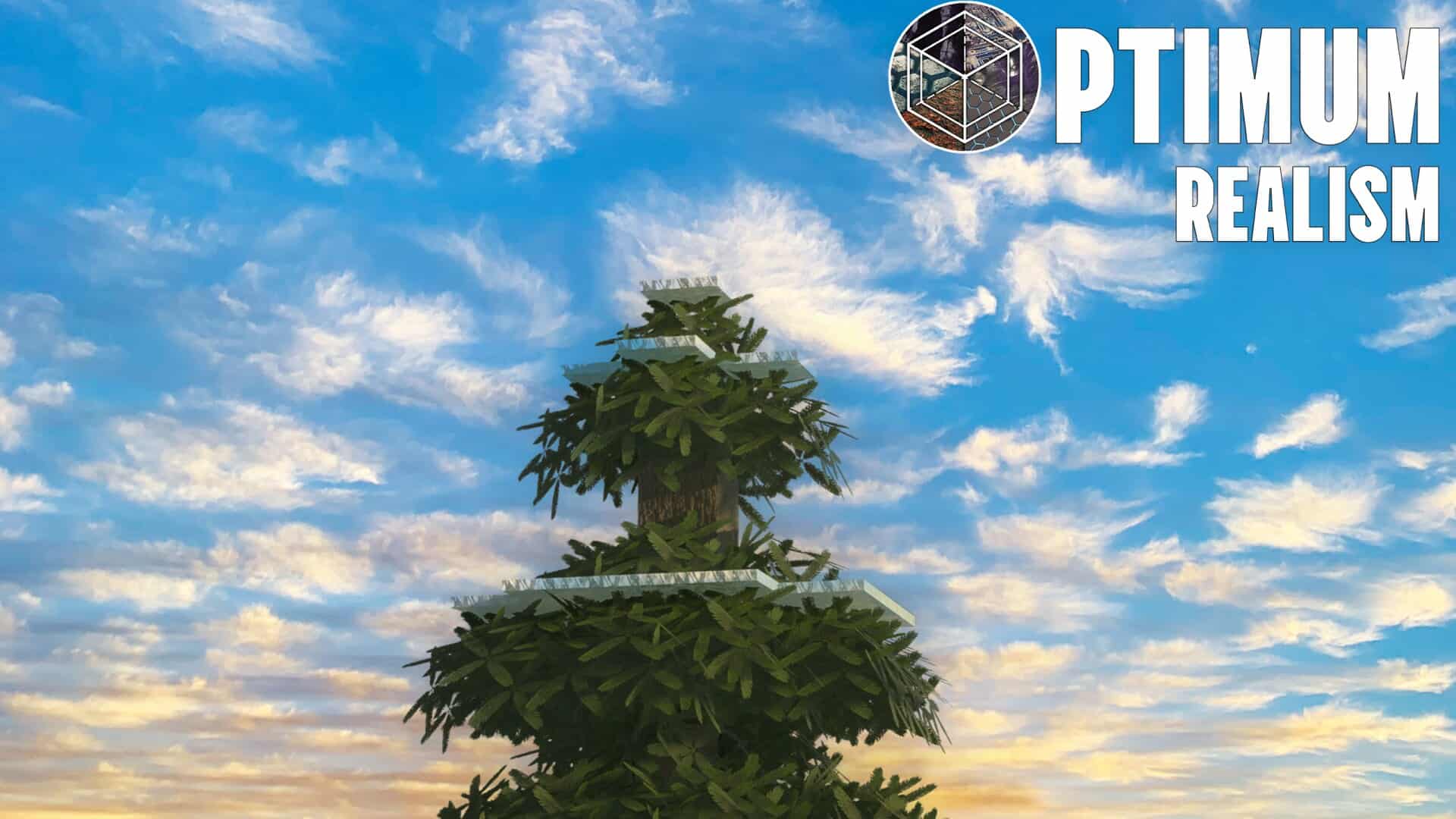
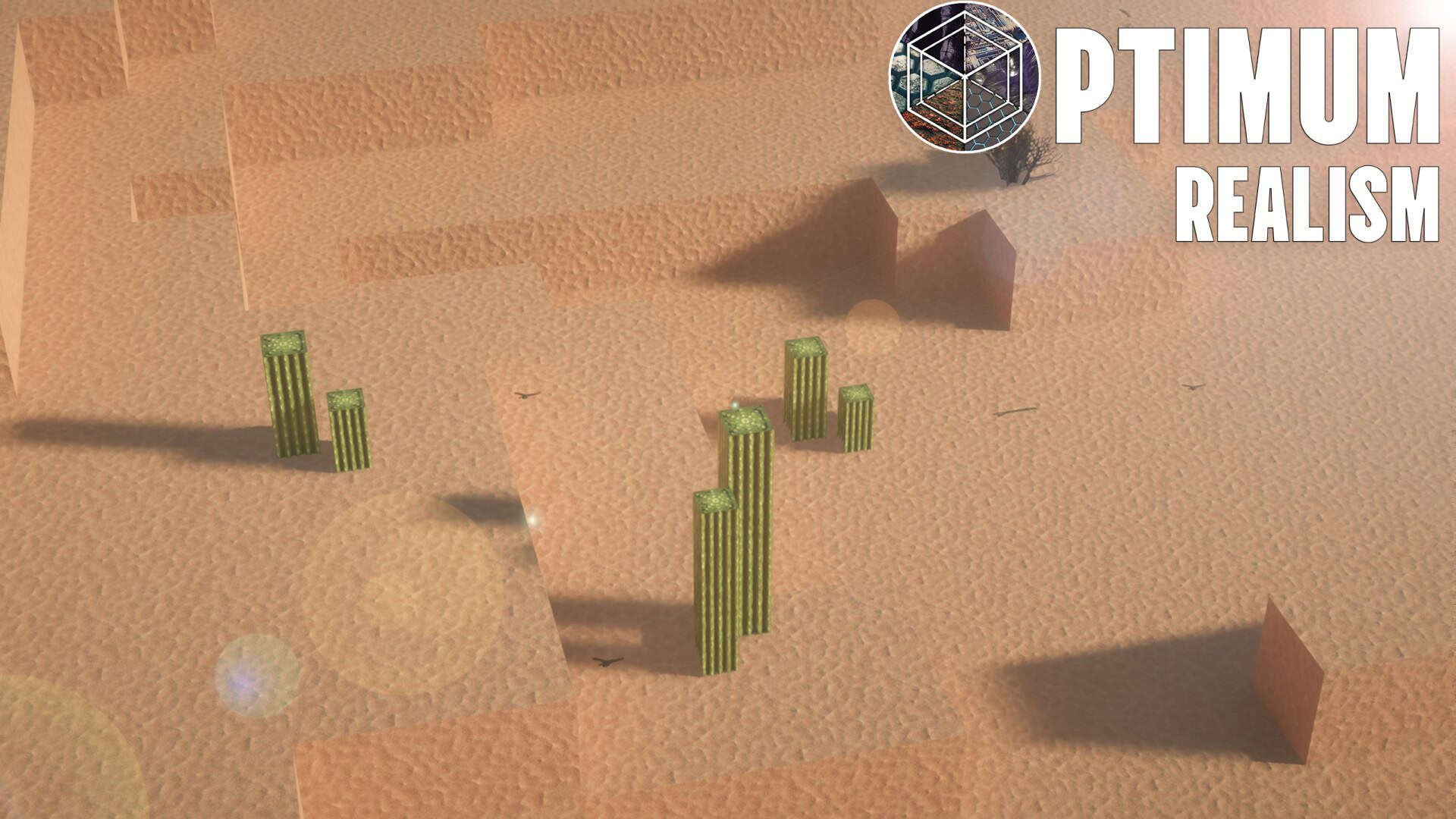
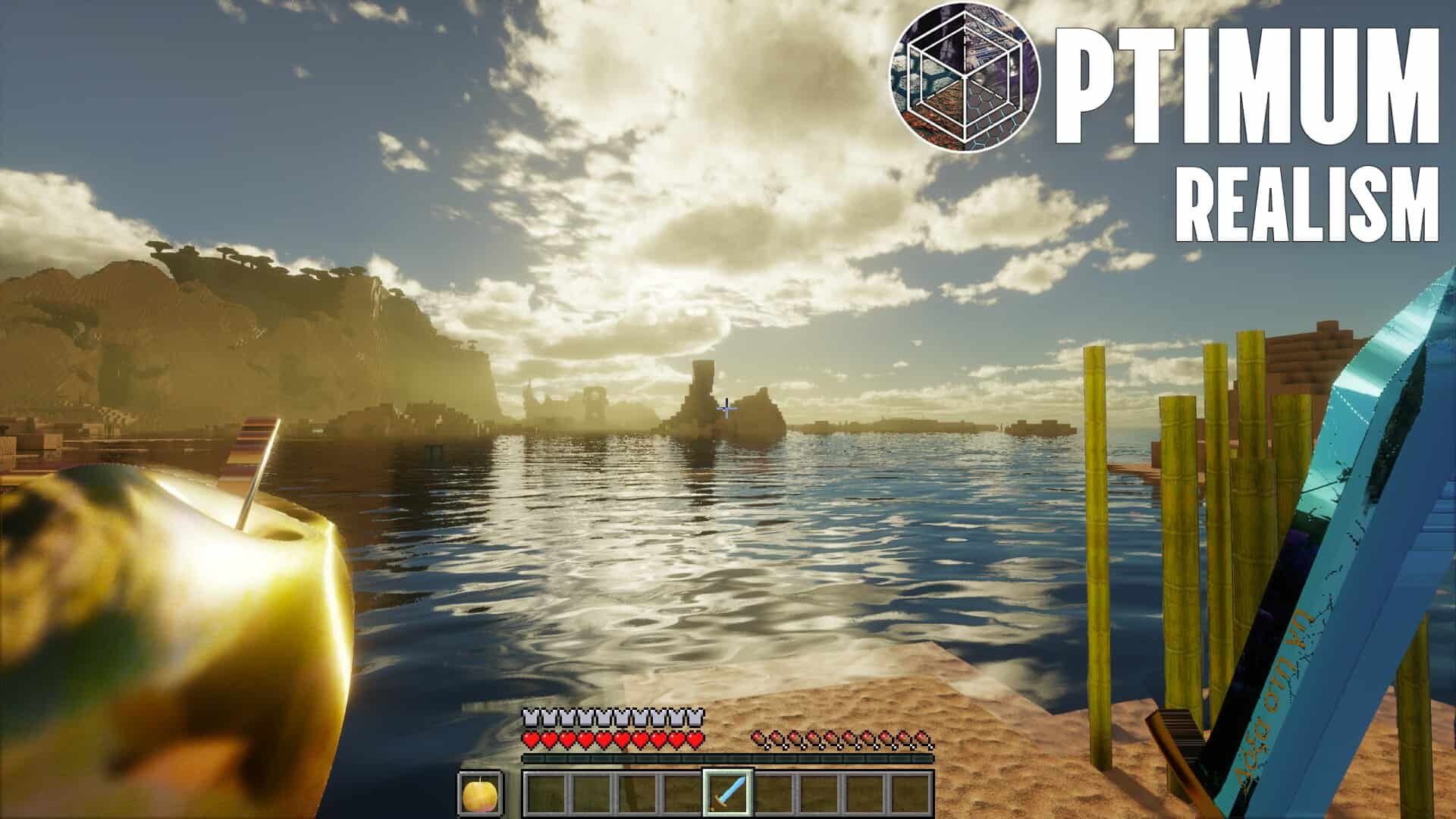
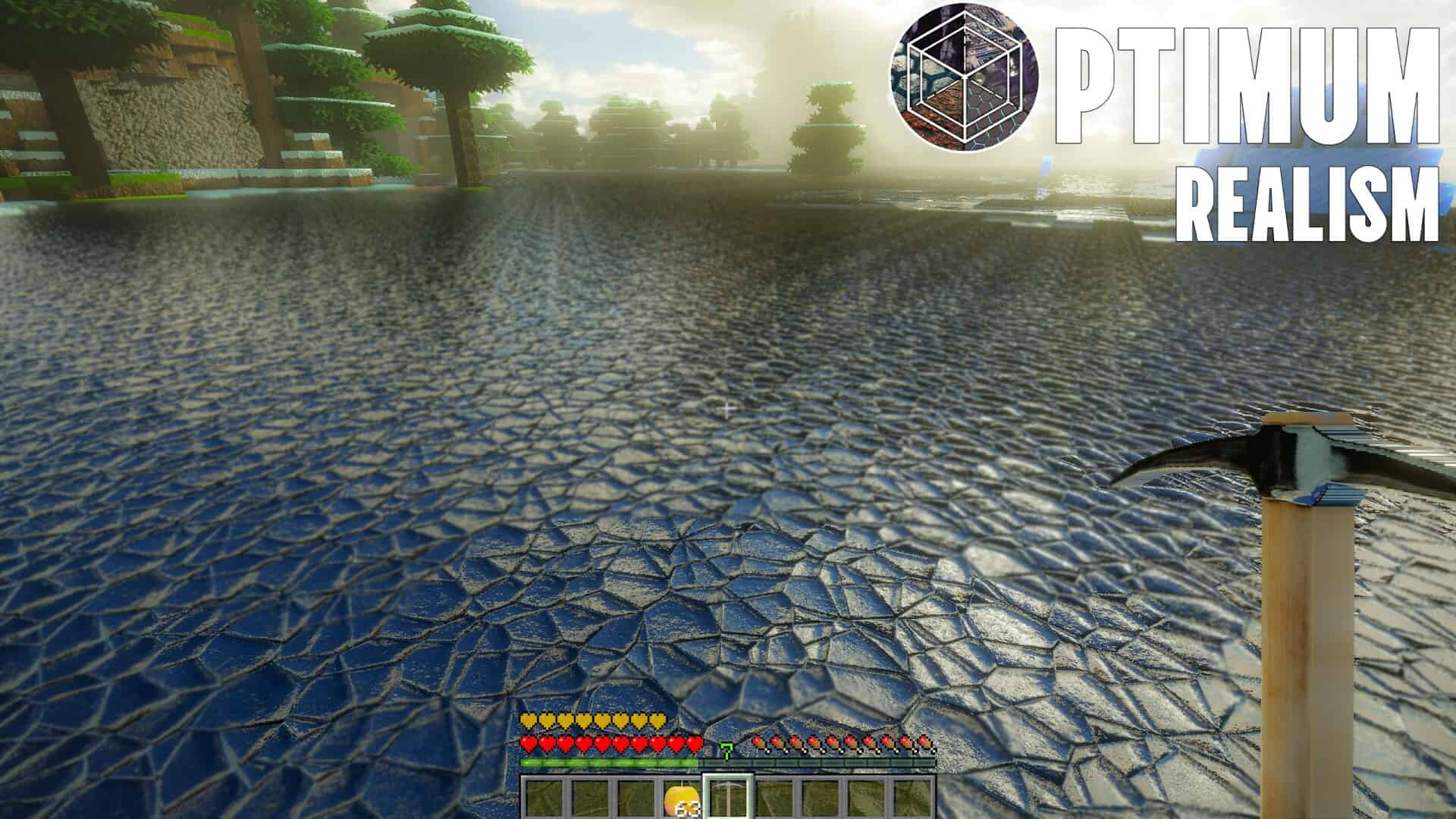
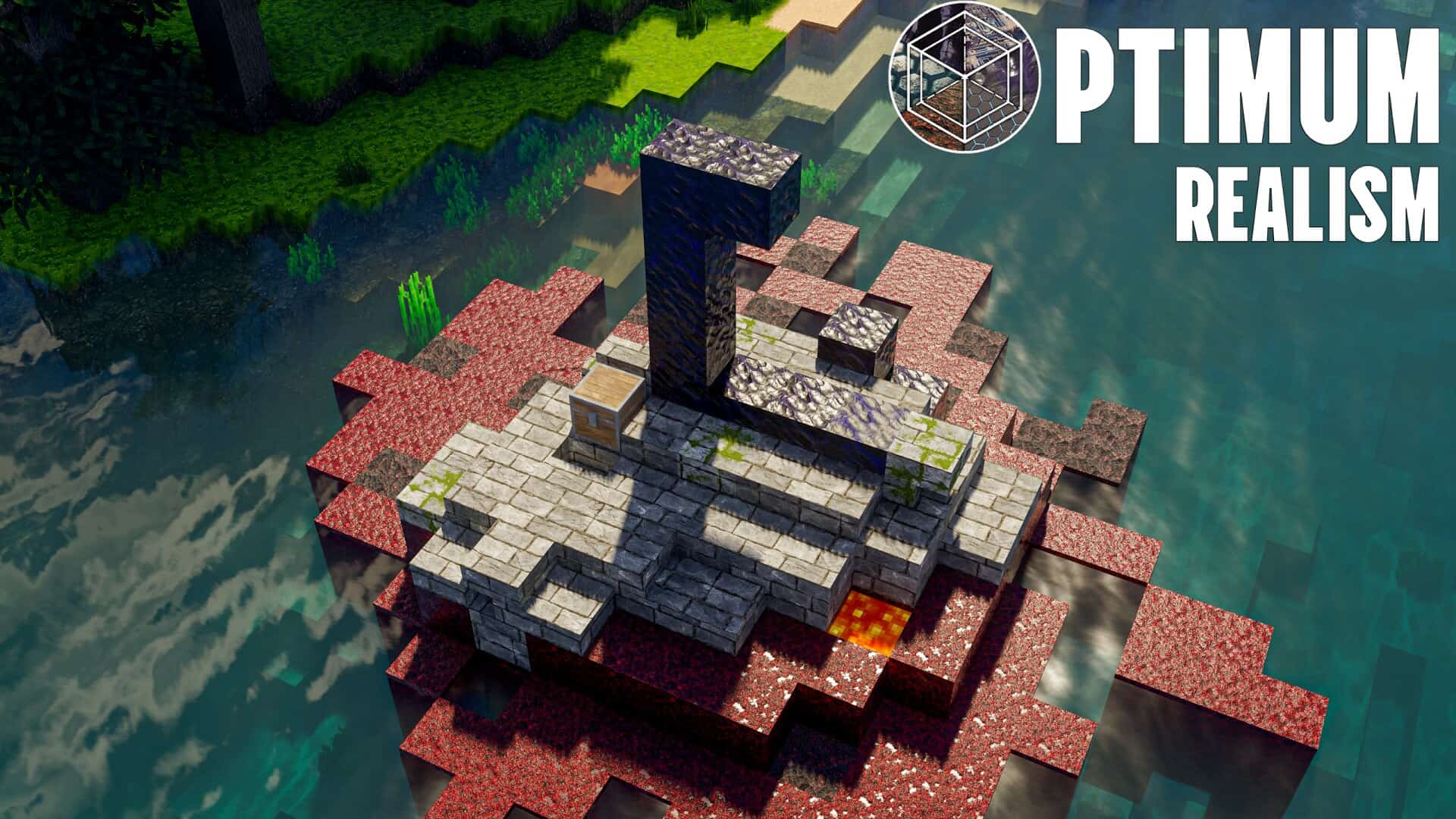
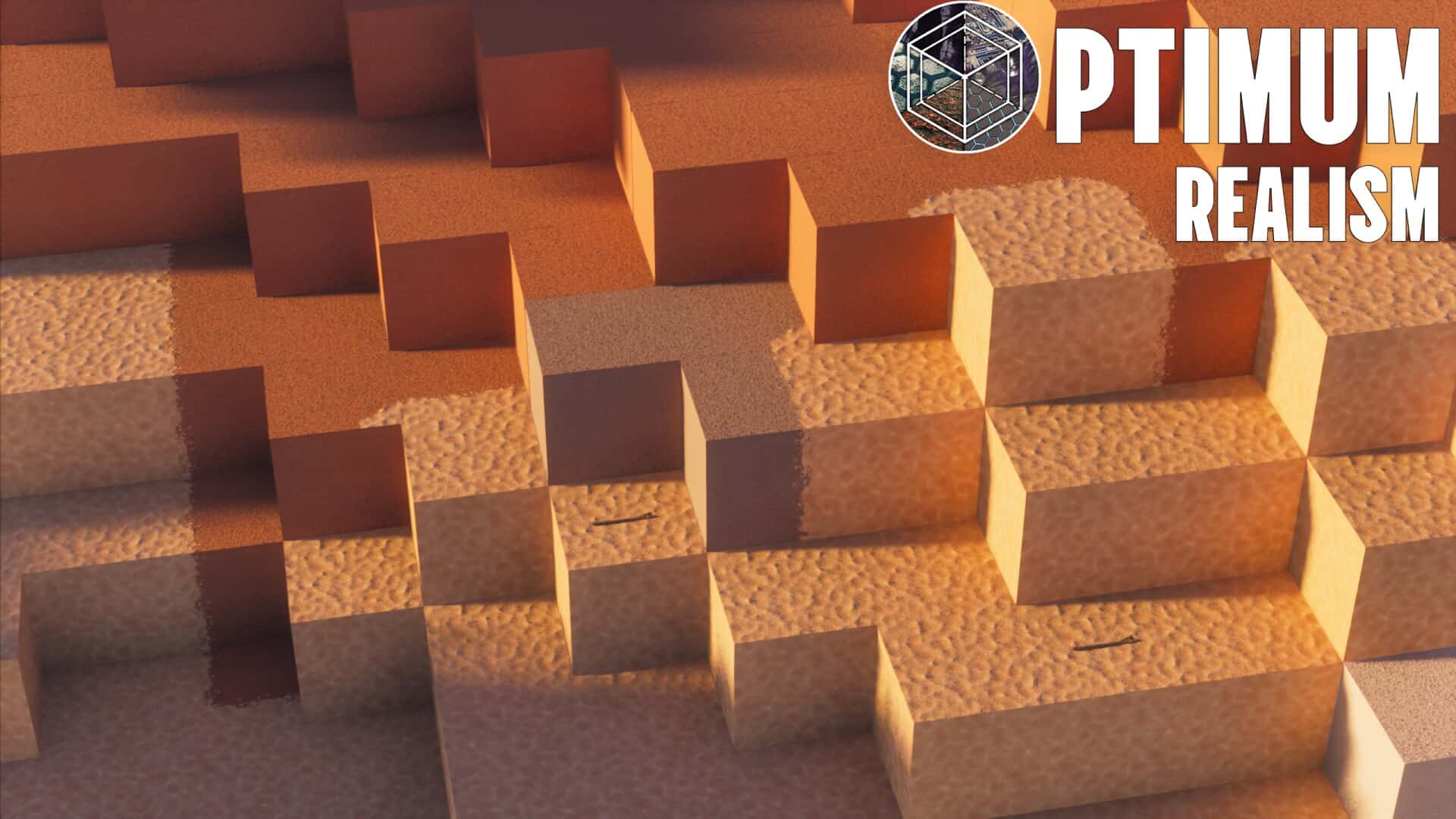
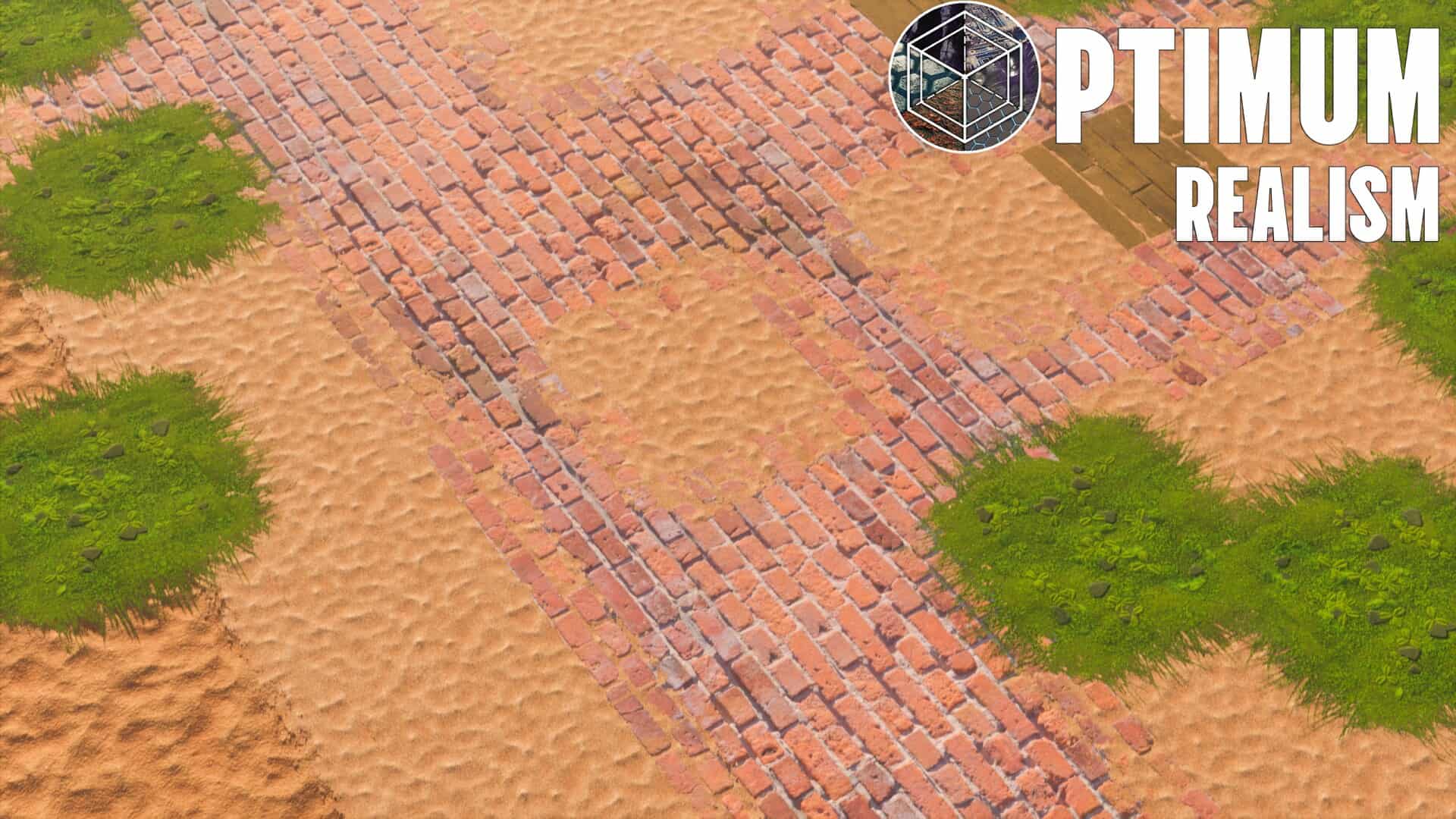
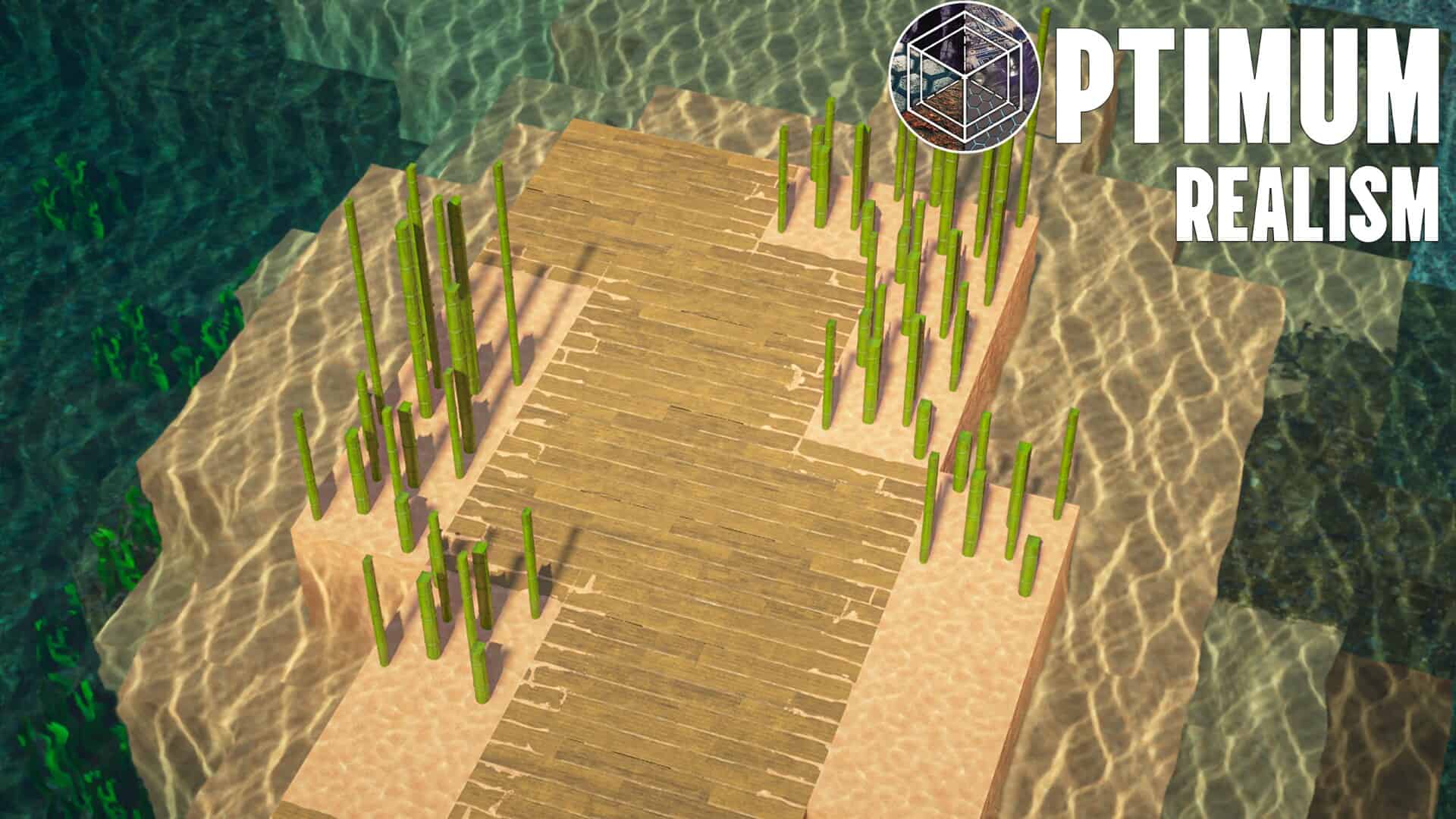
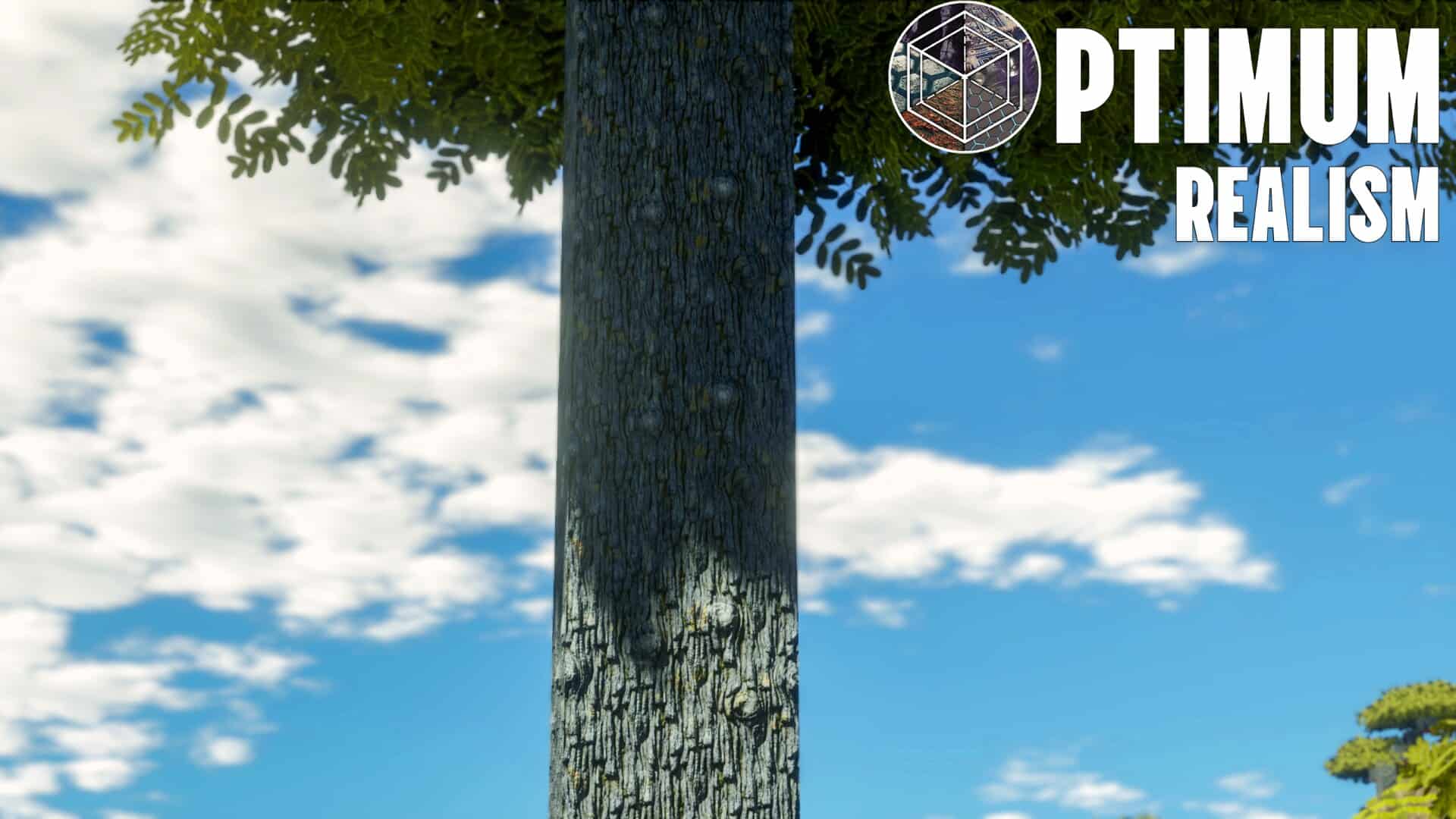
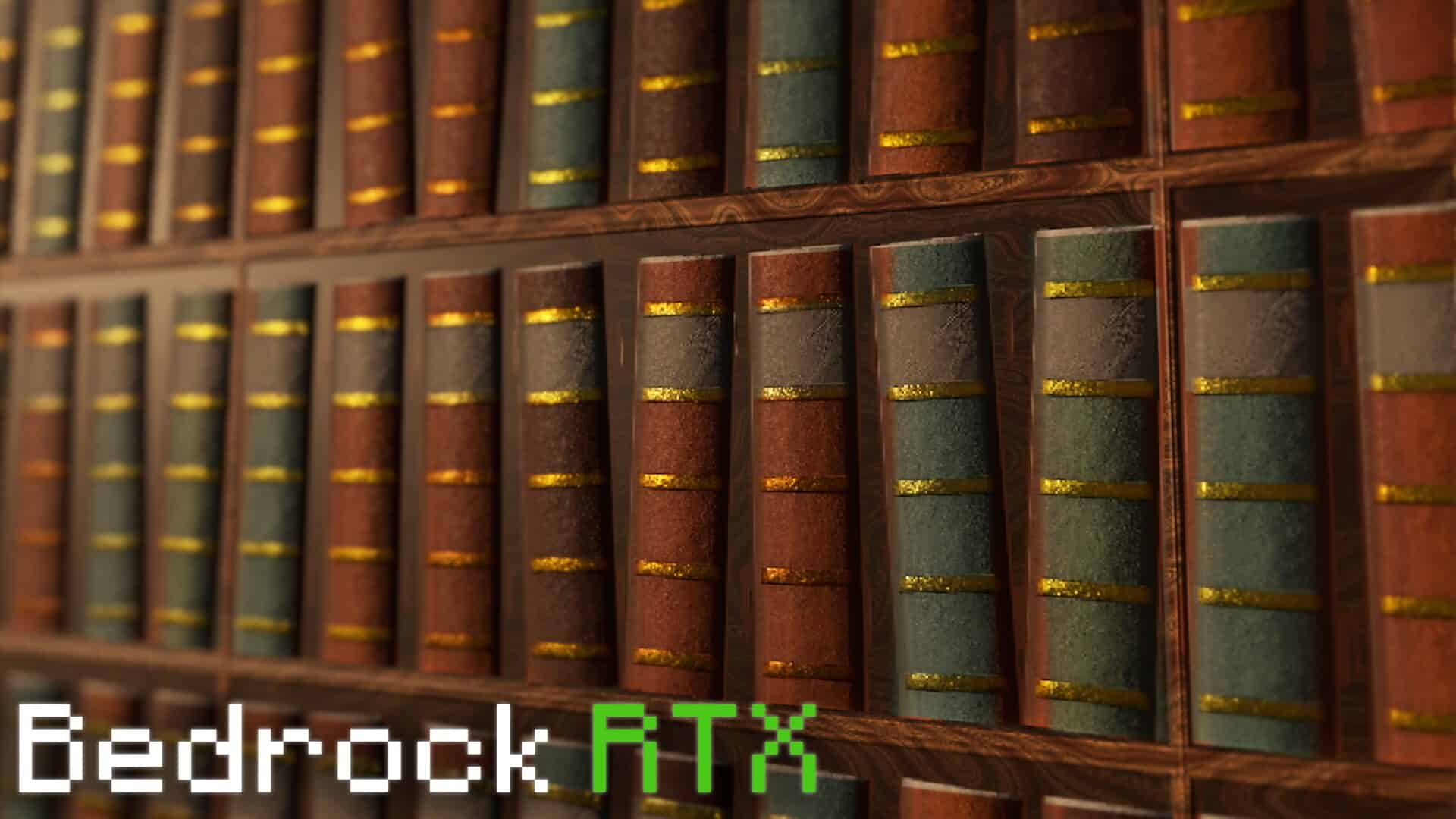
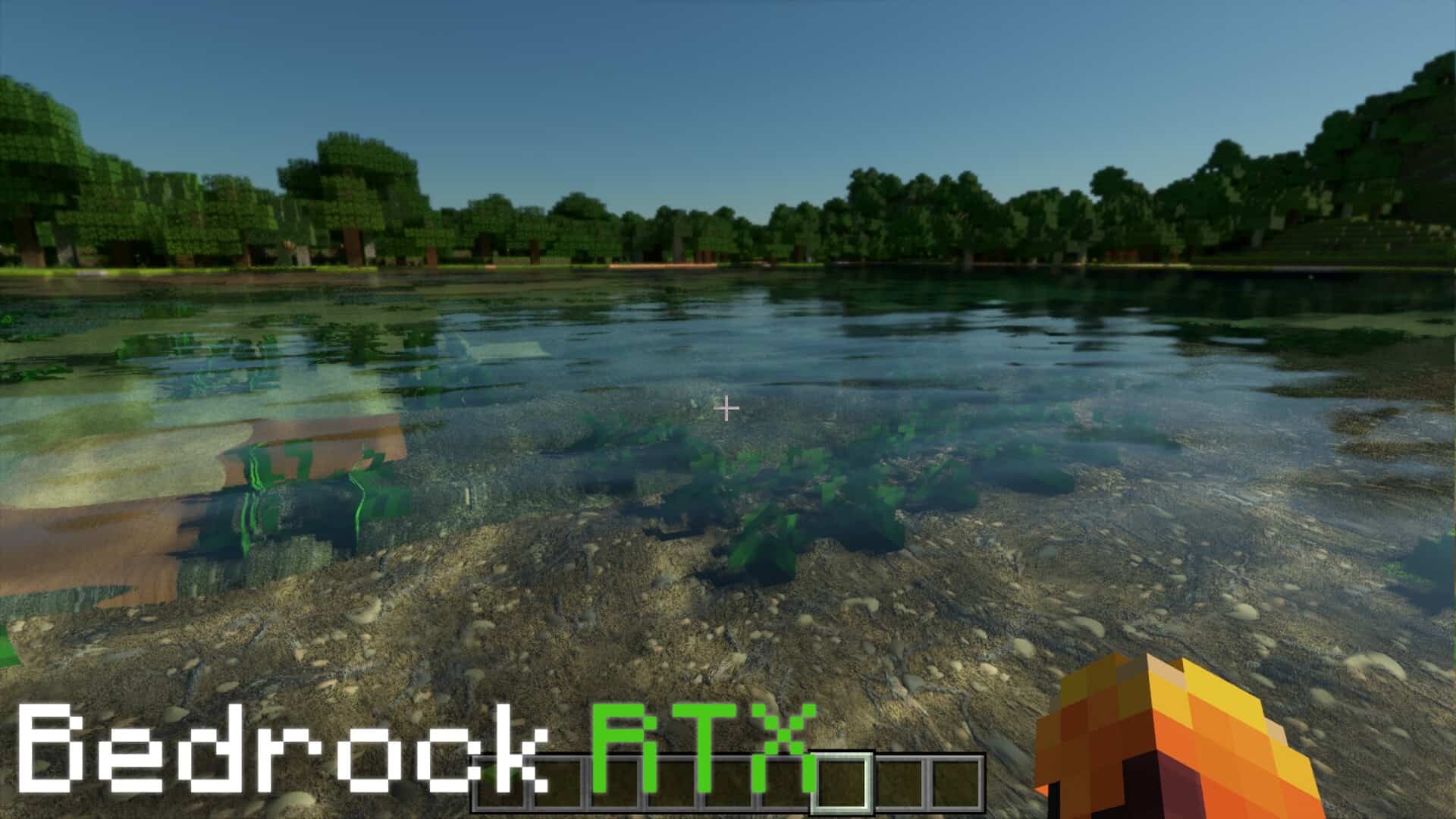
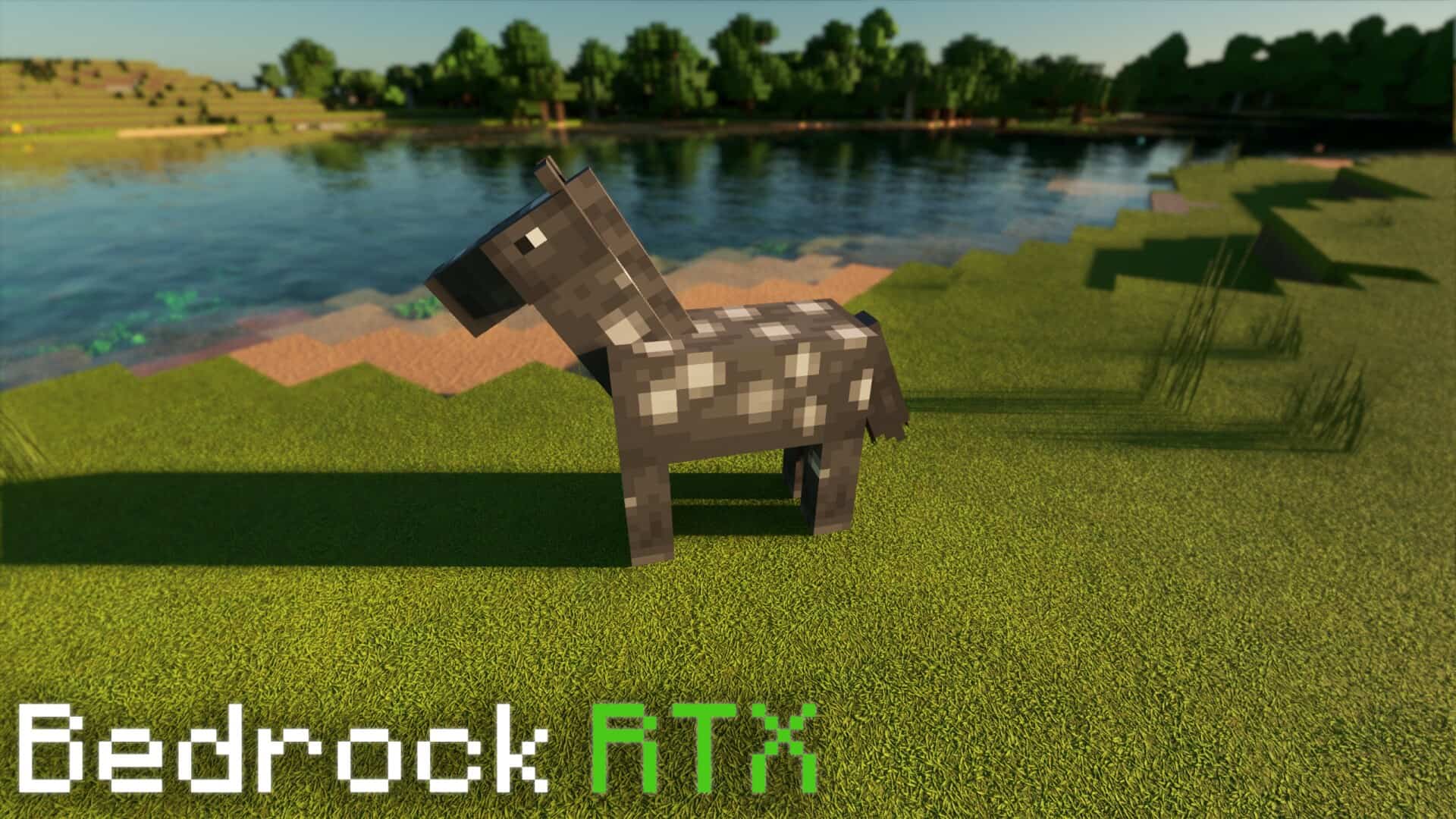
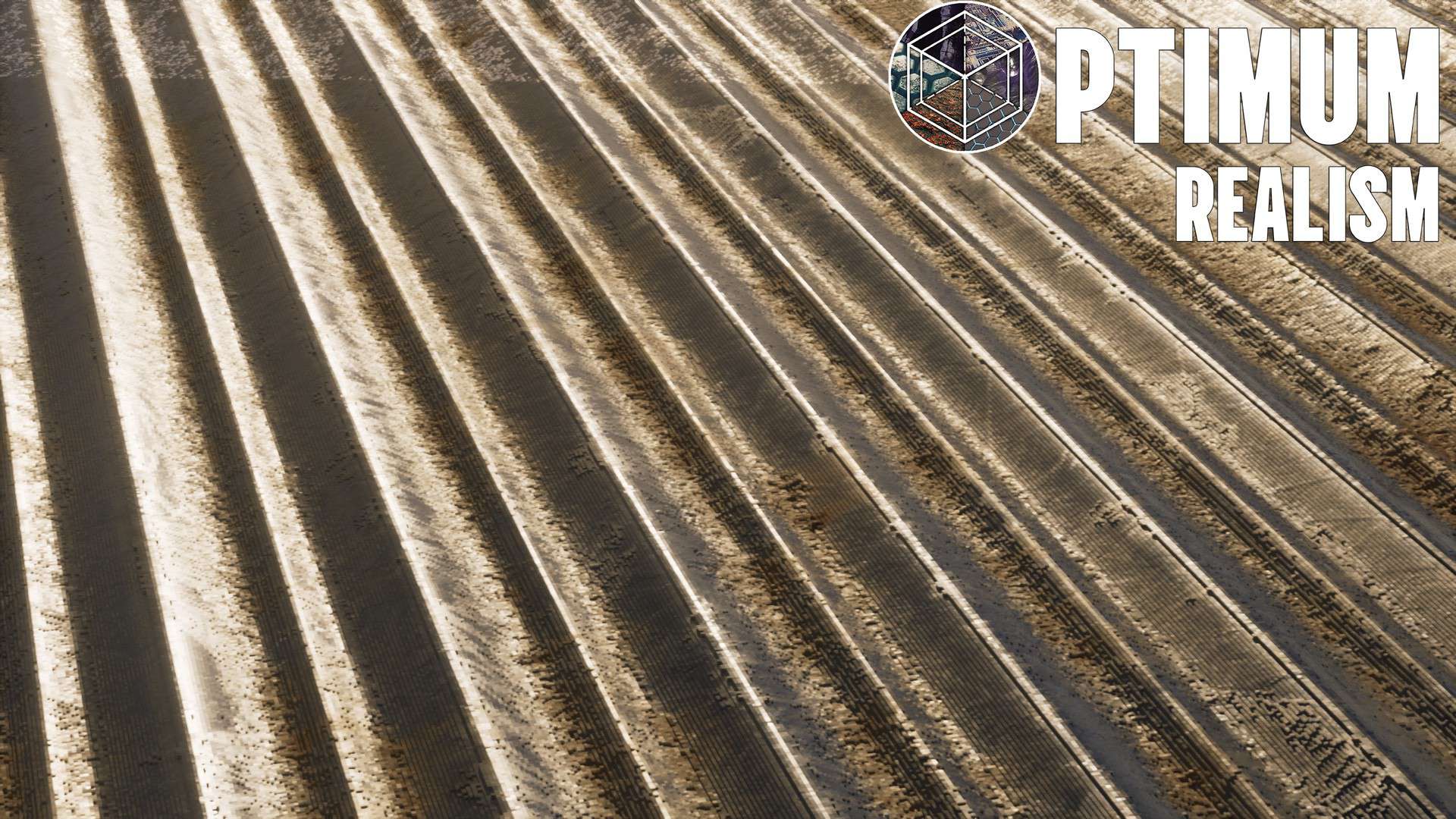
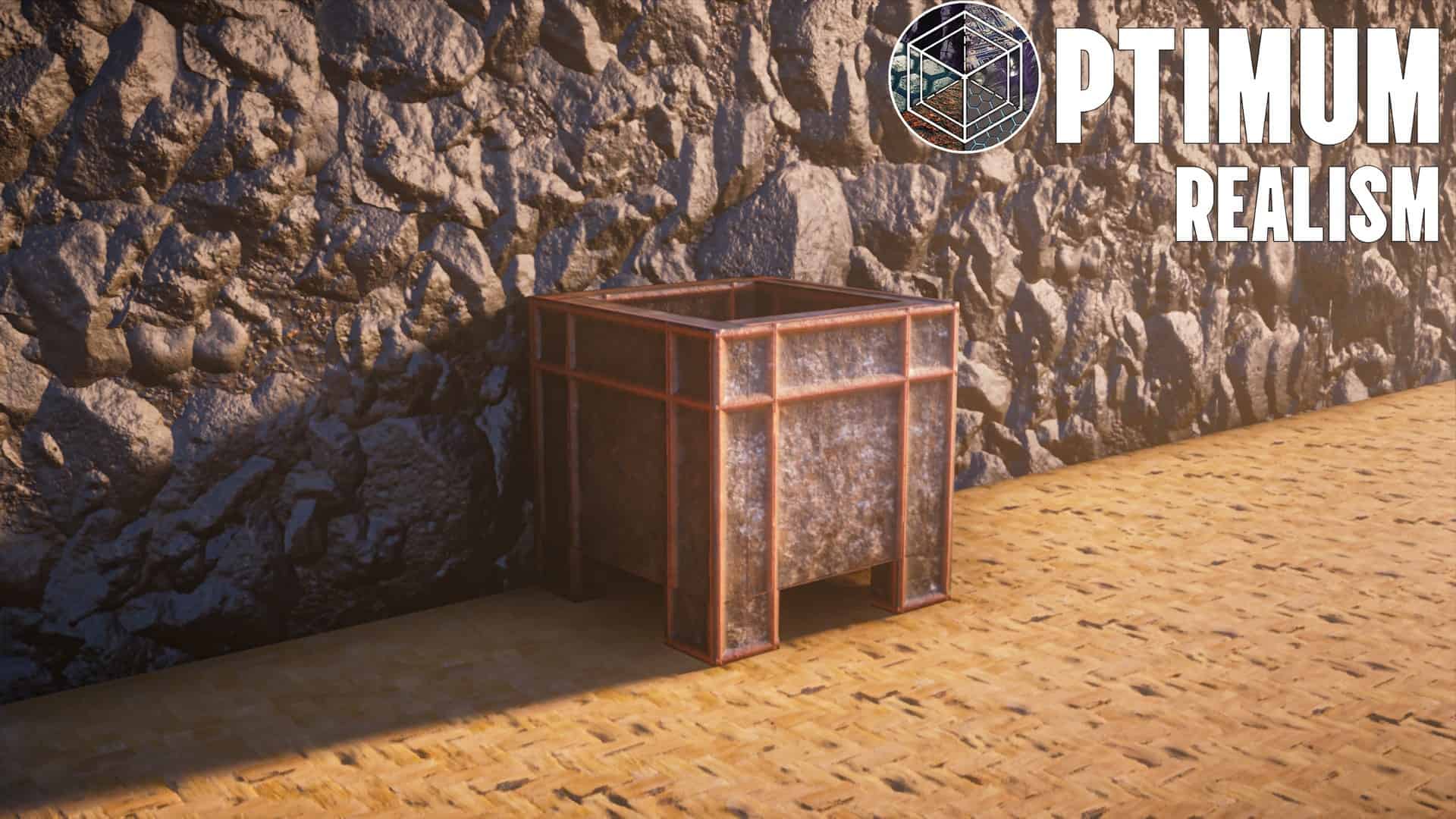
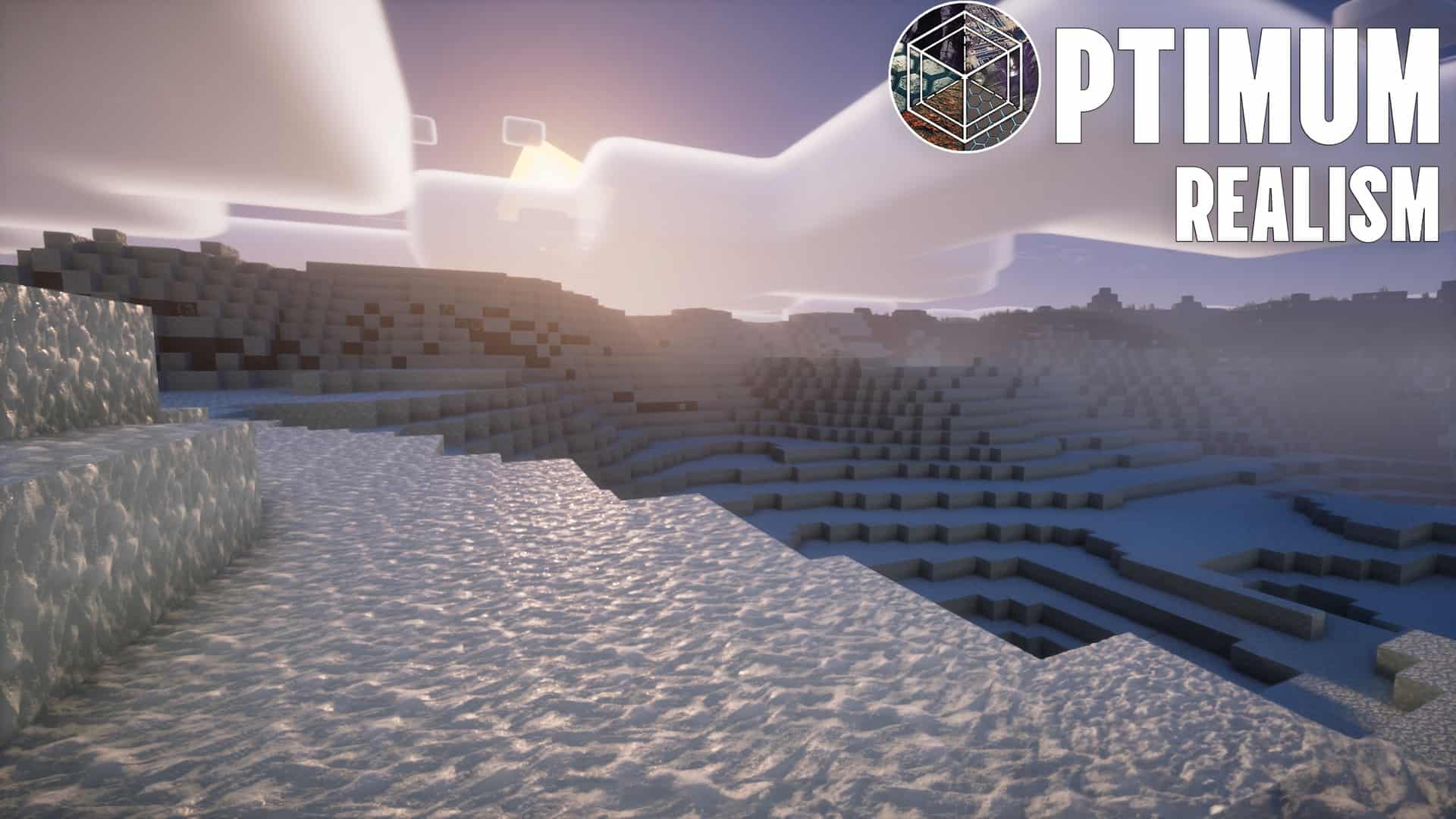
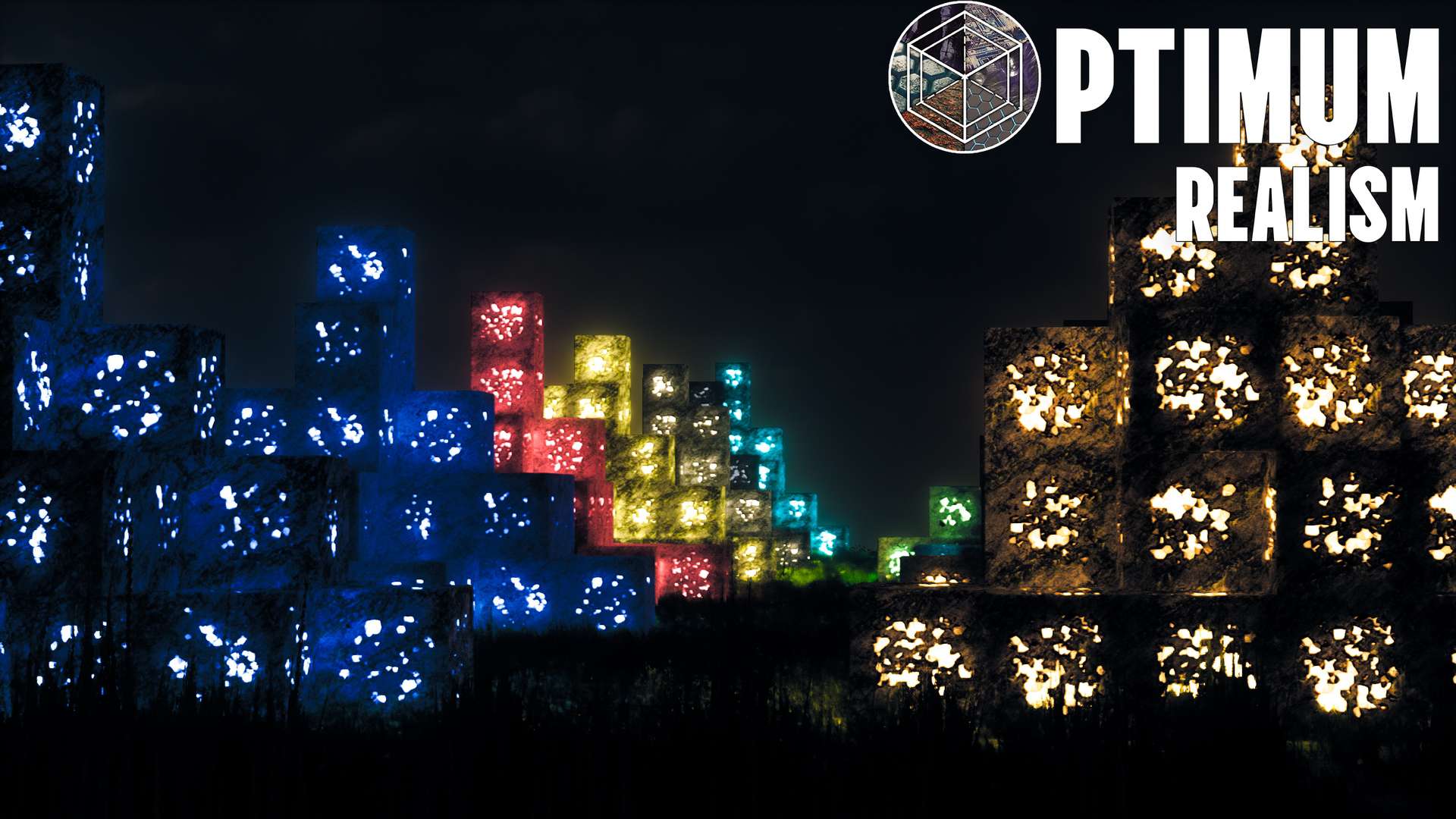
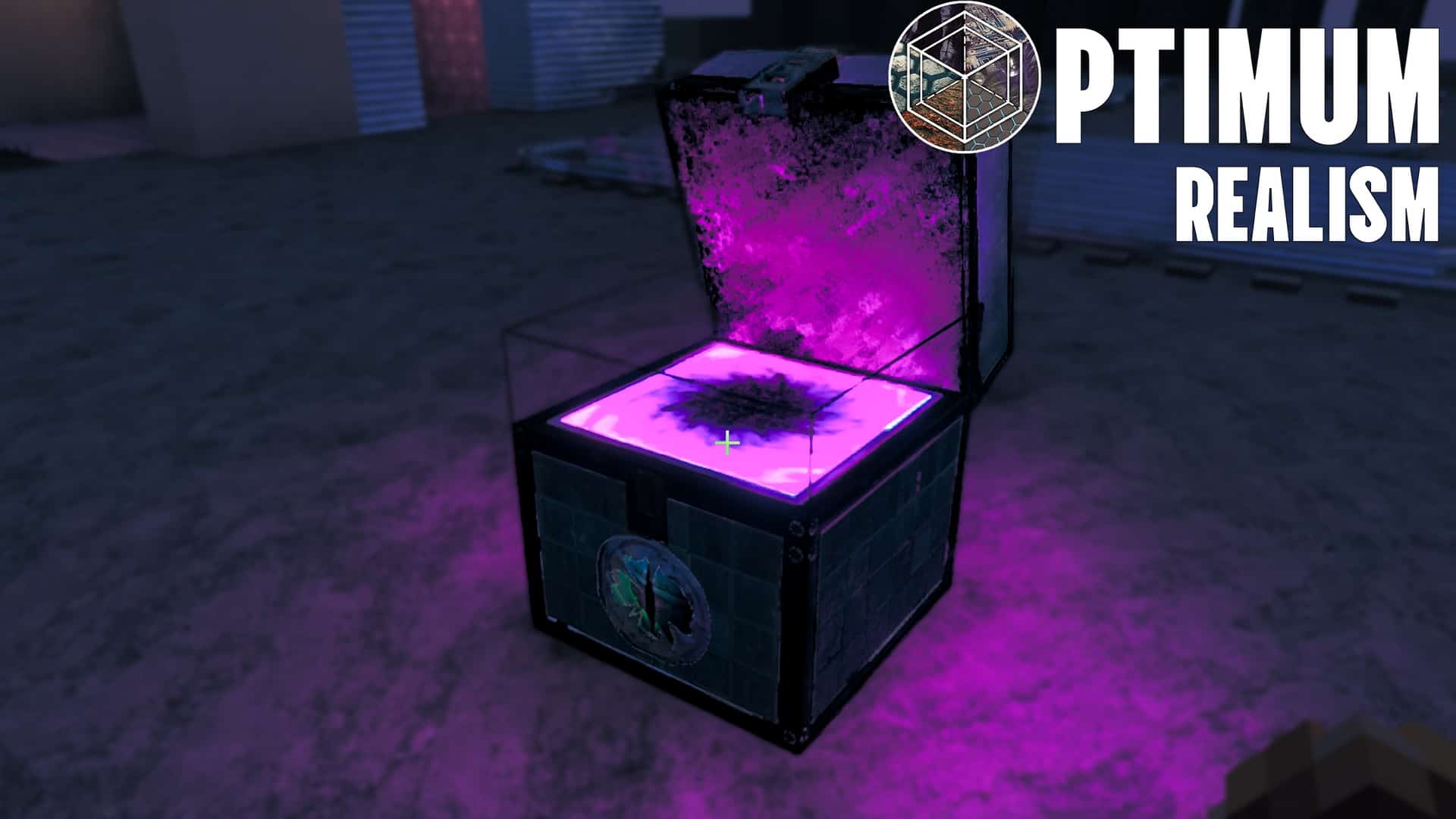
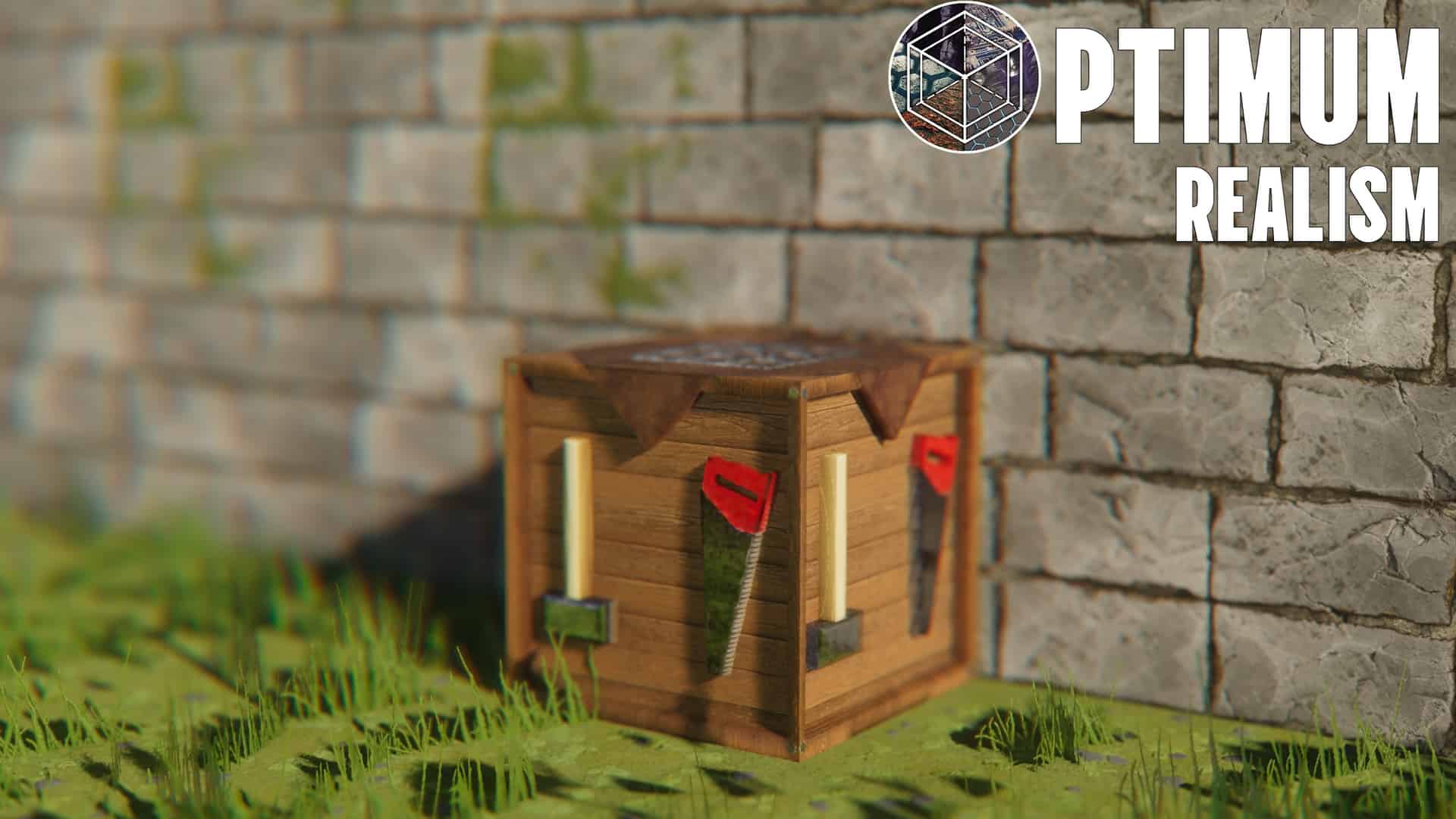
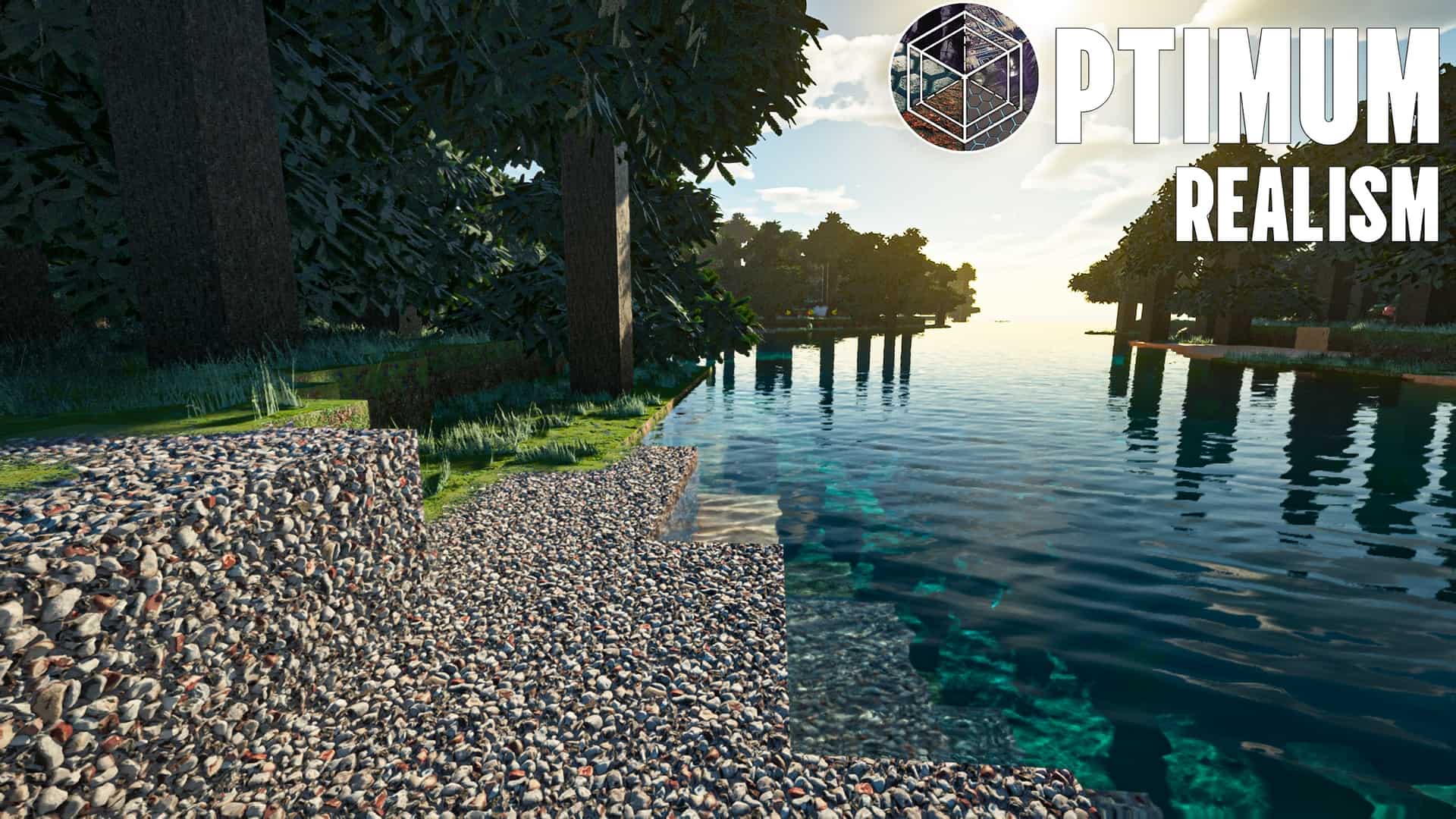
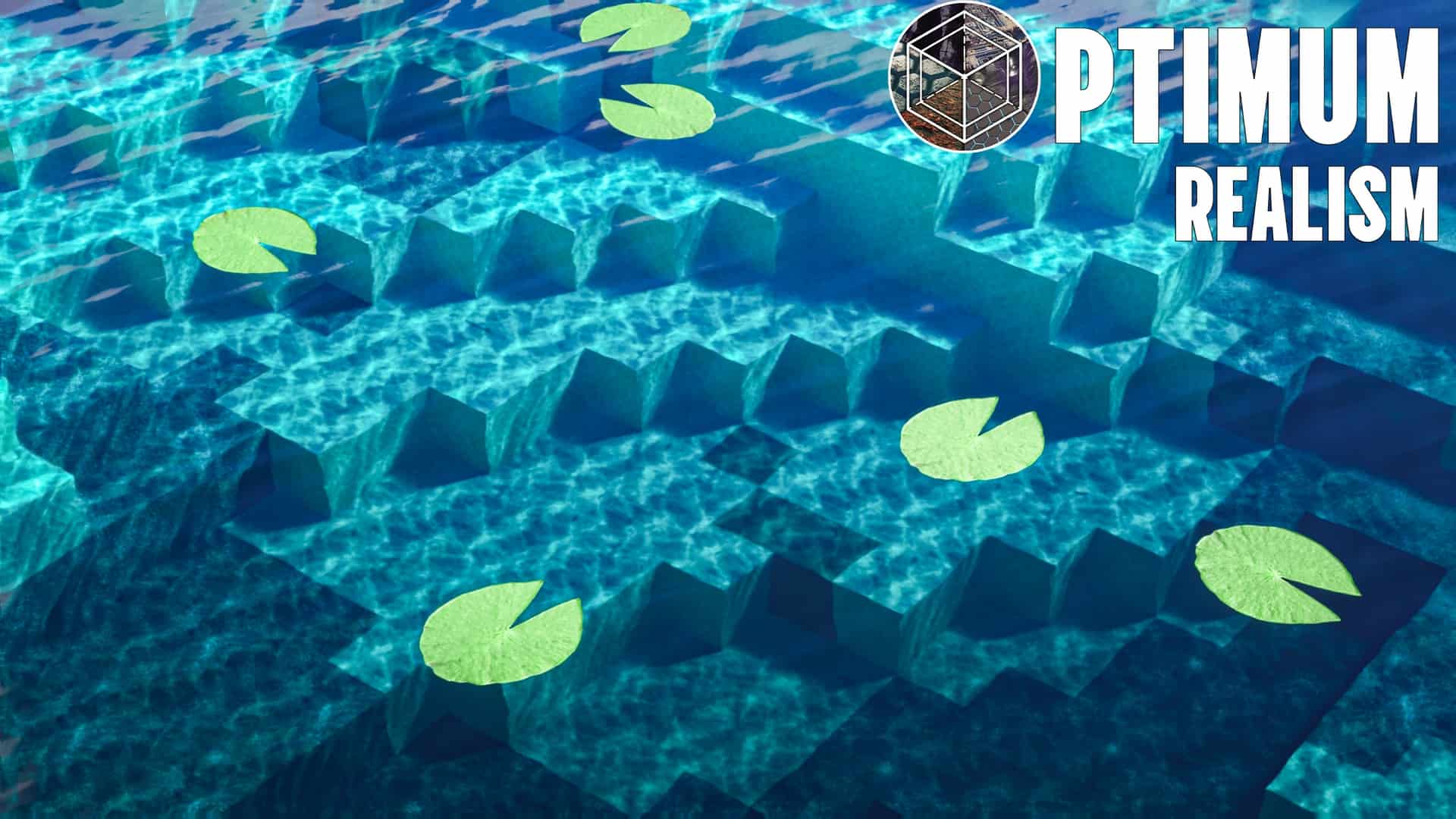
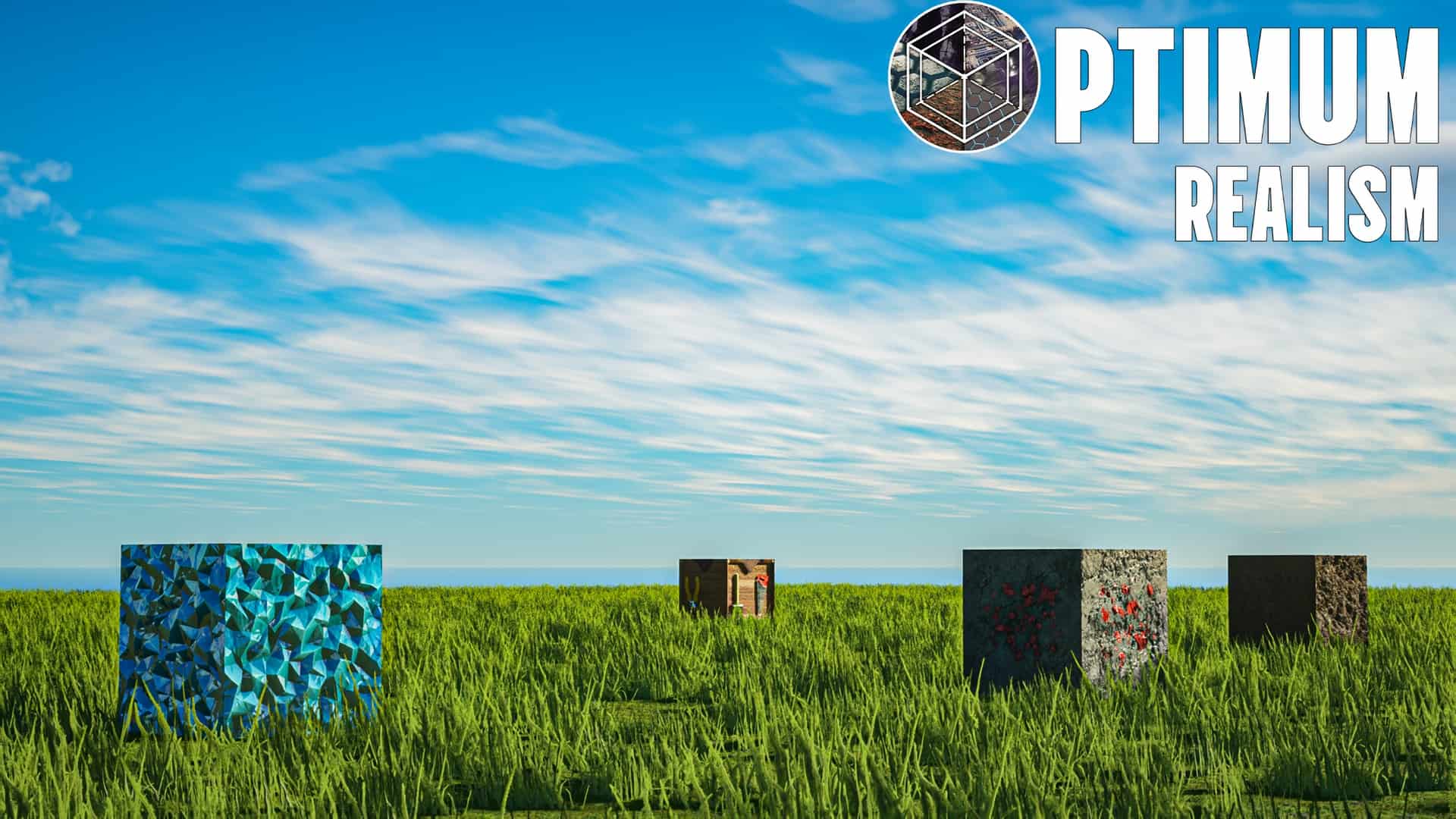
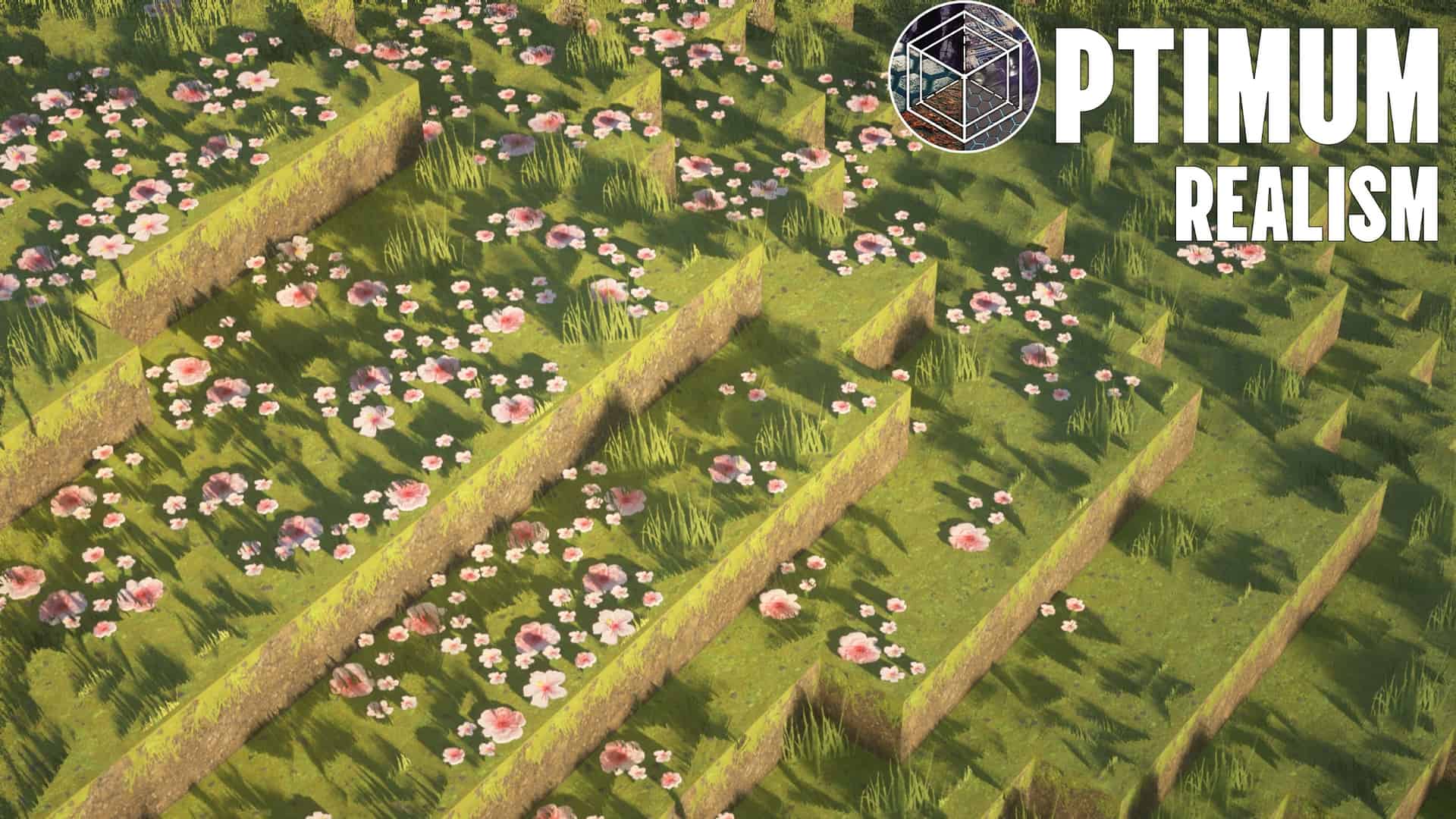
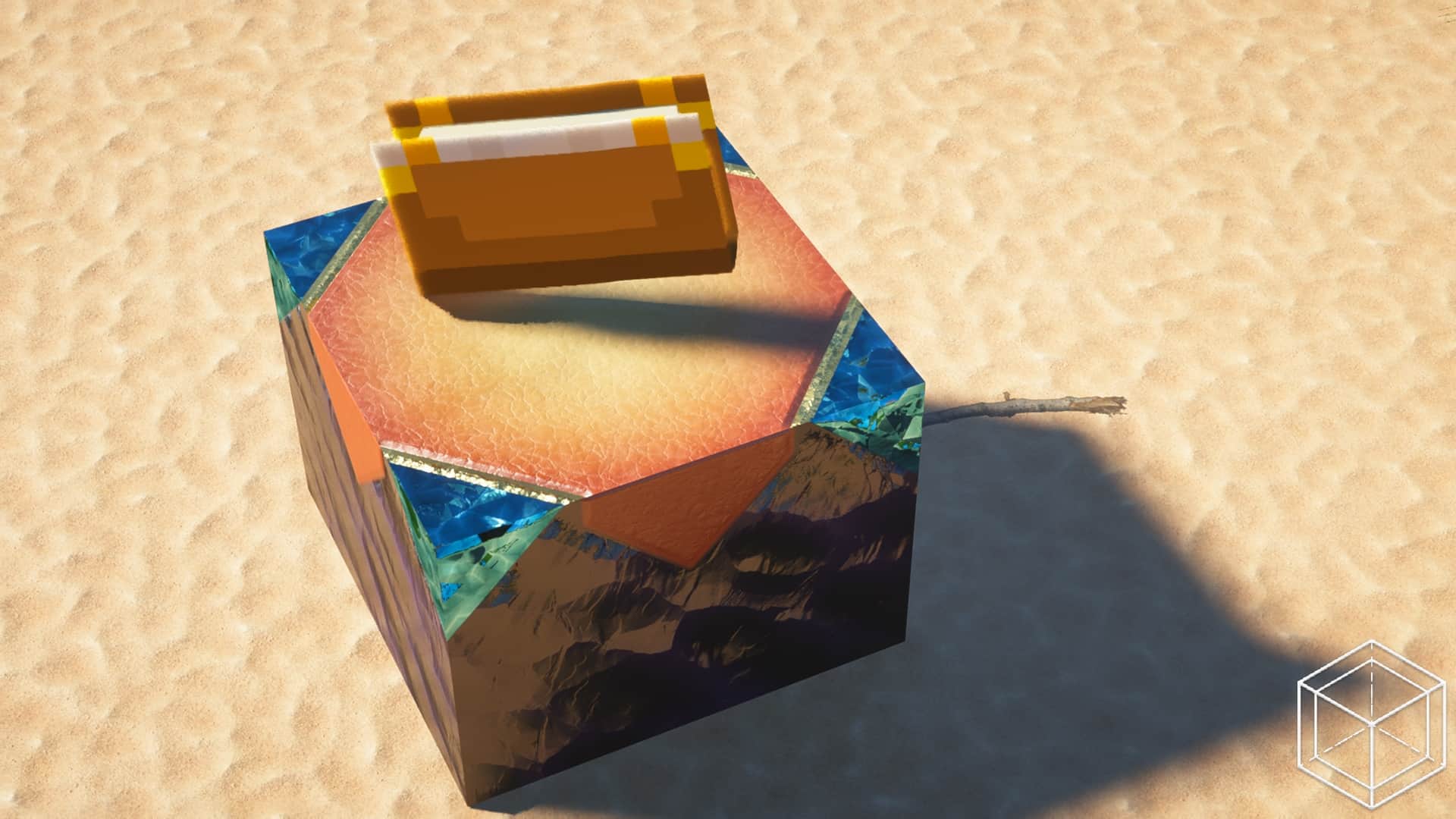
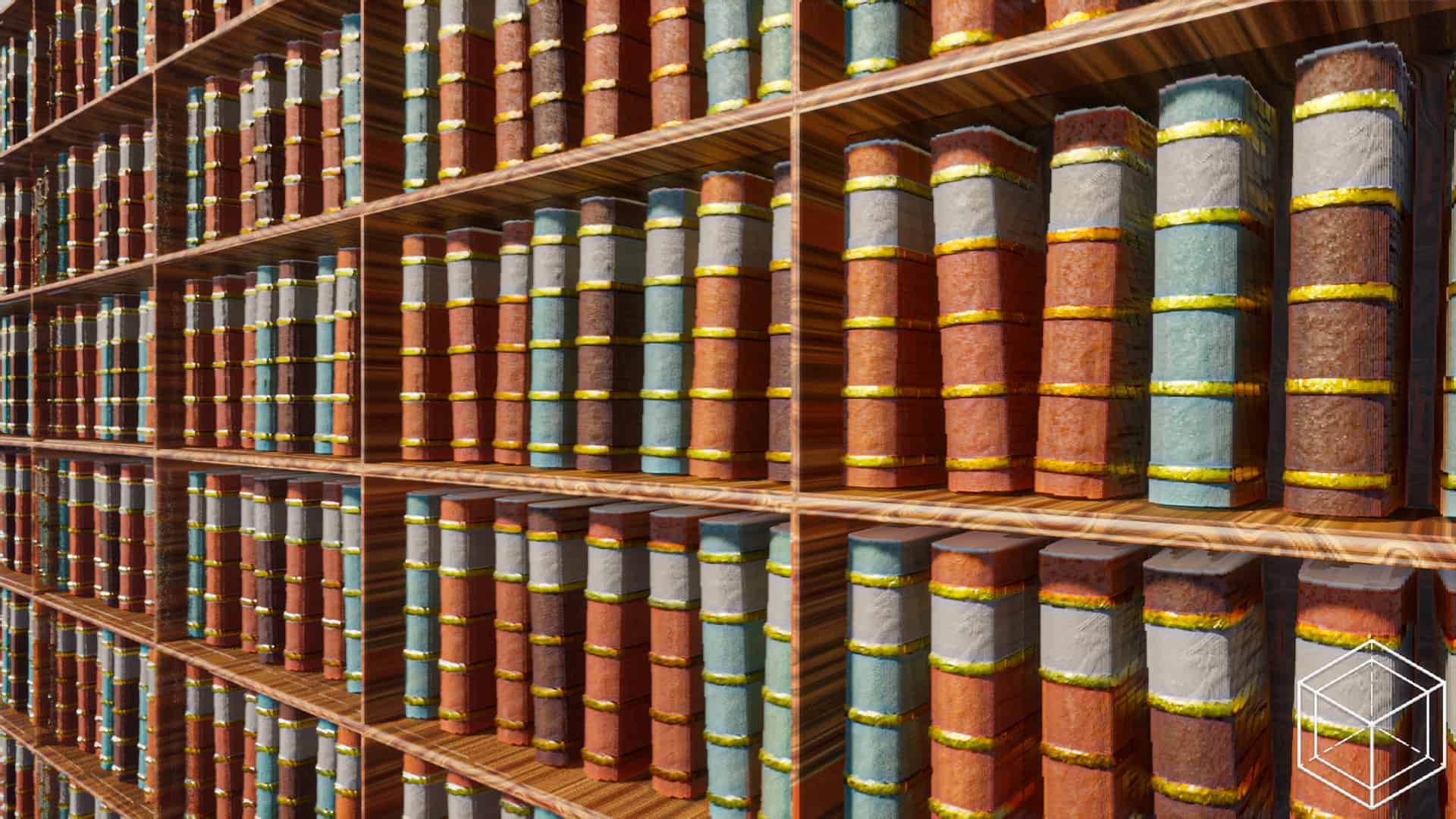
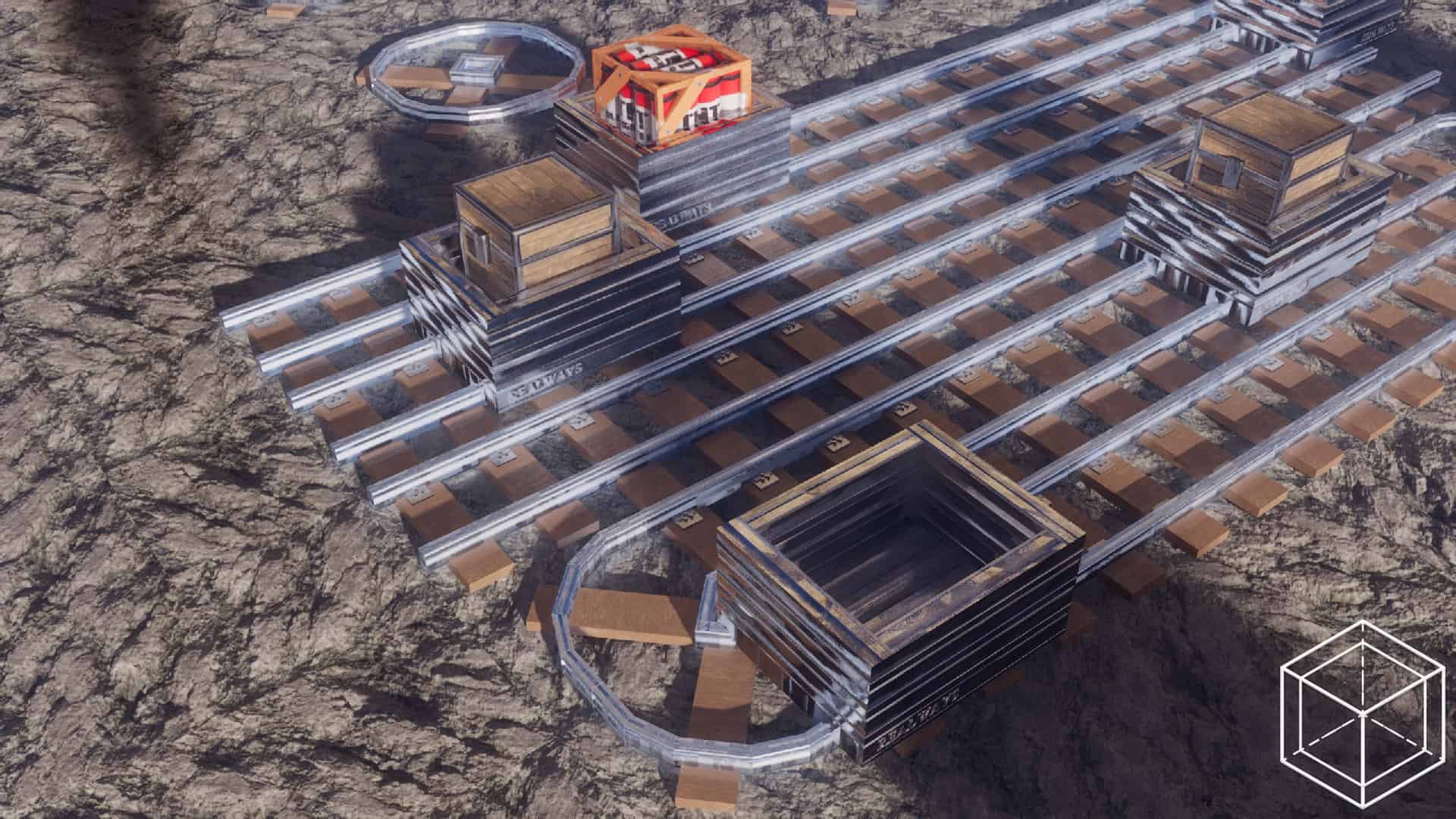
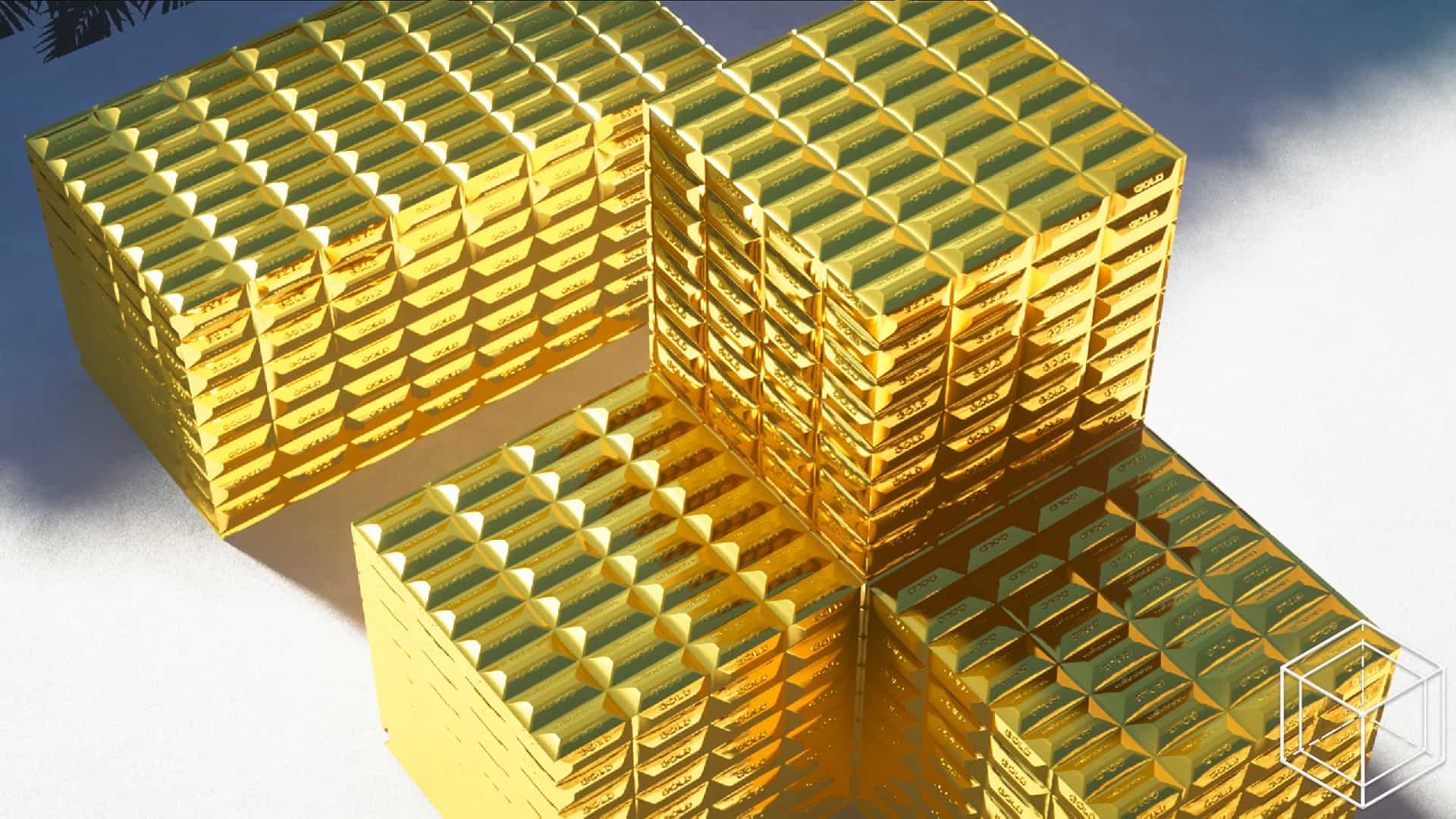
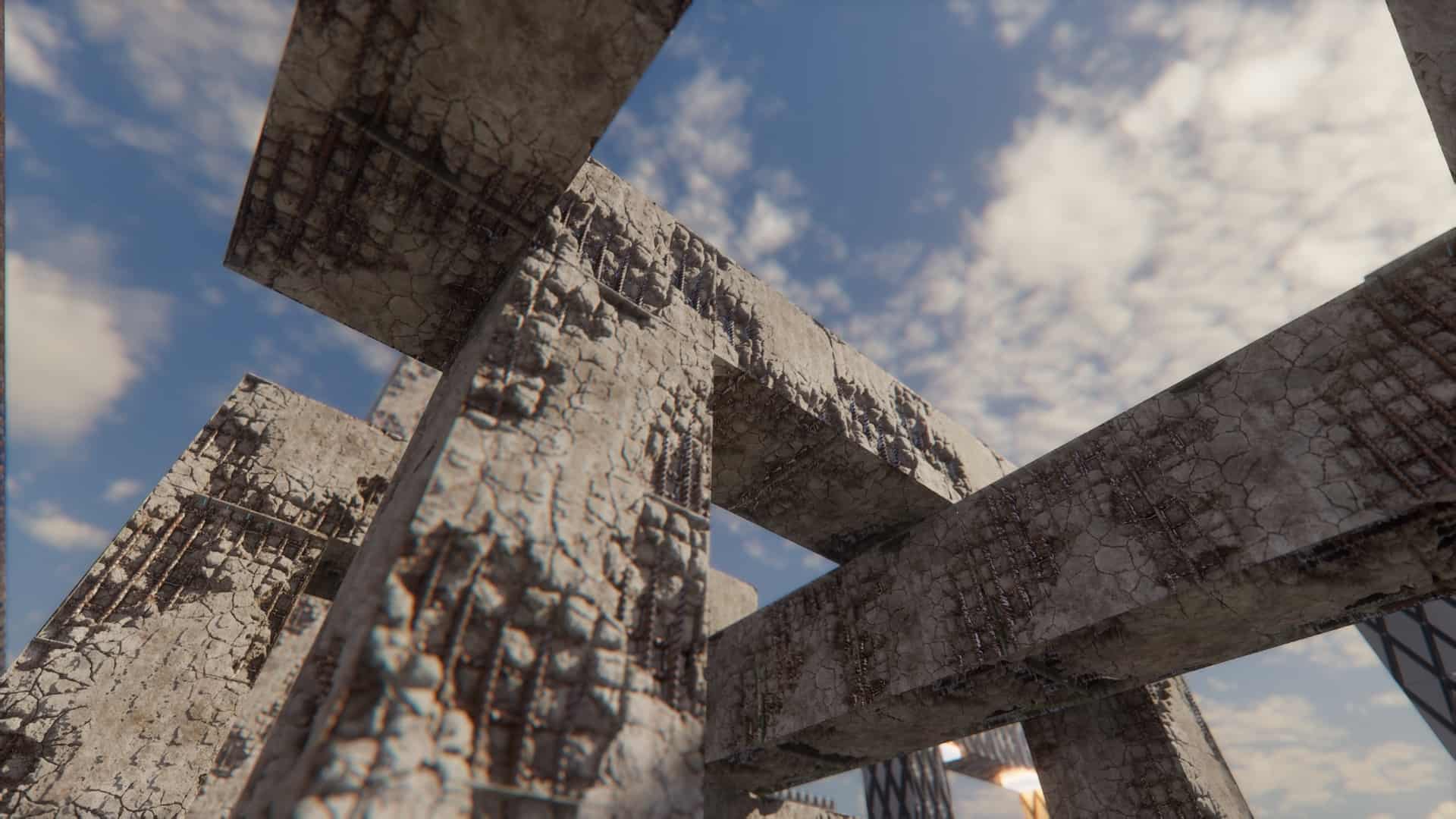
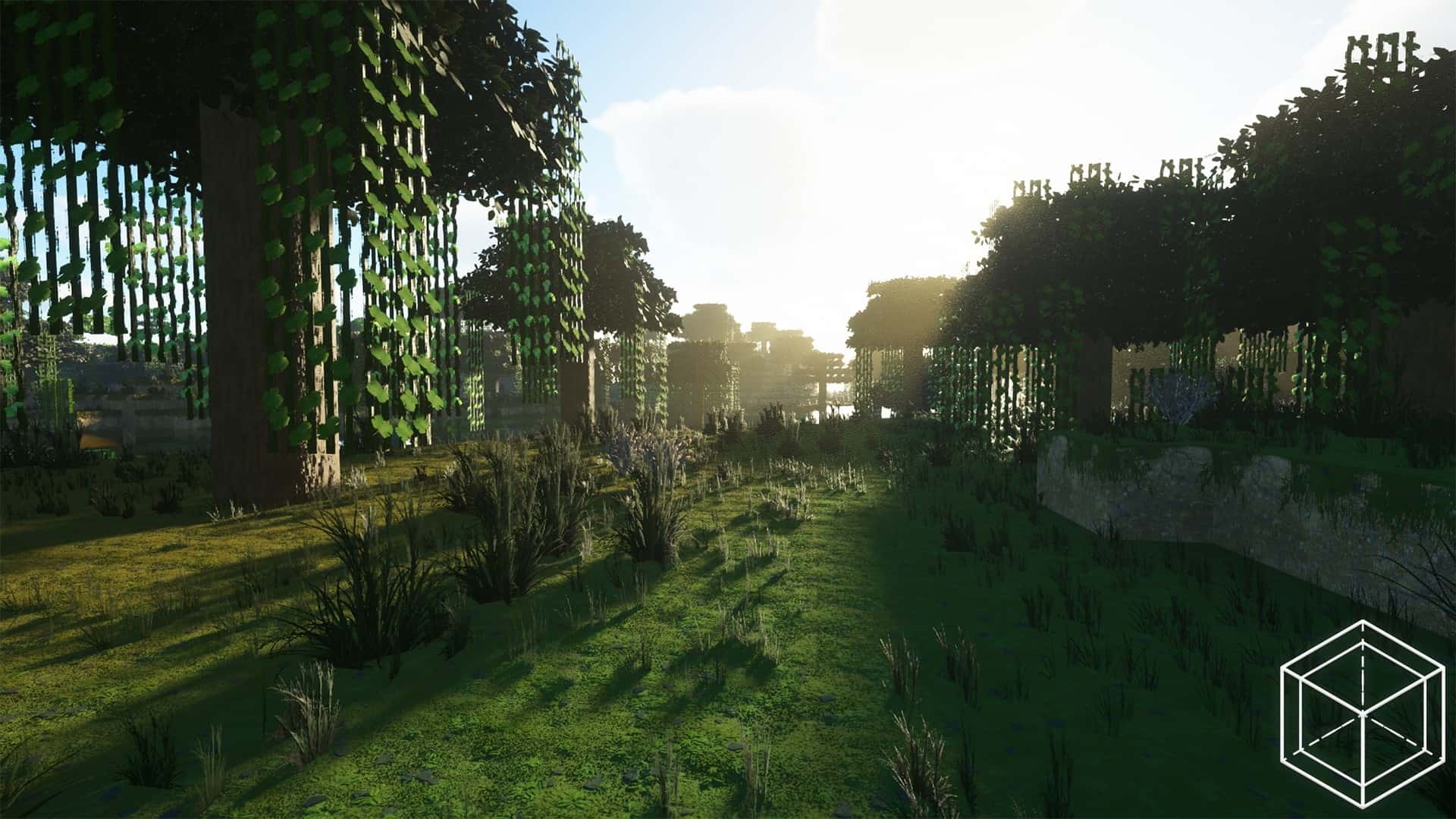
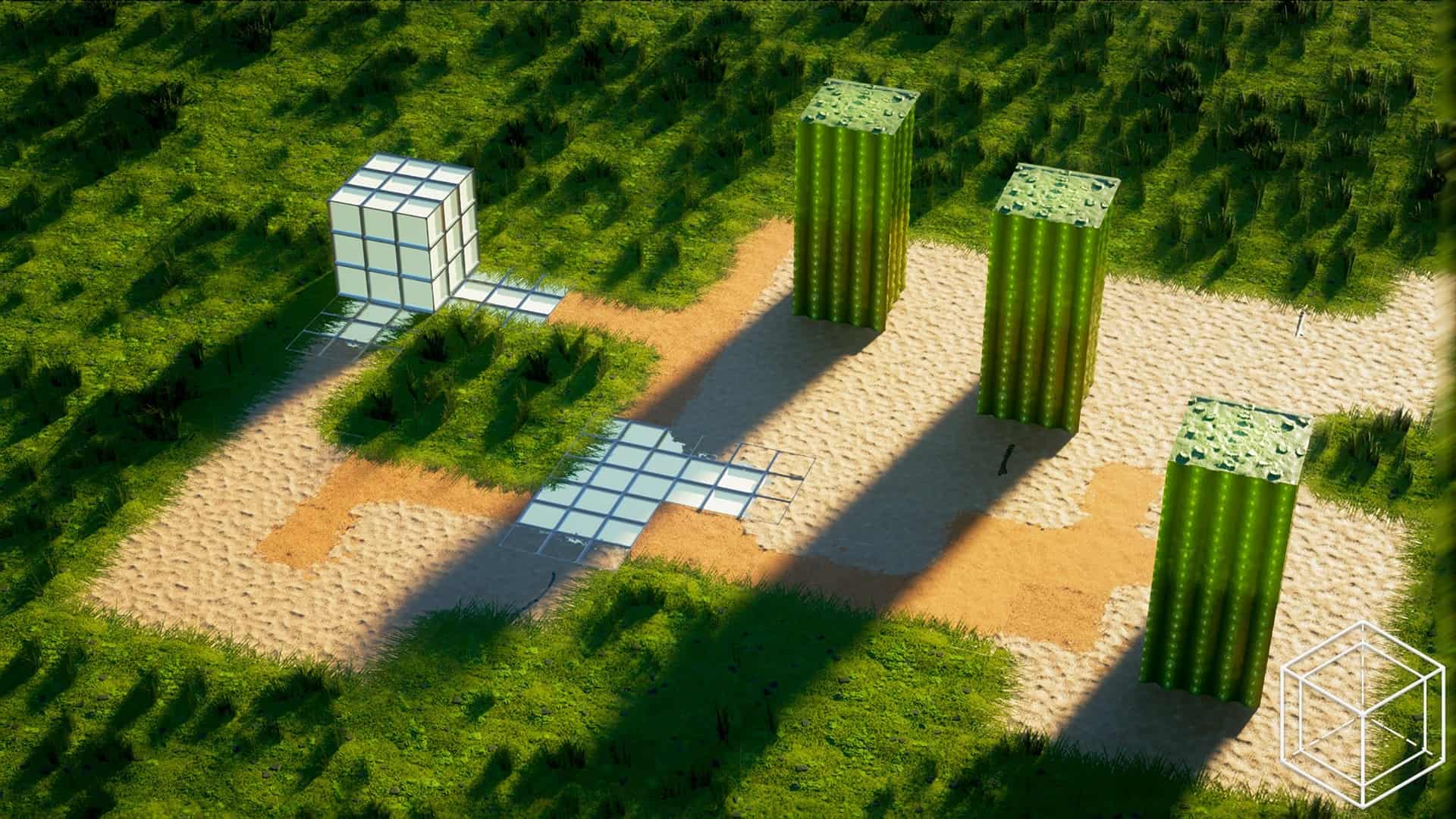
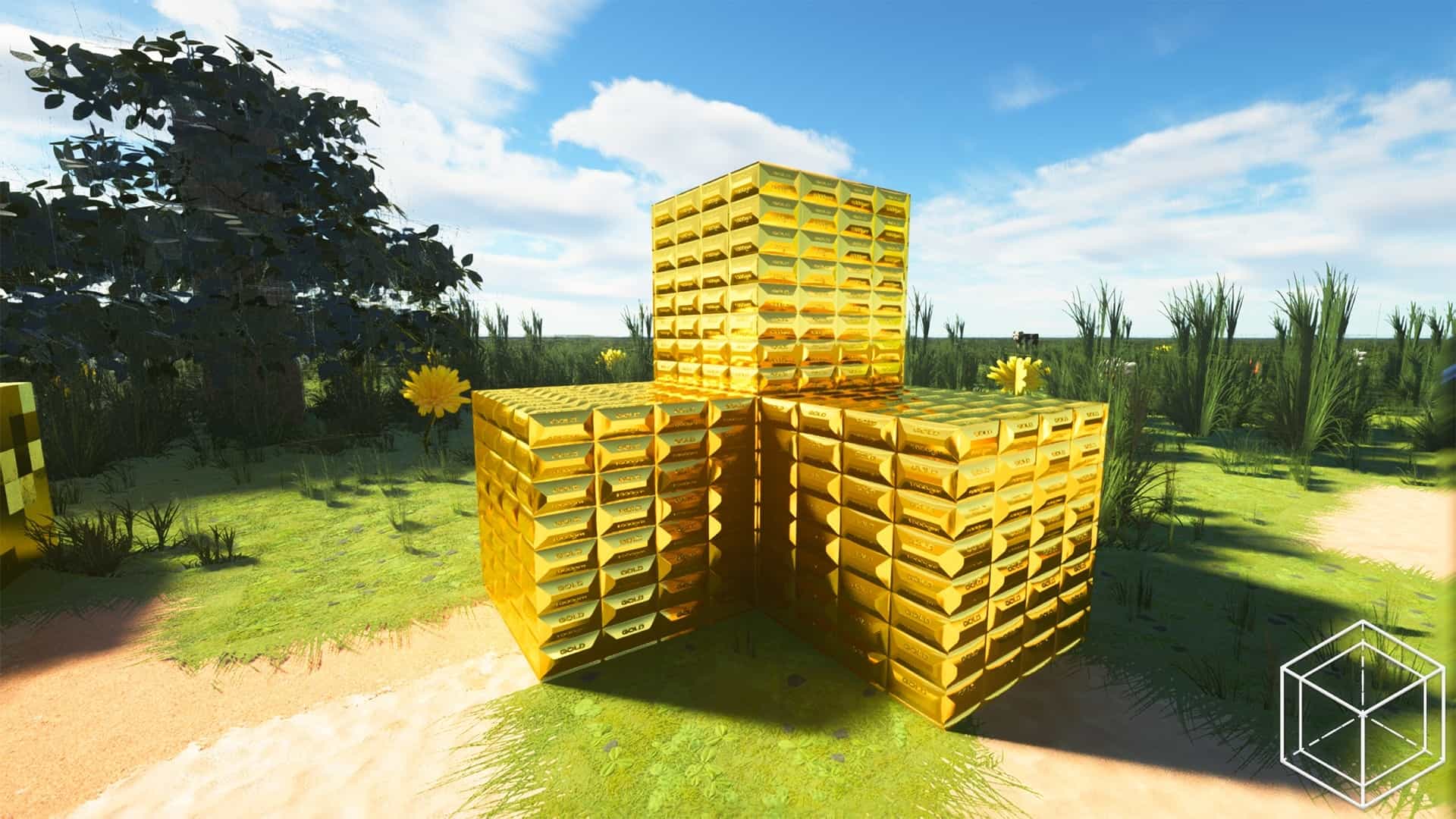
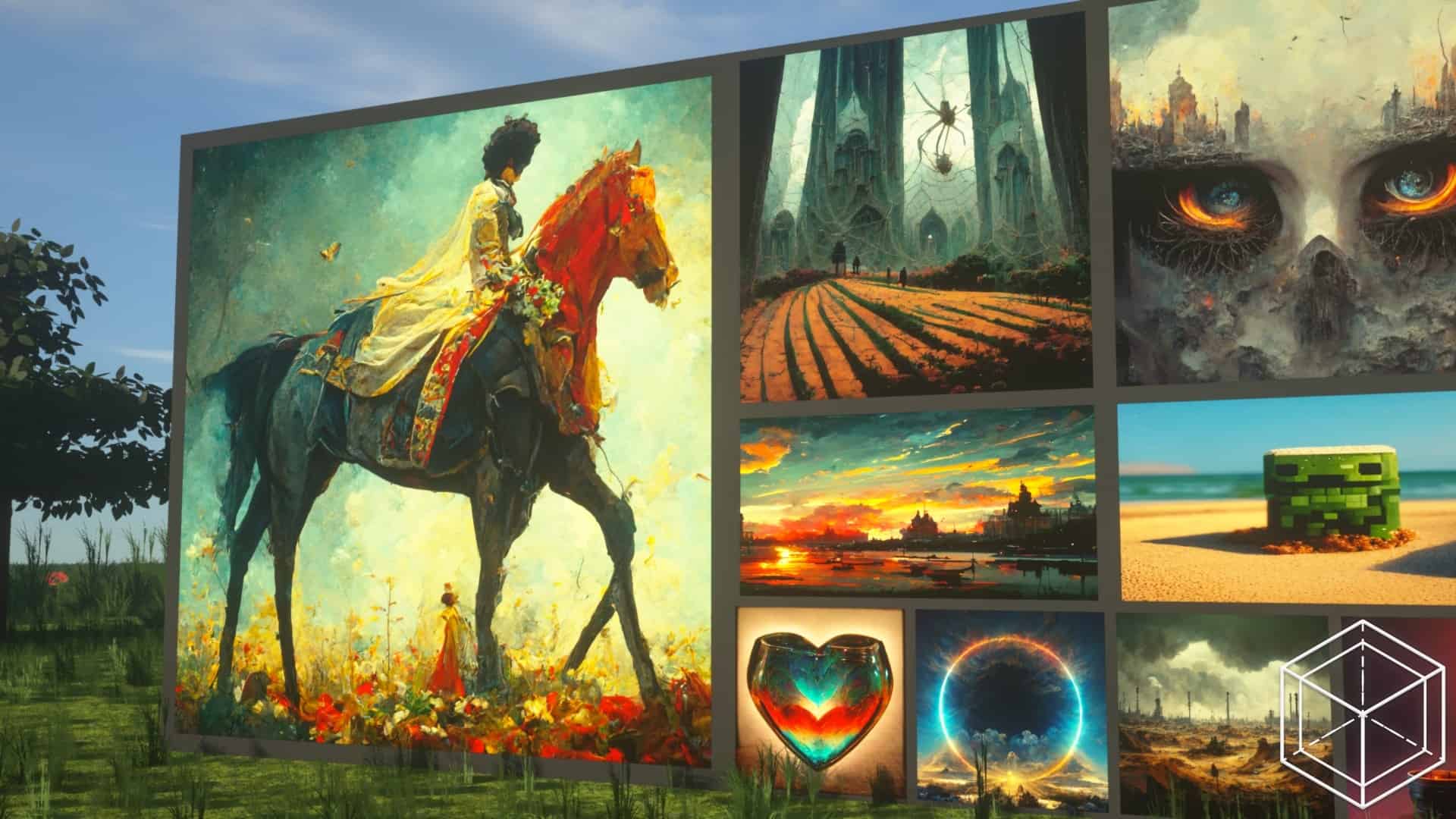
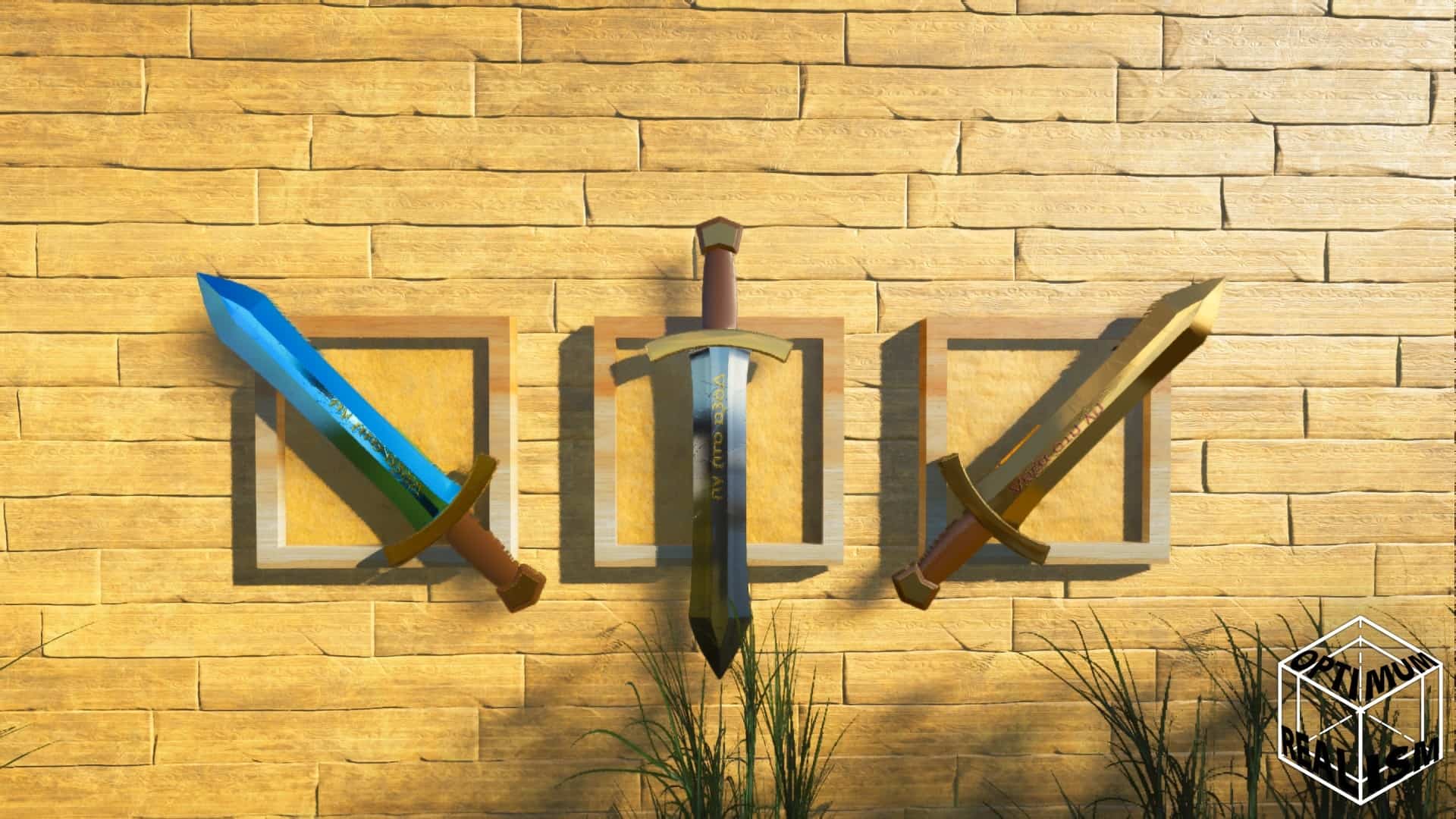
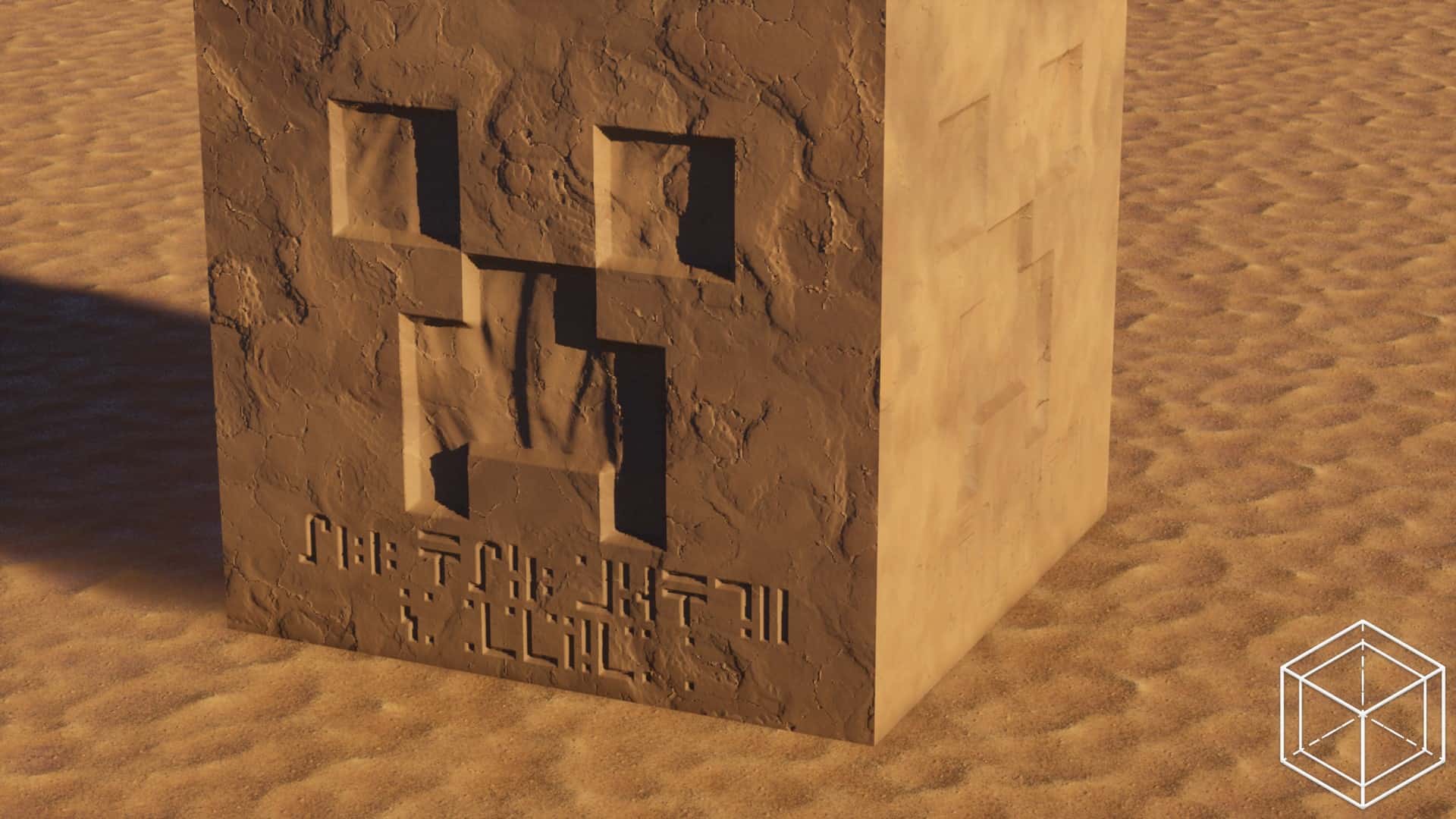
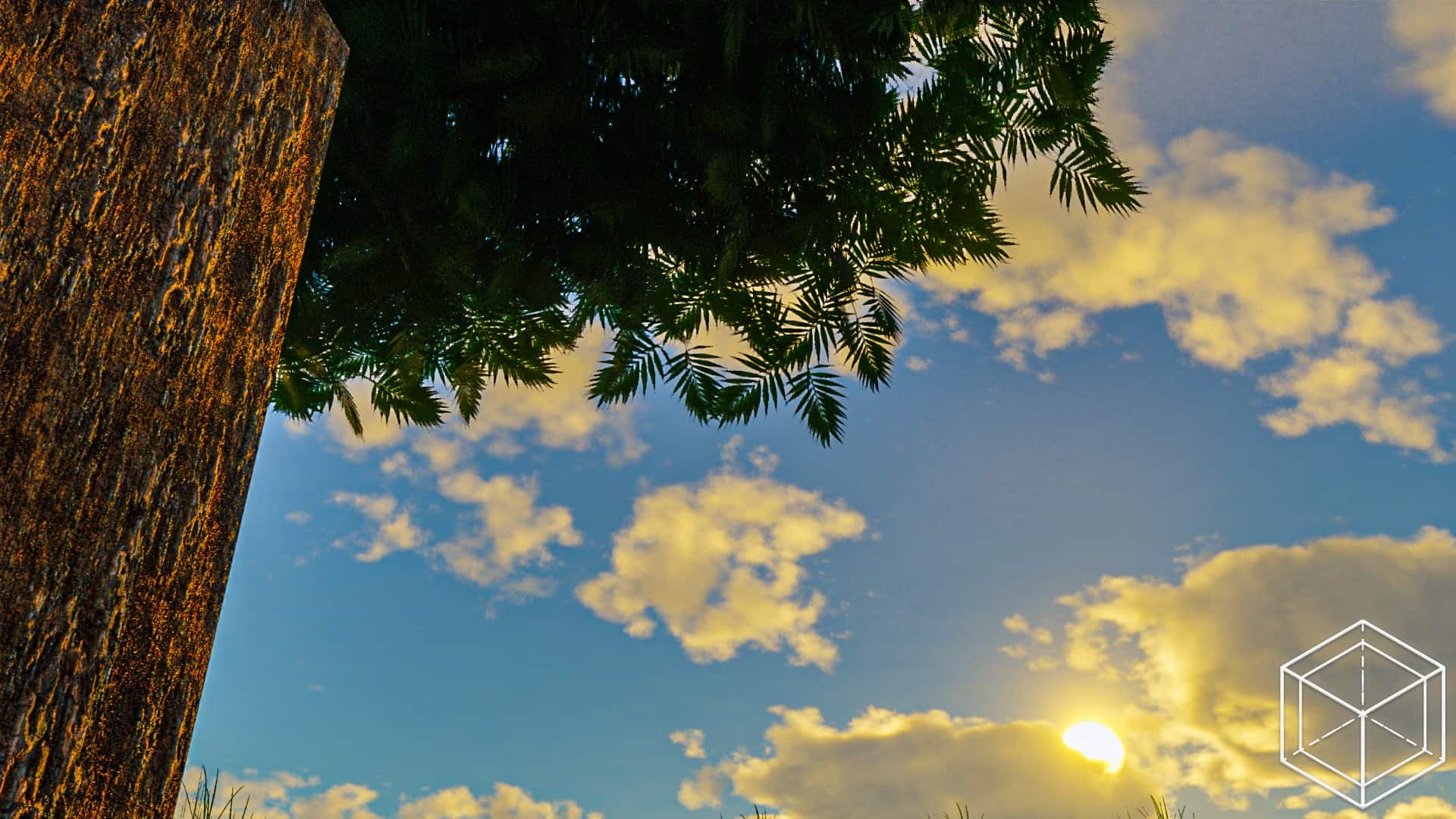
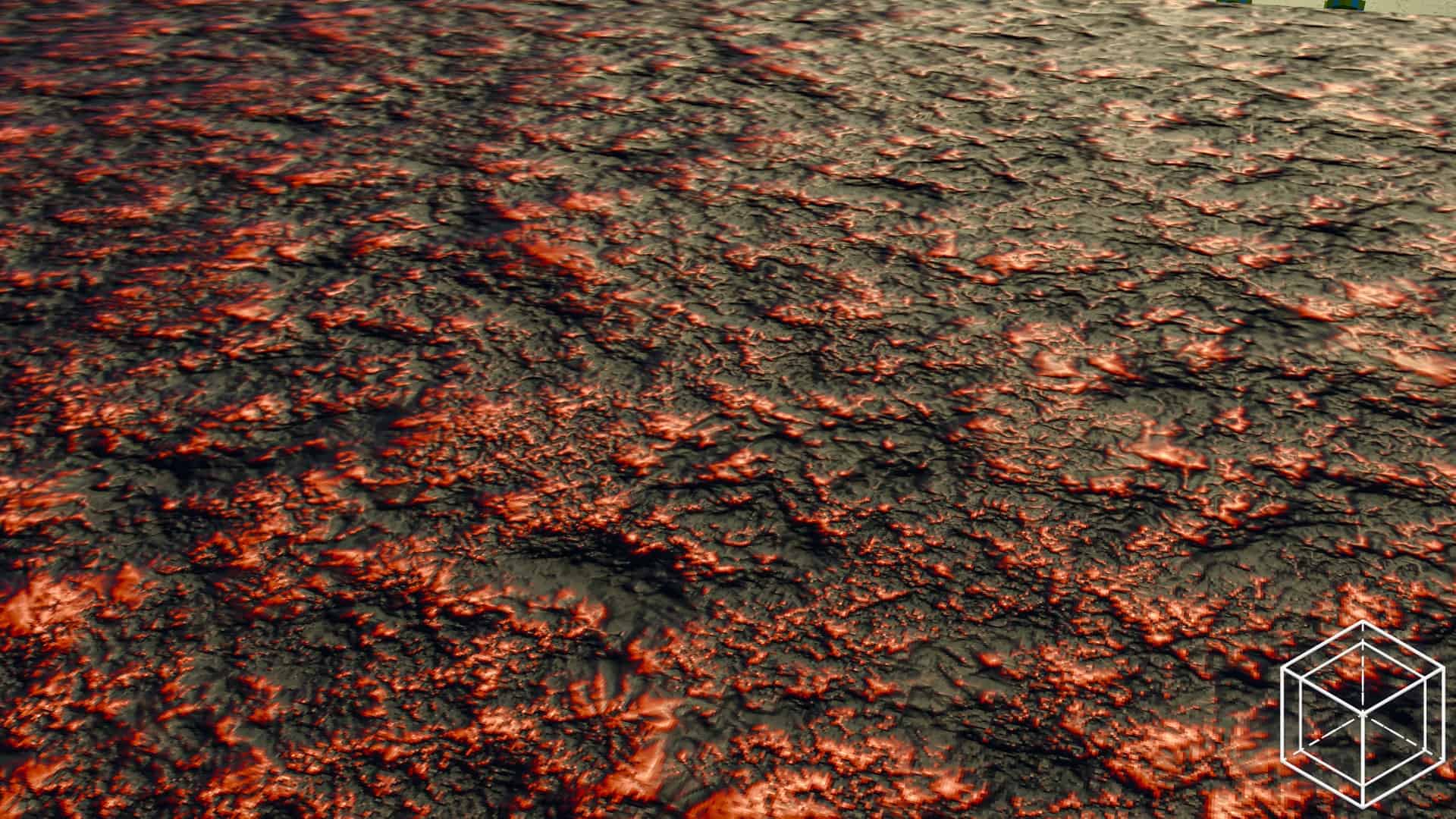
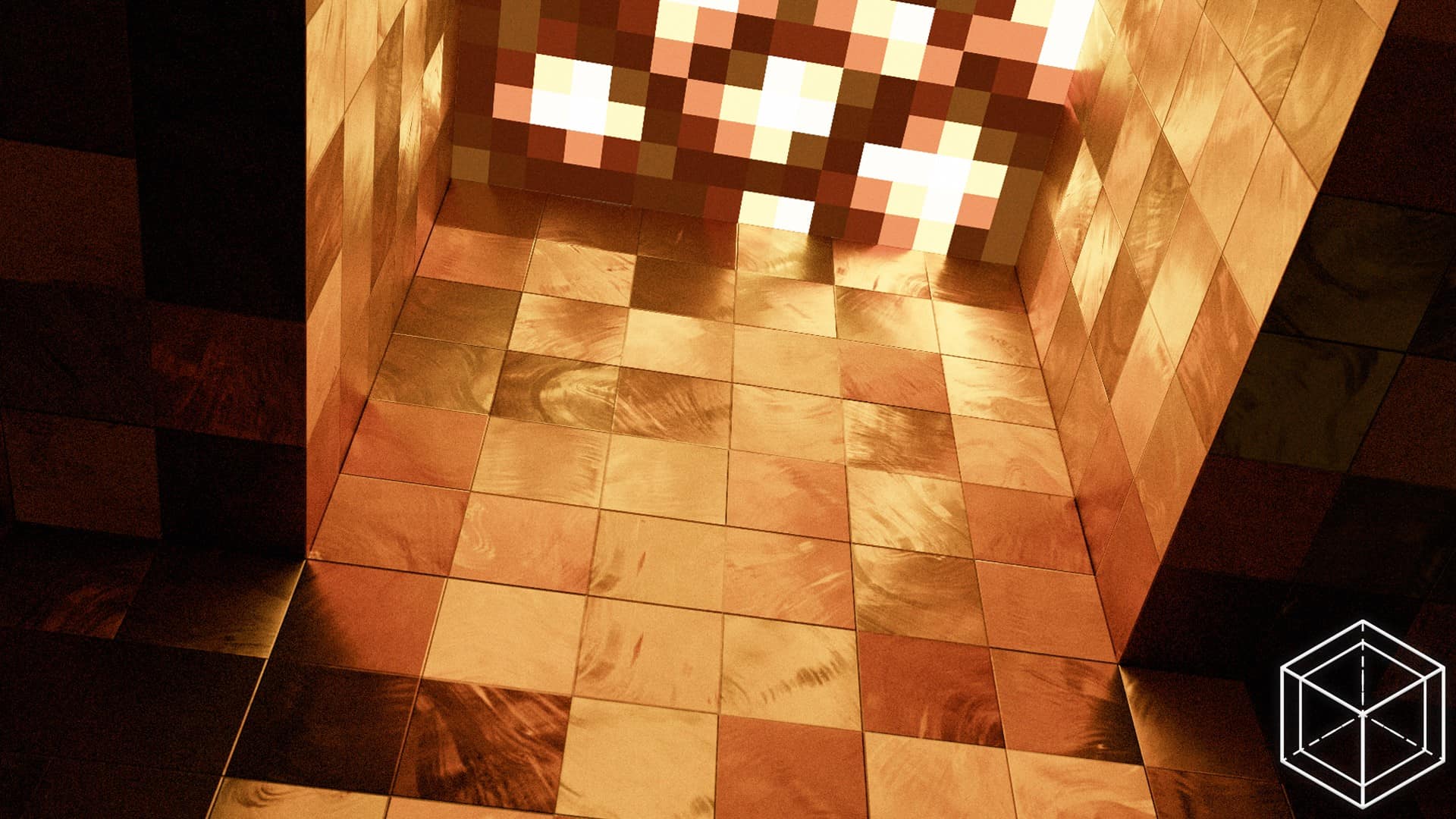
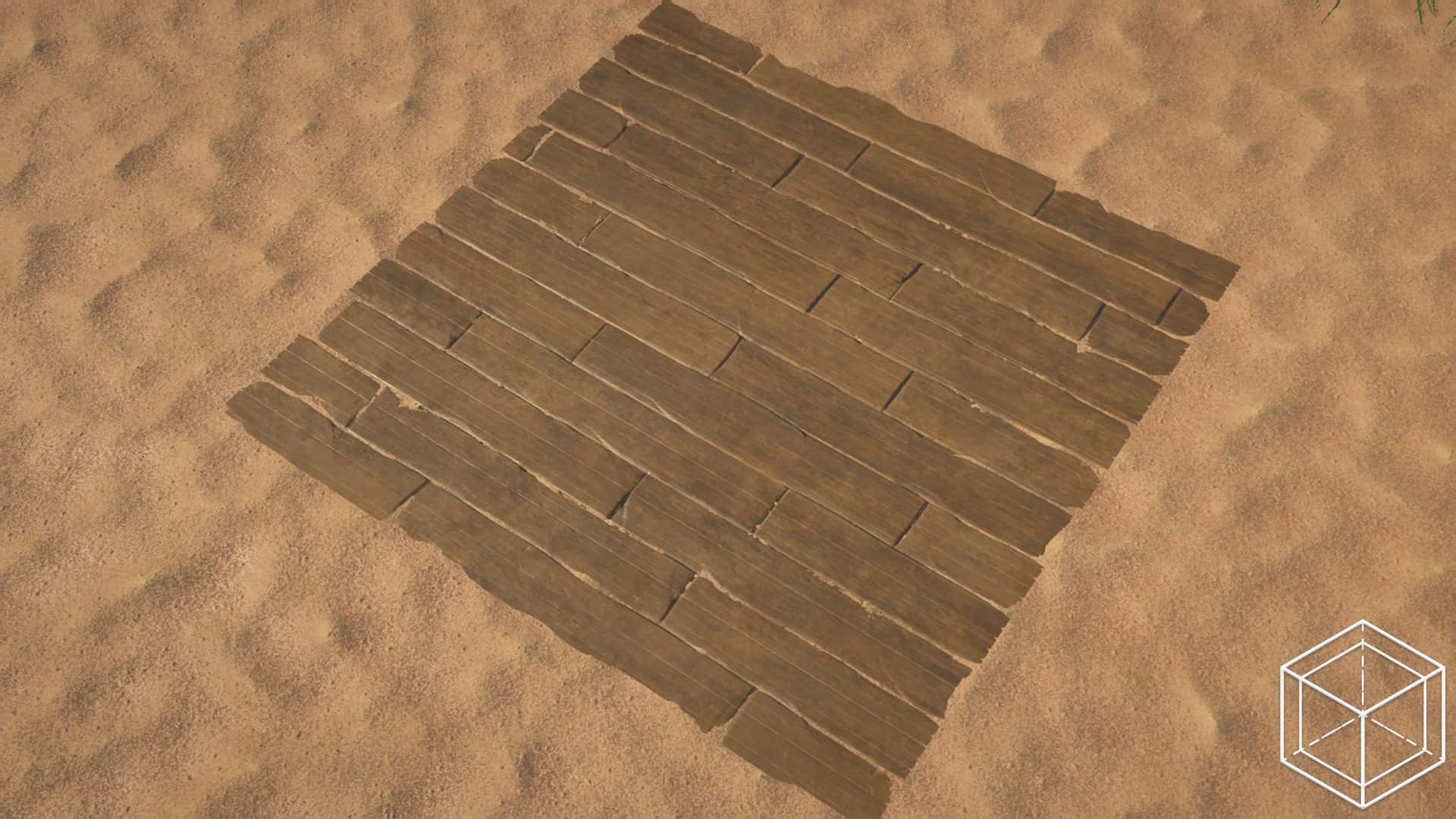
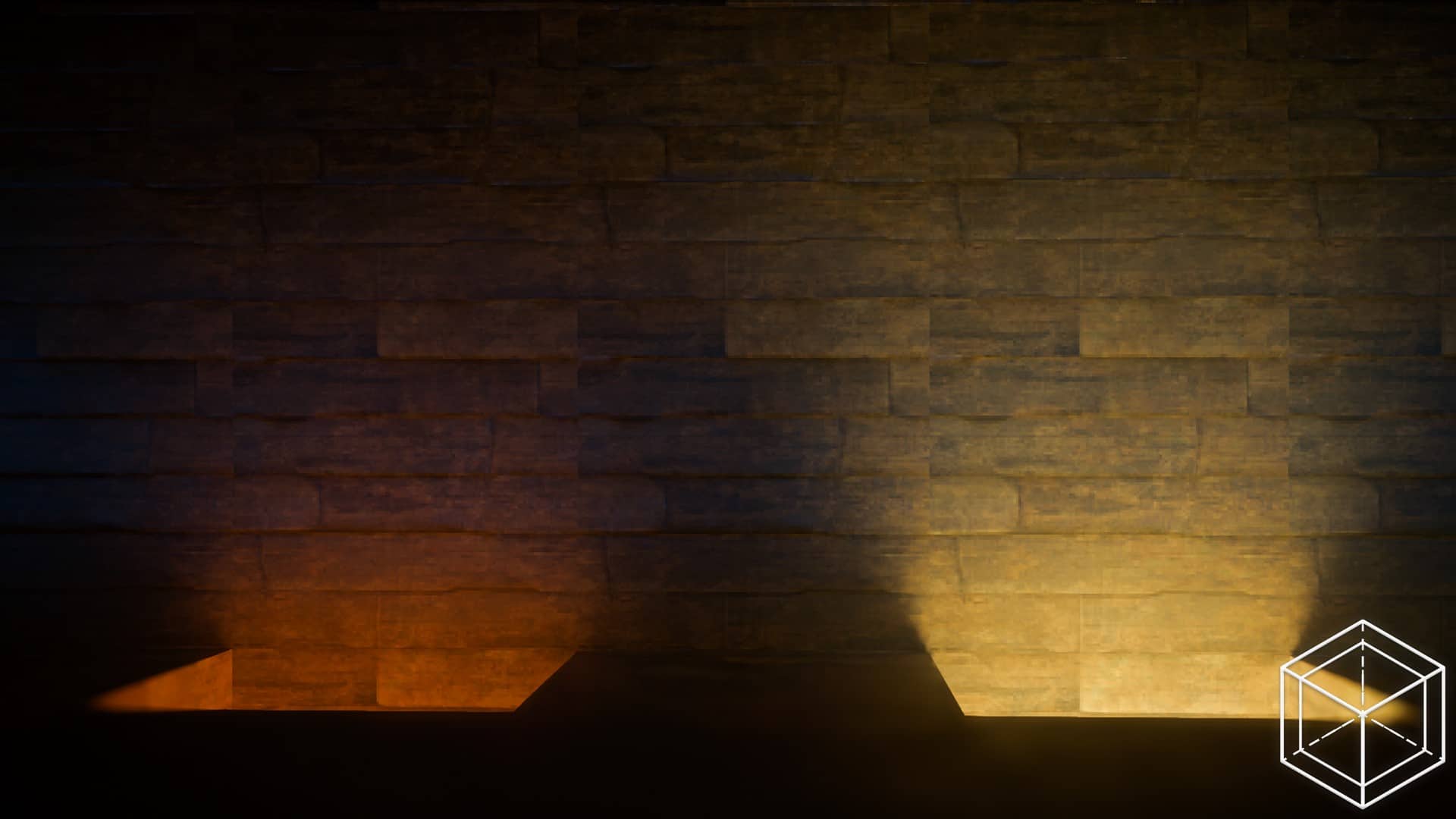
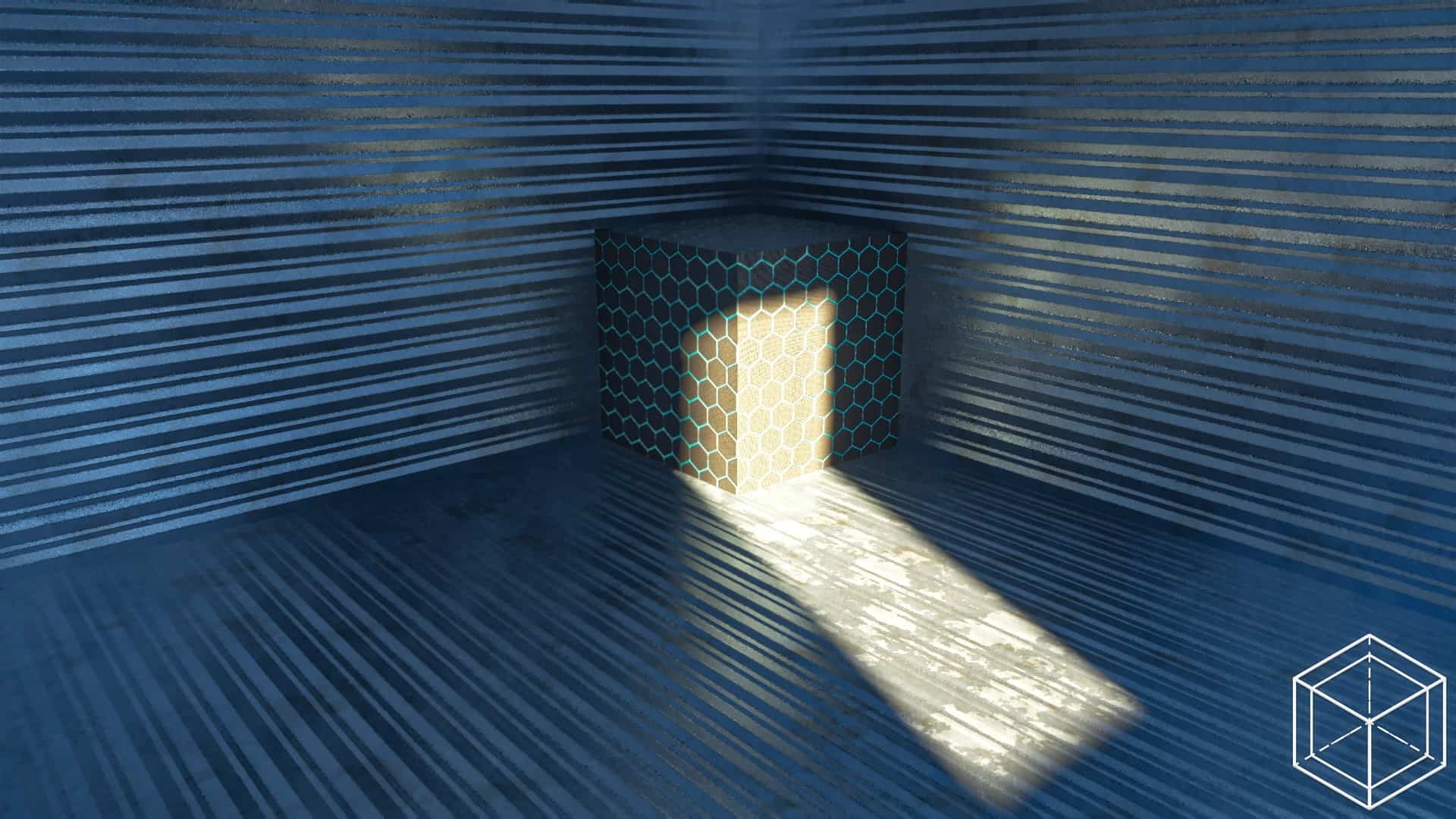
Optimum Realism achieves amazing feats to elevate the look and feel of Minecraft. The boosted texture resolution is the primary star, adding exquisite detail to in-game elements like stone, sand, grass, various rock types, ores, trees, plants, and so much more. These intricate details genuinely make Minecraft feel like a modern masterpiece, while smartly keeping the core in-game models intact so that the game retains its classic, beloved blocky identity. Another brilliant touch introduced by Optimum Realism is the enhanced density of leaves, sticks, and grass; because the textures pack in so much detail, adding this density naturally fills in any visual gaps. Finally, the Optimum Realism resource pack integrates wonderfully with shaders to refine the lighting, instantly delivering a much more vivid, breathtaking sky and significantly improved water physics. Because Optimum Realism is actively evolving, you might spot a few textures still awaiting minor touch-ups, with many recent improvements focusing heavily on indoor items and objects. Since this pack introduces photorealistic textures and resolutions, the developers do recommend having capable hardware to fully enjoy the experience, suggesting a PC with at least a GTX 1080 video card or newer and a minimum of 8 GB of RAM to keep everything running buttery smooth without frame drops or freezes. For the ultimate visual treat, the developers suggest using recommended shader packs like Kappa, BSL, or SEUS, as other shaders work but may not be fully tested with Optimum Realism.
Optimum Realism should be compatible with all of these Minecraft versions: 26.2 – 26.1.2 – 26.1.1 – 26.1 – 1.21.11 – 1.21.10 – 1.21.9 – 1.21.8 – 1.21.7 – 1.21.6 – 1.21.5 – 1.21.4 – 1.21.3 – 1.21.2 – 1.21.1 – 1.21 – 1.20.6 – 1.20.5 – 1.20.4 – 1.20.3 – 1.20.2 – 1.20.1 – 1.20 – 1.19.4 – 1.19.3 – 1.19.2 – 1.19.1 – 1.19 – 1.18.2 – 1.18.1 – 1.18 – 1.17.1 – 1.17 – 1.16.5 – 1.16.4 – 1.16.3 – 1.16.2 – 1.16.1 – 1.16 – Bedrock Edition – PE
Screenshots



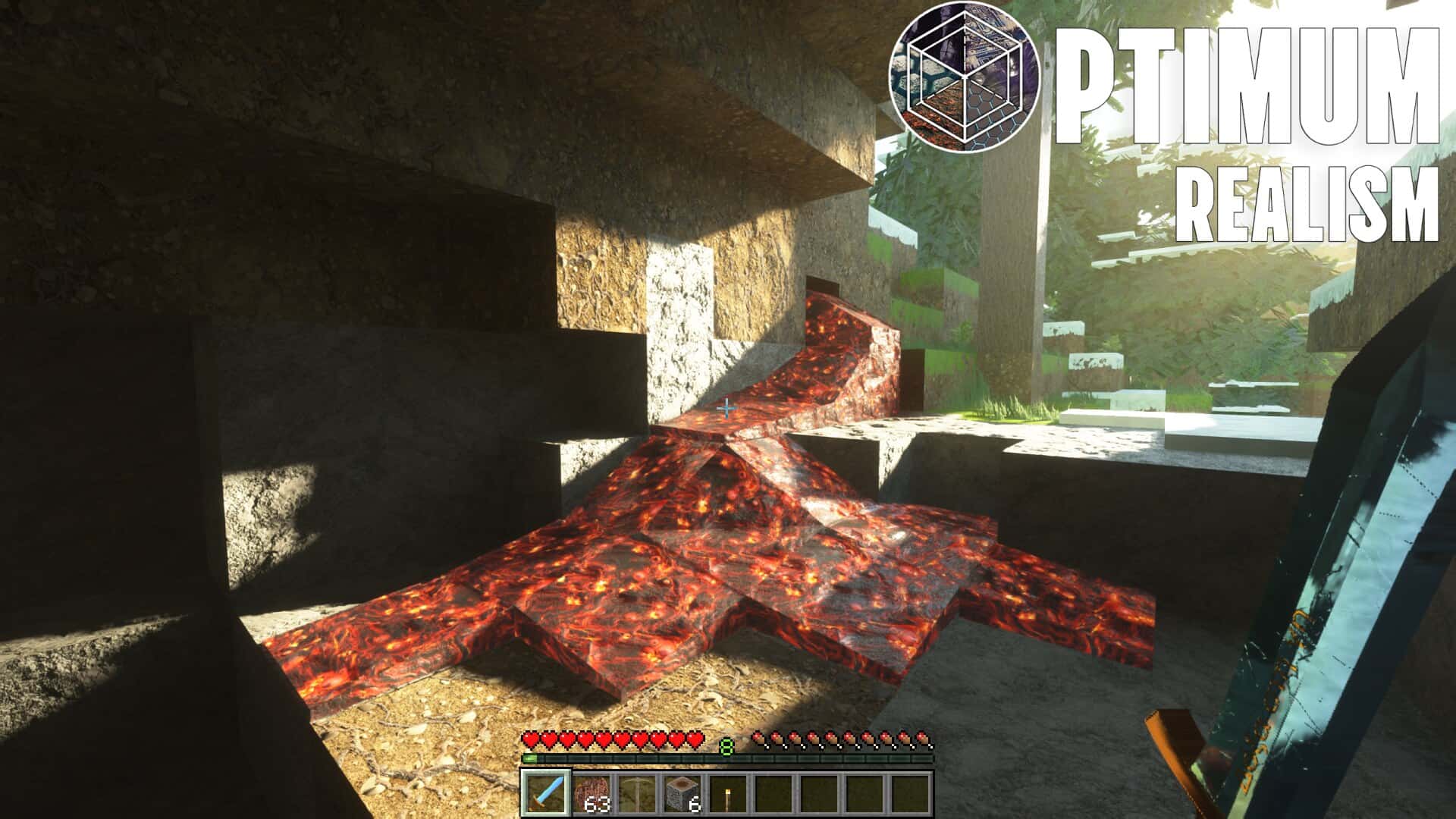
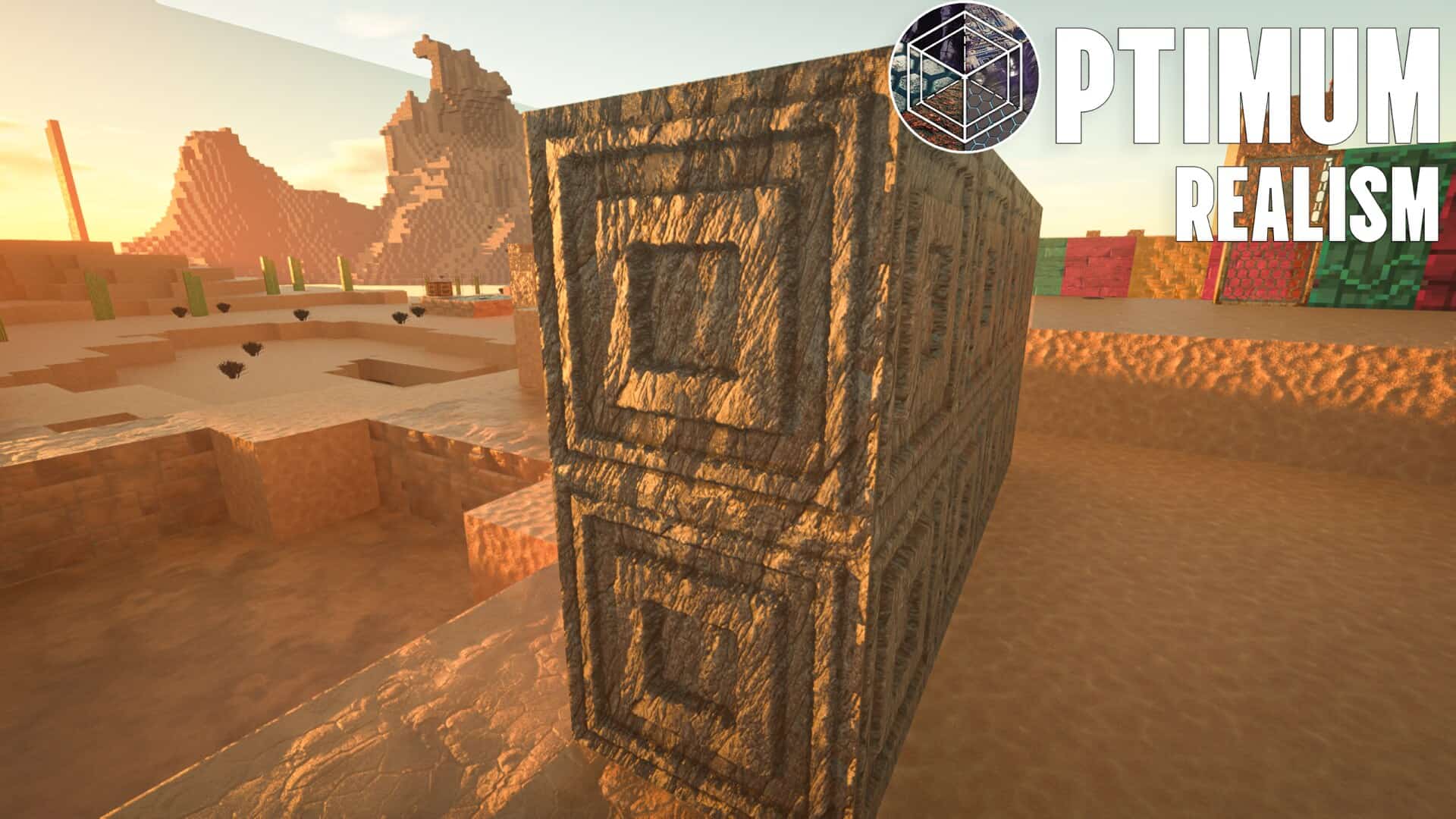
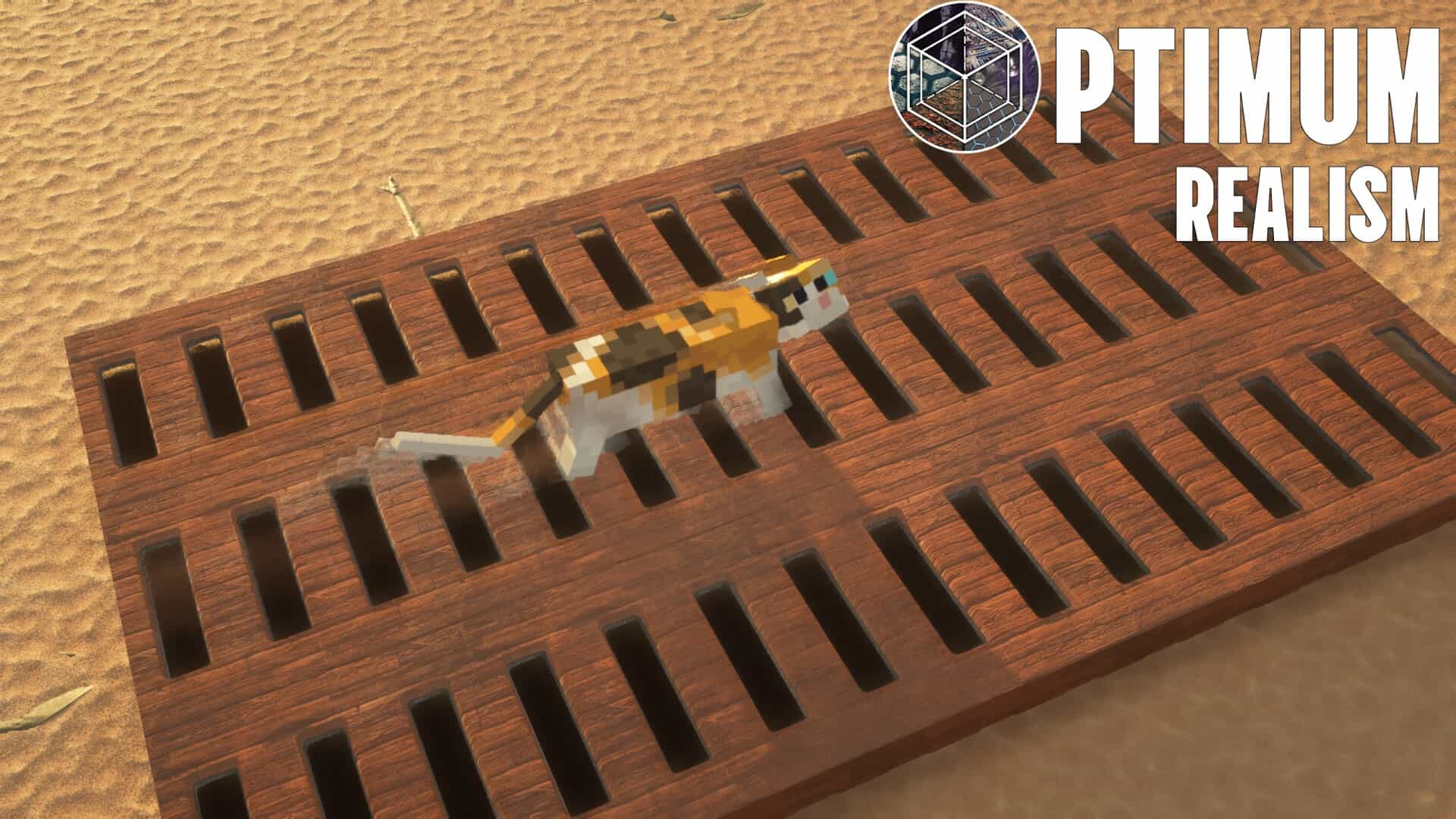
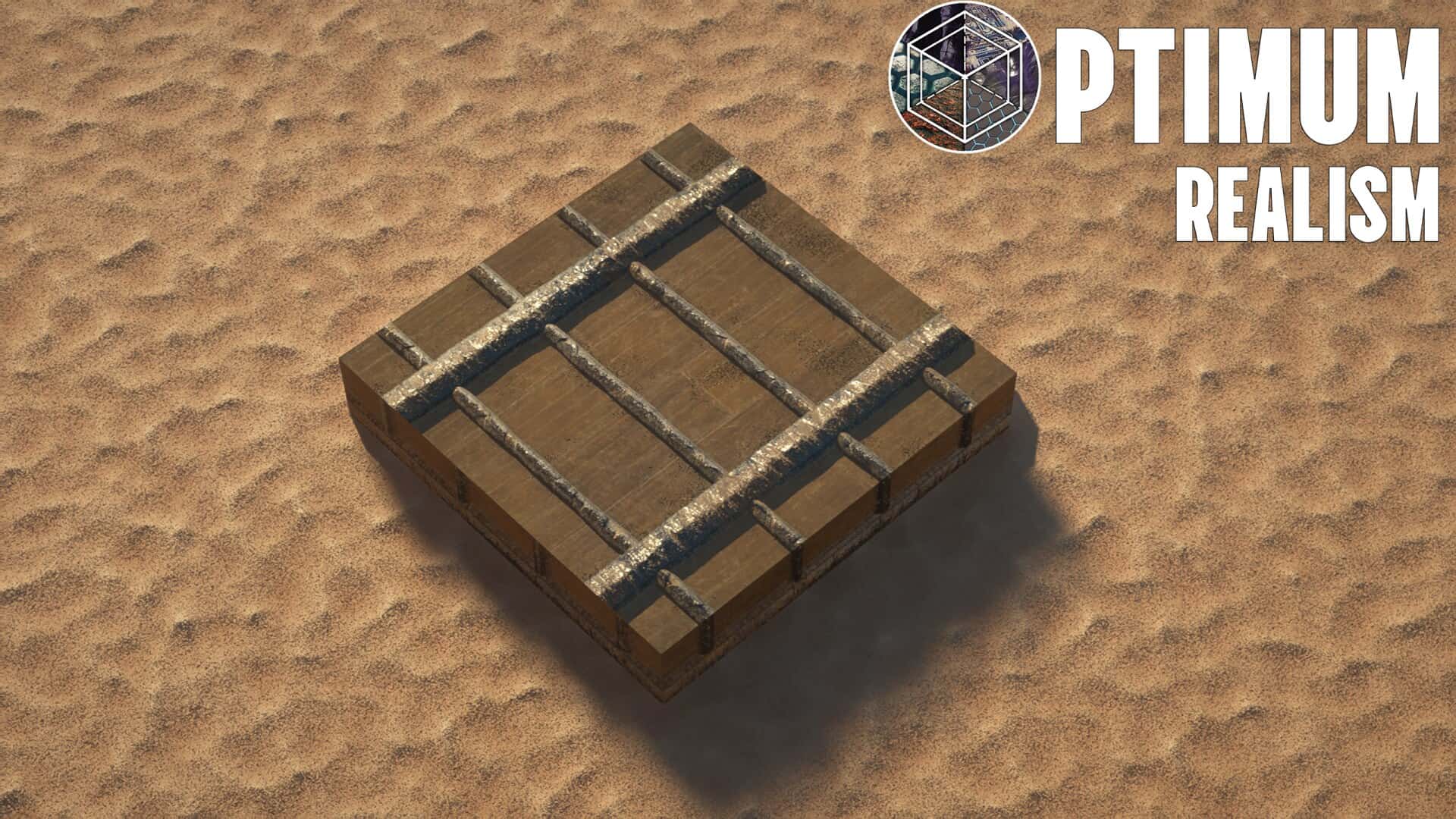


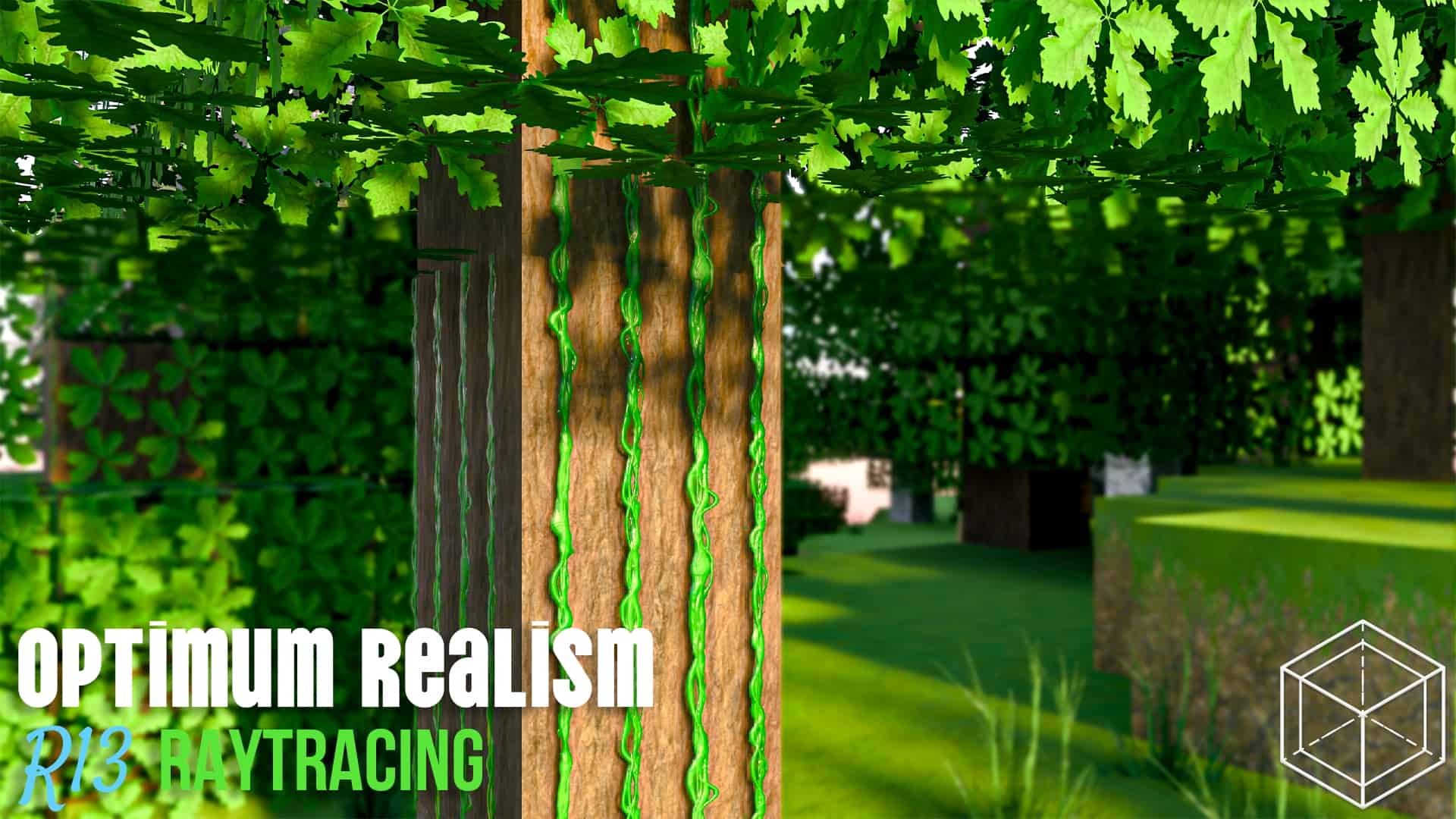
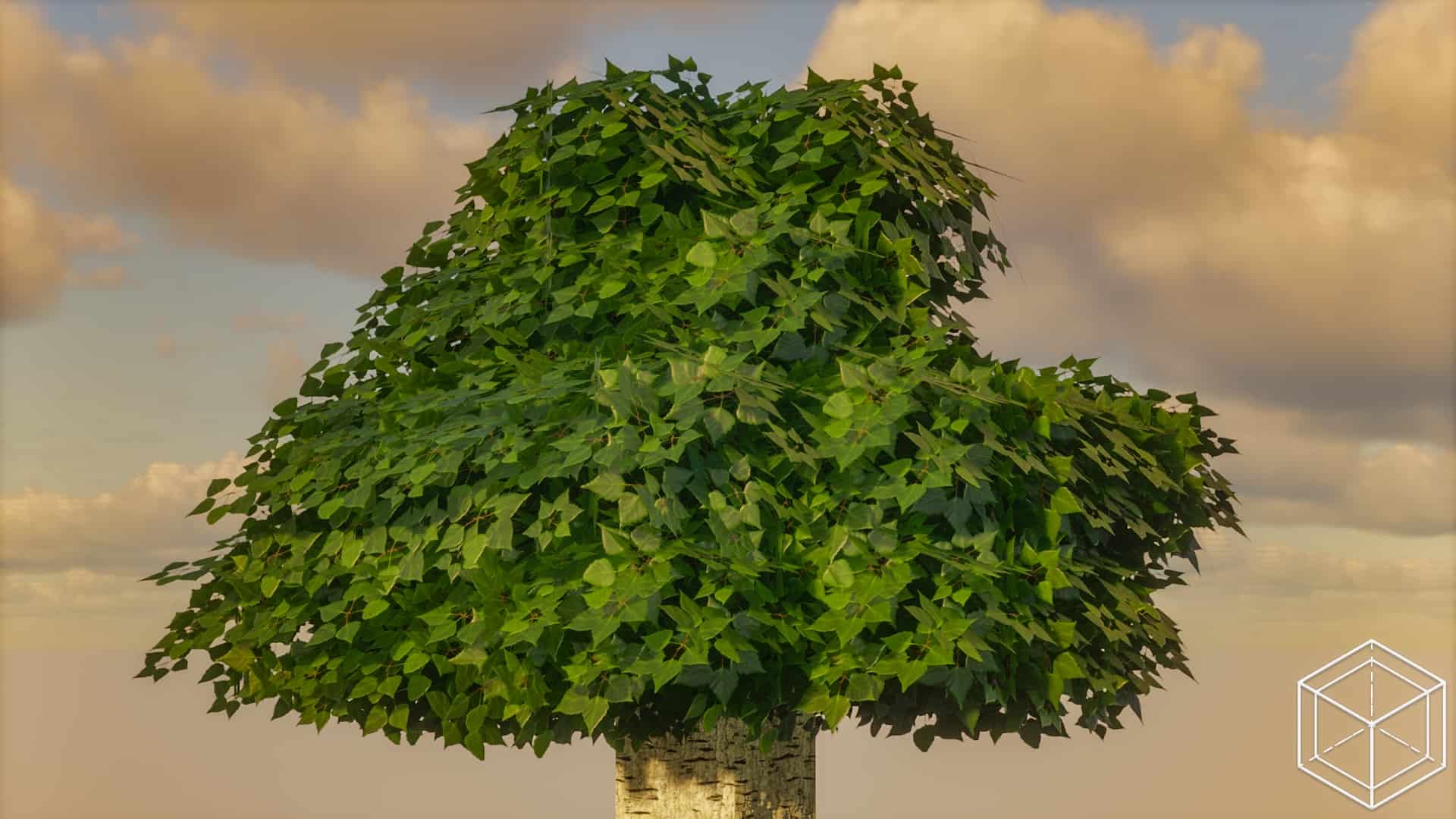
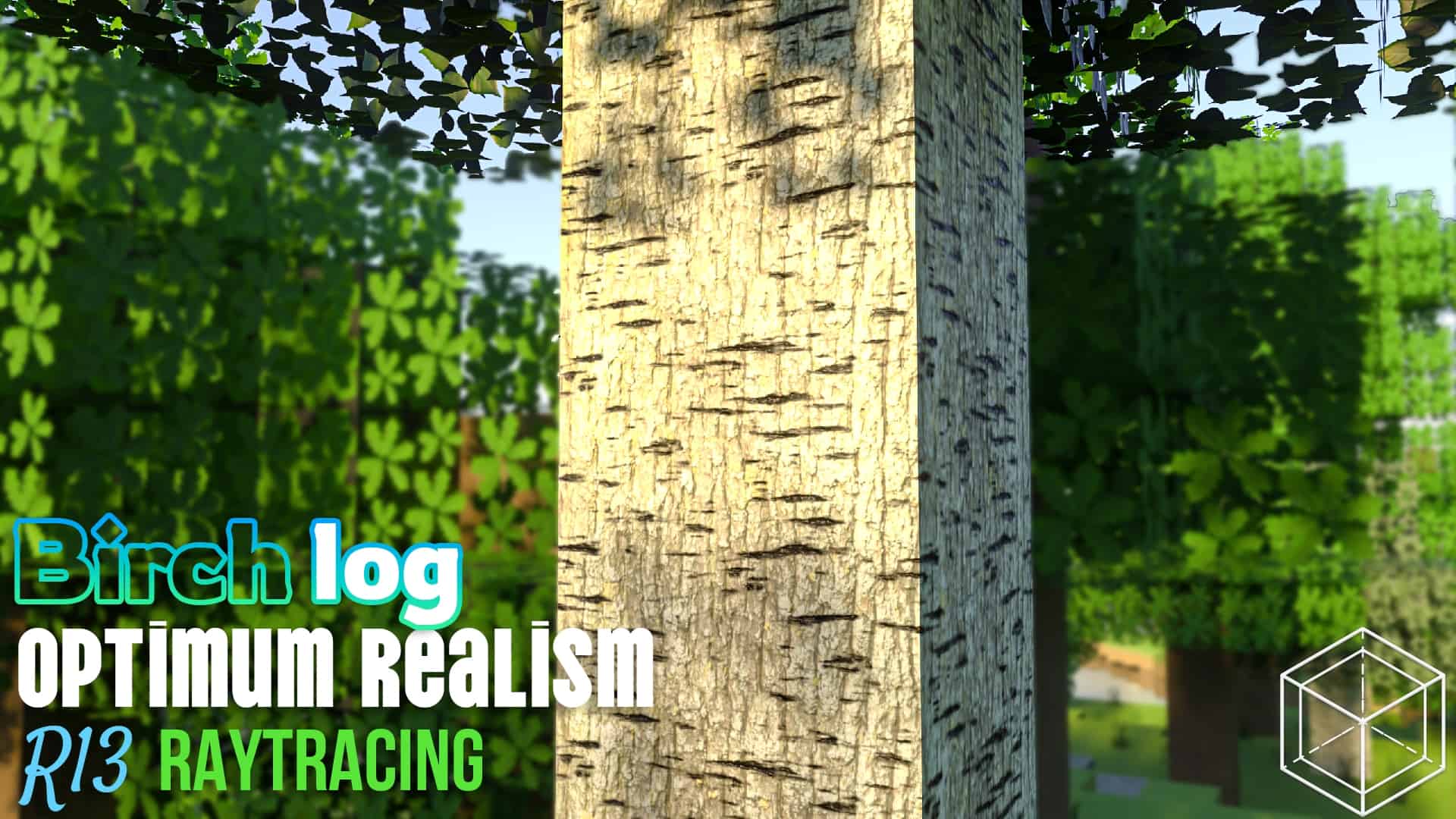
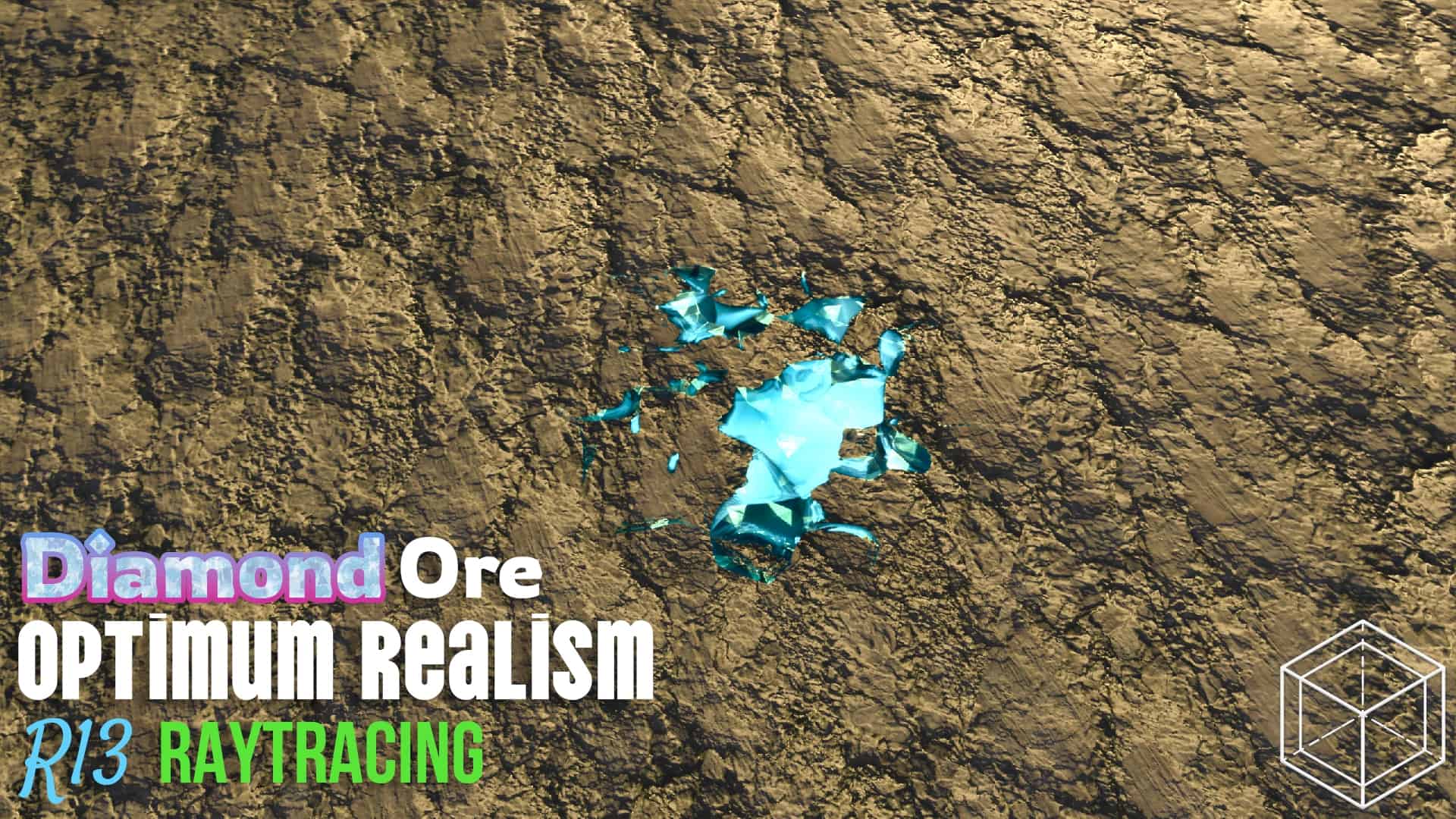
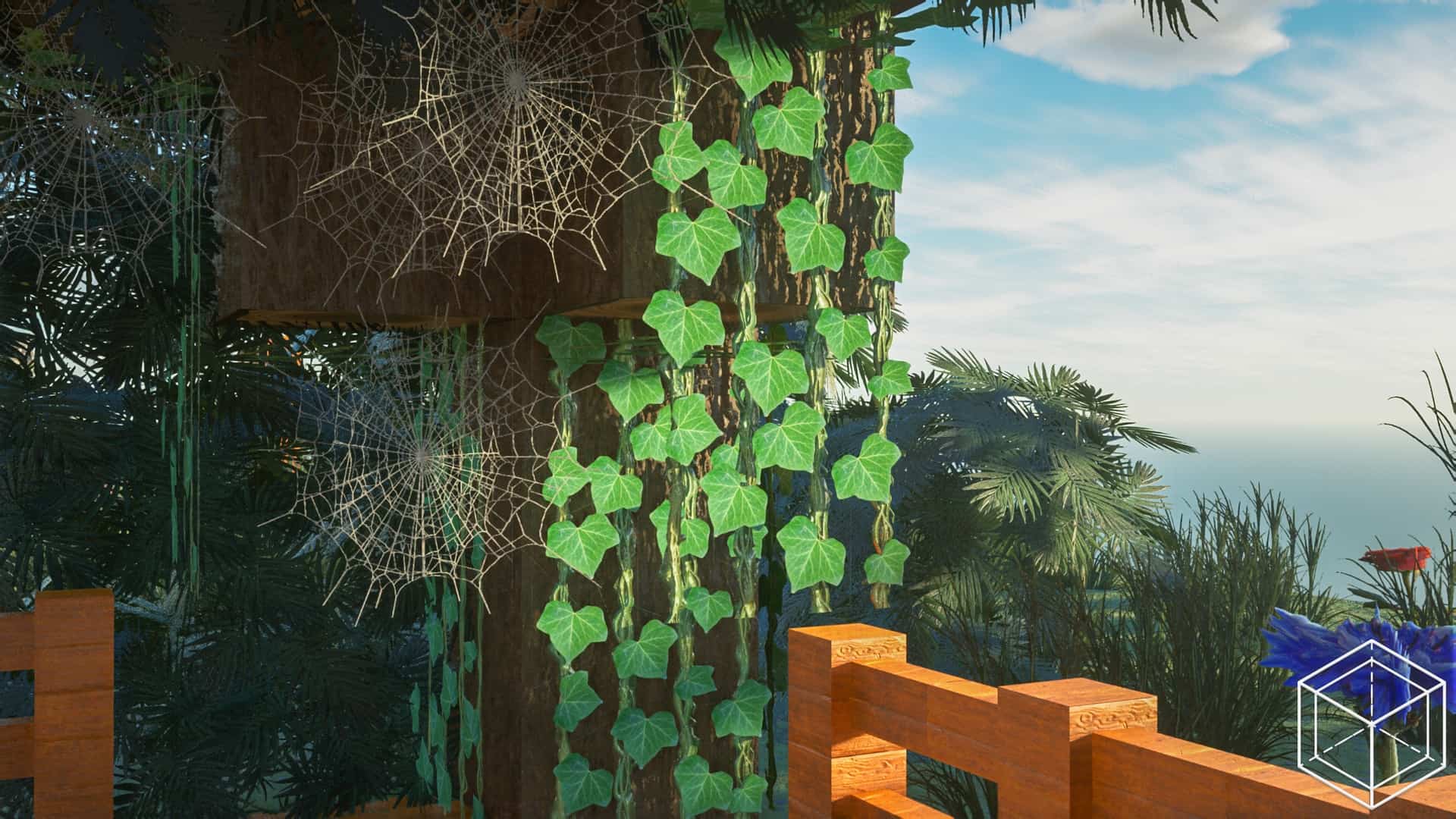
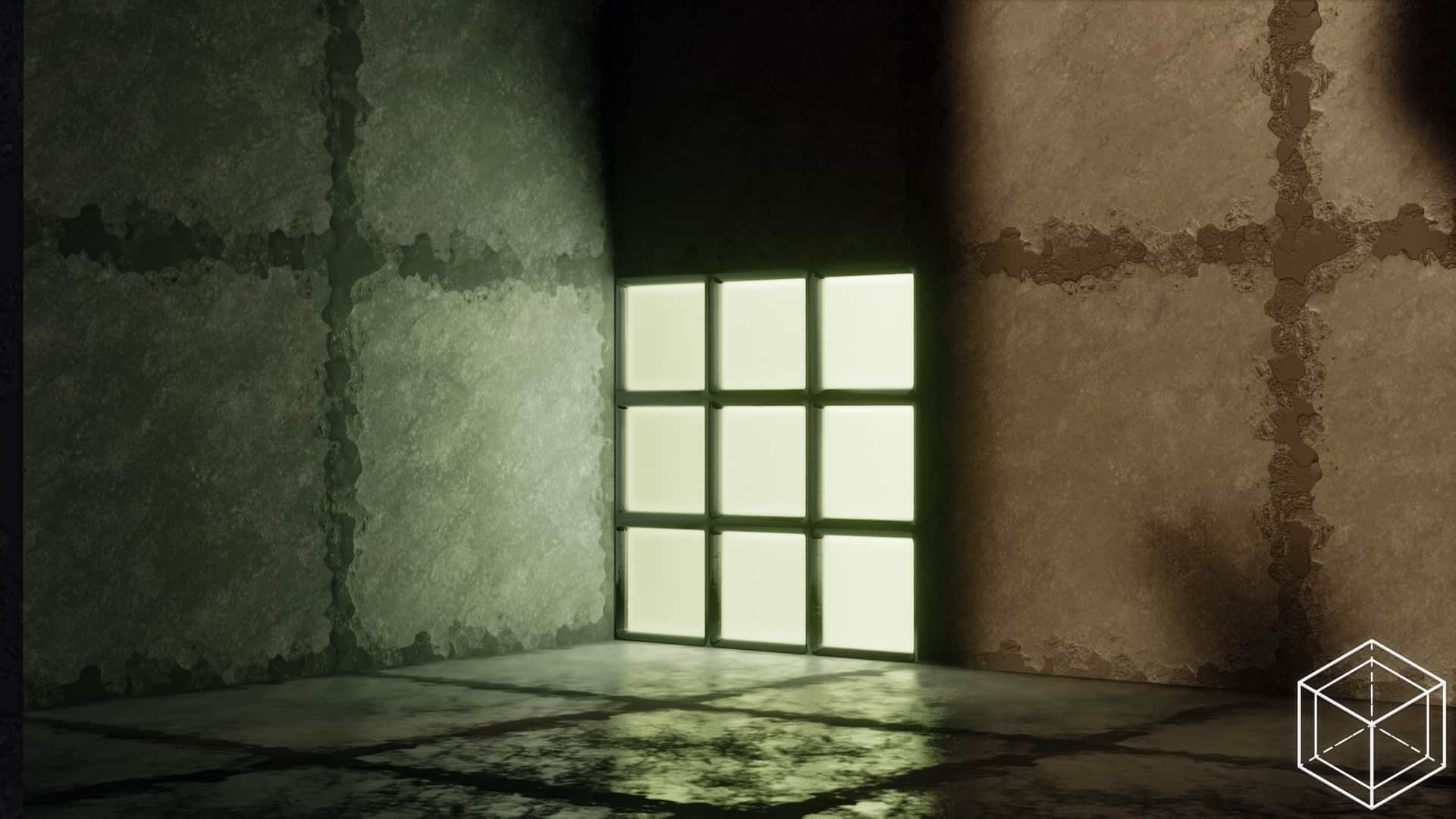
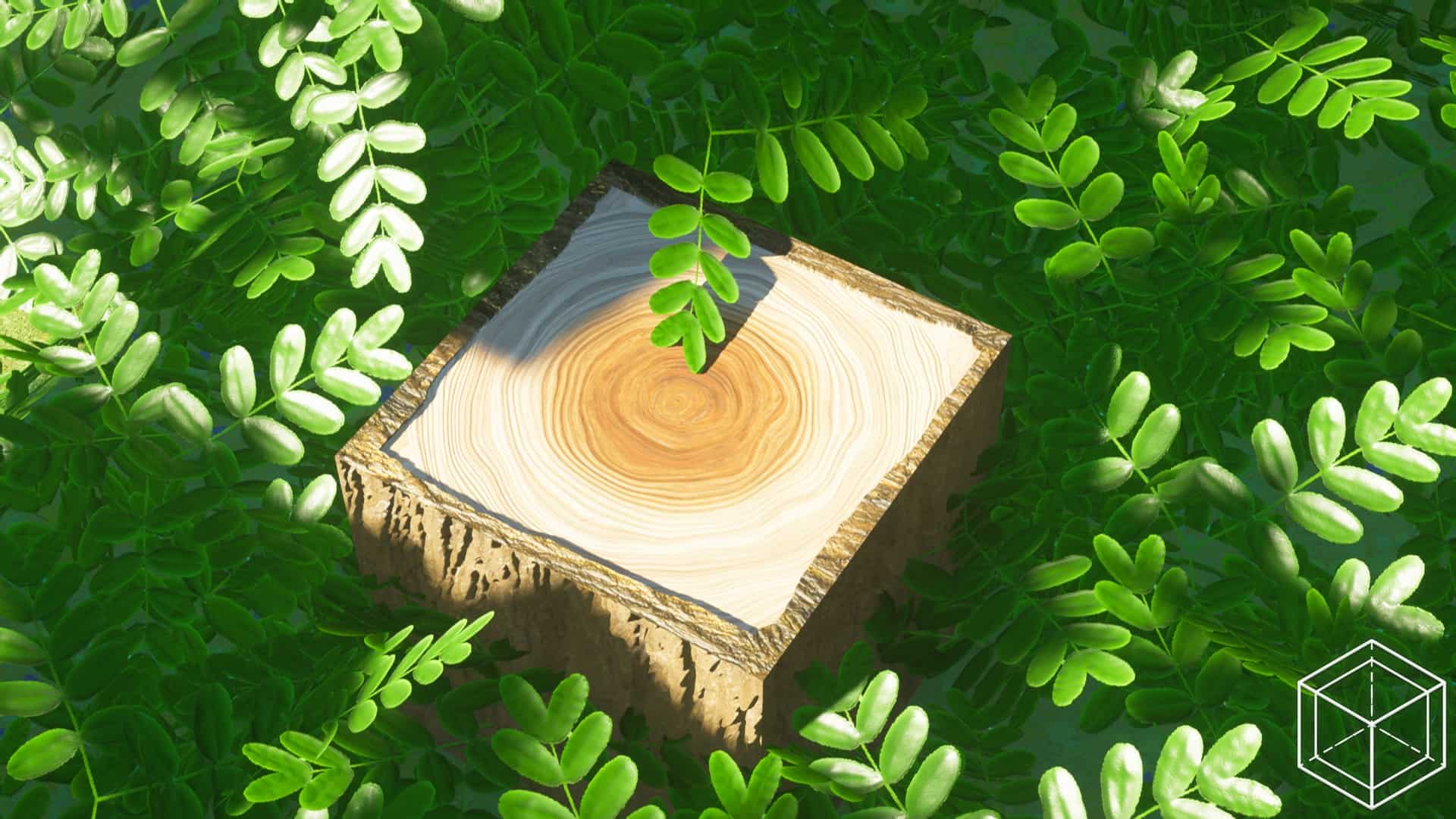
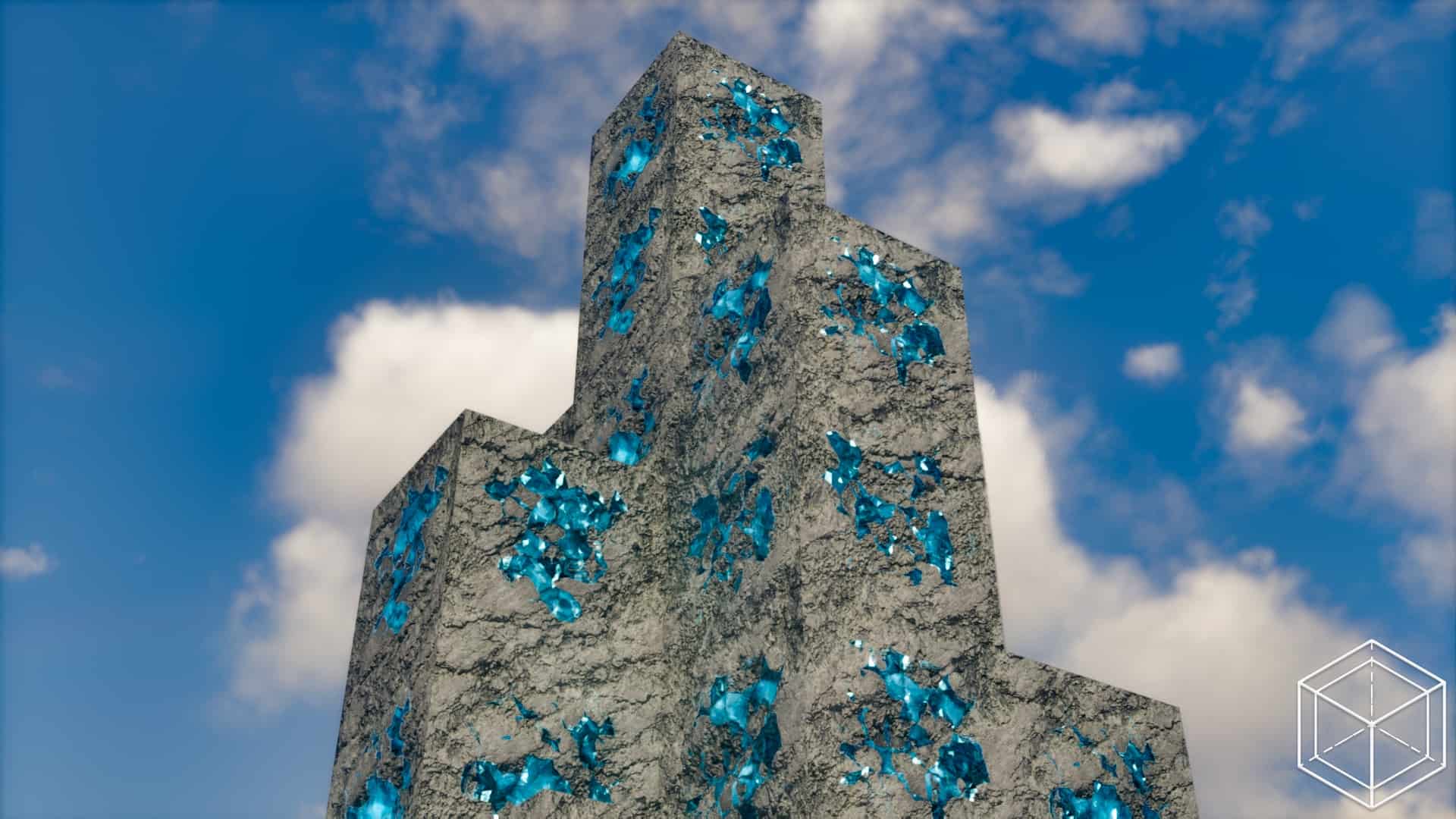

How to Install Texture Pack (Simple 10 Steps)
- Download OptiFine: Most of the texture packs and shaders need OptiFine. That’s why, first download and install OptiFine for the version of Minecraft you want to play.
- Download the Texture Pack: Get the texture pack you want from the download section. Choose the version that works with your Minecraft and your PC’s performance.
- Open Minecraft Launcher: Start Minecraft using the official game launcher — or even TLauncher, if you use that.
- Go to Options: From the main menu, click on the “Options” button.
- Open Resource Packs: Inside Options, click on “Resource Packs…”.
- Open the Resource Pack Folder: Click on “Open Resource Pack Folder” — this will open a folder named “resourcepacks”.
- Move the Pack File: Copy or move the .zip file you downloaded into that “resourcepacks” folder. (Don’t unzip the file — Minecraft uses it as-is!)
- Go Back and Refresh: Close the folder and click “Done”, then go back into “Resource Packs…” again.
- Activate the Pack: You’ll see the pack on the left side. Hover over it and click the arrow to move it to the right (active side).
Tip: If you get a message that the pack is for a different version, just click “Yes” — it usually works fine. - Click Done and Enjoy: Click “Done” again. Now your pack is ready to use in-game. It’s that easy!
Credits
This resource pack was created by Atmosphere_Of_Tech. All rights remain with the original creator. We do not own or modify this file, and we strongly encourage supporting the creator through their official channels.
Download Links
Java Edition
- [64x] Minecraft Java Edition
- [128x] Minecraft Java Edition
- [256x] Minecraft Java Edition
- [512x] Minecraft Java Edition
- Make it Grassy Add-On
- Advanced Foliage Add-On
Bedrock Edition
Download Instructions
Curseforge: download starts automatically after a few seconds;
Mediafire: click the big blue button with the text “DOWNLOAD”;
Google Drive: in the top right corner you will see a small download icon (down arrow), click it and the download should start;