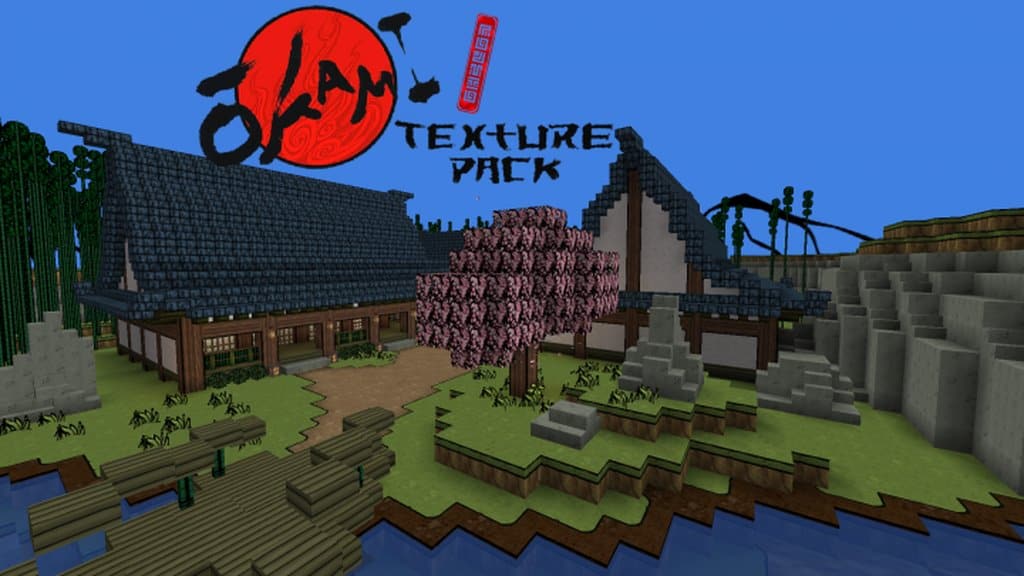
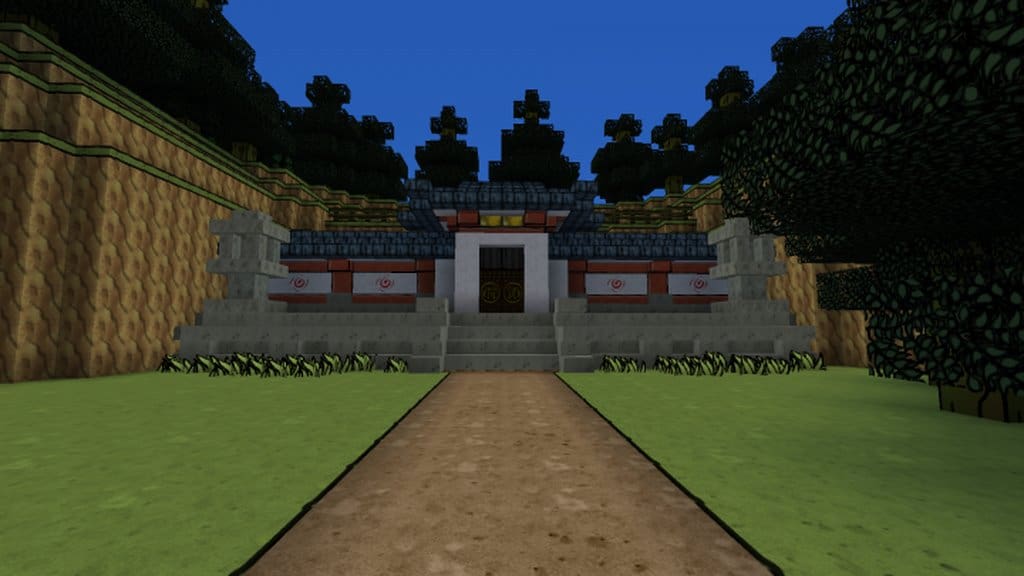
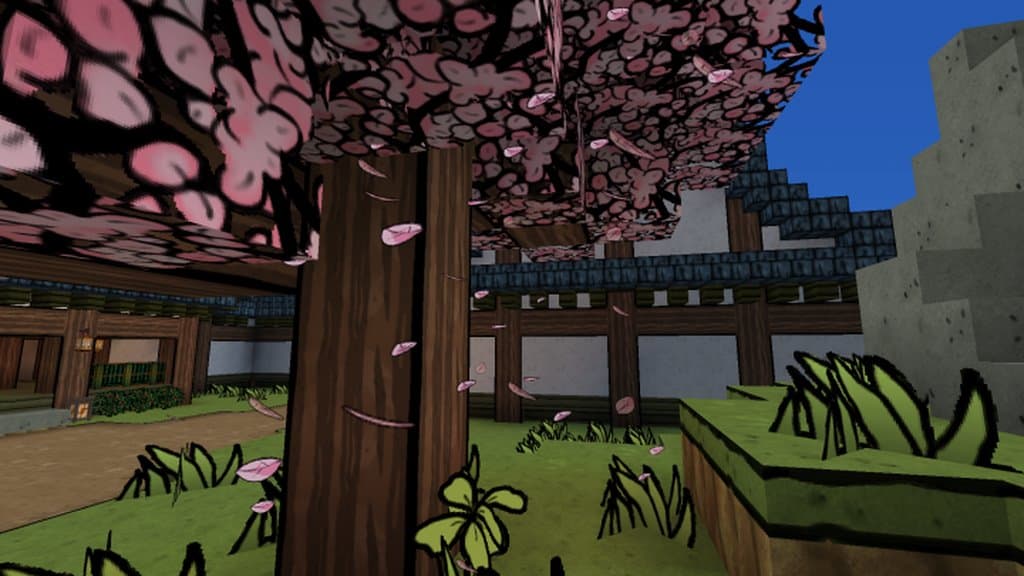
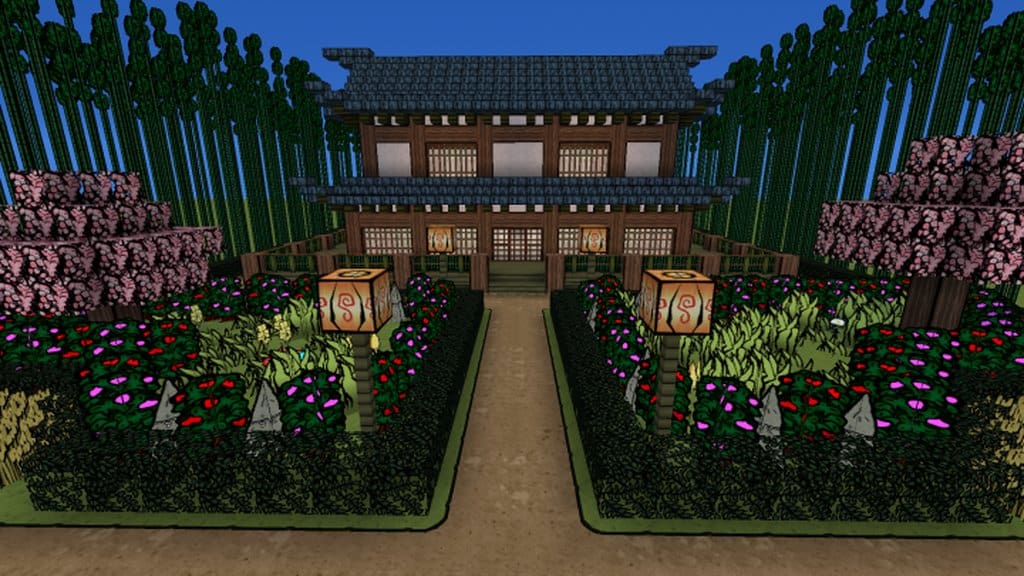
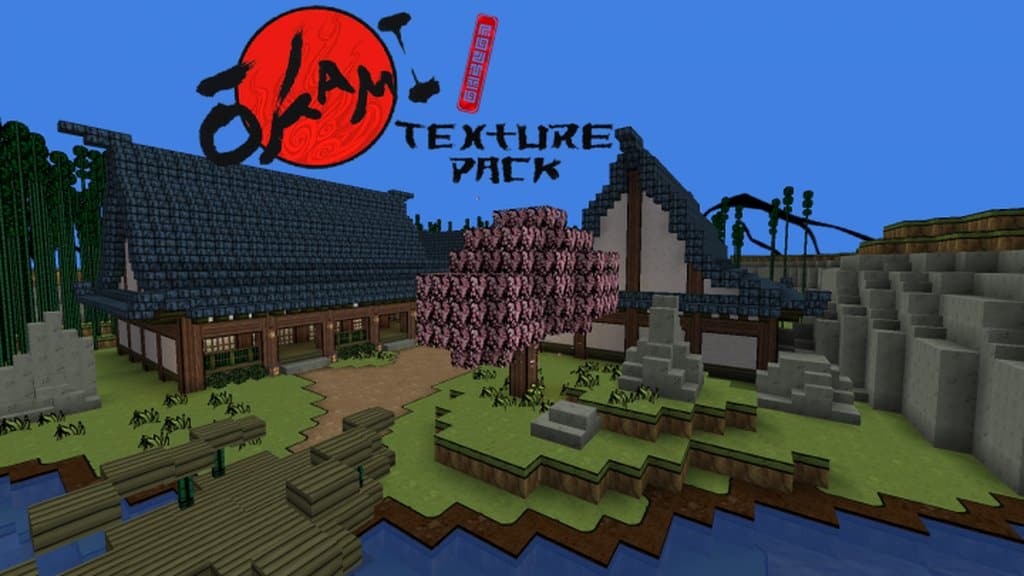
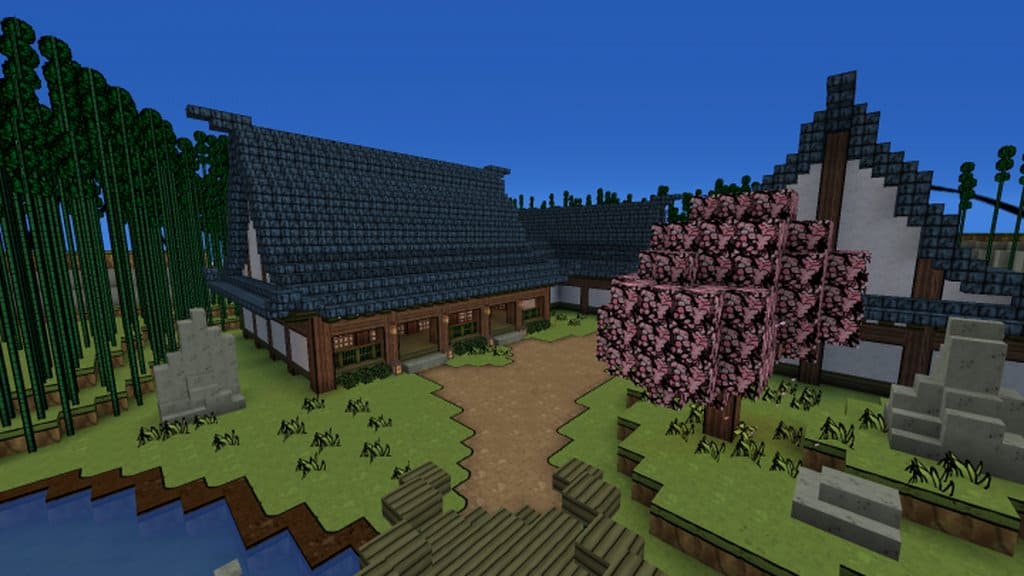
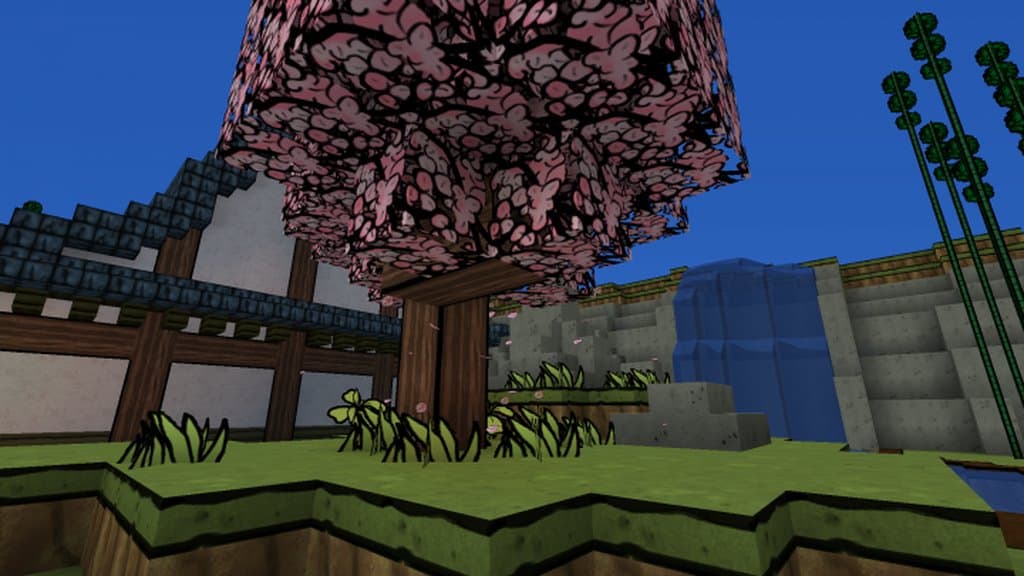
One of the most genuinely breathtaking and polished Minecraft resource packs you can possibly try out for yourself is the Okami pack. I found that the Okami resource pack effortlessly brings incredible artistry and beauty to Minecraft’s simple default graphics. The new graphics boast a very consistent style, with each image and texture fitting together harmoniously with the others. Honestly, the Okami texture pack is an absolute must-play for fans of the classic PlayStation 2 game Okami. As you may know, Okami is widely known for its distinctive cel-shaded graphics, unique combat system, and Zelda-inspired gameplay. Although well over a decade old, Okami still has a dedicated fanbase, and this resource pack brings that iconic graphic style directly into the Minecraft world. Many well-known Minecraft designers have worked on Okami textures over the years, with postermahn and Cadihu formerly working on the resource pack, and Vanima taking the helm working on it today. It has improved immensely since its initial release, and I am thrilled to see it continues to get better and better.
If you are a Minecraft player with an older computer, you might initially worry that the Okami resource pack is too high resolution to run smoothly on your machine. While the x128 resolution version of the pack might indeed slow down a dated PC, hopefully in the future it will be made available in many different resolutions to accommodate everyone. Considering that Okami and Minecraft have such drastically different graphic styles, I think it is quite an incredible achievement to successfully combine the two. The resource pack does an exceptional job of bringing the gorgeous visuals of Okami’s trees and sky right into Minecraft. The colors are just right, and everything in the resource pack is crafted with true artistic flair. While the pack is remarkably cool-looking in its current state, it is currently only about 95% finished. There are still more textures to add and more improvements to complete before the creators are fully finished with their work. Anyone who is a massive fan of the game Okami or who simply loves gorgeous cel-shaded graphics should definitely give the Okami resource pack a try. It truly makes the Minecraft world look stunningly beautiful.
Okami should be compatible with all of these Minecraft versions: 1.14.4 – 1.14.3 – 1.14.2 – 1.14 – 1.13.2 – 1.13.1 – 1.13 – 1.12.2 – 1.12 – 1.11.2 – 1.11 – 1.10.2 – 1.10 – 1.9.4 – 1.9 – 1.8.9 – 1.8.8 – 1.8.1 – 1.8.6 – 1.8 – 1.7.10 – 1.7.9 – 1.7.4 – 1.7 – 1.6.4 – 1.6.2
Screenshots
How to Install Texture Pack (Simple 10 Steps)
- Download OptiFine: Most of the texture packs and shaders need OptiFine. That’s why, first download and install OptiFine for the version of Minecraft you want to play.
- Download the Texture Pack: Get the texture pack you want from the download section. Choose the version that works with your Minecraft and your PC’s performance.
- Open Minecraft Launcher: Start Minecraft using the official game launcher — or even TLauncher, if you use that.
- Go to Options: From the main menu, click on the “Options” button.
- Open Resource Packs: Inside Options, click on “Resource Packs…”.
- Open the Resource Pack Folder: Click on “Open Resource Pack Folder” — this will open a folder named “resourcepacks”.
- Move the Pack File: Copy or move the .zip file you downloaded into that “resourcepacks” folder. (Don’t unzip the file — Minecraft uses it as-is!)
- Go Back and Refresh: Close the folder and click “Done”, then go back into “Resource Packs…” again.
- Activate the Pack: You’ll see the pack on the left side. Hover over it and click the arrow to move it to the right (active side).
Tip: If you get a message that the pack is for a different version, just click “Yes” — it usually works fine. - Click Done and Enjoy: Click “Done” again. Now your pack is ready to use in-game. It’s that easy!
Credits
This resource pack was originally created by postermahn and Cadihu, and is currently maintained by Vanima. We do not claim ownership of this content, nor do we host or modify any files on our servers. All intellectual property rights belong entirely to the original creators. We strongly encourage you to visit the official download sources to support the author.
Download Links
Java Edition
Download Instructions
Curseforge: download starts automatically after a few seconds;
Mediafire: click the big blue button with the text “DOWNLOAD”;
Google Drive: in the top right corner you will see a small download icon (down arrow), click it and the download should start;


