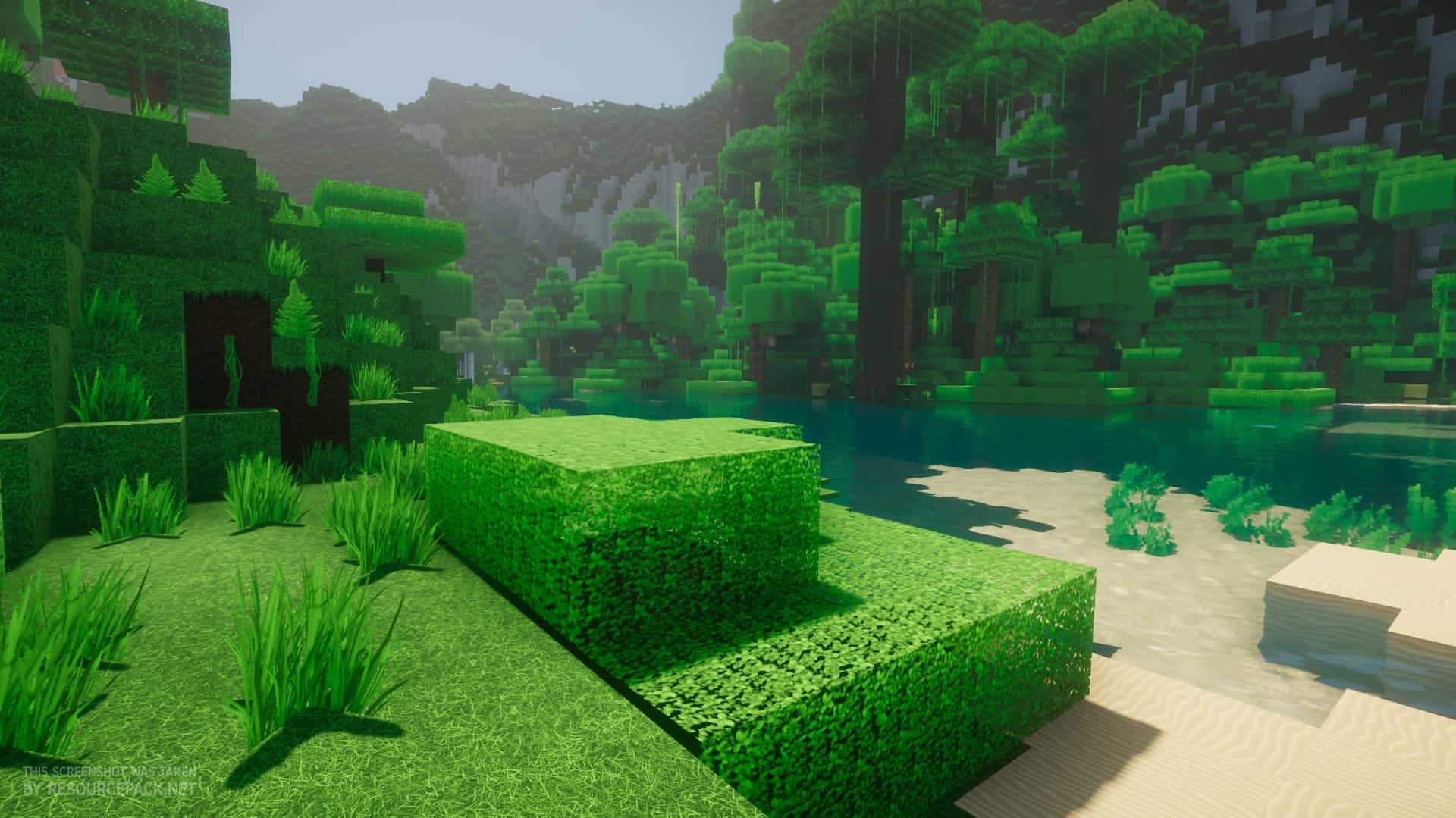
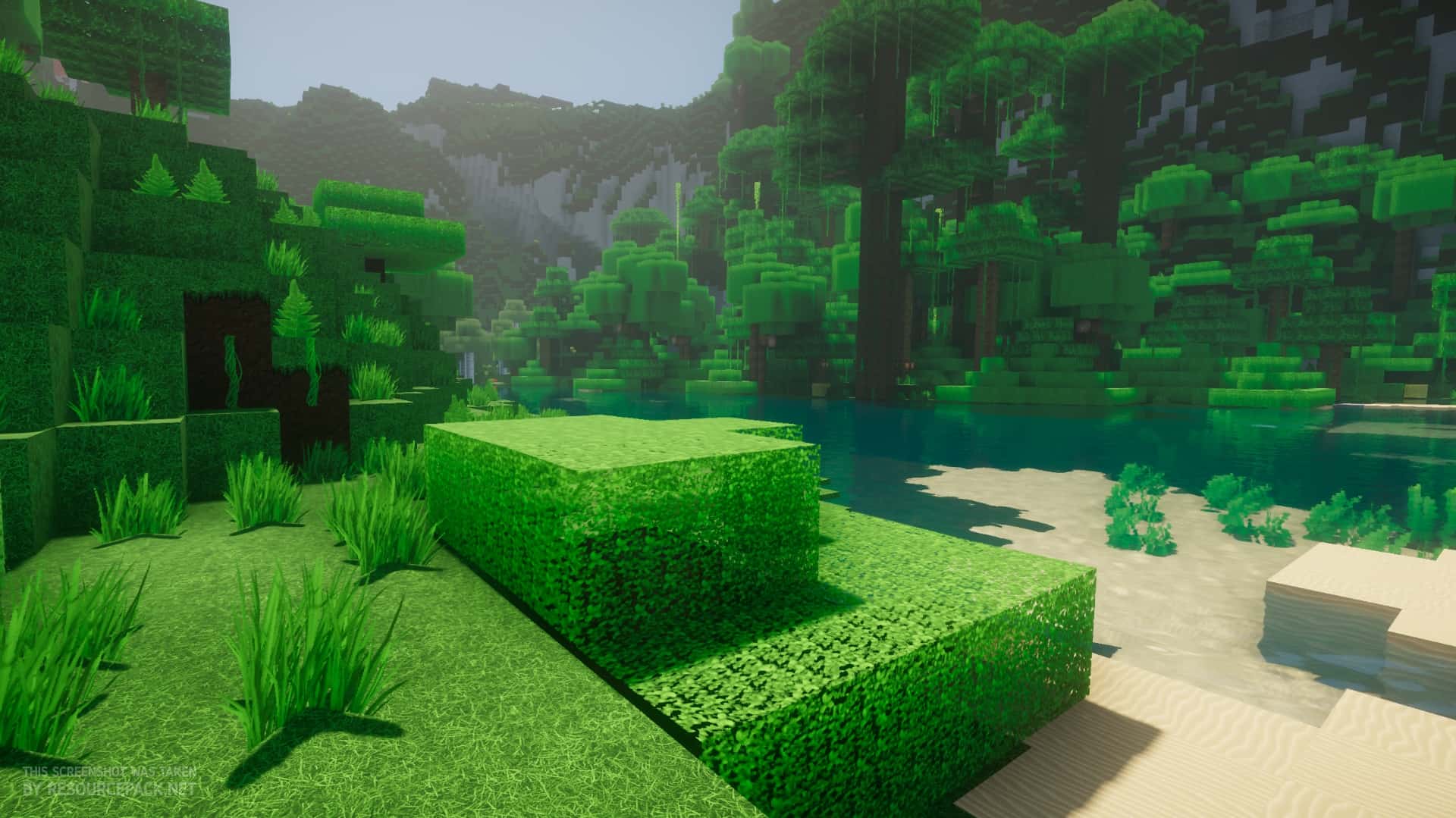
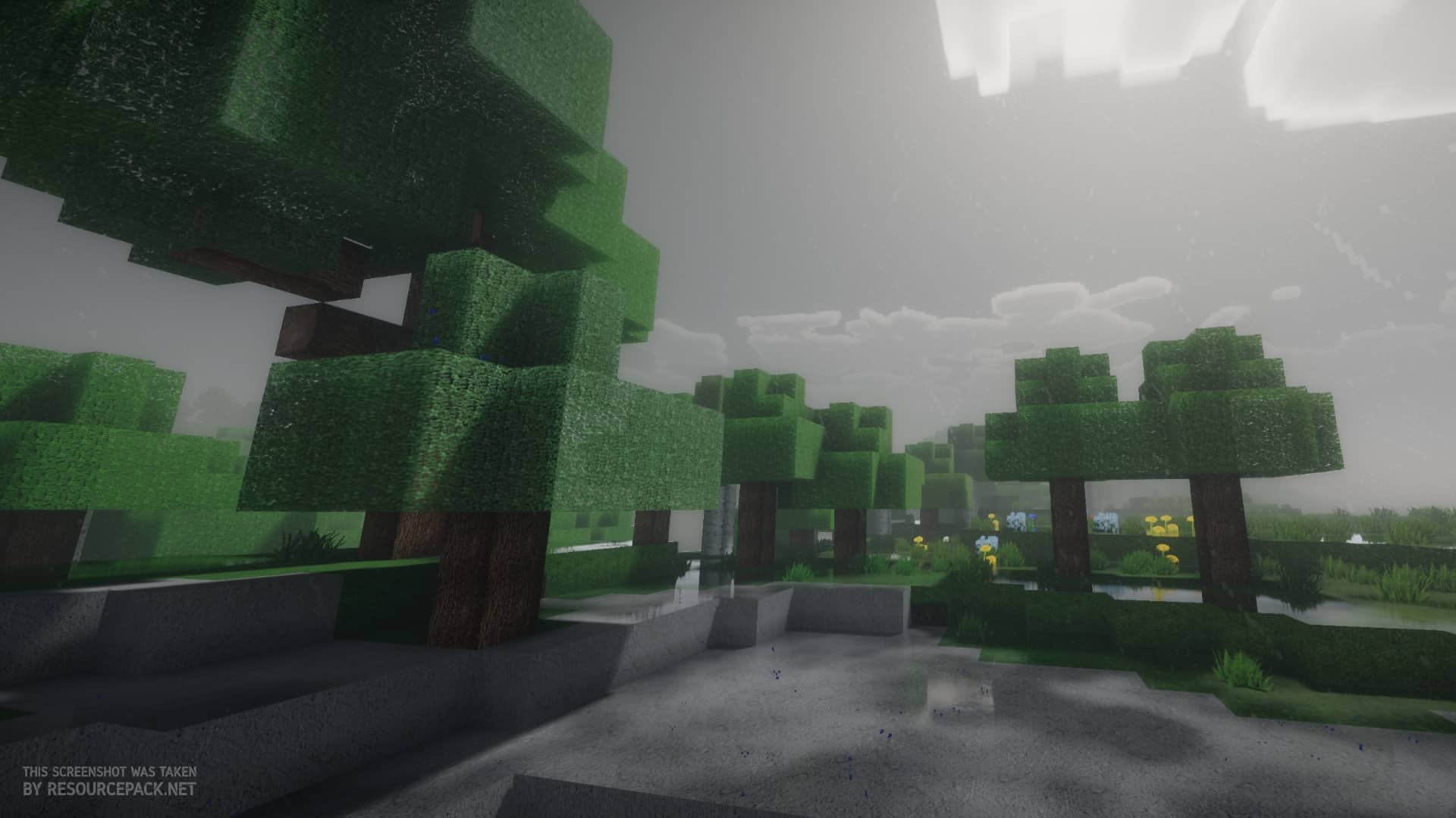
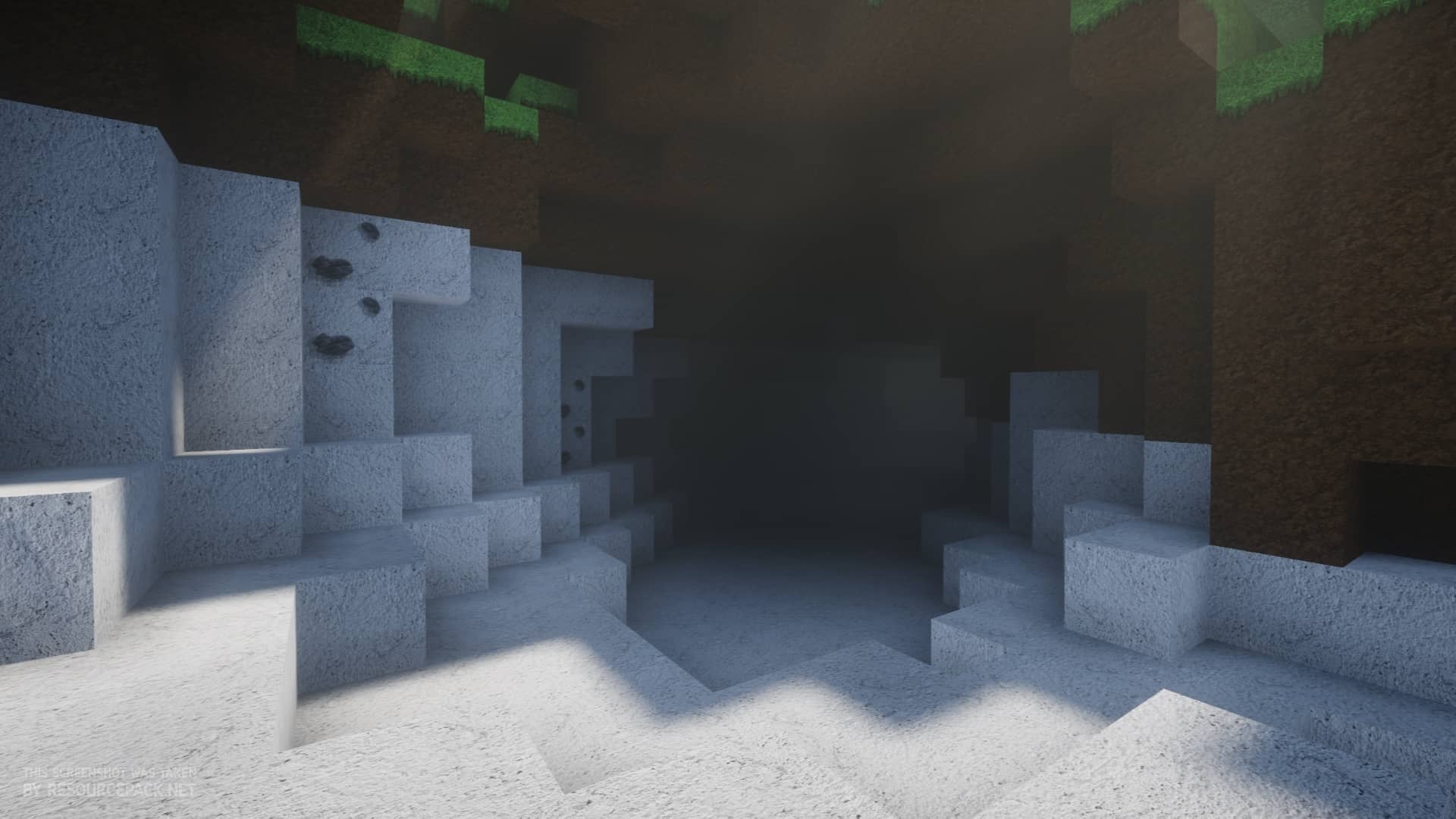
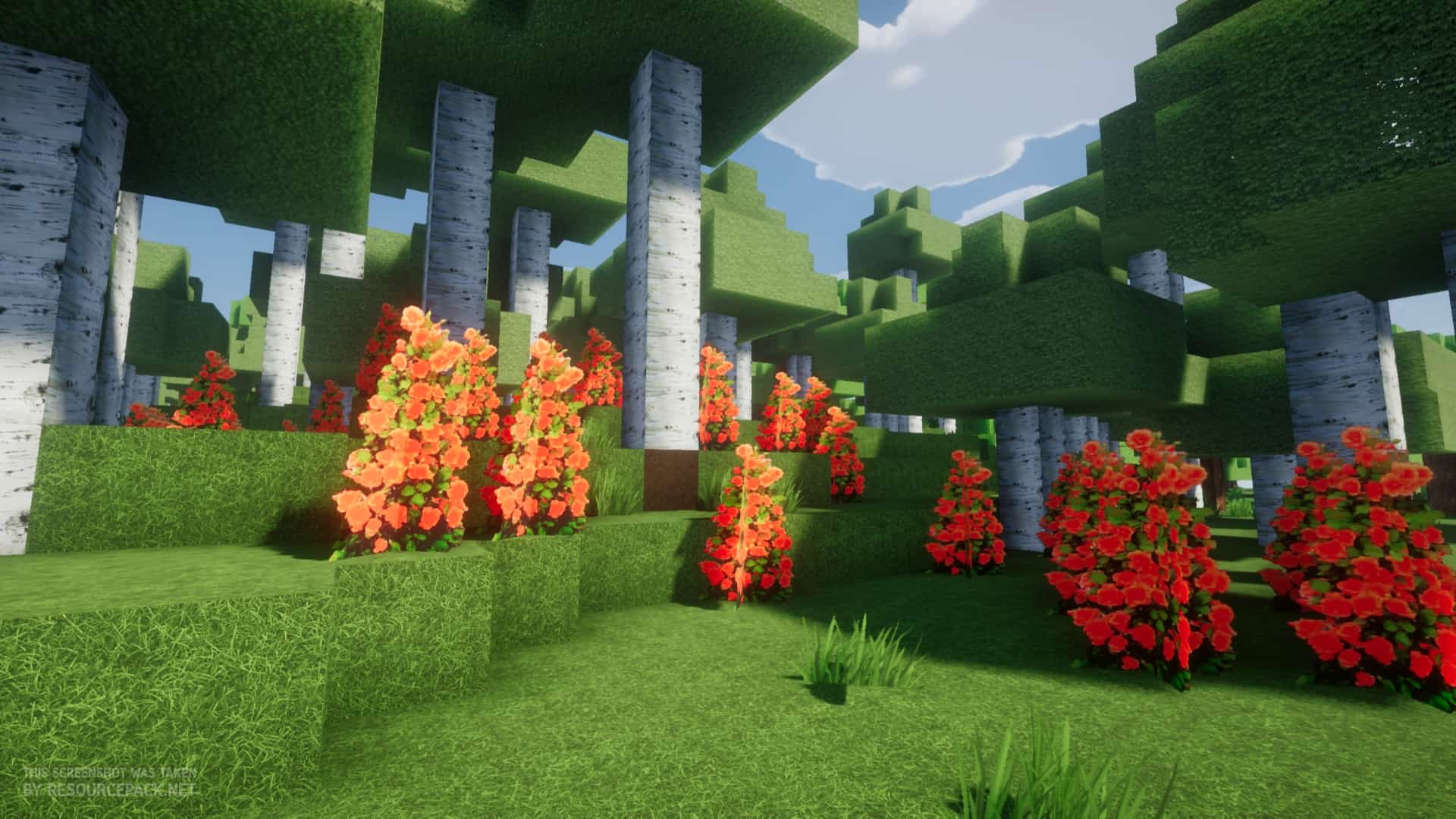
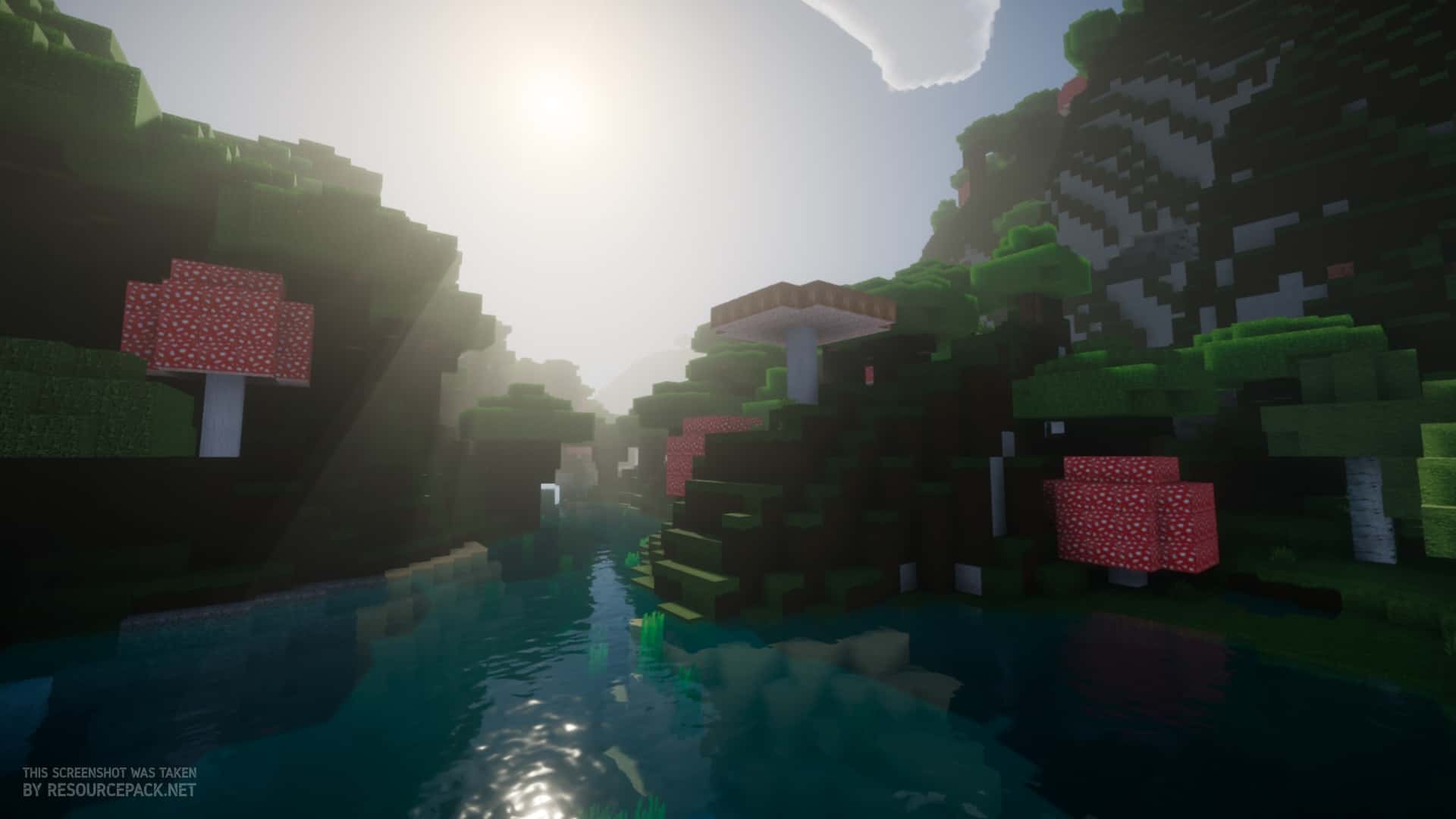
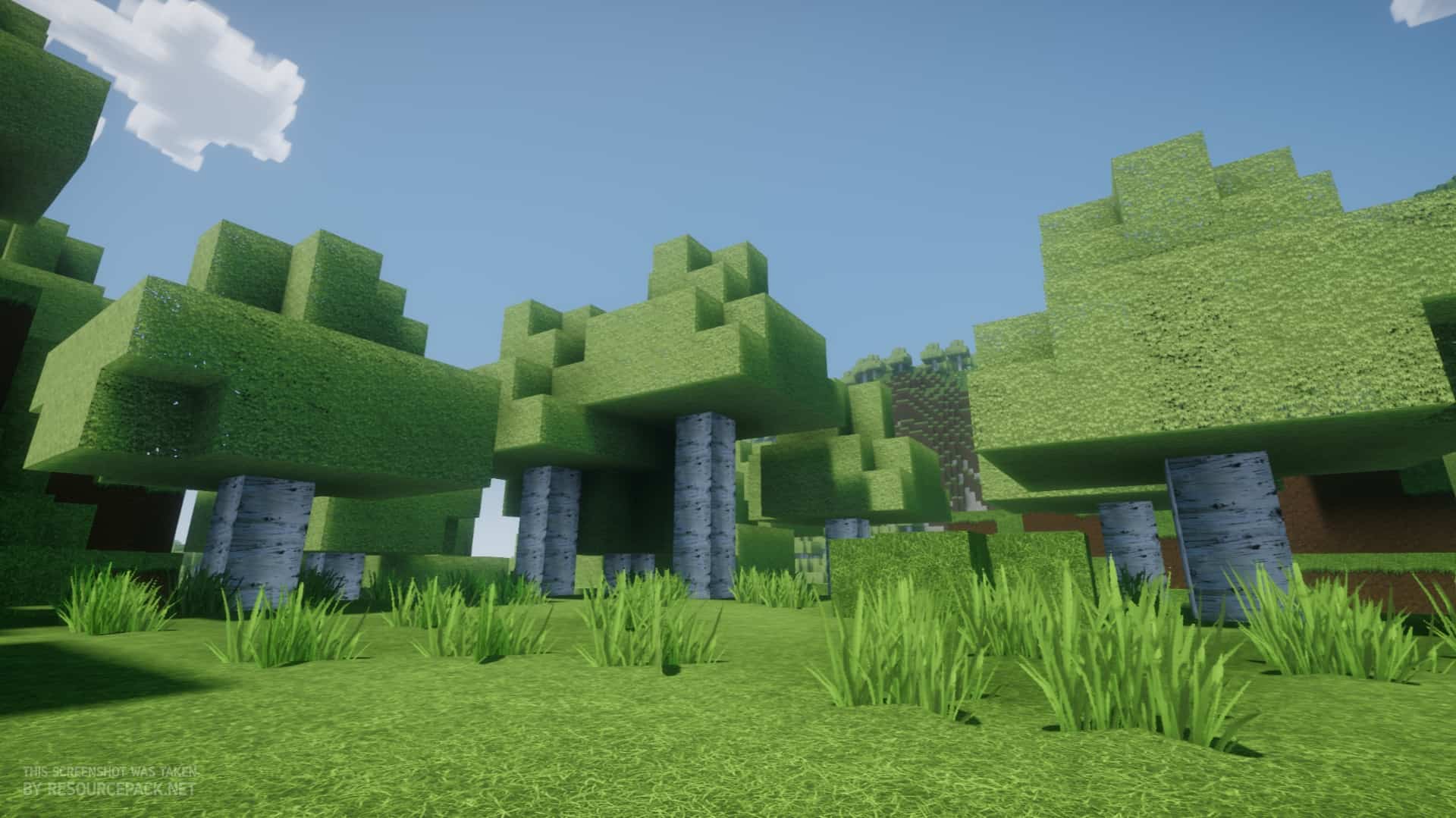
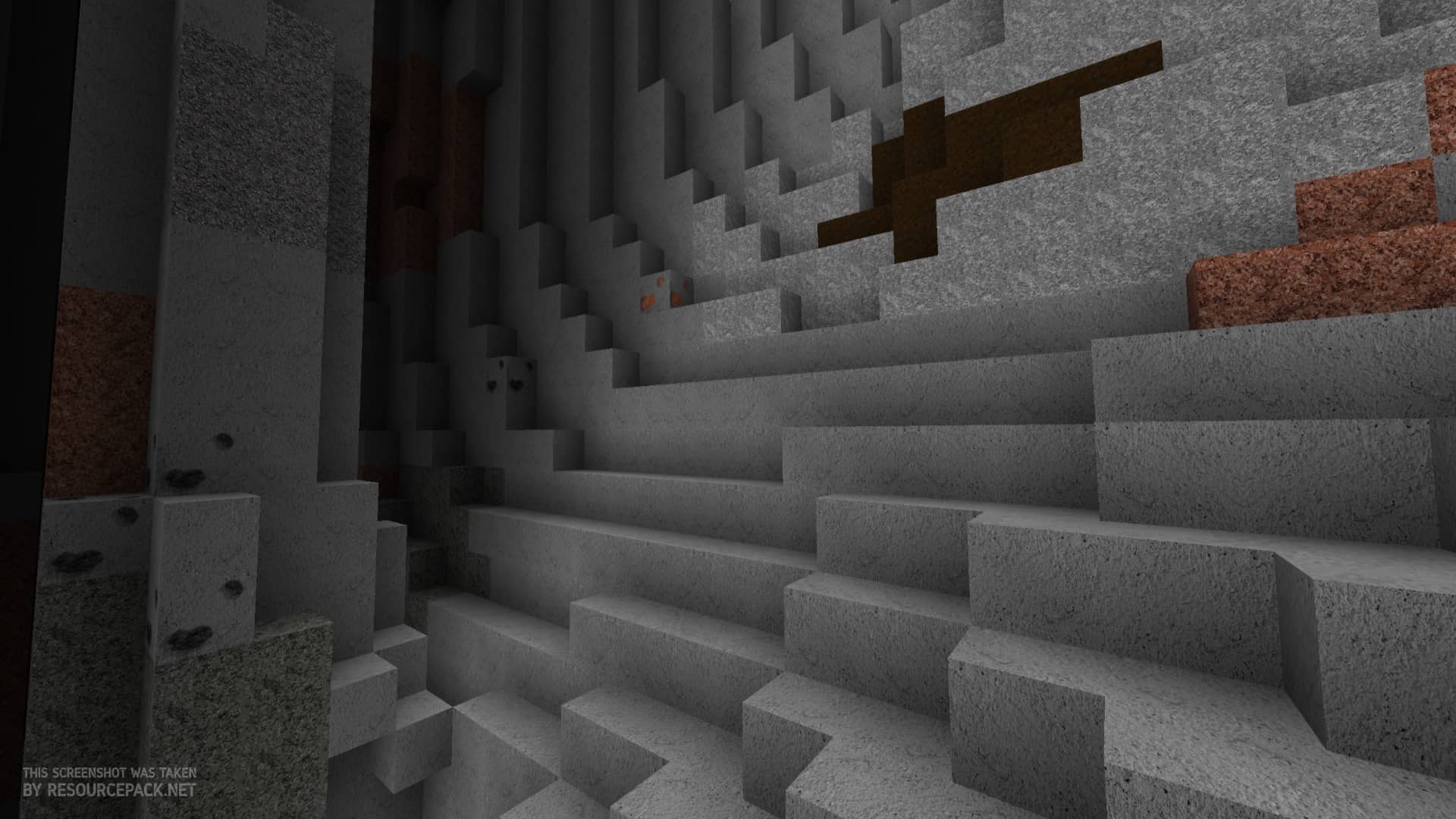
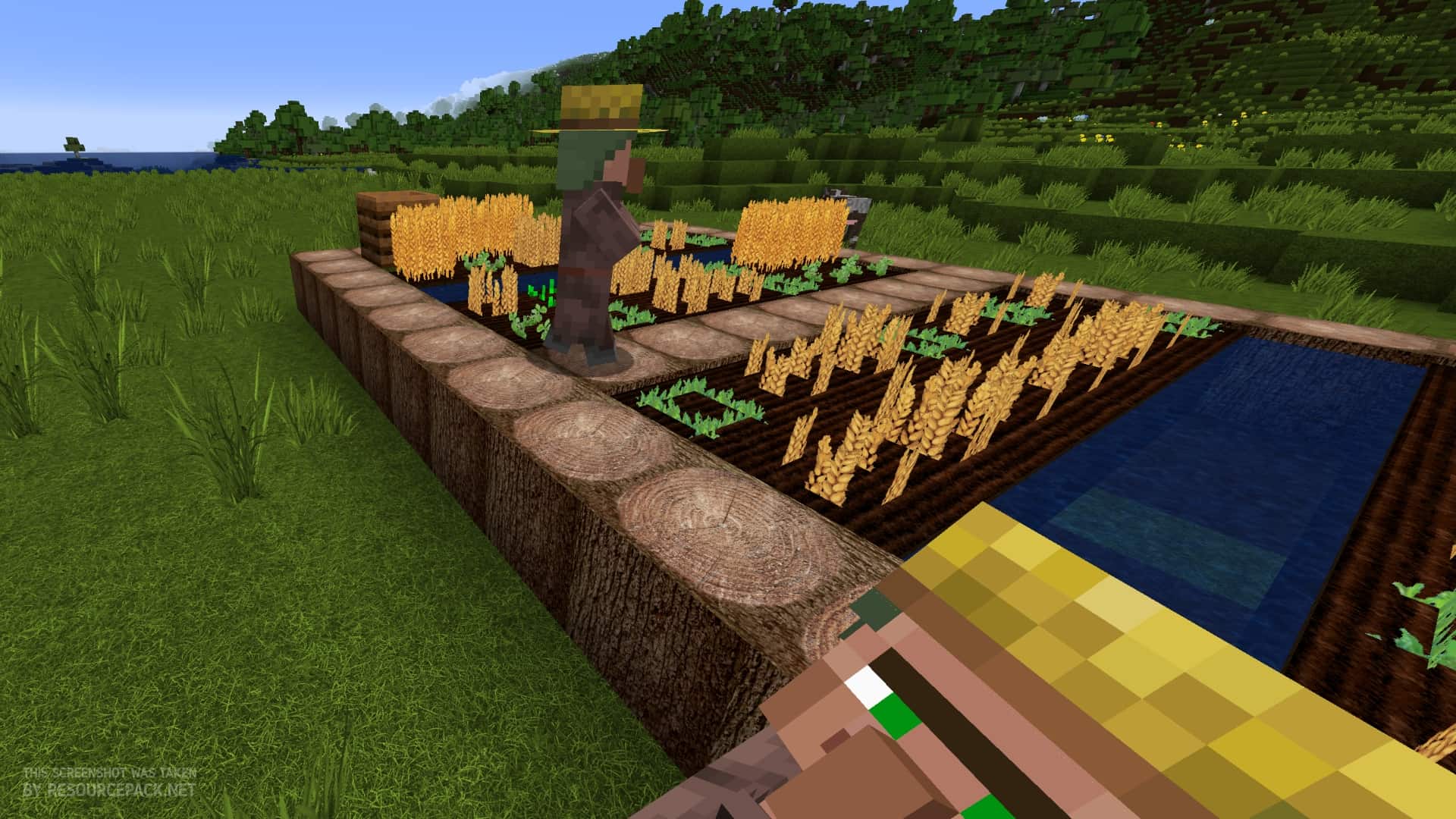
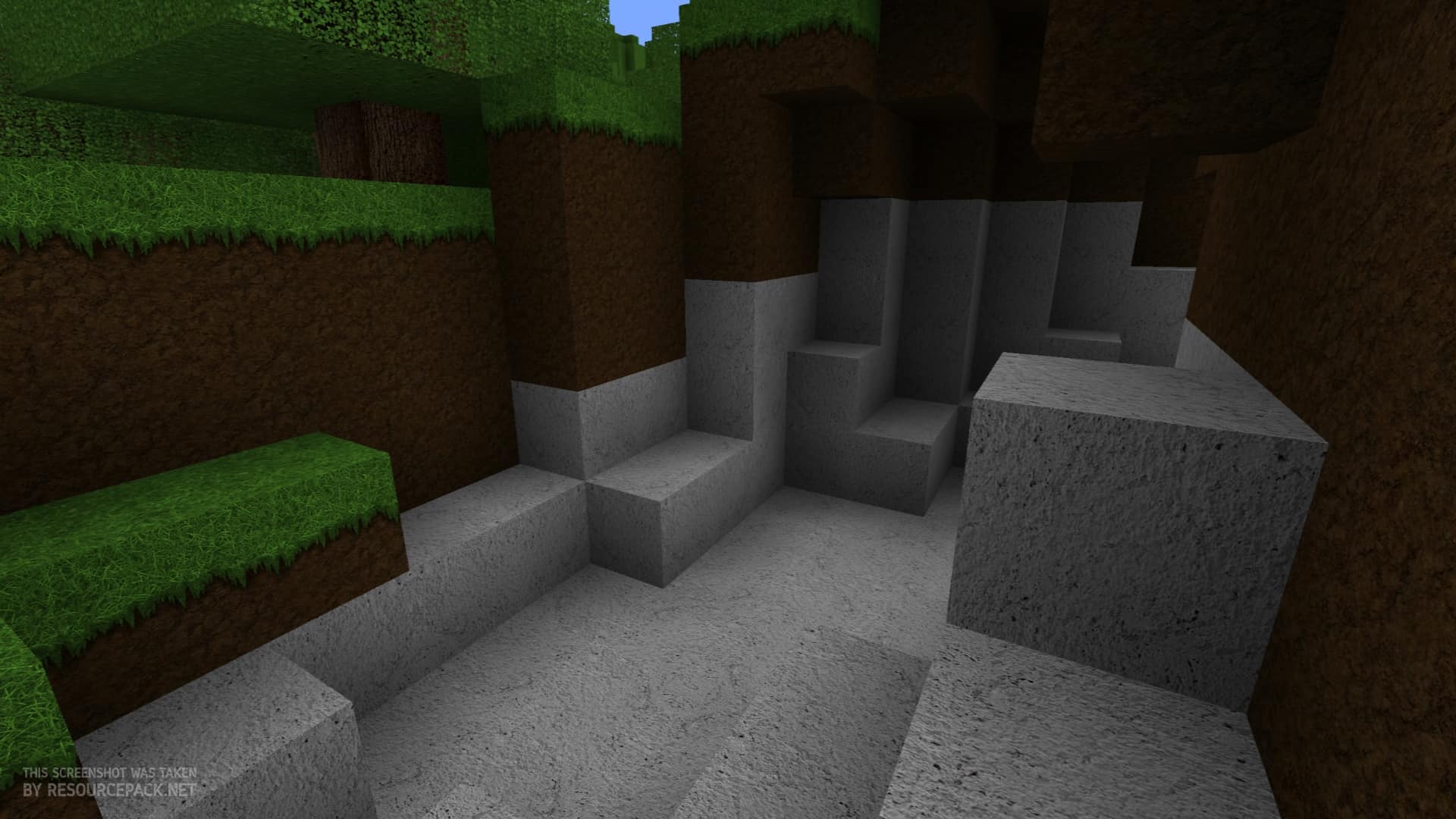
The Oerlis Realistic Photo Pro resource pack is the newest release by DelTaz, a truly renowned pack creator in the Minecraft community. DelTaz is a wonderfully experienced creator who has crafted various incredible resource packs that deeply enhance Minecraft’s textures to make it significantly more visually appealing. Just like many of the packs previously released, the Oerlis Realistic Photo Pro texture pack is a brilliant addition to Minecraft that genuinely elevates your experience, exponentially improving your gameplay upon installation. This resource pack features hyper-realistic textures that genuinely outdo most other Minecraft texture packs out there. Even though it is technically incomplete, the pack offers a wide variety of features that will only continue to grow as Deltaz implements more content in the future. We can truly appreciate what has already been accomplished, which is quite incredible given that the texture pack isn’t finished yet, with even more amazing content still on the way. As heavily implied by its name, the Oerlis Realistic Photo Pro resource pack was crafted with true photorealism in mind. The execution of this pack firmly puts it at the absolute top of other packs within this specific category. Its visuals, which serve as the main focus, are honestly second to none. Despite not relying on the same overly high-graphic and intricately detailed textures that some other packs in this category come with, the enhancements made by the Oerlis Realistic Photo Pro resource pack look stunningly gorgeous. Their deliberate lack of unneeded or noisy patterns, combined with a darker, more moody color palette, makes the overall style feel genuinely realistic. One of the many wonderful improvements that this pack introduces is the complete overhaul of cobblestone blocks. They no longer look like flat rocks in a simple cube pile, but instead appear as chipped, rugged, and broken stones meticulously pasted together. Out of all the changes made to Minecraft’s textures, the cobblestone one is definitely the most incredible feature players will experience firsthand. It will be spotted in mines, villages, and all kinds of buildings or custom structures you create, quickly becoming a staple of your everyday gameplay. It would honestly be an absolute crime not to mention the fantastic improvements made to lava as well.
The high number of resource packs that try and ultimately fail to make realistic and visually appealing lava clearly shows how difficult the task is, but the Oerlis Realistic Photo Pro pack has smoothly accomplished what those others failed to do. Lava found in vanilla Minecraft isn’t visually distinct from water aside from its color, which fails to give the proper impression of molten rock. This pack fixes that exact problem by brilliantly combining yellow, orange, and red with dark black streaks to accurately simulate what happens when lava starts to cool down. Although the actual in-game damage caused by it remains entirely the same, this visual effect adds a massive layer of immersion and realism to your world. Not every single texture is designed with a flashy wow factor in mind, however. Lots of blocks actually have a reduced level of detail in their textures, creating a smooth, monotonous look that makes it wonderfully hard to differentiate one block from the other. The flat and repetitive textures found in sand, grassy dirt, and mycelium do not jarringly stand out when placed next to another block of their type, which makes complete sense. If you were to casually walk along a sunny beach or through a yard of freshly trimmed grass, the visual difference between one square foot of ground from the next would be nearly indistinguishable. This smoothing might initially sound a bit boring from a simple description, but it has been expertly done to make the overall world look drastically more realistic. Whether this enhances or diminishes Minecraft’s raw beauty is ultimately up to you, but it is an absolute must-have for people actively searching for highly realistic textures to add to their games. Oerlis Realistic Photo Pro’s textures come in a gorgeous 128 x 128 resolution, representing a massive technical leap from vanilla Minecraft’s standard 16 x 16 textures. Because of the heavily increased visual details, you might encounter some occasional FPS drops if you play on a lower-end device, especially since the pack isn’t quite as deeply optimized as some other alternatives. An average system should handle it pretty well, but it is definitely best enjoyed on hardware with solid performance capabilities. Since it features such a high 128 x 128 resolution, you might also run into minor performance hiccups if you pair it simultaneously with a heavy shader. Even so, this shouldn’t stop you from trying it out for yourself. If it happens not to run smoothly, you can easily remove the pack or your shader and instantly jump right back into ordinary Minecraft. Because it is so wonderfully easy to remove or toggle, you truly shouldn’t be deterred from giving this amazing pack a proper test run.
Oerlis Realistic Photo Pro should be compatible with all of these Minecraft versions: 1.13.2 – 1.13.1 – 1.13 – 1.12.2 – 1.12 – 1.11.2 – 1.11 – 1.10.2 – 1.10 – 1.9.4 – 1.9 – 1.8.9 – 1.8.8 – 1.8.1 – 1.8.6 – 1.8
Screenshots
How to Install Texture Pack (Simple 10 Steps)
- Download OptiFine: Most of the texture packs and shaders need OptiFine. That’s why, first download and install OptiFine for the version of Minecraft you want to play.
- Download the Texture Pack: Get the texture pack you want from the download section. Choose the version that works with your Minecraft and your PC’s performance.
- Open Minecraft Launcher: Start Minecraft using the official game launcher — or even TLauncher, if you use that.
- Go to Options: From the main menu, click on the “Options” button.
- Open Resource Packs: Inside Options, click on “Resource Packs…”.
- Open the Resource Pack Folder: Click on “Open Resource Pack Folder” — this will open a folder named “resourcepacks”.
- Move the Pack File: Copy or move the .zip file you downloaded into that “resourcepacks” folder. (Don’t unzip the file — Minecraft uses it as-is!)
- Go Back and Refresh: Close the folder and click “Done”, then go back into “Resource Packs…” again.
- Activate the Pack: You’ll see the pack on the left side. Hover over it and click the arrow to move it to the right (active side).
Tip: If you get a message that the pack is for a different version, just click “Yes” — it usually works fine. - Click Done and Enjoy: Click “Done” again. Now your pack is ready to use in-game. It’s that easy!
Credits
The Oerlis Realistic Photo Pro resource pack was originally created and developed by DelTaz. We do not claim ownership of this modification, nor do we host altered versions of the original files. All rights, intellectual property, and creative credits belong entirely to DelTaz. We strongly encourage users to support the original creator by downloading the pack directly from their official distribution links and checking out their other community projects.
Download Instructions
Curseforge: download starts automatically after a few seconds;
Mediafire: click the big blue button with the text “DOWNLOAD”;
Google Drive: in the top right corner you will see a small download icon (down arrow), click it and the download should start;


