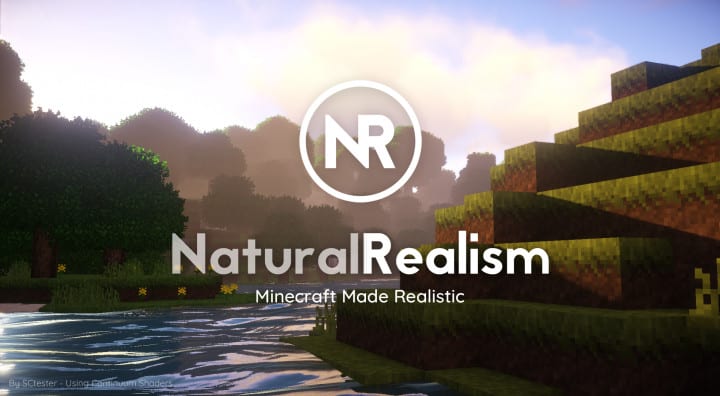
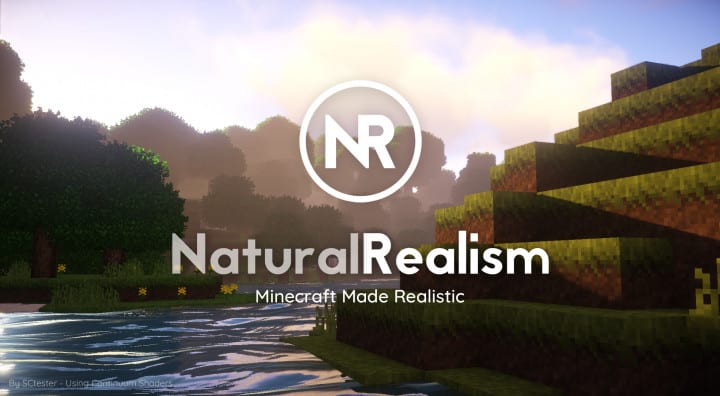
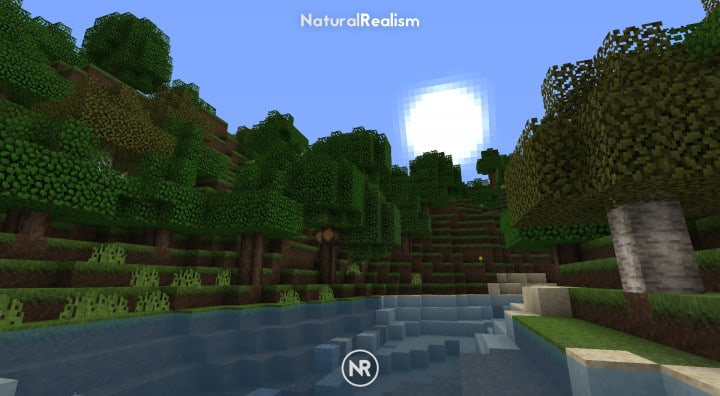
Finding a realism resource pack that can play without glitches on any PC is honestly the greatest happiness for us gamers. But this is not always the case, as it becomes a real challenge and individuals often have to upgrade their PCs occasionally just to handle the heavy load of these stunning graphics. This is right where the NaturalRealism resource pack steps in to brilliantly solve the issue many players face. The pack comes with an excellent visual display where you do not need to strain your eyes at all. The major problem that the NaturalRealism resource pack aims to solve is overall performance. Most of these packs on the market are impressive just in their visuals, yet they perform poorly, leaving many players frustrated. These packs fail in performance because of their heavy loading capacity that demands massive RAM space. This becomes a major disadvantage to end users who simply cannot run such heavy packs. However, with the NaturalRealism resource pack, all performance issues are thoroughly addressed, allowing you to enjoy Minecraft easily with a realistic art style without ever worrying about lag or stuttering.
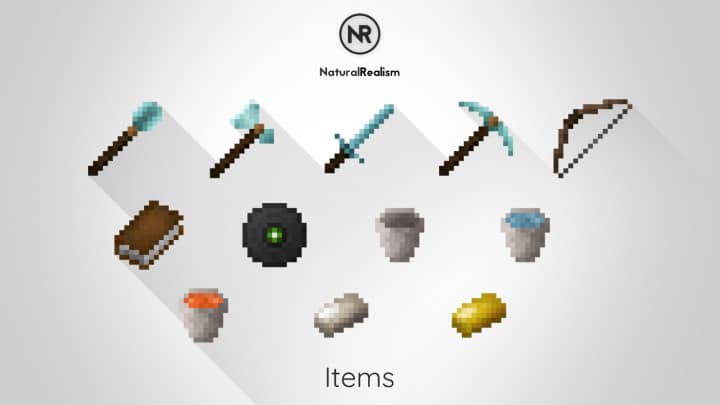
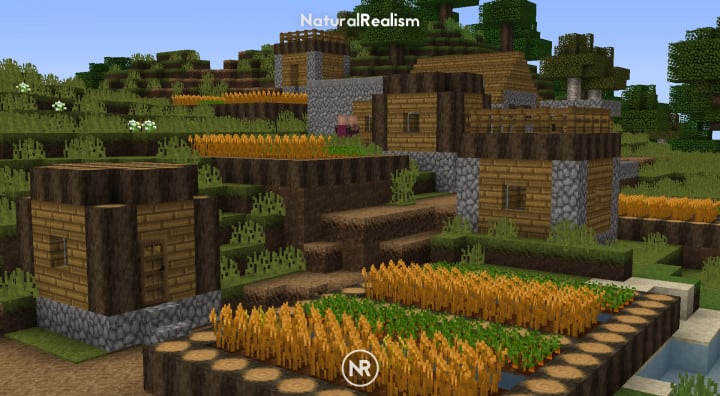
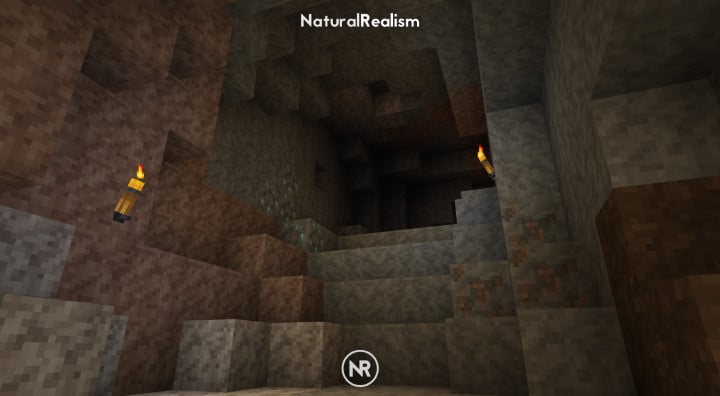
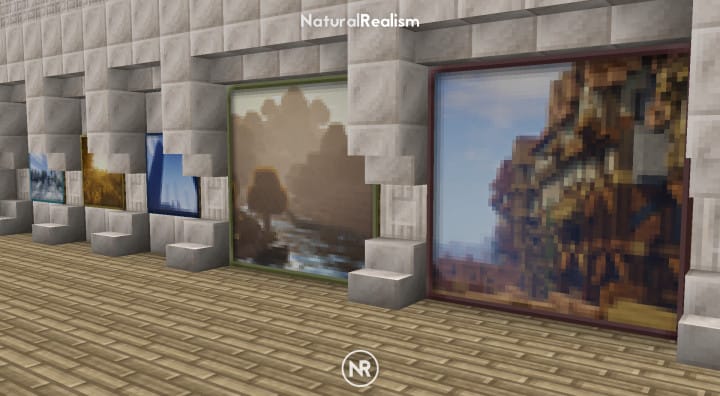
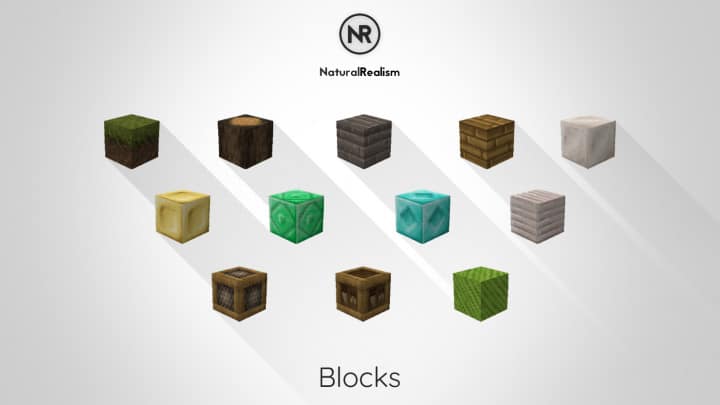
The resource pack offers players an incredible sensation while mining and crafting through a smooth and soft texture by stripping away unnecessary details that tend to hinder desirable features and operations. The texture is always appealing and remarkably clean with fewer clutter details compared to what we are typically used to seeing in other packs. This gives you extra benefits as you can fully concentrate on the game, experiencing flawless performance with far fewer annoying moments. The pack works wonderfully with any gaming PC and offers a performance guarantee with a standard resolution of 16x. This is slightly below what we usually expect from high-resolution packs, but it is far more advantageous for raw performance capability. Low-end PCs can run the pack completely without glitches, and every player who has tried it definitely has something great to talk about. Now is the time when you can easily spend your whole day experiencing the pure fun of this pack without getting tired.
NaturalRealism should be compatible with all of these Minecraft versions: 1.16.2 – 1.16.1 – 1.16 – 1.15.2 – 1.15.1 – 1.15 – 1.14.4 – 1.14.3 – 1.14.2 – 1.14 – 1.13.2 – 1.13.1 – 1.13 – 1.12.2 – 1.12 – 1.11.2 – 1.11
Screenshots
How to Install Texture Pack (Simple 10 Steps)
- Download OptiFine: Most of the texture packs and shaders need OptiFine. That’s why, first download and install OptiFine for the version of Minecraft you want to play.
- Download the Texture Pack: Get the texture pack you want from the download section. Choose the version that works with your Minecraft and your PC’s performance.
- Open Minecraft Launcher: Start Minecraft using the official game launcher — or even TLauncher, if you use that.
- Go to Options: From the main menu, click on the “Options” button.
- Open Resource Packs: Inside Options, click on “Resource Packs…”.
- Open the Resource Pack Folder: Click on “Open Resource Pack Folder” — this will open a folder named “resourcepacks”.
- Move the Pack File: Copy or move the .zip file you downloaded into that “resourcepacks” folder. (Don’t unzip the file — Minecraft uses it as-is!)
- Go Back and Refresh: Close the folder and click “Done”, then go back into “Resource Packs…” again.
- Activate the Pack: You’ll see the pack on the left side. Hover over it and click the arrow to move it to the right (active side).
Tip: If you get a message that the pack is for a different version, just click “Yes” — it usually works fine. - Click Done and Enjoy: Click “Done” again. Now your pack is ready to use in-game. It’s that easy!
Credits
This resource pack was created by SCtester. We do not own or claim ownership of this content, nor do we host modified versions of these files. All rights remain with the original creator. We strongly encourage you to support SCtester by visiting their official download channels and checking out their other projects.
Download Links
Java Edition
Download Instructions
Curseforge: download starts automatically after a few seconds;
Mediafire: click the big blue button with the text “DOWNLOAD”;
Google Drive: in the top right corner you will see a small download icon (down arrow), click it and the download should start;


