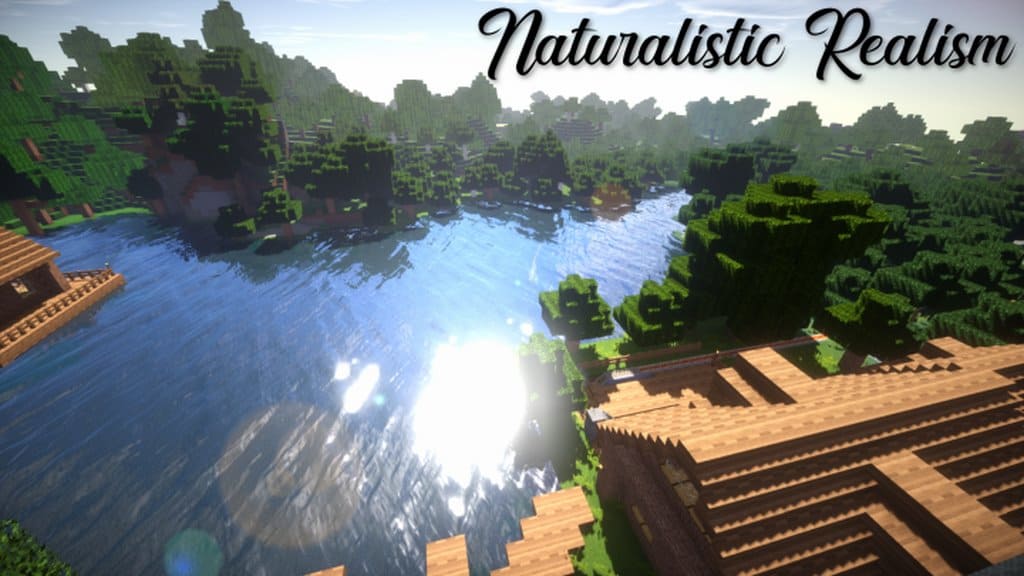
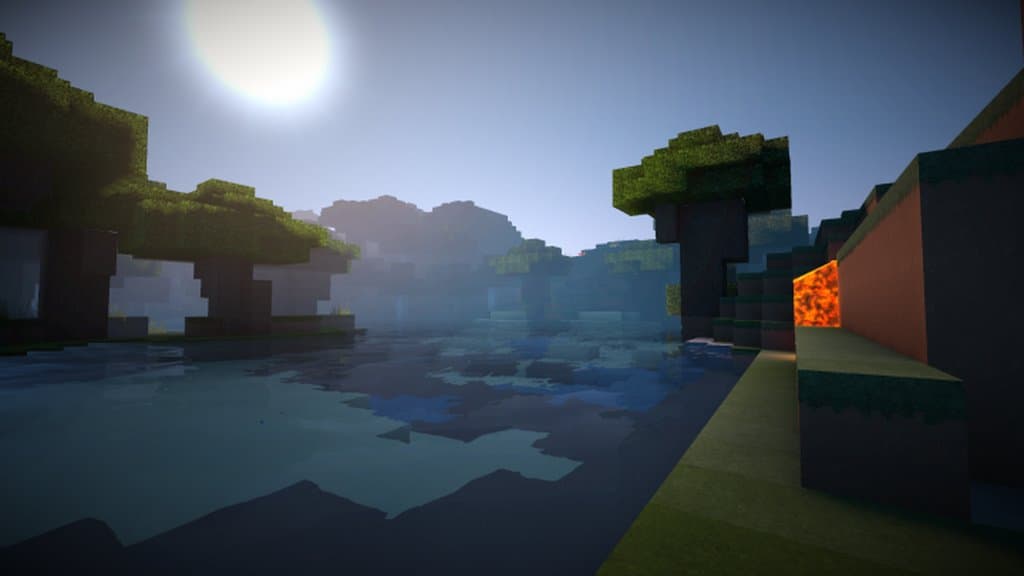
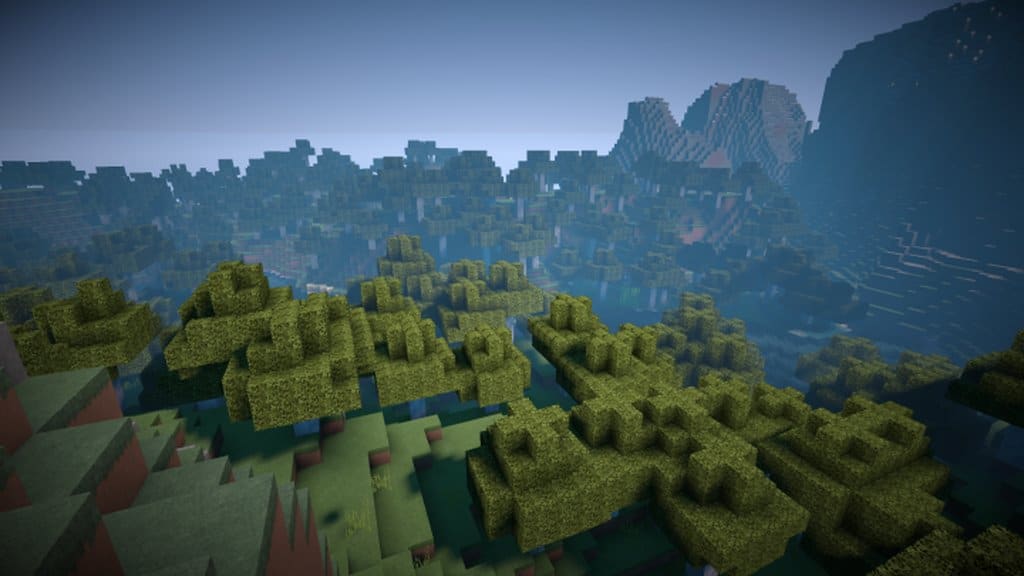
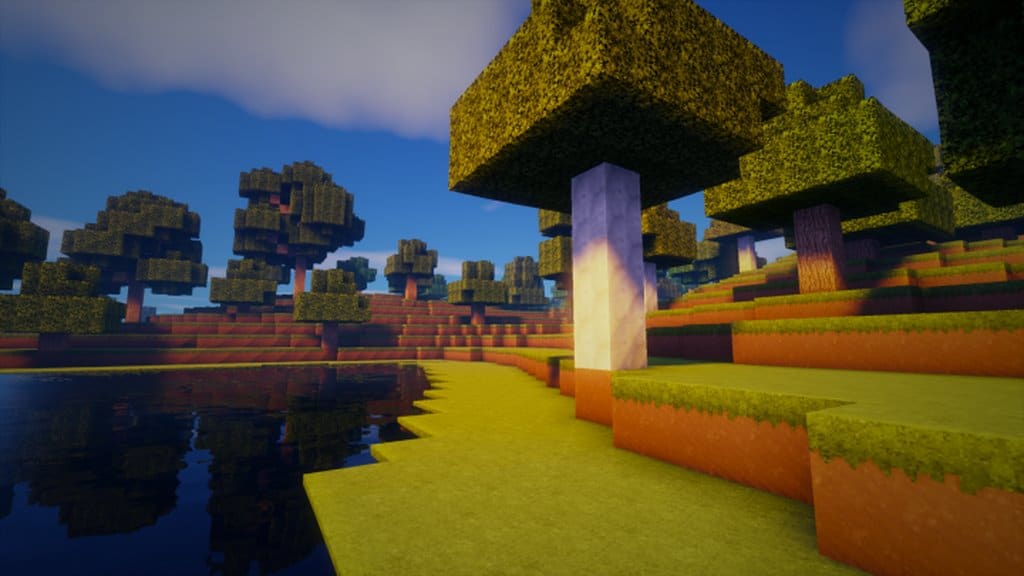
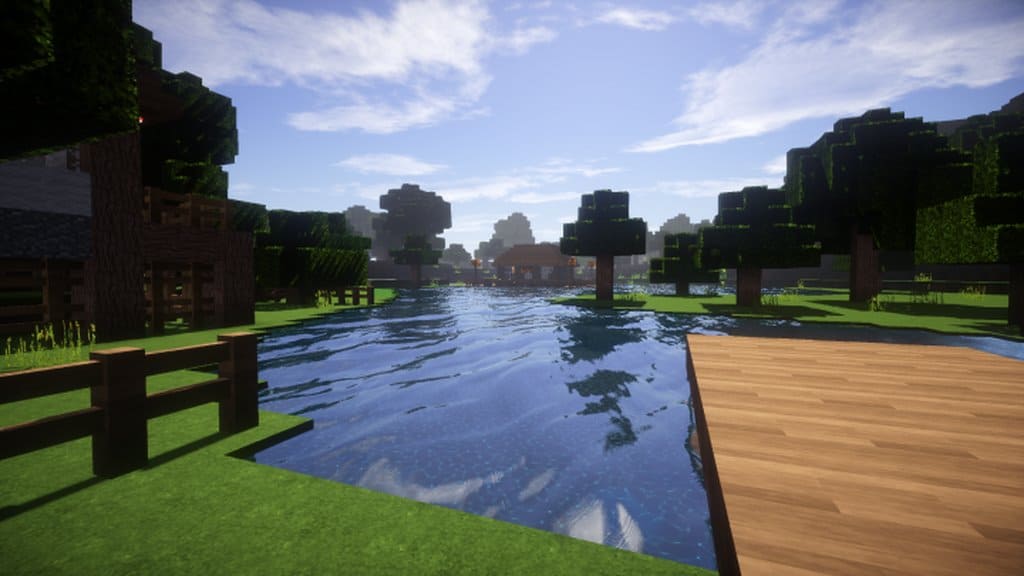
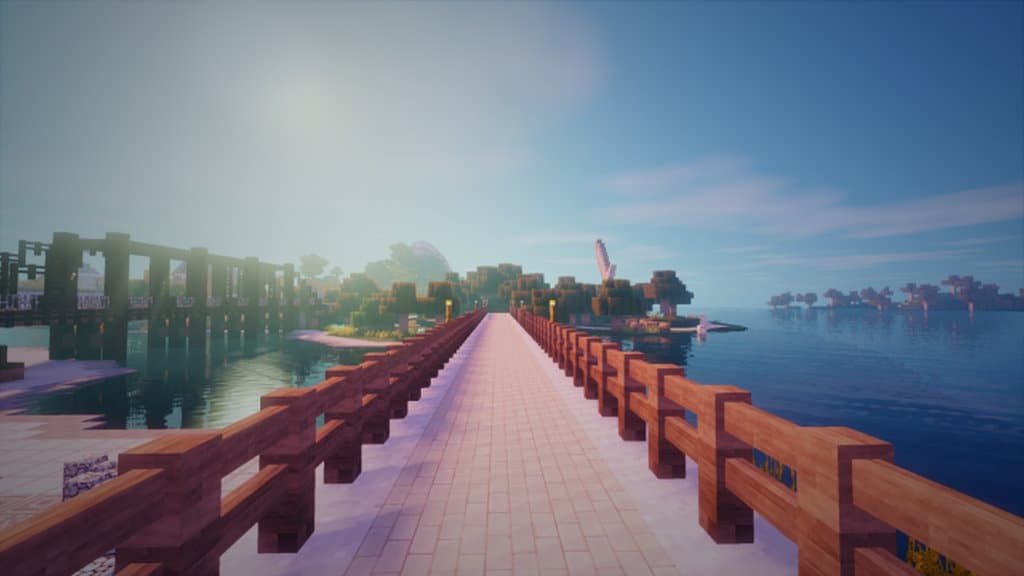
Over the past few years, we have seen numerous resource packs created for Minecraft to give the game a naturally realistic and visually appealing look that truly draws players into the experience. Among the newer entries designed in this realistic style is the genuinely attractive Naturalistic Realism resource pack. Many seasoned Minecraft experts already consider this to be one of the finest resource packs available within the naturalistic design genre. The pack is skillfully crafted to make the Minecraft world feel remarkably realistic, keeping players completely engrossed during their adventures. Because of this, we highly recommend it for anyone searching for an authentic, realistic Minecraft theme. While there are plenty of great advantages to using the Naturalistic Realism resource pack, its absolute best feature is that the textures are expertly designed to keep visual noise levels almost entirely negligible.
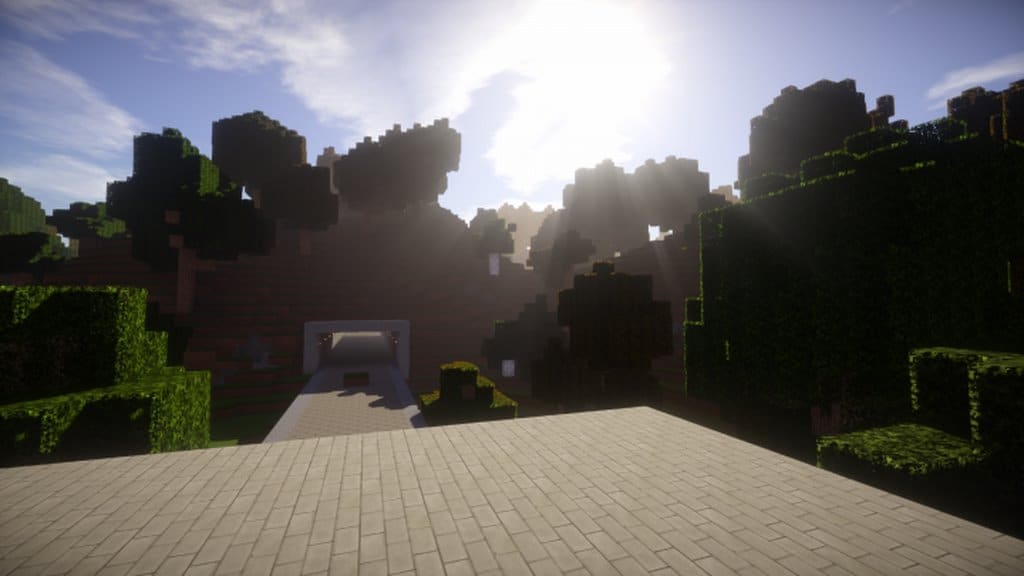
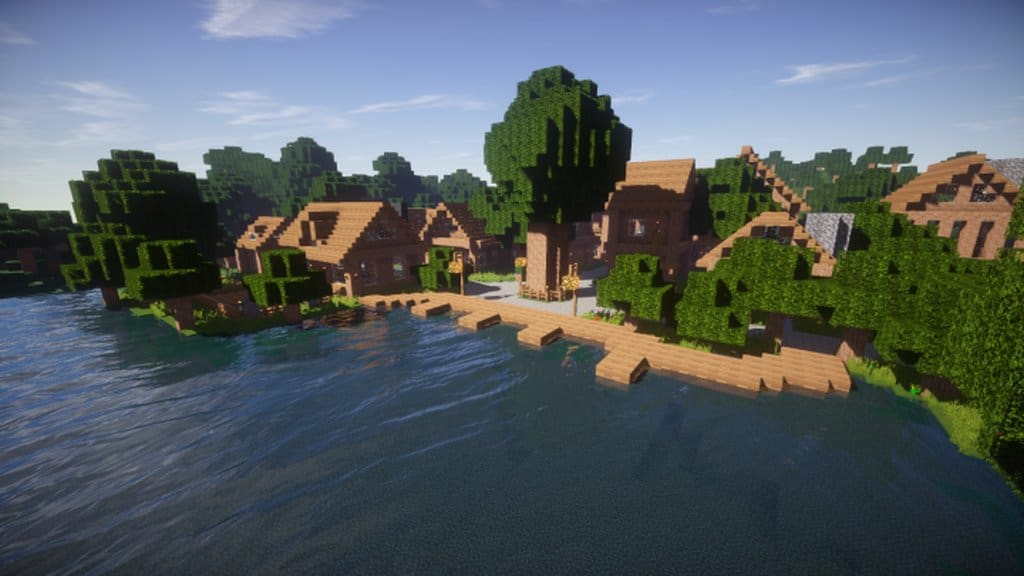
One of the most common issues plaguing the majority of resource packs out there is an excessive amount of unwanted noise. Thankfully, this resource pack truly stands apart from other realistic packs by practically eliminating that noise, leaving the textures looking exceptionally clean and attractive. Furthermore, the vibrant colors utilized throughout the Naturalistic Realism texture pack give everything a wonderfully lifelike appearance. Most photorealistic resource packs demand extremely high resolutions to achieve that level of detail, usually requiring a high-end computer system packed with plenty of memory and powerful graphics hardware to run smoothly. However, this fantastic set of textures comes in at a much more accessible 64×64 resolution. This means players choosing this resource pack get the massive advantage of enjoying gorgeous visuals on a standard computer system without having to worry about spending extra money on hardware upgrades.
Naturalistic Realism should be compatible with all of these Minecraft versions: 1.14.4 – 1.14.3 – 1.14.2 – 1.14 – 1.13.2 – 1.13.1 – 1.13
Screenshots
How to Install Texture Pack (Simple 10 Steps)
- Download OptiFine: Most of the texture packs and shaders need OptiFine. That’s why, first download and install OptiFine for the version of Minecraft you want to play.
- Download the Texture Pack: Get the texture pack you want from the download section. Choose the version that works with your Minecraft and your PC’s performance.
- Open Minecraft Launcher: Start Minecraft using the official game launcher — or even TLauncher, if you use that.
- Go to Options: From the main menu, click on the “Options” button.
- Open Resource Packs: Inside Options, click on “Resource Packs…”.
- Open the Resource Pack Folder: Click on “Open Resource Pack Folder” — this will open a folder named “resourcepacks”.
- Move the Pack File: Copy or move the .zip file you downloaded into that “resourcepacks” folder. (Don’t unzip the file — Minecraft uses it as-is!)
- Go Back and Refresh: Close the folder and click “Done”, then go back into “Resource Packs…” again.
- Activate the Pack: You’ll see the pack on the left side. Hover over it and click the arrow to move it to the right (active side).
Tip: If you get a message that the pack is for a different version, just click “Yes” — it usually works fine. - Click Done and Enjoy: Click “Done” again. Now your pack is ready to use in-game. It’s that easy!
Credits
This resource pack was originally created and developed by AgentXenon. We do not claim ownership of this content, nor have we modified the original files in any way. We fully respect the creator’s intellectual property and encourage all players to support AgentXenon by checking out their official links and community pages.
Download Instructions
Curseforge: download starts automatically after a few seconds;
Mediafire: click the big blue button with the text “DOWNLOAD”;
Google Drive: in the top right corner you will see a small download icon (down arrow), click it and the download should start;


