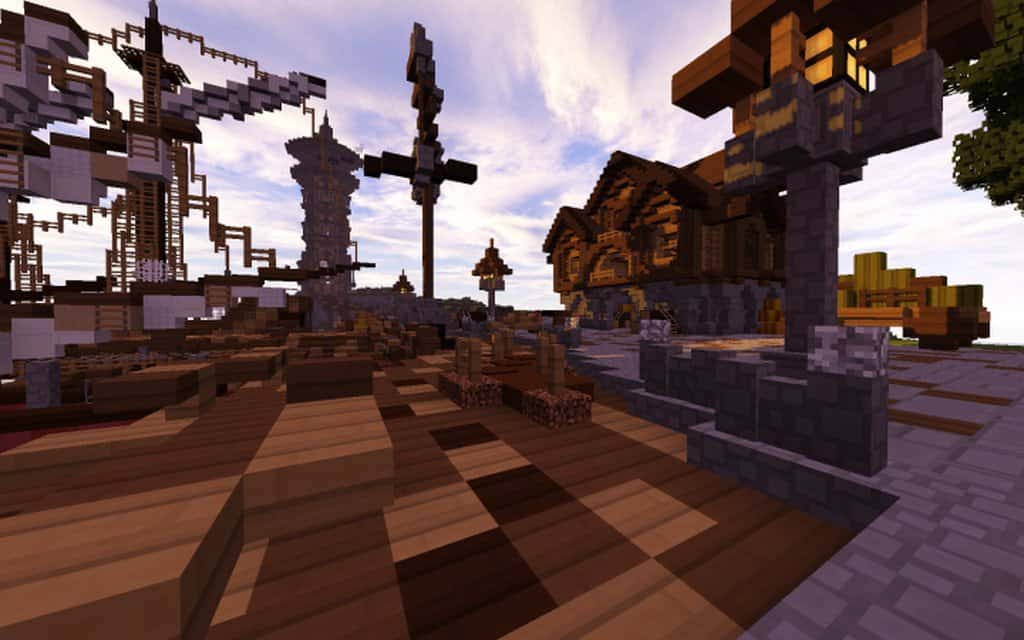
Today we are absolutely thrilled to introduce you to a gorgeous new resource pack brought to you by the brilliant minds behind the hugely popular Mythical Realism pack. Mythical PVP functions as a fantastic standalone pack designed specifically to let users experience combat in the absolute best possible way, all while enjoying spectacularly crafted visuals and a noticeable FPS boost. Honestly, most traditional PvP packs tend to be a bit disappointing and do not offer much depth, but the Mythical PvP resource pack is definitely the exception rather than the rule. It genuinely enhances the user experience as well as the overall game performance, and it looks far more impressive than many other competitive packs out there. PvP continues to grow as an immensely popular gameplay option in Minecraft, and this resource pack makes for an exceptional addition to the genre.
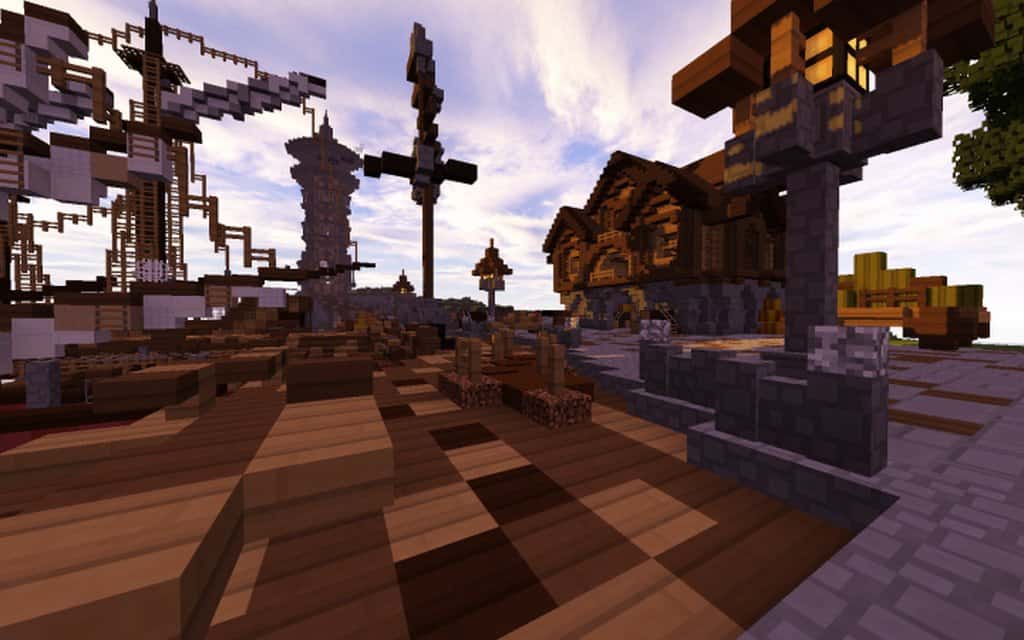
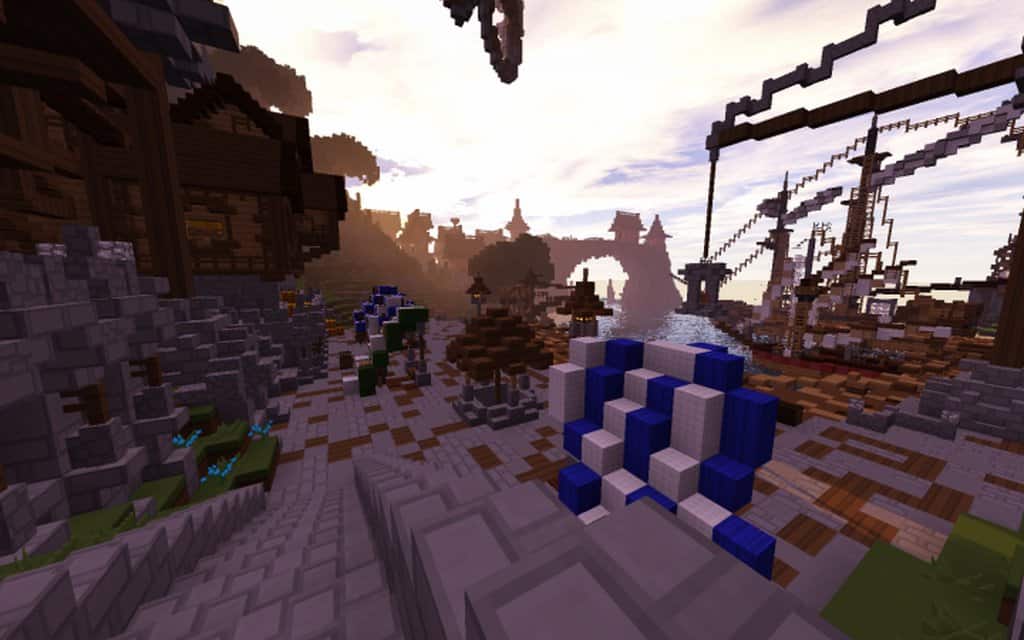
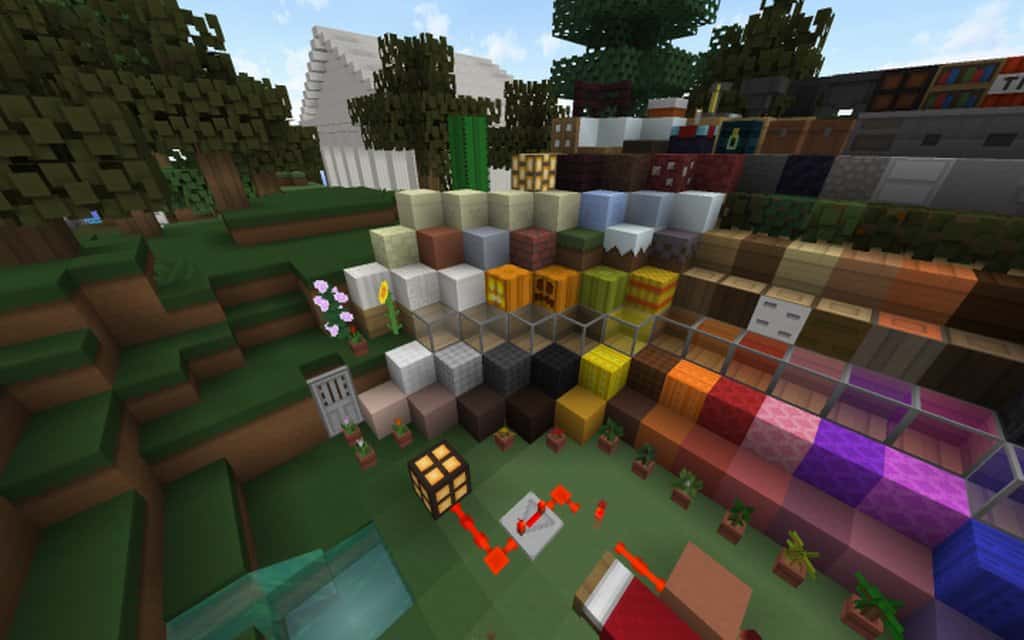
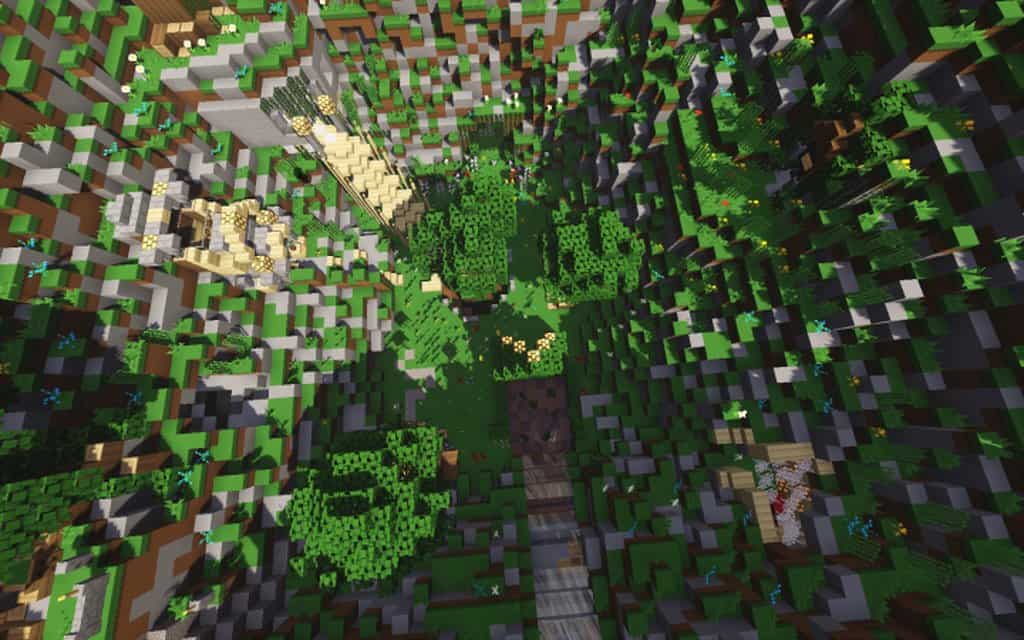
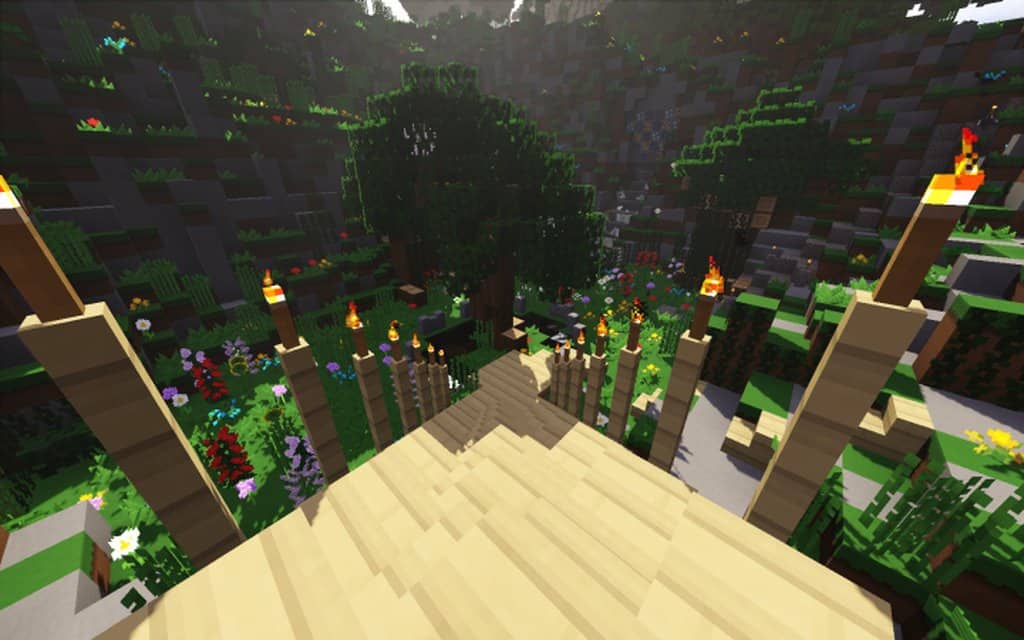
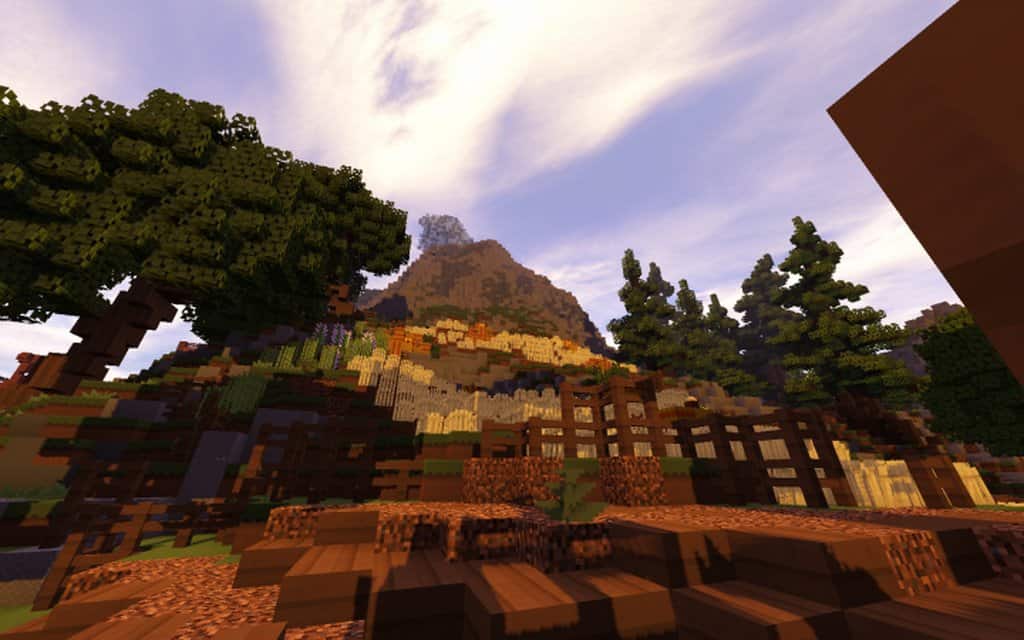
The Mythical PvP texture pack delivers a distinctive art style that brilliantly blends both real-world elements and fictitious design. The creators have done an incredible job merging these aspects to deliver a gameplay experience with visuals that are truly stunning. While the detailed textures are not quite as high-resolution as the original pack, it successfully replicates that unique smoothness because it completely avoids the visual noise found in other packs. They have also implemented thoughtful tweaks to the color palette, making the entire game world appear significantly cleaner than before. This crisp feel offers a wonderful upgrade to your Minecraft sessions. Mythical PvP does not come in multiple resolution versions and is strictly available in a 16×16 resolution. Fortunately, this design choice does not detract from the pack at all, as its primary purpose is to maximize and stabilize your performance as much as possible.
Mythical PvP should be compatible with all of these Minecraft versions: 1.8.9 – 1.8.1 – 1.8.6 – 1.8
Screenshots
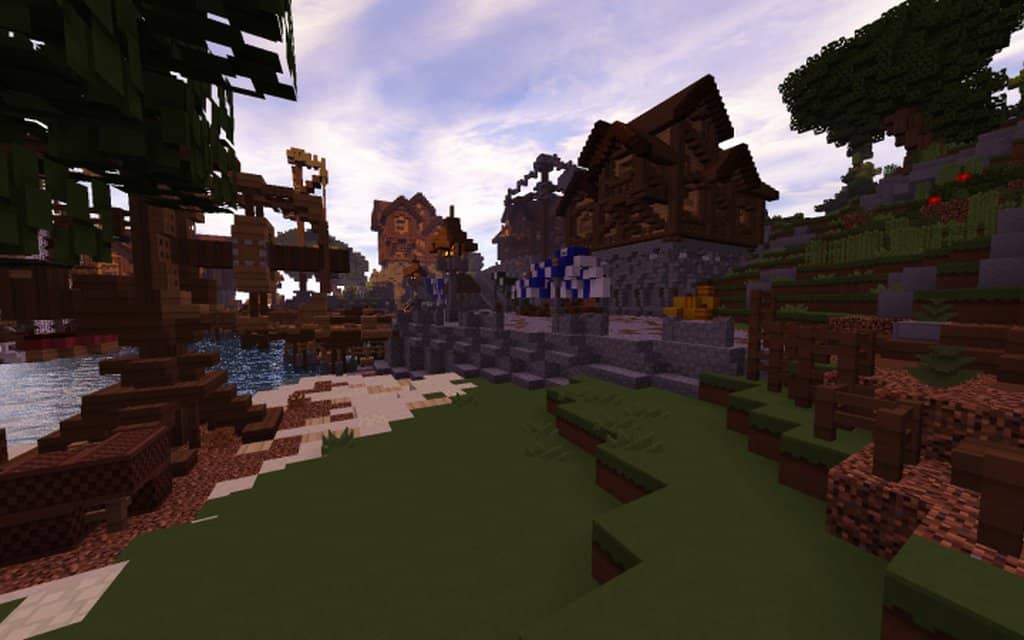
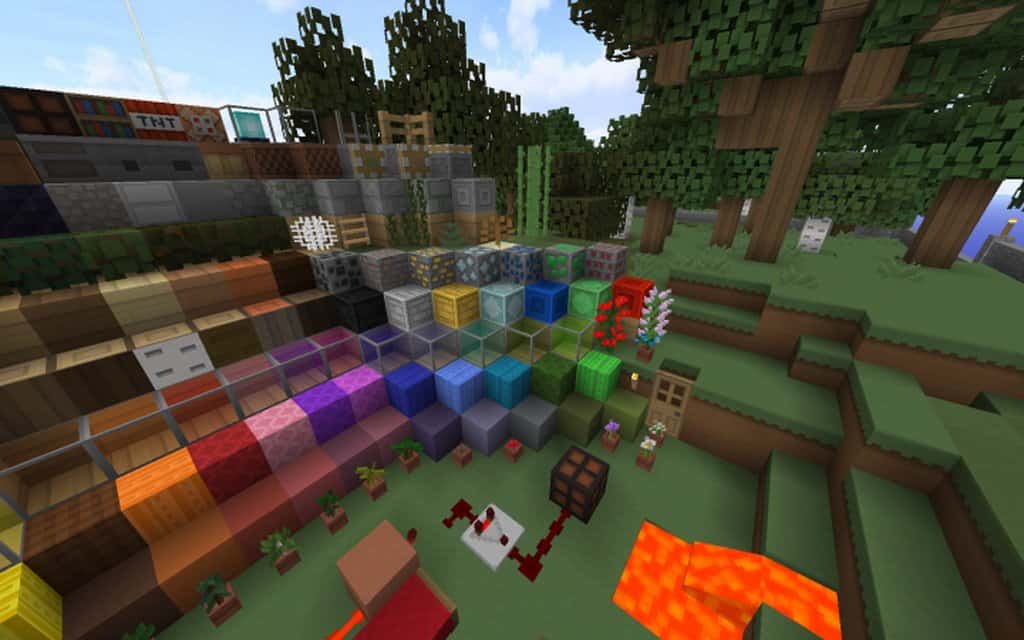
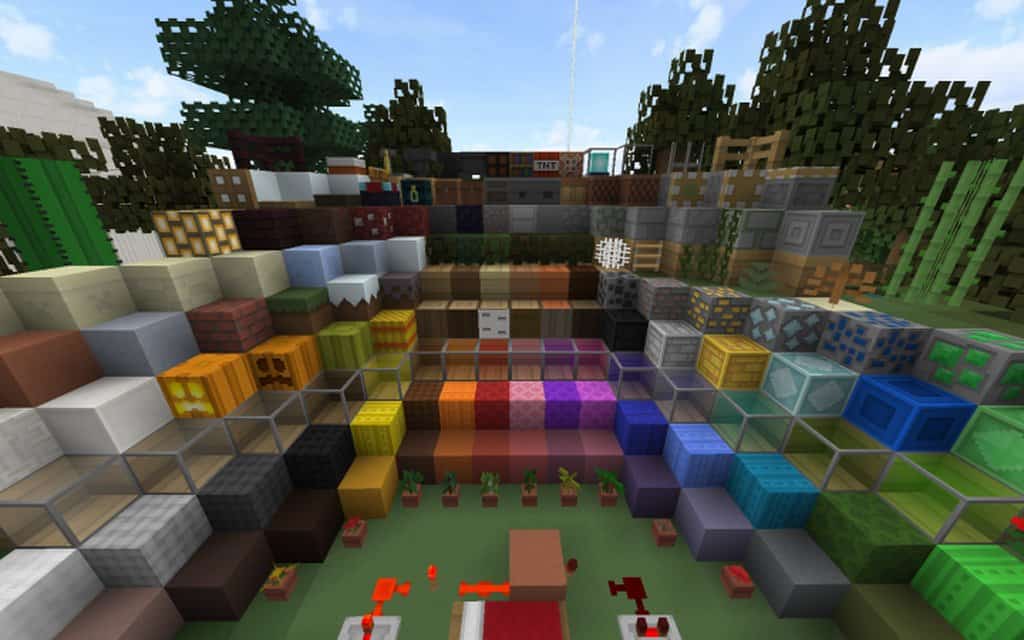
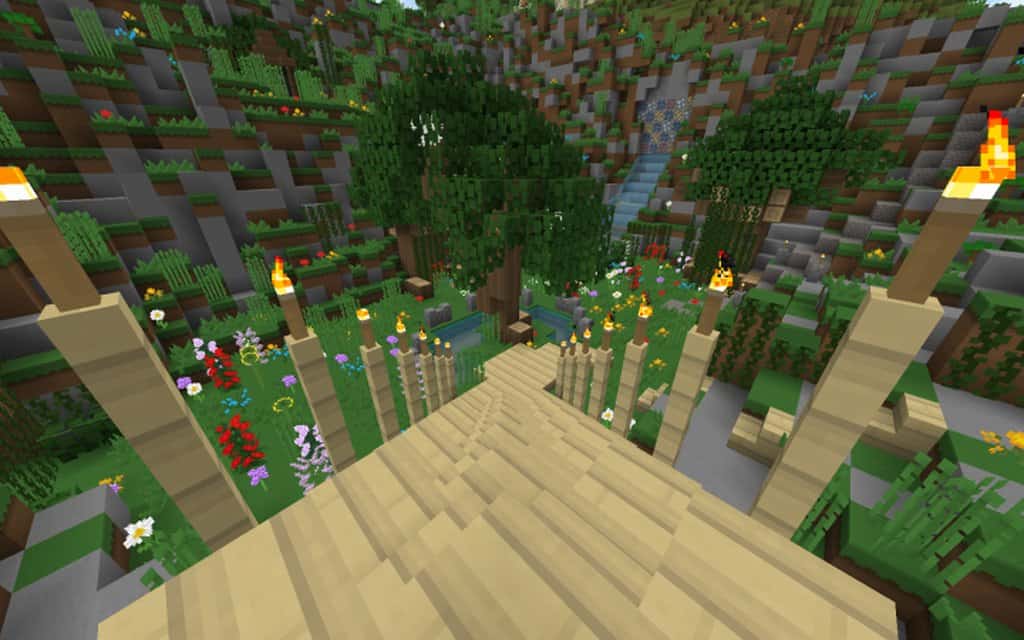
How to Install Texture Pack (Simple 10 Steps)
- Download OptiFine: Most of the texture packs and shaders need OptiFine. That’s why, first download and install OptiFine for the version of Minecraft you want to play.
- Download the Texture Pack: Get the texture pack you want from the download section. Choose the version that works with your Minecraft and your PC’s performance.
- Open Minecraft Launcher: Start Minecraft using the official game launcher — or even TLauncher, if you use that.
- Go to Options: From the main menu, click on the “Options” button.
- Open Resource Packs: Inside Options, click on “Resource Packs…”.
- Open the Resource Pack Folder: Click on “Open Resource Pack Folder” — this will open a folder named “resourcepacks”.
- Move the Pack File: Copy or move the .zip file you downloaded into that “resourcepacks” folder. (Don’t unzip the file — Minecraft uses it as-is!)
- Go Back and Refresh: Close the folder and click “Done”, then go back into “Resource Packs…” again.
- Activate the Pack: You’ll see the pack on the left side. Hover over it and click the arrow to move it to the right (active side).
Tip: If you get a message that the pack is for a different version, just click “Yes” — it usually works fine. - Click Done and Enjoy: Click “Done” again. Now your pack is ready to use in-game. It’s that easy!
Credits
This resource pack was originally created by Meowimi. We do not claim ownership of this content, nor have we modified the download files. All rights remain with the original creator. We strongly encourage you to support Meowimi by downloading the pack through their official links and exploring their other amazing projects.
Download Instructions
Curseforge: download starts automatically after a few seconds;
Mediafire: click the big blue button with the text “DOWNLOAD”;
Google Drive: in the top right corner you will see a small download icon (down arrow), click it and the download should start;


