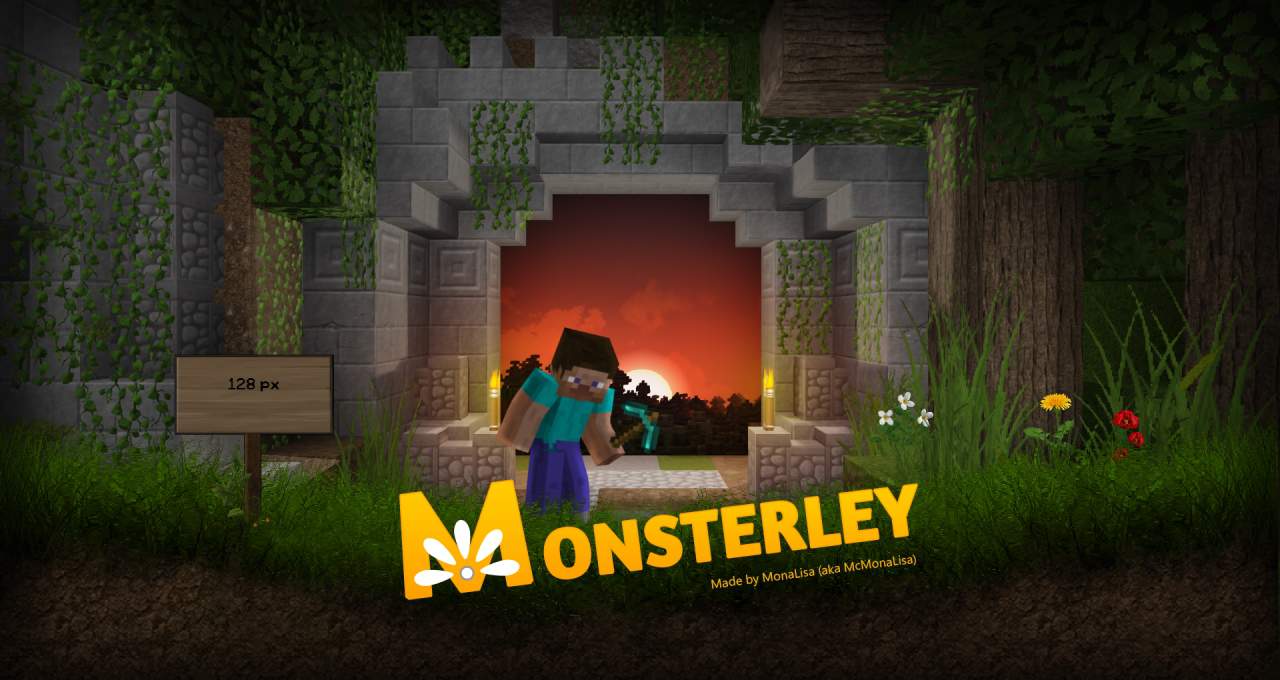
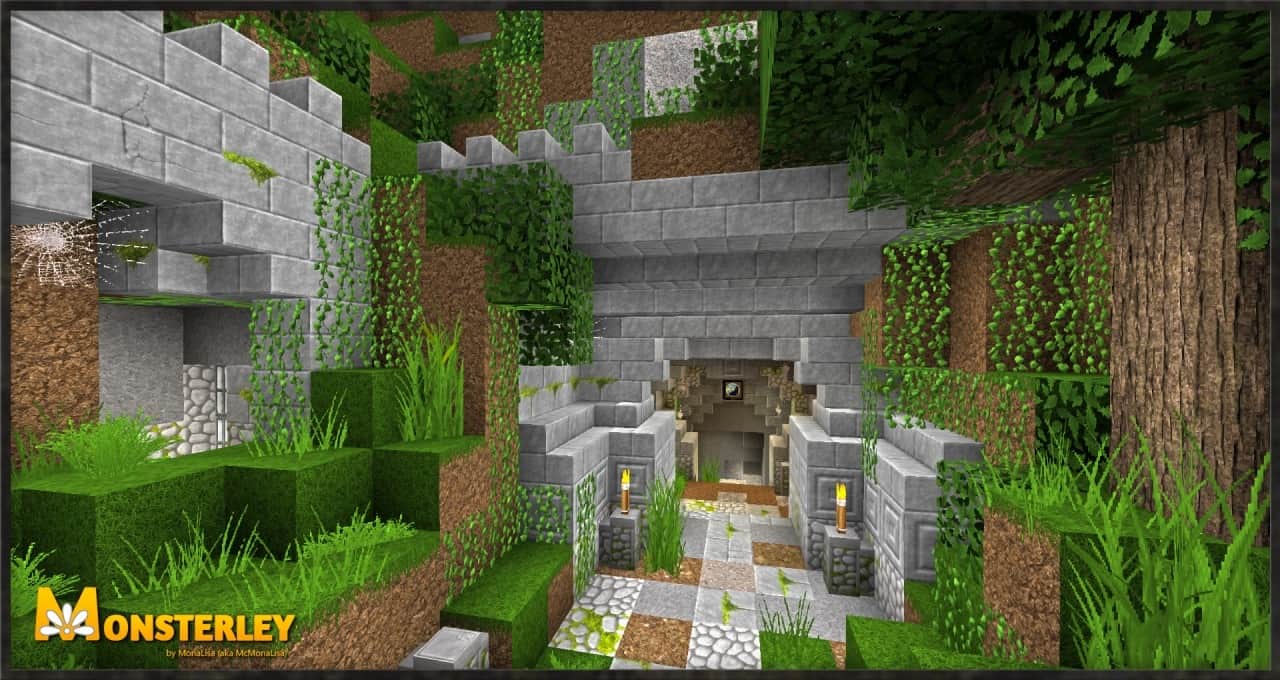
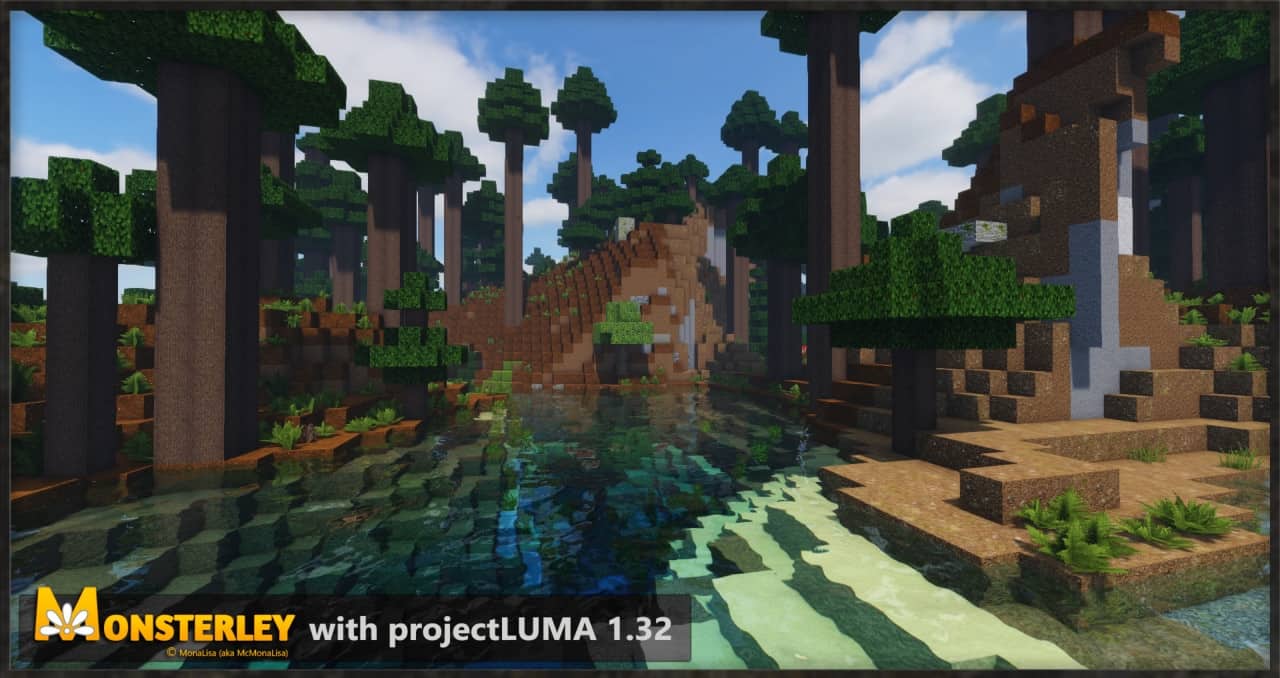
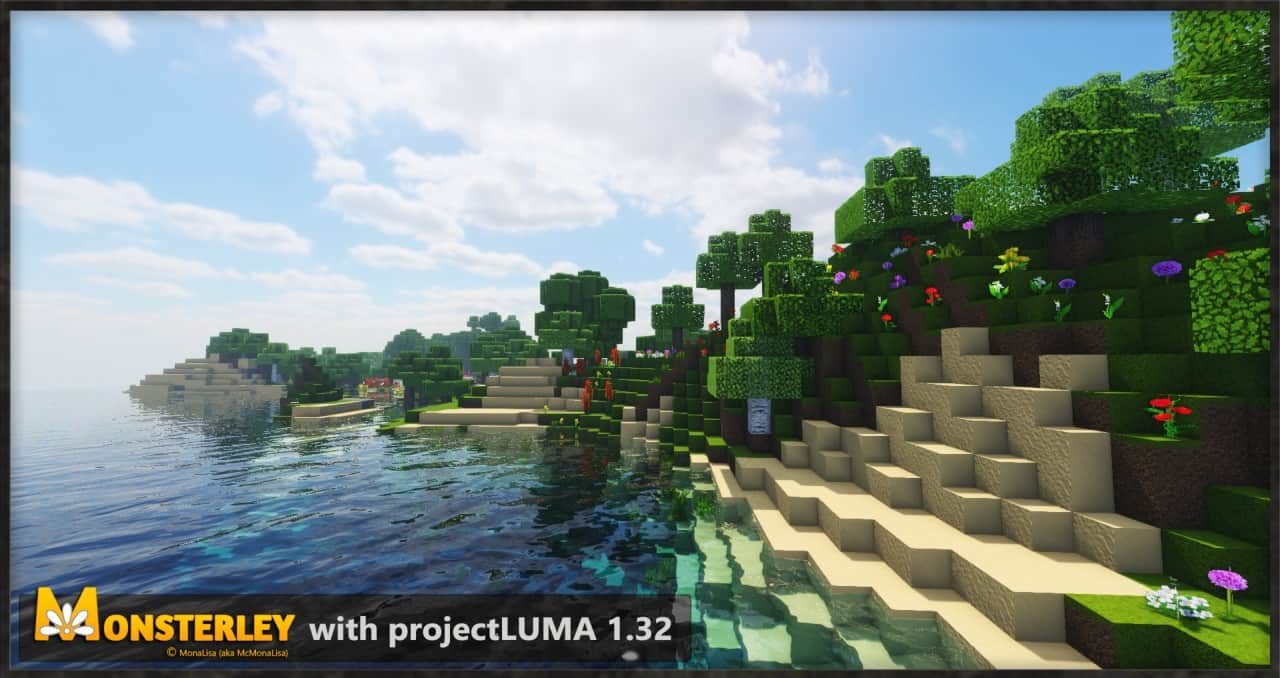
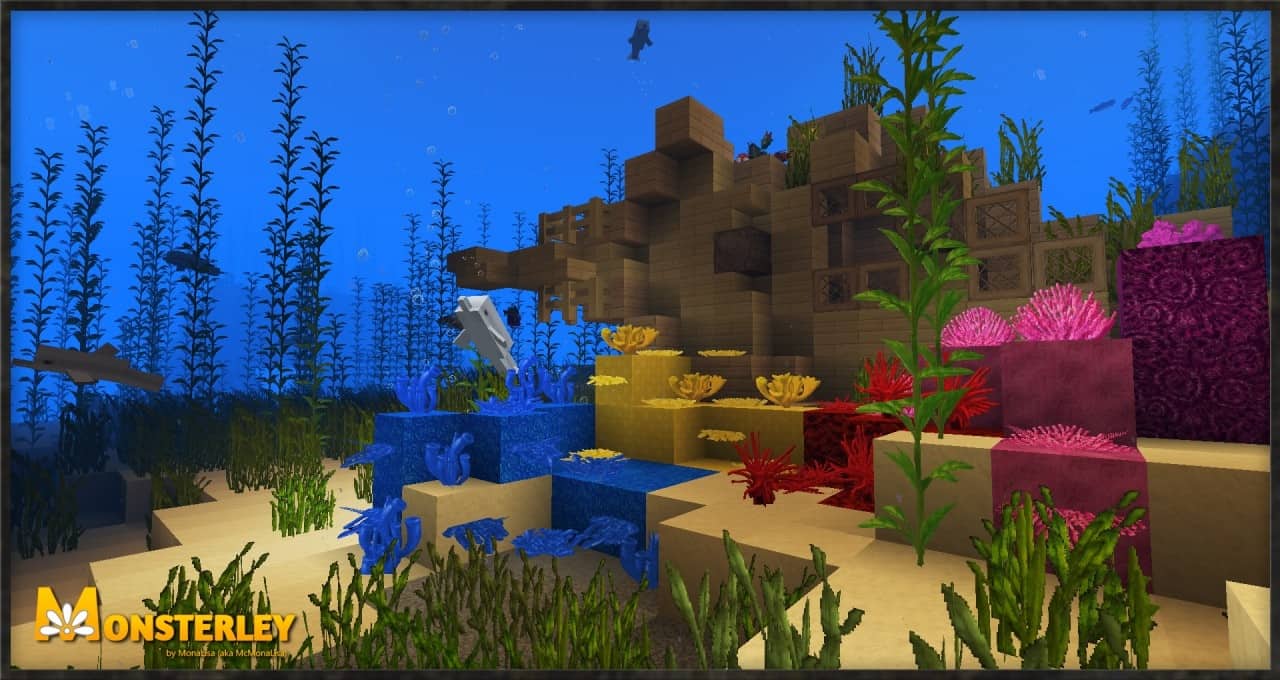
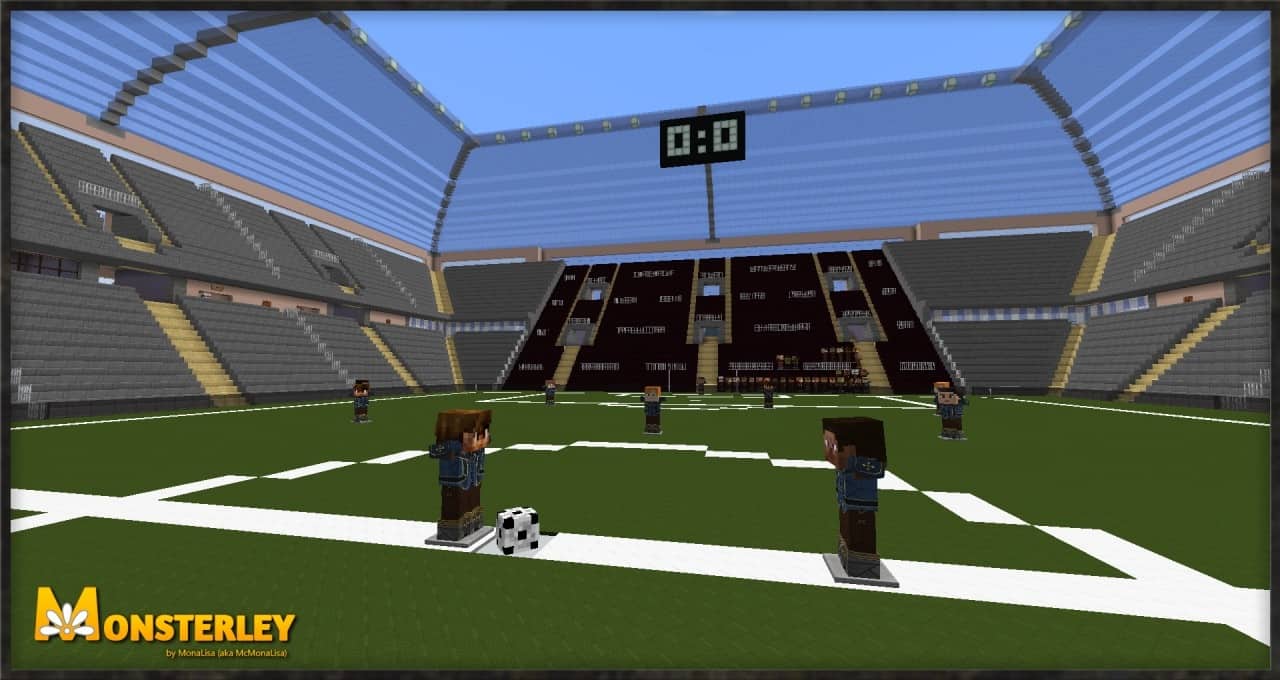
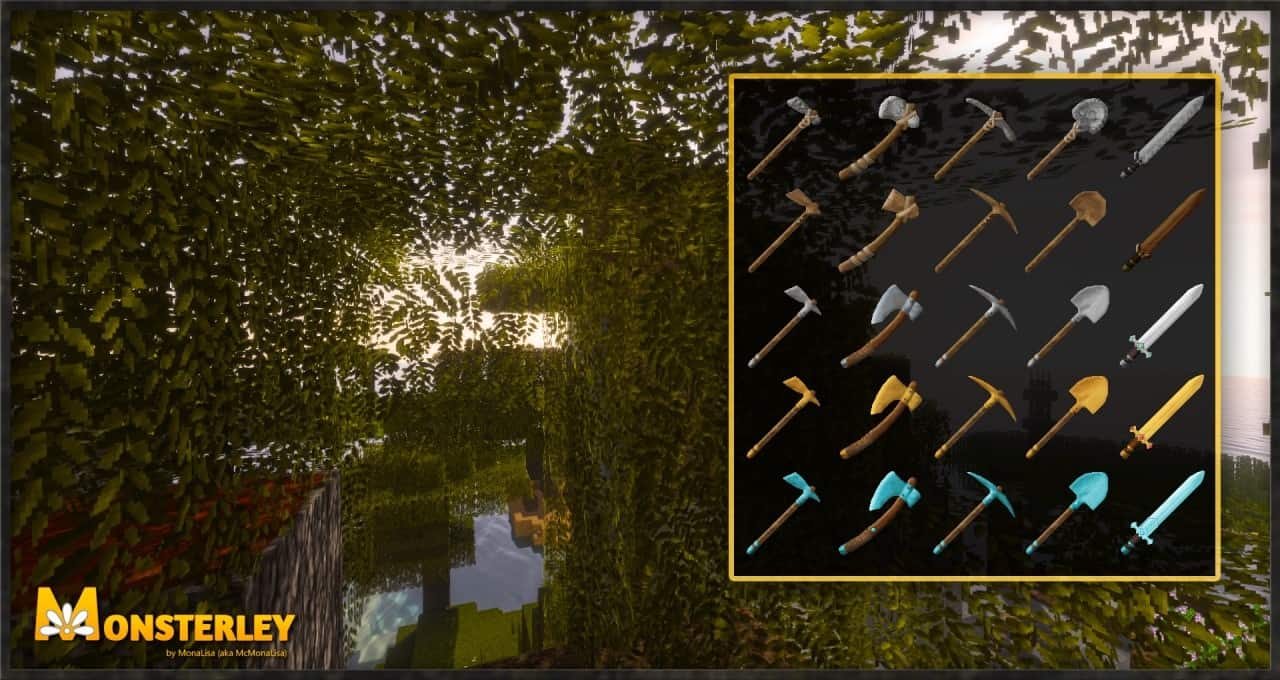
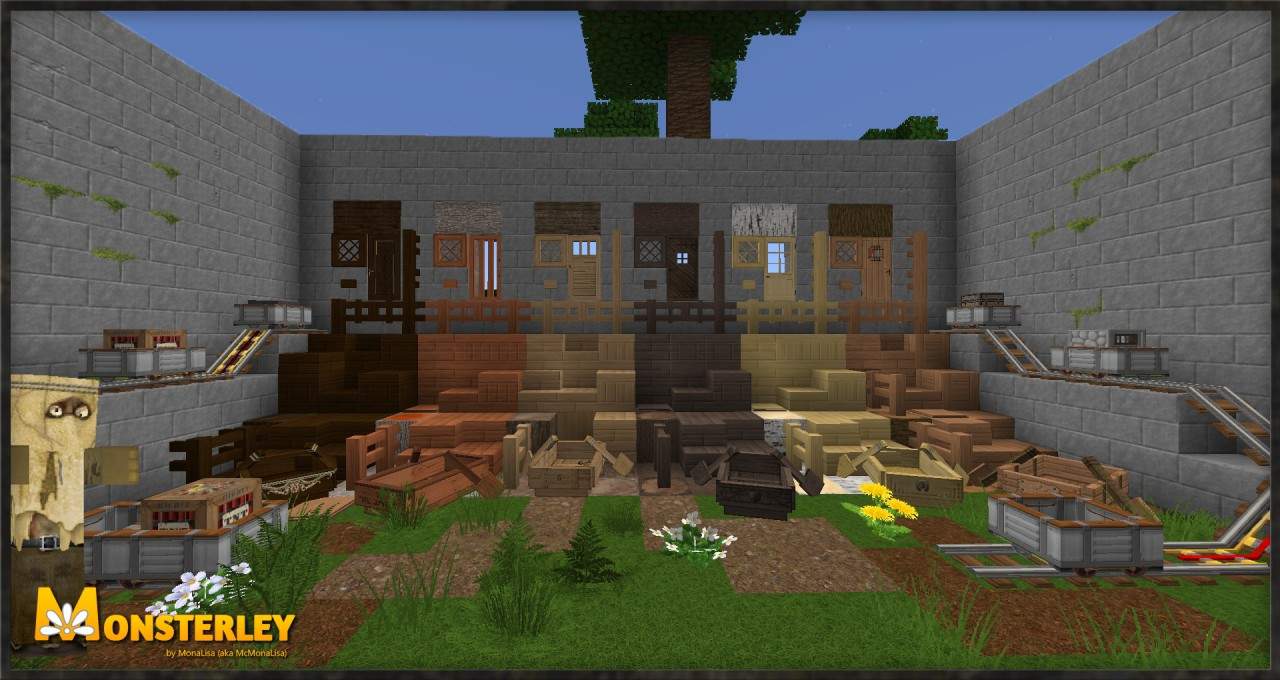
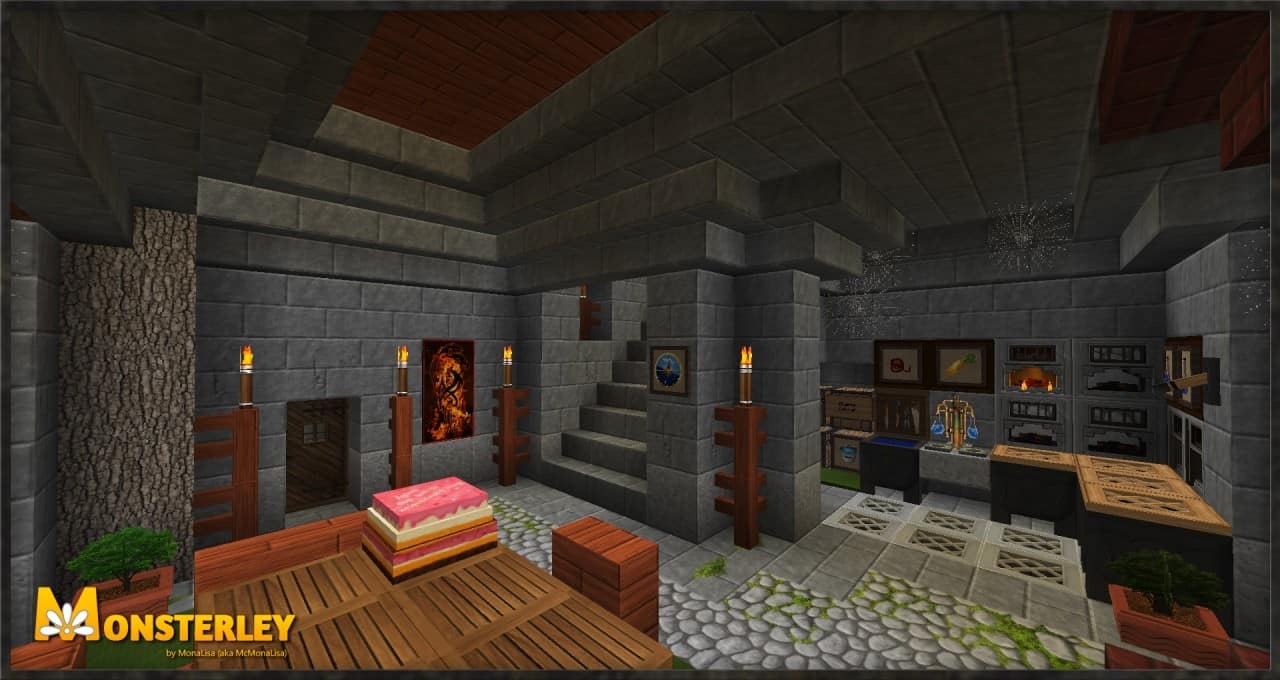
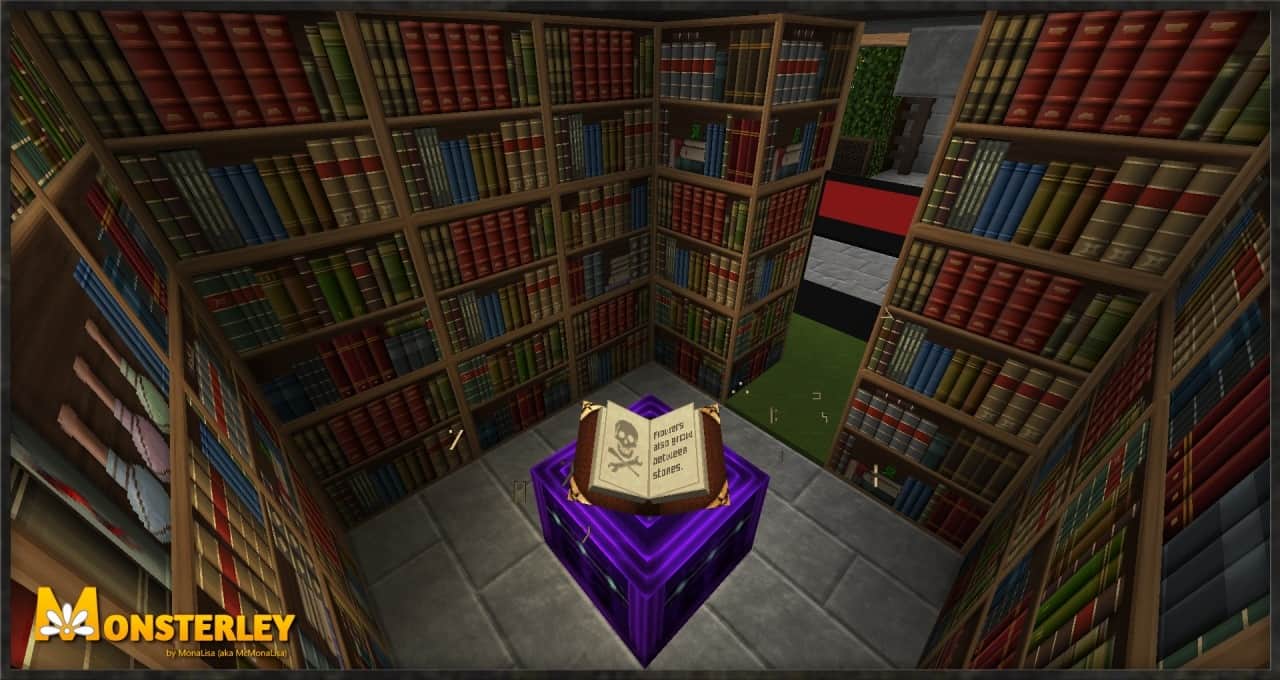
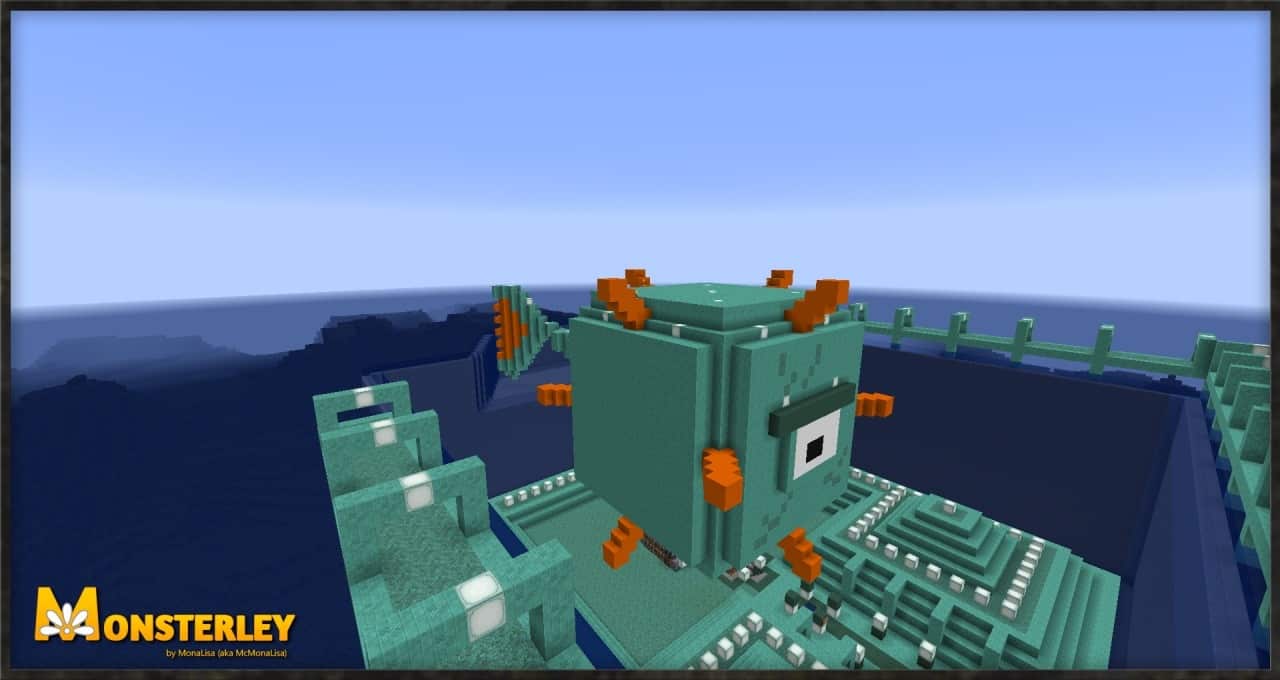
To make a resource pack truly successful, you need to do a bit more than just repaint some basic textures. Just because some blocks get a fresh coat of paint does not guarantee that the community will genuinely appreciate it. Thankfully, the Monsterley HD resource pack does much more than simply tweak standard textures. What sets the Monsterley HD resource pack apart from most other packs is its unique and comprehensive approach to visuals in the game. Visuals in Minecraft can certainly be approached from many angles, but some require vastly more development work than others. The Monsterley HD texture pack boldly tackles multiple angles at once and introduces a plethora of exciting changes. Despite all the incredible changes, it still faithfully preserves the spirit of vanilla while taking things much further. By utilizing new 3D models for certain items, gorgeous 3D textures, dynamic animated textures, and so much more, Monsterley HD sets some wonderfully ambitious goals. Monsterley HD was expertly developed by a talented Minecraft veteran known in the community as McMonaLisa. The developer has several successful projects proudly under his belt, but most of them rightfully revolve around the Monsterley universe. The original Monsterley HD resource pack was first released back in 2018. Since then, it has received multiple updates and inspired several other spin-off resource packs. Although it has not received recent updates to officially support the absolute latest version of Minecraft, it easily remains an immensely popular resource pack with several hundred thousand downloads across the many sites where it was published. When you first install the Monsterley HD resource pack, you will immediately notice the vastly increased texture details. This wonderful added detail comes directly from the significantly increased texture resolution. Instead of the standard 16x, the texture resolution is bumped all the way up to an incredible 128x. All those extra pixels mean that you get so much more detail on every single surface in the game. This translates into striking details for everyday things such as grass, flowers, dirt, trees, leaves, and much more. Everything has substantially more detail, and while it may not aim to be photorealistic, it certainly offers a considerable, breathtaking improvement when compared to vanilla Minecraft. One very important aspect to notice about Monsterley HD is that it does not drastically change the overall chromatic theme of the game. All the textures that were redone or improved skillfully use the exact same color tone as the original ones.
This grants them a wonderfully authentic vibe that feels right at home. As mentioned above, the visual improvements are never limited to just retexturing in-game models. There are stunning new 3D models for things such as rails, ladders, doors, furnaces, crops, and more. These brilliant new 3D models use considerably more polygons, making them much smoother and noticeably more detailed. To fully grasp the newly added detail introduced by these 3D models, it is more than enough to simply look at things like grass and notice the individual, distinct leaves. Looking at some of the other fantastic features that the resource pack offers, it is definitely worth mentioning the new rotating ground textures. What this means is that when you have something like a large surface made of identical blocks such as dirt, sand, or snow, the game now intelligently utilizes several different textures for the exact same block to render the surface. The immediate effect is a more diversified, organic environment that looks far less like a bunch of identical square tiles plastered on the floor. Several other remarkable features are entirely worth mentioning here. The Monsterley HD texture pack includes alternative textures for plants, varied texturing of tree foliage, gorgeous new animations, beautiful new paintings, and a clever new feature that adds a smart lightmap automatically adjusting for every unique biome. Furthermore, the game UI and player HUD were completely redone from scratch. The inventory features an improved structure, and with the introduction of crisp HD fonts, everything is so much easier to read. Despite bumping up the texture resolution to 128x and adding a ton of new features, animations, and complex 3D models, the Monsterley HD resource pack is surprisingly not as taxing on system performance when compared with similar resource packs. It was heavily optimized to run as smoothly as humanly possible. Paired with a properly optimized shader pack, Monsterley HD offers stunning visuals without ever crippling your frame rate. Because Monsterley HD introduces brand-new features and adds complex rotating textures along with features like alternate textures for peaceful mobs and ground textures, custom sky, connected glass, alternate models and textures for villages, and several others, please note that all of these immersive additions work properly only when installed alongside Optifine.
Monsterley HD Universal should be compatible with all of these Minecraft versions: 1.16.5 – 1.16.4 – 1.16.3 – 1.16.2 – 1.16.1 – 1.16 – 1.15.2 – 1.15.1 – 1.15 – 1.14.4 – 1.14.3 – 1.14.2 – 1.14 – 1.13.2 – 1.13.1 – 1.13 – 1.12.2 – 1.12 – 1.11.2 – 1.11 – 1.10.2 – 1.10
Screenshots




How to Install Texture Pack (Simple 10 Steps)
- Download OptiFine: Most of the texture packs and shaders need OptiFine. That’s why, first download and install OptiFine for the version of Minecraft you want to play.
- Download the Texture Pack: Get the texture pack you want from the download section. Choose the version that works with your Minecraft and your PC’s performance.
- Open Minecraft Launcher: Start Minecraft using the official game launcher — or even TLauncher, if you use that.
- Go to Options: From the main menu, click on the “Options” button.
- Open Resource Packs: Inside Options, click on “Resource Packs…”.
- Open the Resource Pack Folder: Click on “Open Resource Pack Folder” — this will open a folder named “resourcepacks”.
- Move the Pack File: Copy or move the .zip file you downloaded into that “resourcepacks” folder. (Don’t unzip the file — Minecraft uses it as-is!)
- Go Back and Refresh: Close the folder and click “Done”, then go back into “Resource Packs…” again.
- Activate the Pack: You’ll see the pack on the left side. Hover over it and click the arrow to move it to the right (active side).
Tip: If you get a message that the pack is for a different version, just click “Yes” — it usually works fine. - Click Done and Enjoy: Click “Done” again. Now your pack is ready to use in-game. It’s that easy!
Credits
This resource pack was originally created by McMonaLisa. We do not claim ownership of this content, nor have we modified the original files. All rights and credits belong entirely to the original creator. We strongly encourage you to visit the official creator pages to support their ongoing work.
Download Links
Java Edition
Download Instructions
Curseforge: download starts automatically after a few seconds;
Mediafire: click the big blue button with the text “DOWNLOAD”;
Google Drive: in the top right corner you will see a small download icon (down arrow), click it and the download should start;


