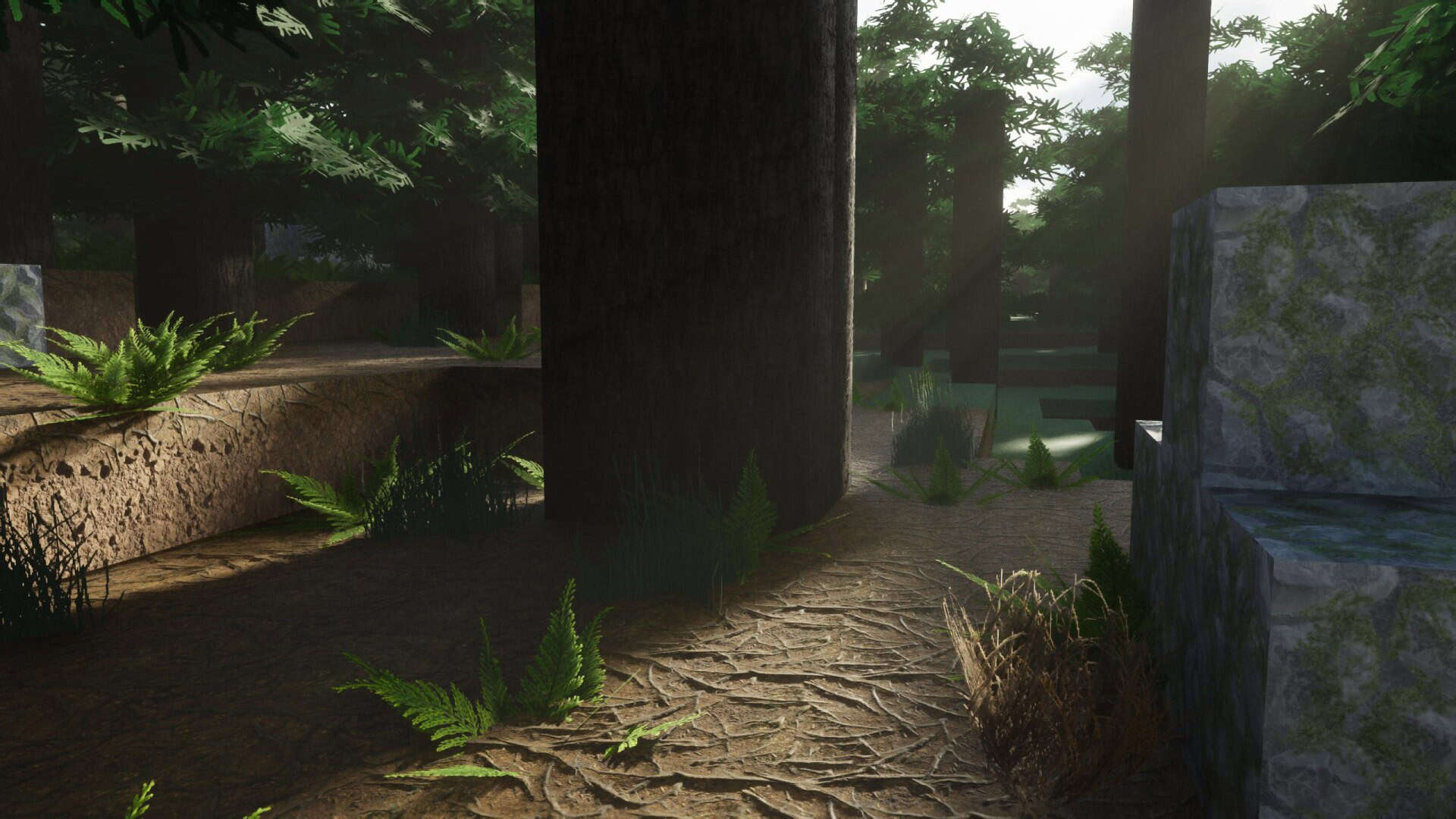
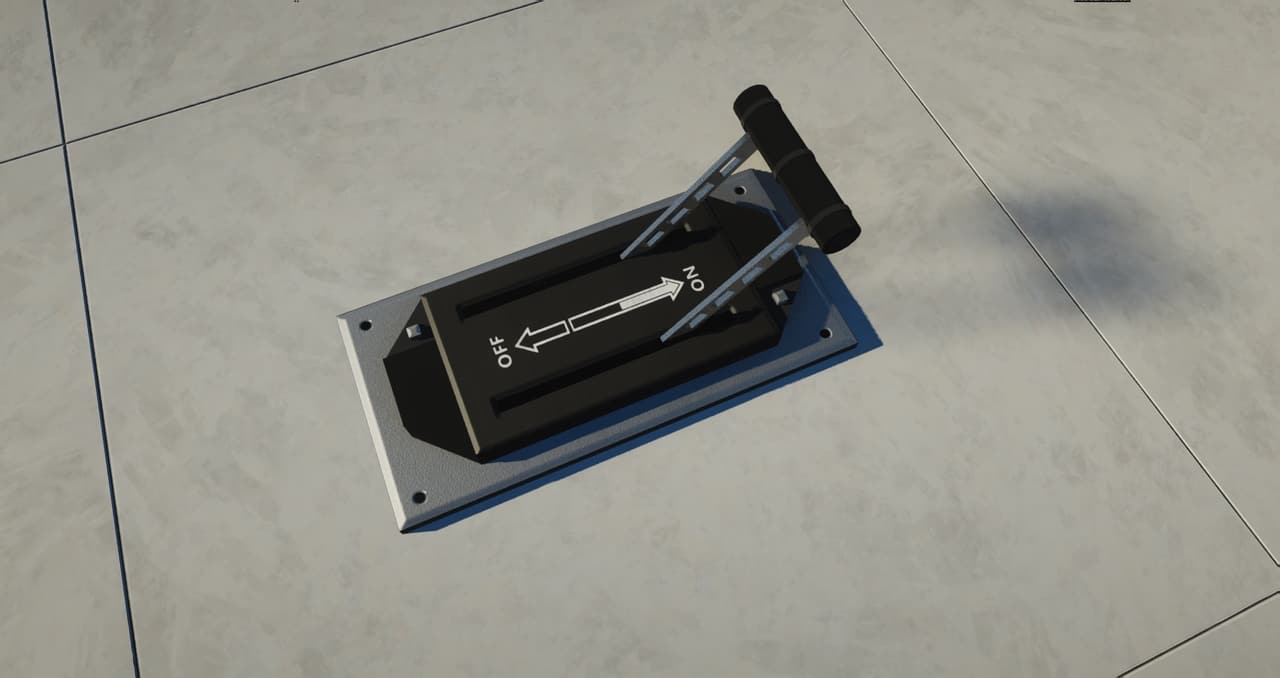
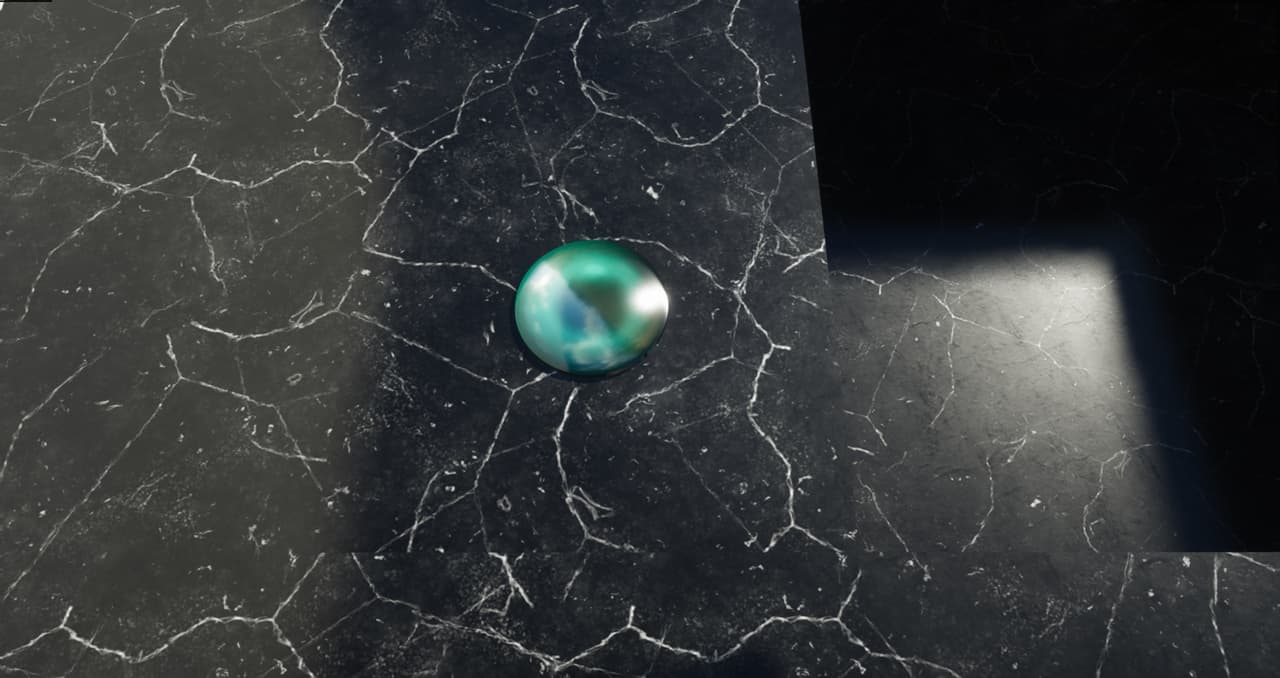
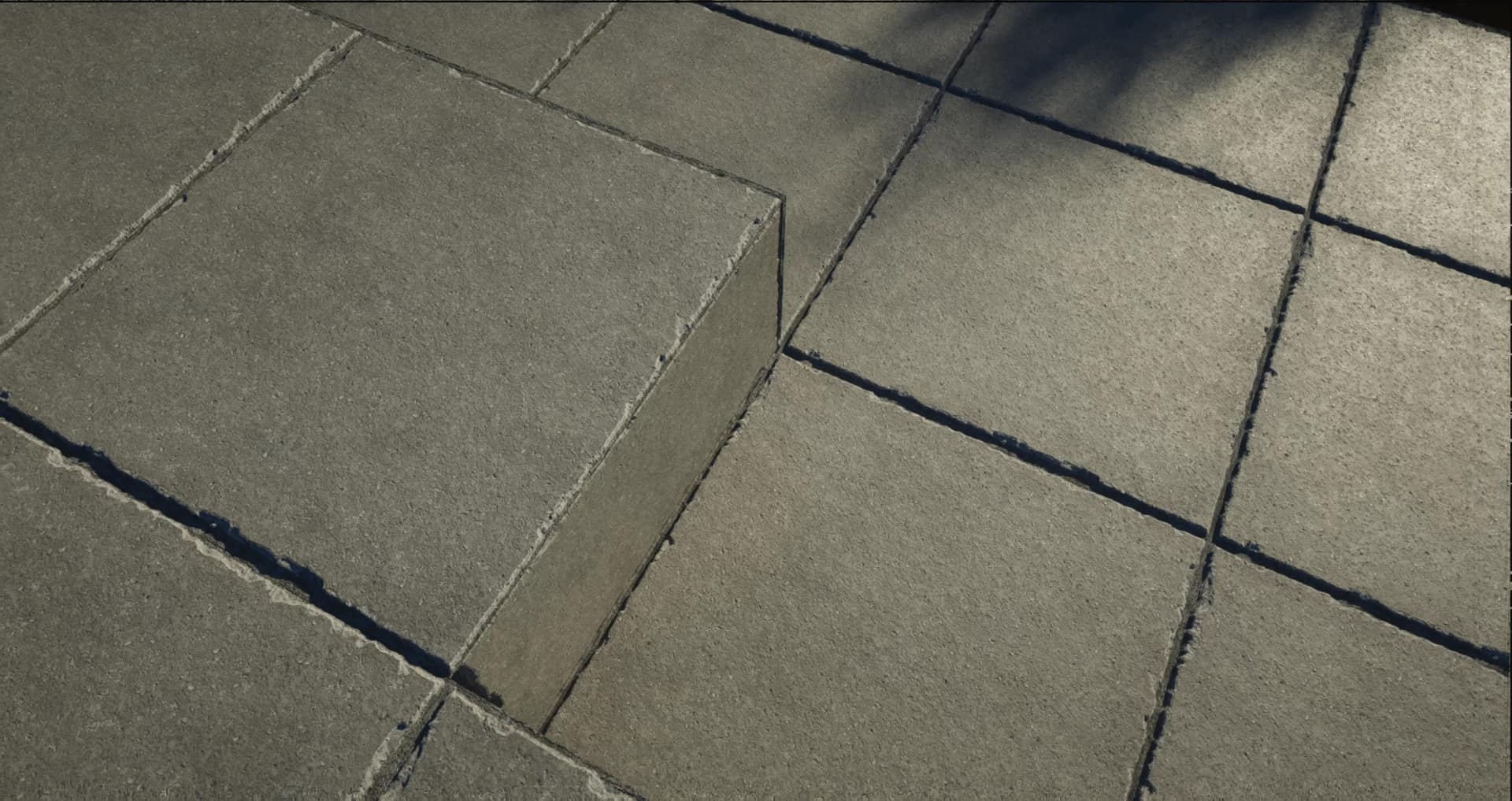
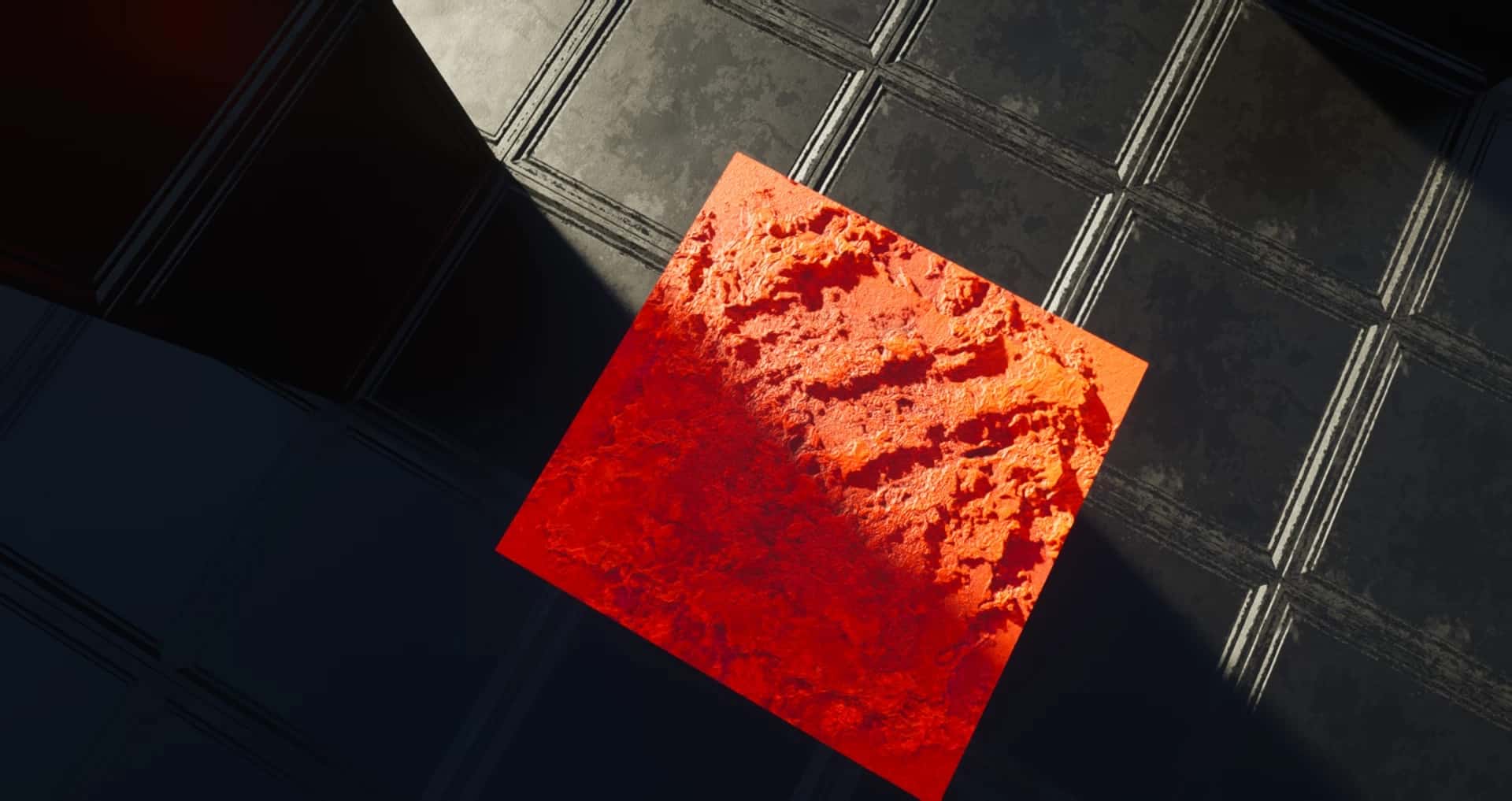
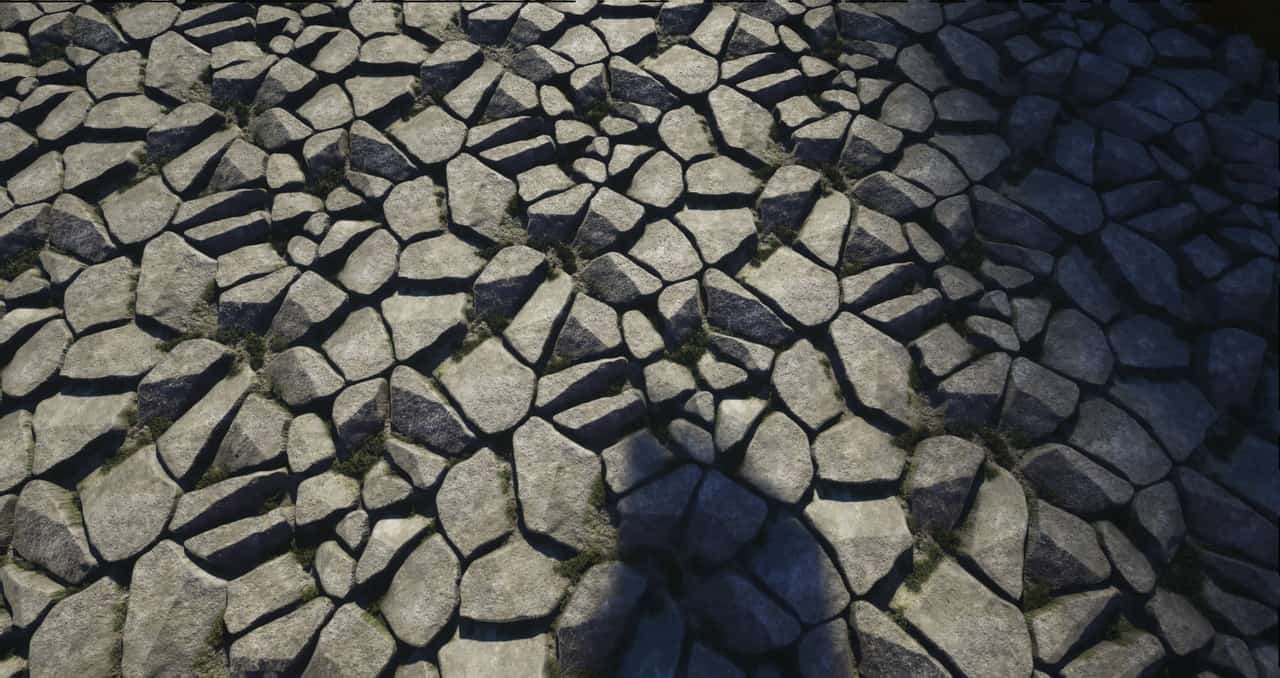
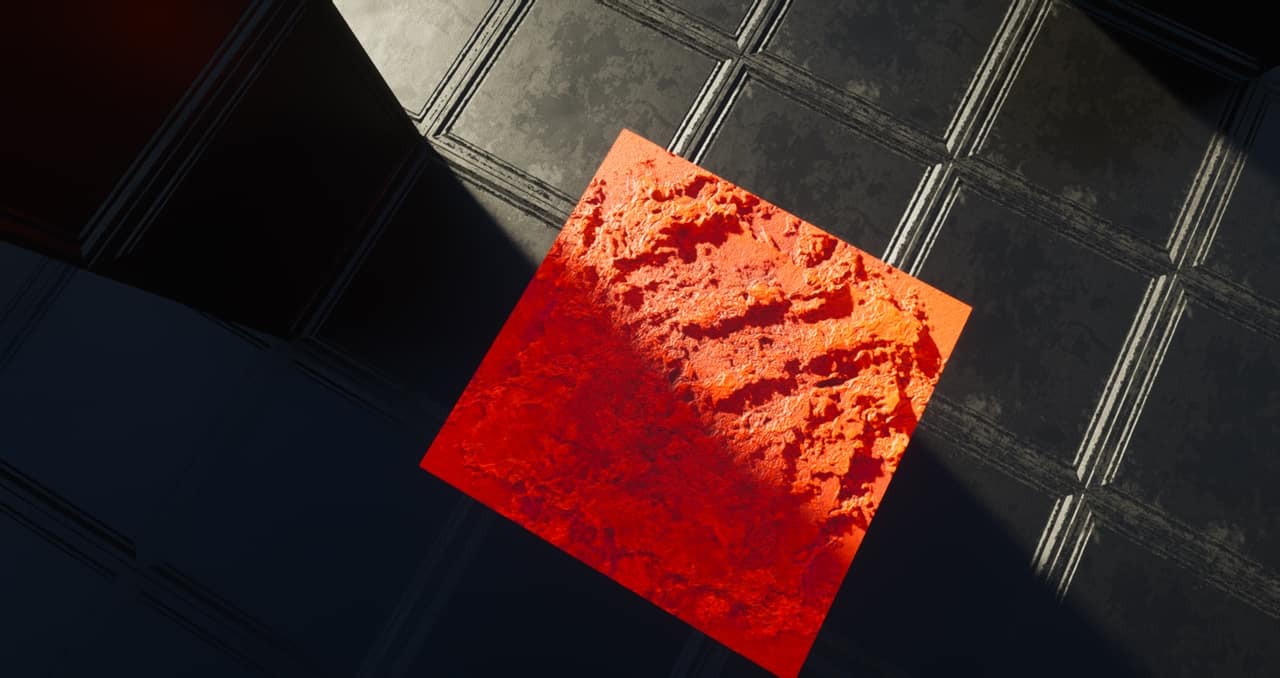
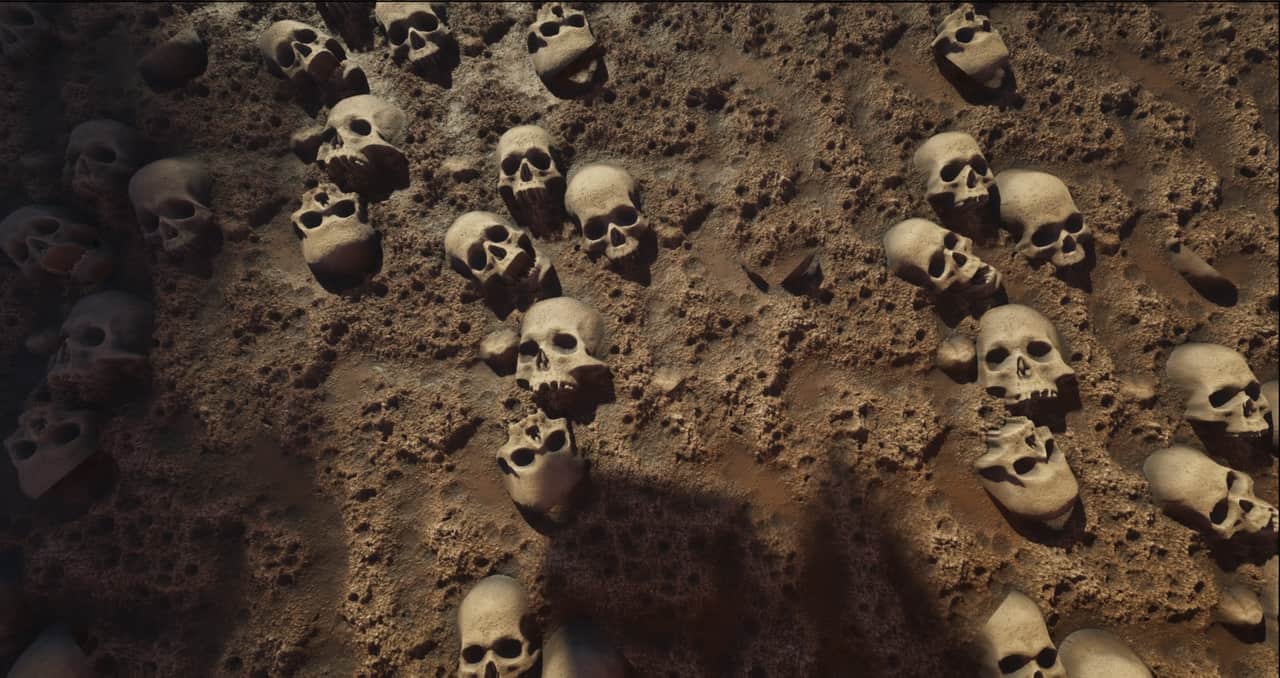
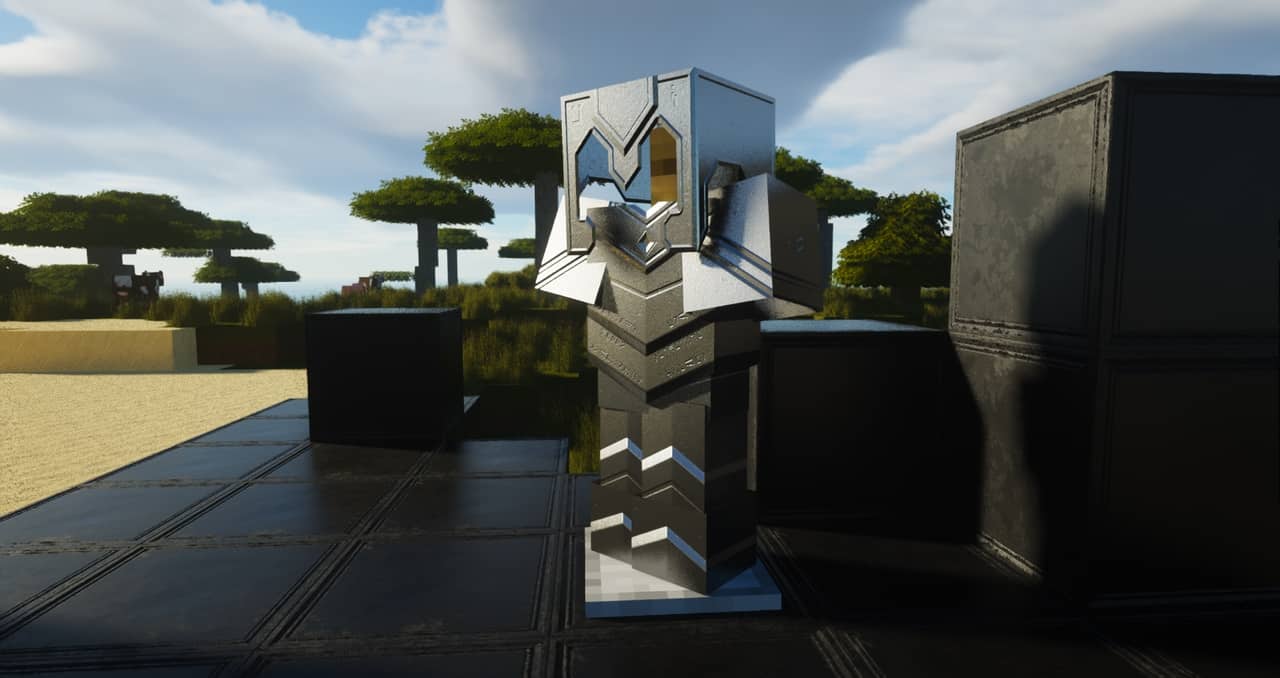
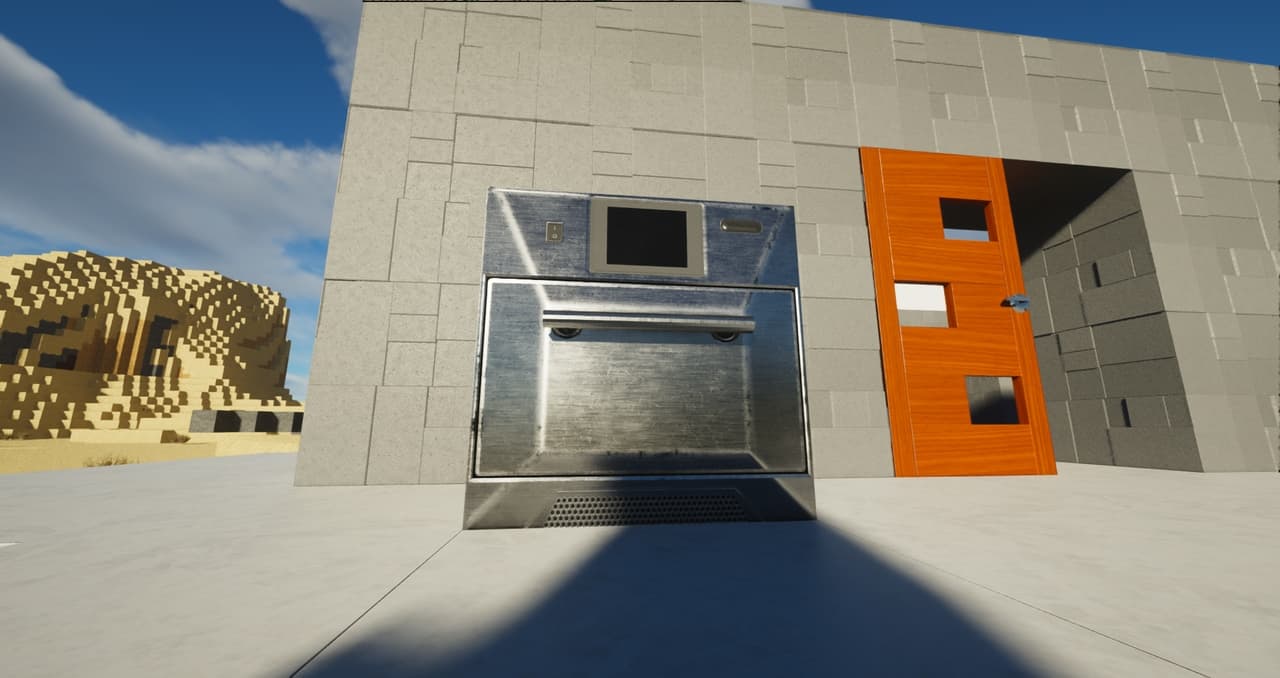
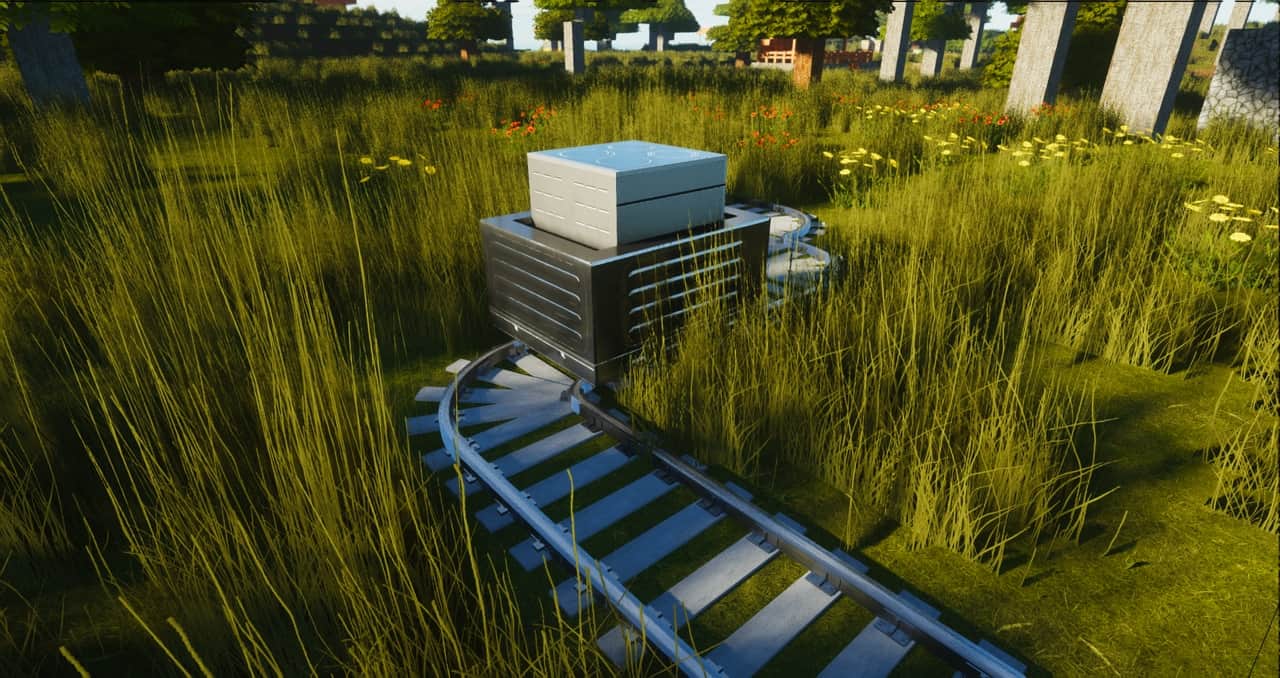
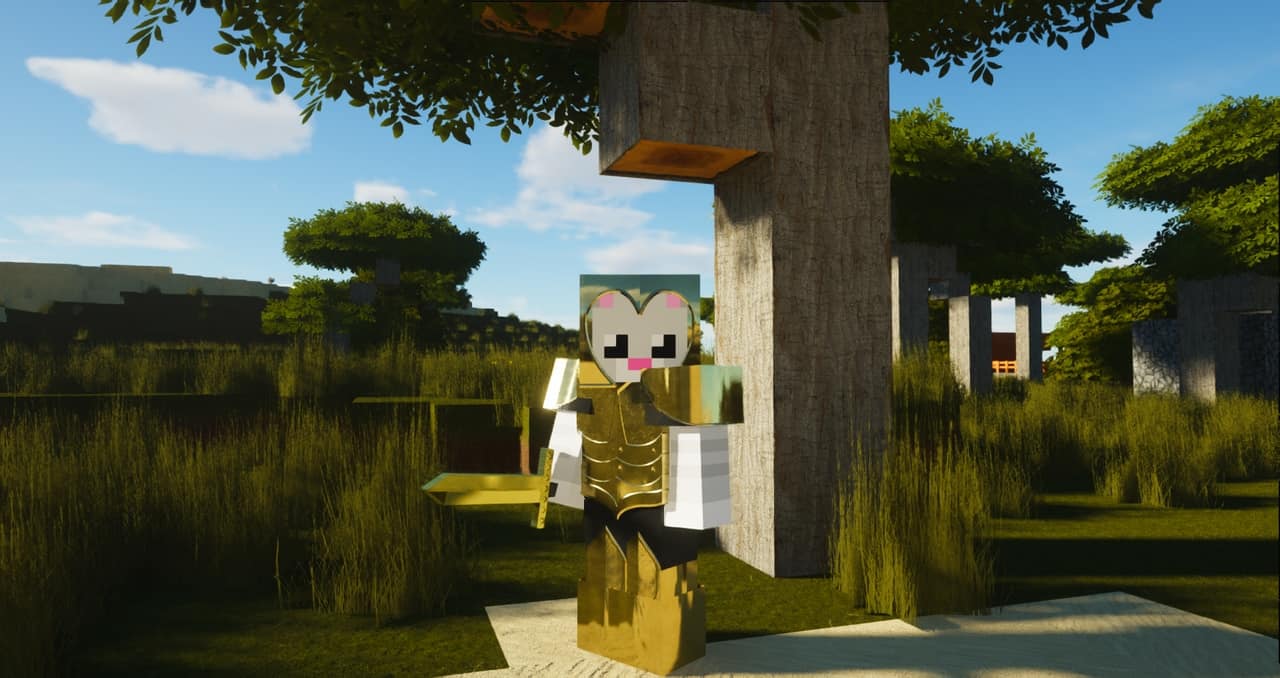
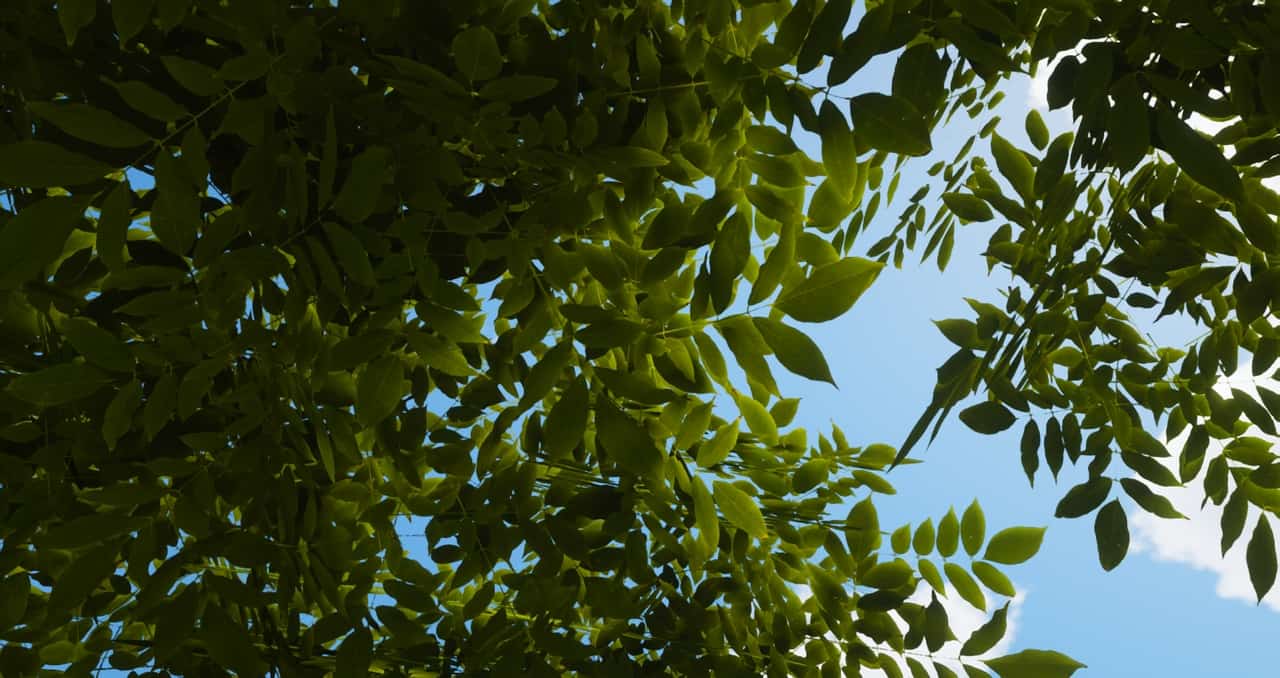
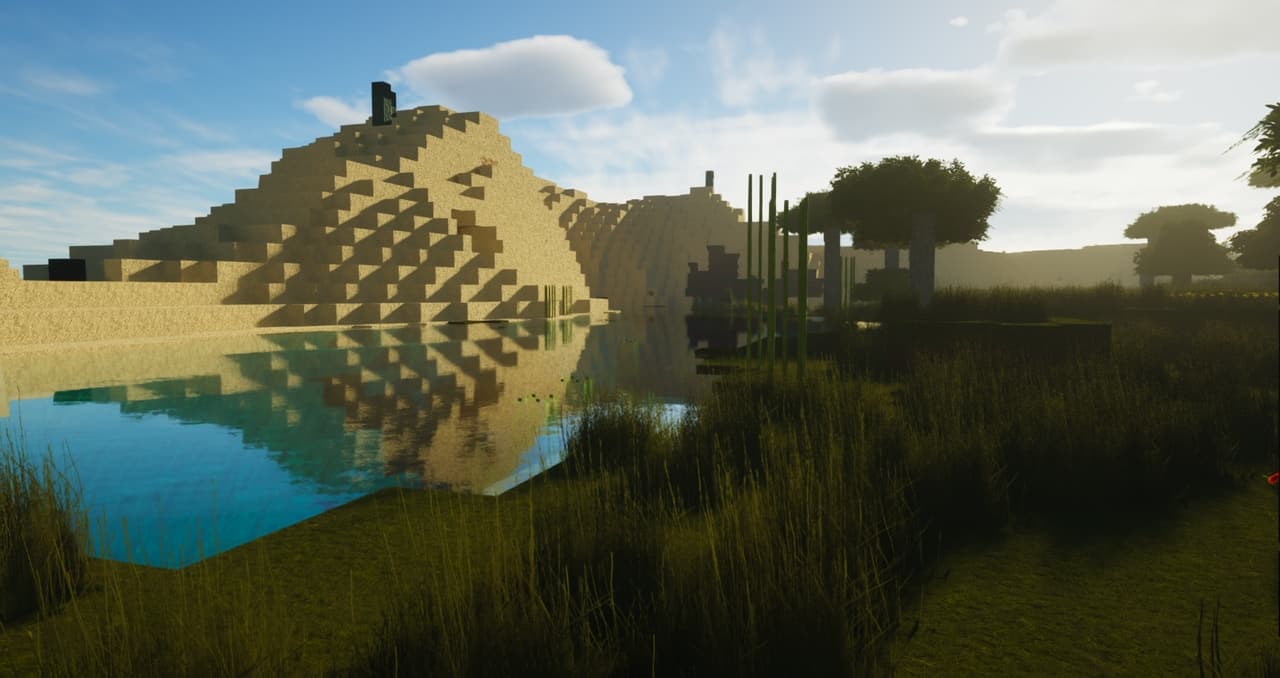
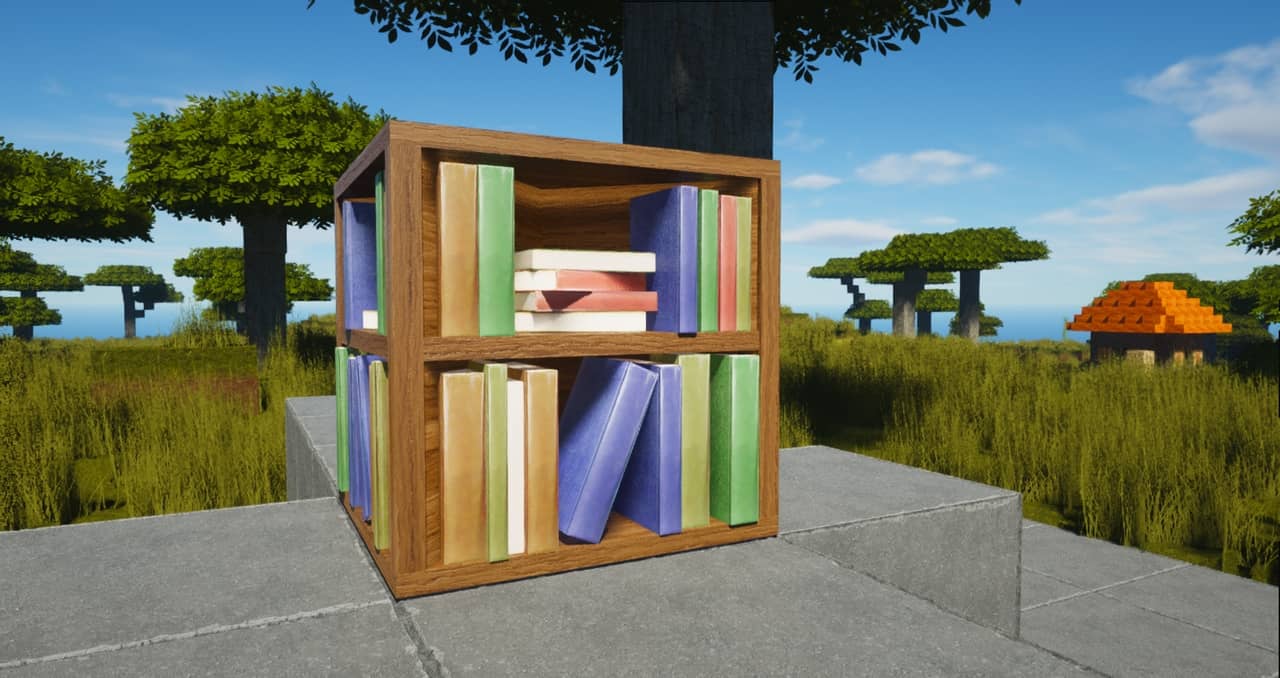
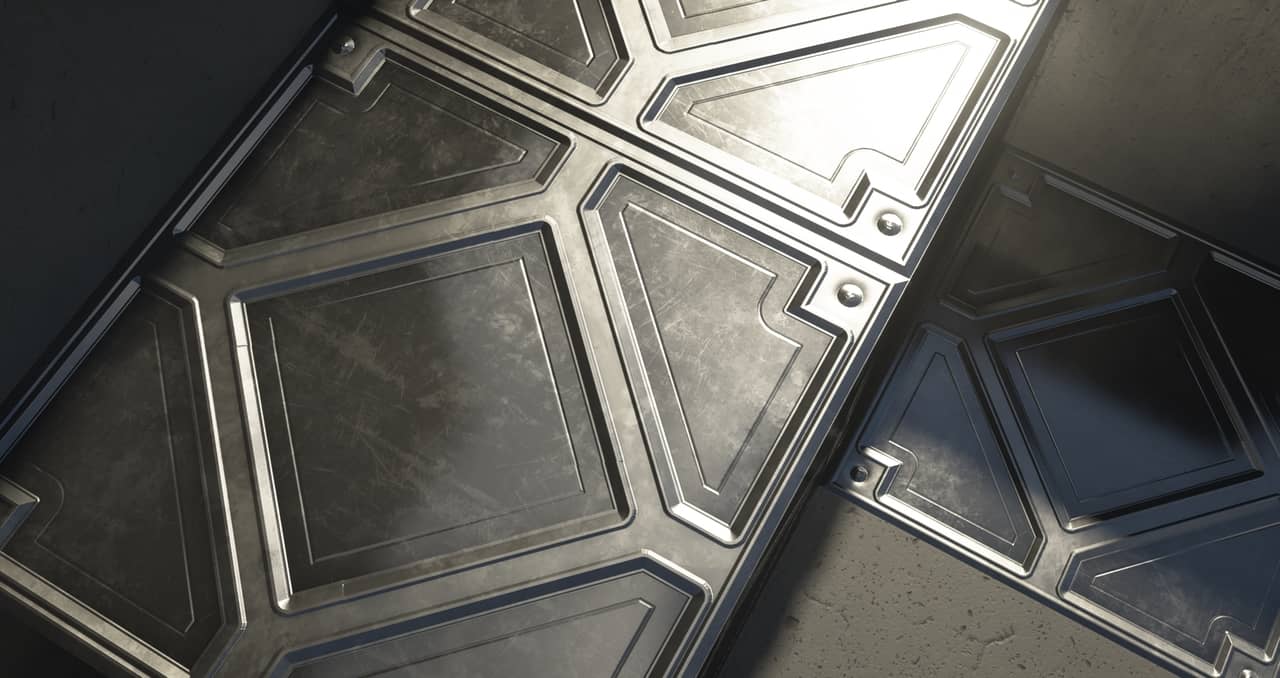
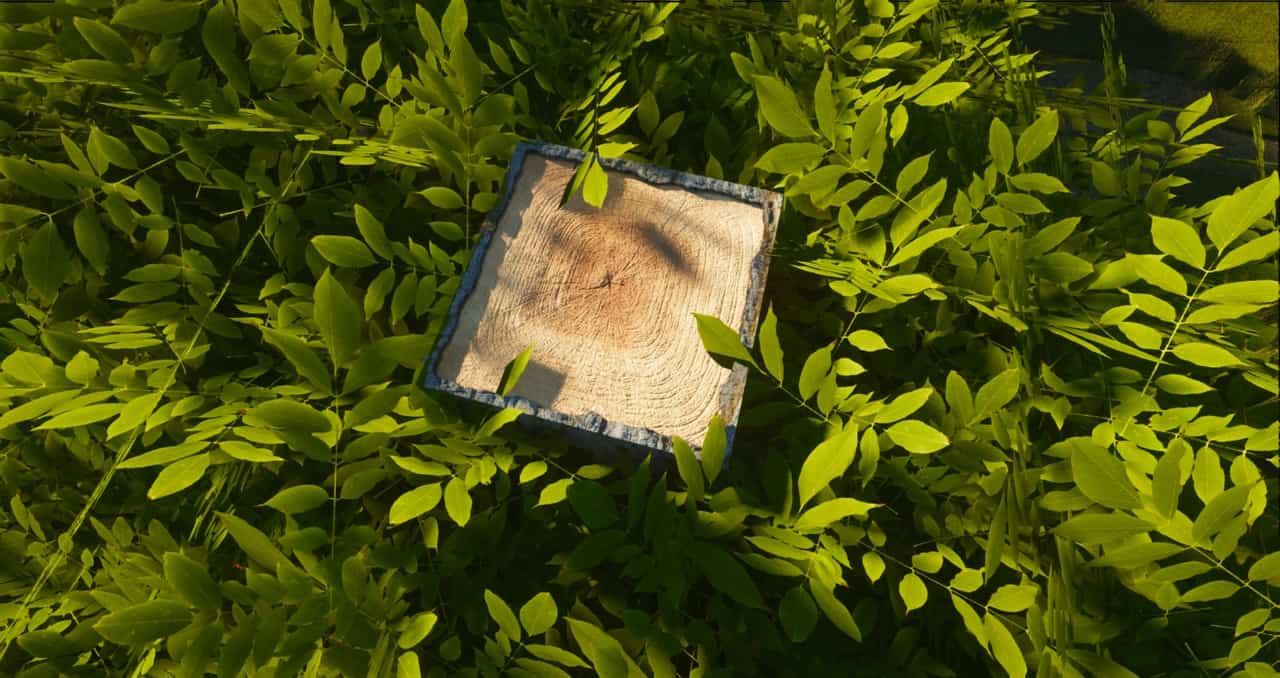
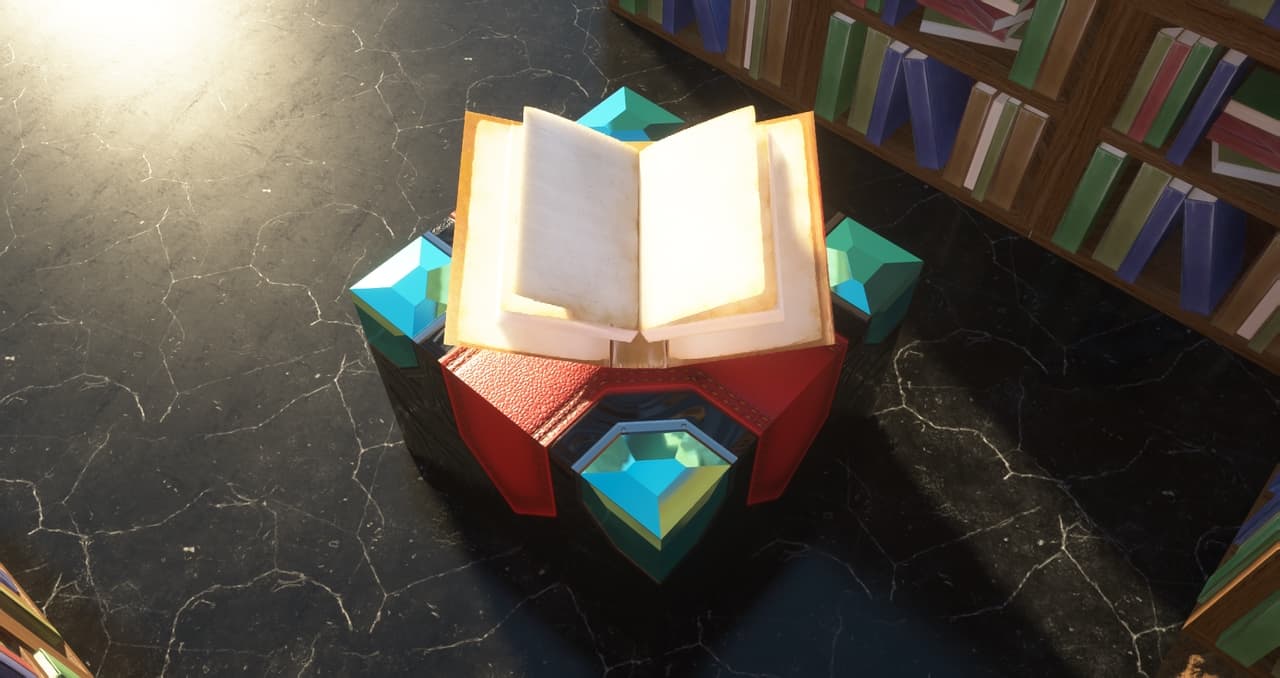
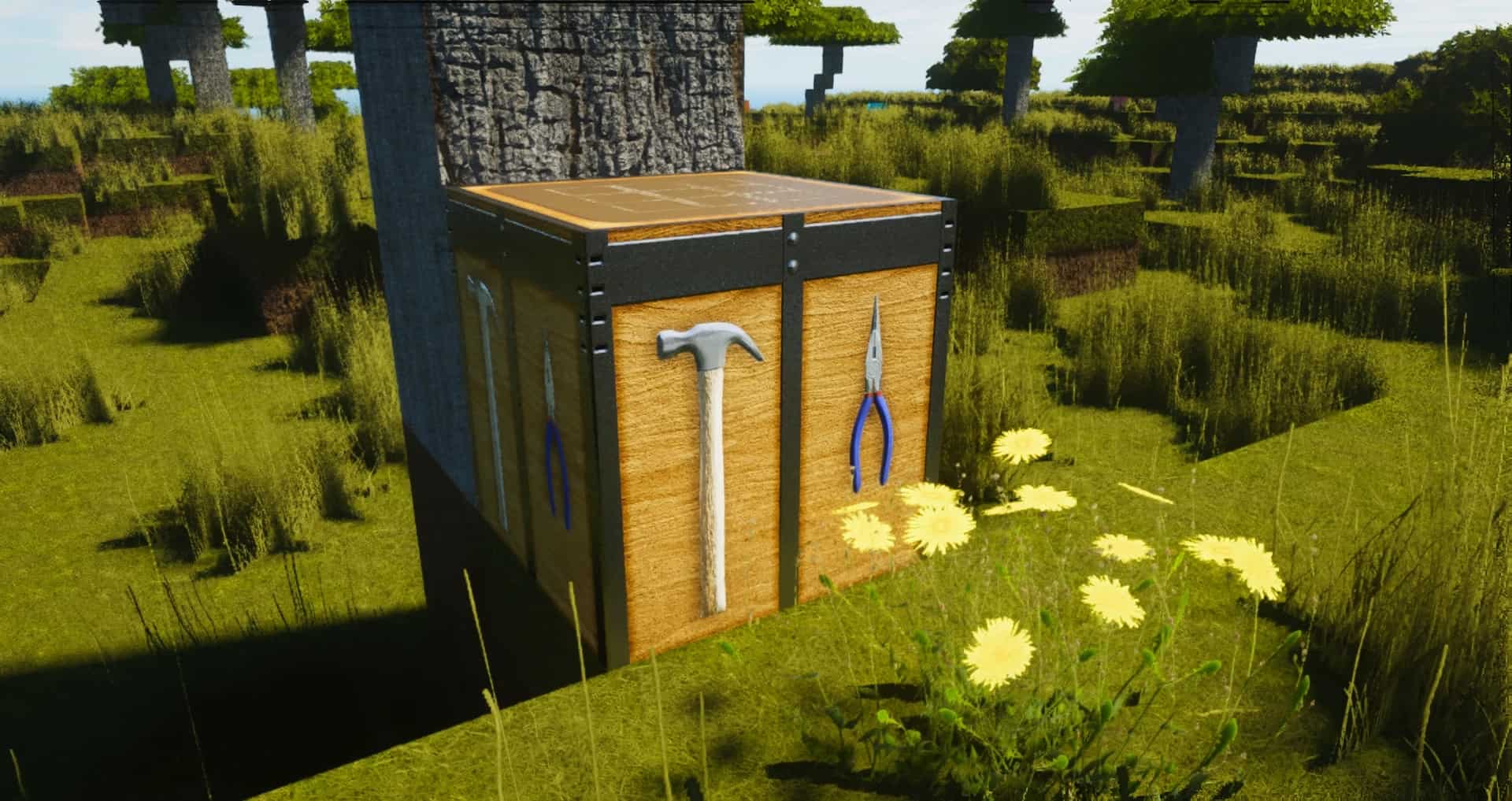
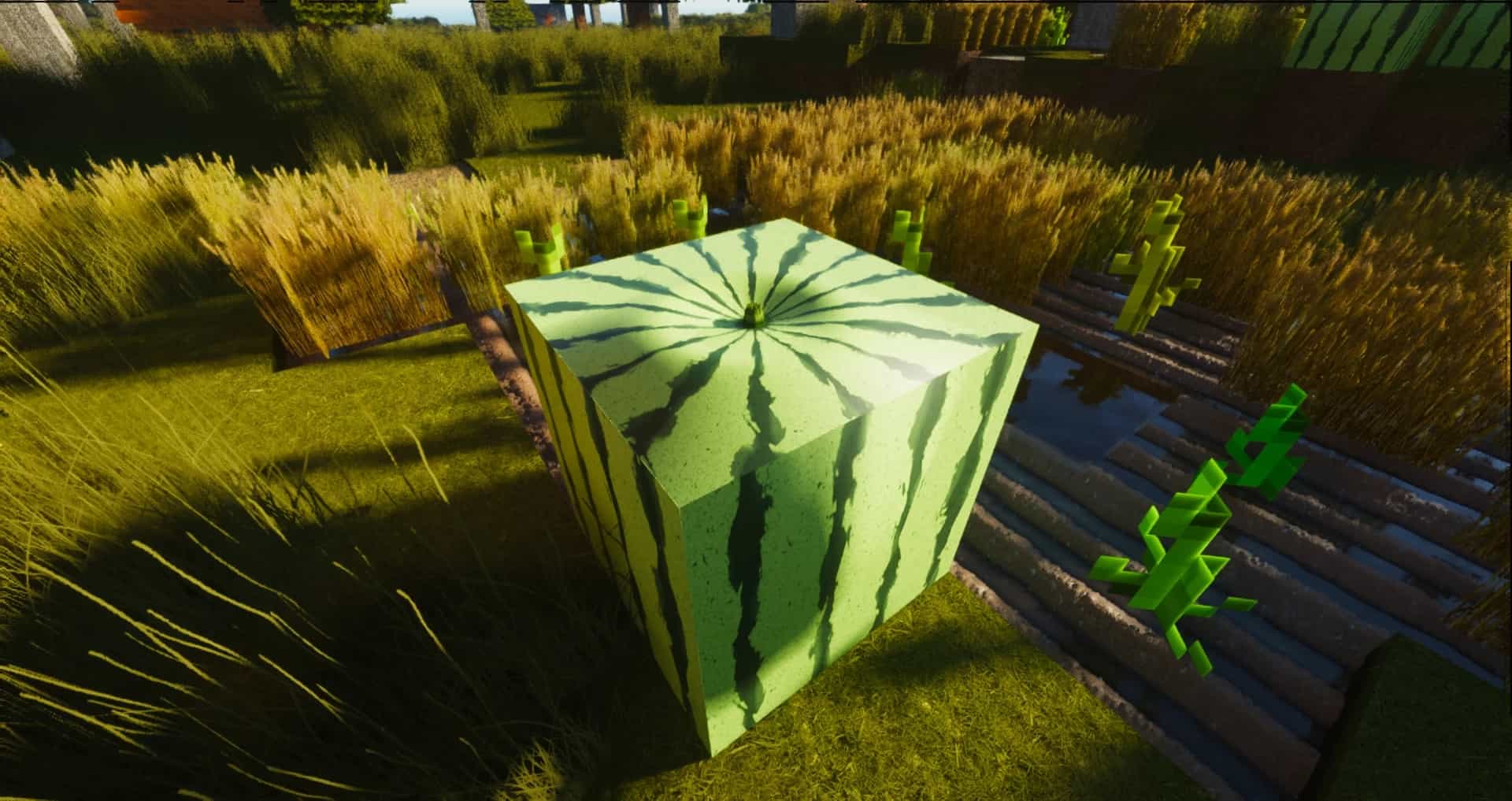
If you have ever felt let down by the countless free resource packs out there, you are definitely going to want to try ModernArch Realism, easily one of the absolute best resource packs available for the newer versions of Minecraft. Unlike so many other options that leave you wanting more, ModernArch completely blows past expectations. What truly sets it apart from the rest of the crowd is its clever use of actual, real-life images to completely replace those blocky, cartoonish vanilla textures we are all used to. By utilizing genuine photographs of wood, stone, and brick, the pack manages to give your entire game a stunningly photorealistic appearance. Crafted by the talented community content creator PackMinecraft, this pack was painstakingly built with true-to-life realism at the forefront rather than just settling for polished cartoon visuals. While it certainly is not the very first realism-focused pack to hit the scene, many players widely regard it as superior to almost all other alternatives. Furthermore, while a lot of packs tend to crank the saturation up way too high, ModernArch smartly opts for much more subdued, natural colors.
Once you step into the world, the fresh textures give your buildings an incredible amount of depth, looking vastly superior to both the minimalist default graphics and competing new packs. You will also immediately notice the remarkable quality of the lighting effects, which genuinely stand out and provide more than enough reason to choose ModernArch over everything else. Naturally, the graphics look their absolute best when you experience the textures in their massive, glorious 512×512 resolution. That being said, you can also easily scale it down to a 128×128 resolution, making these gorgeous graphics totally playable even on lower-end rigs. Just keep in mind that, as expected with high-end packs, pushing that full resolution without a powerful graphics card might cause some frame rate drops. To get the absolute most out of these visuals, you really need to pair them with shaders; in fact, the creator heavily recommends grabbing the SEUS shader to get the most harmonious look with ModernArch. Right now, the 128x version is completely free to enjoy, while the higher 512x and 1024x resolutions are supported through donations.
ModernArch R should be compatible with all of these Minecraft versions: 26.2 – 26.1.2 – 26.1.1 – 26.1 – 1.21.11 – 1.21.10 – 1.21.9 – 1.21.8 – 1.21.7 – 1.21.6 – 1.21.5 – 1.21.4 – 1.21.3 – 1.21.2 – 1.21.1 – 1.21 – 1.20.6 – 1.20.5 – 1.20.4 – 1.20.3 – 1.20.2 – 1.20.1 – 1.20 – 1.19.4 – 1.19.3 – 1.19.2 – 1.19.1 – 1.19 – 1.18.2 – 1.18.1 – 1.18 – 1.17.1 – 1.17 – 1.16.5 – 1.16.4 – 1.16.3 – 1.16.2 – 1.16.1 – 1.16 – 1.15.2 – 1.15.1 – 1.15 – 1.14.4 – 1.14.3 – 1.14.2 – 1.14
Screenshots


How to Install Texture Pack (Simple 10 Steps)
- Download OptiFine: Most of the texture packs and shaders need OptiFine. That’s why, first download and install OptiFine for the version of Minecraft you want to play.
- Download the Texture Pack: Get the texture pack you want from the download section. Choose the version that works with your Minecraft and your PC’s performance.
- Open Minecraft Launcher: Start Minecraft using the official game launcher — or even TLauncher, if you use that.
- Go to Options: From the main menu, click on the “Options” button.
- Open Resource Packs: Inside Options, click on “Resource Packs…”.
- Open the Resource Pack Folder: Click on “Open Resource Pack Folder” — this will open a folder named “resourcepacks”.
- Move the Pack File: Copy or move the .zip file you downloaded into that “resourcepacks” folder. (Don’t unzip the file — Minecraft uses it as-is!)
- Go Back and Refresh: Close the folder and click “Done”, then go back into “Resource Packs…” again.
- Activate the Pack: You’ll see the pack on the left side. Hover over it and click the arrow to move it to the right (active side).
Tip: If you get a message that the pack is for a different version, just click “Yes” — it usually works fine. - Click Done and Enjoy: Click “Done” again. Now your pack is ready to use in-game. It’s that easy!
Credits
This resource pack was originally created and developed by Designio Graphics and PackMinecraft. We do not claim ownership of this content, nor do we host or modify the official files. All rights, intellectual property, and original assets belong strictly to Designio Graphics. We encourage all players to support the original creator by visiting their official pages and contributing through their donation platforms.
Download Links
Java Edition
Download Instructions
Curseforge: download starts automatically after a few seconds;
Mediafire: click the big blue button with the text “DOWNLOAD”;
Google Drive: in the top right corner you will see a small download icon (down arrow), click it and the download should start;


