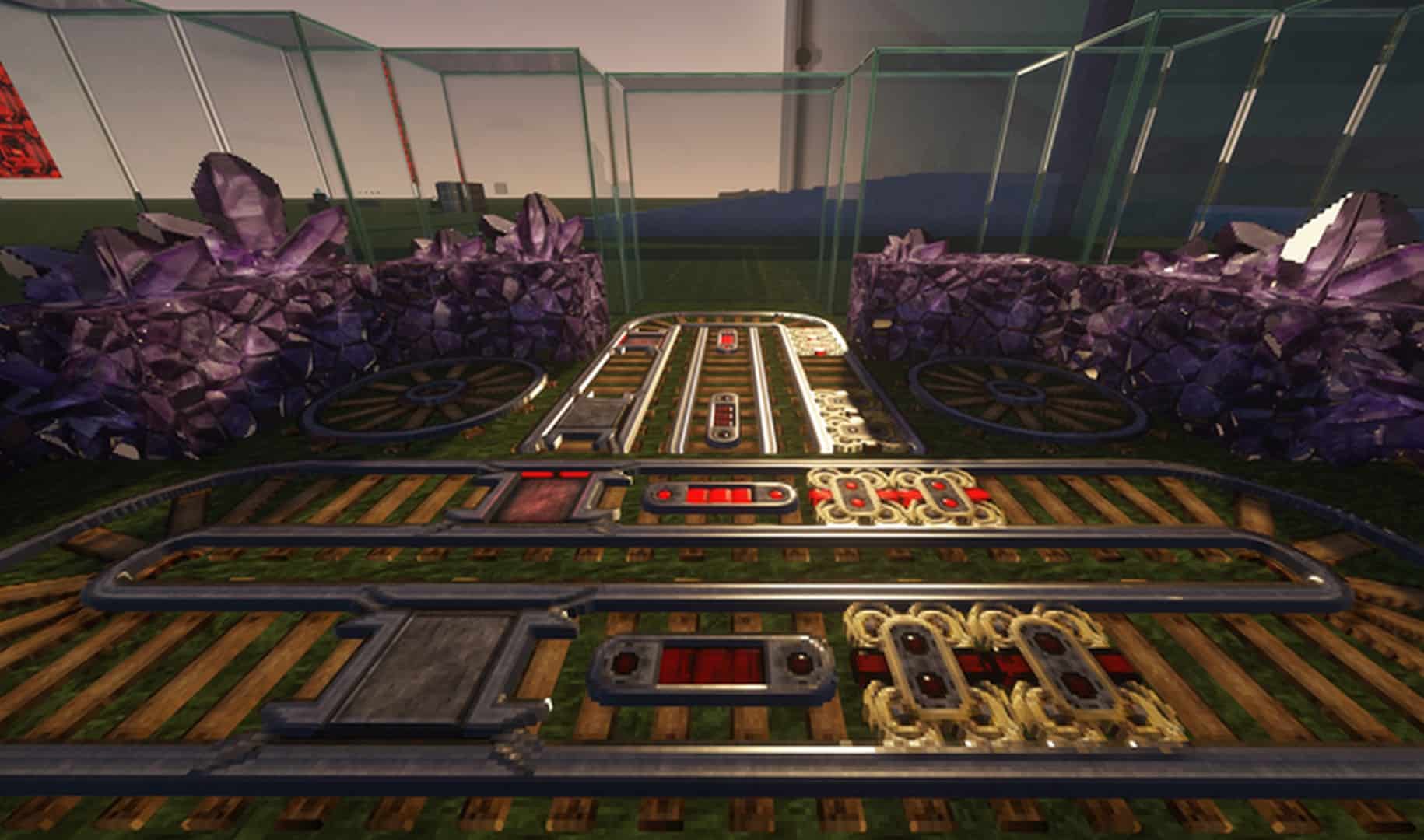
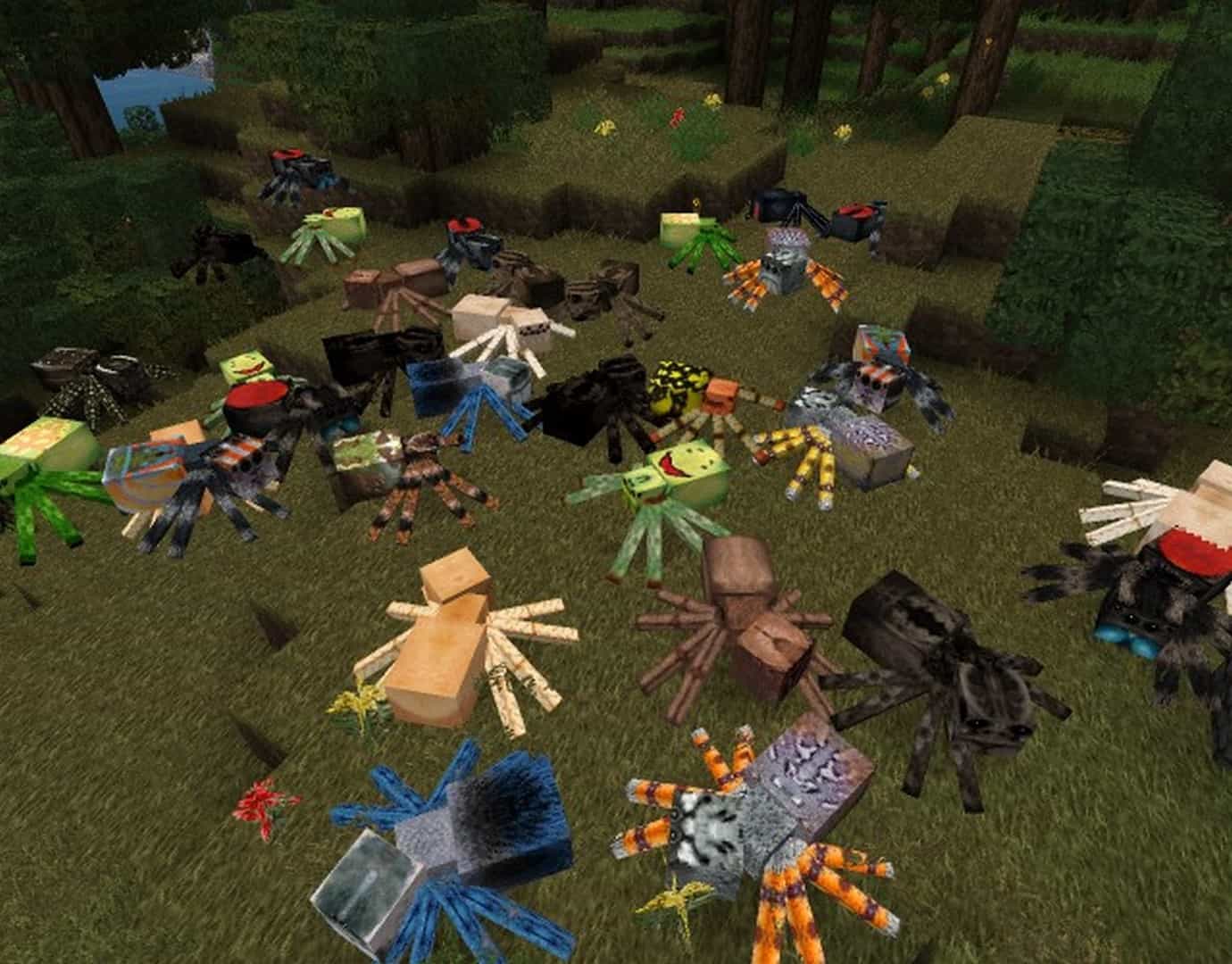
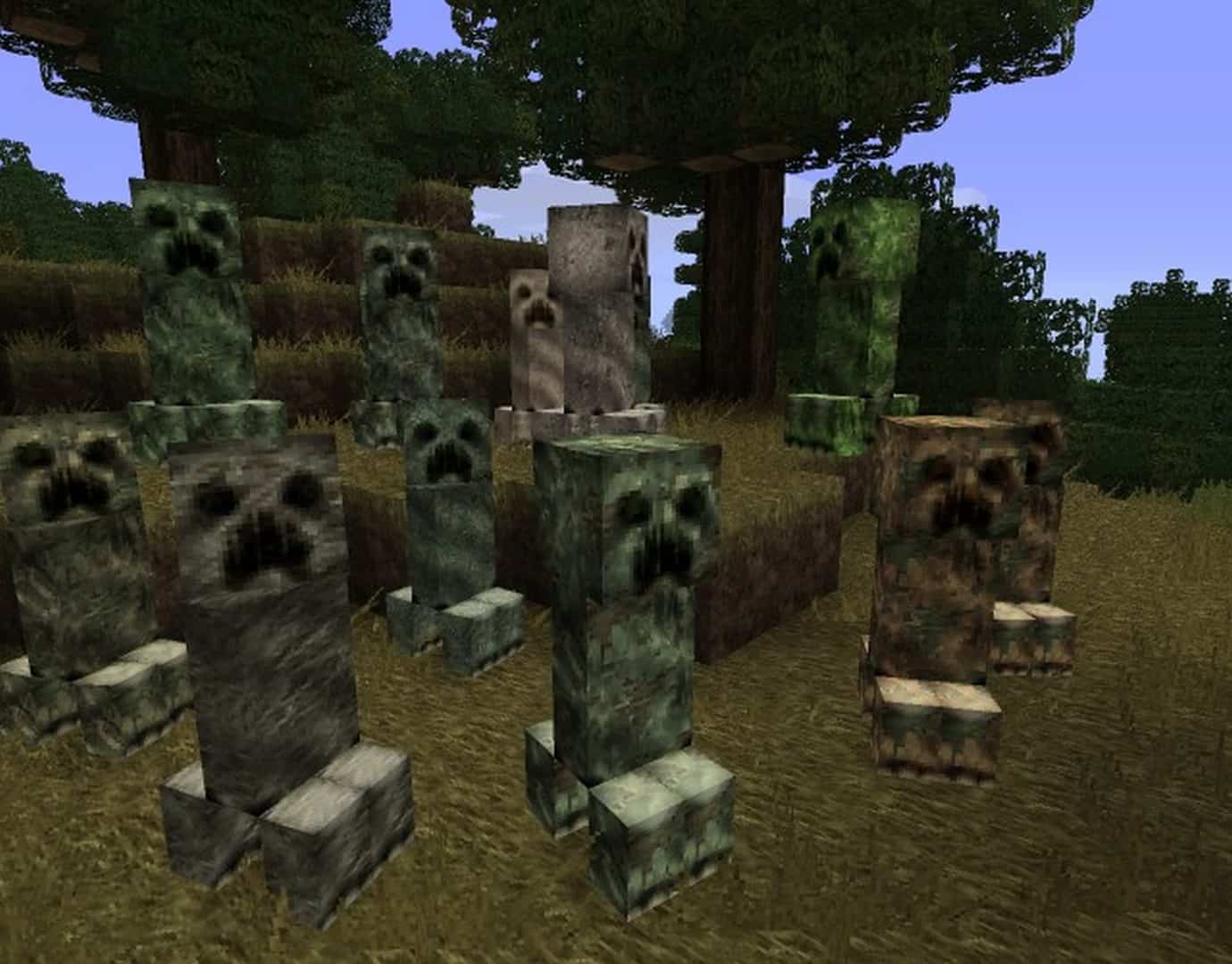
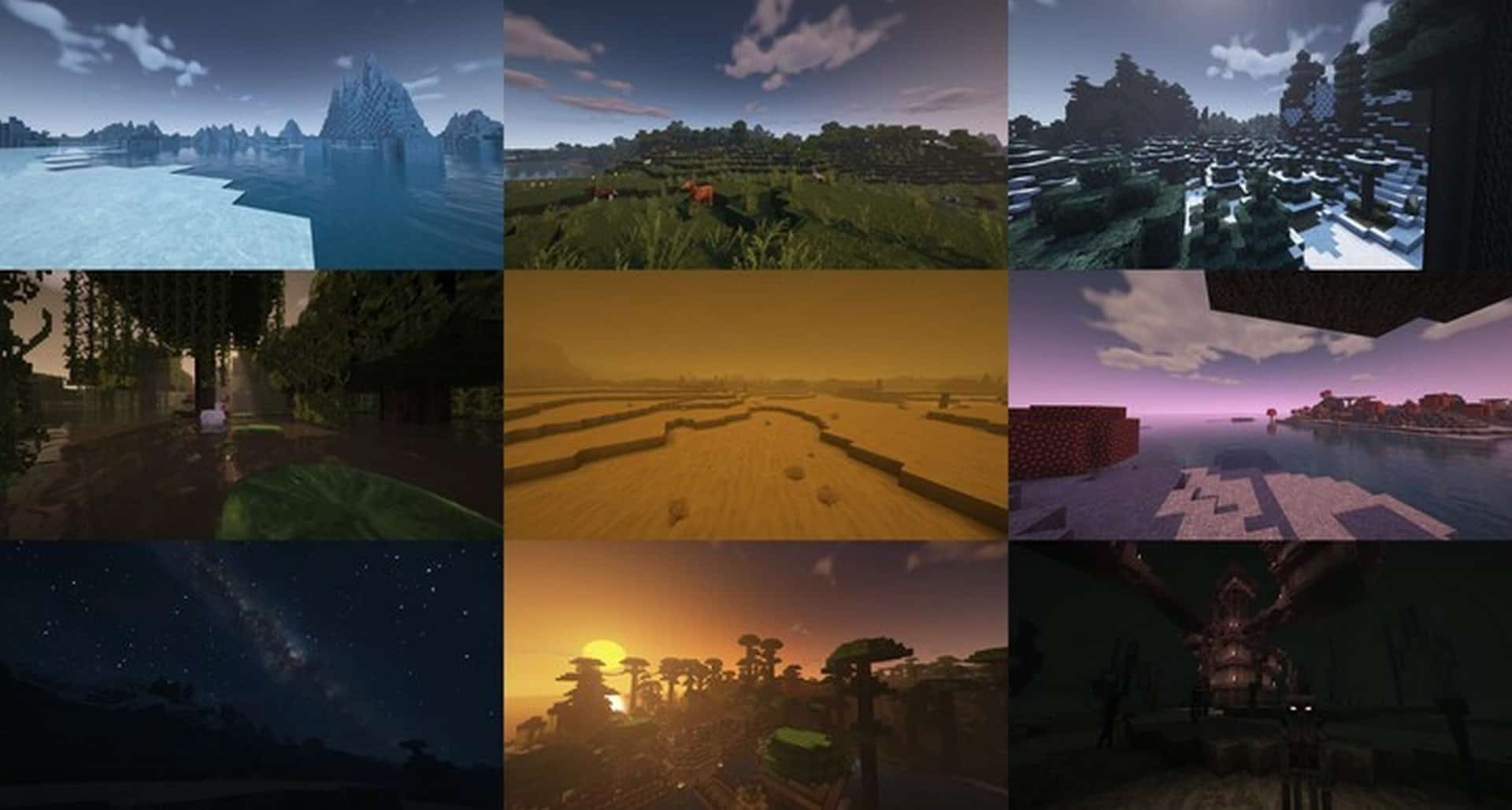
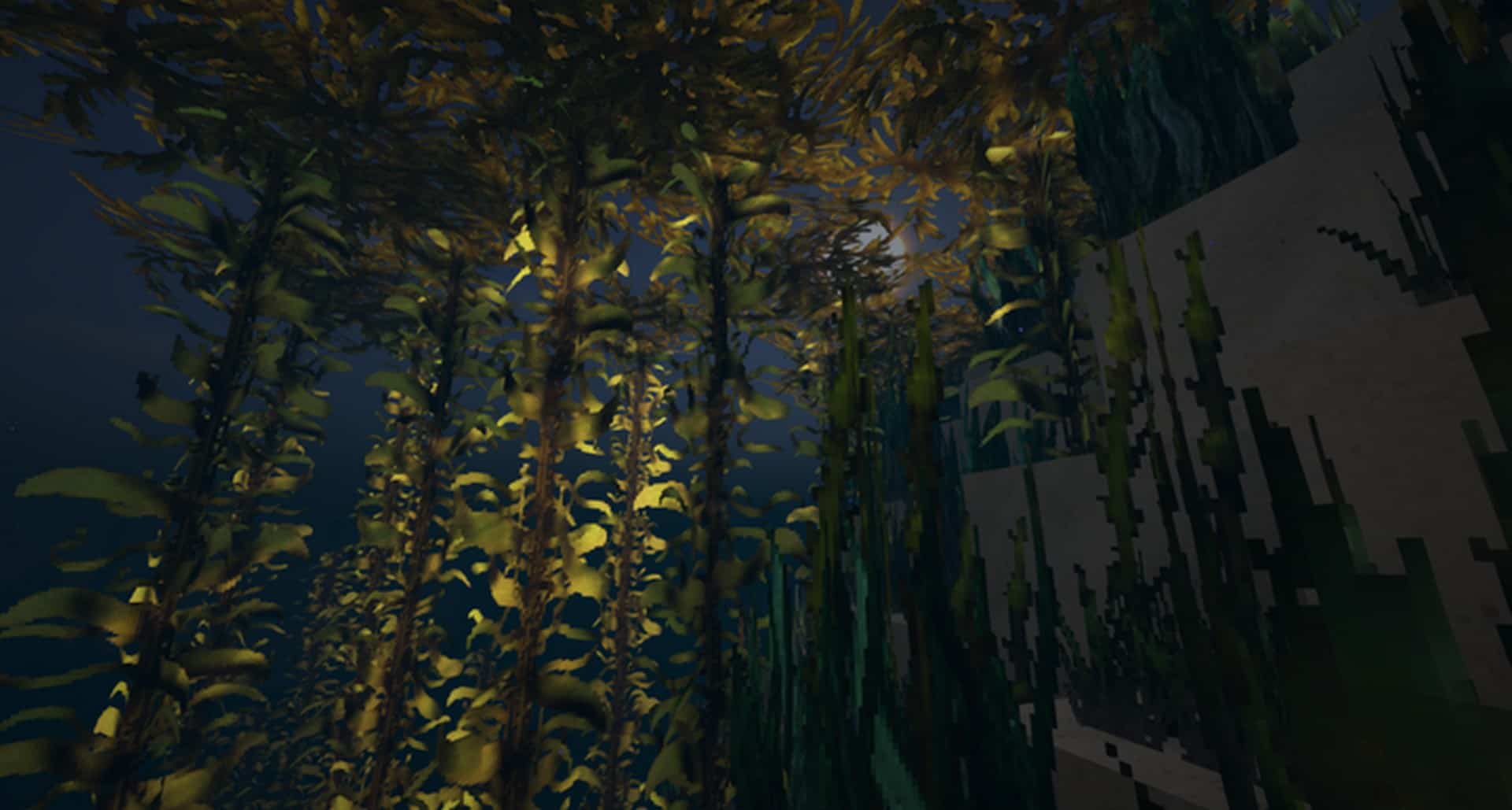
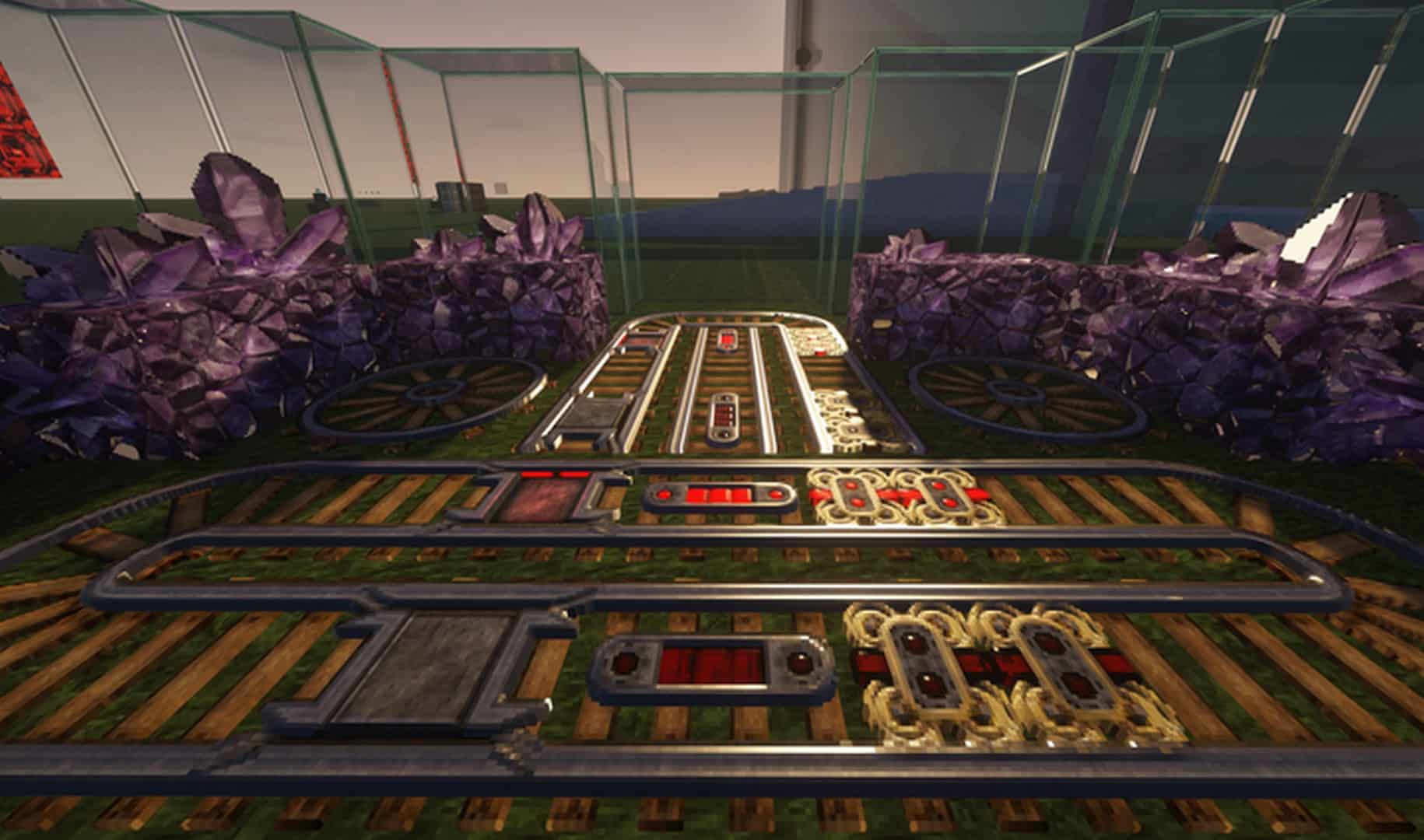
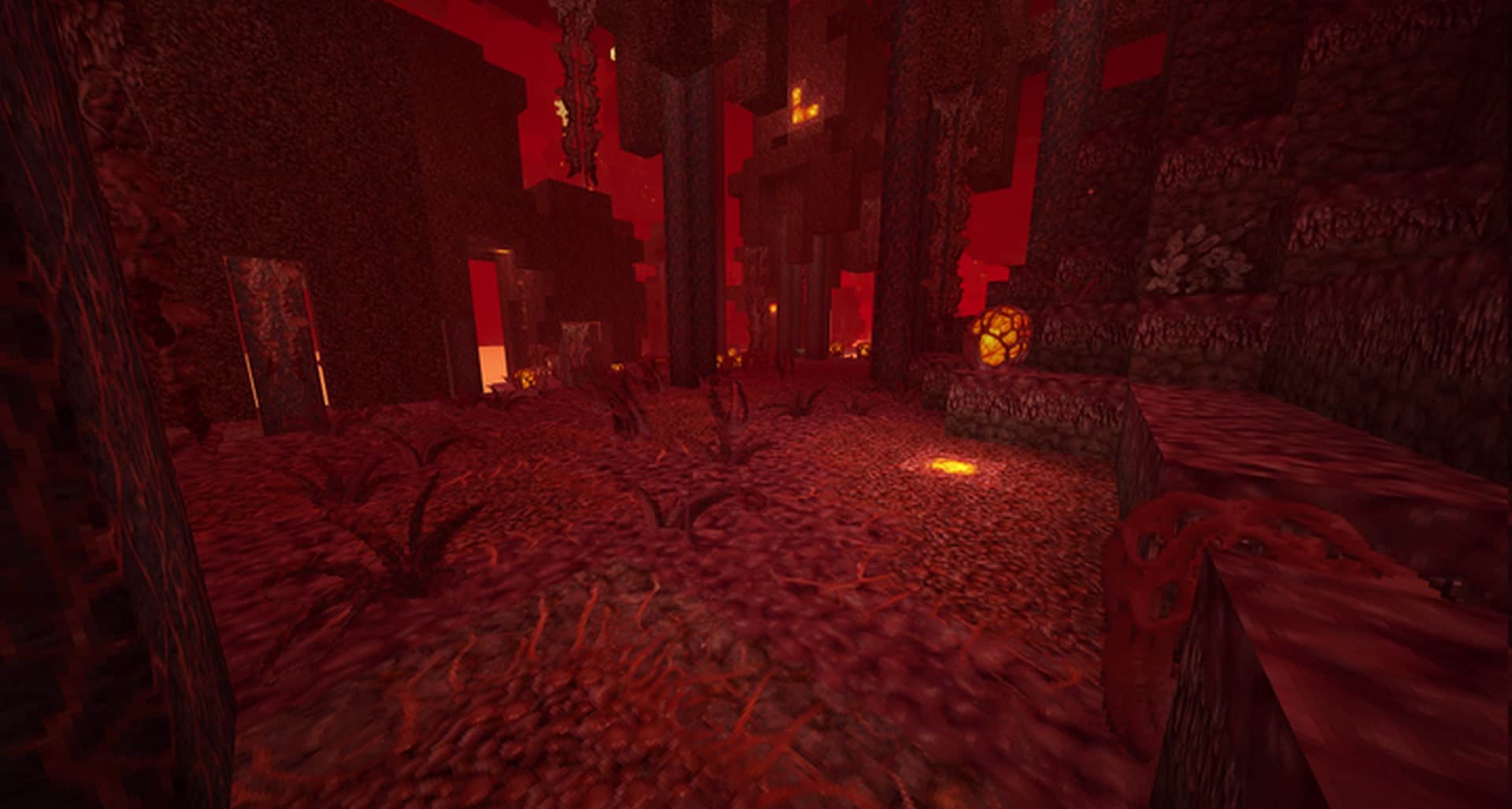
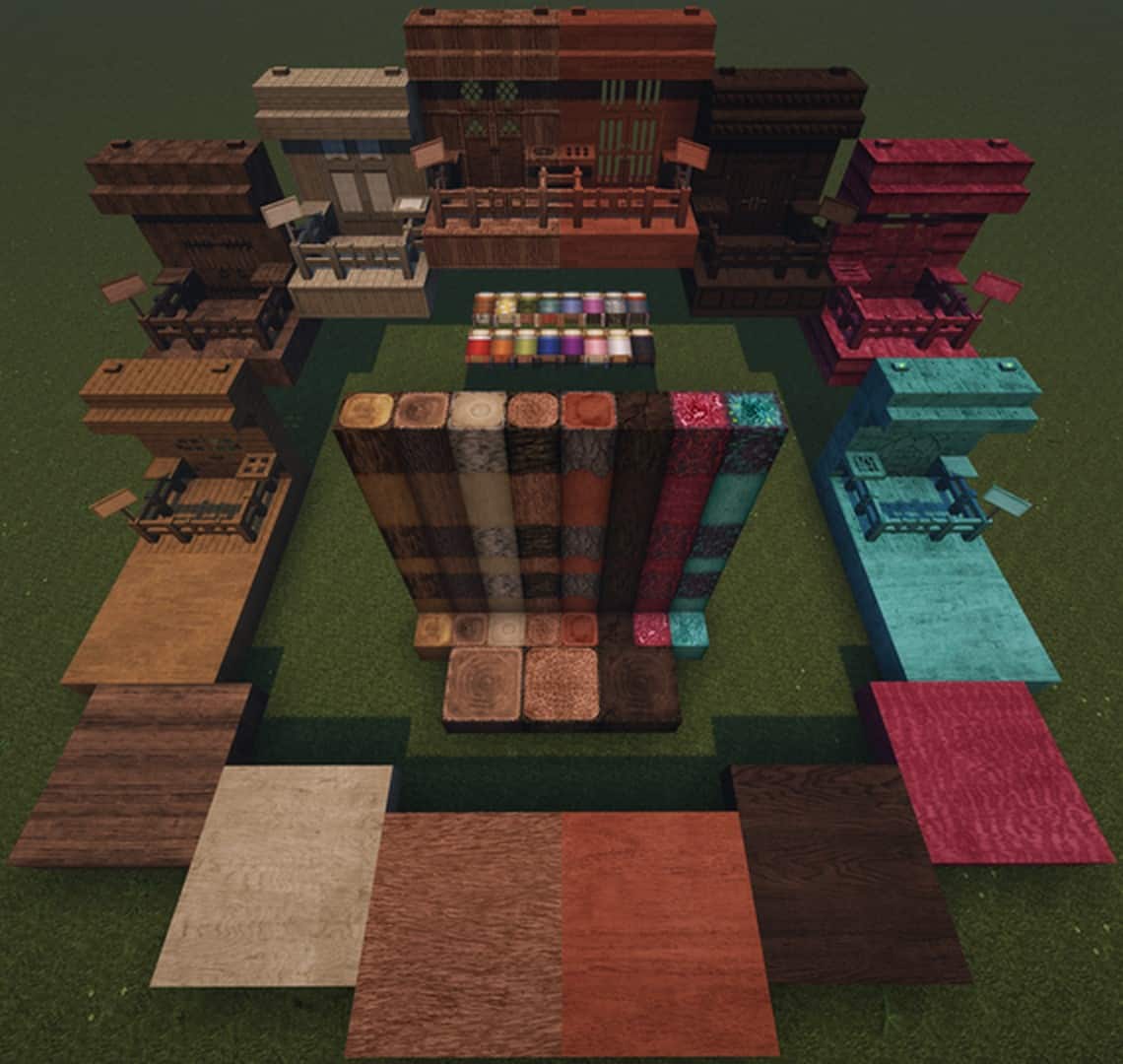
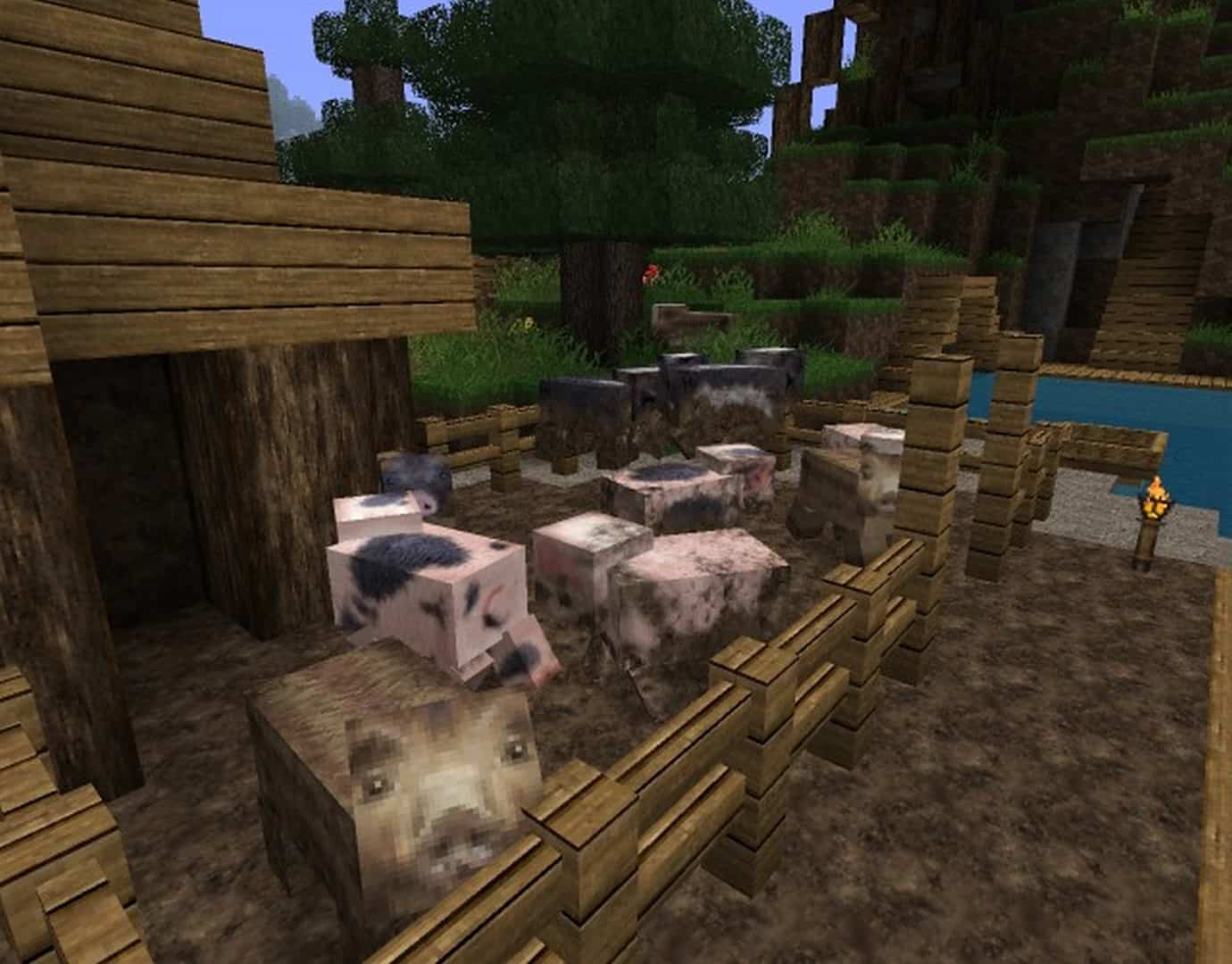
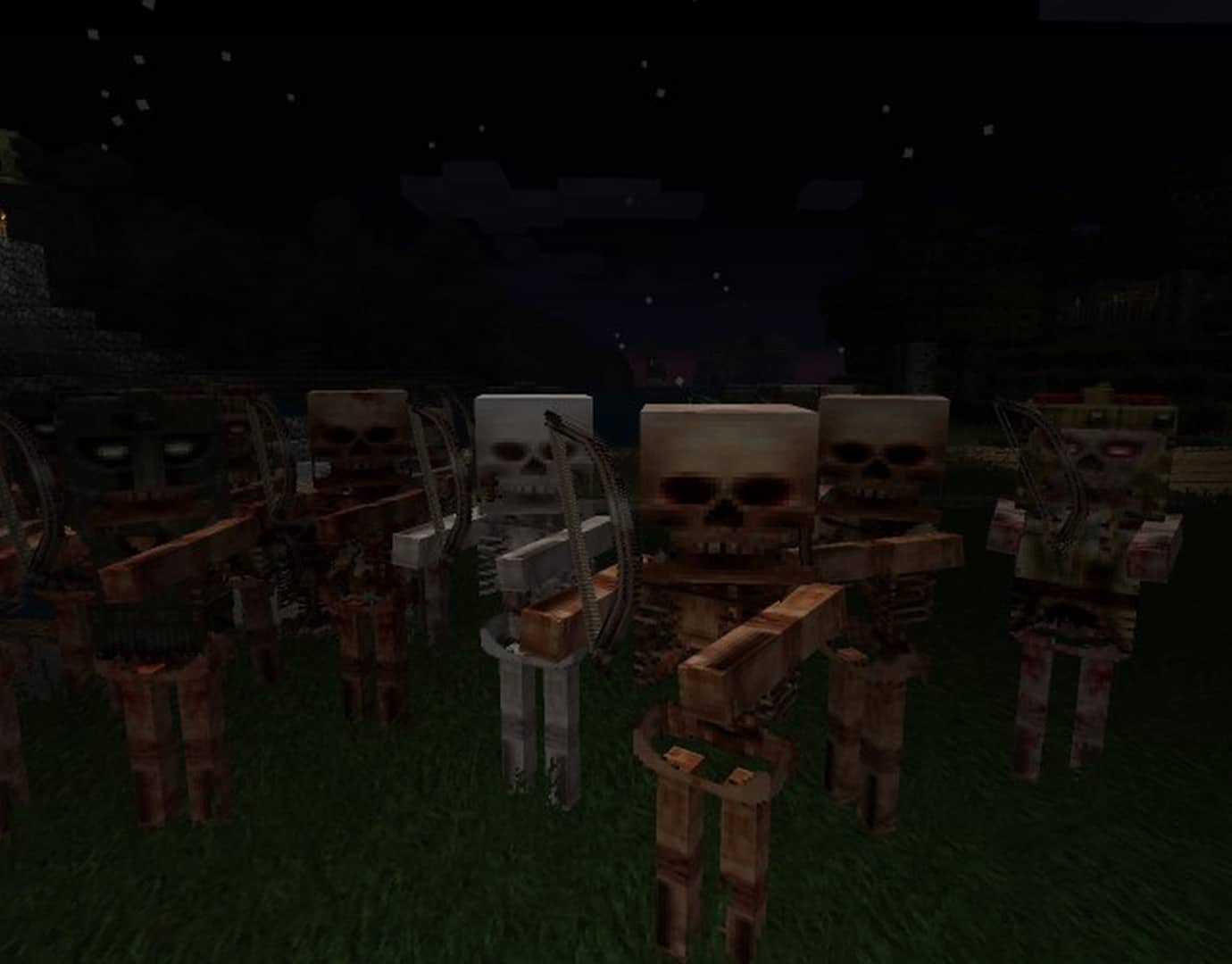
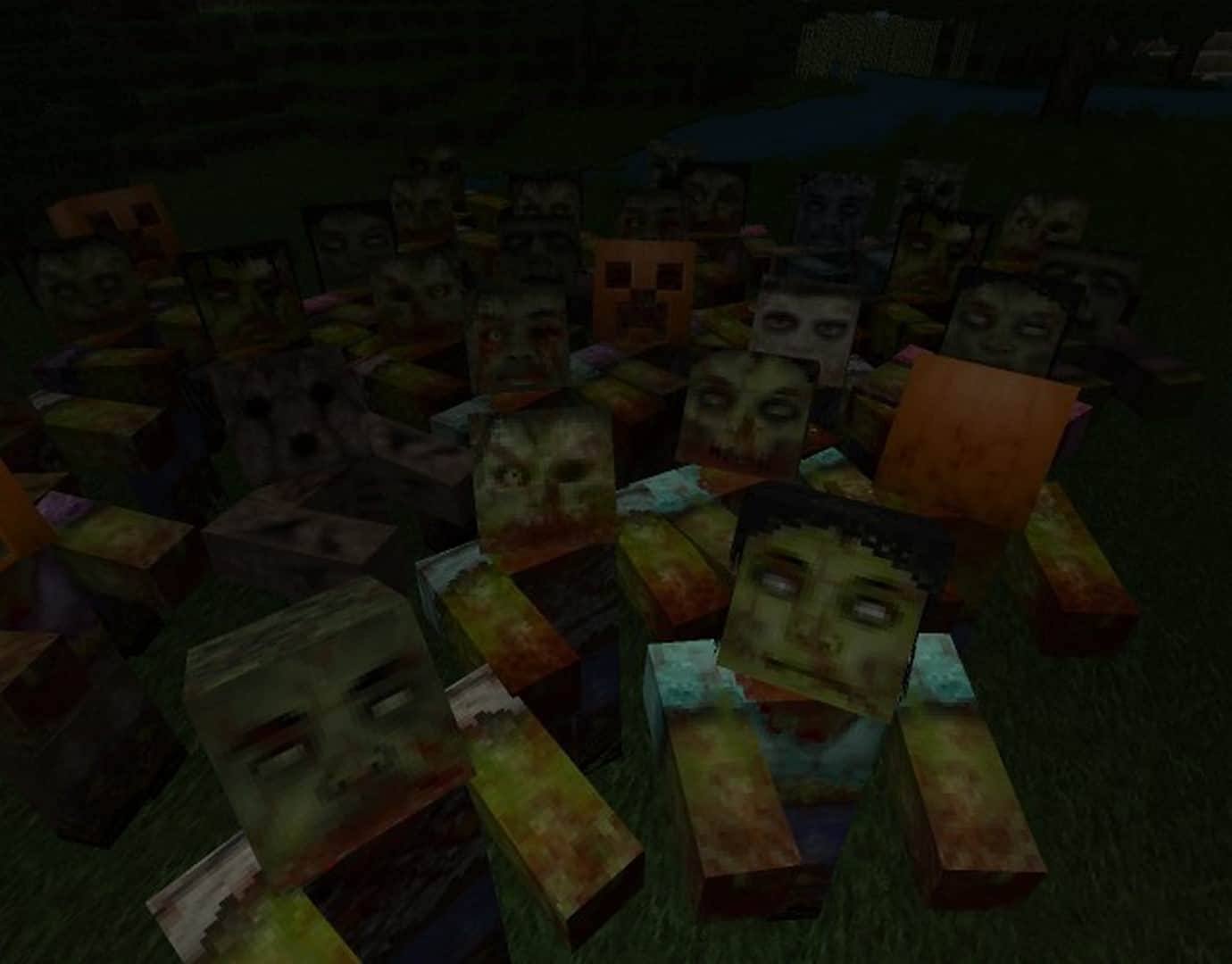
With its realistic and subtle approach, Misa’s Realistic resource pack stands out as the first comprehensive, high-resolution texture pack ever made, setting the standard for all future Minecraft packs. Originally designed by Misa, it was later reestablished and updated by lescard60, pscof42, and THBird after Misa stopped updating it in 2014, bringing fresh textures for newer Minecraft versions. Now, Misa’s Realistic texture pack has been crafted to a 64x resolution, offering a crisp and detailed quality that truly must be seen to be believed. By combining a medieval RPG theme with a grounded aesthetic and high visual fidelity, the creators—hailed as true craftsmen by appreciative fans—have completely revolutionized resource pack design. The pack makes wonderful use of color, heavily prioritizing earthy browns, grays, and greens to achieve a genuinely realistic look.
While some players might find the effect a bit dark or even slightly drab, most will discover that it transforms Minecraft into a significantly deeper and more atmospheric experience than the standard, cartoonish vanilla art style. Villages and towns feel wonderfully homely, whereas monsters like zombies and creepers genuinely feel frightening, resulting in a comforting overall vibe that gives players a real sense of belonging in a grounded world. The aesthetic of the pack is simply excellent, and thankfully, it avoids the common mistake of failing to blend new visuals with Minecraft’s signature blocky models, merging its realistic approach with straight-edged styling to produce something totally unique. I was also incredibly impressed by the optimization; despite the high resolution, Misa’s realistic resource pack has a negligible impact on performance even on lower-spec machines. It is as functional as it is fashionable, so you really have no excuse not to check it out! As an enduring classic, this resource pack is an absolute must-try for anyone looking to completely overhaul their Minecraft experience.
Misa’s Realistic should be compatible with all of these Minecraft versions: 26.2 – 26.1.2 – 26.1.1 – 26.1 – 1.21.11 – 1.21.10 – 1.21.9 – 1.21.8 – 1.21.7 – 1.21.6 – 1.21.5 – 1.21.4 – 1.21.3 – 1.21.2 – 1.21.1 – 1.21 – 1.20.6 – 1.20.5 – 1.20.4 – 1.20.3 – 1.20.2 – 1.20.1 – 1.20 – 1.19.4 – 1.19.3 – 1.19.2 – 1.19.1 – 1.19 – 1.18.2 – 1.18.1 – 1.18 – 1.17.1 – 1.17 – 1.16.5 – 1.16.4 – 1.16.3 – 1.16.2 – 1.16.1 – 1.16 – 1.8.9 – 1.8.8 – 1.8.1 – 1.8.6 – 1.8 – 1.7.10 – 1.7.9 – 1.7.4 – 1.7 – 1.6.4 – 1.6.2
Screenshots
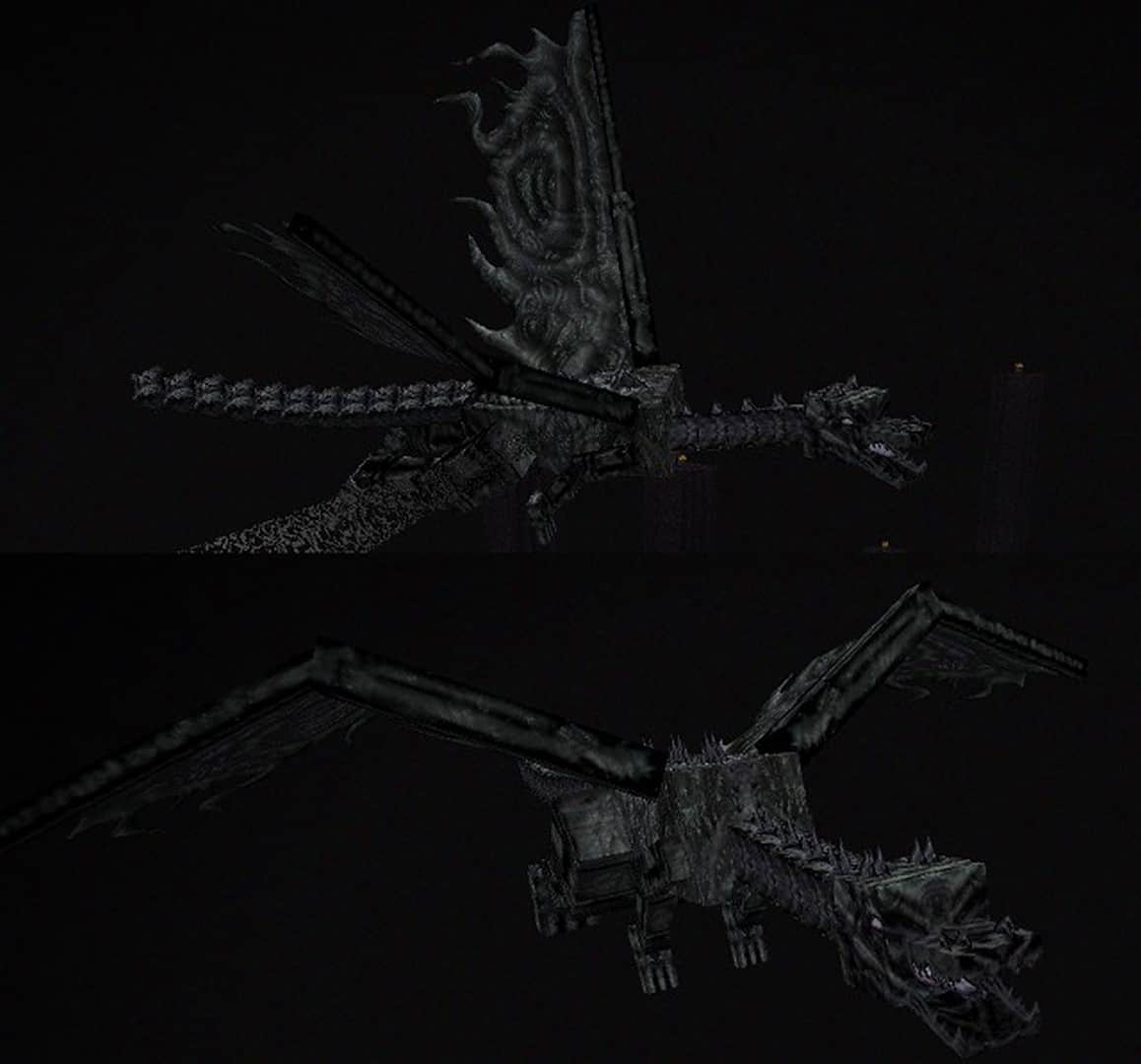
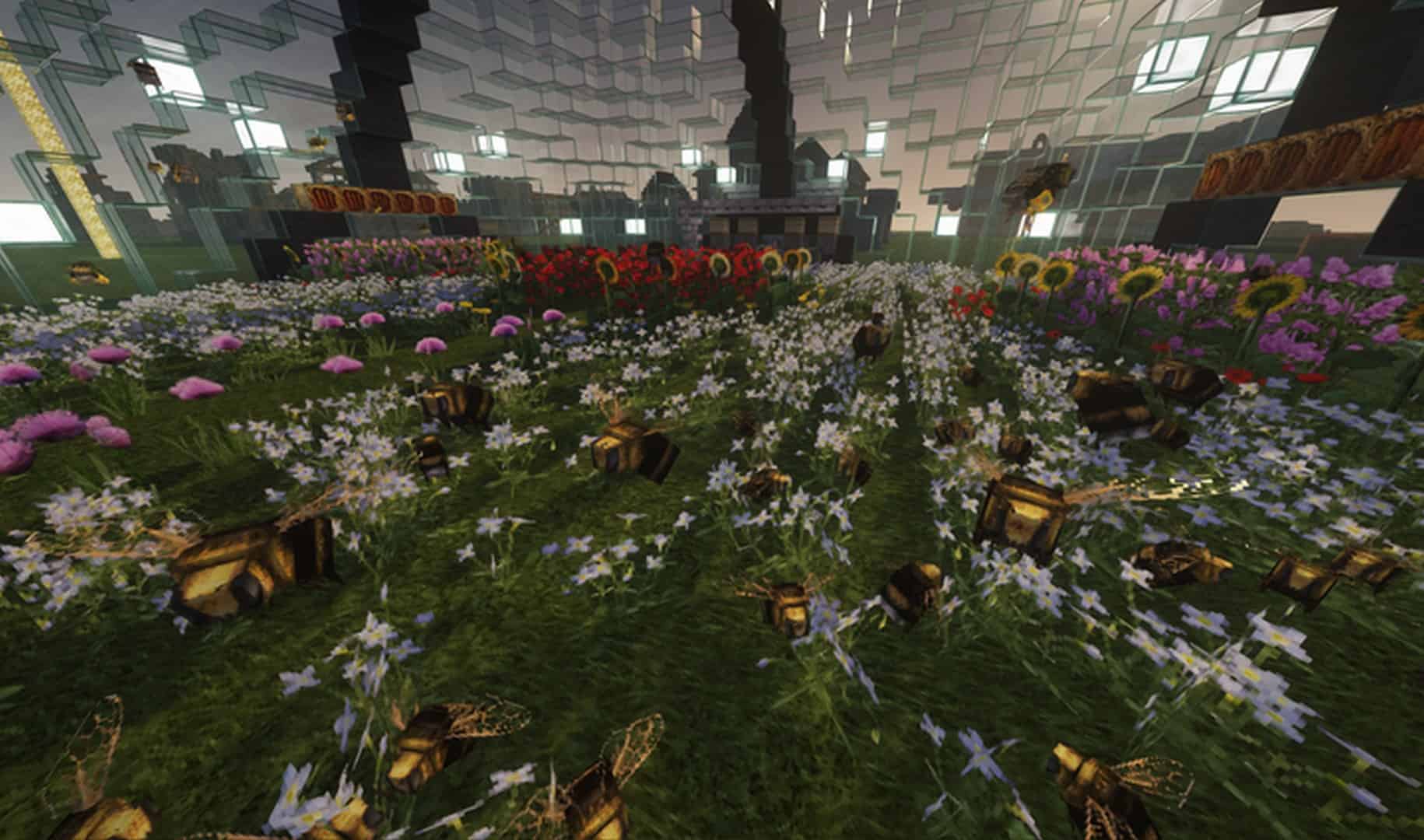
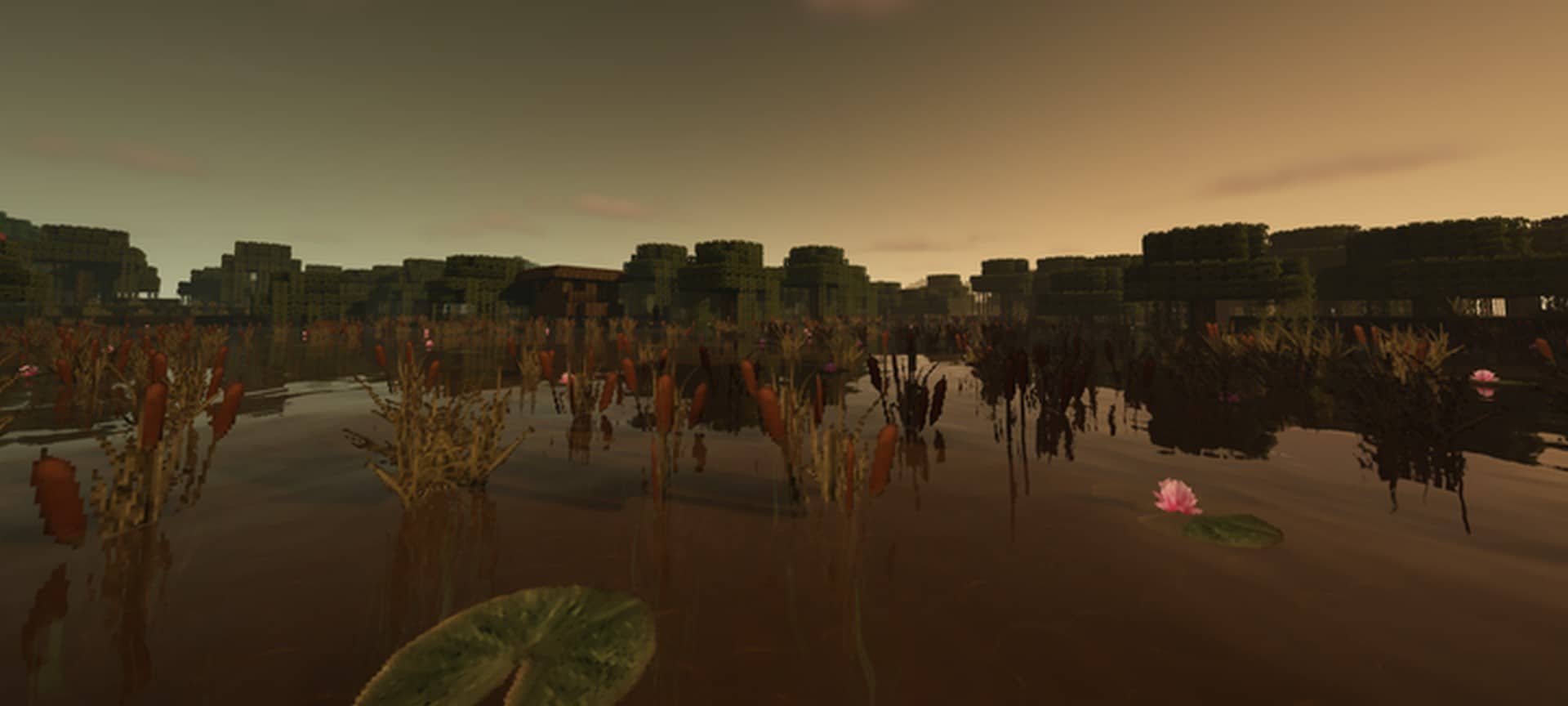
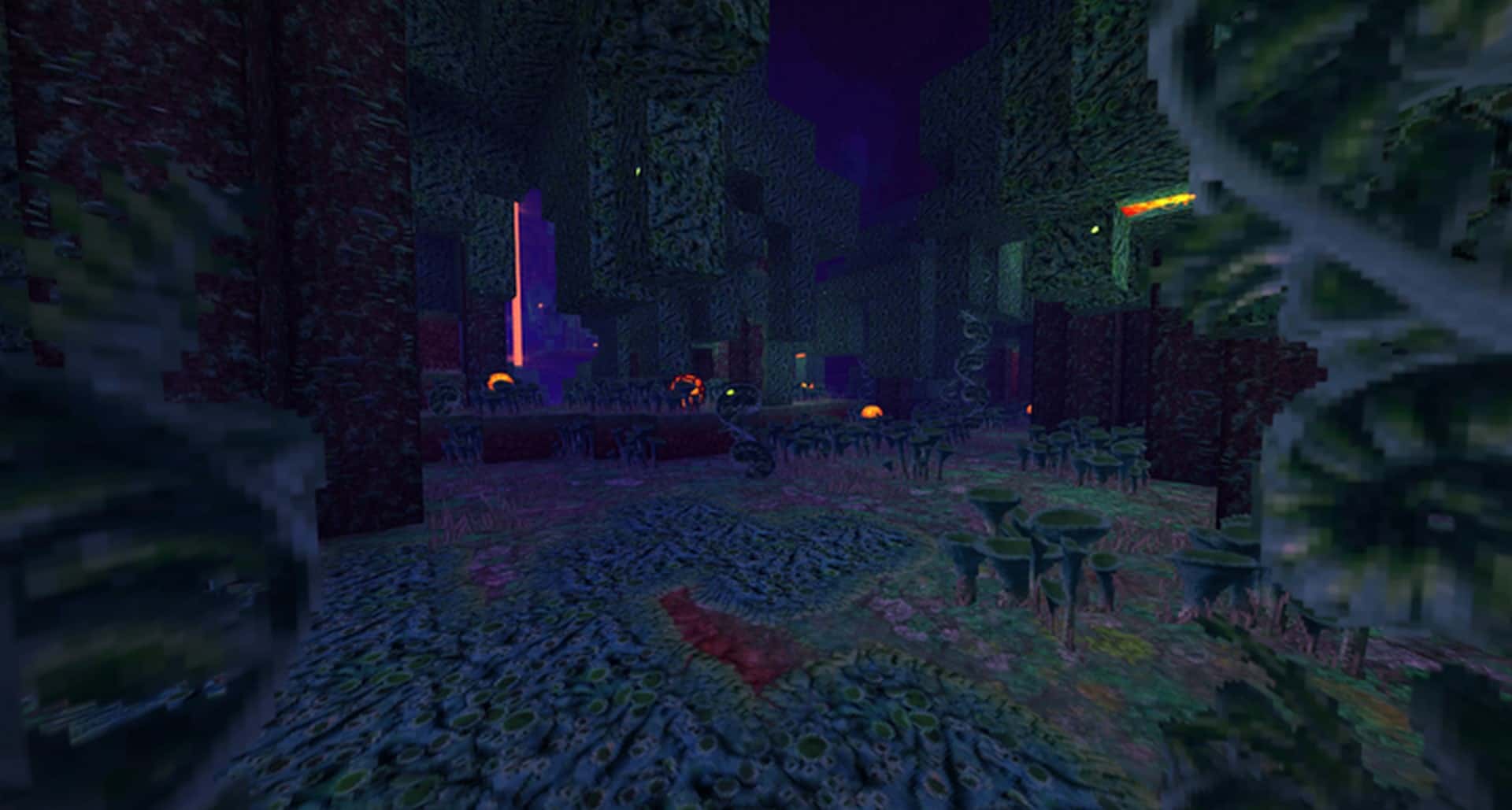
How to Install Texture Pack (Simple 10 Steps)
- Download OptiFine: Most of the texture packs and shaders need OptiFine. That’s why, first download and install OptiFine for the version of Minecraft you want to play.
- Download the Texture Pack: Get the texture pack you want from the download section. Choose the version that works with your Minecraft and your PC’s performance.
- Open Minecraft Launcher: Start Minecraft using the official game launcher — or even TLauncher, if you use that.
- Go to Options: From the main menu, click on the “Options” button.
- Open Resource Packs: Inside Options, click on “Resource Packs…”.
- Open the Resource Pack Folder: Click on “Open Resource Pack Folder” — this will open a folder named “resourcepacks”.
- Move the Pack File: Copy or move the .zip file you downloaded into that “resourcepacks” folder. (Don’t unzip the file — Minecraft uses it as-is!)
- Go Back and Refresh: Close the folder and click “Done”, then go back into “Resource Packs…” again.
- Activate the Pack: You’ll see the pack on the left side. Hover over it and click the arrow to move it to the right (active side).
Tip: If you get a message that the pack is for a different version, just click “Yes” — it usually works fine. - Click Done and Enjoy: Click “Done” again. Now your pack is ready to use in-game. It’s that easy!
Credits
Credits to Misa, THBird, and pscof42 for the creation and continued updates of this resource pack. We do not claim ownership of this content and do not modify the original files. Please support the creators by visiting their official download pages.
Download Links
Java Edition
Download Instructions
Curseforge: download starts automatically after a few seconds;
Mediafire: click the big blue button with the text “DOWNLOAD”;
Google Drive: in the top right corner you will see a small download icon (down arrow), click it and the download should start;


