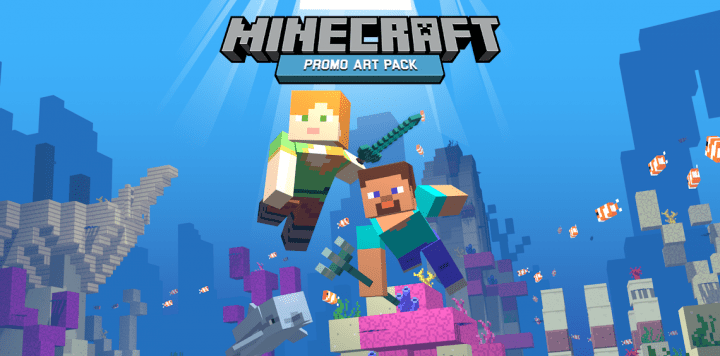
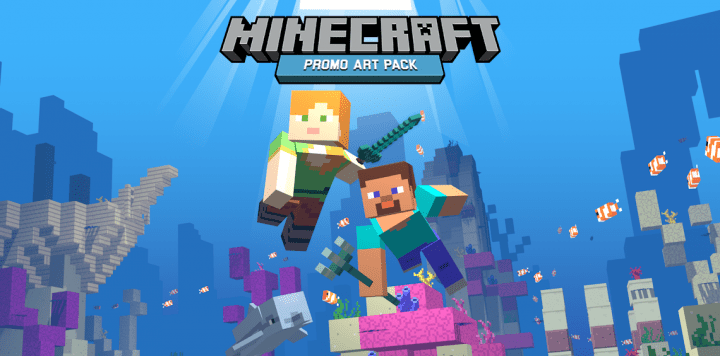
If you are looking for an outstanding resource pack designed to fit a wide range of textures seamlessly, you will absolutely love trying out the Minecraft Promo Art Pack! It faithfully recreates the exact features and visual style mostly presented in official Minecraft promo graphic arts. I know this unique resource pack might sound quite familiar when you compare it to others out there, and surprisingly, you are completely right in your thoughts. This is because the exact same talented developer who designed it actually created the popular MCMojang pack some time back. That former resource pack was made to perform the very same roles as this new one. However, the MCMojang resource pack did have a few noticeable problems. The major issue was that it was crafted with a somewhat low resolution of about 8×8 pixels. The unfortunate outcome of that design was that it became nearly impossible to project truly presentable textures for it. Thankfully, with the advent of the new and advanced Minecraft Promo Art resource pack, all those previous problems have been successfully eliminated!
It is rapidly becoming a major trend compared to the older MCMojang resource pack, and I really enjoy using it. This resource pack genuinely lives up to its name, delivering top-quality features and gorgeous graphical art straight into your gameplay experience. In simple words, it successfully fulfills the true purpose of its predecessor. I am especially fond of the colors, which are extremely bright and lively. Even though the pack contains relatively low-resolution textures, it still remains remarkably impressive. The pack contains little to no noise at all and is carefully designed with a significant amount of smoothness. Another crucial feature of this resource pack is the resolution itself. This resolution goes double compared to the previous one, translating to a crisp 16×16 standard. This implies that the textures are significantly clearer and much better to look at. In addition, the resource pack’s overall performance has been improved quite attractively. You will therefore be in a wonderful position to use it with any computer that can run vanilla Minecraft without experiencing any kind of lag or problem. It is definitely worth noting that this resource pack is still actively being improved by the author, which implies that with time, some features are bound to receive even more fantastic updates!
Minecraft Promo Art Pack should be compatible with all of these Minecraft versions: 1.13.2 – 1.13.1 – 1.13 – 1.12.2 – 1.12
Screenshots
How to Install Texture Pack (Simple 10 Steps)
- Download OptiFine: Most of the texture packs and shaders need OptiFine. That’s why, first download and install OptiFine for the version of Minecraft you want to play.
- Download the Texture Pack: Get the texture pack you want from the download section. Choose the version that works with your Minecraft and your PC’s performance.
- Open Minecraft Launcher: Start Minecraft using the official game launcher — or even TLauncher, if you use that.
- Go to Options: From the main menu, click on the “Options” button.
- Open Resource Packs: Inside Options, click on “Resource Packs…”.
- Open the Resource Pack Folder: Click on “Open Resource Pack Folder” — this will open a folder named “resourcepacks”.
- Move the Pack File: Copy or move the .zip file you downloaded into that “resourcepacks” folder. (Don’t unzip the file — Minecraft uses it as-is!)
- Go Back and Refresh: Close the folder and click “Done”, then go back into “Resource Packs…” again.
- Activate the Pack: You’ll see the pack on the left side. Hover over it and click the arrow to move it to the right (active side).
Tip: If you get a message that the pack is for a different version, just click “Yes” — it usually works fine. - Click Done and Enjoy: Click “Done” again. Now your pack is ready to use in-game. It’s that easy!
Credits
This resource pack was originally created by RobotPantaloons. We do not claim ownership of this content, nor do we host modified or unauthorized versions of these files. We strongly encourage players to support the original creator by downloading the resource pack through their official links provided below.
Download Instructions
Curseforge: download starts automatically after a few seconds;
Mediafire: click the big blue button with the text “DOWNLOAD”;
Google Drive: in the top right corner you will see a small download icon (down arrow), click it and the download should start;


