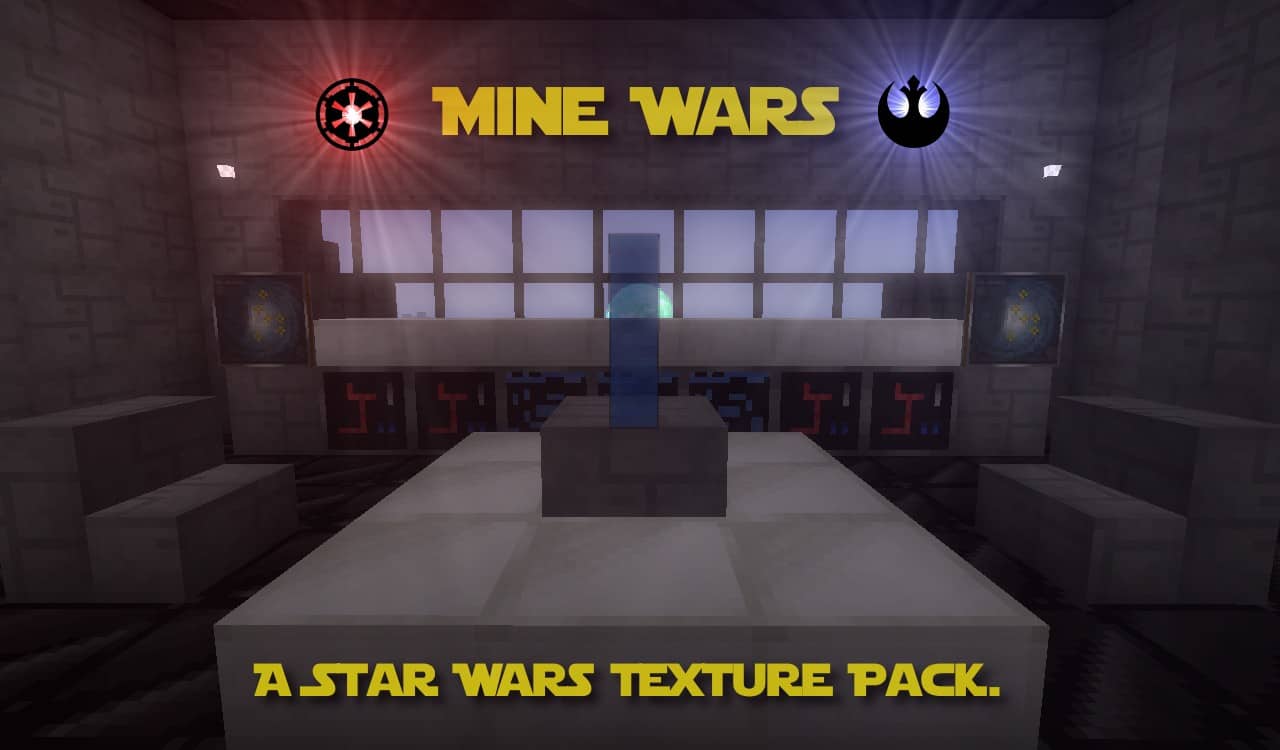
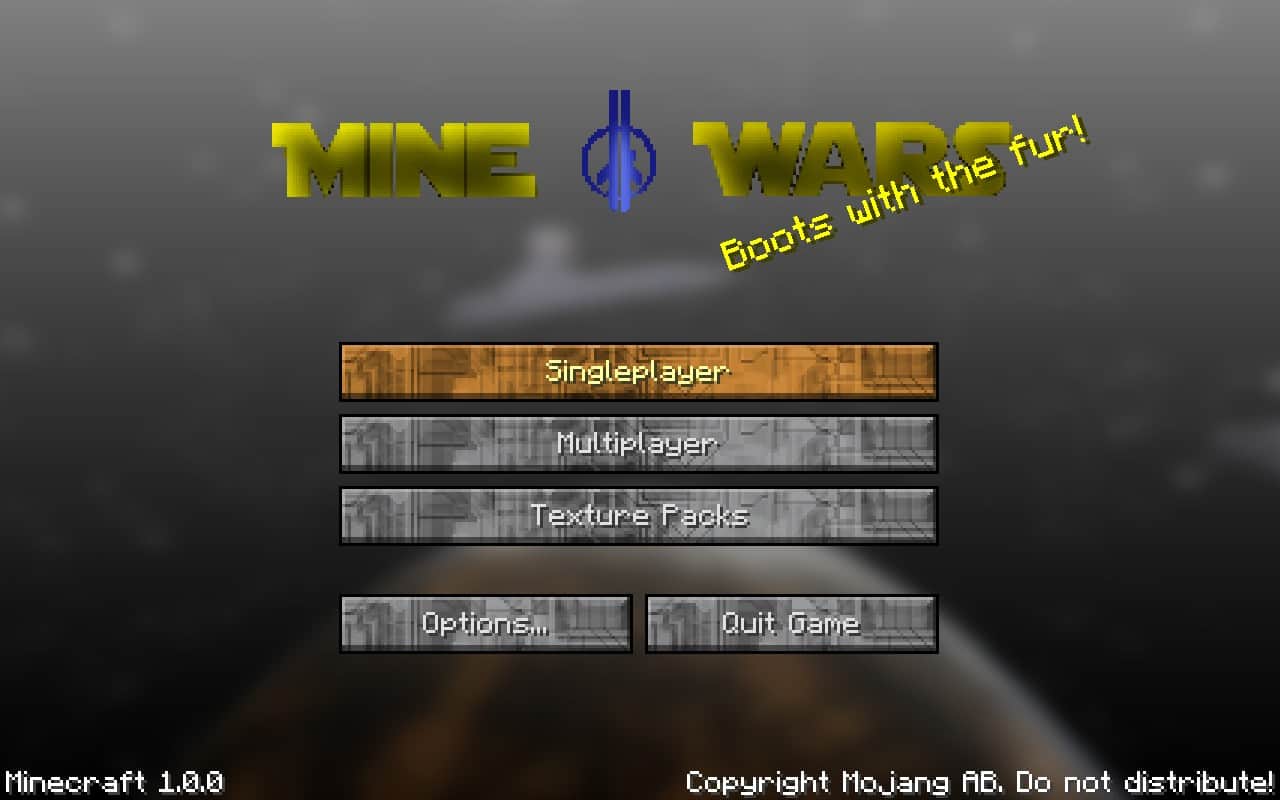
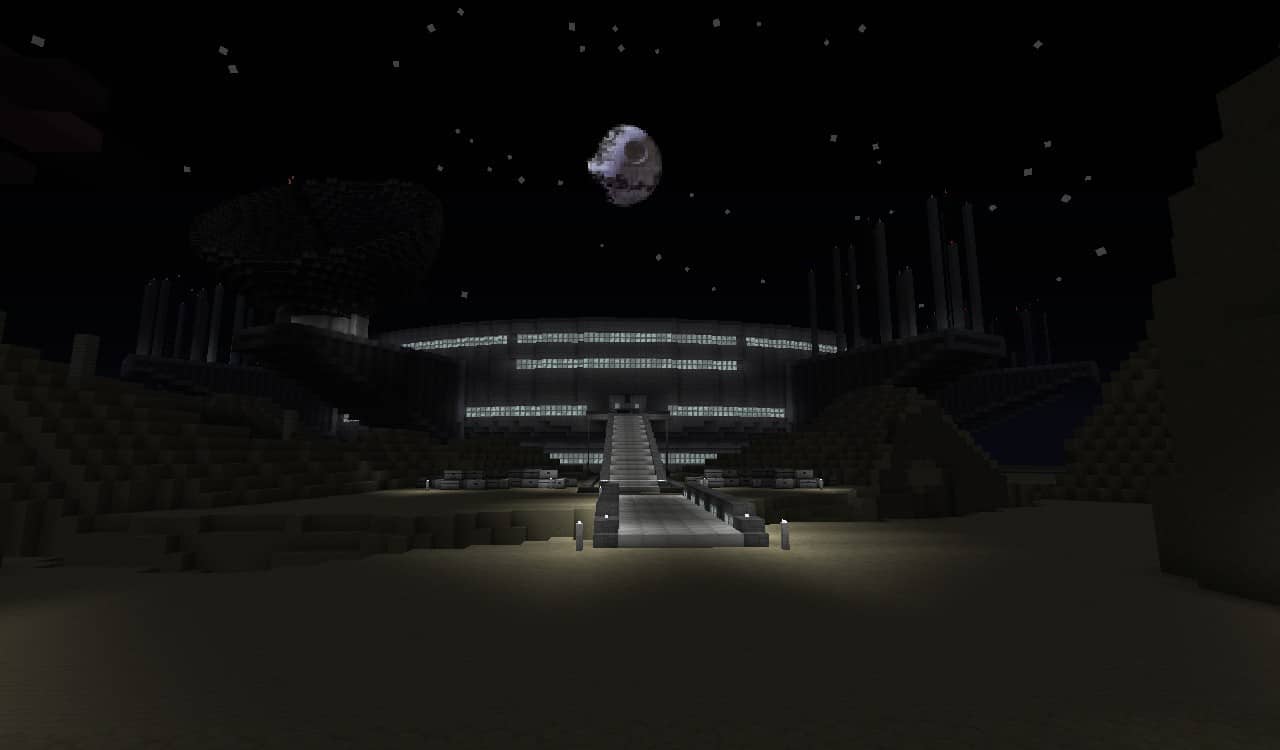
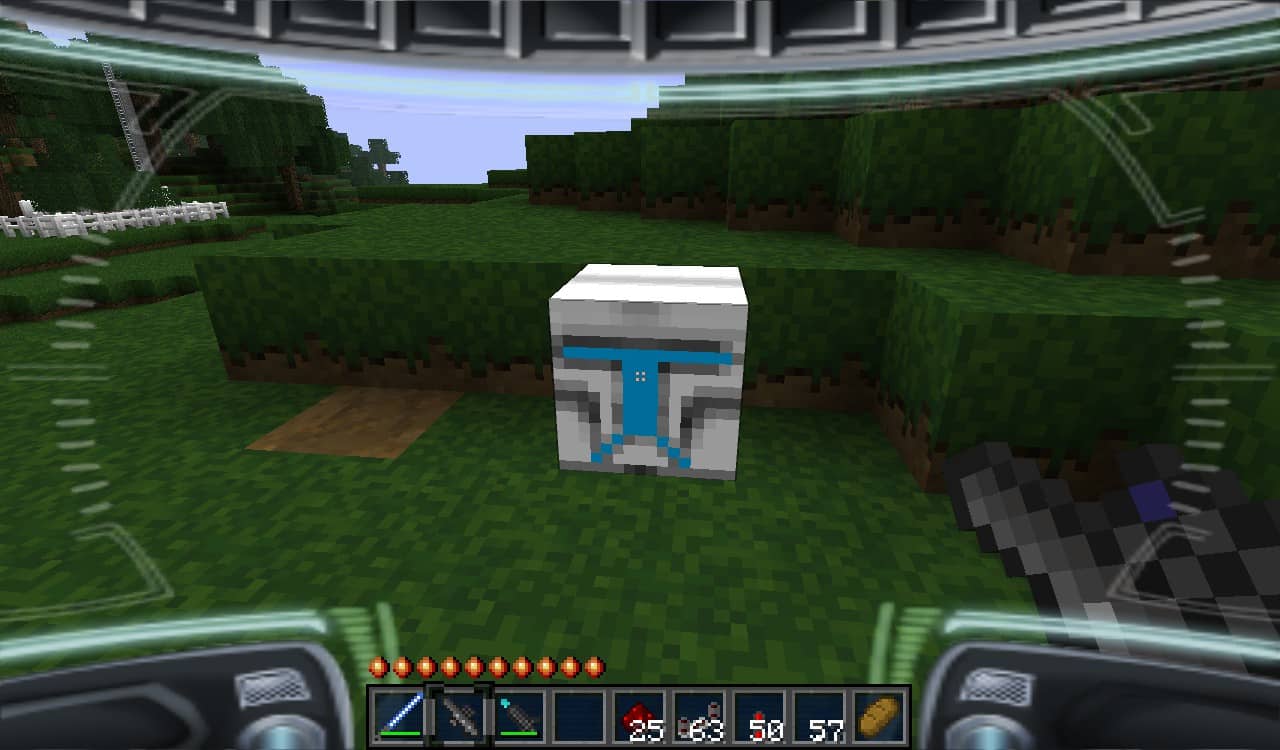
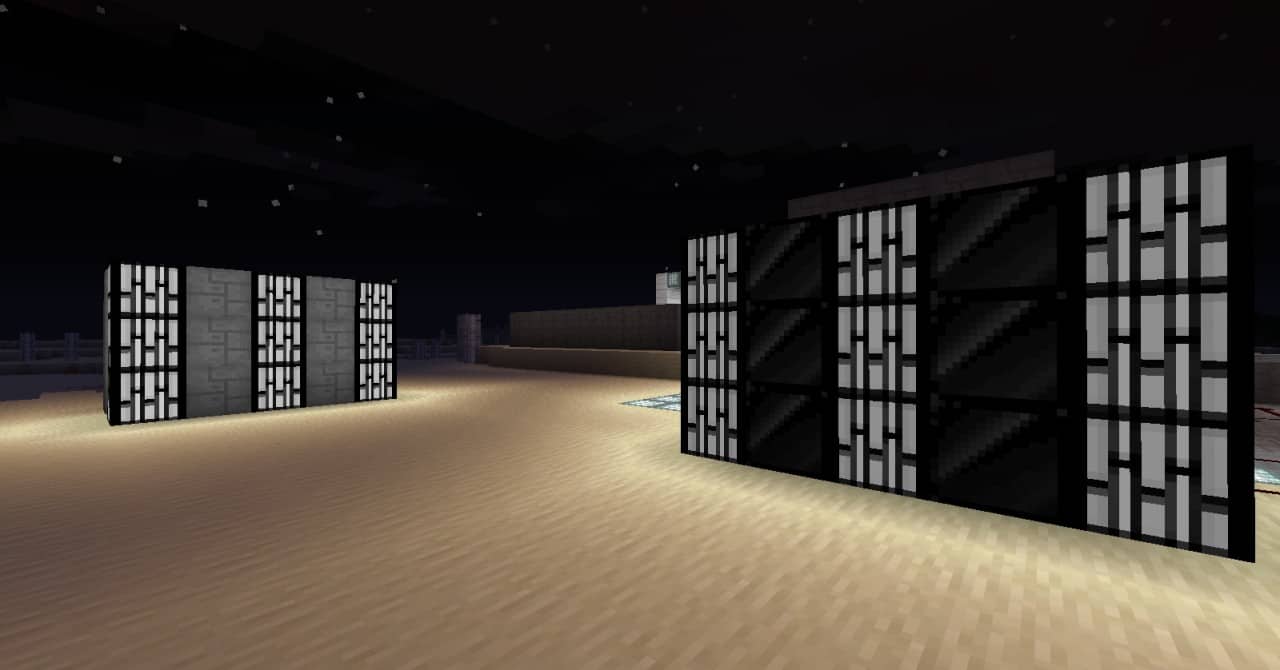
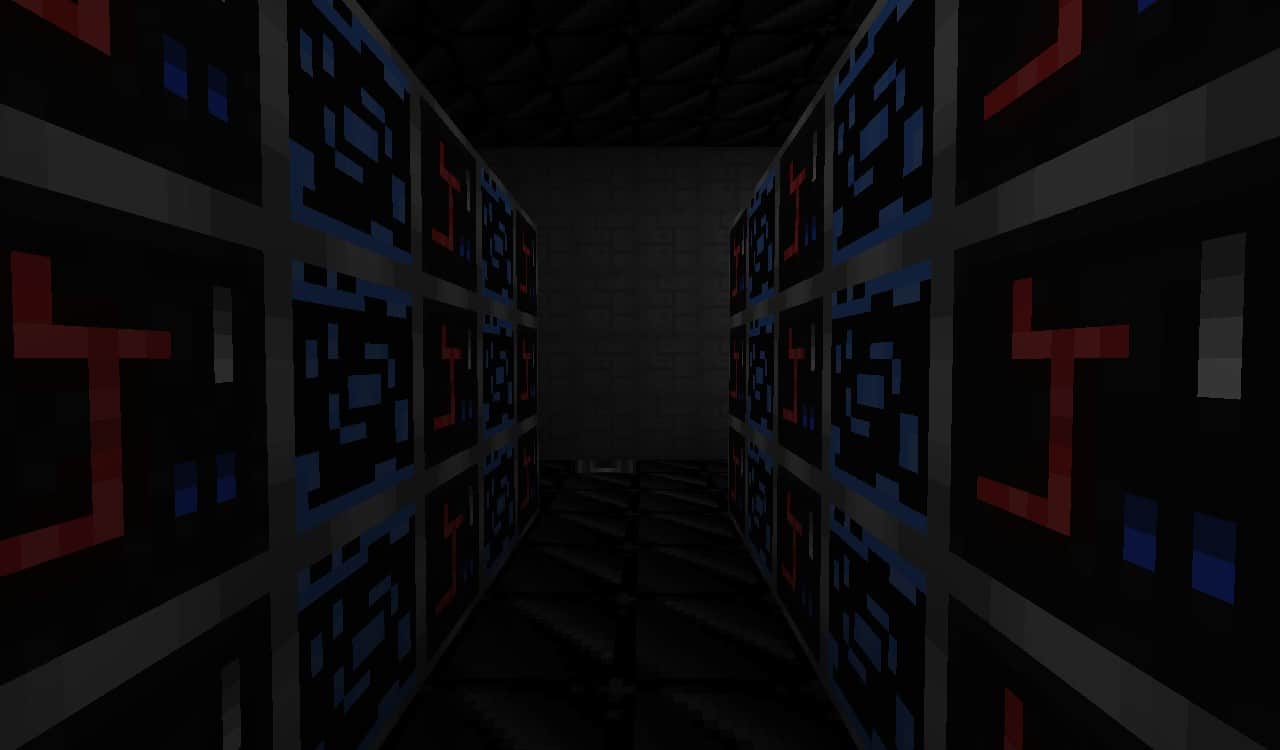
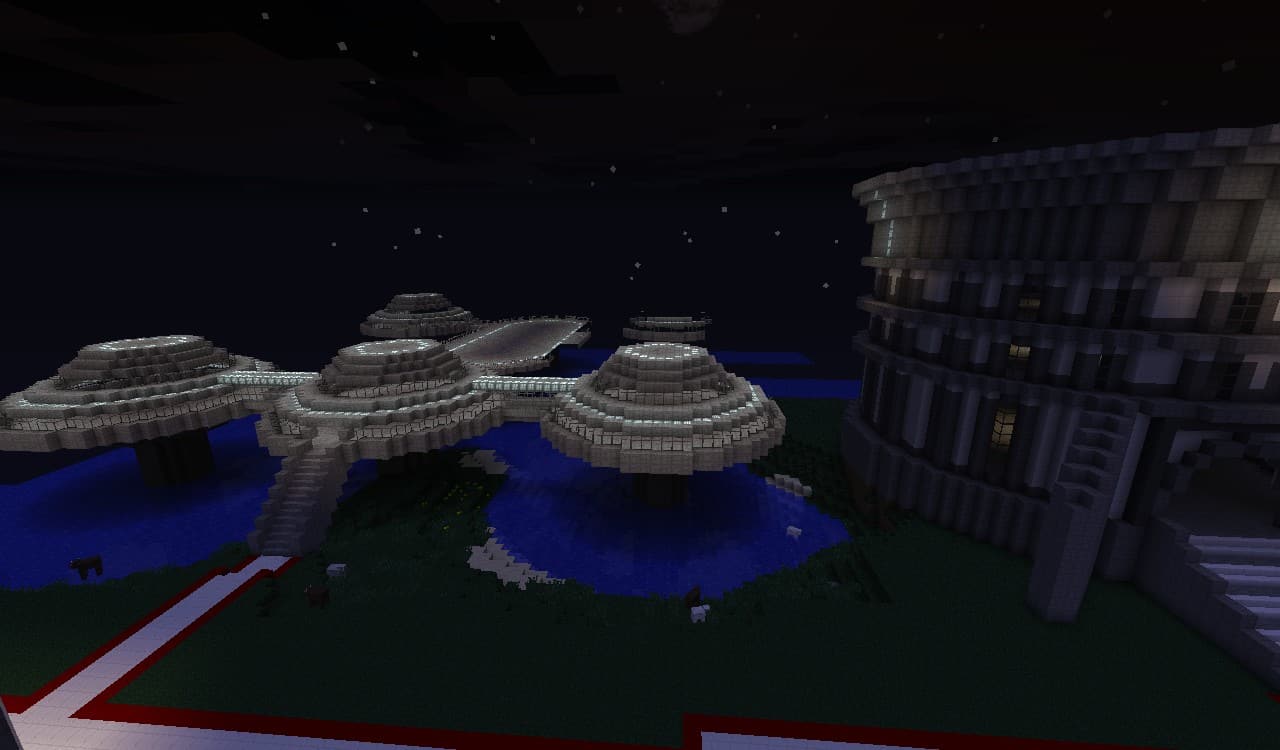
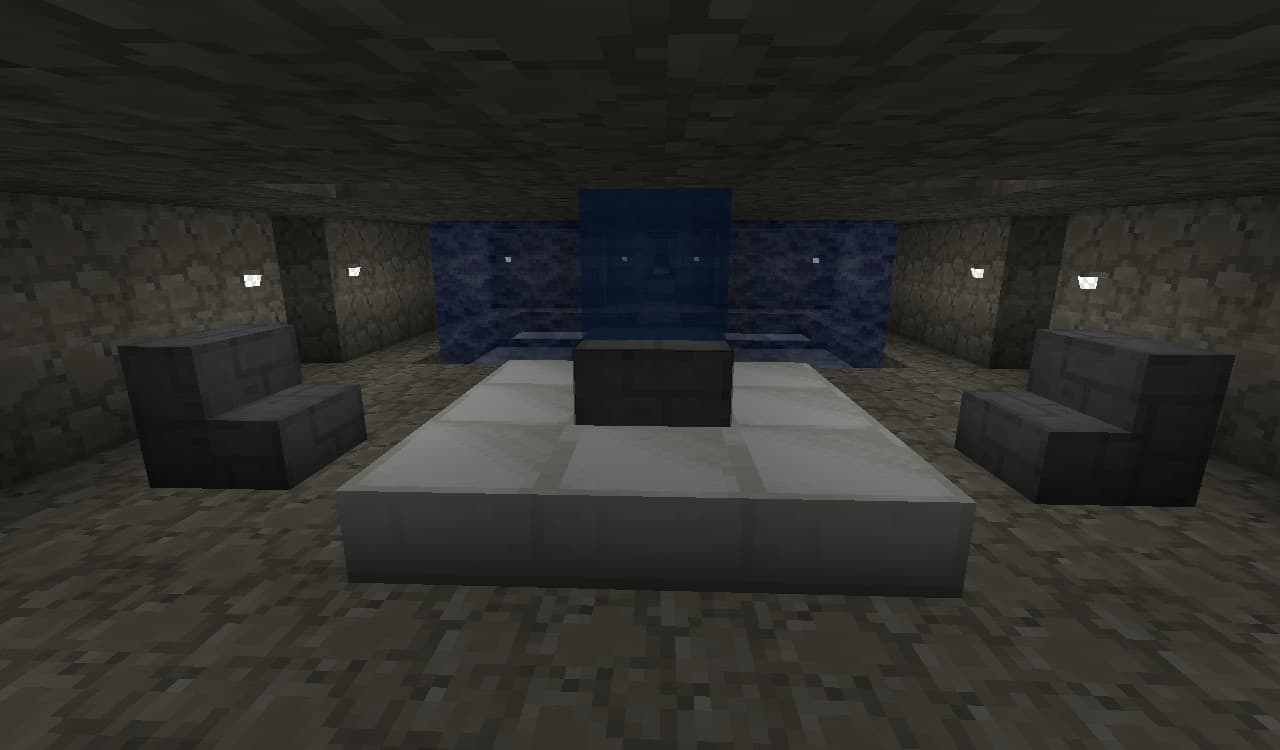
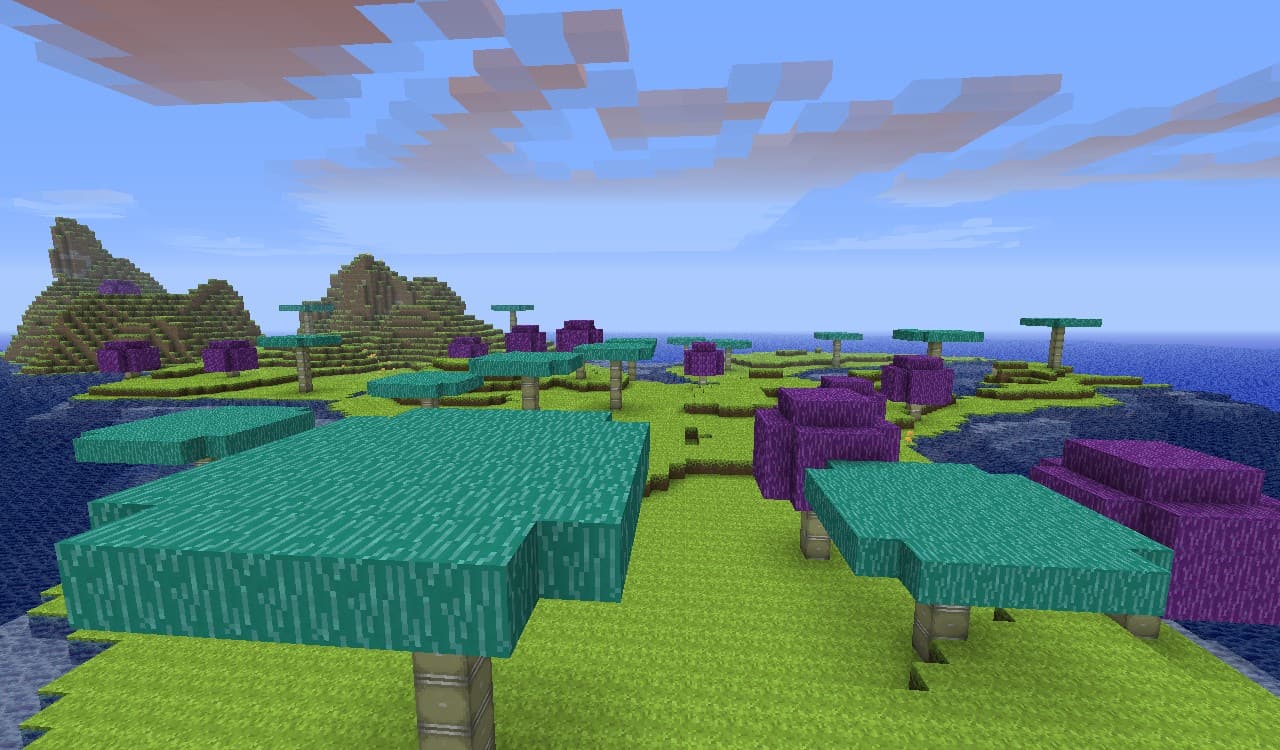
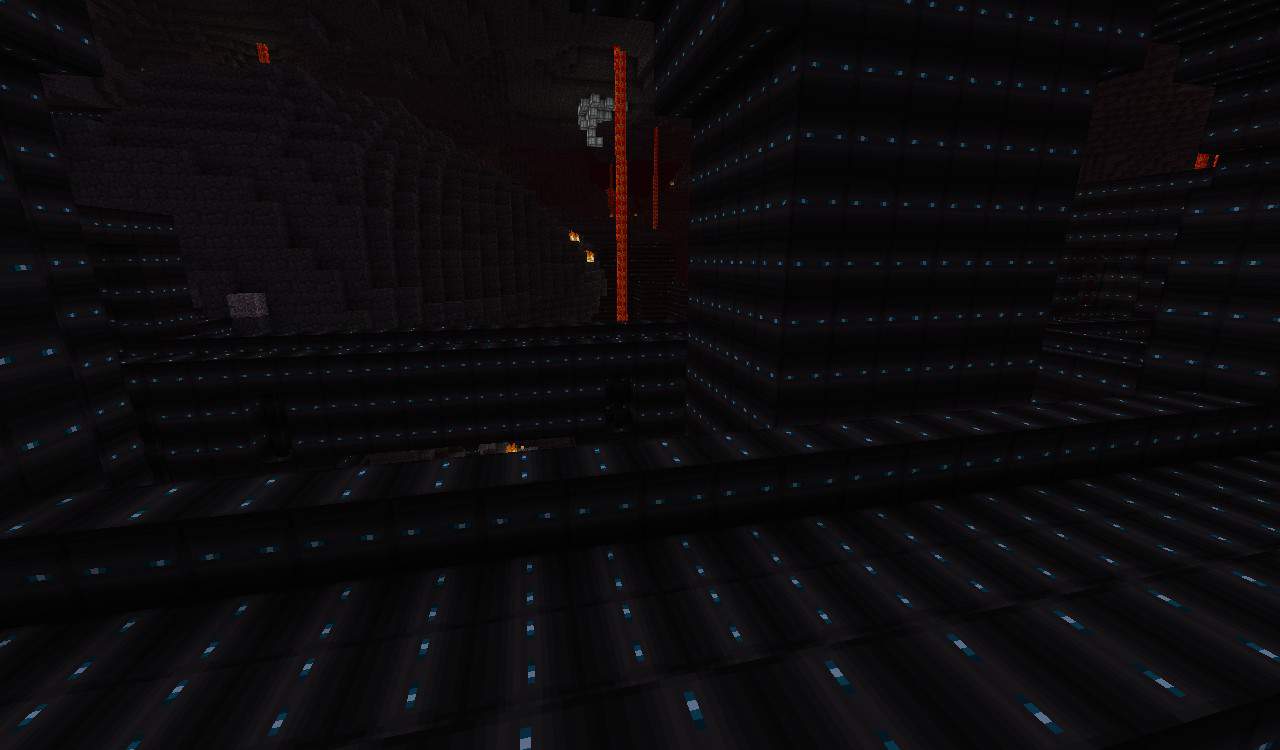
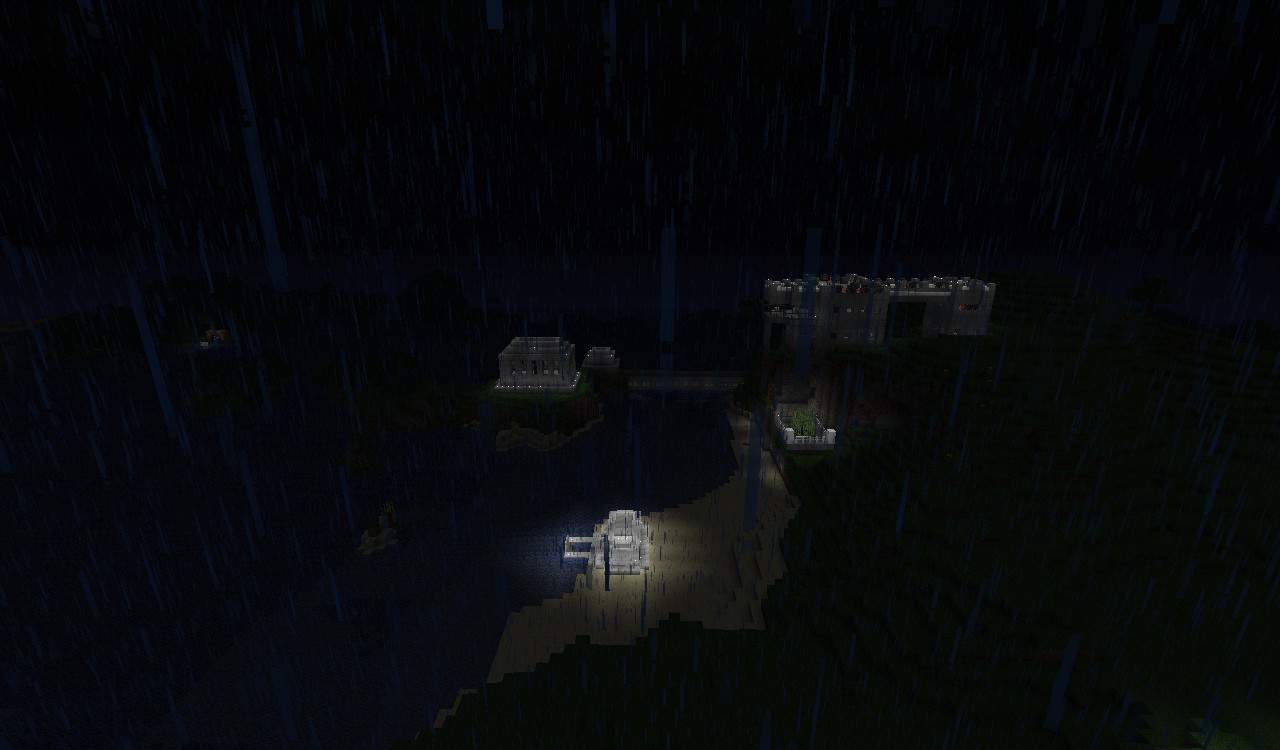
Are you a massive fan of the iconic atmosphere of Star Wars? George Lucas’s legendary franchise is globally beloved, and if you have ever wanted to weave those incredible Star Wars vibes directly into your Minecraft adventures, I have an awesome resource pack for you to test out! Let me give you a quick introduction: Mine Wars is a truly unique texture pack heavily inspired by the Star Wars universe, bringing a plethora of fantastic items straight from the movies into your gameplay. The absolute best part is that all of these incredible items feature a compact 16x resolution, which matches the standard 16x resolution of vanilla Minecraft. Because of this, the Mine Wars resource pack runs wonderfully and is fully compatible with Minecraft even if you are playing on a lower-end PC or hardware setup. Are you curious about the specific changes you will see after installing this pack? The list is genuinely extensive, but the single most striking and noticeable addition has got to be the moon. Normally, the vanilla Minecraft moon looks pretty plain and dull, but once you install this pack, it completely replaces that standard view with an amazing, breathtaking Death Star. Now, keep in mind that since Mine Wars sticks to the smaller 16x resolution, a good number of textures will still feel familiar and close to home; things like trees, dirt, giant mushrooms, and various other world blocks retain a very classic appearance. In the same way, several other everyday items like workbenches, glass windows, and chests stay fairly true to their default Minecraft counterparts. Overall, my takeaway is that Mine Wars isn’t designed for players who want ultra-shiny, hyper-vibrant, or vividly colorful textures. Instead, this pack is an absolute must-have for anyone who prefers a grittier, more realistic aesthetic. Please note that there are no custom music tracks or sound effects included with this resource pack, but you can always layer them in easily on your own if you want the full cinematic audio experience.
Mine Wars should be compatible with all of these Minecraft versions: 1.7.10 – 1.7.9 – 1.7.4 – 1.7 – 1.6.4 – 1.6.2
Screenshots

How to Install Texture Pack (Simple 10 Steps)
- Download OptiFine: Most of the texture packs and shaders need OptiFine. That’s why, first download and install OptiFine for the version of Minecraft you want to play.
- Download the Texture Pack: Get the texture pack you want from the download section. Choose the version that works with your Minecraft and your PC’s performance.
- Open Minecraft Launcher: Start Minecraft using the official game launcher — or even TLauncher, if you use that.
- Go to Options: From the main menu, click on the “Options” button.
- Open Resource Packs: Inside Options, click on “Resource Packs…”.
- Open the Resource Pack Folder: Click on “Open Resource Pack Folder” — this will open a folder named “resourcepacks”.
- Move the Pack File: Copy or move the .zip file you downloaded into that “resourcepacks” folder. (Don’t unzip the file — Minecraft uses it as-is!)
- Go Back and Refresh: Close the folder and click “Done”, then go back into “Resource Packs…” again.
- Activate the Pack: You’ll see the pack on the left side. Hover over it and click the arrow to move it to the right (active side).
Tip: If you get a message that the pack is for a different version, just click “Yes” — it usually works fine. - Click Done and Enjoy: Click “Done” again. Now your pack is ready to use in-game. It’s that easy!
Credits
This resource pack was originally created and developed by yokoolio. We do not claim ownership of this content, nor do we host modified versions of the files. All rights remain with the original author. We strongly encourage you to visit the official download page to support the creator and their work.
Download Instructions
Curseforge: download starts automatically after a few seconds;
Mediafire: click the big blue button with the text “DOWNLOAD”;
Google Drive: in the top right corner you will see a small download icon (down arrow), click it and the download should start;


