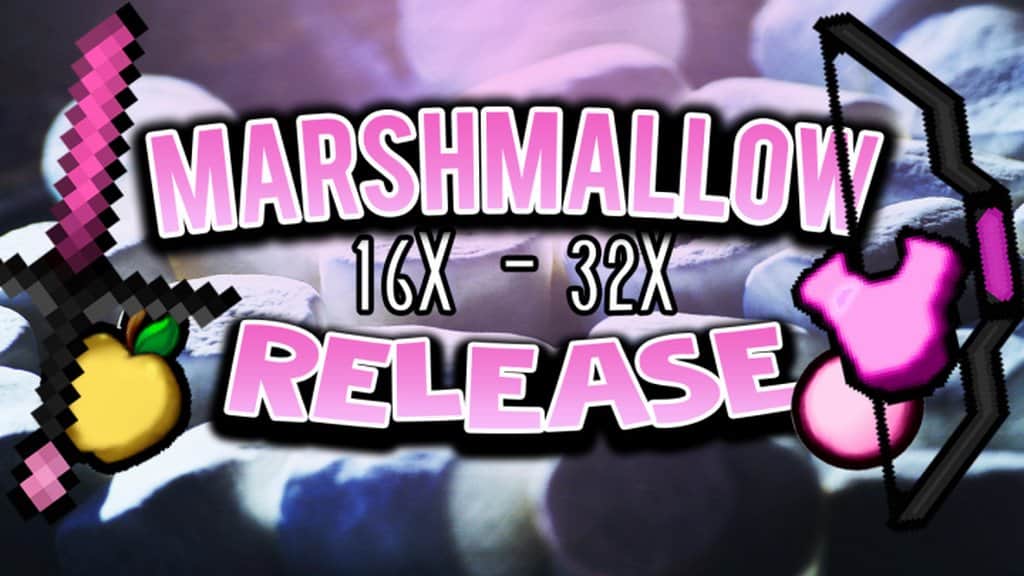
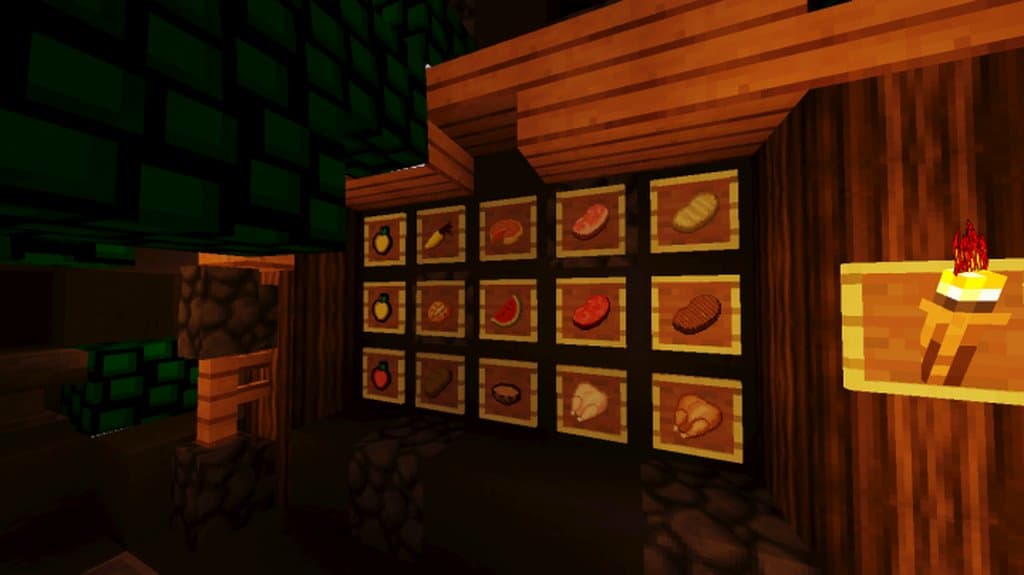
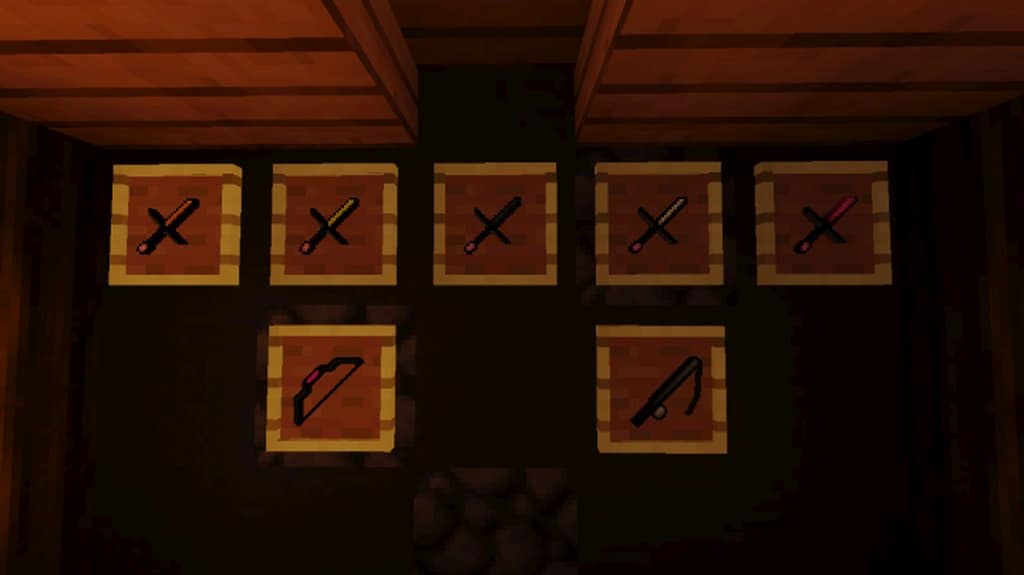
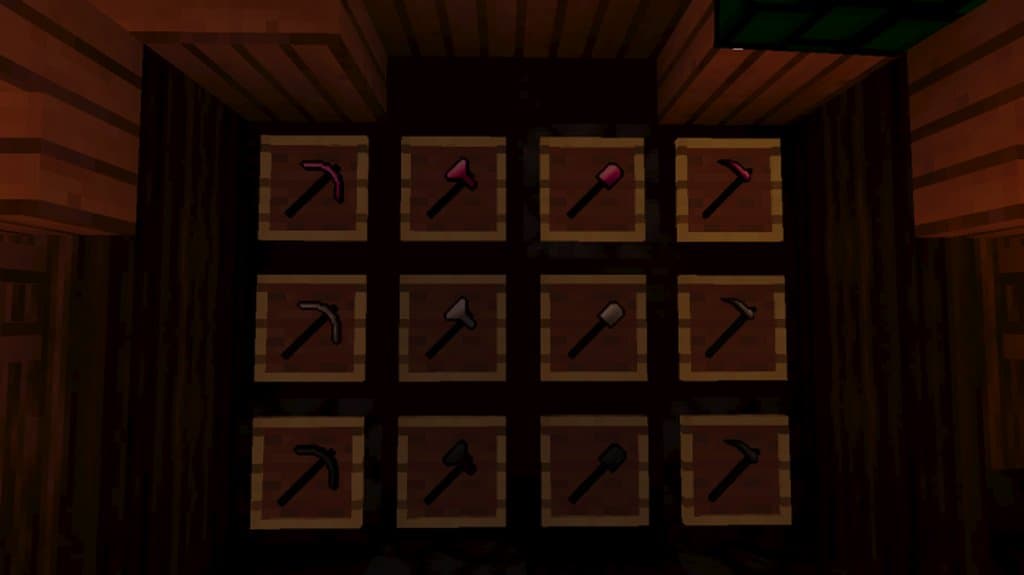
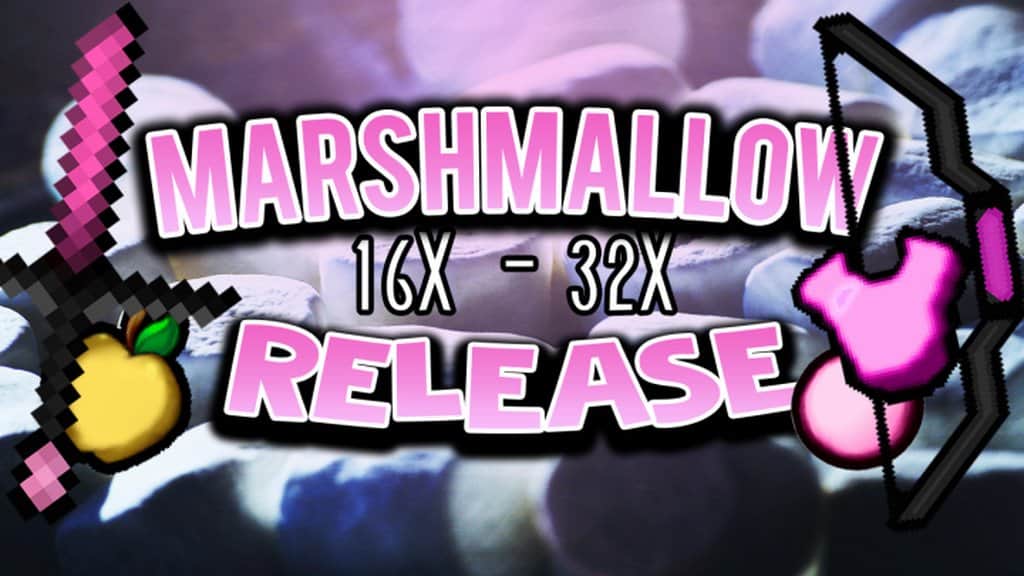
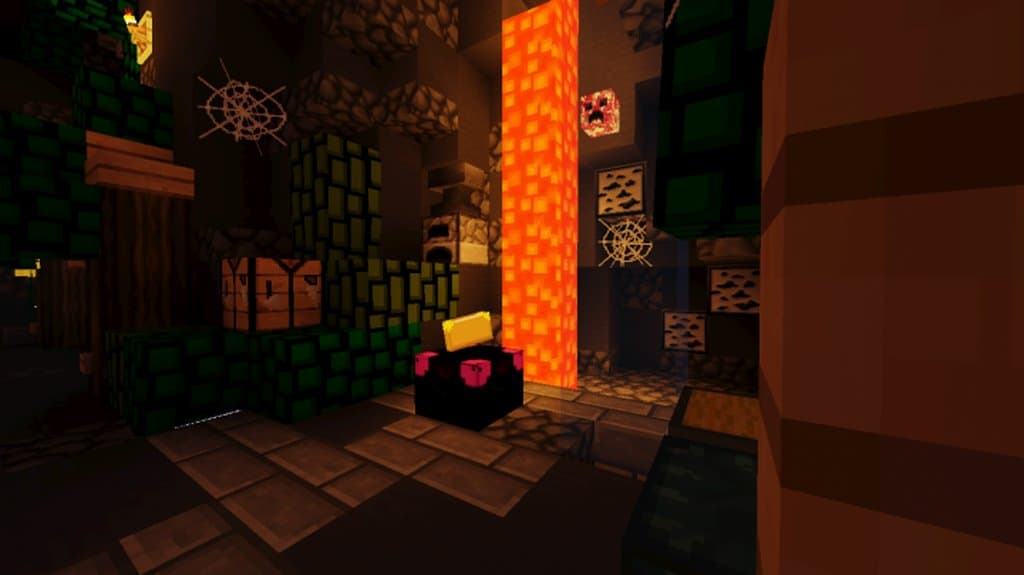
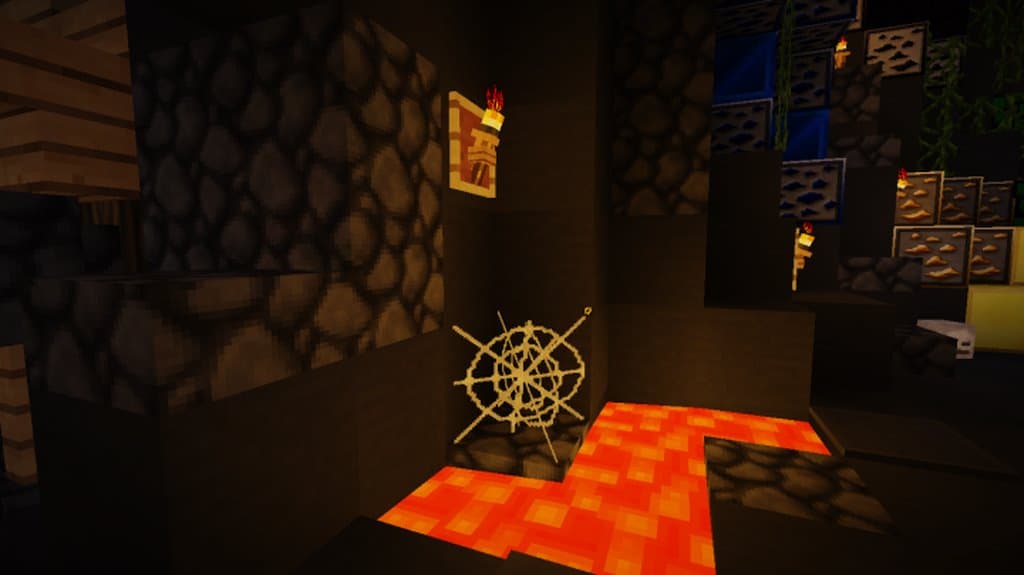
It almost goes without saying that when a PvP pack for Minecraft comes out with DustStorm’s name on it, you just know it will likely be a winner. This is due largely to the track record DustStorm has for spearheading many an outstanding resource pack. It is likely that this new one, the DustStorm Marshmallow PvP resource pack, will keep on delivering along those lines. Besides the certainty of a visually outstanding resource pack that offers a cleaner, more visually appealing look, PvP fans will really be in love with the significant gains in performance. This performance improvement is a real plus because, as frequent PvP fans know, even a minor degradation in performance can be the difference between emerging victorious and being viciously slain by your opponent. Adding to the performance upgrades, DustStorm Marshmallow PvP offers extremely clean textures, some of the cleanest released in recent PvP resource packs. Typically, when one encounters this level of textures there is a significant amount of noise as well. Miraculously this is not the case with this resource pack. Aside from a few textures where it would have been all but impossible to remove, the noise is almost completely gone. This results in a resource pack that is as outstanding visually as it is so much cleaner and appealing than most others available at the moment. Adding to the clean textures, some exceptional detailing given to several of the textures and a vibrant color palette add that little bit that really drives this resource pack up to the next level. Possibly the best part about DustStorm Marshmallow PvP is in its performance given the resolution; while many run at x16, DustStorm Marshmallow PvP pushes an x32 resolution. Despite this, there seems to be no measurable or noticeable drag on performance. This means that even players with entry-level PCs can enjoy a seamless experience at pivotal moments. In all, DustStorm Marshmallow PvP is a very clean resource pack with incredible textures and exceptional visuals delivered with the level of performance that pretty much anybody can and will enjoy.
Marshmallow PvP should be compatible with all of these Minecraft versions: 1.8.9 – 1.8.8 – 1.8.1 – 1.8.6 – 1.8
Screenshots
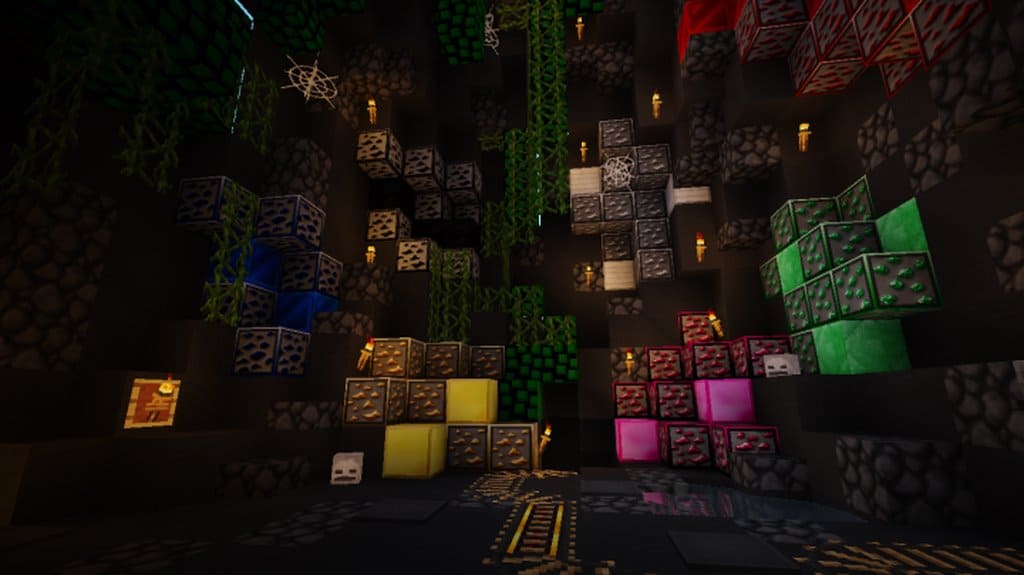
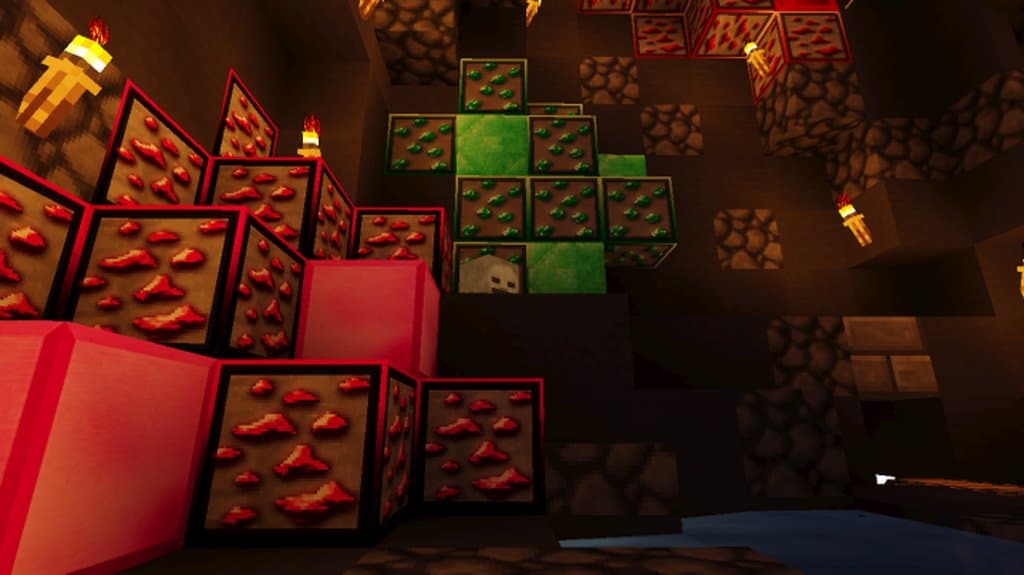
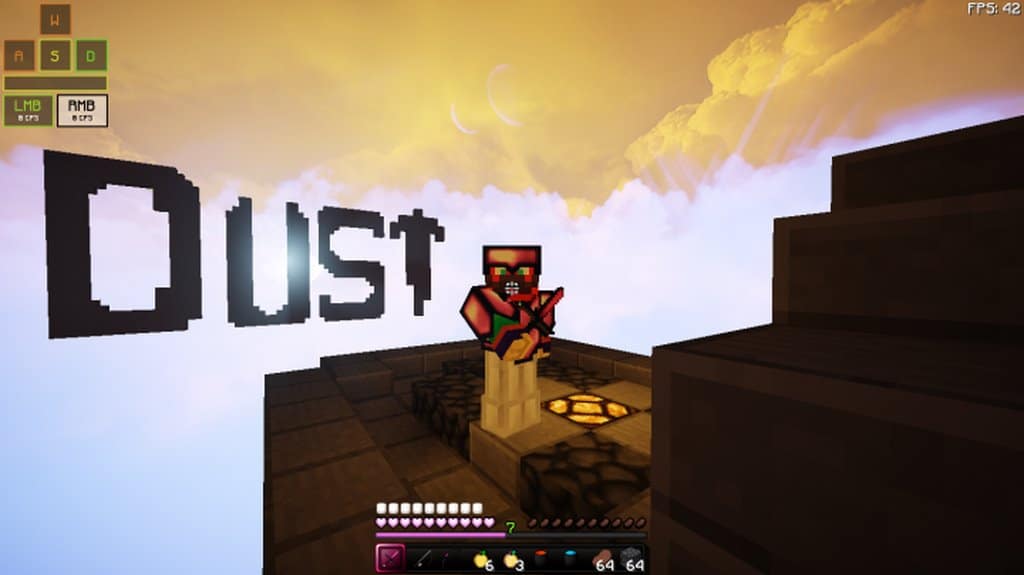
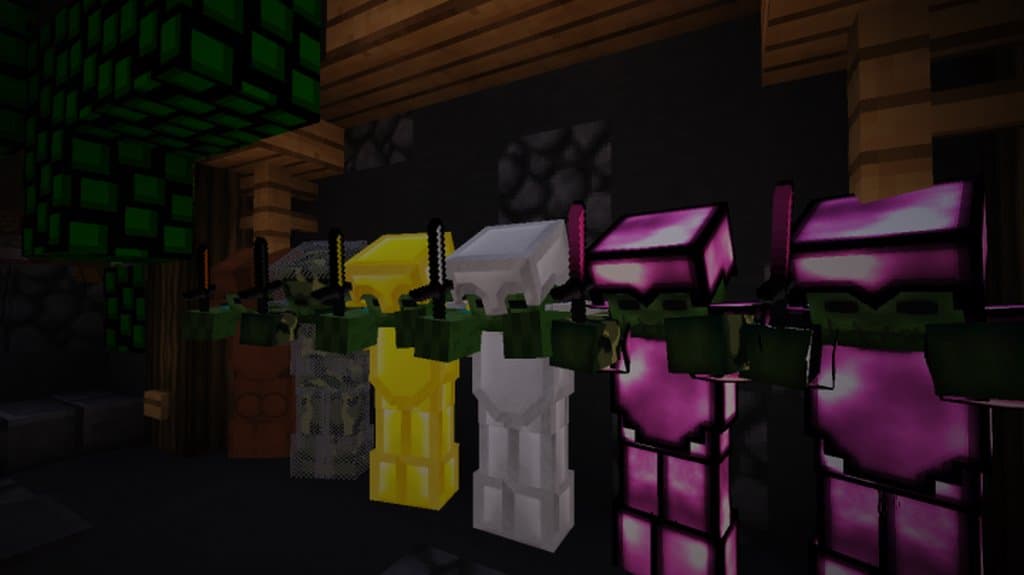
How to Install Texture Pack (Simple 10 Steps)
- Download OptiFine: Most of the texture packs and shaders need OptiFine. That’s why, first download and install OptiFine for the version of Minecraft you want to play.
- Download the Texture Pack: Get the texture pack you want from the download section. Choose the version that works with your Minecraft and your PC’s performance.
- Open Minecraft Launcher: Start Minecraft using the official game launcher — or even TLauncher, if you use that.
- Go to Options: From the main menu, click on the “Options” button.
- Open Resource Packs: Inside Options, click on “Resource Packs…”.
- Open the Resource Pack Folder: Click on “Open Resource Pack Folder” — this will open a folder named “resourcepacks”.
- Move the Pack File: Copy or move the .zip file you downloaded into that “resourcepacks” folder. (Don’t unzip the file — Minecraft uses it as-is!)
- Go Back and Refresh: Close the folder and click “Done”, then go back into “Resource Packs…” again.
- Activate the Pack: You’ll see the pack on the left side. Hover over it and click the arrow to move it to the right (active side).
Tip: If you get a message that the pack is for a different version, just click “Yes” — it usually works fine. - Click Done and Enjoy: Click “Done” again. Now your pack is ready to use in-game. It’s that easy!
Credits
This resource pack was created by DustStorm_YT. We do not claim ownership of this content, nor have we modified the original files. All rights and intellectual property belong to the original creator. We highly recommend supporting DustStorm_YT by visiting their official source links.
Download Links
Java Edition
Download Instructions
Curseforge: download starts automatically after a few seconds;
Mediafire: click the big blue button with the text “DOWNLOAD”;
Google Drive: in the top right corner you will see a small download icon (down arrow), click it and the download should start;


