Minecraft Texture Packs Minecraft Resource Packs

Introduction
Shaders are often associated with heavy performance costs, but not every shader pack aims for cinematic realism. MakeUp Ultra Fast Shaders takes a different approach by focusing on clean visuals and extremely high performance. This shader is designed for players who want subtle lighting improvements without sacrificing FPS, even on low-end or older systems. It delivers a smoother and more polished Minecraft experience while keeping hardware demands to a minimum.
What MakeUp Ultra Fast Shaders Is
MakeUp Ultra Fast Shaders is a performance-focused Minecraft shader pack built to enhance lighting and atmosphere while remaining as lightweight as possible. Instead of complex effects or heavy post-processing, it focuses on optimized lighting, basic shadows, and simple visual refinements that preserve the vanilla feel of the game.
Compared to popular cinematic shader packs like BSL or SEUS, MakeUp Ultra Fast Shaders intentionally avoids advanced effects such as volumetric lighting, heavy reflections, or intensive shadow calculations. The goal is not realism, but clarity and speed.
MakeUp Ultra Fast Shaders is compatible with the following Minecraft versions: 1.16.x – 1.17.x – 1.18.x – 1.19.x – 1.20.x (and newer updates).
It works with common shader loaders such as OptiFine and Iris, making it accessible for most Java Edition players without complicated setup steps.
Visual Style and Atmosphere
Visually, MakeUp Ultra Fast Shaders sticks very close to Minecraft’s original art style. Lighting is slightly smoother, with softer brightness transitions and improved light sources that feel more natural than vanilla rendering. Shadows are present but simple, avoiding deep contrast or heavy softness that would impact performance.
Water visuals are clean and readable, with gentle transparency and subtle reflections rather than mirror-like surfaces. The shader avoids complex wave simulations, which helps maintain stable frame rates while still making oceans, rivers, and lakes look more polished than default Minecraft.
The sky and clouds remain minimal and unobtrusive. Day and night cycles feel balanced, with nights staying playable and well-lit enough for survival gameplay. Colors are not overly saturated, keeping the overall atmosphere neutral, calm, and easy on the eyes. This makes the shader ideal for long play sessions, survival worlds, and multiplayer servers where visibility and consistency matter.
Performance and System Requirements
Performance is the strongest selling point of MakeUp Ultra Fast Shaders. On low-end systems, including GPUs like the GTX 1650, players can expect smooth gameplay with only a small FPS drop compared to vanilla. Even integrated or older graphics setups benefit from the shader’s highly optimized design.
Mid-range GPUs such as the GTX 1660, RTX 2060, or RX 6600 can comfortably run this shader at high frame rates, often exceeding 100 FPS depending on render distance and world complexity. This makes it suitable for recording, streaming, or competitive play where consistent performance is critical.
On high-end systems like the RTX 3060, RTX 4070, or RX 6700 XT, the shader runs effortlessly. While it does not fully utilize powerful GPUs with advanced visual effects, it delivers extremely stable frame times and near-vanilla performance, even with higher render distances enabled.
Overall, this shader is ideal for players who prioritize smooth gameplay over visual complexity.
Perfect For Players Who
- Prefer high FPS and stable performance over cinematic visuals
- Play on low-end or mid-range PCs
- Want a shader that feels close to vanilla Minecraft
- Focus on survival gameplay, SMP servers, or competitive modes
- Need a lightweight shader for long play sessions or recording
Screenshots
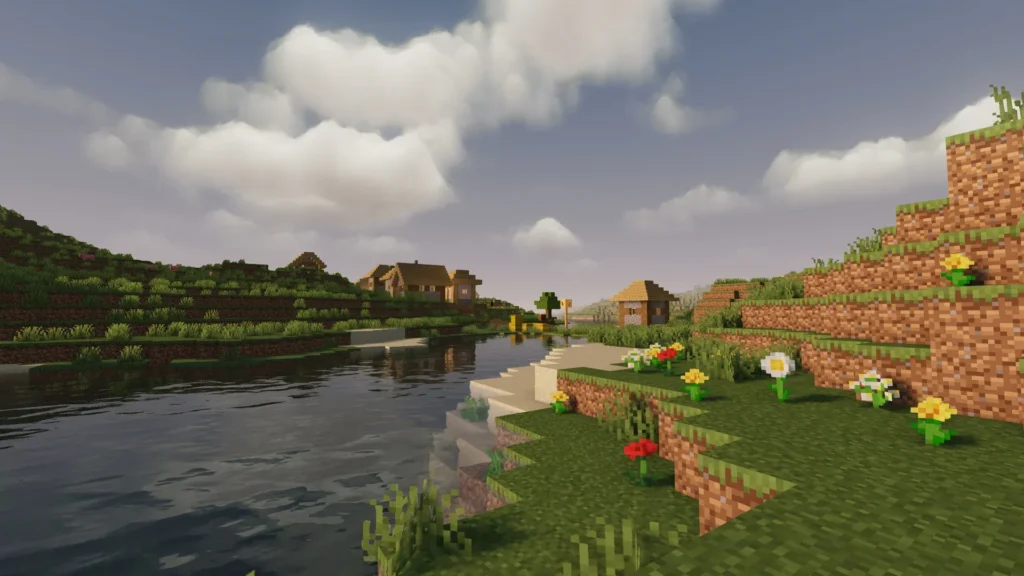
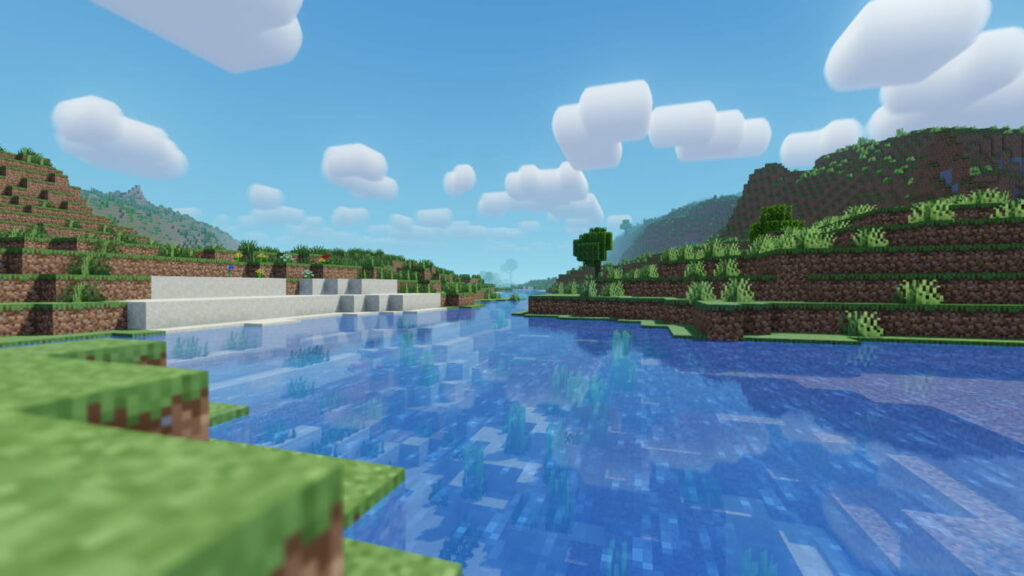
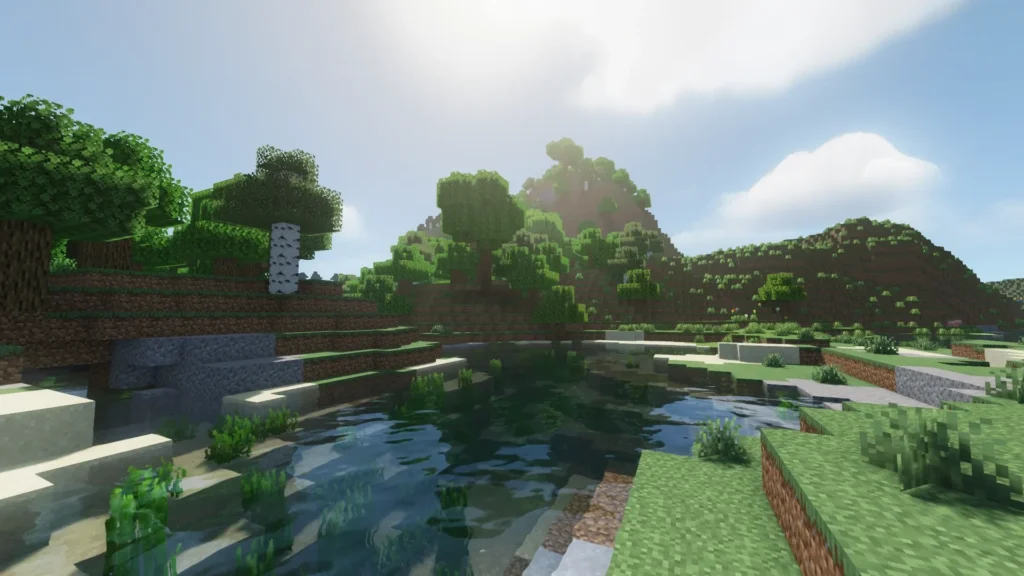
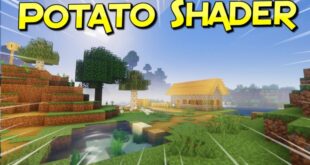
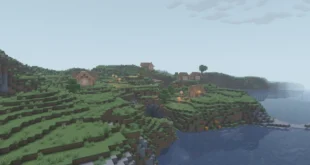
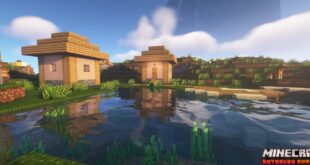
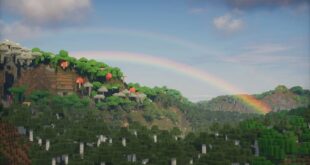
The screenshots shown above are taken from official sources and display the shader while running in-game. They highlight the overall lighting, water clarity, and atmospheric balance without focusing on heavy visual effects, accurately representing how the shader looks during normal gameplay.
Download
You can download the shader using the official link below.
Created by the original shader developer. Full credit goes to the original creator.
Disclaimer:
We do not host shader files. We only provide links to official sources, and availability of external links may change over time.