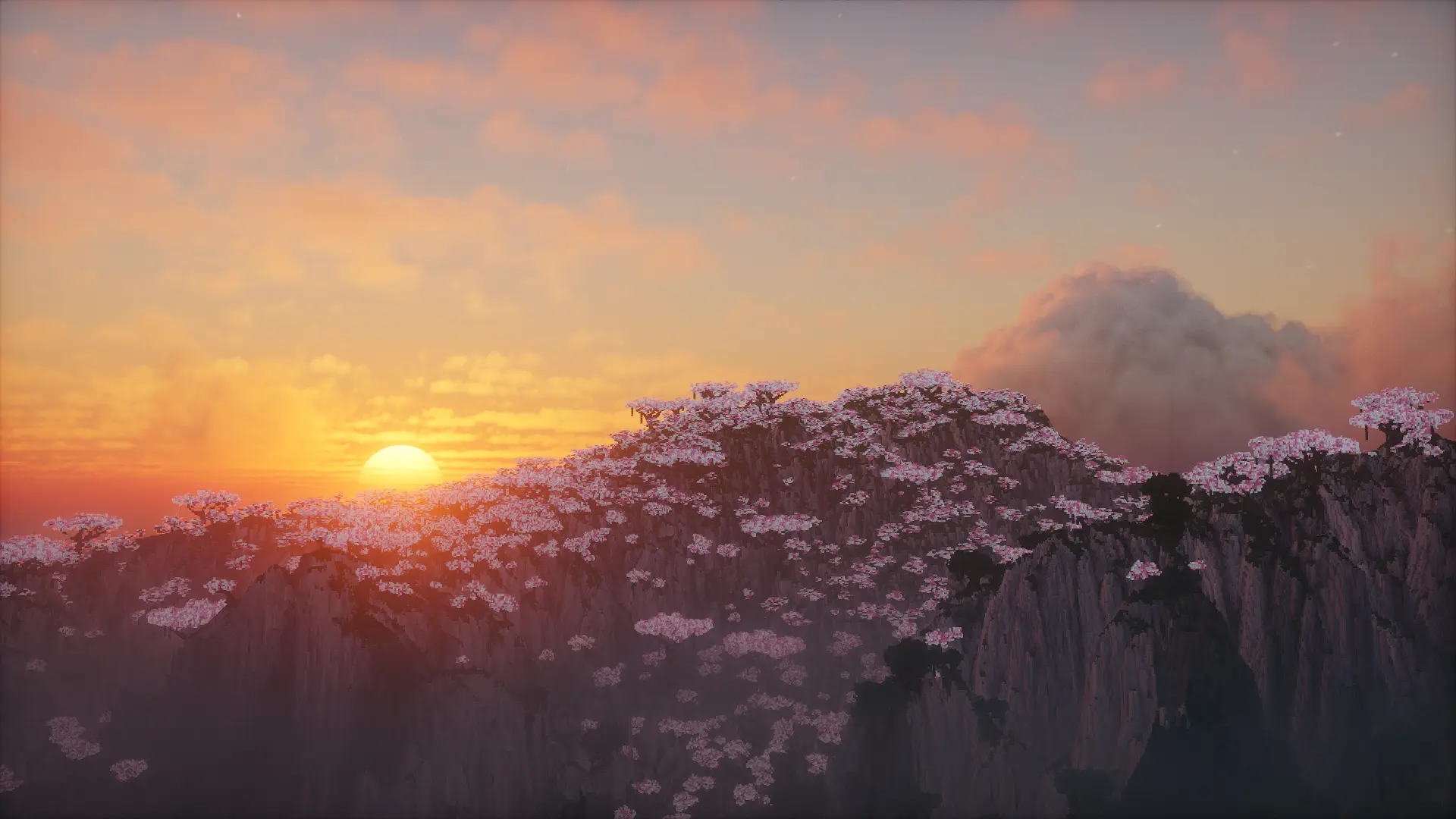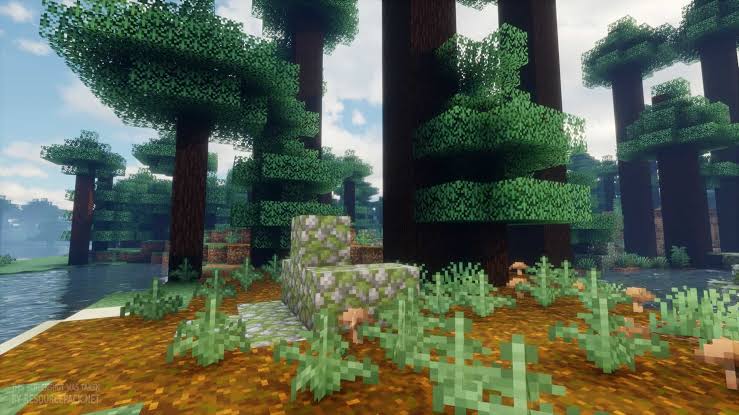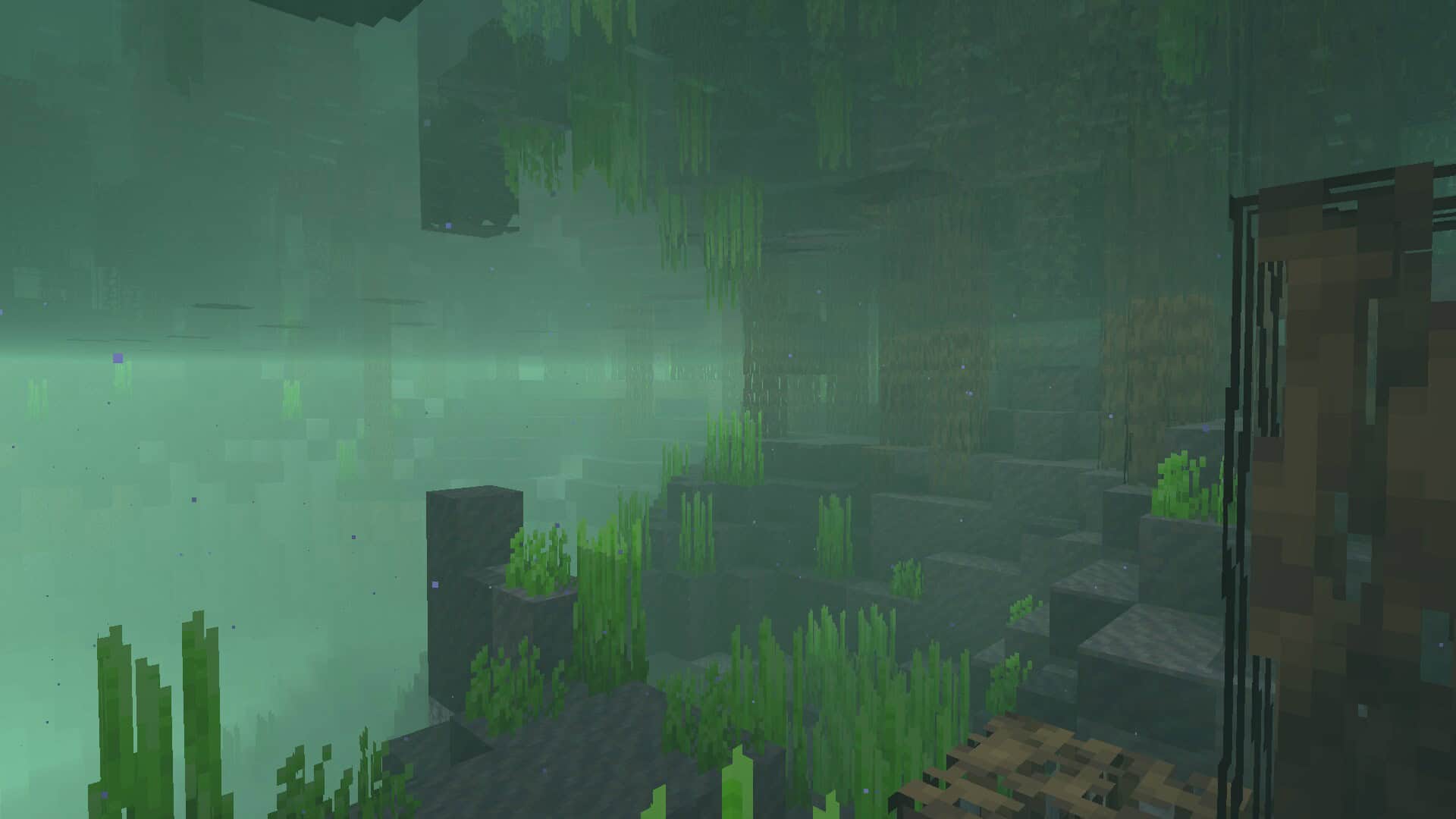
There are only so many resource packs focused on Minecraft textures that can achieve. Swapping blocky and pixelated textures with higher resolution ones can improve the game in many ways, but lighting and shaders are often overlooked. Most players fail to understand the importance of shaders when it comes to video games, and Minecraft is no exception. If you want to get improved visuals, you need to get a proper shader resource pack. Each shader pack aims to achieve a certain visual style; you can have shader packs that focus on cartoonish visuals, packs that have more of a darker tone, or you can have shader packs that simply aim to increase the level of realism of textures and lighting in the game. I really love how the MakeUp Ultra Fast shader pack is one of the many such packs that can be used with Minecraft to completely transform the atmosphere. First published in late 2020, the MakeUp Ultra Fast shaders can be traced down to XavierFST as the original author and developer, and I think it is amazing that he continues to provide support for the shader pack in the form of updates that solve various bugs and compatibility issues. Looking back at the origins of the shader pack, according to XavierFST, his source of inspiration for the visuals that MakeUp Ultra Fast delivers is his passion for makeup. The title of the resource pack is very accurate in describing the overall visual improvements that it brings to the game, and I found it super neat that he also attempted to build a shader pack that allows the players to control how their game looks. This has been achieved by adding a choice as to which feature you can leave on or turn off. While the source of inspiration for the MakeUp Ultra Fast shader pack is the world of makeup, it is the kind of shaders that everyone can enjoy because it introduces effects and features that simply make Minecraft look better. The MakeUp Ultra Fast shader pack introduces the following fantastic features and improvements to the game visuals: Shadows, Depth of field, Temporary anti-aliasing, Improved ambient occlusion, Chromatic aberration, Motion blur, Volumetric clouds, Volumetric light, Reflexes, and Waving plants.
All the above-named features can be turned on or off by the player using the added shader menu, which I found incredibly convenient. Each effect contributes to the overall visuals in Minecraft to a certain degree, while at the same time impacting game performance. For this reason, XavierFST allows players to choose which ones to turn off, giving us great control over our experience. According to one of his updates, the biggest impact on game performance can be attributed to Bloom, Depth of field, and Shadows, which can negatively impact your FPS if you are running the shader pack on an older system. Fortunately, modern machines with powerful NVIDIA cards should be able to handle all the features without a noticeable framerate loss. I noticed that most of the features found in MakeUp Ultra Fast are noticeable immediately upon loading in. Depth of field adds a gorgeous blur to objects that are far away in the background when you are close to a different object, while the bloom effect adds a pleasant glow to lighting objects. The motion blur also makes fast movement seem faster, although it may not be ideal for PvP players. The volumetric clouds feature replaces the classic blocky clouds in Minecraft with smoother clouds that actually look like real clouds, and I am a huge fan of how peaceful it makes the skies look. Lastly, the shader pack also comes with four color schemes. While they may not alter the colors of textures directly, with the aid of lighting effects and shader effects, it makes textures look a bit different by adding a lighter or darker tone, or by making colors in the game much more vibrant. To install the MakeUp Ultra Fast shader pack, OptiFine is required, and as it makes use of special features, the shader pack cannot be installed manually. As recommended by XavierFST, the shader pack should be installed using the default shader options in OptiFine, and customizations should only be done using the options in the shader pack that is offered in the game. I also noticed that the shader pack may not work perfectly with all resource packs, and while the developer is still working to fix bugs and add improvements, some issues may still be present and could break game visuals in certain situations. You can send feedback to the developer to report any issues with certain resource packs or mods to be addressed in future updates, but when installed on vanilla Minecraft, MakeUp Ultra Fast should work just fine without any issues at all.
MakeUp – Ultra Fast should be compatible with all of these Minecraft versions: 26.2 – 26.1.2 – 26.1.1 – 26.1 – 1.21.11 – 1.21.10 – 1.21.9 – 1.21.8 – 1.21.7 – 1.21.6 – 1.21.5 – 1.21.4 – 1.21.3 – 1.21.2 – 1.21.1 – 1.21 – 1.20.6 – 1.20.5 – 1.20.4 – 1.20.3 – 1.20.2 – 1.20.1 – 1.20 – 1.19.4 – 1.19.3 – 1.19.2 – 1.19.1 – 1.19 – 1.18.2 – 1.18.1 – 1.18 – 1.17.1 – 1.17 – 1.16.5 – 1.16.4 – 1.16.3 – 1.16.2 – 1.16.1 – 1.16 – 1.15.2 – 1.15.1 – 1.15 – 1.14.4 – 1.14.3 – 1.14.2 – 1.14 – 1.13.2 – 1.13.1 – 1.13 – 1.12.2 – 1.12
Screenshots
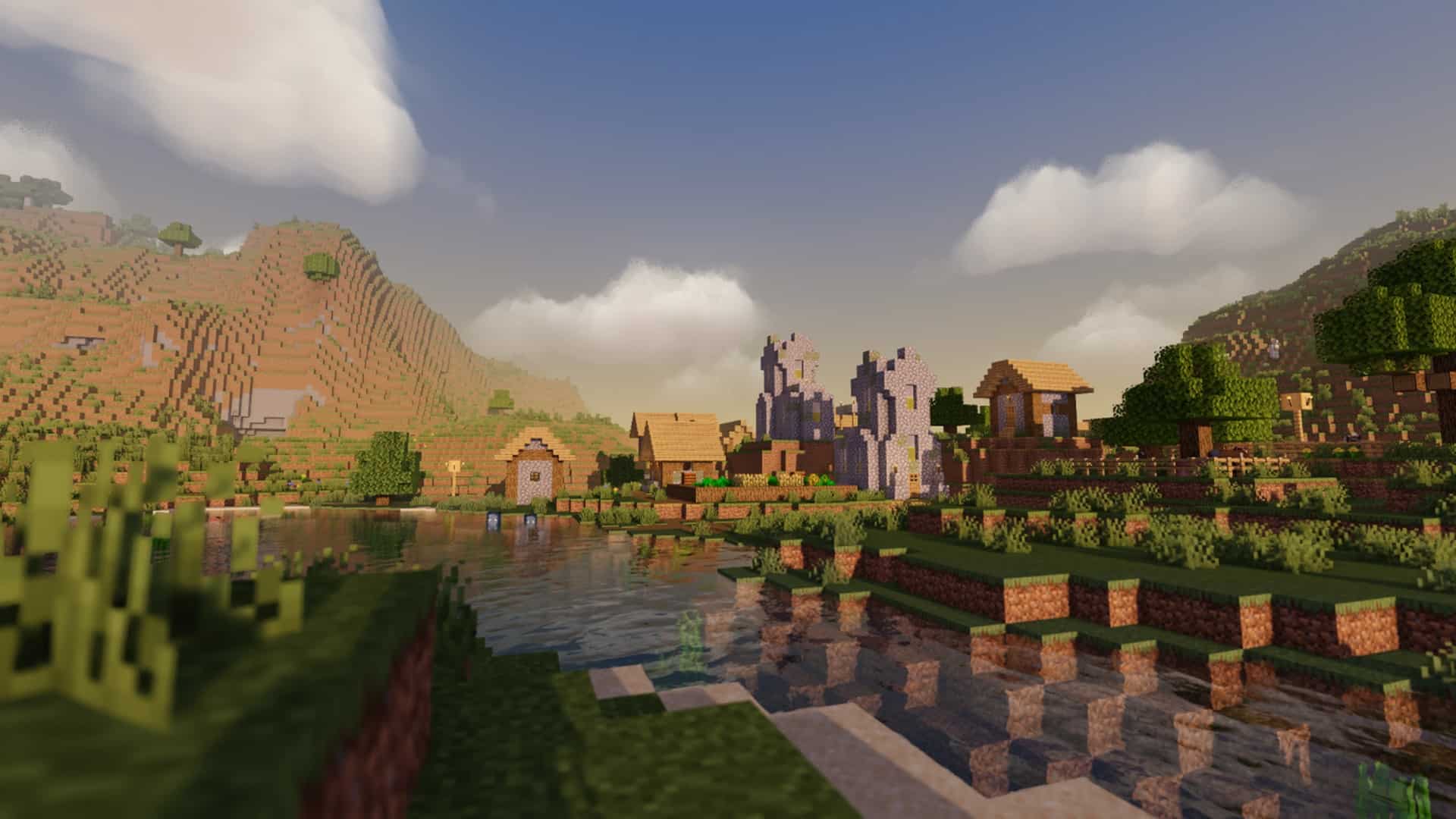
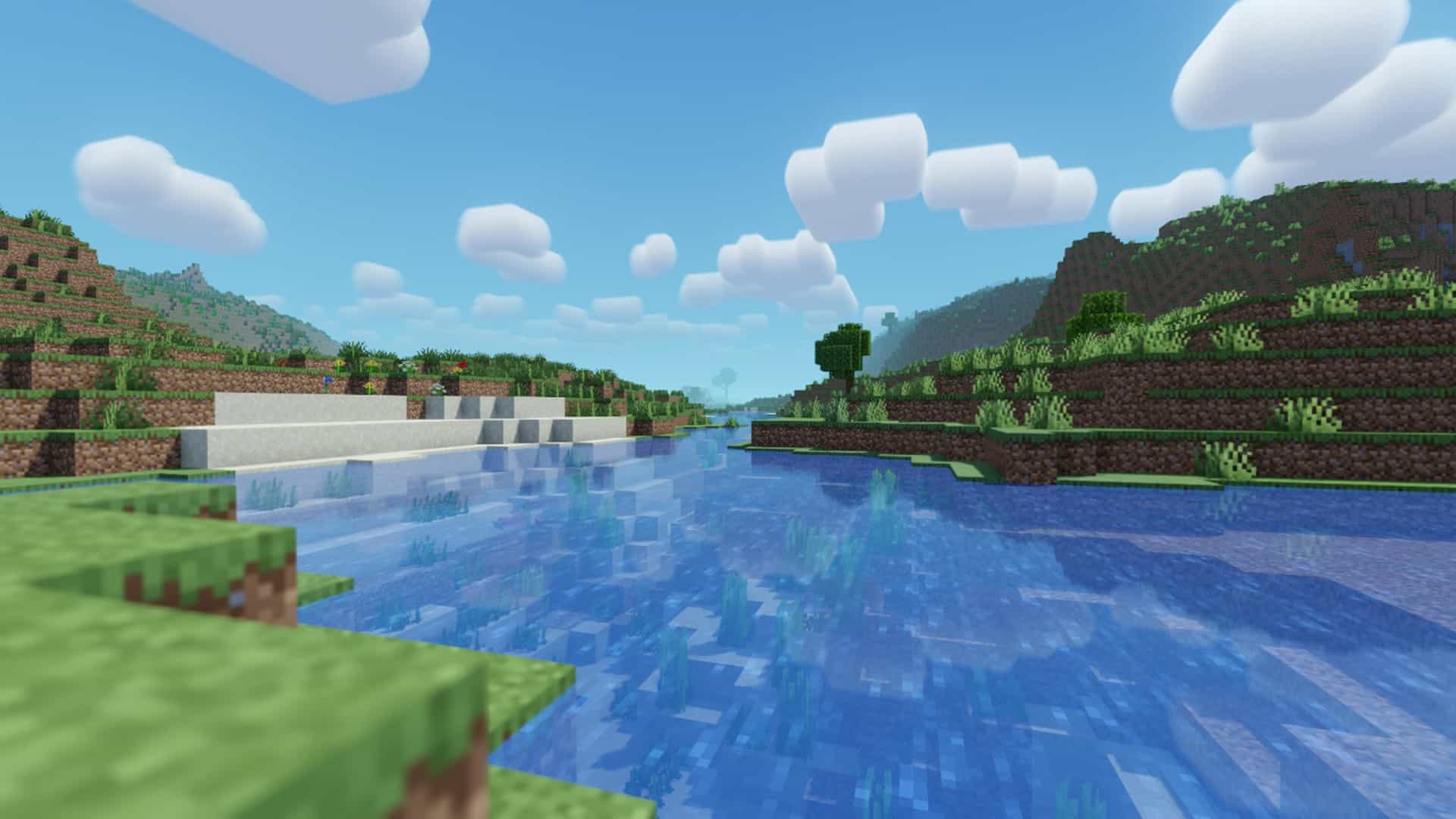
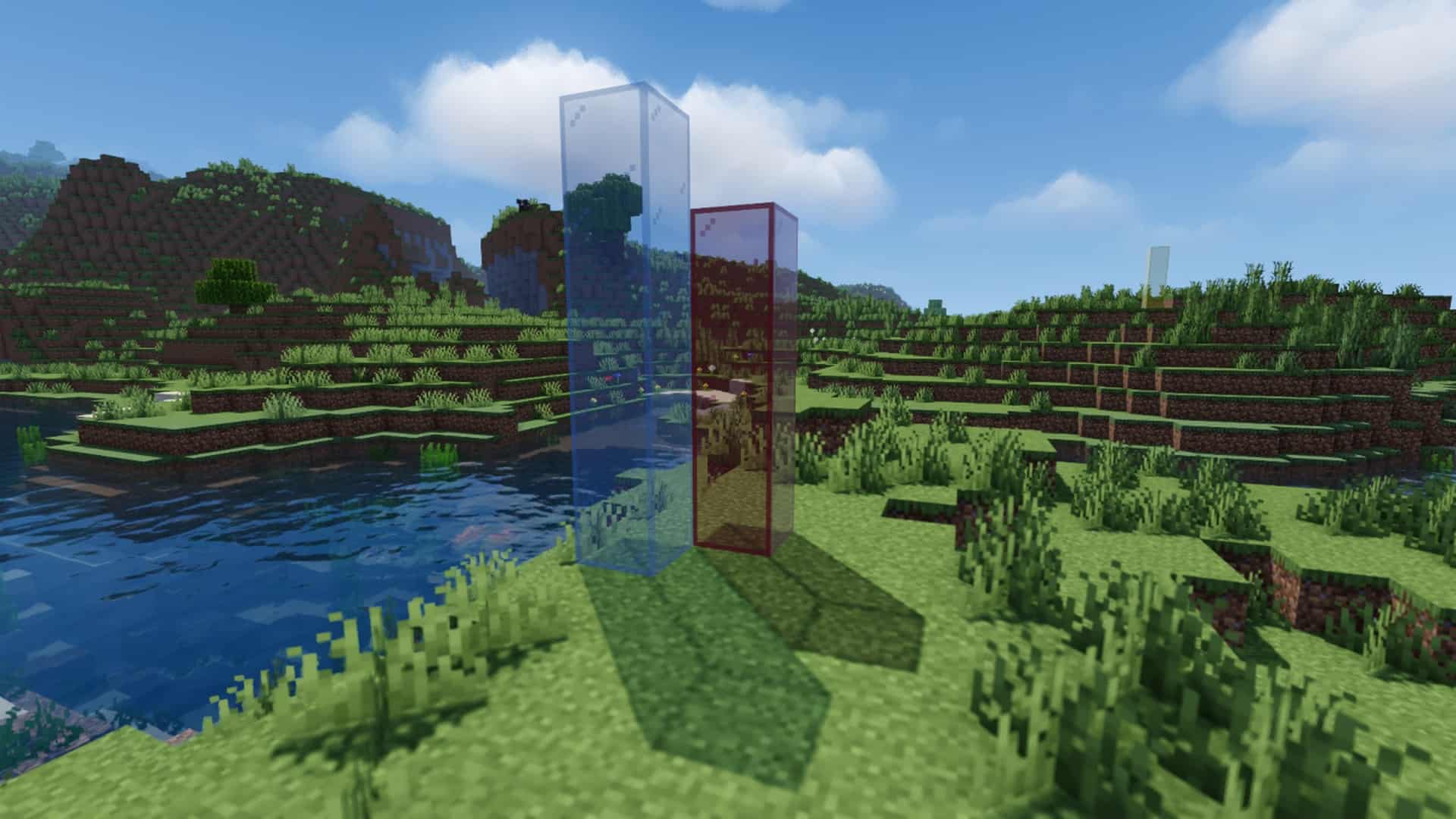
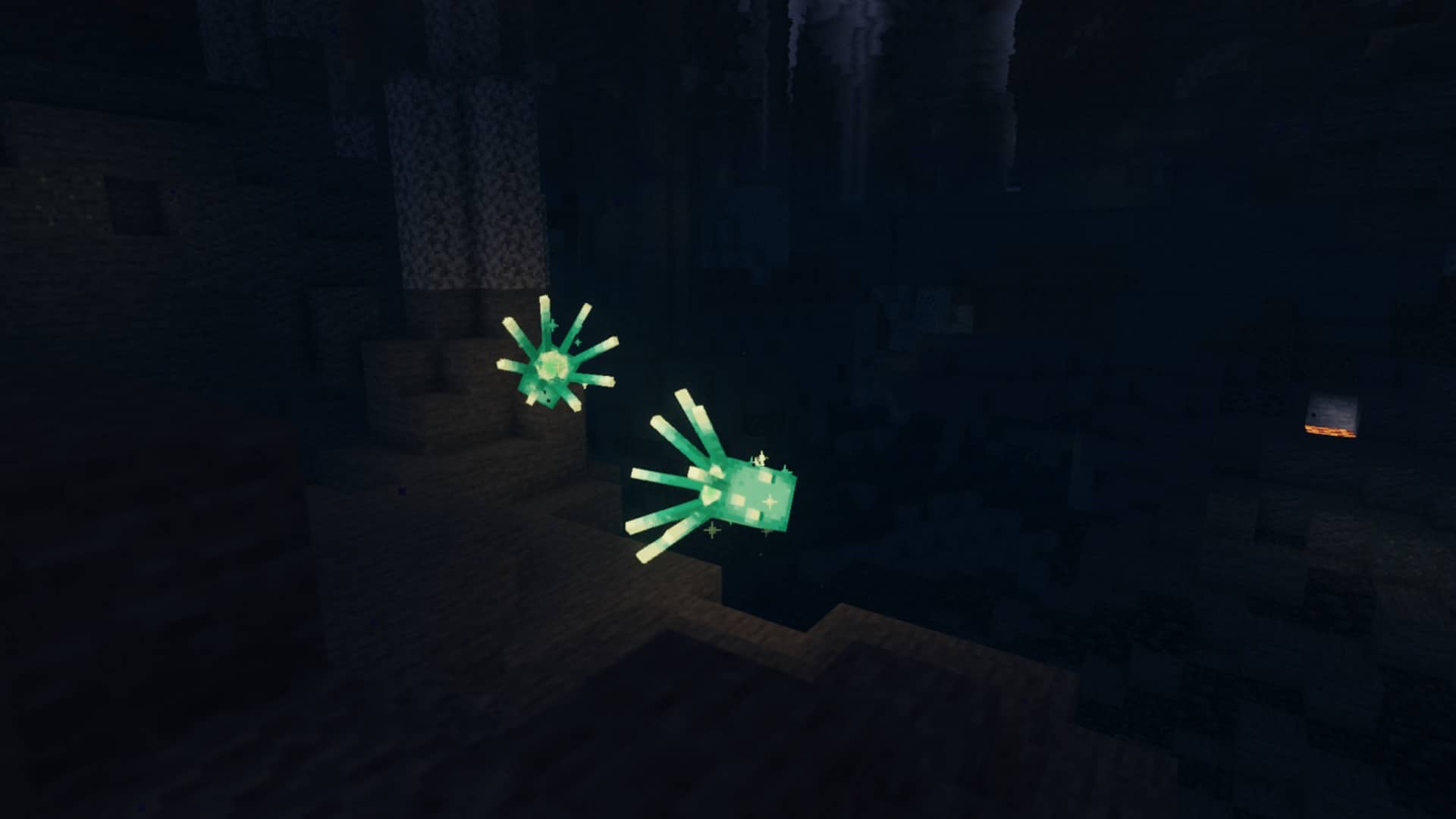
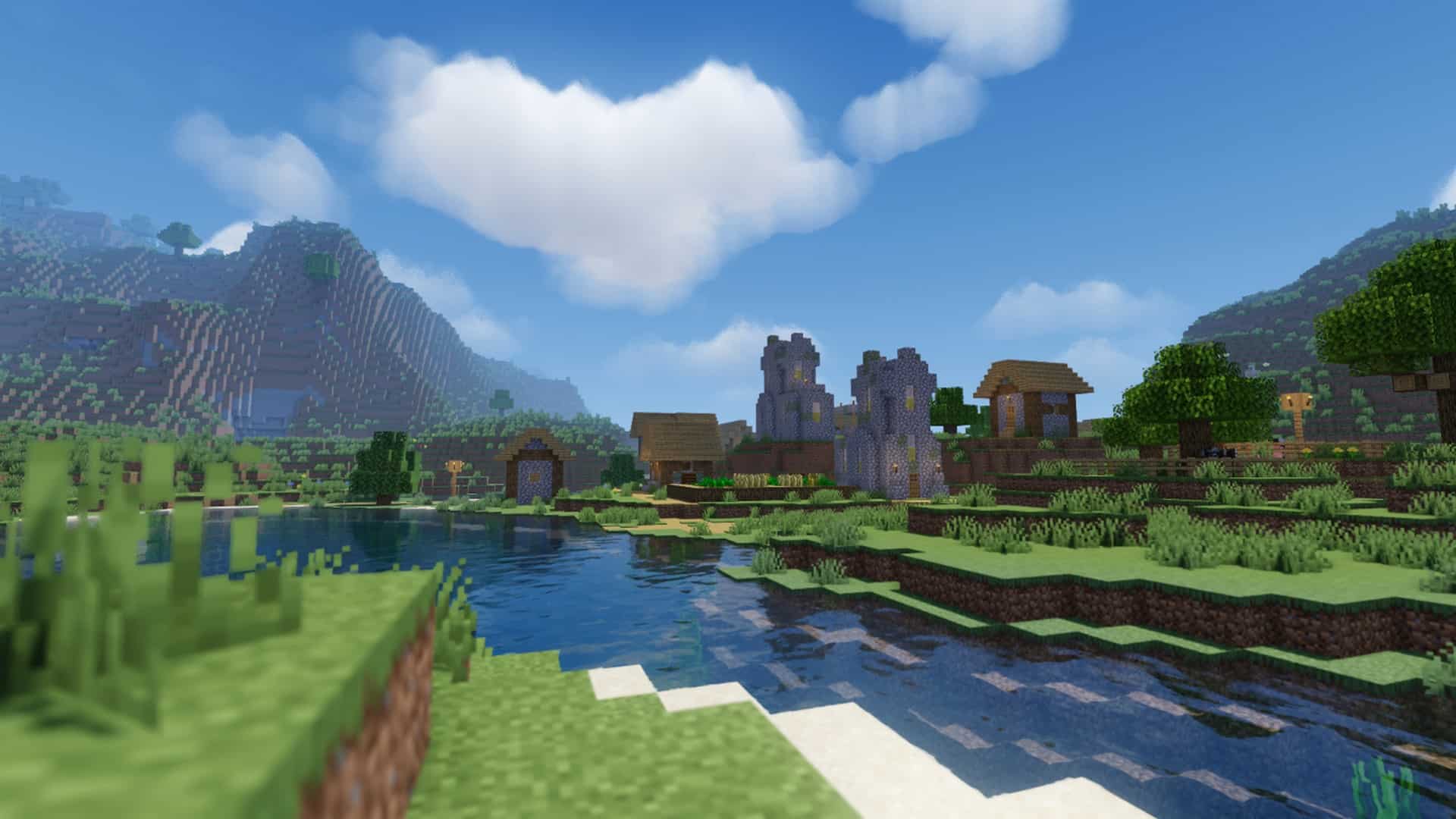
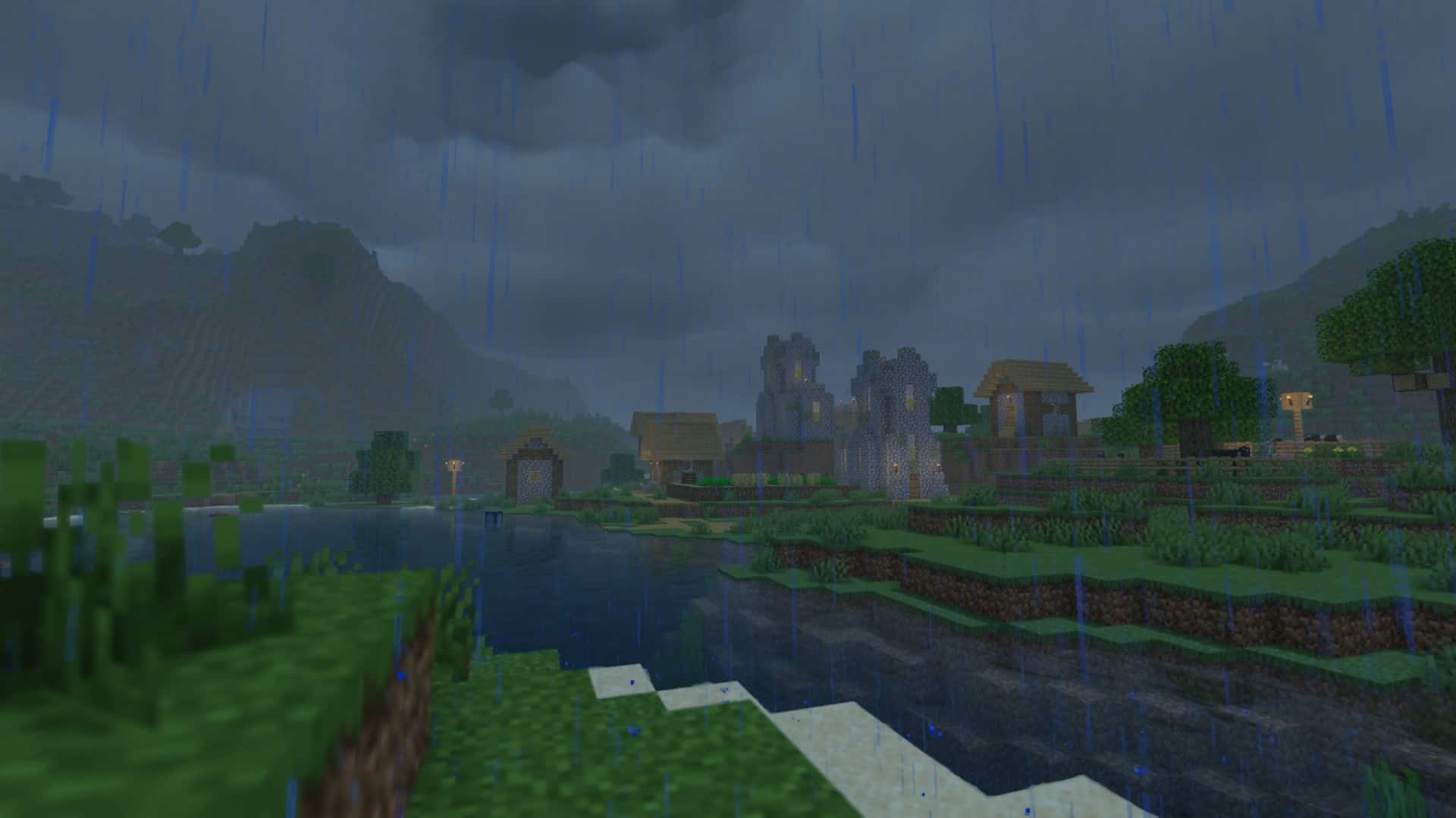
How to Install Shader Pack (Simple and Easy 7 Steps)
- Install Minecraft: Make sure to have Minecraft on your PC.
- Set the Game Version: Open the Minecraft Launcher, go to the “Installations” tab, click “New Installation”, choose the version you want to play, and click “Create”.
- Install OptiFine or Iris: Download and install OptiFine or Iris (we recommend Iris for better performance).
- To download Iris, click here.
- To download OptiFine, click here.
- Launch with the Shader Mod: Open the Minecraft Launcher again and select the OptiFine or Iris profile you installed.
- Download the Shader Pack: Download the shader pack (.zip file) from the download section below. (Don’t unzip it!)
- Open the Shaderpacks Folder:
- For OptiFine: Go to Options > Video Settings > Shaders > Shaders Folder
- For Iris: Go to Options > Video Settings > Shader Packs > Open Shader Pack Folder
- Add and Activate the Shader Pack: Move the downloaded .zip file into the shaderpacks folder. Then go back to the game, select the shader pack from the list, and click “Done” to activate it.
Credits
The MakeUp Ultra Fast shaders were created and developed by XavierFST, who remains the original author and copyright owner. We do not claim ownership of this content, and we do not modify or host the files directly on our servers. All rights belong to the original creator. We strongly encourage you to support XavierFST by visiting his official download pages and following his ongoing project updates.
Download Instructions
Curseforge: download starts automatically after a few seconds;
Mediafire: click the big blue button with the text “DOWNLOAD”;
Google Drive: in the top right corner you will see a small download icon (down arrow), click it and the download should start;