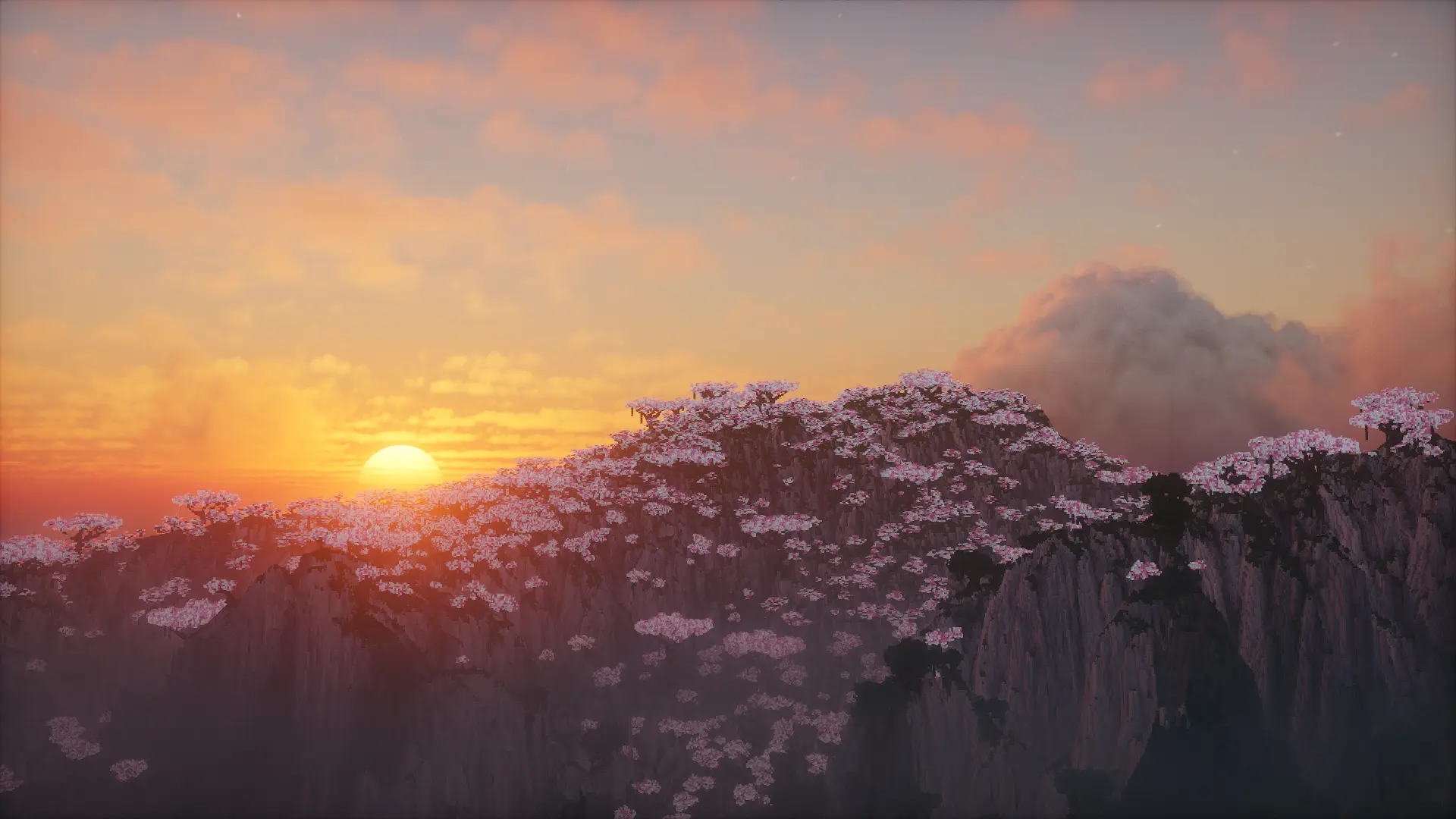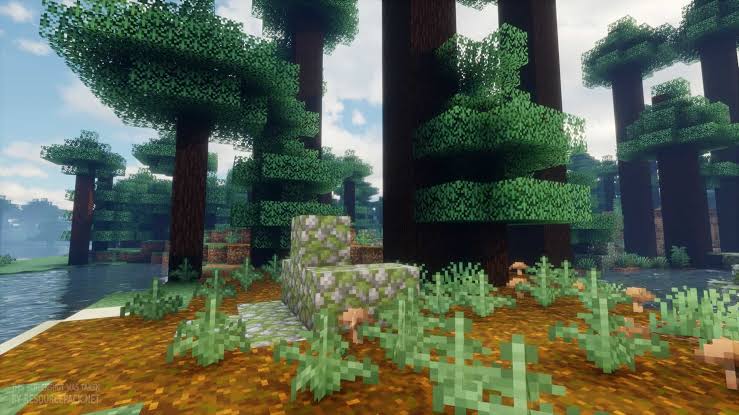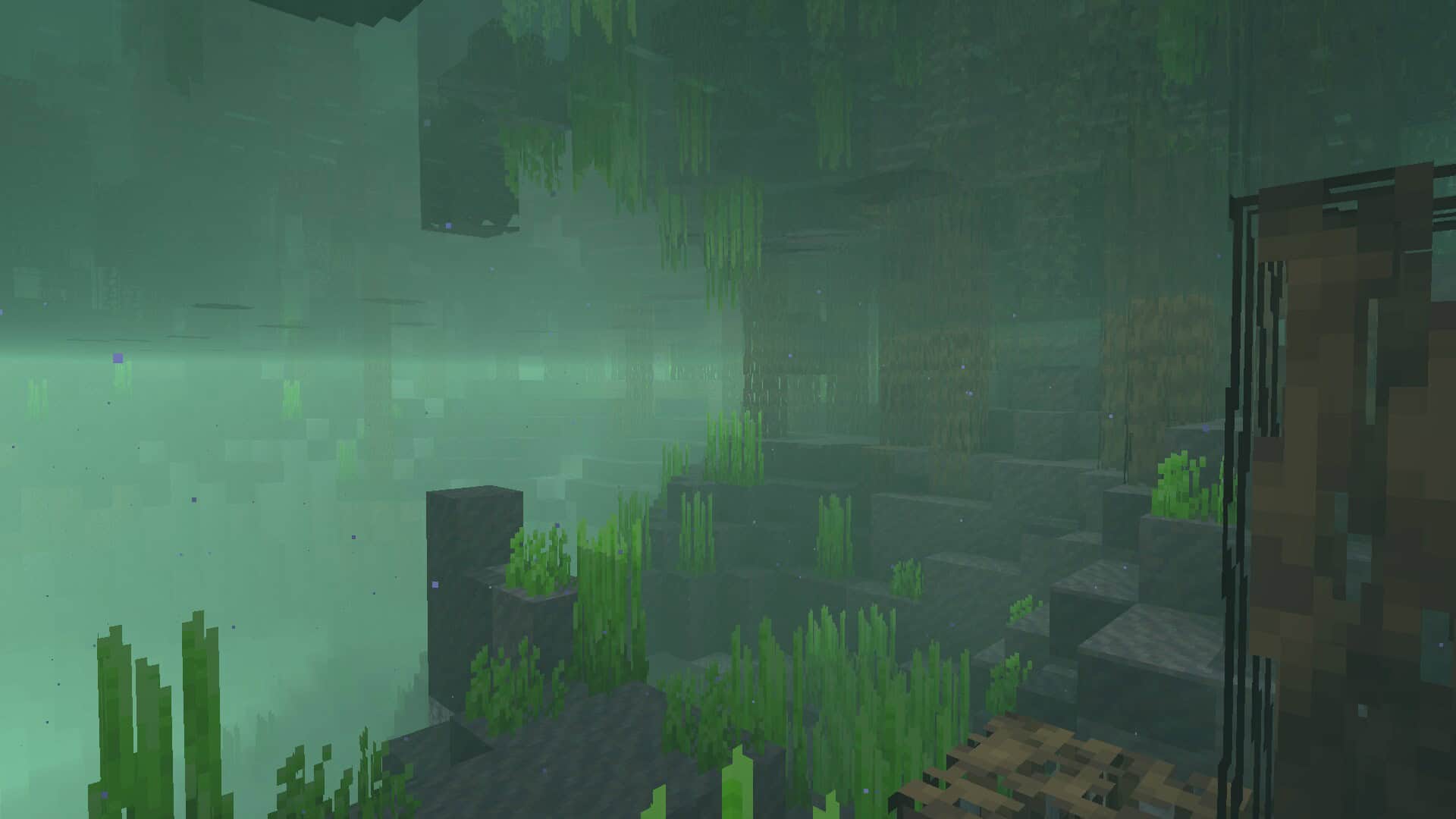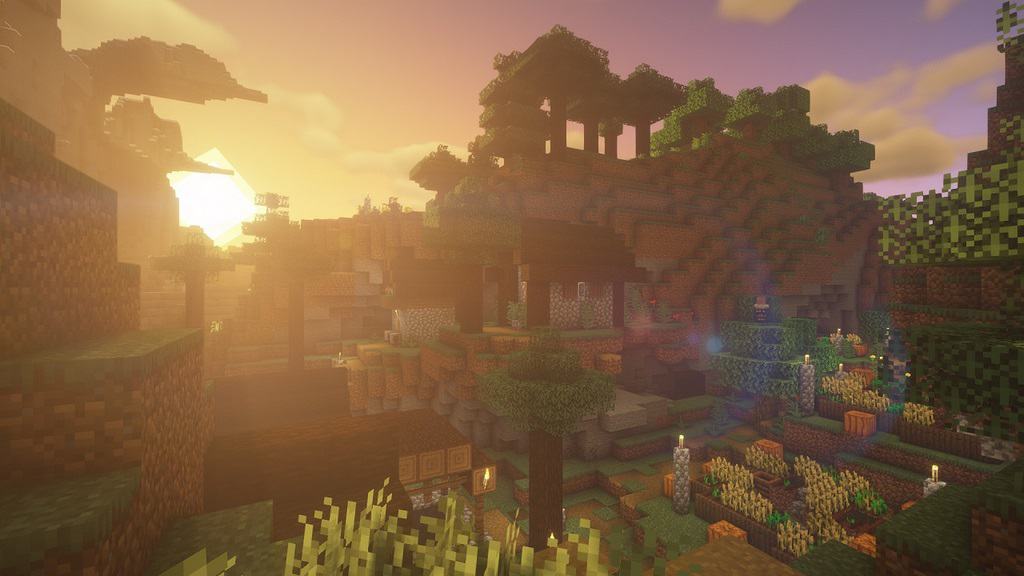
Any player of the popular game Minecraft would have to admit that the standard lighting effects leave a lot to be desired when it comes to realism. While realistic graphics are not a part of the world design in the game, the smooth lighting and graphic effects, even when set to their highest level, aren’t exactly the best they could be. The graphics could use just a touch of realism to add to the game’s atmosphere, and its overall aesthetic appeal. When it comes to embellishing the graphics of the game, shaders are the way to go. Especially the BSL Shaders, which we thoroughly tested and completely fell in love with! This shader pack stands out for its unique features as a pack designed specifically for Minecraft: Java Edition. Its features include real-time shadows, volumetric light, ambient occlusion, customizable clouds and water, bloom, etc., in order to add a sense of realism to the environment of the game.
There are also additional effects available, like motion blur, world curvature, depth of field, specular and normal mapping, and celshading, just to name a few examples. We were thrilled to find that there are no perceivable glitches or bugs throughout the shader pack. The colors come with a boost and saturation alteration, which adds to the atmosphere, particularly for the Nether; the bright, eye-catching colors mixed with the shadows create a very visually pleasing experience. That being said, the BSL Shaders requires a lot of additional resources to your PC and it is not designed for low-spec PC’s. But, as this pack is, quite possibly, the best way to embellish the graphics of your game, it’s well worth any additional installations. To ensure you get the highest quality visuals, BSL Shaders requires Optifine. If you do not already have this mod installed, you will need to do so in order to get the very best experience from this shader pack.
BSL Shaders should be compatible with all of these Minecraft versions: 26.2 – 26.1.2 – 26.1.1 – 26.1 – 1.21.11 – 1.21.10 – 1.21.9 – 1.21.8 – 1.21.7 – 1.21.6 – 1.21.5 – 1.21.4 – 1.21.3 – 1.21.2 – 1.21.1 – 1.21 – 1.20.6 – 1.20.5 – 1.20.4 – 1.20.3 – 1.20.2 – 1.20.1 – 1.20 – 1.19.4 – 1.19.3 – 1.19.2 – 1.19.1 – 1.19 – 1.18.2 – 1.18.1 – 1.18 – 1.17.1 – 1.17 – 1.16.5 – 1.16.4 – 1.16.3 – 1.16.2 – 1.16.1 – 1.16 – 1.15.2 – 1.15.1 – 1.15 – 1.14.4 – 1.14.3 – 1.14.2 – 1.14 – 1.13.2 – 1.13.1 – 1.13 – 1.12.2 – 1.12 – 1.11.2 – 1.11 – 1.10.2 – 1.10 – 1.9.4 – 1.9 – 1.8.9 – 1.8.8 – 1.8.6 – 1.8.1 – 1.8 – 1.7.10 – 1.7.9 – 1.7.4 – 1.7
Screenshots
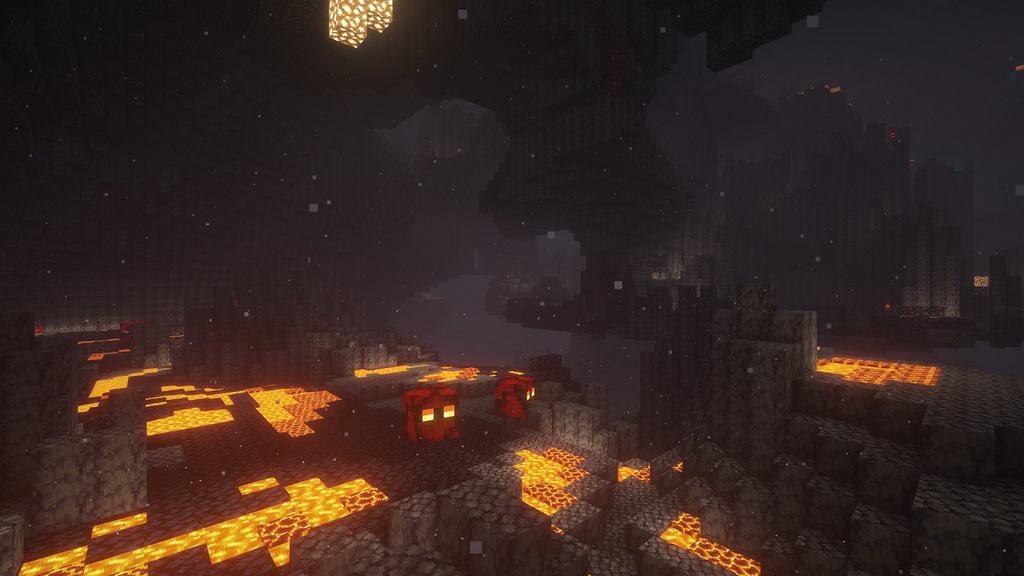

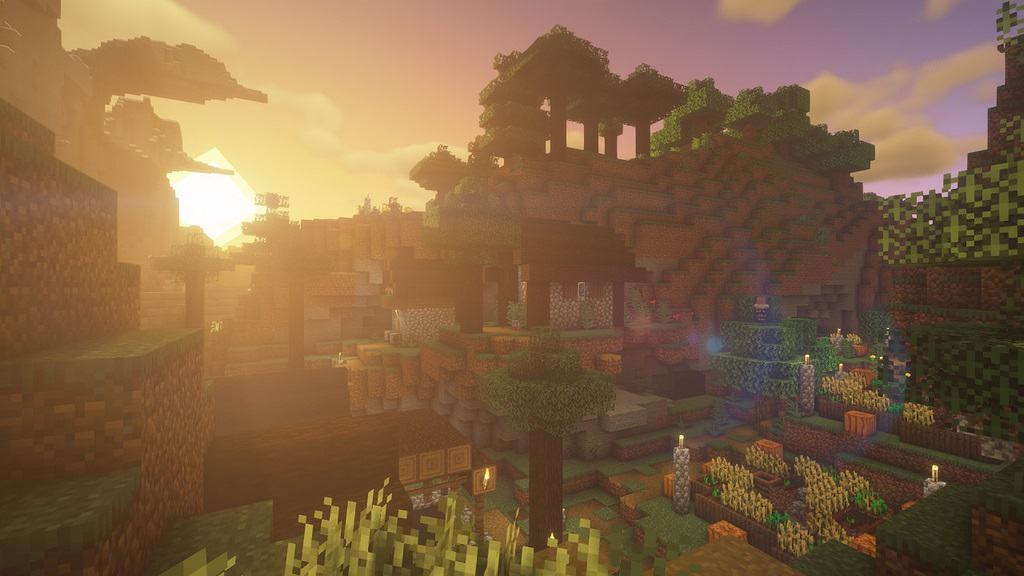
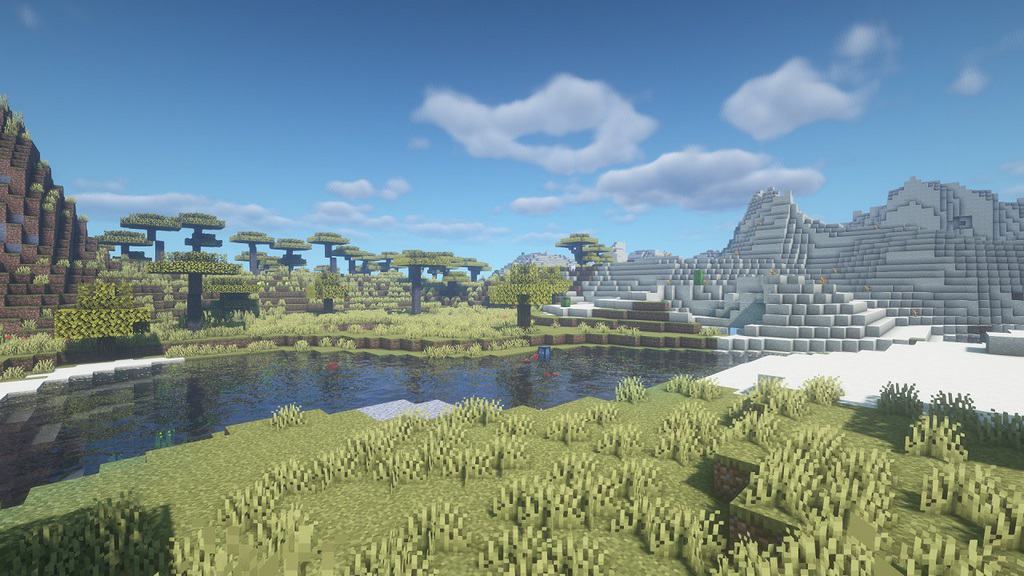
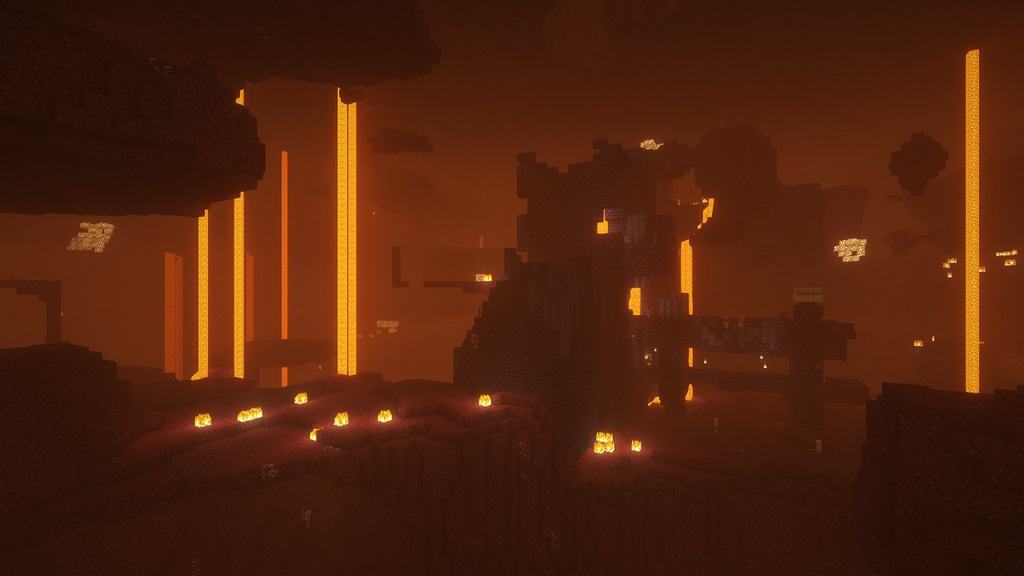
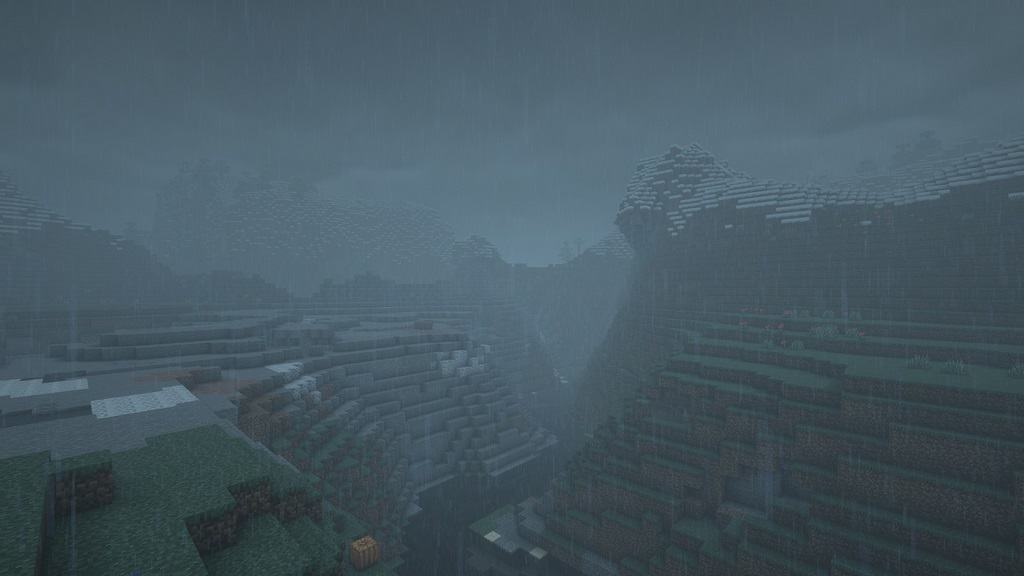
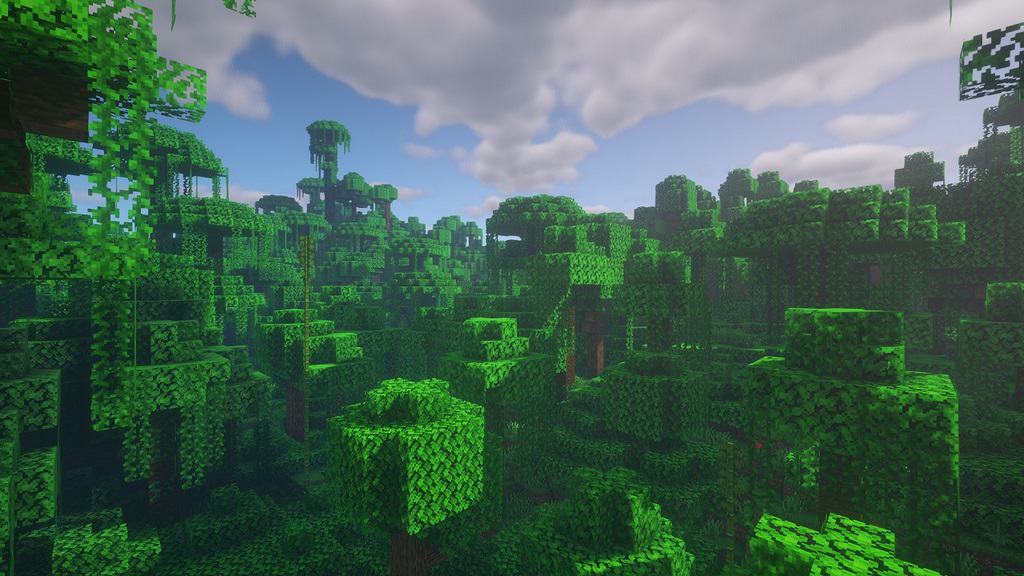
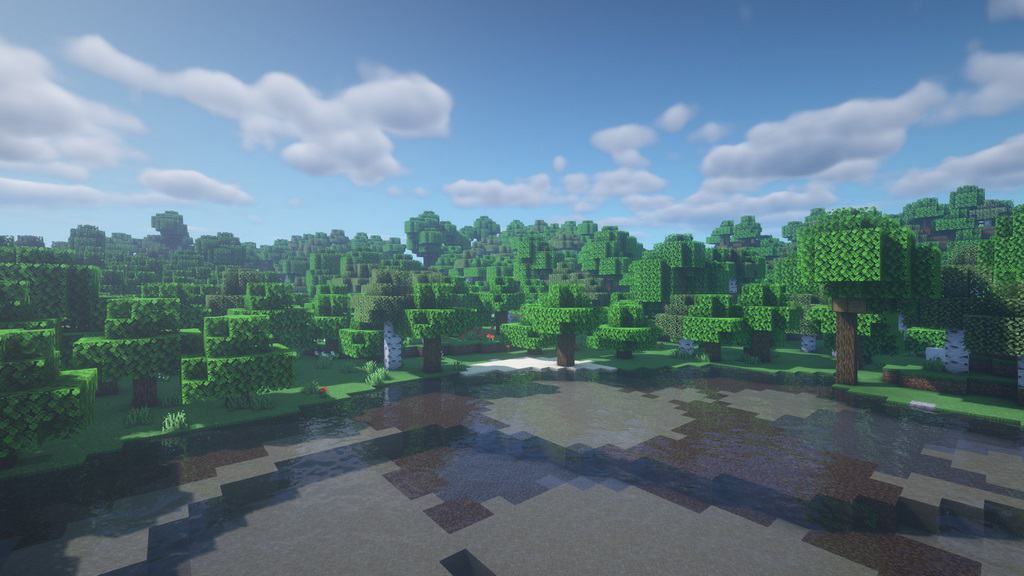
How to Install Shader Pack (Simple and Easy 7 Steps)
- Install Minecraft: Make sure to have Minecraft on your PC.
- Set the Game Version: Open the Minecraft Launcher, go to the “Installations” tab, click “New Installation”, choose the version you want to play, and click “Create”.
- Install OptiFine or Iris: Download and install OptiFine or Iris (we recommend Iris for better performance).
- To download Iris, click here.
- To download OptiFine, click here.
- Launch with the Shader Mod: Open the Minecraft Launcher again and select the OptiFine or Iris profile you installed.
- Download the Shader Pack: Download the shader pack (.zip file) from the download section below. (Don’t unzip it!)
- Open the Shaderpacks Folder:
- For OptiFine: Go to Options > Video Settings > Shaders > Shaders Folder
- For Iris: Go to Options > Video Settings > Shader Packs > Open Shader Pack Folder
- Add and Activate the Shader Pack: Move the downloaded .zip file into the shaderpacks folder. Then go back to the game, select the shader pack from the list, and click “Done” to activate it.
Credits
This shader pack was created by capttatsu. We are strictly a fan community platform sharing the original files as provided by the author. We do not claim ownership of this content, nor have we modified the original download files. We highly recommend supporting capttatsu and their official release pages.
Download Instructions
Curseforge: download starts automatically after a few seconds;
Mediafire: click the big blue button with the text “DOWNLOAD”;
Google Drive: in the top right corner you will see a small download icon (down arrow), click it and the download should start;