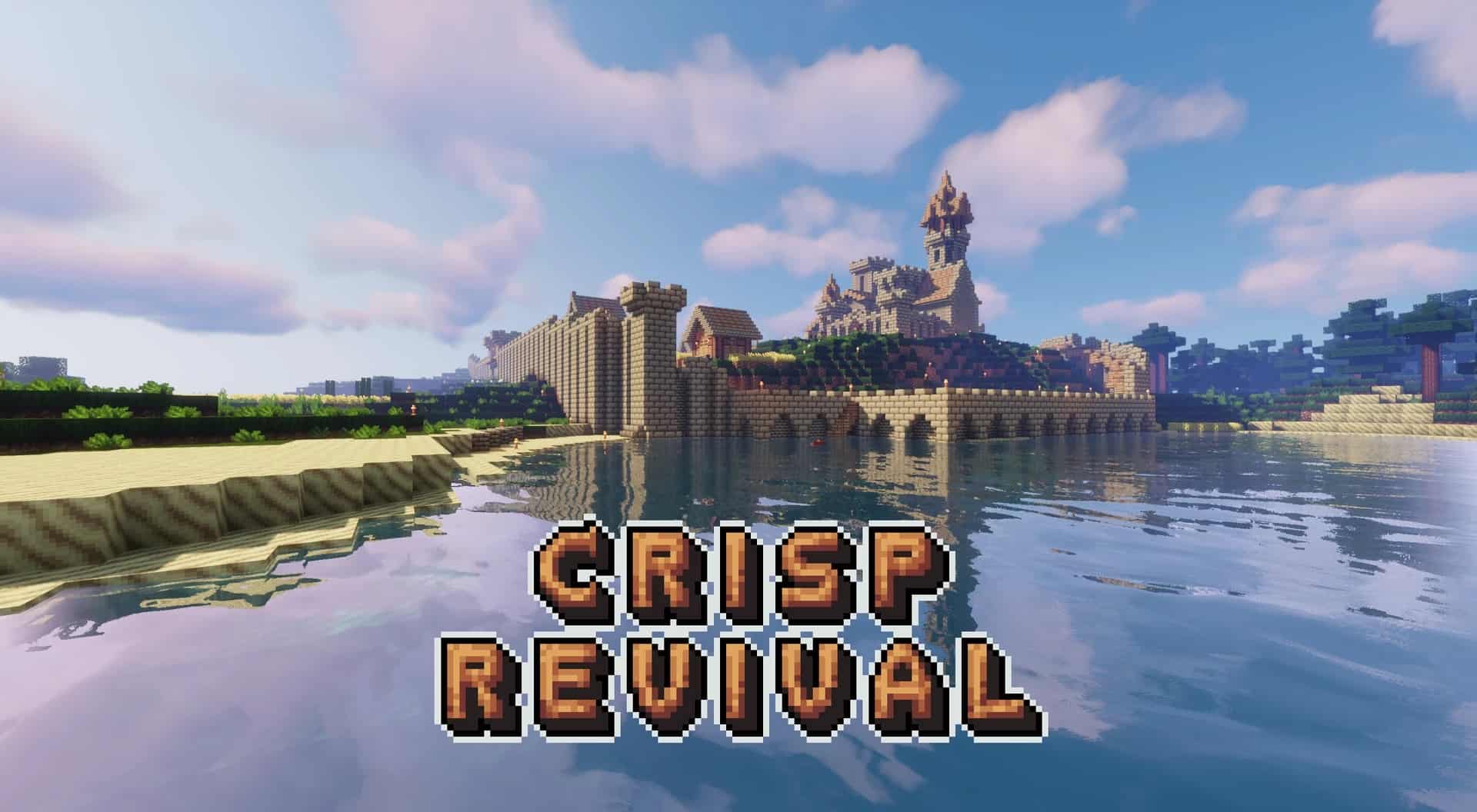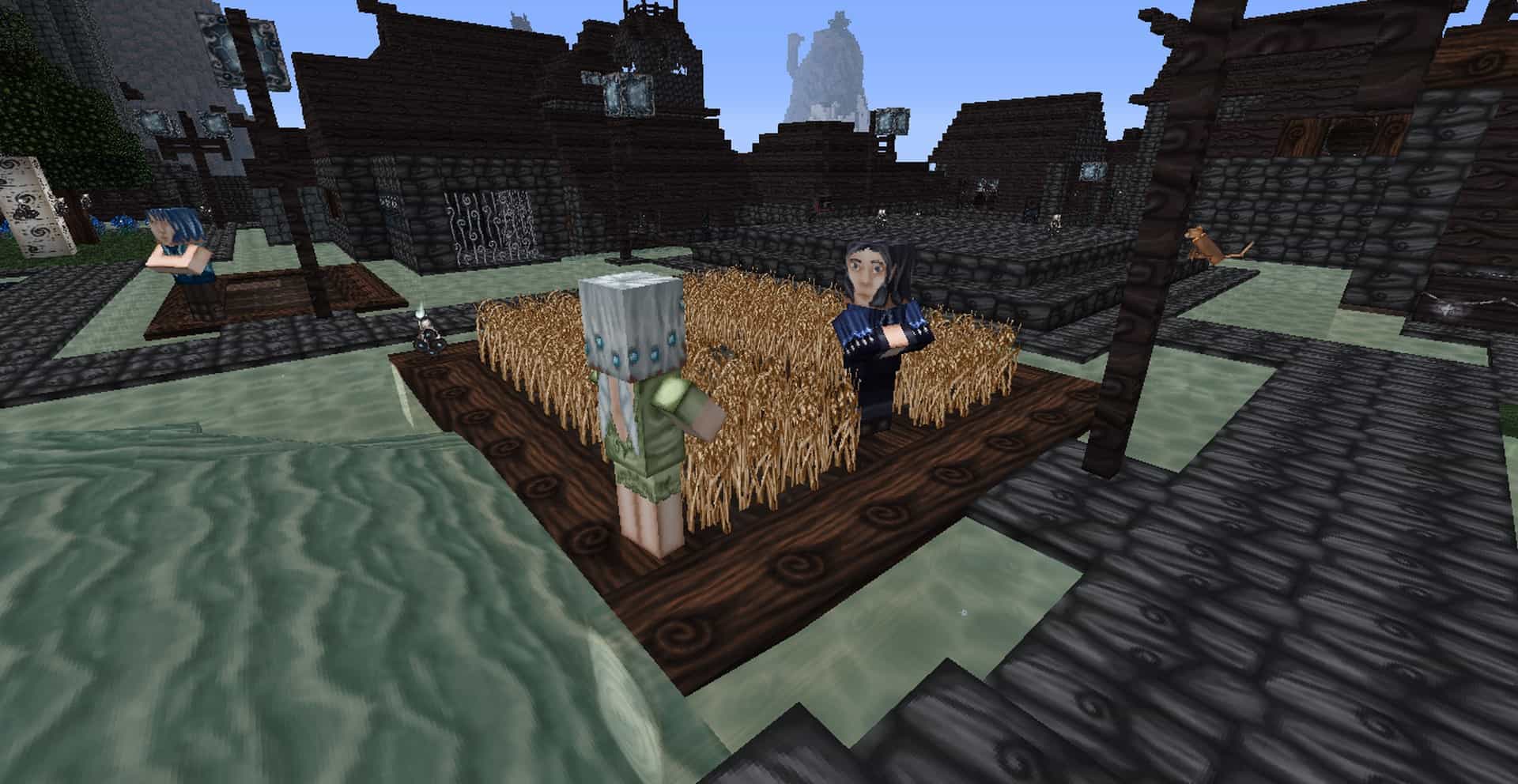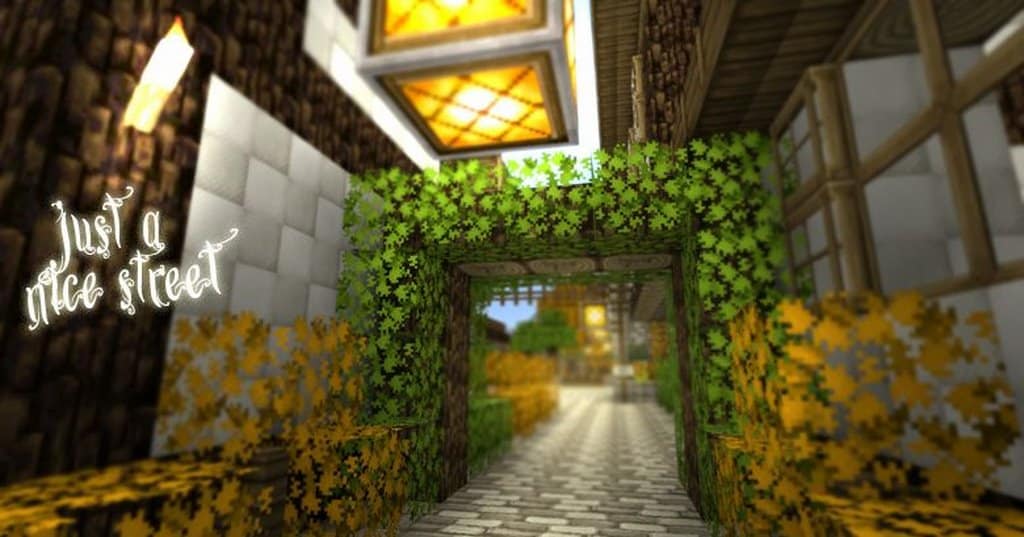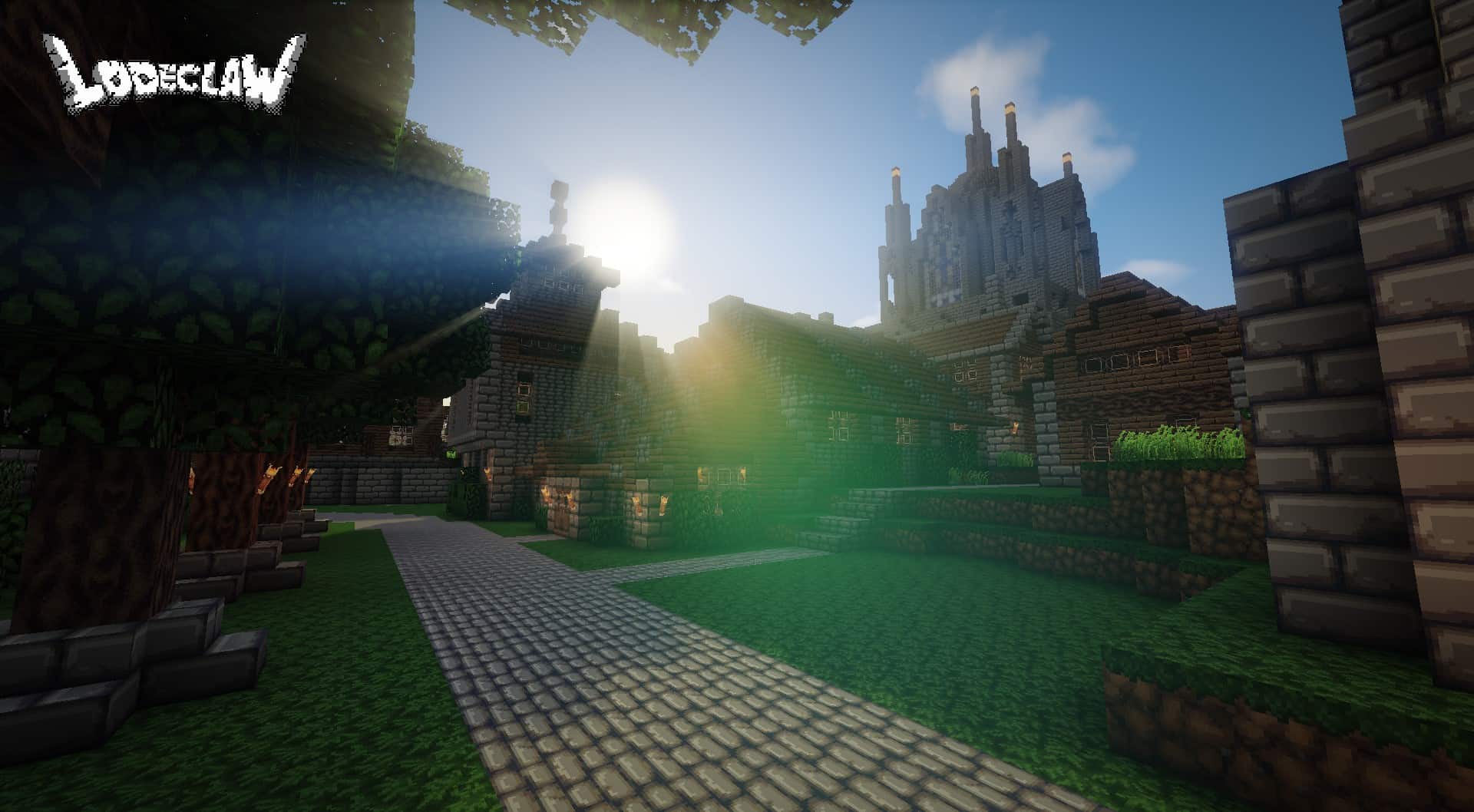
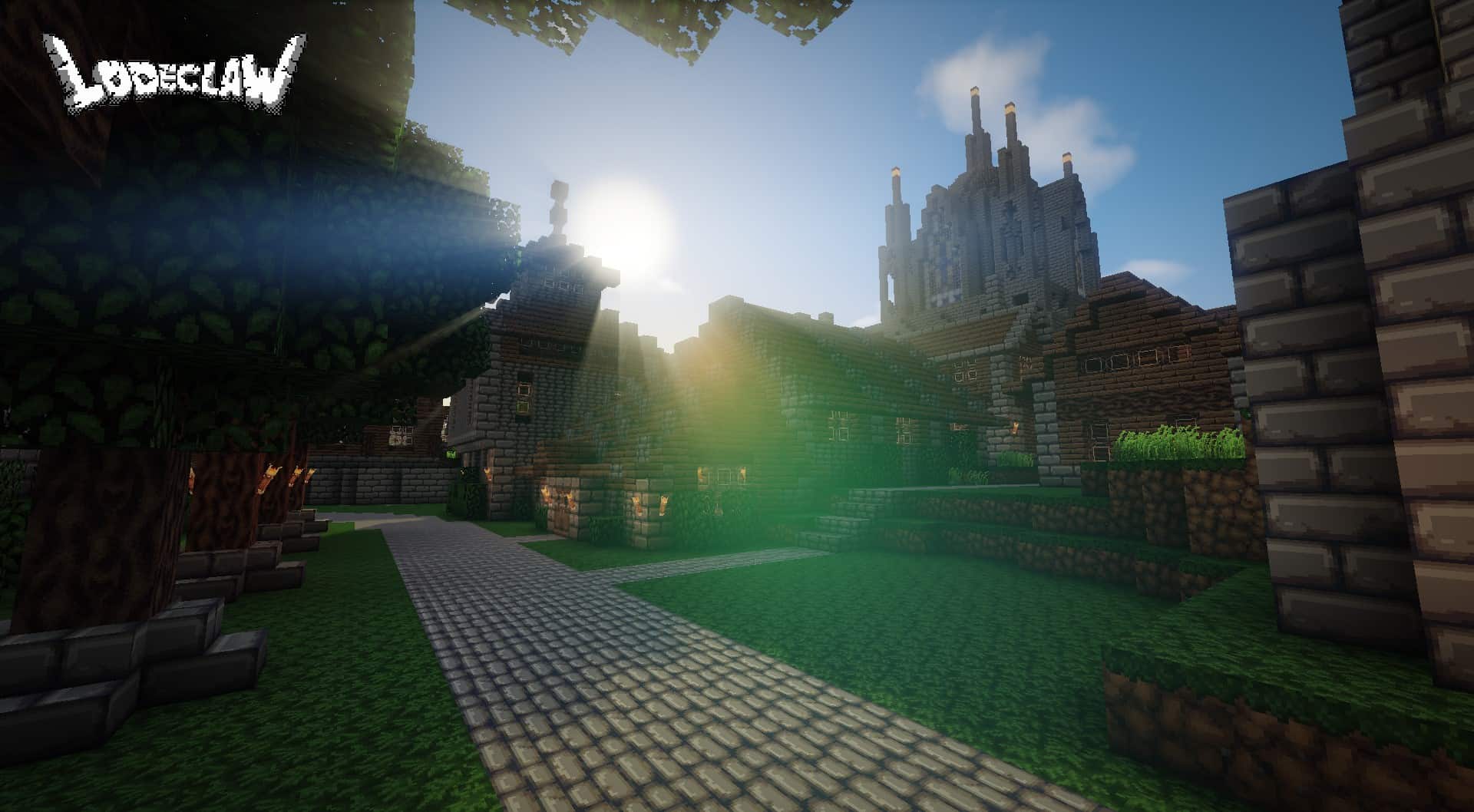
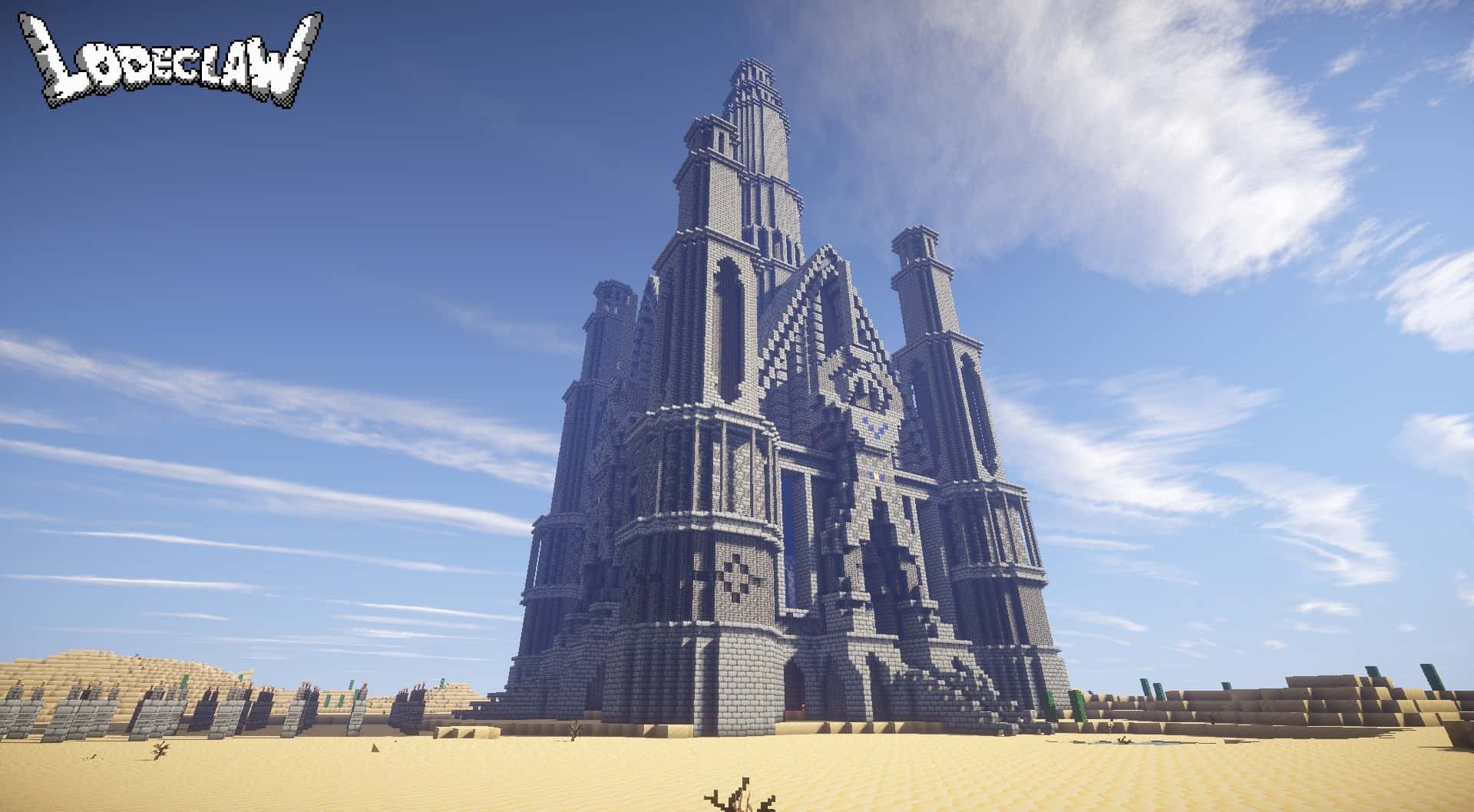
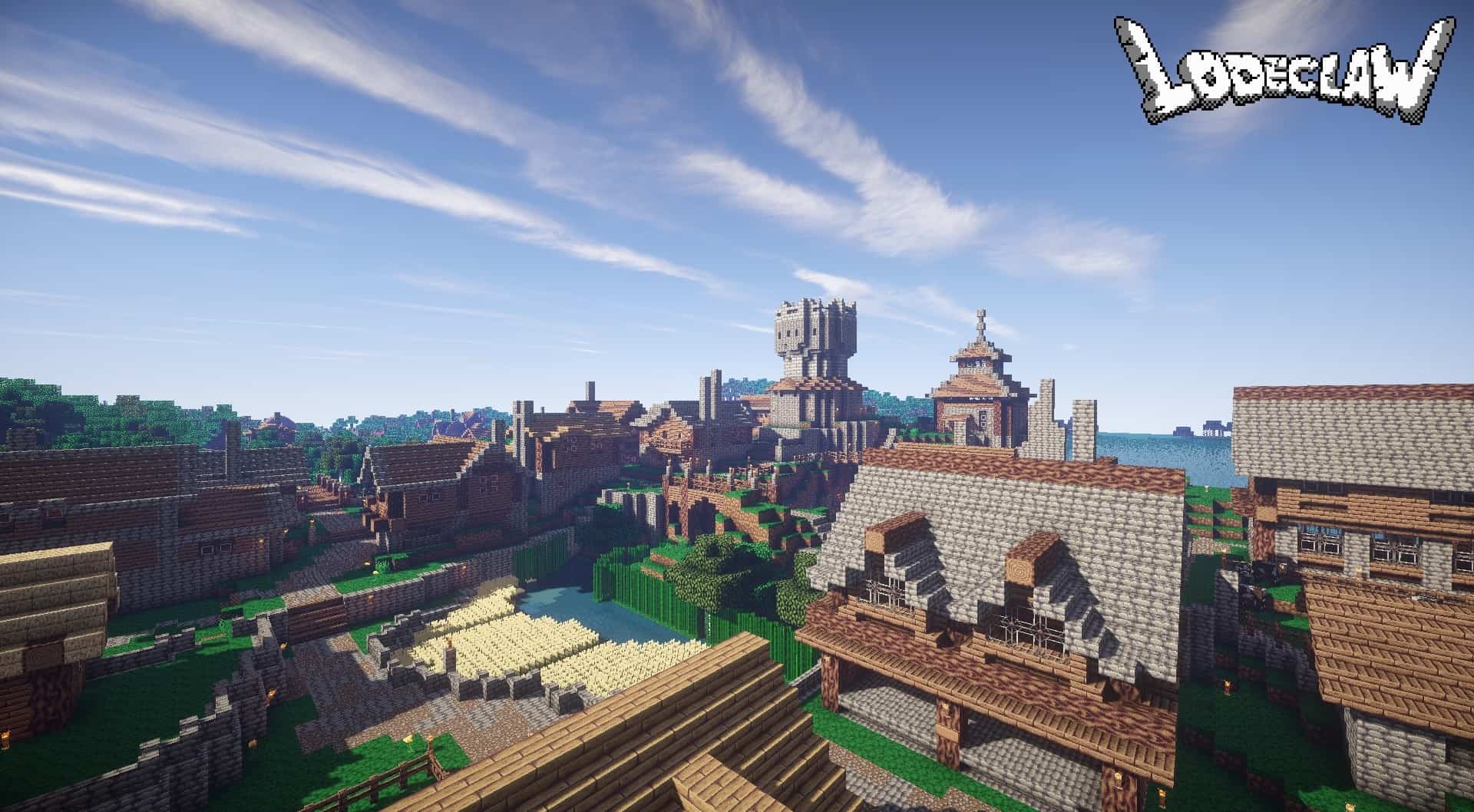
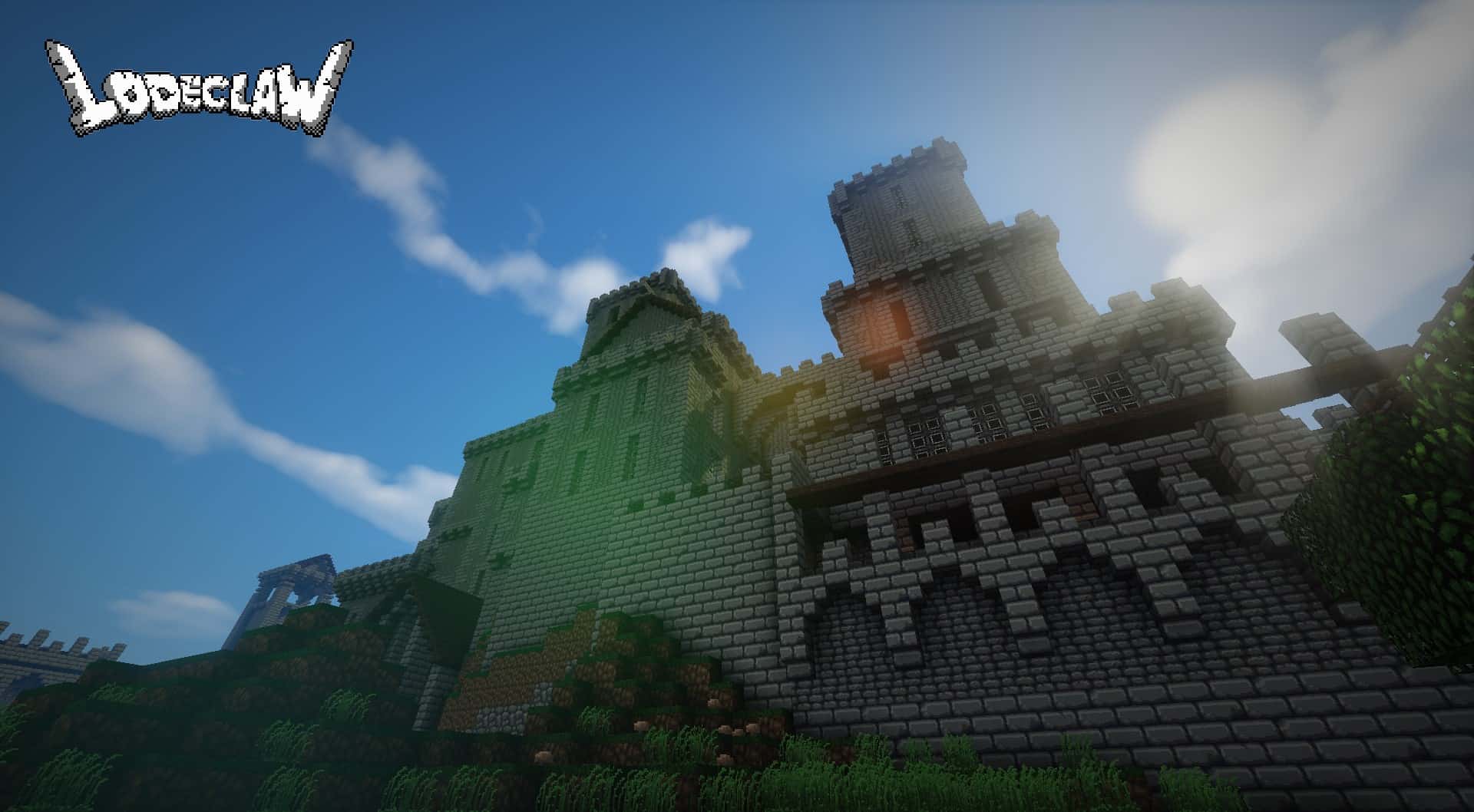
Sometimes it feels like certain photorealistic Minecraft resource packs transform the game so drastically that it hardly feels like Minecraft anymore. I am thrilled to report that the LodeCraft resource pack definitely does not fall into this category at all! It is a delightfully modest, wonderfully simple yet endlessly enjoyable resource pack that truly gets back to the absolute basics. Whenever people say that less is more, LodeCraft serves as the ultimate example for this expression because it still fundamentally looks and feels like Minecraft, yet it is wonderfully darker, a bit more atmospheric and eerie, and genuinely rejuvenating to play through from start to finish. The LodeCraft resource pack has been around for a few years and, funnily enough, it is not even fully completed yet. At its core, it operates as a gorgeous fantasy-style resource pack that arrives equipped with brand-new textures and skins for a huge variety of armor pieces, weapons, items, and mobs. You will also find fantastic new decorative objects such as custom paintings, chests, fences, doors, torches, and so much more. What many players including myself have eagerly pointed out is that this resource pack carries a distinct, nostalgic vibe that strongly reminds me of classic retro games like Doom and Hexen.
This nostalgic atmosphere is driven primarily by the inclusion of richer gray textures and a much deeper, darker overall tone. Given that Hexen was famously set in a gritty medieval world, the visual resemblance is brilliantly striking and unmistakable. The LodeCraft resource pack successfully revamps numerous existing textures to make them an absolute dream fit for any medieval environment, empowering players like us to construct breathtaking architectural masterpieces from that historical era, including imposing castles, grand cathedrals, sprawling dungeons, and beyond. Beyond the stunning visuals, the LodeCraft texture pack genuinely succeeds in making surfaces noticeably crispier thanks to its upgraded texture resolution. While vanilla Minecraft relies on standard 16x textures, LodeCraft steps things up with gorgeous 32x textures. This translates directly to double the pixel count per block and twice the level of intricate detail. Furthermore, you will notice reduced visual scatter and enhanced lighting presentation that practically begs for the use of a complementary shader pack. Best of all, for players worried about frame rates, the 32x resolution utilized by LodeCraft ensures it is by no means a performance hog, running almost as smoothly and effortlessly as vanilla Minecraft itself.
LodeCraft should be compatible with all of these Minecraft versions: 1.10.2 – 1.10 – 1.9.4 – 1.9 – 1.8.9 – 1.8.8 – 1.8.1 – 1.8.6 – 1.8
Screenshots
How to Install Texture Pack (Simple 10 Steps)
- Download OptiFine: Most of the texture packs and shaders need OptiFine. That’s why, first download and install OptiFine for the version of Minecraft you want to play.
- Download the Texture Pack: Get the texture pack you want from the download section. Choose the version that works with your Minecraft and your PC’s performance.
- Open Minecraft Launcher: Start Minecraft using the official game launcher — or even TLauncher, if you use that.
- Go to Options: From the main menu, click on the “Options” button.
- Open Resource Packs: Inside Options, click on “Resource Packs…”.
- Open the Resource Pack Folder: Click on “Open Resource Pack Folder” — this will open a folder named “resourcepacks”.
- Move the Pack File: Copy or move the .zip file you downloaded into that “resourcepacks” folder. (Don’t unzip the file — Minecraft uses it as-is!)
- Go Back and Refresh: Close the folder and click “Done”, then go back into “Resource Packs…” again.
- Activate the Pack: You’ll see the pack on the left side. Hover over it and click the arrow to move it to the right (active side).
Tip: If you get a message that the pack is for a different version, just click “Yes” — it usually works fine. - Click Done and Enjoy: Click “Done” again. Now your pack is ready to use in-game. It’s that easy!
Credits
LodeCraft was created by Lodeclaw. We do not claim ownership of this content, nor have we modified the files. All rights remain with the original author. We encourage you to support the creator by downloading from official sources.
Download Instructions
Curseforge: download starts automatically after a few seconds;
Mediafire: click the big blue button with the text “DOWNLOAD”;
Google Drive: in the top right corner you will see a small download icon (down arrow), click it and the download should start;