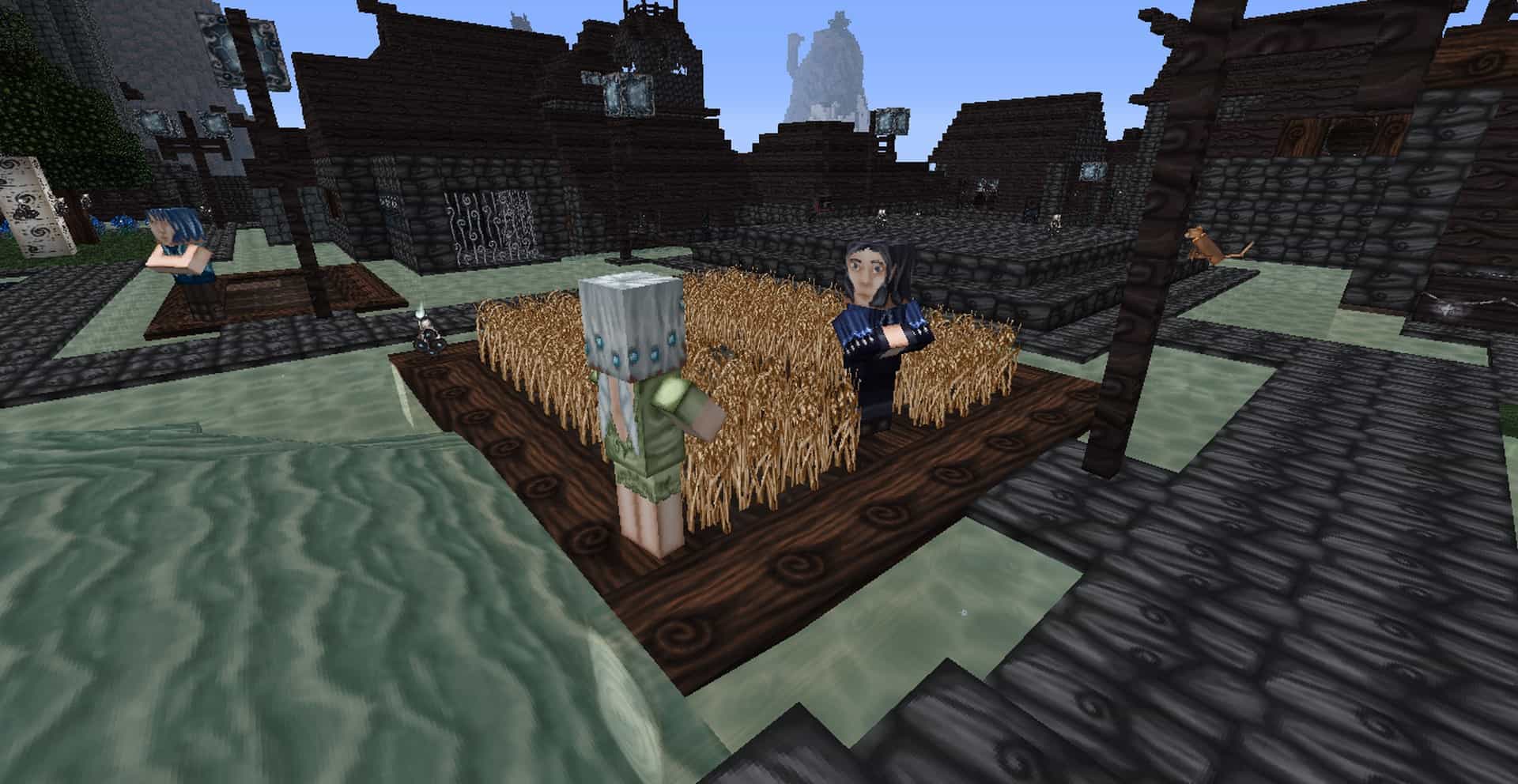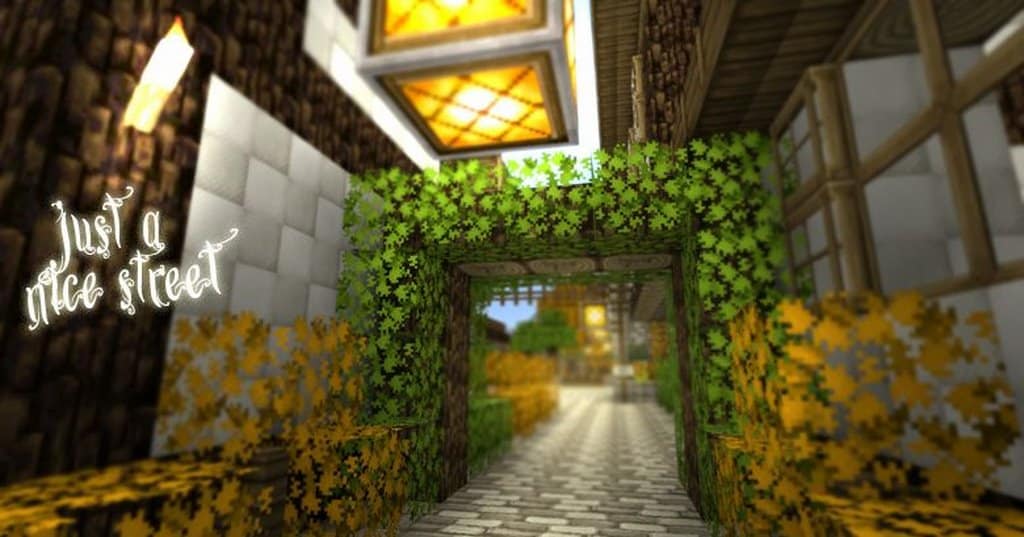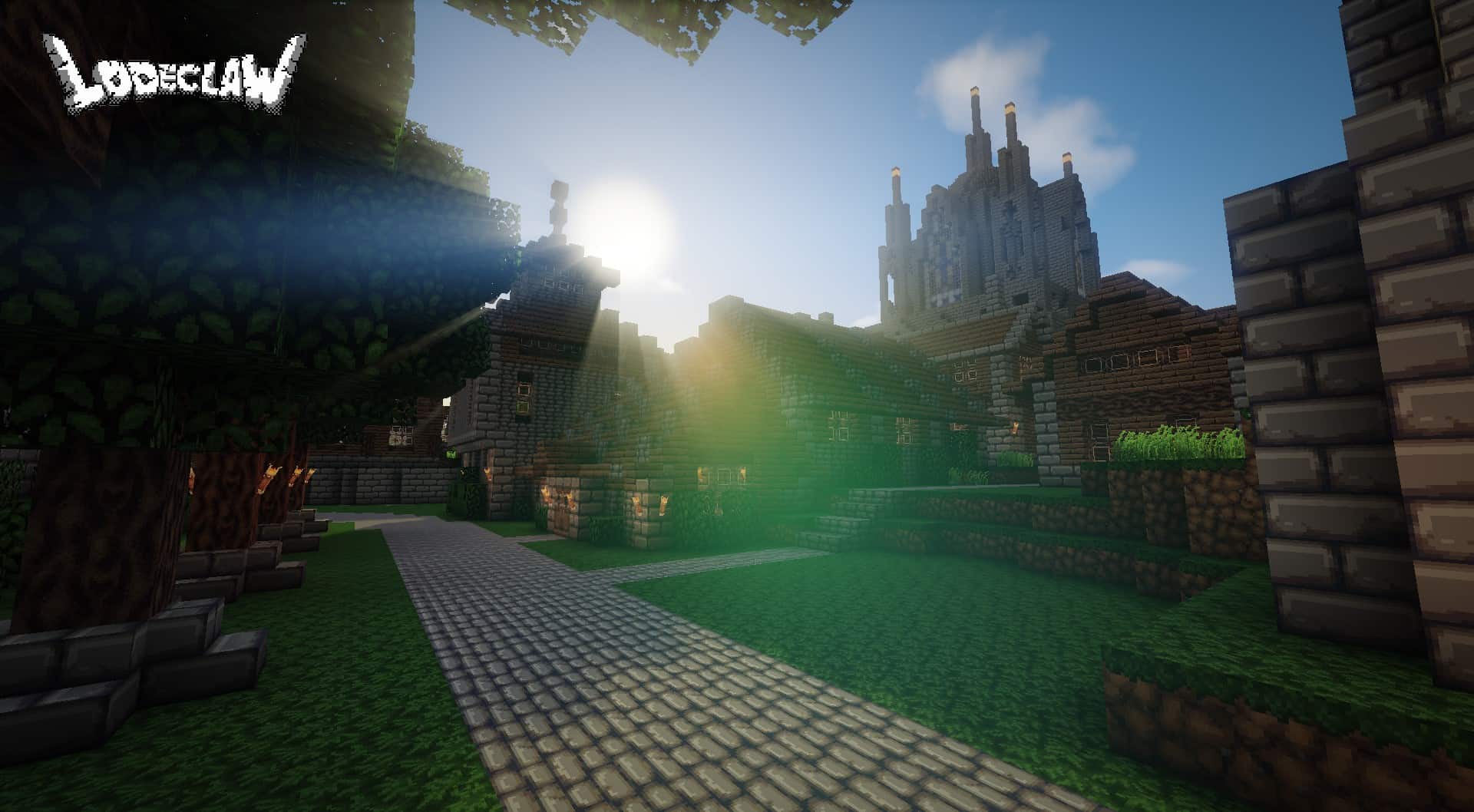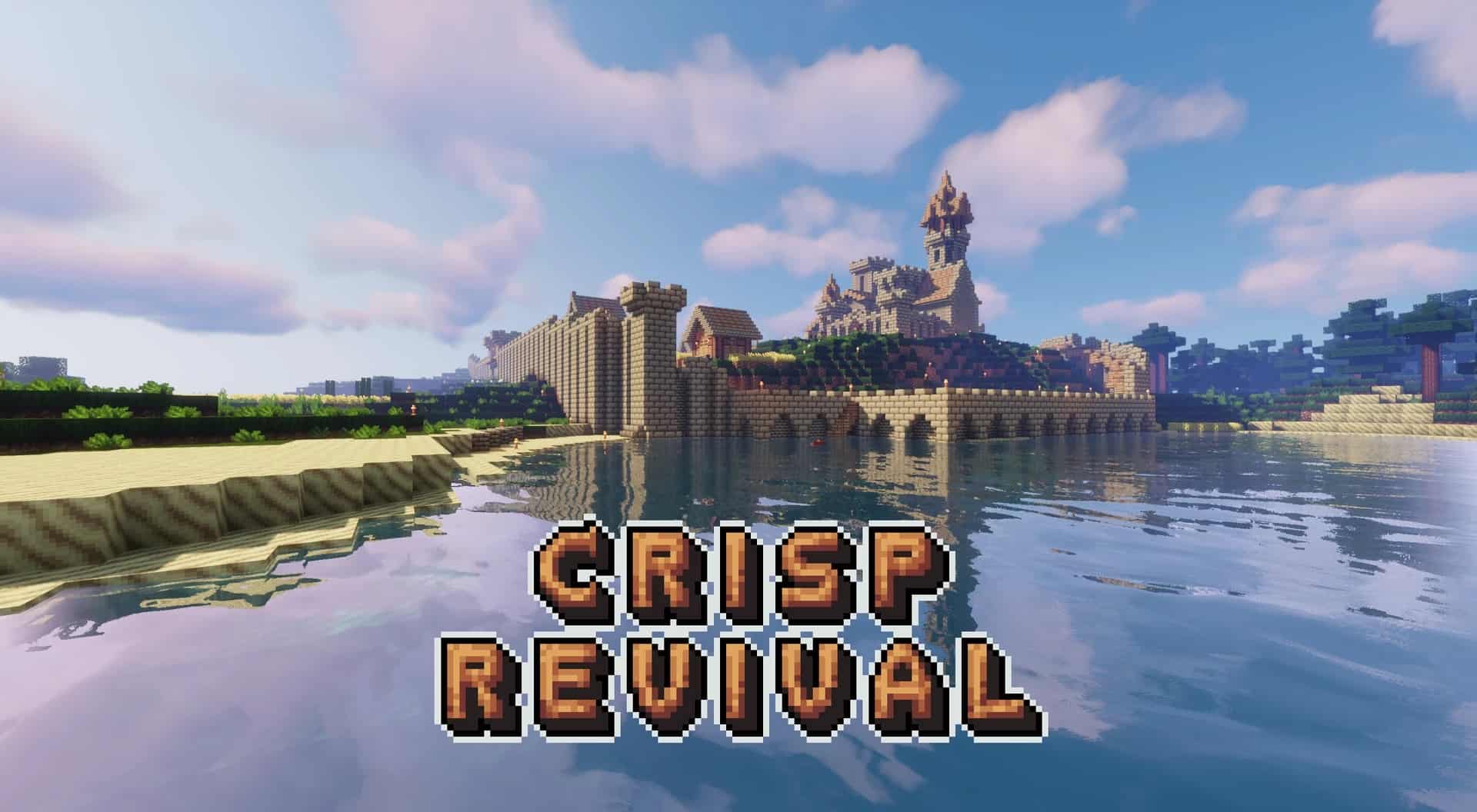
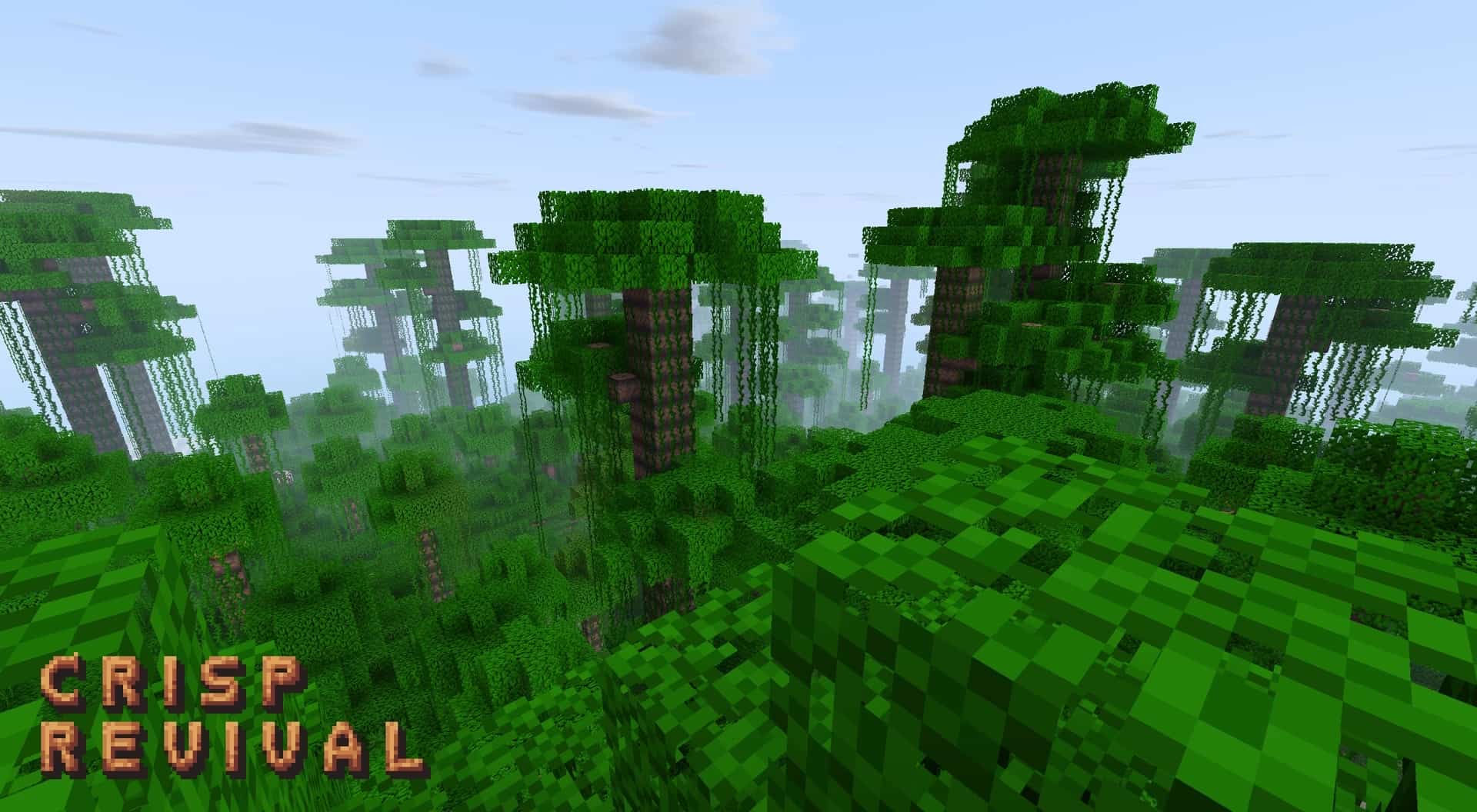
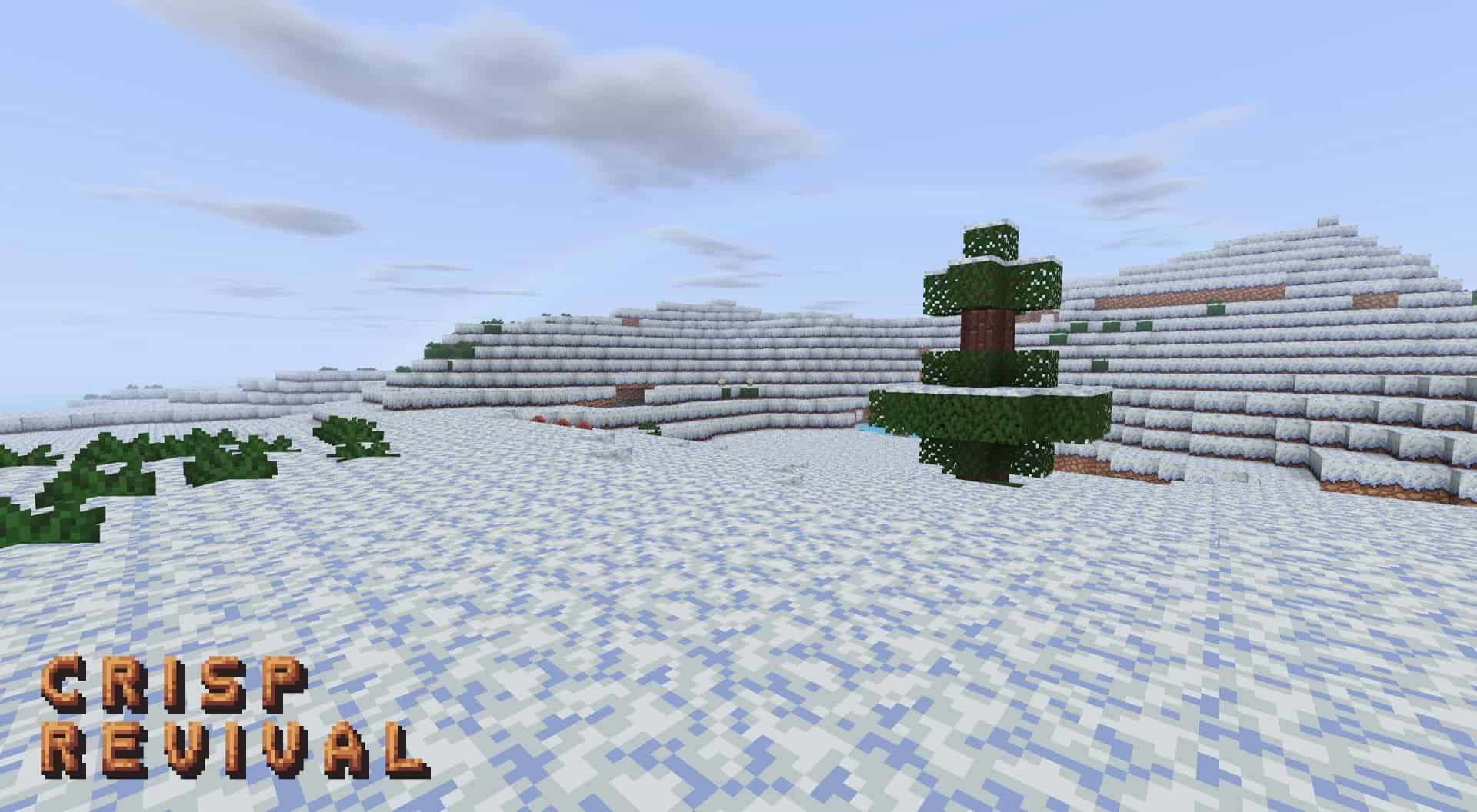
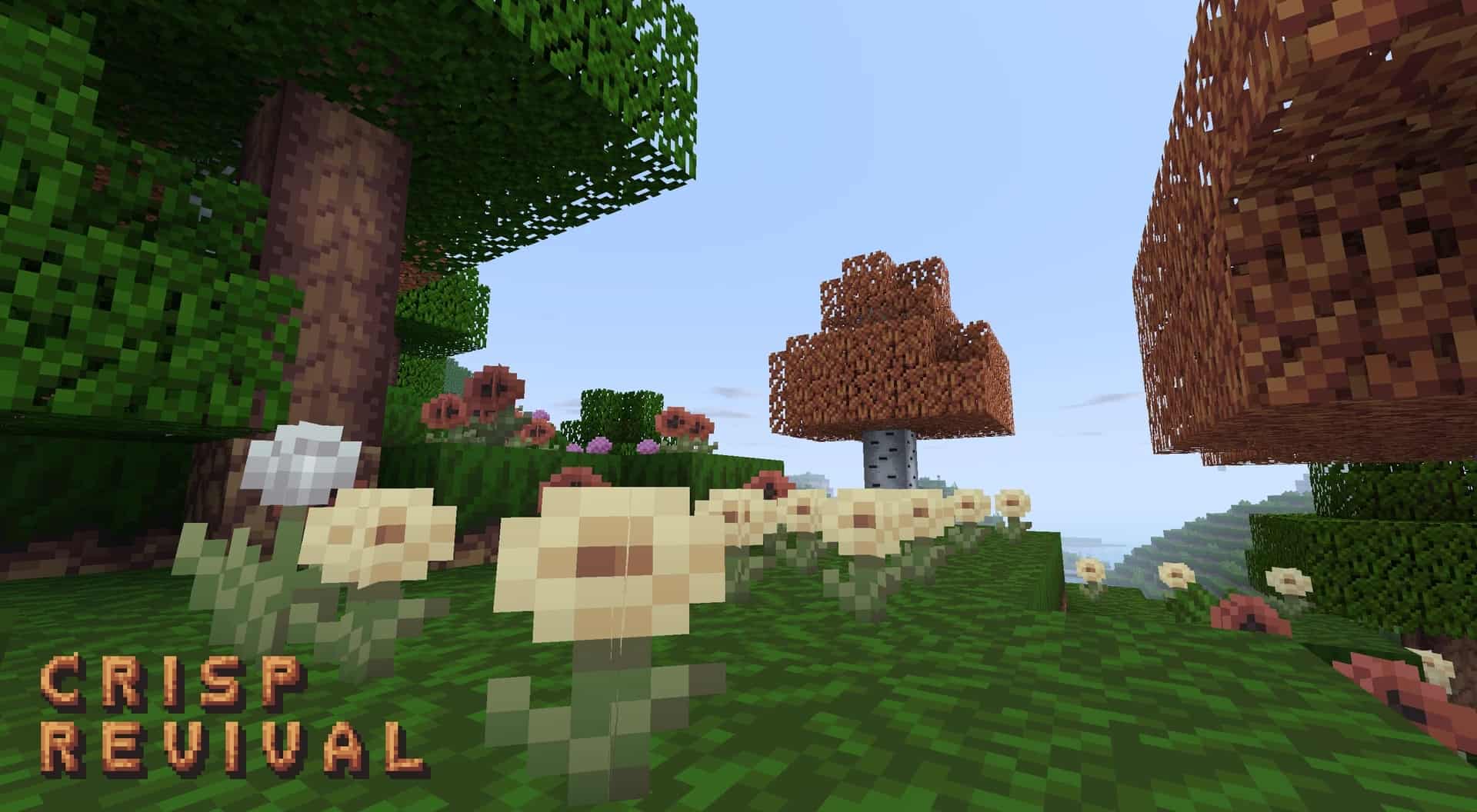
Not everyone truly appreciates those intensely photorealistic Minecraft resource packs out there. While it is undeniable that a tremendous amount of painstaking work goes into creating them, you often find yourself left wondering if Minecraft is still actually Minecraft when you quadruple or octuple texture resolutions and ramp up the detail levels to the extreme. It can easily strip away some of the core identity of the game and make Minecraft feel a lot less like Minecraft. Every once in a while, though, you stumble upon a wonderful resource pack that stays remarkably true to the classic Minecraft formula by utilizing clean 16x resolution textures. Not all of them turn out great, but the best ones manage to exquisitely preserve the true spirit of Minecraft. The Crisp Revival resource pack is an absolute stellar example of a pack that genuinely makes Minecraft look better without ever making it feel or look like an entirely different game altogether. Back in May 2015, cheezlordy, a dedicated and talented Minecraft community member, initially released the original Crisp resource pack. While that classic pack still receives occasional updates, the developer thoughtfully decided to forge ahead with a brand-new project in the form of Crisp Revival. The primary purpose of Crisp Revival was to completely remake the original resource pack and seamlessly continue its ongoing development. Interestingly enough, despite being released relatively recently in 2021, it has already managed to rack up close to 100,000 total downloads spread across multiple websites. This is a massive testament to its incredible adoption rate by a community that deeply appreciates the polished visuals and sheer quality of work invested into building Crisp Revival. The very first thing you will undoubtedly notice when you fire up the Crisp Revival texture pack is just how wonderfully familiar everything feels; it looks almost identical to vanilla at a glance, yet practically every single texture in the entire game has been thoughtfully tweaked or completely overhauled. Everything retains that nostalgic feel, yet at the exact same time, everything simply looks remarkably better. A great number of textures have been given wonderfully darkened color tones. You can easily observe this gorgeous change with grass blocks, wood logs, tree leaves, and countless other types of blocks throughout your world. Even the ore blocks have received fantastic visual updates. There are also brilliant new textures for flowing lava and your typical underground blocks, which now appear delightfully deeper and darker. This wonderful darker tone featured throughout Crisp Revival is masterfully designed to infuse a distinct, cozy, and rustic vibe into your entire gameplay experience.
With this charmingly darker atmospheric vibe, the resource pack is exceptionally well-suited for what many players affectionately call RPG themes or immersive fantasy themes. It makes crafting intricate medieval settings feel significantly more genuine, ensuring your massive castles and humble village huts never look out of place. One of the absolute greatest benefits of choosing Crisp Revival over Vanilla Minecraft is the striking, beautiful contrast achieved between various terrain types and blocks. These phenomenal new textures also make it drastically easier to instantly distinguish between different kinds of blocks, which is precisely why this pack proudly bears the word Crisp in its title. The name serves as a fantastic representation of what you should eagerly expect when exploring your worlds with Crisp Revival installed. Everything feels infinitely crisper. Despite thoughtfully revamping the vast majority of textures in the game, Crisp Revival purposely leaves sky and cloud textures completely untouched. The water also retains its familiar vanilla appearance. To further elevate these specific elements, you will definitely want to pair this pack with a gorgeous shader pack. The massive benefit of running a quality shader pack alongside it is that it can make those textures pop even more dramatically while completely transforming your lighting, water reflections, and skies. Because the resource pack sticks to optimized 16x resolution textures, it is guaranteed to run smoothly on virtually any computer that can already handle vanilla Minecraft without breaking a sweat. However, if you truly want to enjoy this resource pack to its absolute maximum potential, you simply must run it alongside a shader pack. While a heavy shader pack can occasionally impact performance and trim down some of your precious frames per second, you would genuinely be doing yourself a massive disservice by skipping it. The game looks utterly phenomenal with Crisp Revival and a dedicated shader pack enabled together. On the flip side, if you are a hardcore PvP-focused player who prioritizes maximum framerates above all else, a shader might hinder your competitive edge. Regardless, a shader pack is entirely optional, and the pack still looks breathtakingly good on its own; but if your system can handle it, definitely install a shader to push those visuals to the absolute next level. When it comes to installation, Crisp Revival is wonderfully straightforward yet remarkably gorgeous, needing absolutely no complicated access to various special features. It does not needlessly fiddle with complicated sky textures, nor does it awkwardly force dynamic textures upon you. This means it can be installed the classic, old-fashioned way by simply dropping the files directly into your resource packs folder, or it can be effortlessly loaded alongside Optifine. Having Optifine is always a fantastic bonus for getting the most out of your game.
Crisp Revival should be compatible with all of these Minecraft versions: 1.21.10 – 1.21.9 – 1.21.8 – 1.21.7 – 1.21.6 – 1.21.5 – 1.21.4 – 1.21.3 – 1.21.2 – 1.21.1 – 1.21 – 1.20.6 – 1.20.5 – 1.20.4 – 1.20.3 – 1.20.2 – 1.20.1 – 1.20 – 1.19.4 – 1.19.3 – 1.19.2 – 1.19.1 – 1.19 – 1.18.2 – 1.18.1 – 1.18 – 1.17.1 – 1.17 – 1.16.5 – 1.16.4 – 1.16.3 – 1.16.2 – 1.16.1 – 1.16
Screenshots
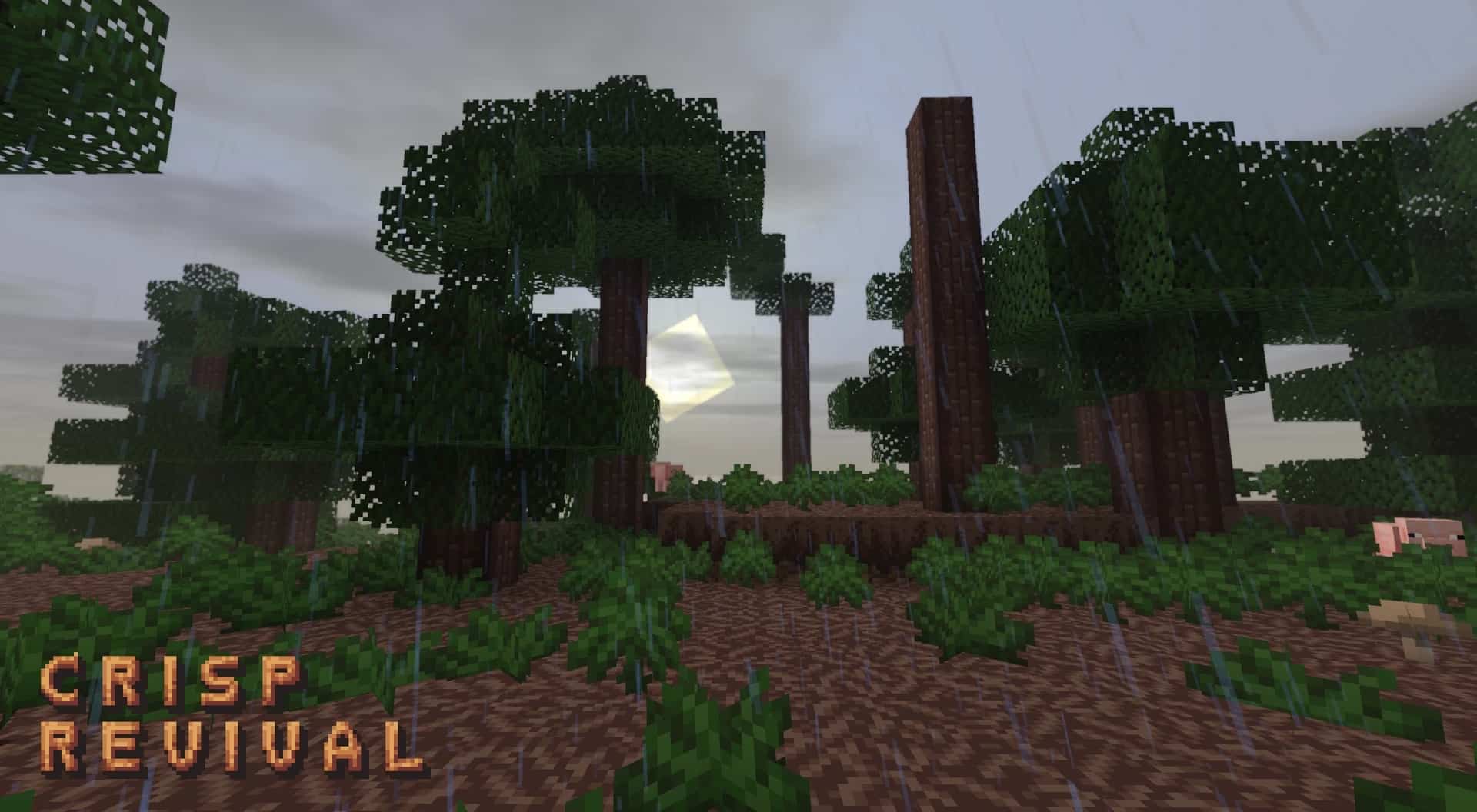
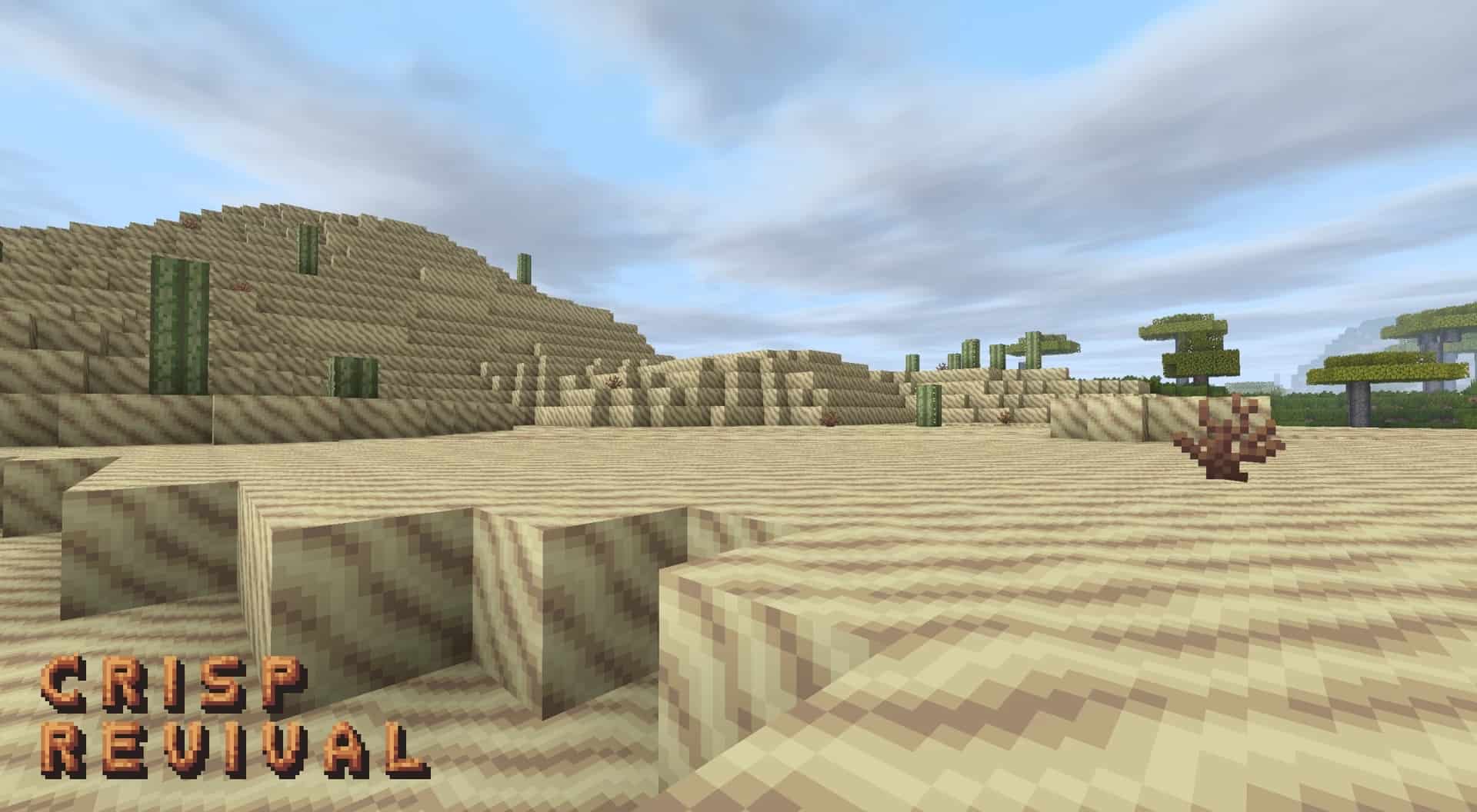
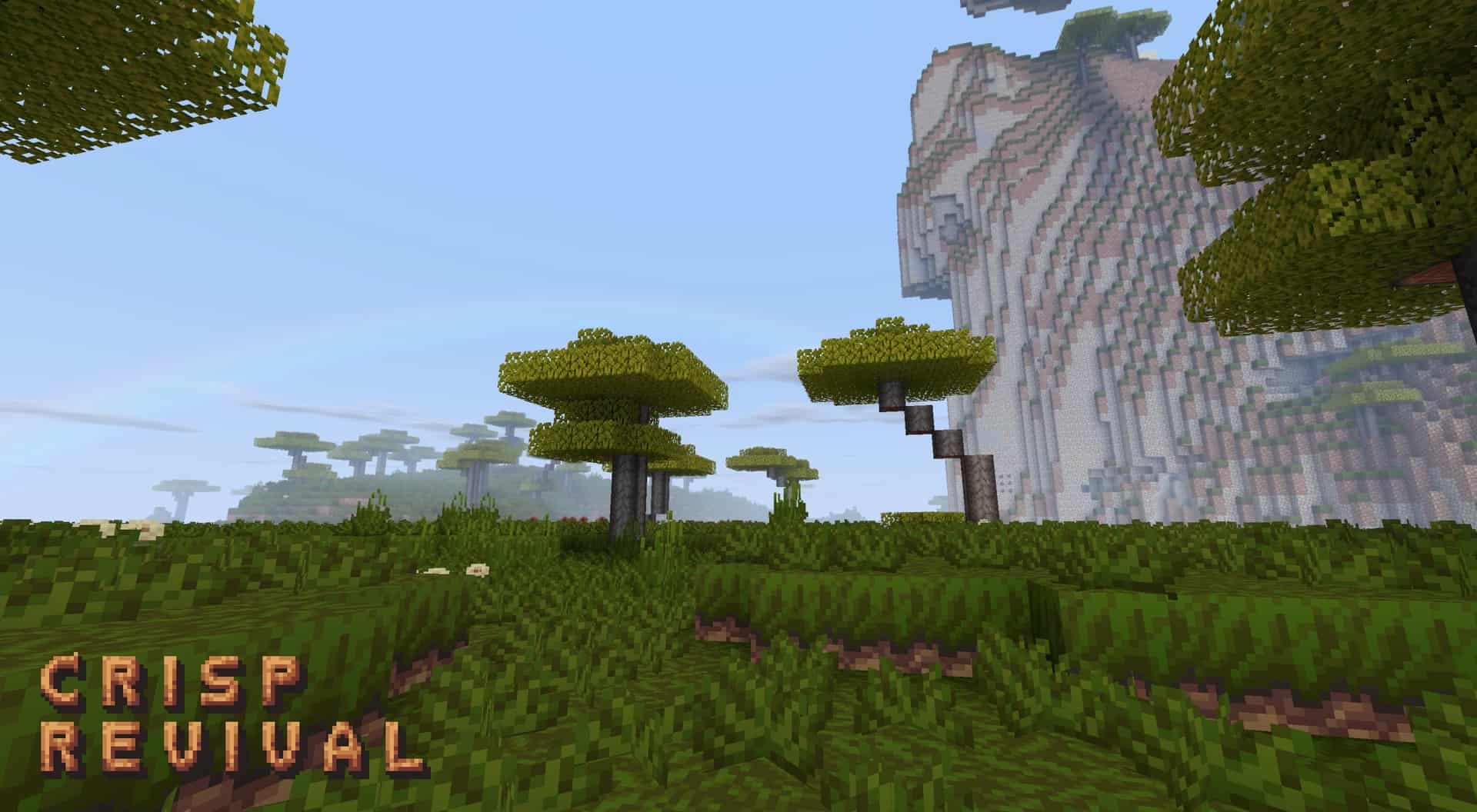
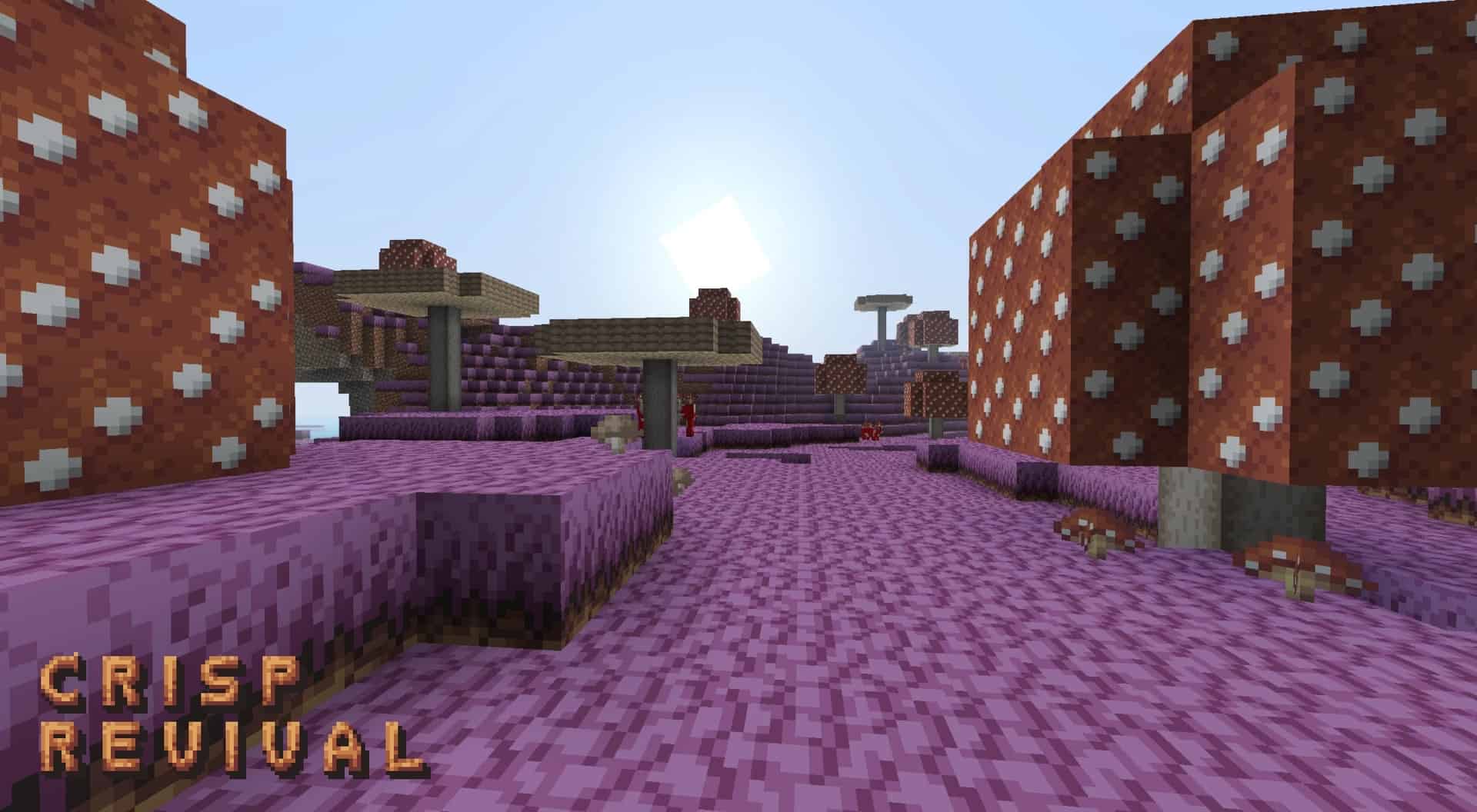
How to Install Texture Pack (Simple 10 Steps)
- Download OptiFine: Most of the texture packs and shaders need OptiFine. That’s why, first download and install OptiFine for the version of Minecraft you want to play.
- Download the Texture Pack: Get the texture pack you want from the download section. Choose the version that works with your Minecraft and your PC’s performance.
- Open Minecraft Launcher: Start Minecraft using the official game launcher — or even TLauncher, if you use that.
- Go to Options: From the main menu, click on the “Options” button.
- Open Resource Packs: Inside Options, click on “Resource Packs…”.
- Open the Resource Pack Folder: Click on “Open Resource Pack Folder” — this will open a folder named “resourcepacks”.
- Move the Pack File: Copy or move the .zip file you downloaded into that “resourcepacks” folder. (Don’t unzip the file — Minecraft uses it as-is!)
- Go Back and Refresh: Close the folder and click “Done”, then go back into “Resource Packs…” again.
- Activate the Pack: You’ll see the pack on the left side. Hover over it and click the arrow to move it to the right (active side).
Tip: If you get a message that the pack is for a different version, just click “Yes” — it usually works fine. - Click Done and Enjoy: Click “Done” again. Now your pack is ready to use in-game. It’s that easy!
Credits
Credits: Developed by cheezlordy. We do not claim ownership of this content and provide these download links as originally published by the author. We encourage all players to support the creator by visiting their official download pages.
Download Links
Java Edition
Download Instructions
Curseforge: download starts automatically after a few seconds;
Mediafire: click the big blue button with the text “DOWNLOAD”;
Google Drive: in the top right corner you will see a small download icon (down arrow), click it and the download should start;