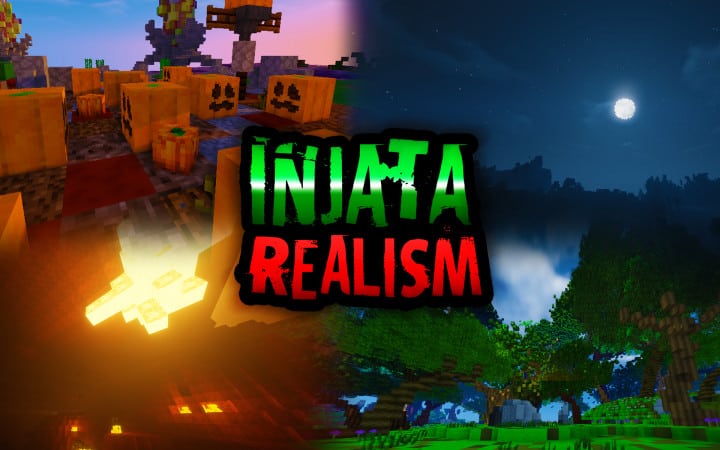
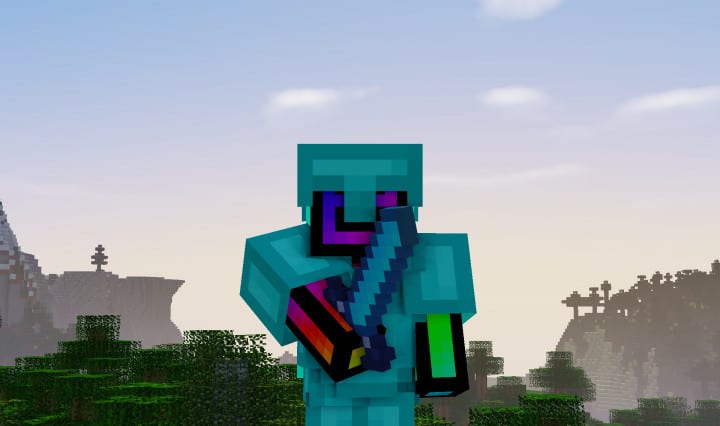
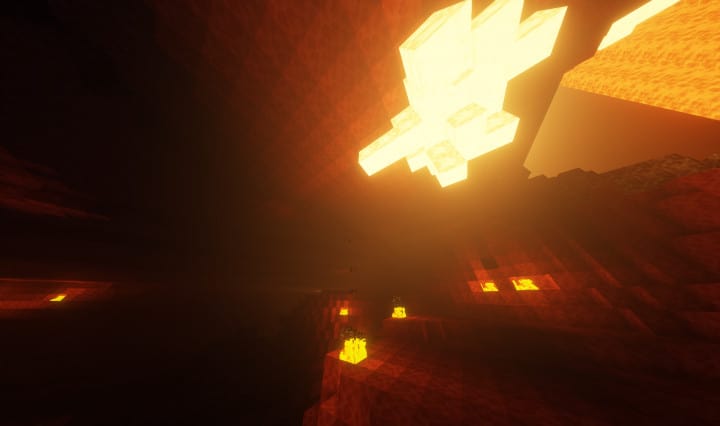
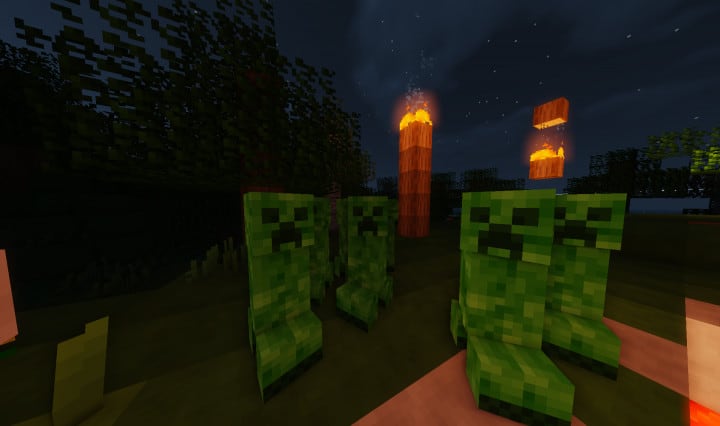
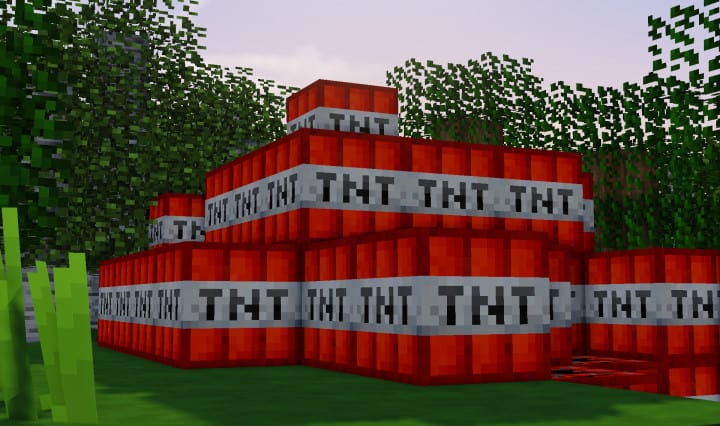
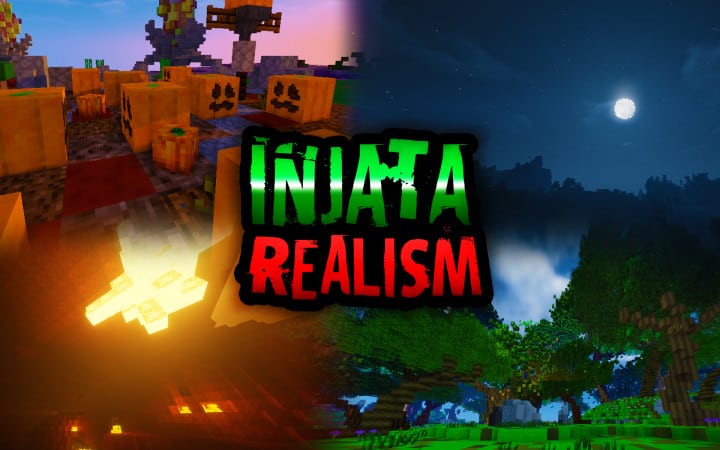
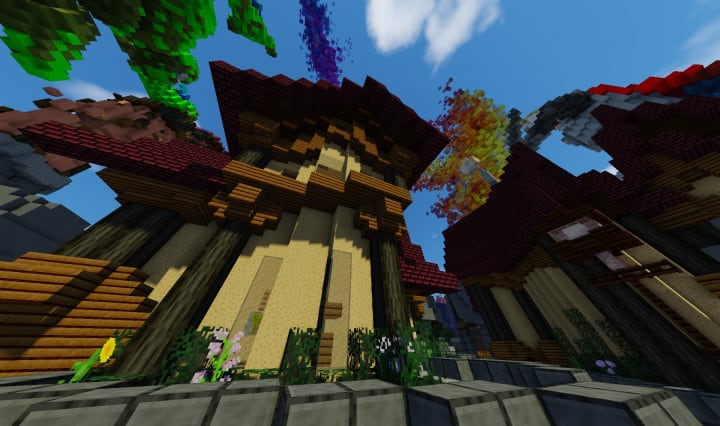
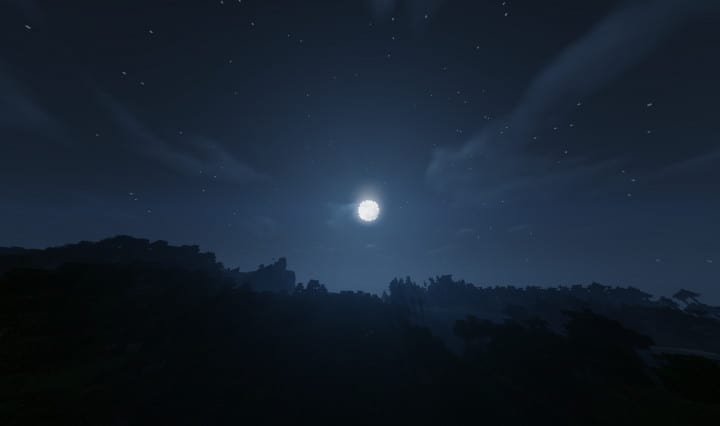
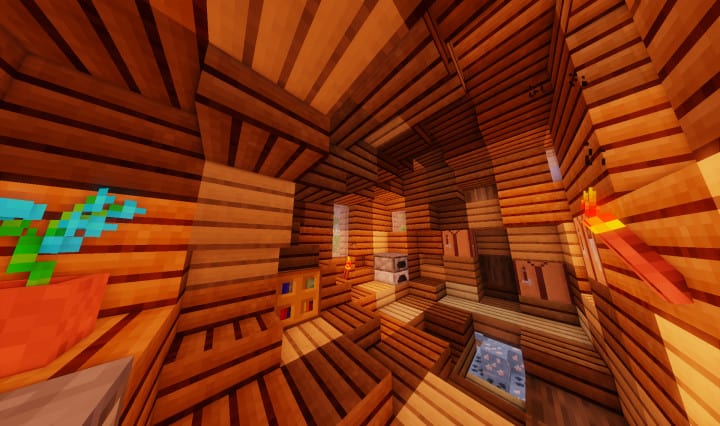
There are many Player versus Player (PvP) texture packs with great features, but I found that the InjataRealism PvP resource pack easily beats most of them in various aspects, and for this reason, it is gaining a lot more attention and traction out there. This pack comes with a somewhat unique design, and unlike other PvP packs, it can do multiple things concurrently. Again, most importantly, InjataRealism PvP comes with various features that make the visuals appear much better besides also improving the player versus player experience. There is more good news especially for individuals playing Minecraft using low end computers and, thus, cannot use other HD resource packs. This pack will still be good even if you are using a device with not-so-good hardware. InjataRealism Player versus Player texture pack makes various adjustments to many textures of the game like many of the mobs, and blocks.
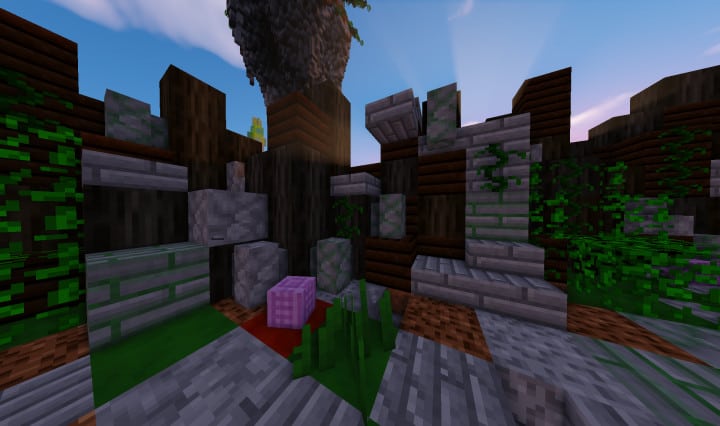
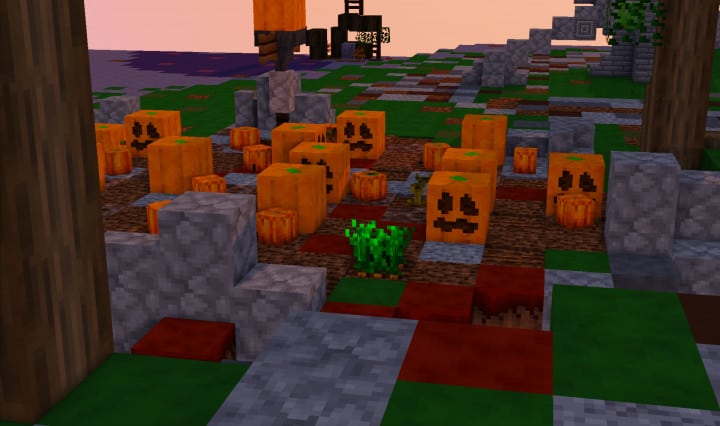
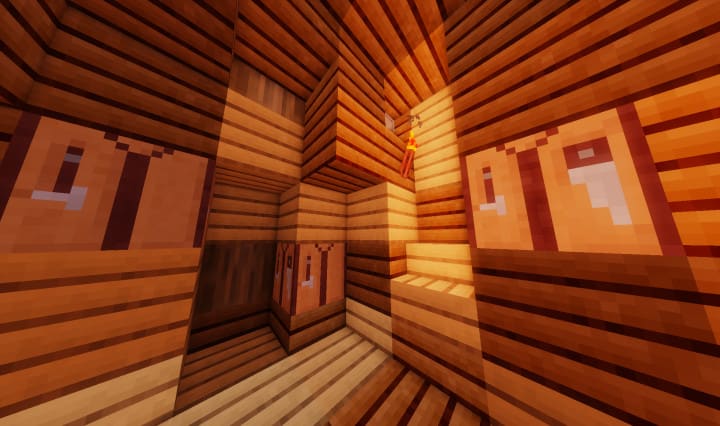
Different elements of the Graphical User Interface (GUI) are also changed. The adjustments which this amazing texture pack brings in make Minecraft look newer, distinct, and exhilarating, and even more interesting. After using this resource pack, you will surely appreciate the improvements and adjustments it brings especially if those vanilla Minecraft visuals are getting on your nerves. Although the extent of details in InjataRealism’s textures is not especially worth noting, they still look very pleasant because of their unique design and the striking color palette accompanying them. Therefore, in case you are going to use it mainly for Player versus Player-based features, you will not be disappointed since it actually has a big potential of taking your Minecraft experience to an entirely new level.
InjataRealism PvP should be compatible with all of these Minecraft versions: 1.8.9 – 1.8.1 – 1.8.6 – 1.8
Screenshots

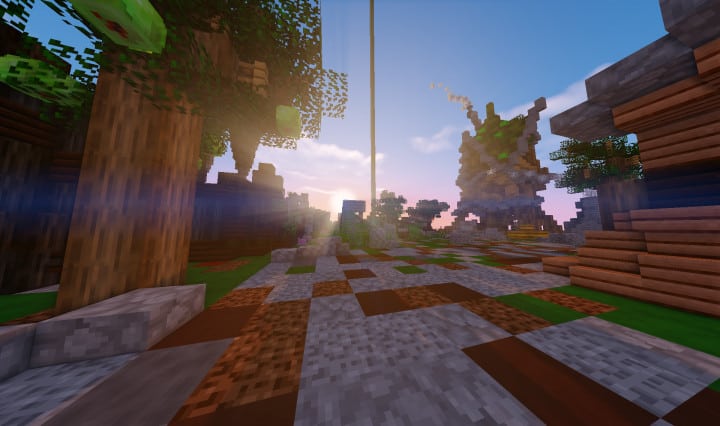
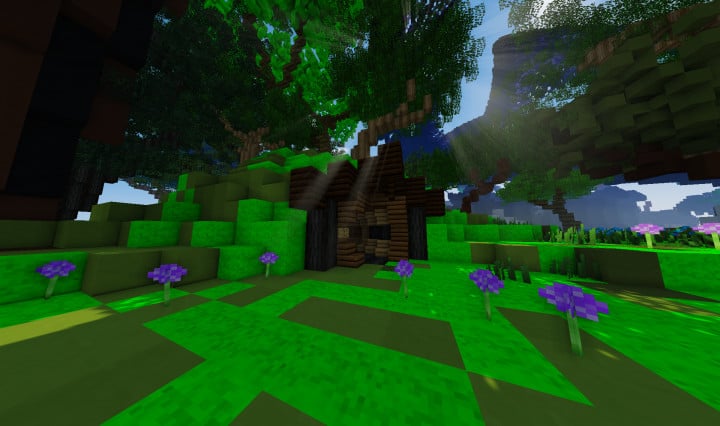
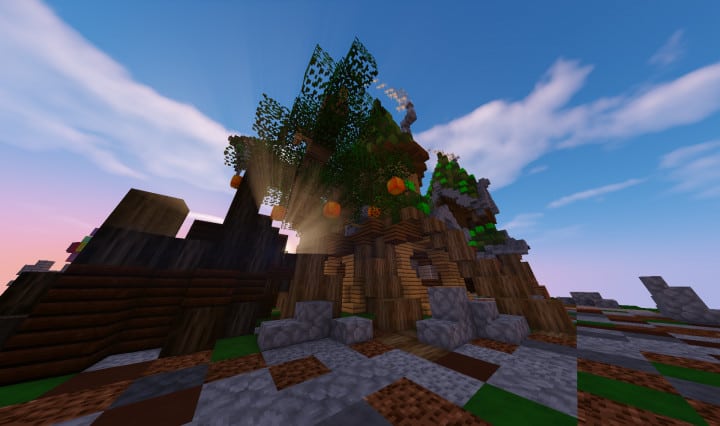
How to Install Texture Pack (Simple 10 Steps)
- Download OptiFine: Most of the texture packs and shaders need OptiFine. That’s why, first download and install OptiFine for the version of Minecraft you want to play.
- Download the Texture Pack: Get the texture pack you want from the download section. Choose the version that works with your Minecraft and your PC’s performance.
- Open Minecraft Launcher: Start Minecraft using the official game launcher — or even TLauncher, if you use that.
- Go to Options: From the main menu, click on the “Options” button.
- Open Resource Packs: Inside Options, click on “Resource Packs…”.
- Open the Resource Pack Folder: Click on “Open Resource Pack Folder” — this will open a folder named “resourcepacks”.
- Move the Pack File: Copy or move the .zip file you downloaded into that “resourcepacks” folder. (Don’t unzip the file — Minecraft uses it as-is!)
- Go Back and Refresh: Close the folder and click “Done”, then go back into “Resource Packs…” again.
- Activate the Pack: You’ll see the pack on the left side. Hover over it and click the arrow to move it to the right (active side).
Tip: If you get a message that the pack is for a different version, just click “Yes” — it usually works fine. - Click Done and Enjoy: Click “Done” again. Now your pack is ready to use in-game. It’s that easy!
Credits
This resource pack was created by Injata. We do not claim ownership of this modification, nor do we host altered files on our servers. All rights remain exclusively with the original creator. We strongly encourage you to support Injata by visiting their official channels and downloading directly from their designated distribution links.
Download Links
Java Edition
Download Instructions
Curseforge: download starts automatically after a few seconds;
Mediafire: click the big blue button with the text “DOWNLOAD”;
Google Drive: in the top right corner you will see a small download icon (down arrow), click it and the download should start;


