Are you looking for an innovative and advanced resource pack that can bring many unique textures to the Minecraft game? If yes, then you have surely come to the right page. Please keep reading and reveal all the info about the Huahwi PvP resource pack. As you probably know, the default visuals of Minecraft become not that attractive and eye-catching after some time. That’s why many players like you may be looking for a good-quality resource pack. Luckily, for you, the Huahwi PvP texture pack will surpass your needs! Please note that the resource pack is designed by a famous Huahwi. Huahwi is already popular as a Minecraft related youtube channel. Huahwi PvP comes with 64×64 pixels of resolution. The best part of this pack is that it is bundled with so many high detail textures. Rest assured that you will be able to use these textures in your game once you install this resource pack. Apart from the high detail textures, this Huahwi PvP pack has some decent grade textures too. There is one more unique factor of this particular Huahwi PvP resource pack.
Typically, it has been found that most of the PvP based resource packs in Minecraft focus more on the performance of Minecraft. That’s why if you install these traditional PvP themed resource packs, you will enjoy a smooth performance with no annoying lags. But, all these resource packs never focus on the visual effects of the game which is a major flaw for sure! But, the Huahwi PvP pack is an exception. Not only this particular resource pack provides you a dream-like blissful performance, but also it features a bunch of the most detailed and highest quality textures. You may not find such a wide variety of vivid, appealing, and bright textures in any other PvP-based resource packs. In addition to it, the Huahwi PvP resource pack brings a nice and vibrant color palette. This vibrant color palette ensures better visibility of the game. Another thing is that it brings good clarity to the game look as well. When you will install this resource pack, you will surely witness a sharp and clean visual. Also note, this resource pack still works quite fine on the low-end PCs. That’s because it comes with the stellar optimization feature. To summarize, the Huahwi PvP resource pack will re-skin the game visuals, provide better visuals, and ensure overall great performance.
Huahwi PvP should be compatible with all of these Minecraft versions: 1.12.2 – 1.12 – 1.11.2 – 1.11
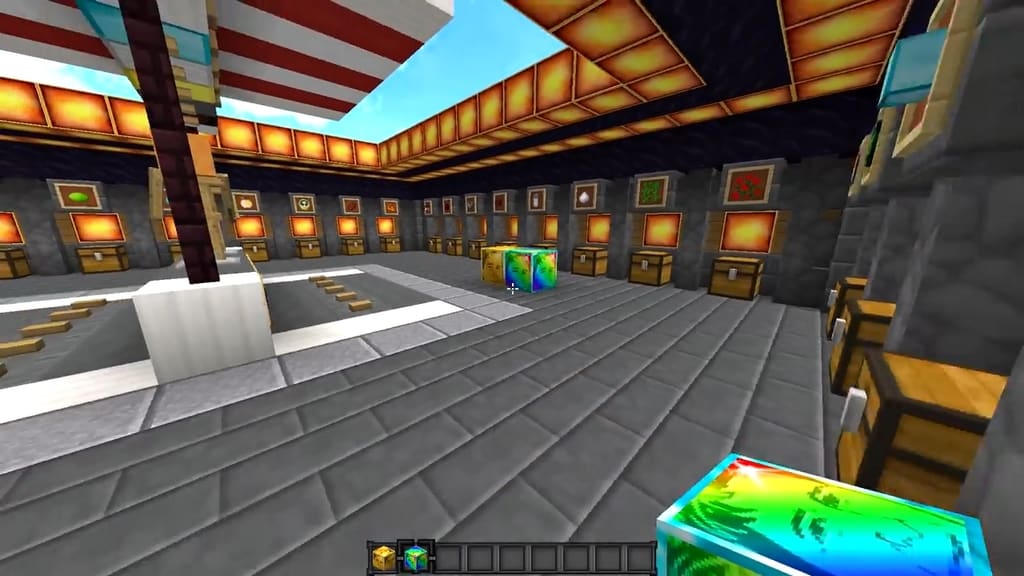
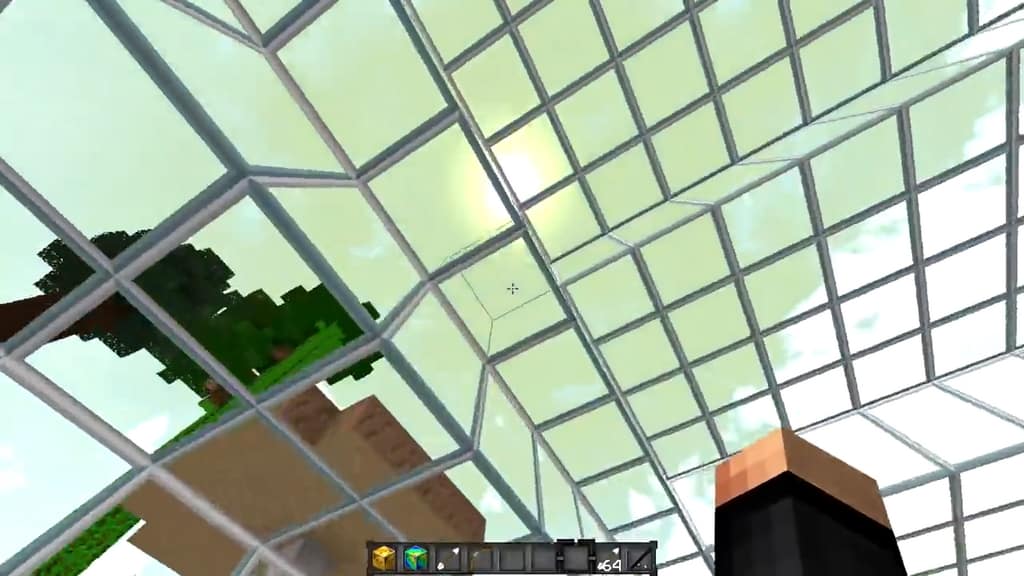
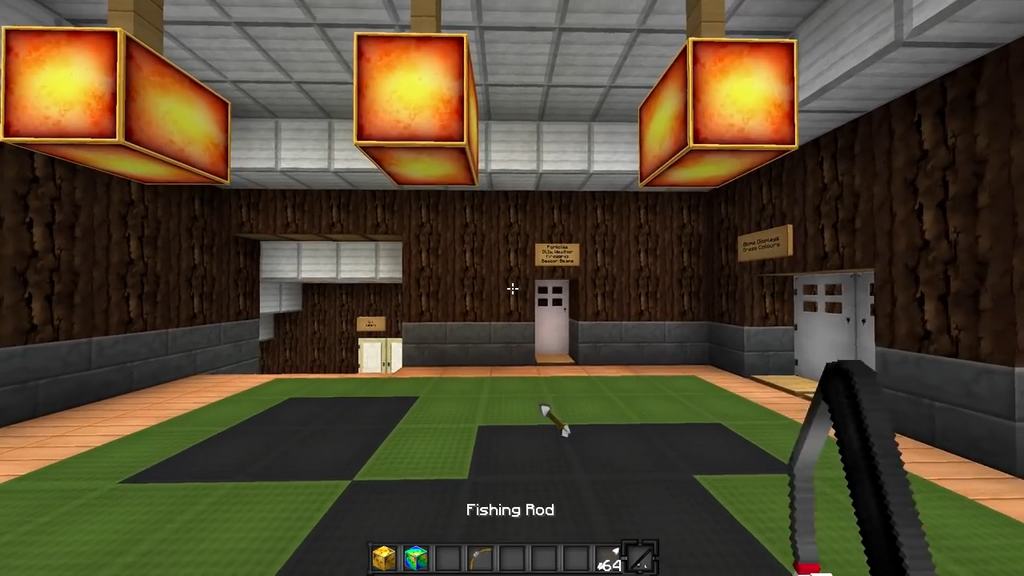
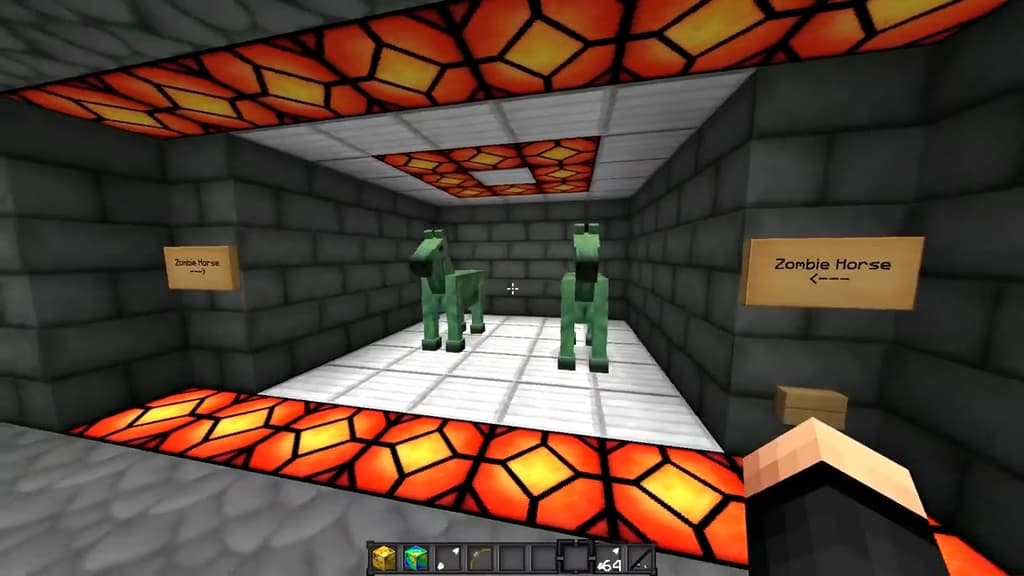
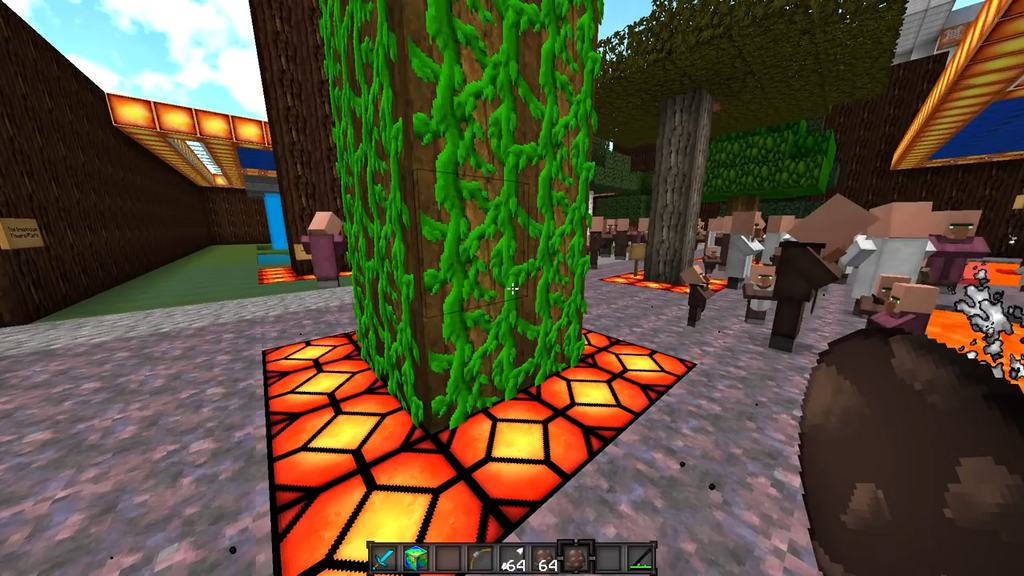
Screenshots
How to Install Texture Pack (Simple 10 Steps)
- Download OptiFine: Most of the texture packs and shaders need OptiFine. That’s why, first download and install OptiFine for the version of Minecraft you want to play.
- Download the Texture Pack: Get the texture pack you want from the download section. Choose the version that works with your Minecraft and your PC’s performance.
- Open Minecraft Launcher: Start Minecraft using the official game launcher — or even TLauncher, if you use that.
- Go to Options: From the main menu, click on the “Options” button.
- Open Resource Packs: Inside Options, click on “Resource Packs…”.
- Open the Resource Pack Folder: Click on “Open Resource Pack Folder” — this will open a folder named “resourcepacks”.
- Move the Pack File: Copy or move the .zip file you downloaded into that “resourcepacks” folder. (Don’t unzip the file — Minecraft uses it as-is!)
- Go Back and Refresh: Close the folder and click “Done”, then go back into “Resource Packs…” again.
- Activate the Pack: You’ll see the pack on the left side. Hover over it and click the arrow to move it to the right (active side).
Tip: If you get a message that the pack is for a different version, just click “Yes” — it usually works fine. - Click Done and Enjoy: Click “Done” again. Now your pack is ready to use in-game. It’s that easy!
Credits
This resource pack was originally created by Huahwi. We do not claim ownership of this creation and do not host or modify the original files. Please support the original creator by visiting their official channels and download links.
Download Links
Java Edition
Download Instructions
Curseforge: download starts automatically after a few seconds;
Mediafire: click the big blue button with the text “DOWNLOAD”;
Google Drive: in the top right corner you will see a small download icon (down arrow), click it and the download should start;


