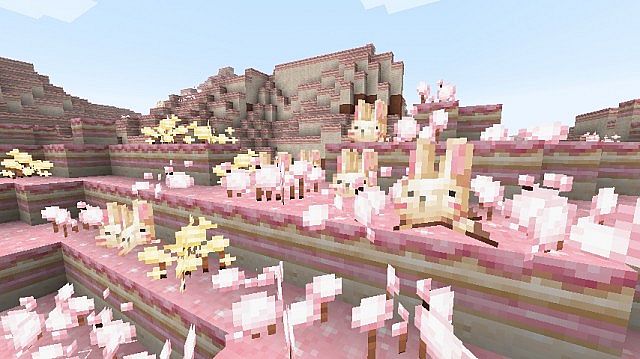
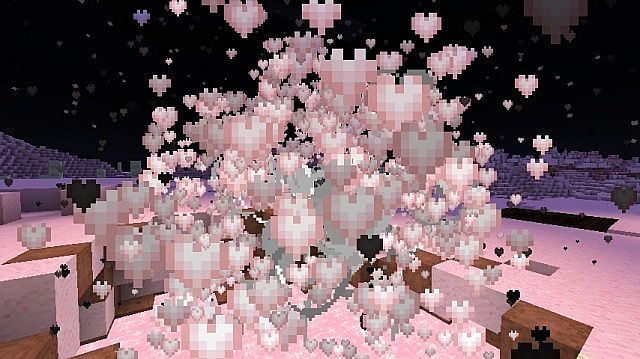
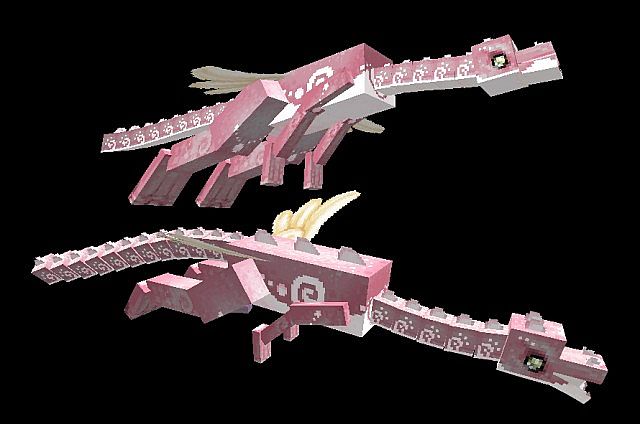
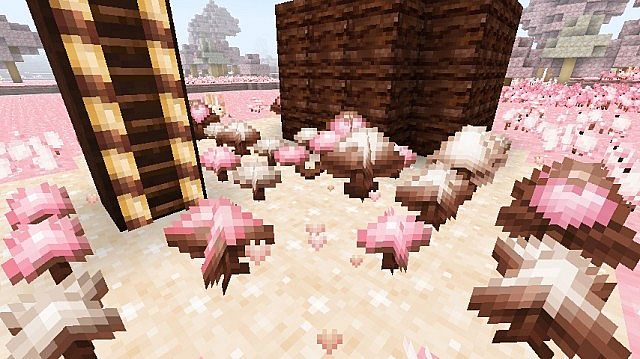
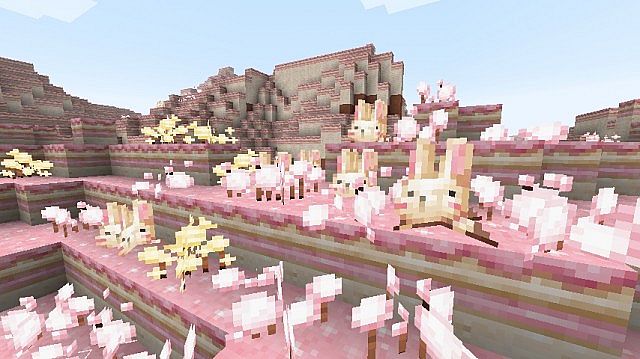
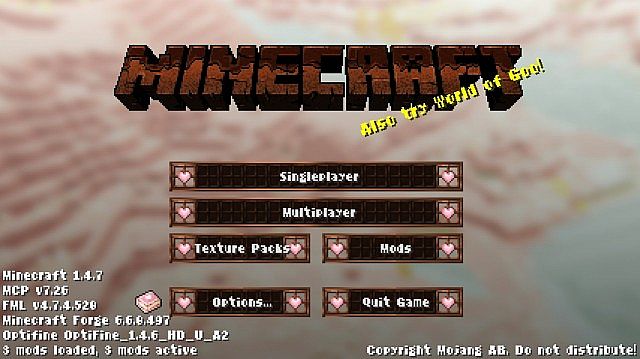
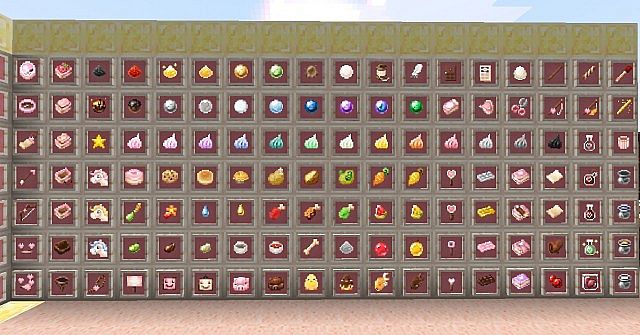
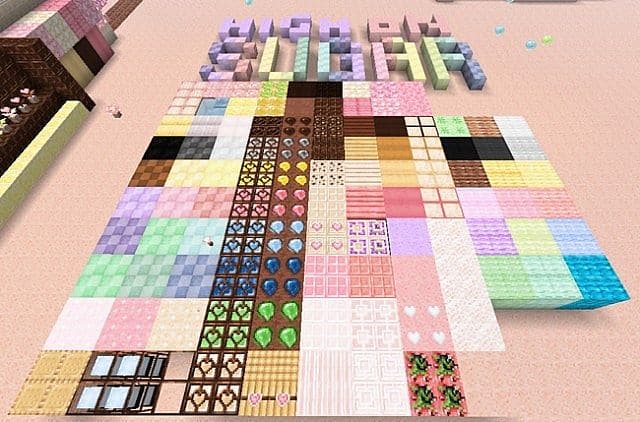
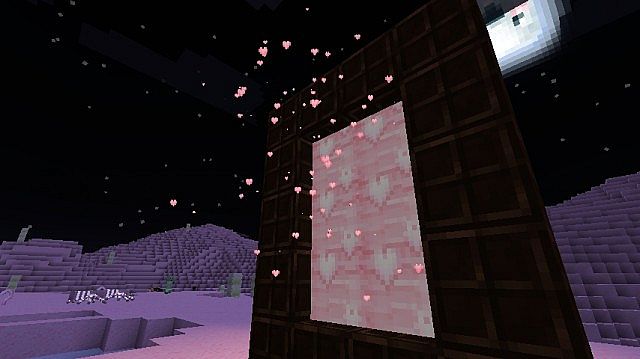
I absolutely love how the Minecraft High on Sugar resource pack delivers such a charming and imaginative twist on the game’s visuals, totally transforming them into a lively, candy-themed paradise! Crafted by Yuikami, this amazing 16×16 resolution pack completely reshapes Minecraft’s environment and creatures with textures heavily inspired by sweets like chocolates, candies, and all kinds of other sugary treats. Its cheerful and colorful design creates a wonderfully whimsical atmosphere that genuinely feels like an adventurous stroll through a sugary dreamland. What really sets High on Sugar apart for me is its incredibly broad range of customization features. You can modify various in-game elements, swapping axes for animated chainsaws, pickaxes for hammers, and music records for cassette tapes. Blocks also receive a delightfully sweet transformation, featuring mint-green grass, chocolate-like lava, and fluffy, puffy trees adorned with unique models and randomized borders. Mobs aren’t overlooked either; for example, pigs are delightfully redesigned as adorable panda pigs, adding yet another layer of charm to the experience. Additionally, items like cakes can appear as puddings or strawberry shortcakes, and there are multiple stained glass and painting options available to enhance the visual experience even further.
Even with its low-resolution design, I noticed that High on Sugar can actually be a bit demanding on system performance due to the numerous animations and custom models included. You might experience some lag, particularly on less powerful computers, so testing the pack’s performance beforehand is definitely recommended. For the absolute best visual quality and to fully enjoy the pack’s detailed animations and custom colors, using a tool like OptiFine is highly advised. Although the original High on Sugar resource pack was officially discontinued on February 3, 2019, Yuikami kindly allowed the community to continue its development as long as it remains non-commercial and proper credit is given. This has led to fantastic fan-driven updates like the High on Sugar Rain Edit, which aims to keep the beloved pack compatible with newer Minecraft versions while preserving its delightful candy-inspired style. For anyone eager to explore a colorful, candy-themed Minecraft universe, High on Sugar provides a truly enchanting experience. Its playful art style and diverse customization options make it an immensely appealing choice for anyone looking to enjoy a unique and joyful departure from the game’s standard textures.
High on Sugar should be compatible with all of these Minecraft versions: 1.8.9 – 1.8.8 – 1.8.1 – 1.8.6 – 1.8 – 1.7.10 – 1.7.9 – 1.7.4 – 1.7 – 1.6.4 – 1.6.2
Screenshots
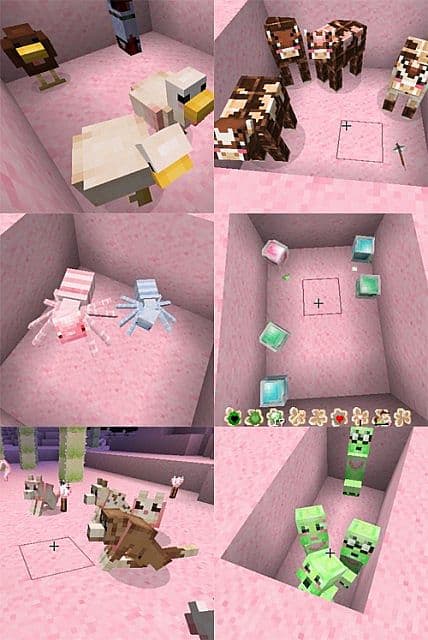
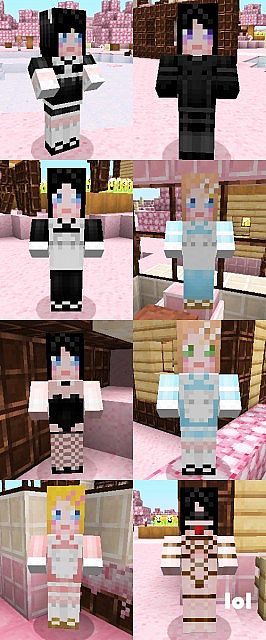
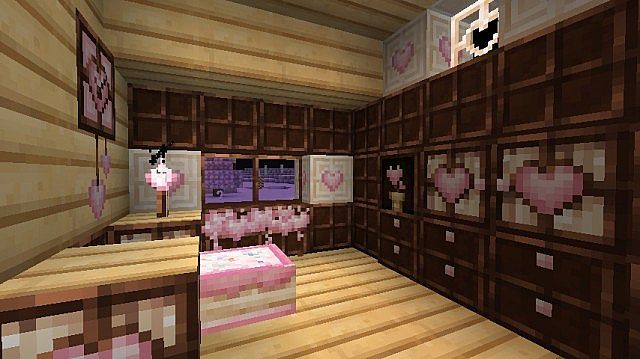
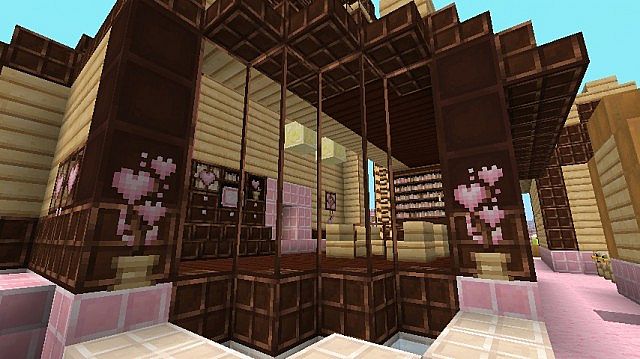
How to Install Texture Pack (Simple 10 Steps)
- Download OptiFine: Most of the texture packs and shaders need OptiFine. That’s why, first download and install OptiFine for the version of Minecraft you want to play.
- Download the Texture Pack: Get the texture pack you want from the download section. Choose the version that works with your Minecraft and your PC’s performance.
- Open Minecraft Launcher: Start Minecraft using the official game launcher — or even TLauncher, if you use that.
- Go to Options: From the main menu, click on the “Options” button.
- Open Resource Packs: Inside Options, click on “Resource Packs…”.
- Open the Resource Pack Folder: Click on “Open Resource Pack Folder” — this will open a folder named “resourcepacks”.
- Move the Pack File: Copy or move the .zip file you downloaded into that “resourcepacks” folder. (Don’t unzip the file — Minecraft uses it as-is!)
- Go Back and Refresh: Close the folder and click “Done”, then go back into “Resource Packs…” again.
- Activate the Pack: You’ll see the pack on the left side. Hover over it and click the arrow to move it to the right (active side).
Tip: If you get a message that the pack is for a different version, just click “Yes” — it usually works fine. - Click Done and Enjoy: Click “Done” again. Now your pack is ready to use in-game. It’s that easy!
Credits
This resource pack was originally created by Yuikami. We do not claim ownership of this content, nor do we host modified versions of the official files. All rights remain with the original creator, and we encourage the community to support Yuikami and their ongoing legacy.
Download Links
Java Edition
Download Instructions
Curseforge: download starts automatically after a few seconds;
Mediafire: click the big blue button with the text “DOWNLOAD”;
Google Drive: in the top right corner you will see a small download icon (down arrow), click it and the download should start;


