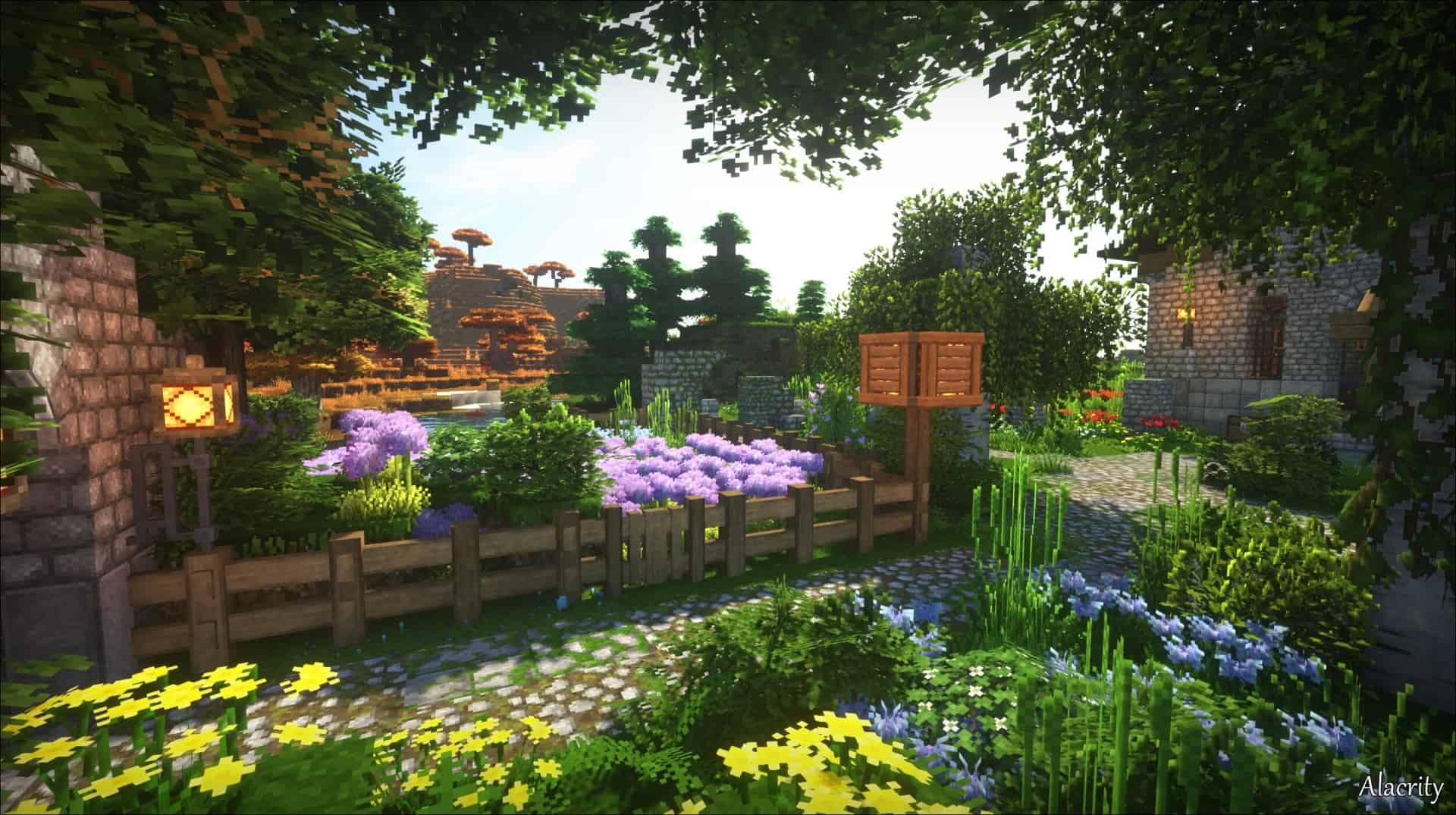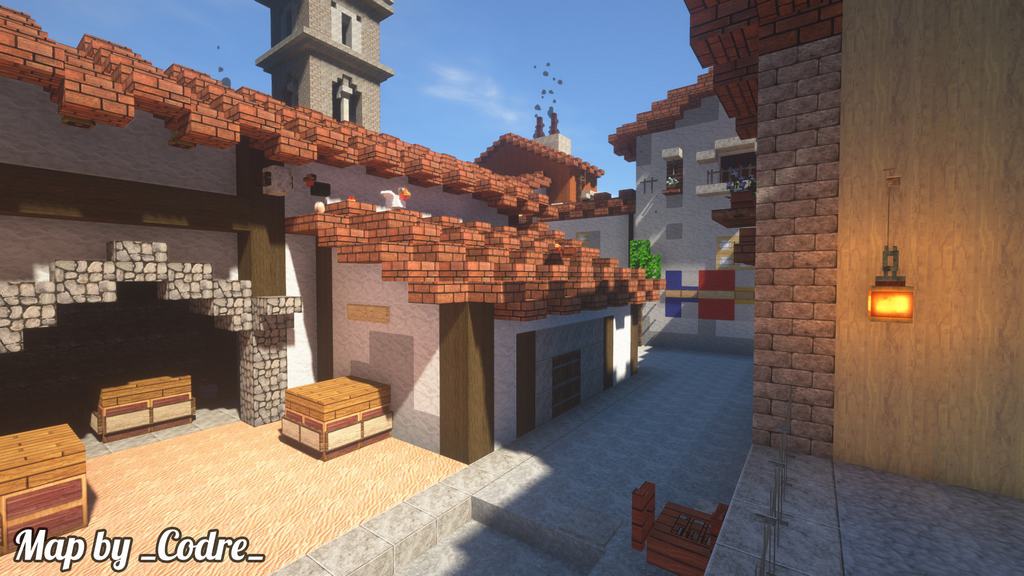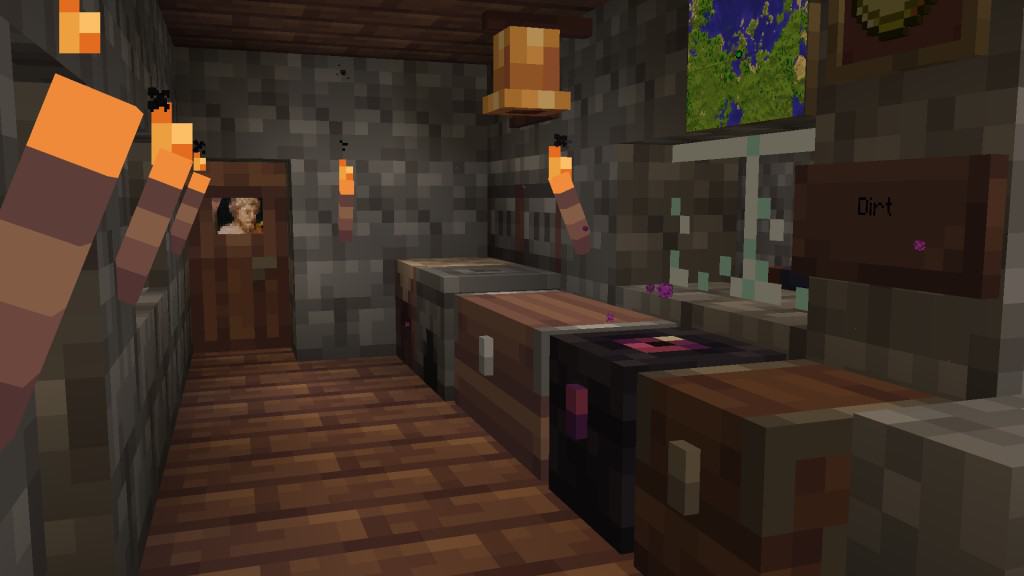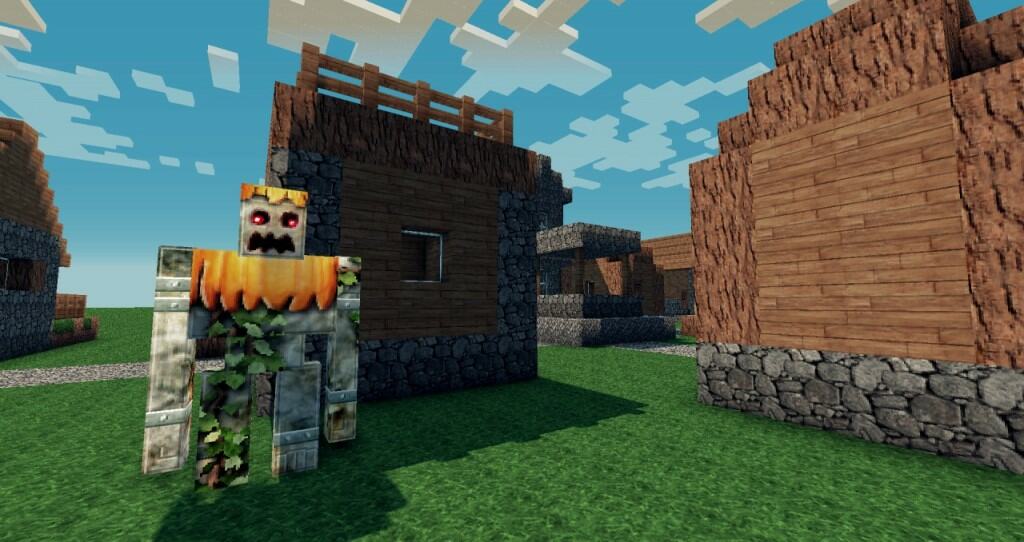
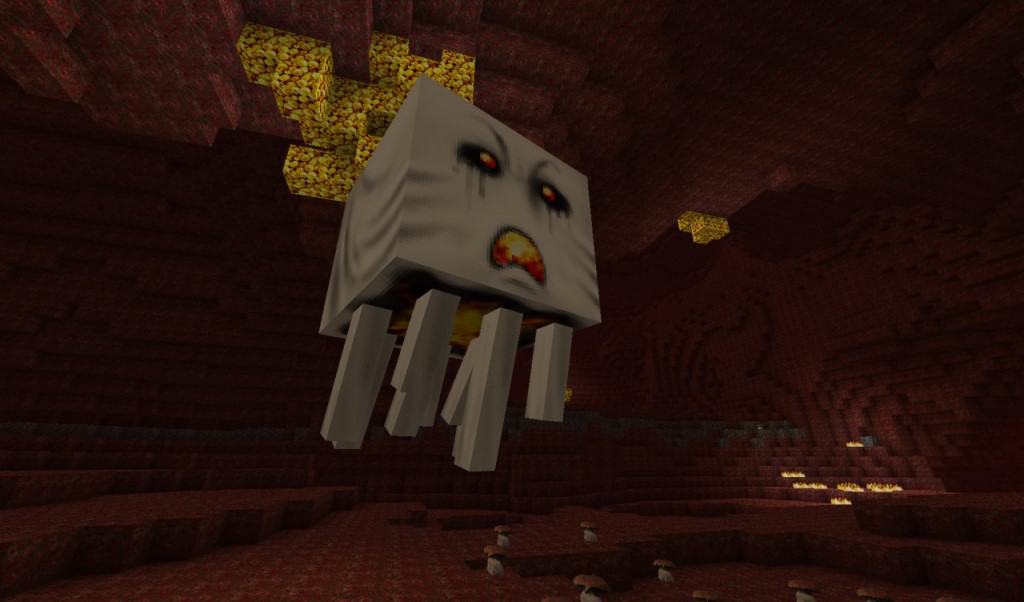
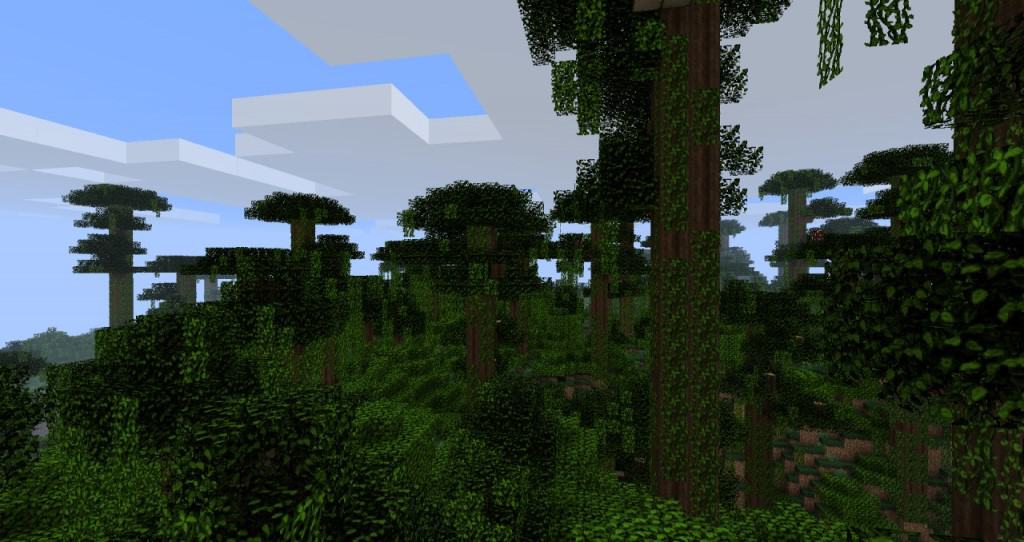
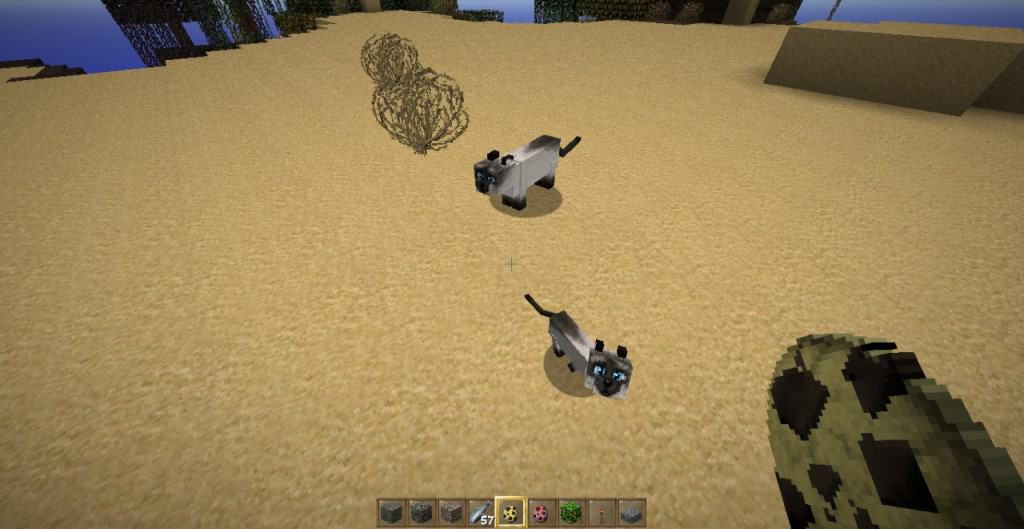
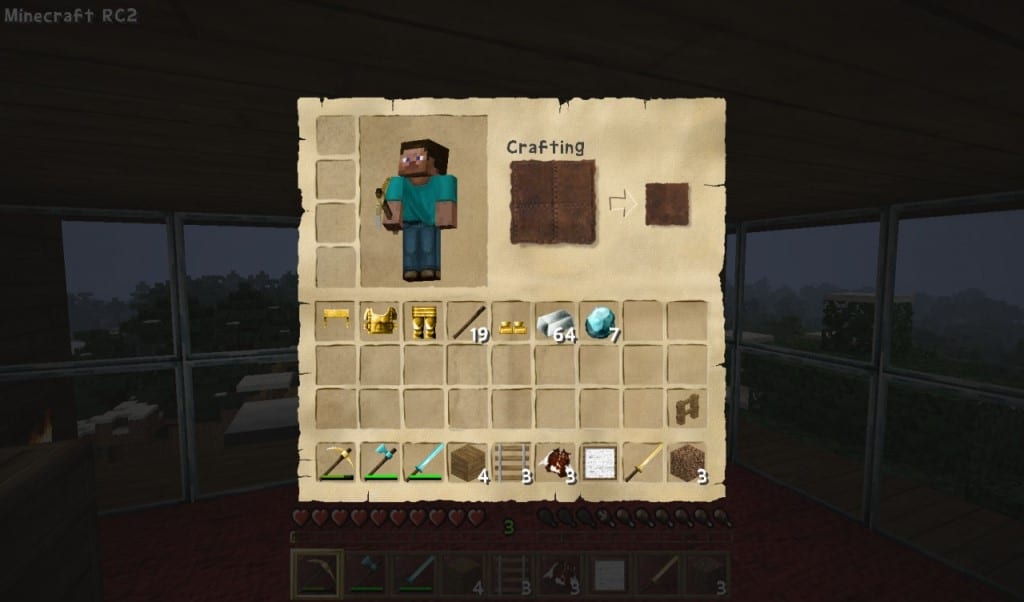
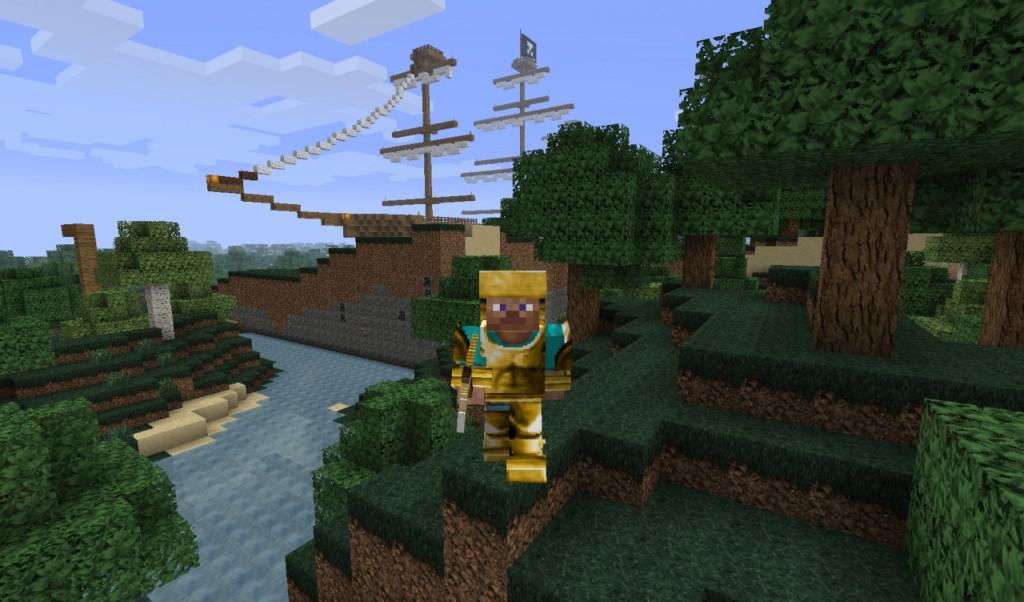
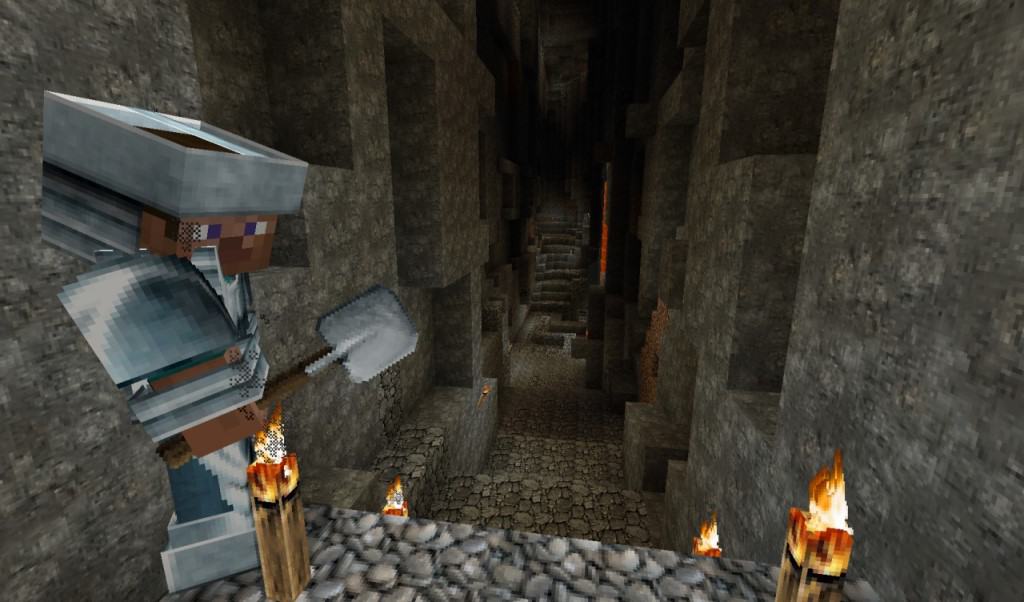
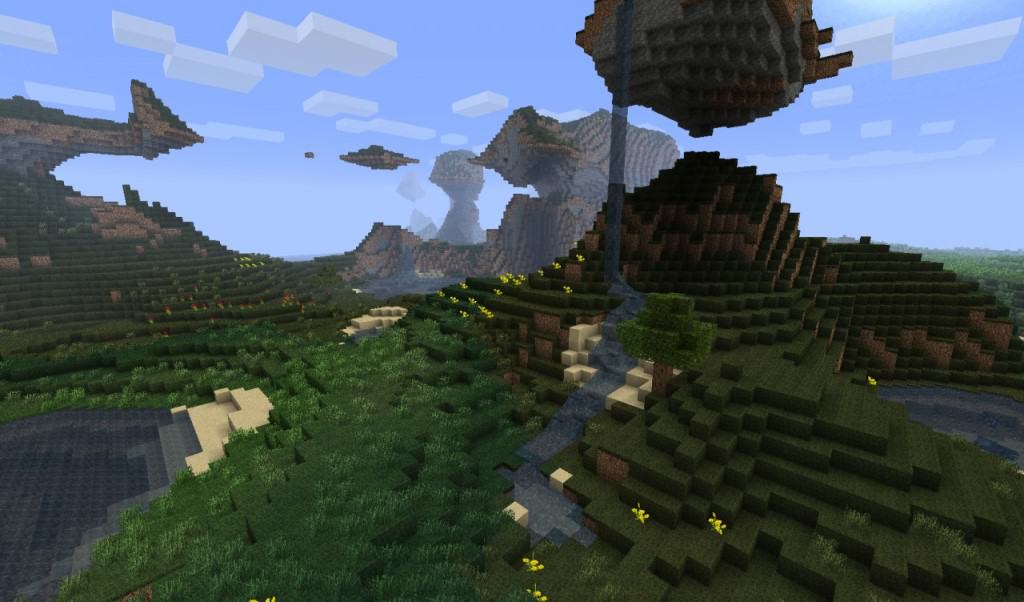
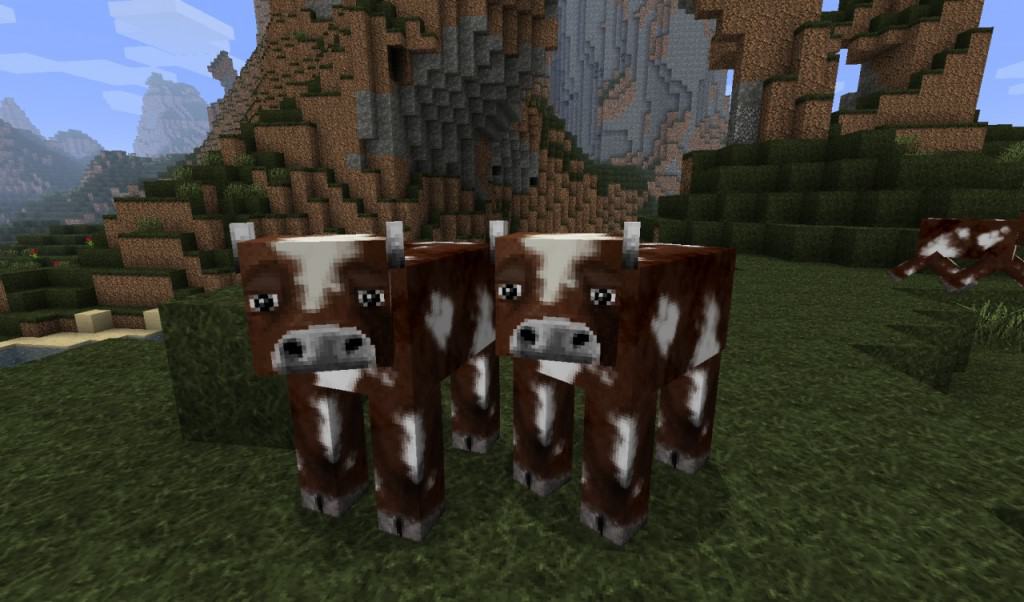
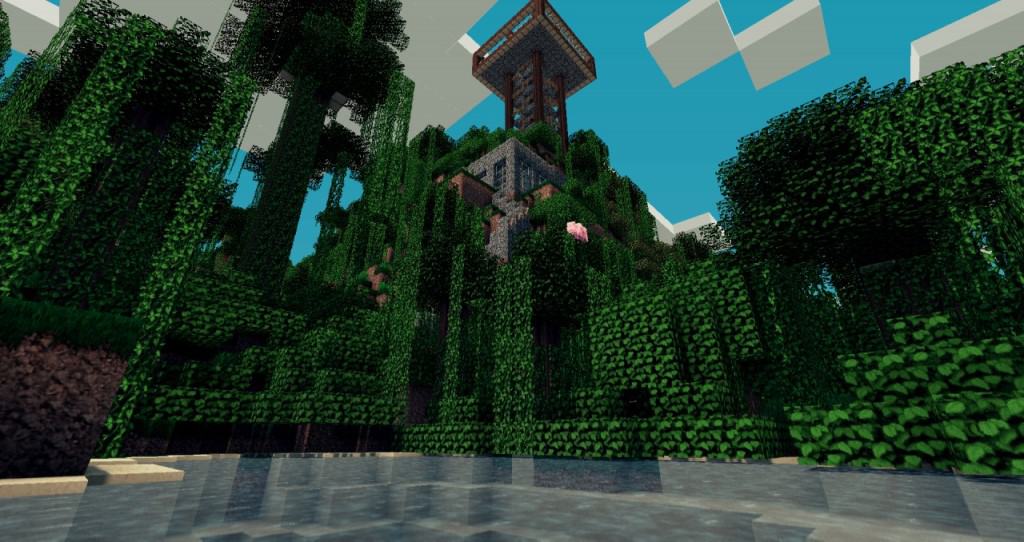
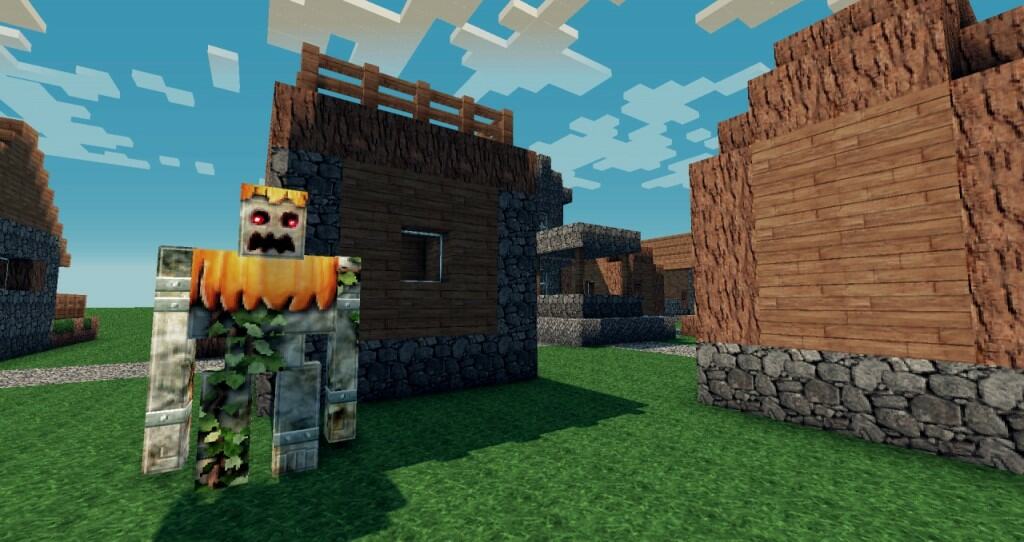
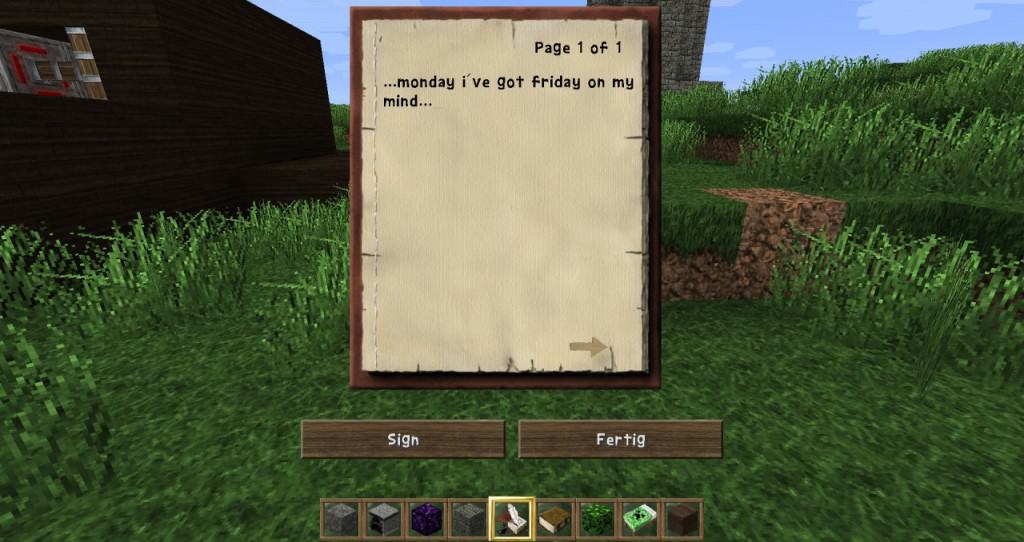
HerrSommer is a fantastic lifelike resource pack that transforms Minecraft’s traditionally flat and dull textures into something truly attractive. When you enable it, you will immediately notice the excellent work done on basic blocks like cobblestone and dirt. The author has carefully altered every single block and updated the graphical interface to be much more pleasant to look at, making numbers easy to read.
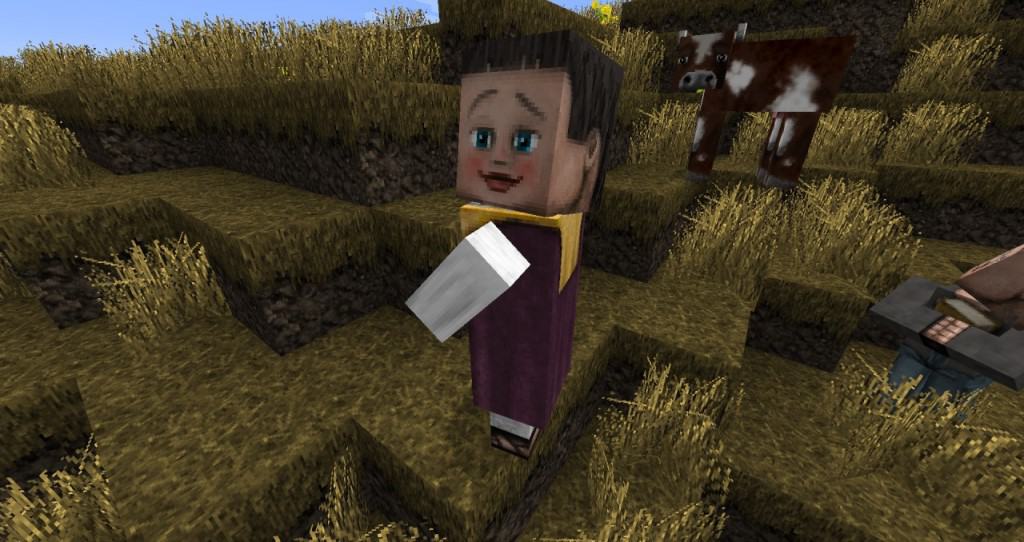
The pack makes unnecessary elements blend into the background while allowing essential things to stand out. It delivers thorough changes by modifying monsters, terrains, armor, in-game art, particle effects, and chat fonts. It features a manageable 64×64 resolution, ensuring most gamers can enjoy it without performance issues. A great touch is that unique villager faces let you easily tell them apart even though they keep their standard sounds.
HerrSommer should be compatible with all of these Minecraft versions: 1.10.2 – 1.10 – 1.9.4 – 1.9 – 1.8.9 – 1.8.8 – 1.8.1 – 1.8.6 – 1.8
Screenshots
How to Install Texture Pack (Simple 10 Steps)
- Download OptiFine: Most of the texture packs and shaders need OptiFine. That’s why, first download and install OptiFine for the version of Minecraft you want to play.
- Download the Texture Pack: Get the texture pack you want from the download section. Choose the version that works with your Minecraft and your PC’s performance.
- Open Minecraft Launcher: Start Minecraft using the official game launcher — or even TLauncher, if you use that.
- Go to Options: From the main menu, click on the “Options” button.
- Open Resource Packs: Inside Options, click on “Resource Packs…”.
- Open the Resource Pack Folder: Click on “Open Resource Pack Folder” — this will open a folder named “resourcepacks”.
- Move the Pack File: Copy or move the .zip file you downloaded into that “resourcepacks” folder. (Don’t unzip the file — Minecraft uses it as-is!)
- Go Back and Refresh: Close the folder and click “Done”, then go back into “Resource Packs…” again.
- Activate the Pack: You’ll see the pack on the left side. Hover over it and click the arrow to move it to the right (active side).
Tip: If you get a message that the pack is for a different version, just click “Yes” — it usually works fine. - Click Done and Enjoy: Click “Done” again. Now your pack is ready to use in-game. It’s that easy!
Credits
This resource pack was created by DerSommer. We are not the owners or creators of this content, and we do not host modified versions of these files. We strongly recommend supporting the original creator by downloading the pack through their official links.
Download Instructions
Curseforge: download starts automatically after a few seconds;
Mediafire: click the big blue button with the text “DOWNLOAD”;
Google Drive: in the top right corner you will see a small download icon (down arrow), click it and the download should start;