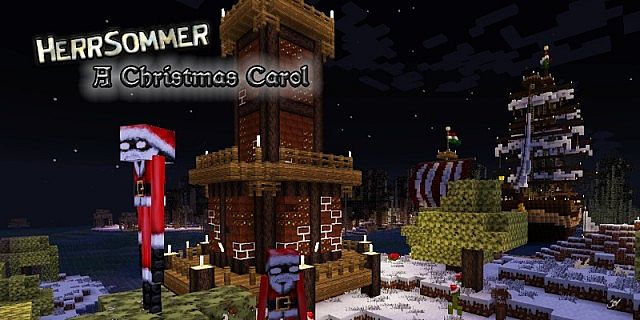
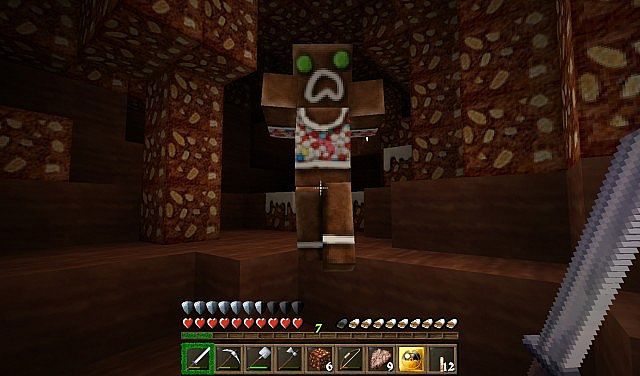
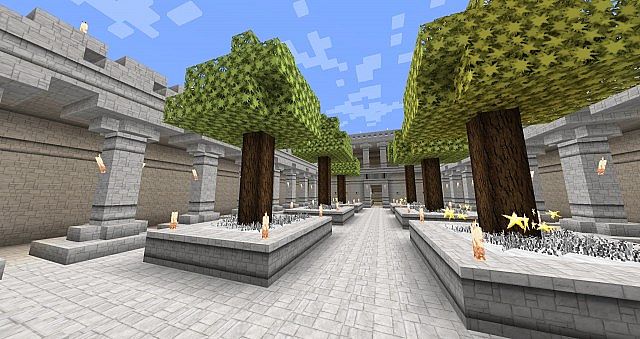
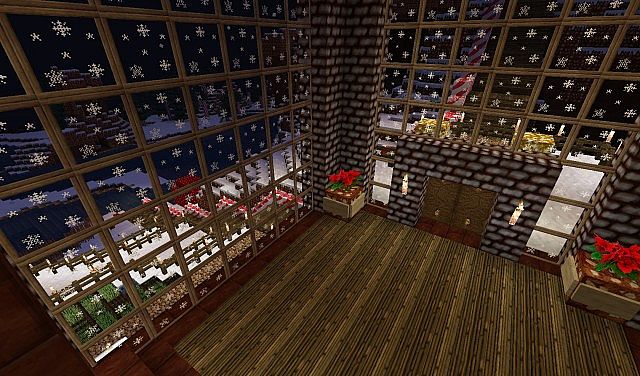
If you want a winter look in Minecraft but still want the game to feel like Minecraft, HerrSommer A Christmas Carol resource pack is a strong option. It aims for a classic holiday mood without turning your world into a gag. Many Christmas or New Year themed Minecraft packs lean too hard into bright jokes or bright colors. This one takes a more grounded approach, so it fits survival and long play sessions. The pack was made by DerSommer, a creator known for several themed packs. A lot of their work leans toward medieval style, with a focus on clean shapes and a handmade look. If you like this pack’s direction, it makes sense to look at their other releases too. You may not enjoy every theme, but the same care shows up across the set. HerrSommer A Christmas Carol texture pack has one major strength that sets it apart from many holiday packs. It does not stop at a few blocks and a handful of items. It pushes the theme across the game so the season shows up wherever you go. That wide coverage matters. A holiday theme feels real when it is present in the small details, not just in a single build or a few decorations you place by hand. Once you load the game, the pack starts building the mood right away. The menus carry a winter feel, which helps you shift into that seasonal mindset before you even enter a world. When you step into your world save, the blocks look like they belong in a Christmas setting. The style supports cozy villages, snowy streets, and warm interiors. You can build a cabin, a village square, or a full winter market and the textures help the scene hold together. You may also notice some mob changes that match the season. Those touches help the pack feel complete, since the world looks dressed for the holiday instead of only your builds. Texture coverage is the point where this pack does its best work. Many packs claim a full makeover but leave large parts of the game close to vanilla. Here, most blocks get new textures, and several items change as well. The holiday look stays consistent without making the world feel crowded.
The pack uses a 64x resolution. That is higher than the default Minecraft look, so blocks and items have more texture detail. You get sharper edges, richer textures, and more visual depth on common materials. The higher resolution can cost some performance compared to vanilla, but 64x often stays in a safe range. It also avoids the heavier demand of 128x and 256x packs, which can push older systems too hard. On a mid-range PC, 64x tends to feel like a clear upgrade without forcing you to cut your settings down. The biggest drawback is version support. The pack has been around for years and was built for older Minecraft releases. It targets the era around 1.7.x and 1.8.x, and it has not been updated since then. Because of that, players often treat it like a seasonal tradition. Each December, some players install an older Minecraft version for a short time just to use this pack. That sounds like a hassle, but it speaks to what the pack does well. It offers a full winter theme that stays serious and complete, and that can be hard to find in holiday content. You can try to use the pack on newer versions, but you should expect problems. Minecraft has changed a lot since the 1.8.x days. New blocks, new items, and new texture layouts mean older packs can leave gaps. When a texture is missing, you may see vanilla placeholders. If you want the cleanest experience, the best path is to use the Minecraft version the pack was made for. If you decide to run it the classic way, Minecraft 1.8.9 is a most popular choice. You get the pack as it was meant to look, and you avoid the missing texture issues that show up in newer versions. This route also brings a bit of nostalgia, since the older lighting and world feel match the pack’s style. The creator has described the goal as bringing the spirit of Christmas into your world, and that is the right way to approach it. This pack works best when you lean into what it offers. Use it for a seasonal save, or open a creative world and plan a winter town with friends. Build a small village with a big Xmas themed tree in the center, or go bigger with streets, shops, and a castle on a hill. Snowy biomes help a lot, since the landscape already supports the theme. If you want a winter makeover that still respects Minecraft’s identity, HerrSommer A Christmas Carol resource pack remains a solid pick, even with its age.
HerrSommer: A Christmas Carol should be compatible with all of these Minecraft versions: 1.8.9 – 1.8.8 – 1.8.1 – 1.8.6 – 1.8 – 1.7.10 – 1.7.9 – 1.7.4 – 1.7 – 1.6.4 – 1.6.2
Screenshots
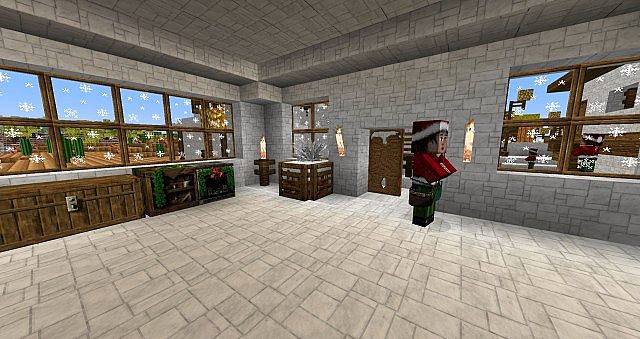
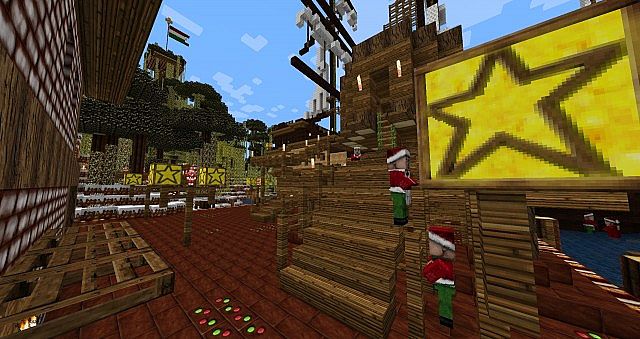
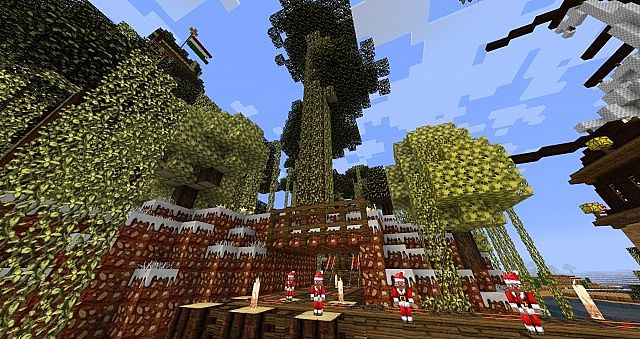
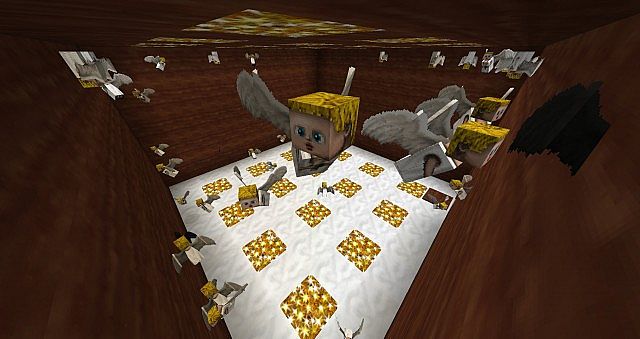
How to Install Texture Pack (Simple 10 Steps)
- Download OptiFine: Most of the texture packs and shaders need OptiFine. That’s why, first download and install OptiFine for the version of Minecraft you want to play.
- Download the Texture Pack: Get the texture pack you want from the download section. Choose the version that works with your Minecraft and your PC’s performance.
- Open Minecraft Launcher: Start Minecraft using the official game launcher — or even TLauncher, if you use that.
- Go to Options: From the main menu, click on the “Options” button.
- Open Resource Packs: Inside Options, click on “Resource Packs…”.
- Open the Resource Pack Folder: Click on “Open Resource Pack Folder” — this will open a folder named “resourcepacks”.
- Move the Pack File: Copy or move the .zip file you downloaded into that “resourcepacks” folder. (Don’t unzip the file — Minecraft uses it as-is!)
- Go Back and Refresh: Close the folder and click “Done”, then go back into “Resource Packs…” again.
- Activate the Pack: You’ll see the pack on the left side. Hover over it and click the arrow to move it to the right (active side).
Tip: If you get a message that the pack is for a different version, just click “Yes” — it usually works fine. - Click Done and Enjoy: Click “Done” again. Now your pack is ready to use in-game. It’s that easy!
Credits
This resource pack was created by DerSommer. We do not claim ownership of this content, and no files are modified on our servers. All rights and original assets belong strictly to DerSommer. We encourage you to support the creator by visiting their official download pages and following their work.
Download Instructions
Curseforge: download starts automatically after a few seconds;
Mediafire: click the big blue button with the text “DOWNLOAD”;
Google Drive: in the top right corner you will see a small download icon (down arrow), click it and the download should start;


