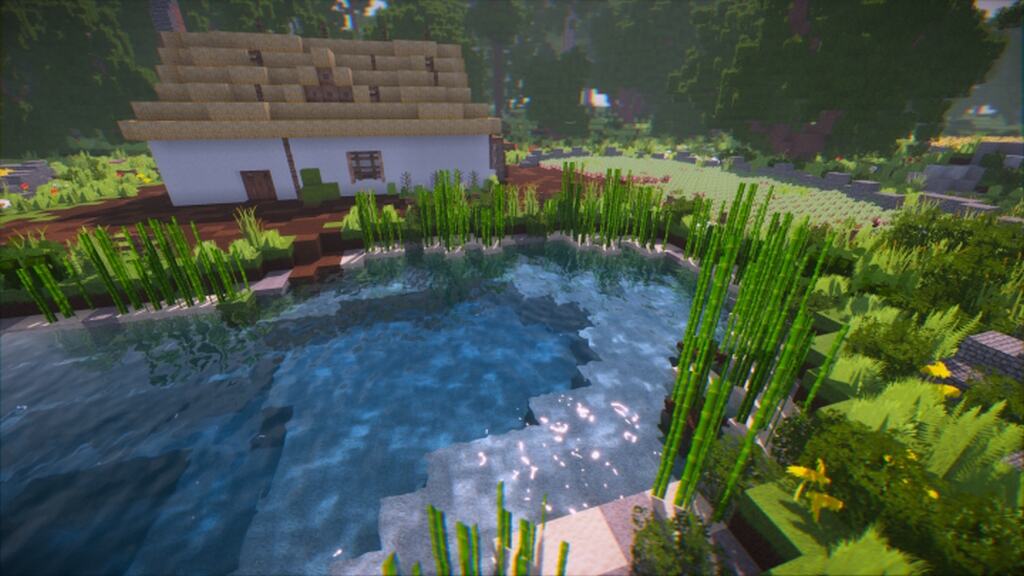
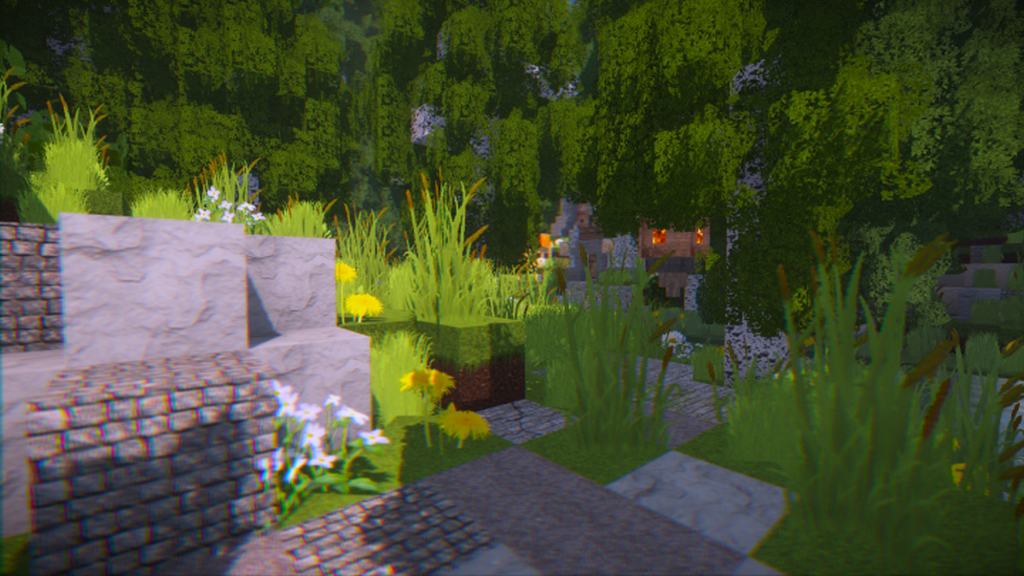
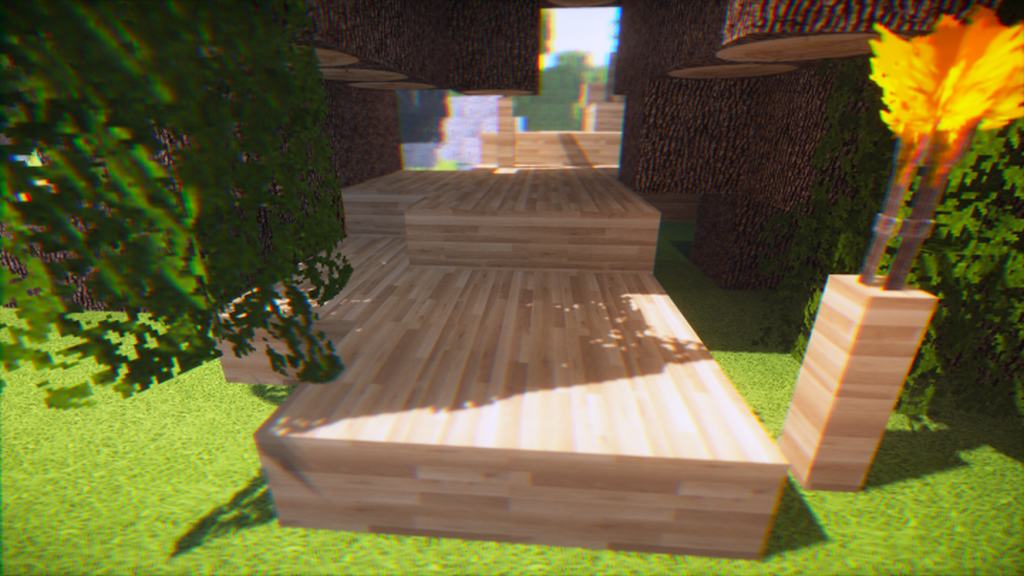
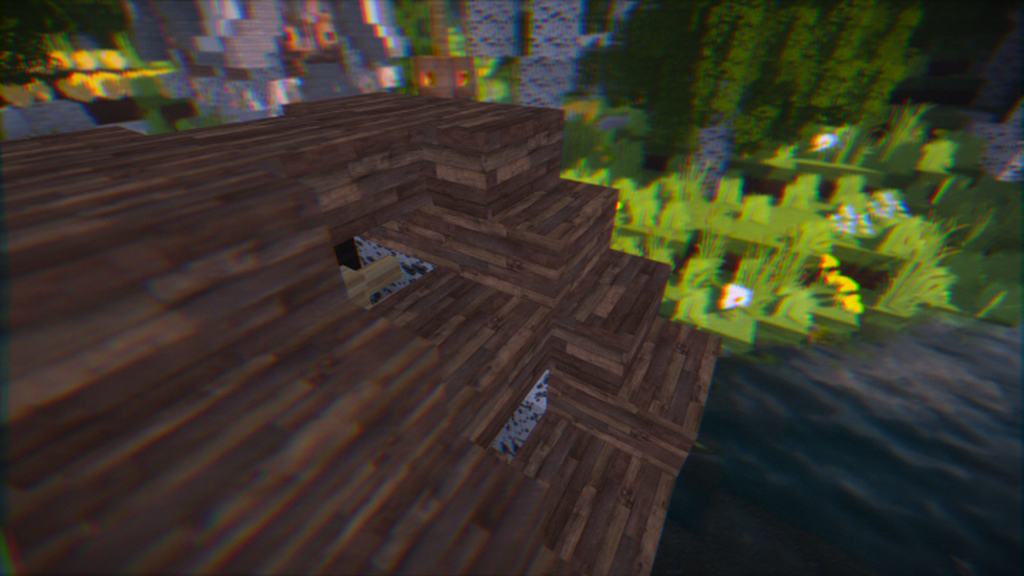
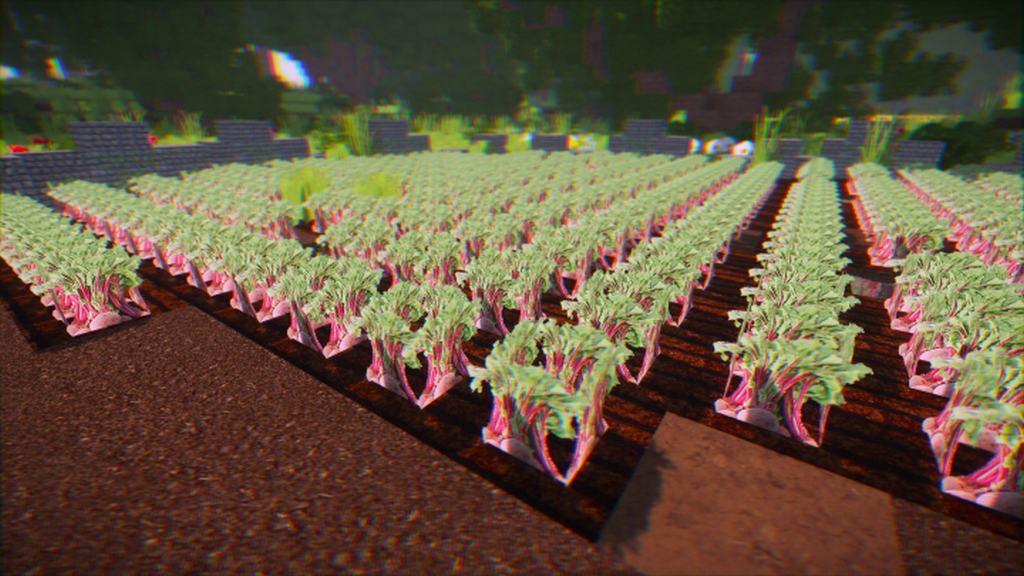
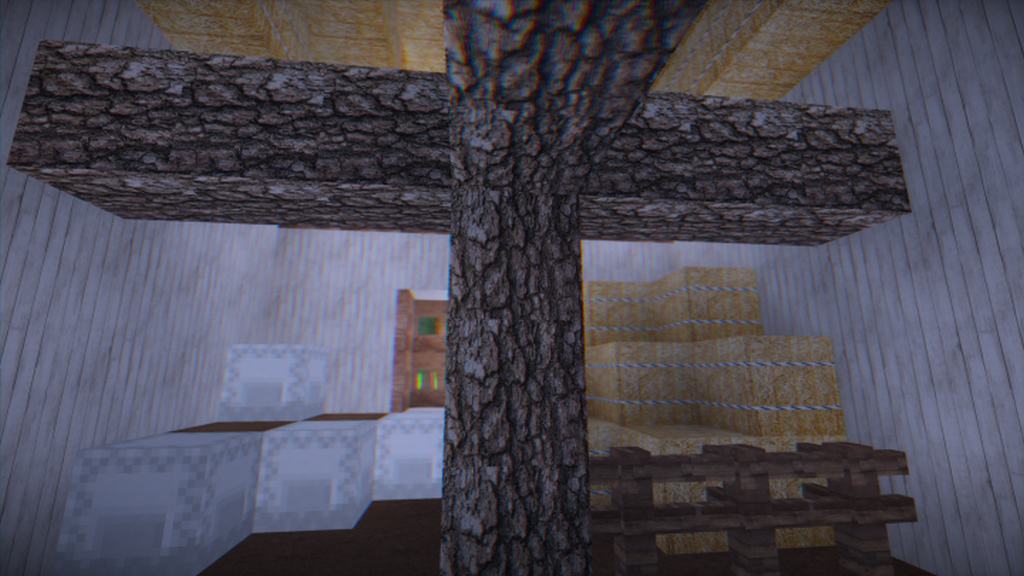
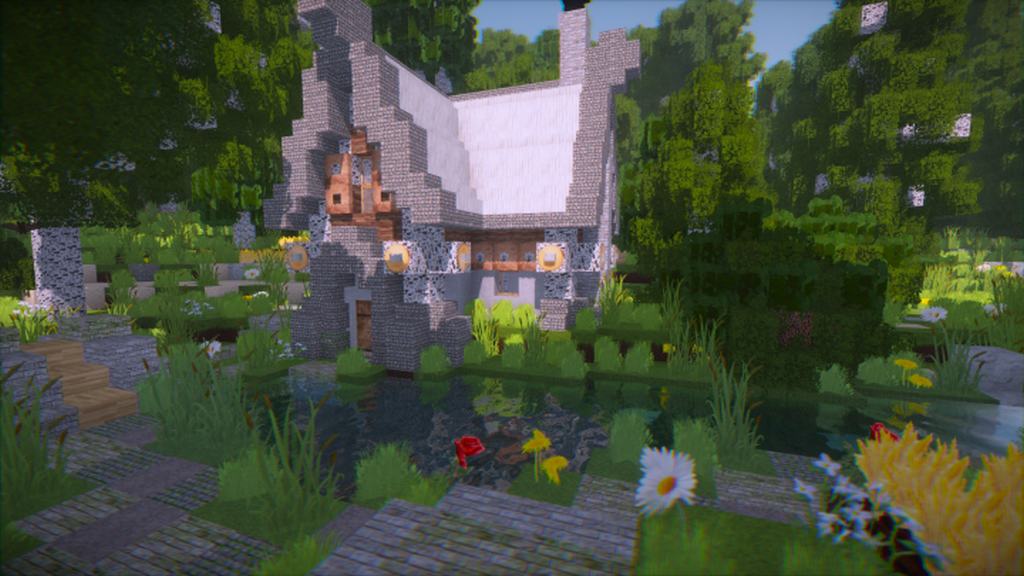
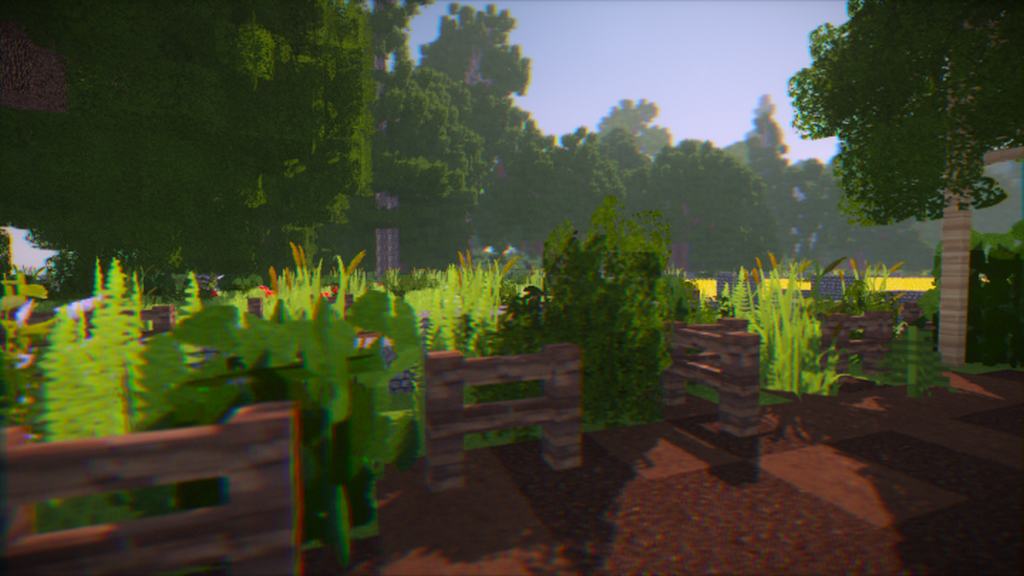
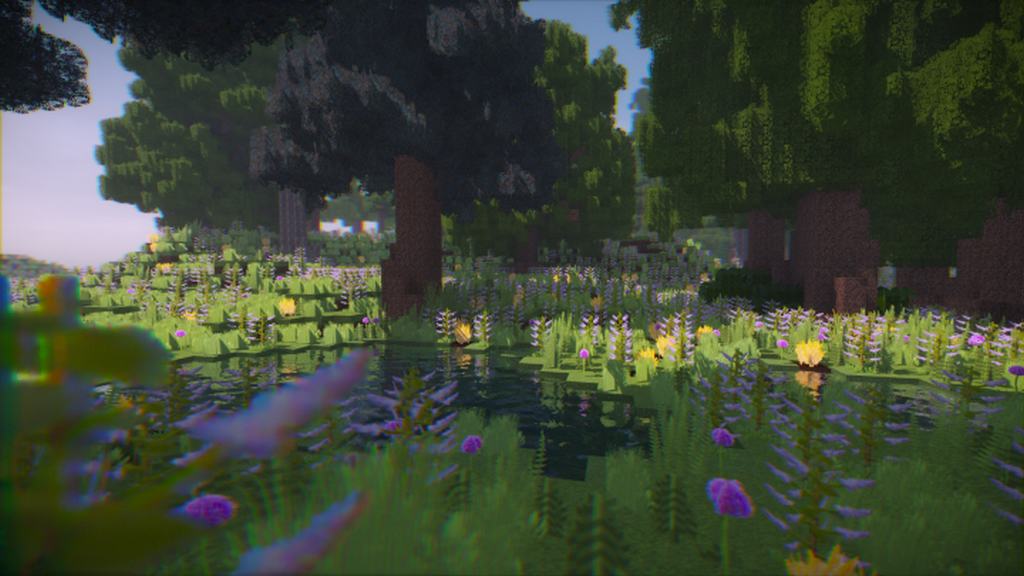
Specially crafted to deliver an immersive and authentic world, I can honestly say that the Hera Ultra resource pack will definitely give you unforgettable moments in-game. Over the past few years, we have experienced a couple of relatively impressive resource packs which bring the visuals and illustrations of Minecraft to a higher level, but Hera Ultra is undoubtedly one of the greatest sets available out there. What really differentiates this pack from the others is that its execution is much better and smoother than most sets in the same category. So if you are searching for a particularly realistic resource pack with which you would enjoy a lifelike world of Minecraft, then Hera Ultra should definitely be at the top of your wish list. At the moment, the Hera Ultra resource pack is around 70 percent complete and is made up of a massive collection of greatly detailed textures which are really enjoyable and pleasant to look at.
The world in Minecraft looks remarkably authentic when you apply this pack simply because every separate texture is polished down to the smallest detail with attractive items. More importantly, these components are significantly enhanced with a variety of vibrant colors which play an essential role in making the world wonderful and enhancing the overall experience for the players. Even though the textures of the Hera Ultra resource pack are relatively unique themselves, it is strongly suggested that you should combine it with some shaders such as SEUS shaders or TME shaders to allow for a genuinely realistic experience. The textures in the Hera Ultra resource pack come with a resolution of 256×256, which is typically on the higher side of the spectrum. That is the exact reason why you will have to prepare a system equipped with above-average hardware to ensure that you can play your game at a smooth frame rate.
Hera Ultra should be compatible with all of these Minecraft versions: 1.16.5 – 1.16.4 – 1.16.3 – 1.16.2 – 1.16.1 – 1.16 – 1.15.2 – 1.15.1 – 1.15 – 1.14.4 – 1.14.3 – 1.14.2 – 1.14 – 1.13.2 – 1.13.1 – 1.13 – 1.12.2 – 1.12
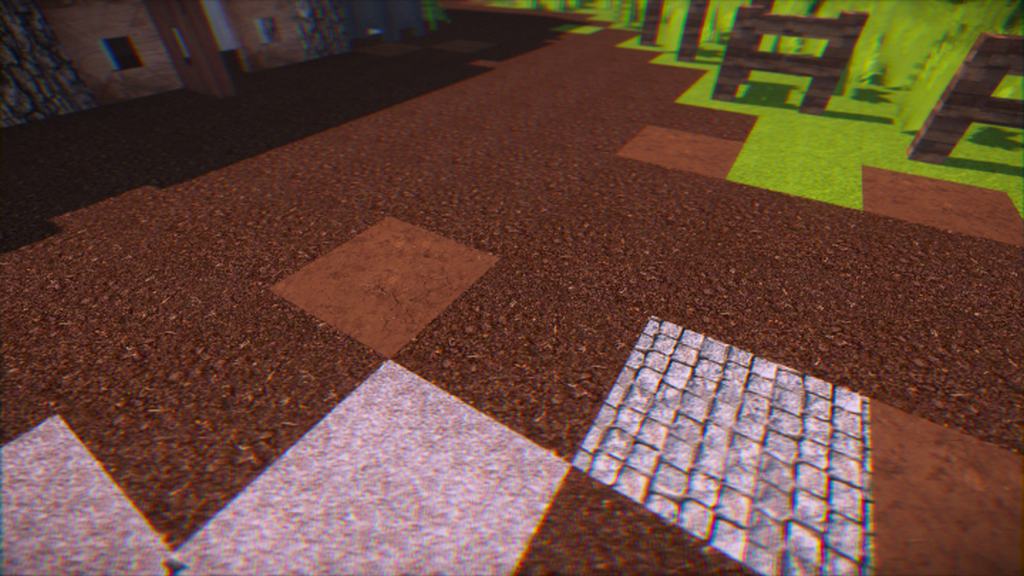
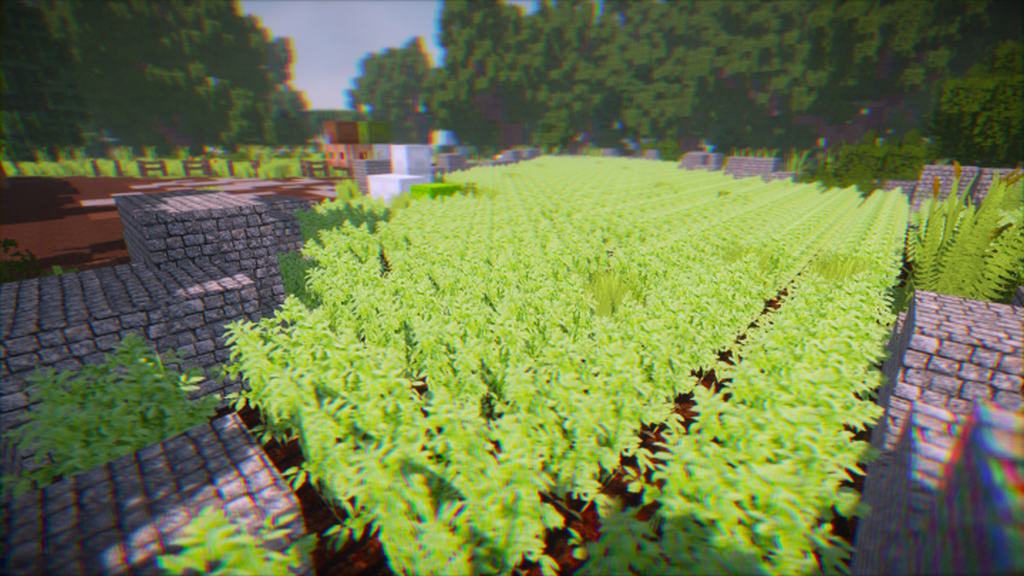
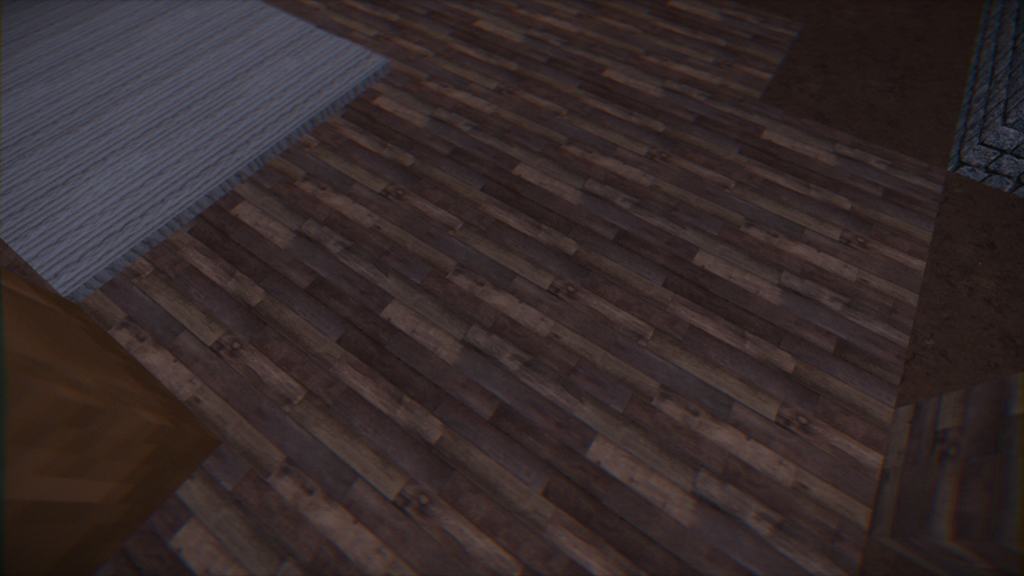
Screenshots

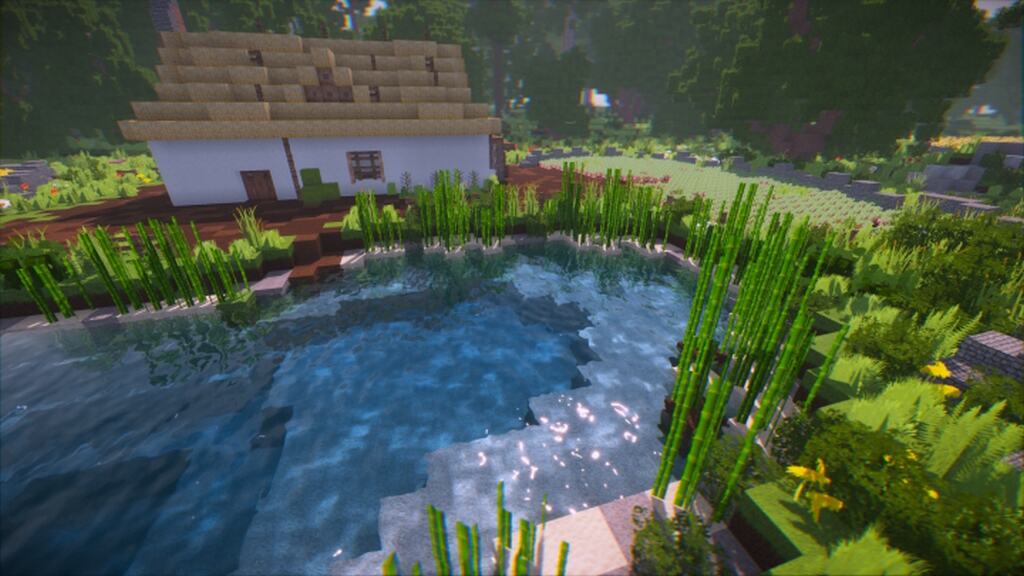
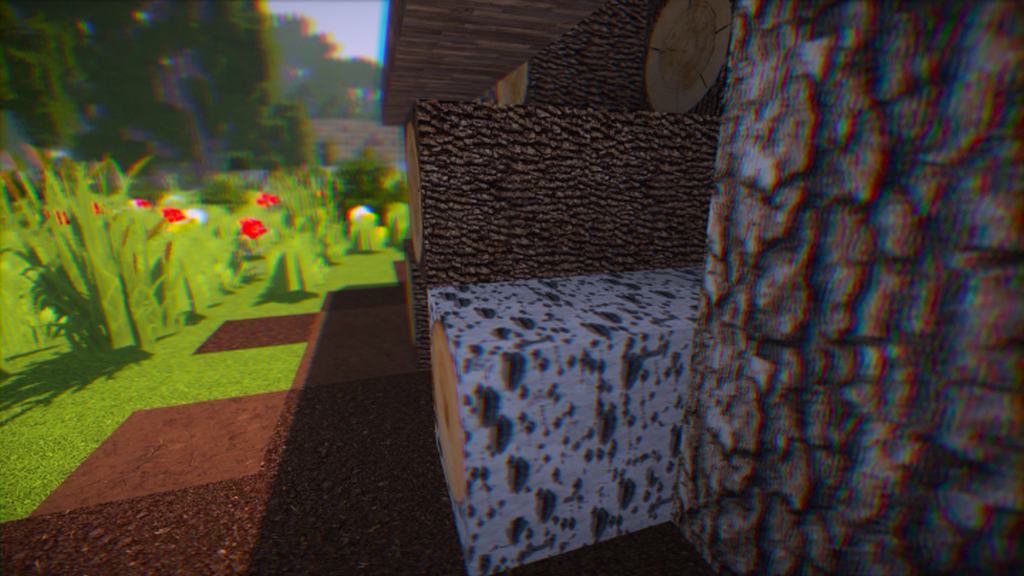
How to Install Texture Pack (Simple 10 Steps)
- Download OptiFine: Most of the texture packs and shaders need OptiFine. That’s why, first download and install OptiFine for the version of Minecraft you want to play.
- Download the Texture Pack: Get the texture pack you want from the download section. Choose the version that works with your Minecraft and your PC’s performance.
- Open Minecraft Launcher: Start Minecraft using the official game launcher — or even TLauncher, if you use that.
- Go to Options: From the main menu, click on the “Options” button.
- Open Resource Packs: Inside Options, click on “Resource Packs…”.
- Open the Resource Pack Folder: Click on “Open Resource Pack Folder” — this will open a folder named “resourcepacks”.
- Move the Pack File: Copy or move the .zip file you downloaded into that “resourcepacks” folder. (Don’t unzip the file — Minecraft uses it as-is!)
- Go Back and Refresh: Close the folder and click “Done”, then go back into “Resource Packs…” again.
- Activate the Pack: You’ll see the pack on the left side. Hover over it and click the arrow to move it to the right (active side).
Tip: If you get a message that the pack is for a different version, just click “Yes” — it usually works fine. - Click Done and Enjoy: Click “Done” again. Now your pack is ready to use in-game. It’s that easy!
Credits
This resource pack was created by CemreK. All rights and ownership belong to the original creator. We do not claim ownership of this content and do not modify the download files. We highly recommend visiting and supporting the creator for their amazing work.
Download Links
Java Edition
Download Instructions
Curseforge: download starts automatically after a few seconds;
Mediafire: click the big blue button with the text “DOWNLOAD”;
Google Drive: in the top right corner you will see a small download icon (down arrow), click it and the download should start;


