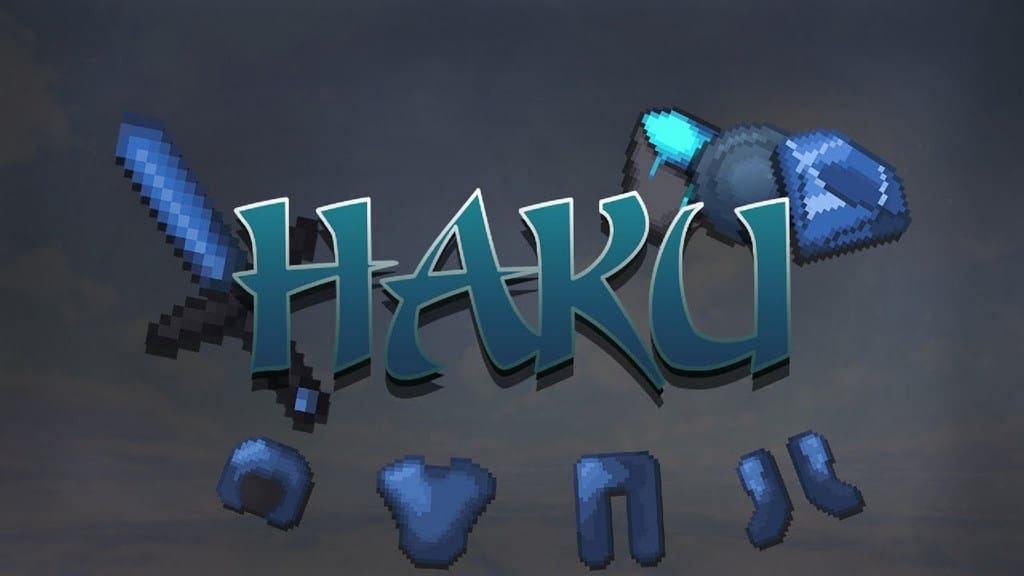
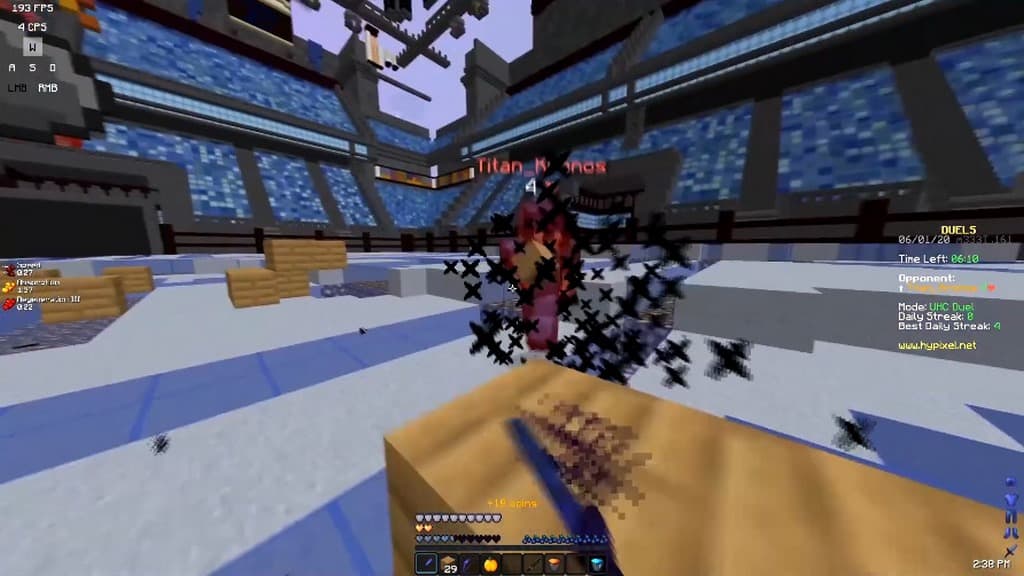
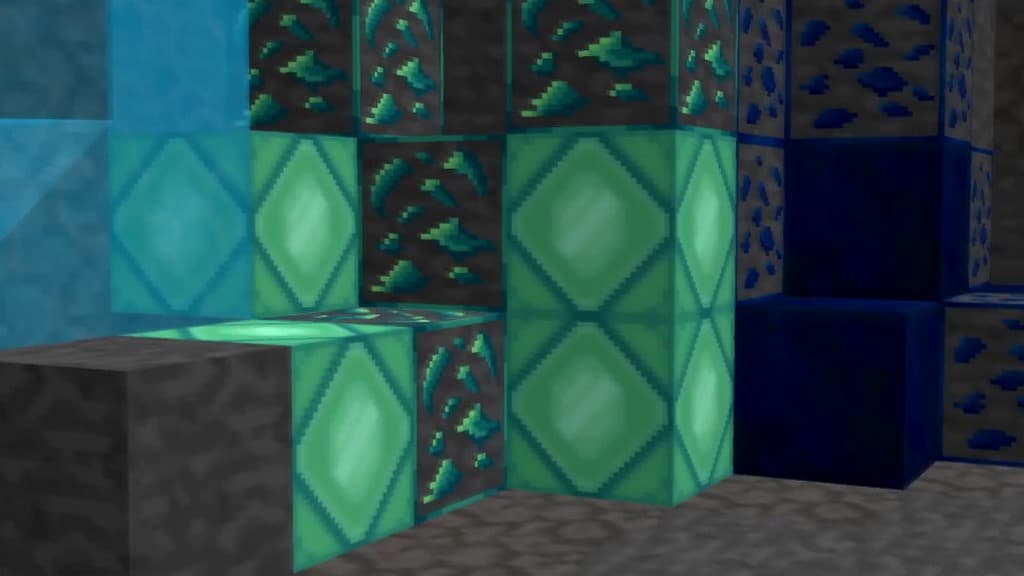
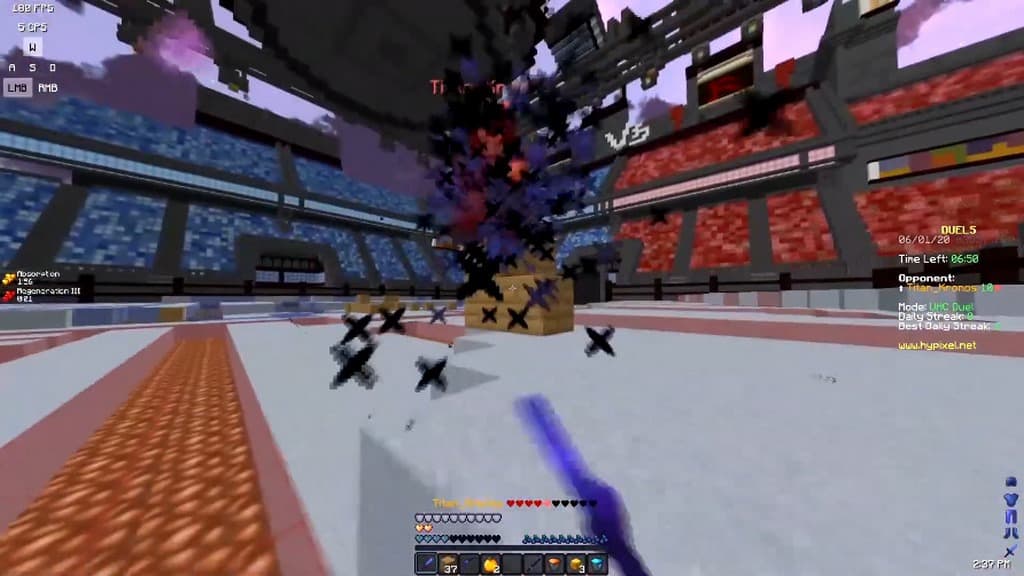
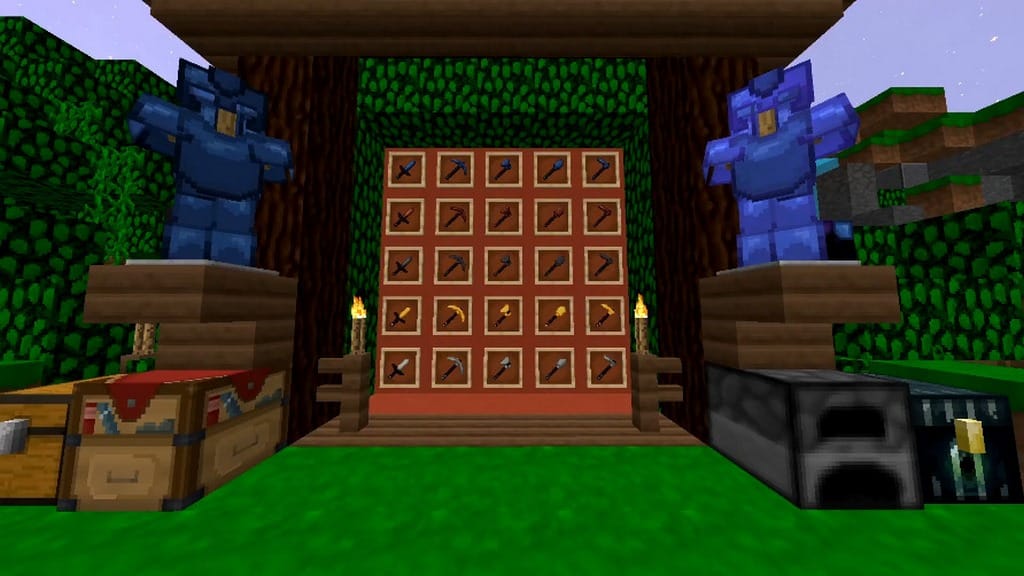
You really must give the Haku 32x PvP resource pack a shot if you are looking to seriously improve your PvP sessions! The creators have specifically designed this texture pack to enhance the competitive PvP experience. However, almost every gamer usually encounters annoying FPS (Frames Per Second) drops while engaged in intense PvP or mob hunts. Sometimes you might face minor delays and can quickly brush them off, but at other times, it turns into a major issue. The real frustration hits when a slight input delay means your opponent slays you instead of you landing the winning blow. Fortunately, you can actually boost your game speed by trying out the Haku resource pack in a crisp 32×32 resolution, even if you are running Minecraft on a lower-end computer that doesn’t quite meet ideal hardware specs. This resource pack boasts an incredible UHC PvP theme. The creator blackL went above and beyond to elevate Minecraft PvP by replacing the entire set of diamond armor and weapons with stunning bluish elements that look phenomenal in action. The creator also thoughtfully updated various tools and consumables. Furthermore, almost every particle has been redesigned to give it a fresh look and ensure fast loading times, which directly contributes to achieving a higher and smoother Minecraft frame rate. The Haku 32x texture pack offers a gorgeous blend of many vibrant bluish color palettes, making Minecraft look strikingly vivid from a distance.
The texture pack also incorporates deeper, darker shades of blue, giving the game a much fancier and more amazing aesthetic. The creators built this pack specifically for PvP enthusiasts who love to combat opponents wielding weaponry wrapped in a cohesive and attractive blue theme. If that sounds like you, this pack is an absolute must-try. The Haku 32x PvP resource pack delivers all the essential features you would normally want in a well-structured PvP pack. For instance, it includes shorter swords, lower fire overlays, and similar smart tweaks that vastly improve gameplay clarity during combat fights. Beyond all these fantastic features, what truly sets this resource pack apart is how it elevates the PvP experience without straying too far from the classic Minecraft vanilla textures you already know and love. If you want to enhance your gameplay without sacrificing the familiar look of Minecraft, this pack is exceptionally well-suited for dedicated PvP players. We genuinely recommend trying it out at least once because it is completely worth it. The Haku 32x resource pack comes in a 32×32 resolution, which might initially seem like a slight step up from the standard 16×16 resolution, but we assure you that you will not experience any noticeable frame rate issues because the creators have optimized the textures to the absolute highest possible standard. We also highly suggest pairing it with Optifine to guarantee the best possible performance and visual experience.
Haku 32x PvP should be compatible with all of these Minecraft versions: 1.8.9 – 1.8.8 – 1.8.1 – 1.8.6 – 1.8
Screenshots
How to Install Texture Pack (Simple 10 Steps)
- Download OptiFine: Most of the texture packs and shaders need OptiFine. That’s why, first download and install OptiFine for the version of Minecraft you want to play.
- Download the Texture Pack: Get the texture pack you want from the download section. Choose the version that works with your Minecraft and your PC’s performance.
- Open Minecraft Launcher: Start Minecraft using the official game launcher — or even TLauncher, if you use that.
- Go to Options: From the main menu, click on the “Options” button.
- Open Resource Packs: Inside Options, click on “Resource Packs…”.
- Open the Resource Pack Folder: Click on “Open Resource Pack Folder” — this will open a folder named “resourcepacks”.
- Move the Pack File: Copy or move the .zip file you downloaded into that “resourcepacks” folder. (Don’t unzip the file — Minecraft uses it as-is!)
- Go Back and Refresh: Close the folder and click “Done”, then go back into “Resource Packs…” again.
- Activate the Pack: You’ll see the pack on the left side. Hover over it and click the arrow to move it to the right (active side).
Tip: If you get a message that the pack is for a different version, just click “Yes” — it usually works fine. - Click Done and Enjoy: Click “Done” again. Now your pack is ready to use in-game. It’s that easy!
Credits
This resource pack was created by blackL. We do not claim ownership of this content, and we do not host or modify any files on our servers. All rights remain with the original creator. We encourage you to support blackL by downloading the pack from the official links provided and following their work.
Download Instructions
Curseforge: download starts automatically after a few seconds;
Mediafire: click the big blue button with the text “DOWNLOAD”;
Google Drive: in the top right corner you will see a small download icon (down arrow), click it and the download should start;


