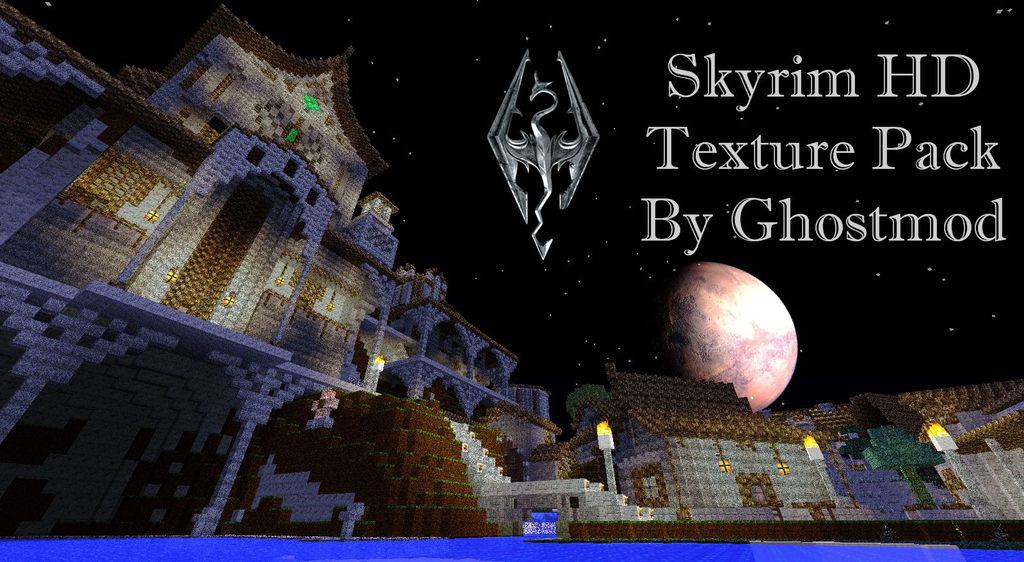
We have seen plenty of resource packs draw inspiration from movies, games, and pop culture over the years, but I must say that Ghostmod’s Skyrim HD resource pack is genuinely one of the absolute best examples out there! Adapting the iconic visuals and building blocks of Skyrim, this pack completely transforms how Minecraft looks, and honestly, it is all for the better. It has rightfully stirred up a massive amount of attention, pulling in tens of thousands of downloads since its initial launch. By bumping the texture resolution from the vanilla 16x all the way up to 128x, the Skyrim HD texture pack delivers a staggering 8 times more detail on every single block in Minecraft. Thanks to this incredible high resolution, blocks look significantly less pixelated while cutting down on visual noise, meaning there is stunning new detail to admire in almost every single aspect of your world.
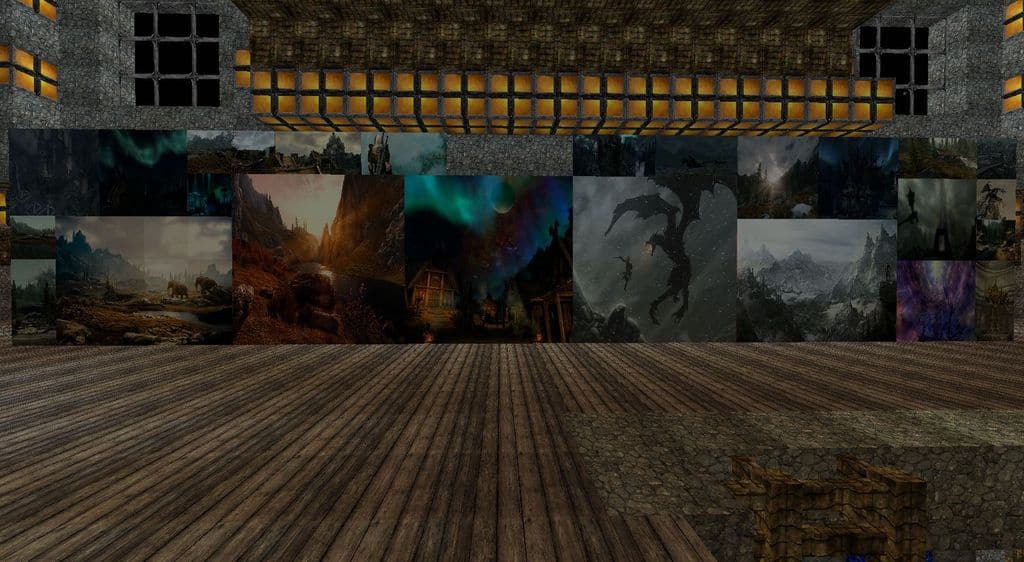
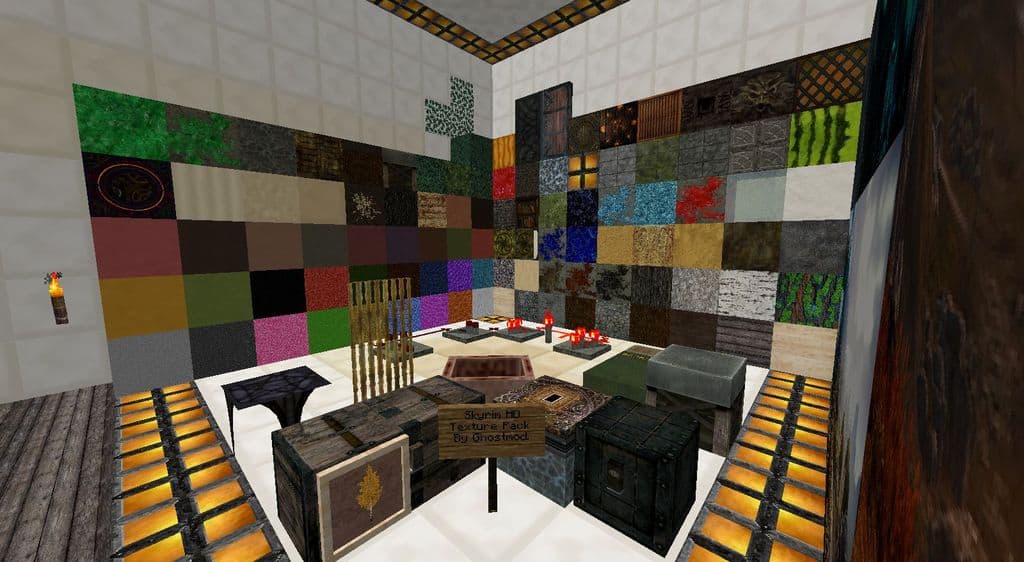
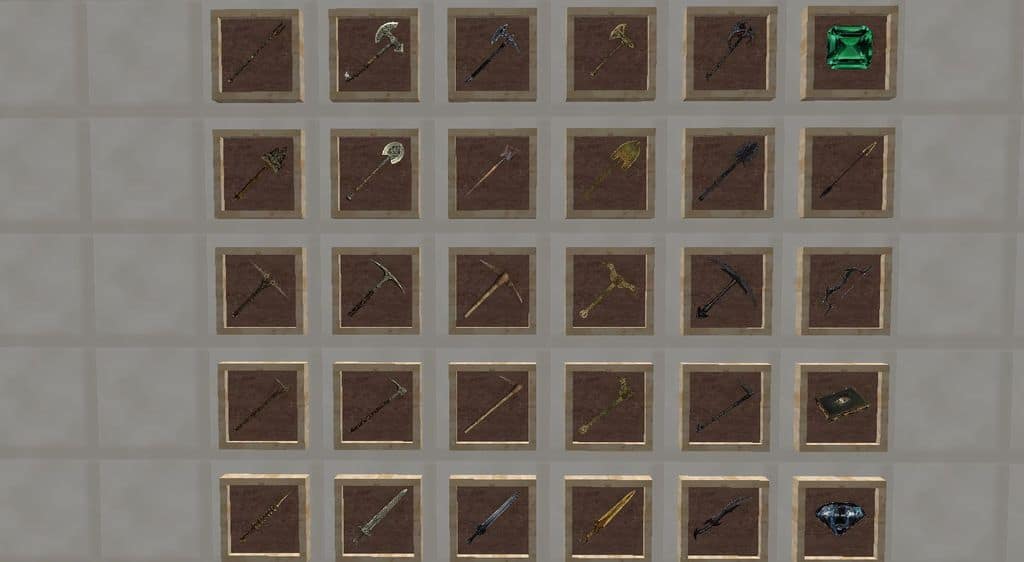
According to the developer, Ghostmods Skyrim HD has officially hit beta status, which means that all the blocks, items, paintings, weapons, armor, and pretty much everything else in the game are fully completed. You will even find brand new music tracks that capture that unforgettable Skyrim atmosphere! Best of all, this is not just a lazy upscaled visual upgrade; many textures have been completely redesigned from the ground up. You get fresh chests, brand new paintings, unique blocks, overhauled fire animations, custom floors, and so much more, alongside entirely reimagined weapons and armor. All of these fantastic improvements effortlessly inject genuine RPG elements into Minecraft, allowing builders to craft massive worlds filled with epic castles, dangerous dungeons, breathtaking mountain landscapes, and even faithful recreations of zones straight from the original game. Just keep in mind that because this is a hefty 128x resolution pack, Ghostmods Skyrim HD is quite resource demanding, so players running older hardware will likely notice a significant framerate drop.
Ghostmod’s Skyrim HD should be compatible with all of these Minecraft versions: 1.8.9 – 1.8.8 – 1.8.1 – 1.8.6 – 1.8 – 1.7.10 – 1.7.9 – 1.7.4 – 1.7 – 1.6.4 – 1.6.2
Screenshots
How to Install Texture Pack (Simple 10 Steps)
- Download OptiFine: Most of the texture packs and shaders need OptiFine. That’s why, first download and install OptiFine for the version of Minecraft you want to play.
- Download the Texture Pack: Get the texture pack you want from the download section. Choose the version that works with your Minecraft and your PC’s performance.
- Open Minecraft Launcher: Start Minecraft using the official game launcher — or even TLauncher, if you use that.
- Go to Options: From the main menu, click on the “Options” button.
- Open Resource Packs: Inside Options, click on “Resource Packs…”.
- Open the Resource Pack Folder: Click on “Open Resource Pack Folder” — this will open a folder named “resourcepacks”.
- Move the Pack File: Copy or move the .zip file you downloaded into that “resourcepacks” folder. (Don’t unzip the file — Minecraft uses it as-is!)
- Go Back and Refresh: Close the folder and click “Done”, then go back into “Resource Packs…” again.
- Activate the Pack: You’ll see the pack on the left side. Hover over it and click the arrow to move it to the right (active side).
Tip: If you get a message that the pack is for a different version, just click “Yes” — it usually works fine. - Click Done and Enjoy: Click “Done” again. Now your pack is ready to use in-game. It’s that easy!
Credits
Ghostmods Skyrim HD was originally created by Ghostmod. We do not claim ownership of this content, nor have we modified the original files. All rights remain with the original creator. We strongly encourage you to visit the official download sources to support the author.
Download Instructions
Curseforge: download starts automatically after a few seconds;
Mediafire: click the big blue button with the text “DOWNLOAD”;
Google Drive: in the top right corner you will see a small download icon (down arrow), click it and the download should start;


