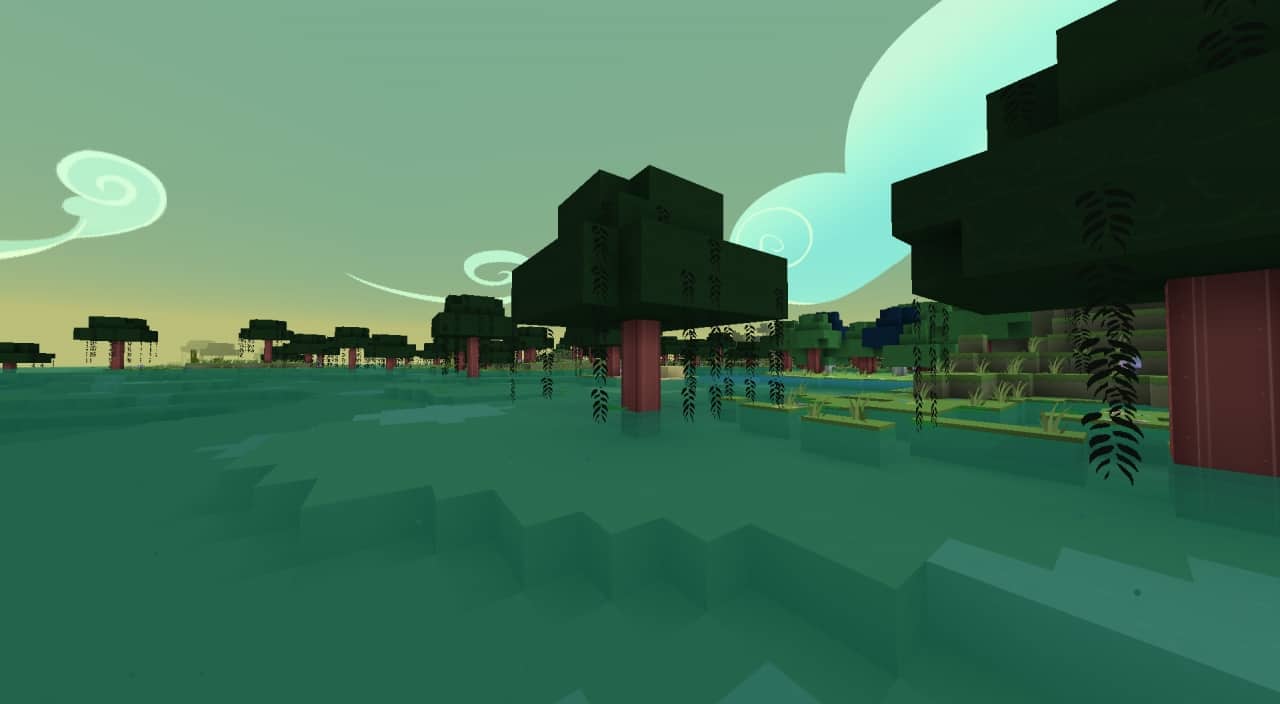
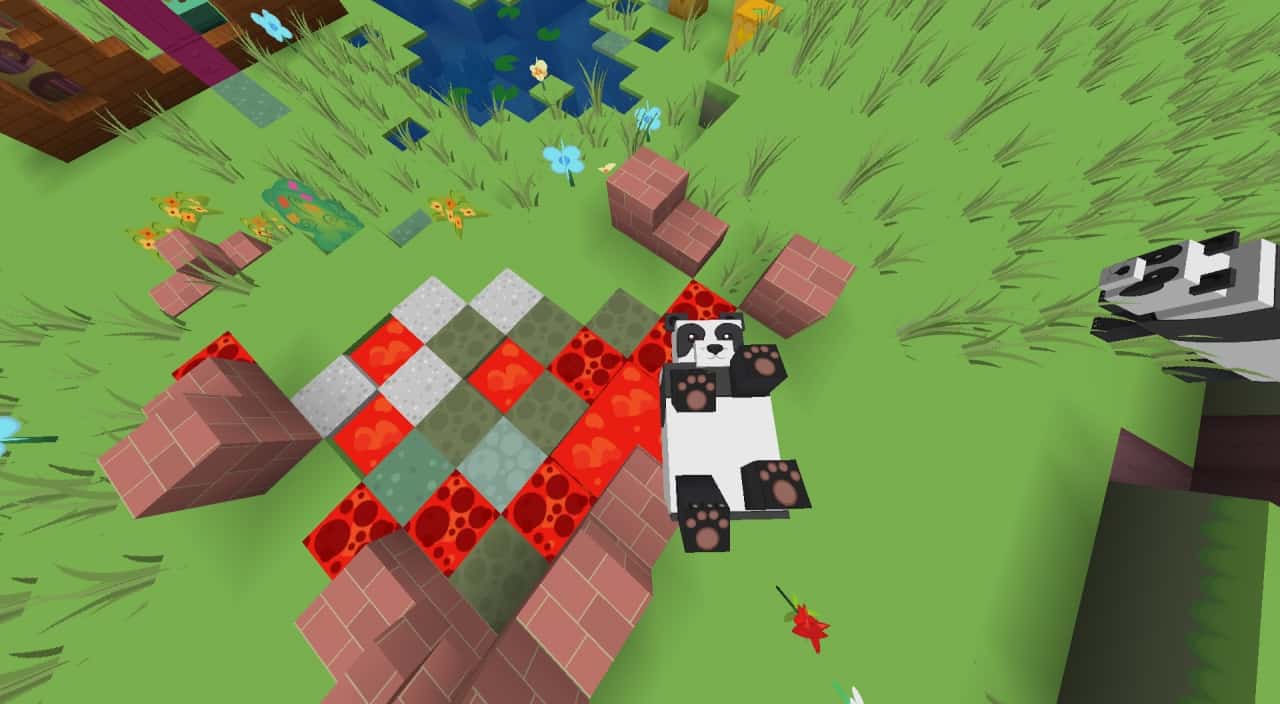
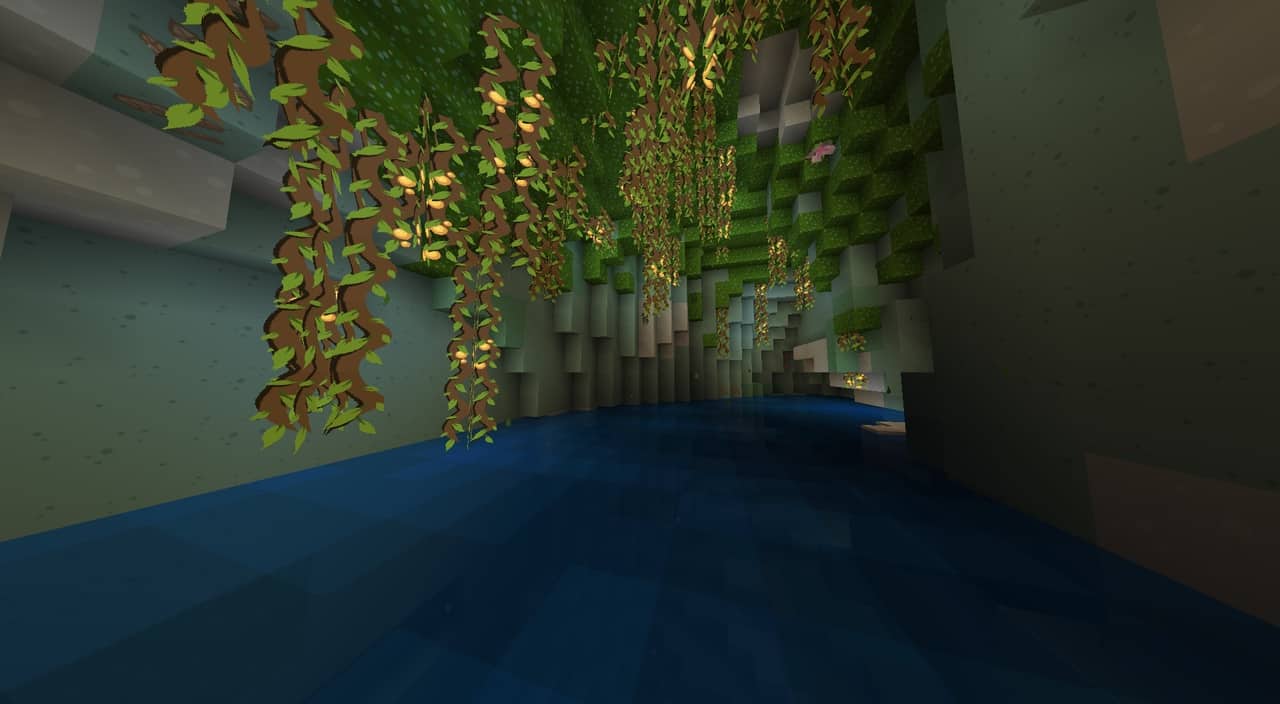
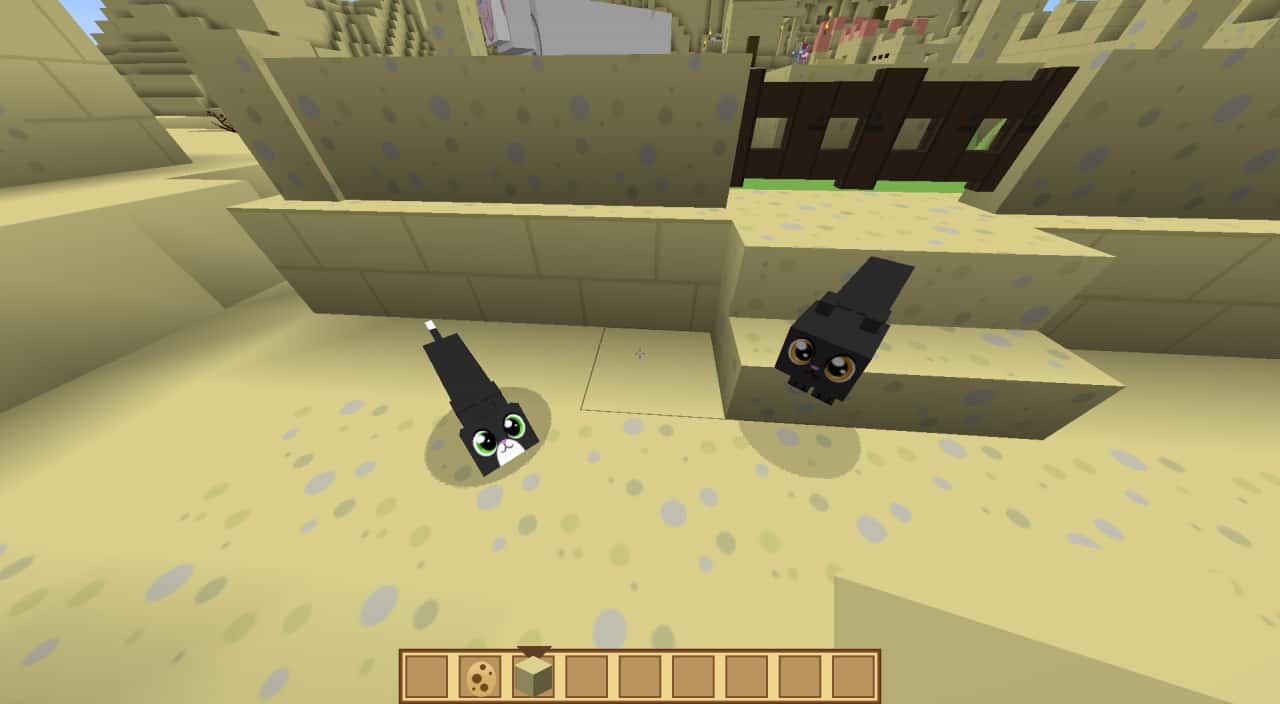
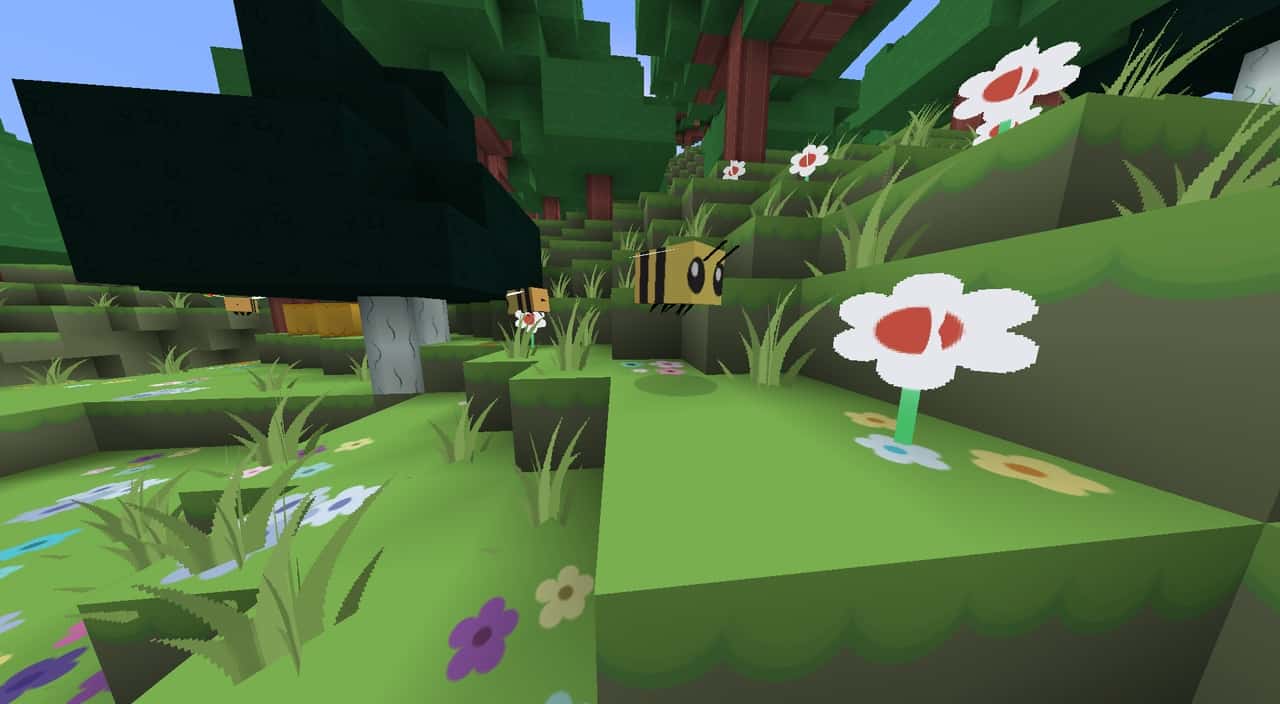
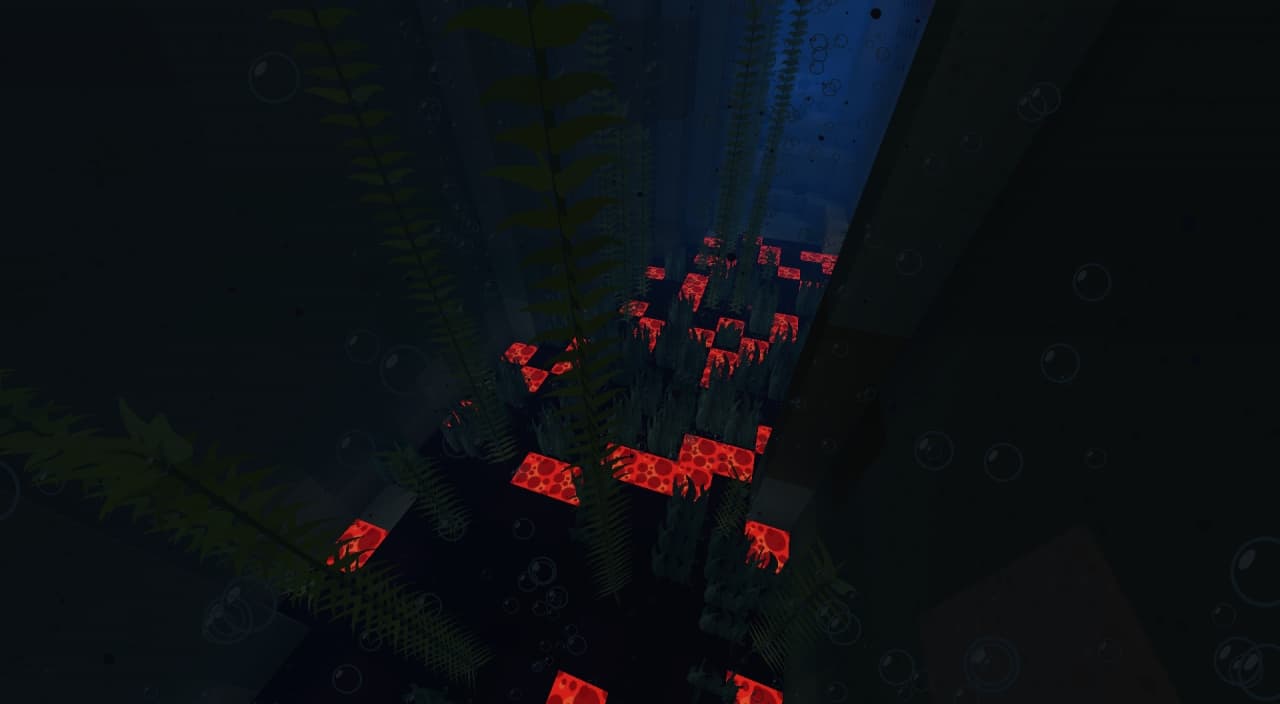
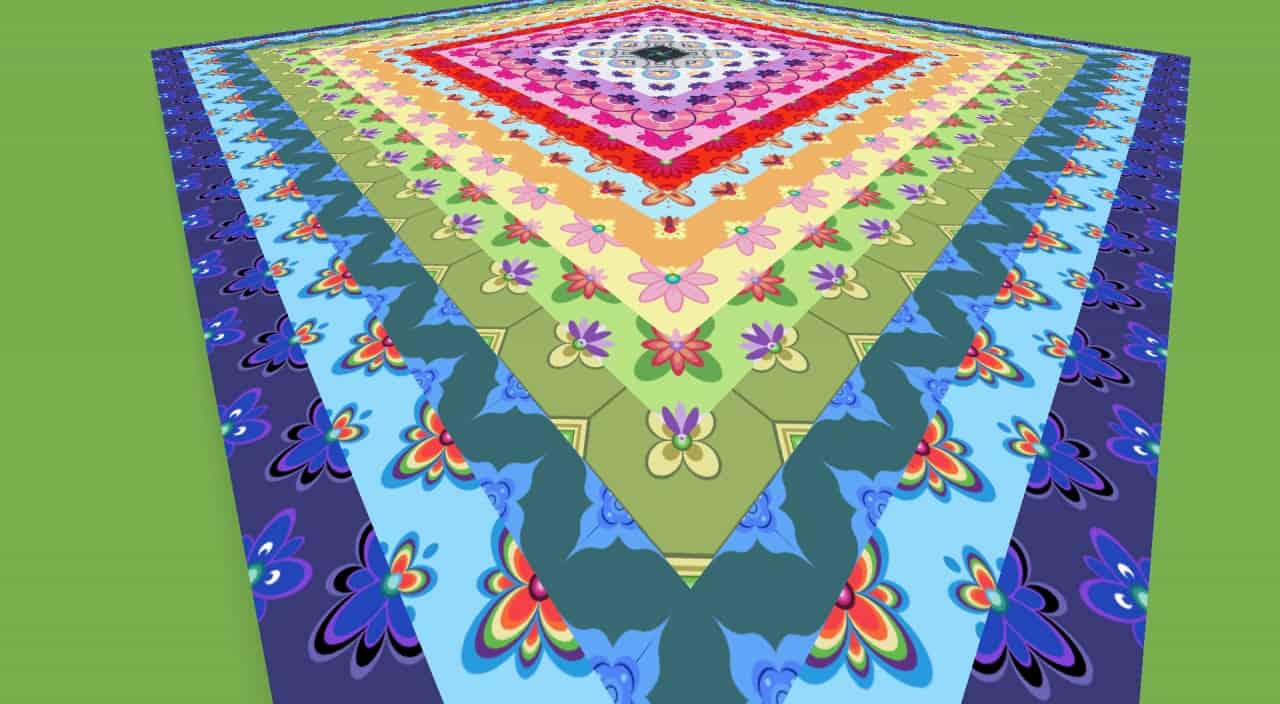
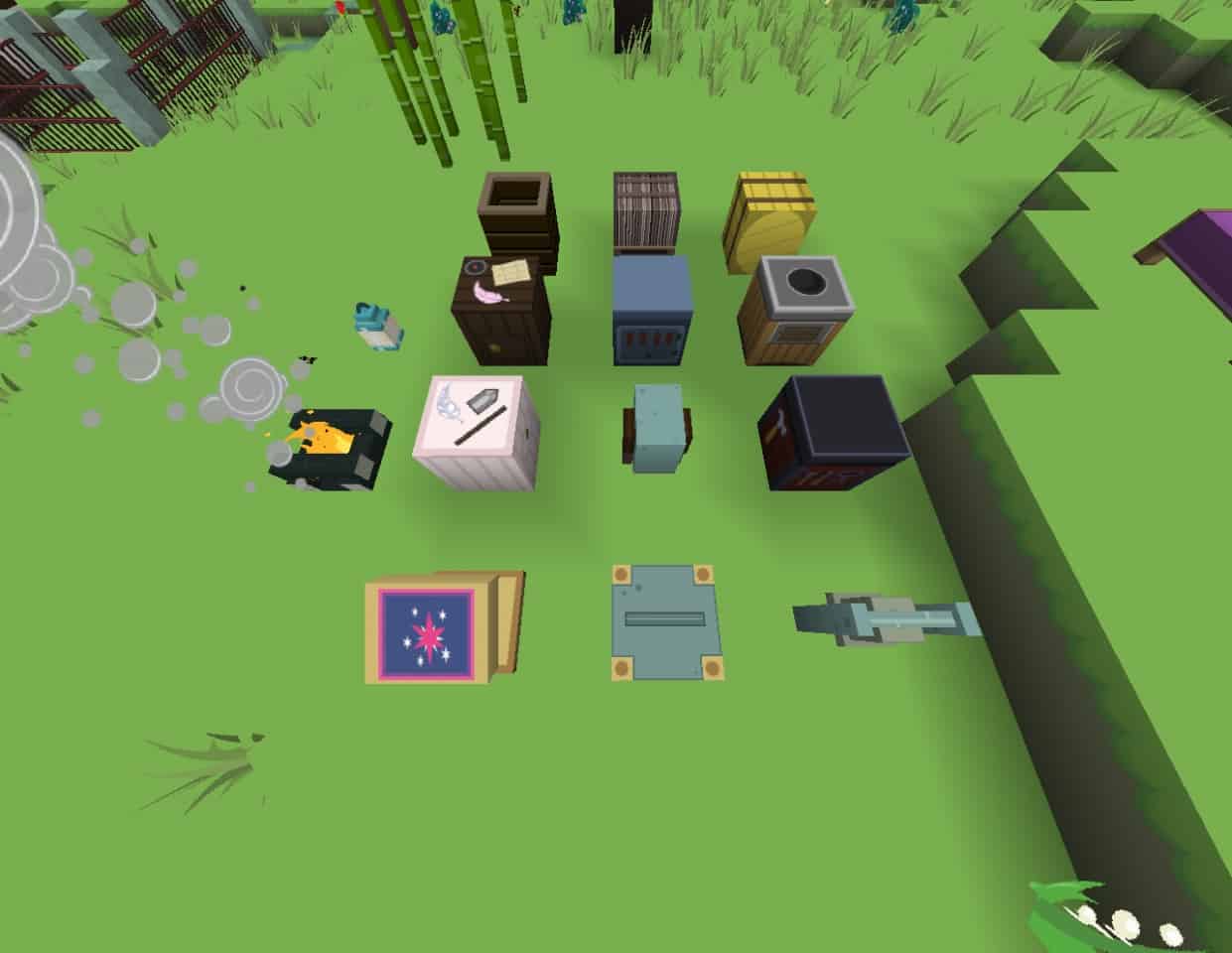
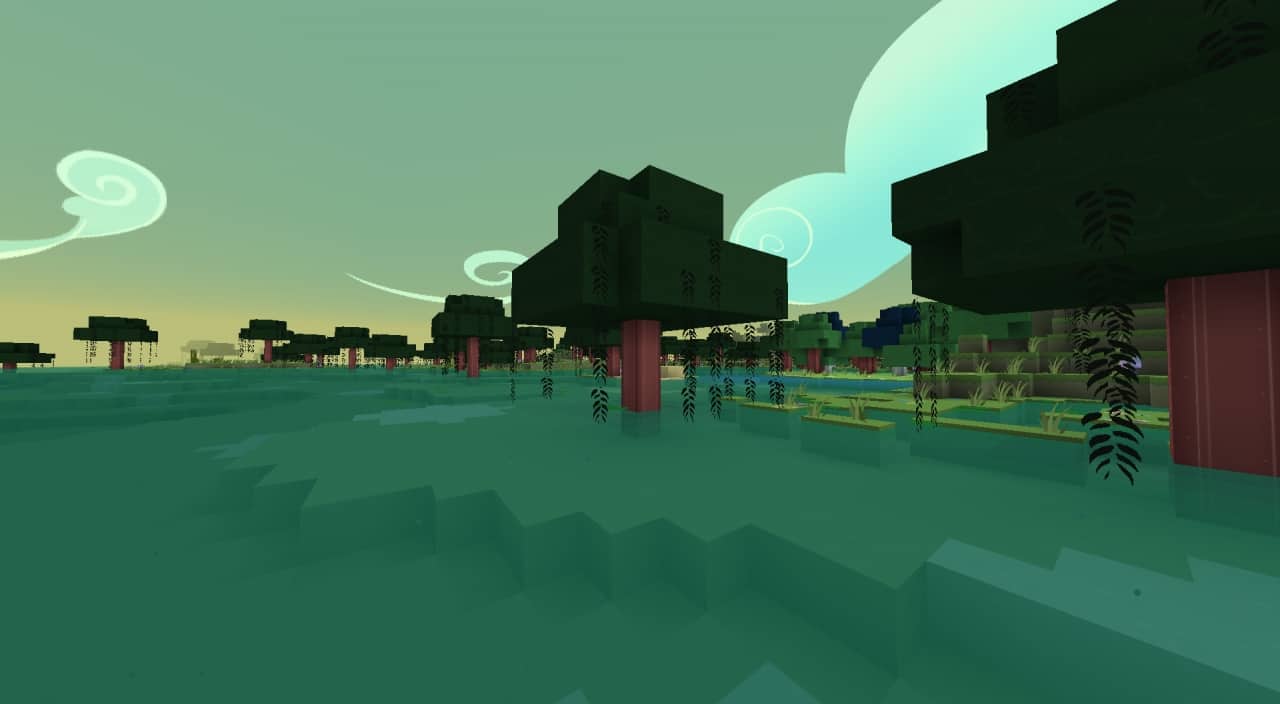
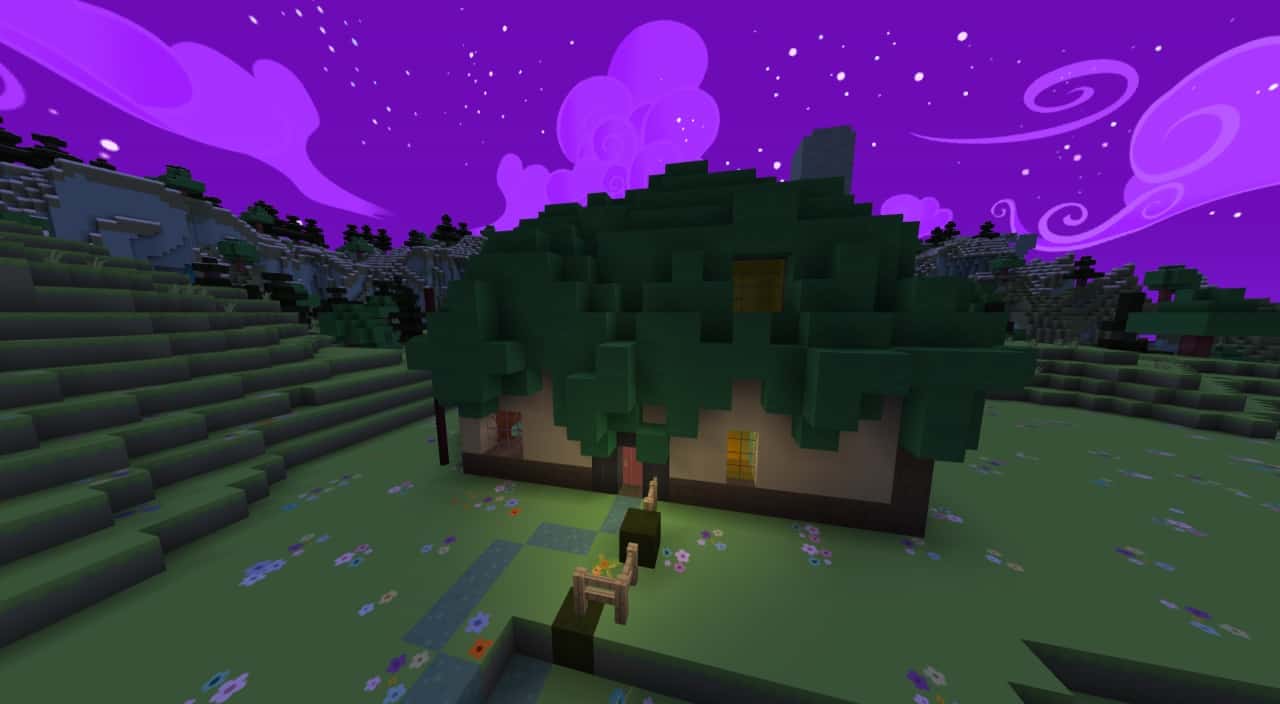
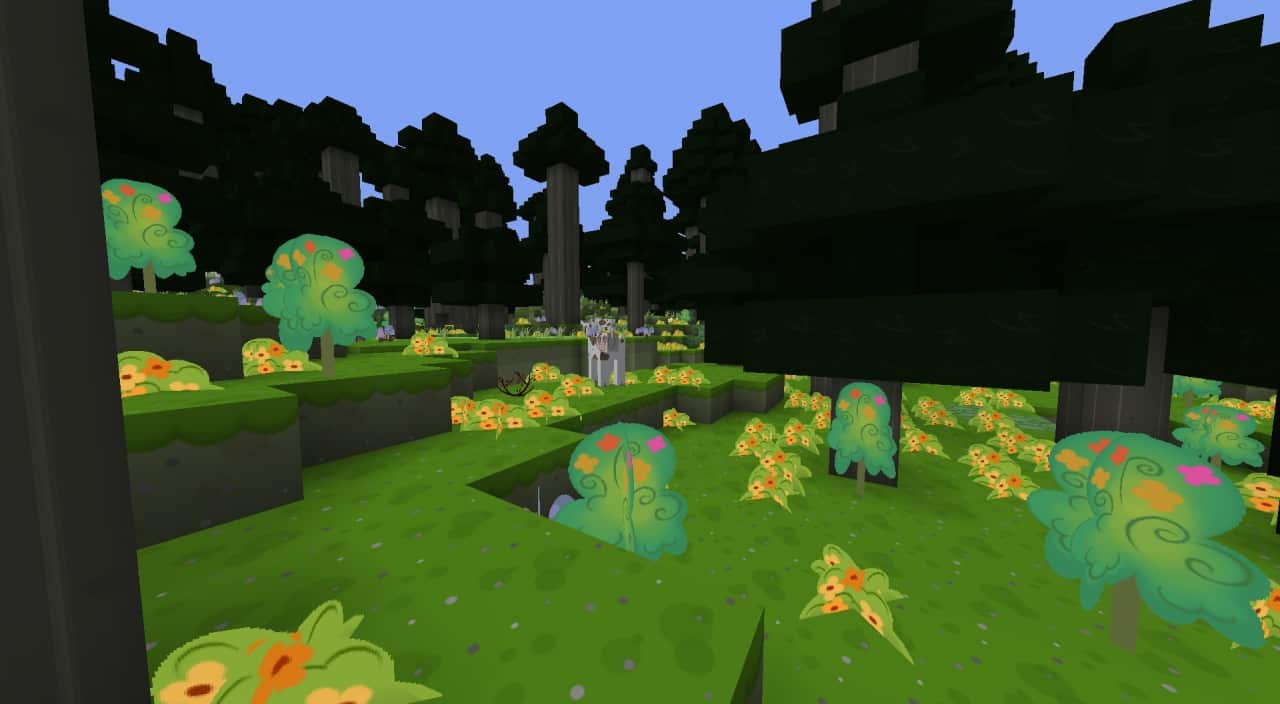
Minecraft resource pack creators take inspiration from a lot of TV shows, movies, and animation series. My Little Pony is one such example of a beloved franchise that makes its way into Minecraft. While there are tens of different resource packs that are inspired by the popular animation series, very few managed to reach the same success as Flutterstorm’s PonyCraft. This particular resource pack has been around for many years with tens of thousands of downloads across the many websites where it was published. Flutterstorm’s PonyCraft resource pack was developed by Minecraft community member flutterstorm. While he may not be as active in the community as he used to be, he does keep the resource pack updated. The resource pack was originally released in late 2013 and still receives updates. While flutterstorm may not have many other projects under his belt, Flutterstorm’s PonyCraft has been a successful resource pack. He even made a music add-on that can be installed on top of his resource pack to fully recreate the vibe of My Little Pony: Friendship is Magic. Many aspects of the game have been changed to make Flutterstorm’s PonyCraft inspire a similar vibe as the animation series. At first glance, the colors of the textures appear to be different. Many textures were remade to be more vibrant. The grass is greener, and flowers are more vibrant but there is an overall vibe of things being even more cartoonish than in vanilla. This becomes obvious when looking at crops, leaves, flowers, and other various small objects. They now have outlines just as you would see in something hand drawn or in cartoons.
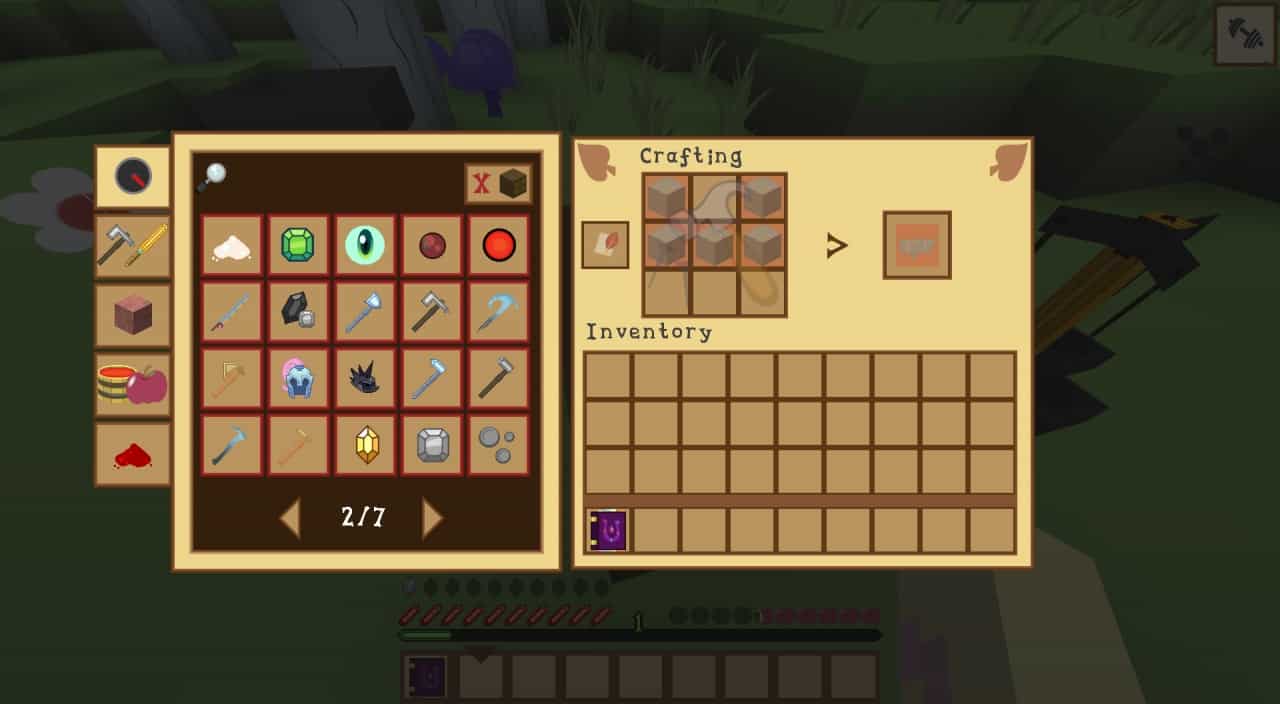
Such a visual change implied extensive work to change and rework textures for all flowers, crops, grass, leaves, and so on. Another notable change that is easy to notice is the sky. During the day, the sky has a light blue color but the clouds are completely different. They are the same as the arched and cartoonish clouds you would see in a cartoon. At dusk, the sky gets a discreet green tint while during the night, it becomes purple. The stars become visible and they now look perfectly suited for a cartoonish world. They are small dots, mostly white, of various sizes. All the texture changes to the world would have been incomplete if Flutterstorm’s PonyCraft would have not introduced new textures and models for monsters, pets, NPCs, and players. They have been redesigned and inspired by My Little Pony. There are now cartoonish cats, cows, dogs, and more that all seem to have jumped from the show straight into Minecraft. Lastly, the player UI has been tweaked to fit the team. Flutterstorm’s PonyCraft offers a simple UI with a familiar inventory system that is more brightly colored using shades of brown and yellow. Item icons are also new as they are now more cartoonish and less pixelated. Everything now has sharper lines and edges and this is in part due to the resolution upscale of the resource pack. The Flutterstorm’s PonyCraft was made to be played in 128x. This is 8 times the resolution of vanilla Minecraft. For players with older systems, there will be a performance loss, meaning that it is not a PvP-friendly resource pack. Adding a shader pack will further decrease framerates, making the game less enjoyable. For modern computers, 128x is not such a high resolution and the game should still run fine. However, there is legacy support for 16x, 32x, and 64x texture resolution which will make the game run better. The 16x and 32x versions are the least recommended ones as they make the resource pack look less cartoonish and negate some of the beautiful details that the developer introduced with the new textures.
Flutterstorm’s PonyCraft should be compatible with all of these Minecraft versions: 1.21.3 – 1.21.2 – 1.21.1 – 1.21 – 1.20.6 – 1.20.5 – 1.20.4 – 1.20.3 – 1.20.2 – 1.20.1 – 1.20 – 1.19.4 – 1.19.3 – 1.19.2 – 1.19.1 – 1.19 – 1.18.2 – 1.18.1 – 1.18 – 1.16.5 – 1.16.4 – 1.16.3 – 1.16.2 – 1.16.1 – 1.16 – 1.14.4 – 1.14.3 – 1.14.2 – 1.14 – 1.13.2 – 1.13.1 – 1.13 – 1.12.2 – 1.12 – 1.11.2 – 1.11 – 1.10.2 – 1.10 – 1.9.4 – 1.9 – 1.8.9 – 1.8.8 – 1.8.1 – 1.8.6 – 1.8
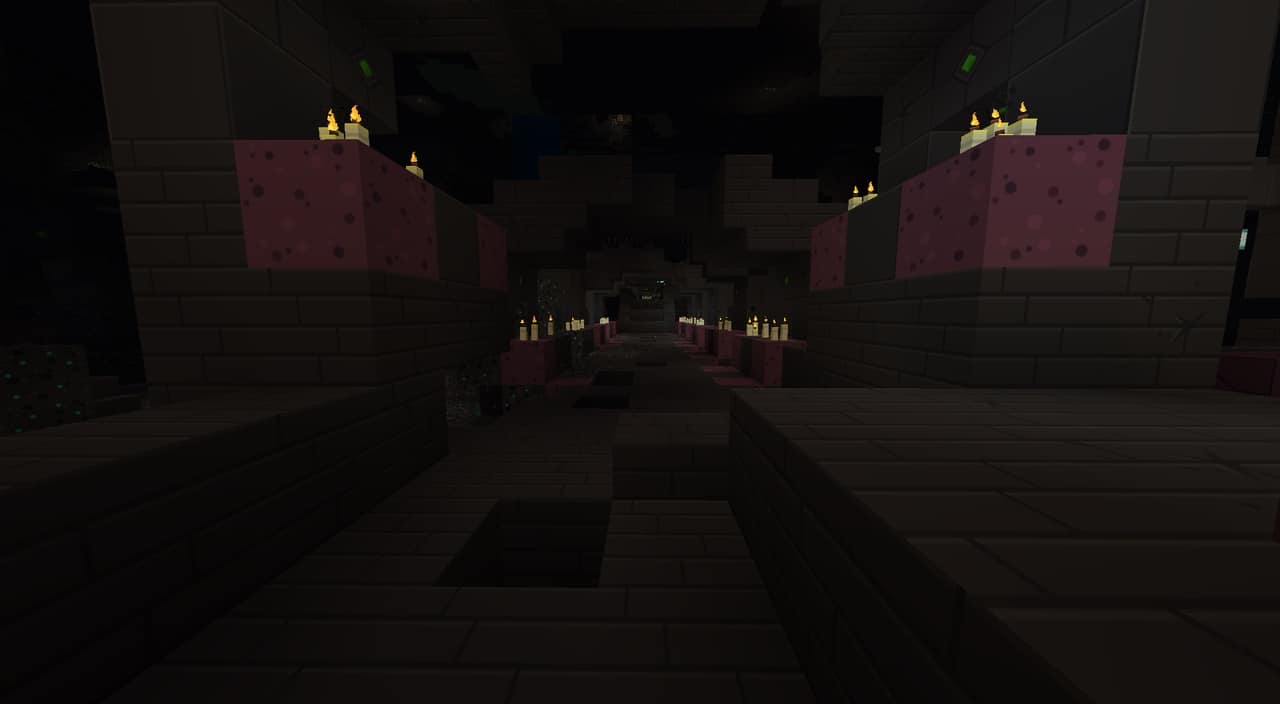
Screenshots


How to Install Texture Pack (Simple 10 Steps)
- Download OptiFine: Most of the texture packs and shaders need OptiFine. That’s why, first download and install OptiFine for the version of Minecraft you want to play.
- Download the Texture Pack: Get the texture pack you want from the download section. Choose the version that works with your Minecraft and your PC’s performance.
- Open Minecraft Launcher: Start Minecraft using the official game launcher — or even TLauncher, if you use that.
- Go to Options: From the main menu, click on the “Options” button.
- Open Resource Packs: Inside Options, click on “Resource Packs…”.
- Open the Resource Pack Folder: Click on “Open Resource Pack Folder” — this will open a folder named “resourcepacks”.
- Move the Pack File: Copy or move the .zip file you downloaded into that “resourcepacks” folder. (Don’t unzip the file — Minecraft uses it as-is!)
- Go Back and Refresh: Close the folder and click “Done”, then go back into “Resource Packs…” again.
- Activate the Pack: You’ll see the pack on the left side. Hover over it and click the arrow to move it to the right (active side).
Tip: If you get a message that the pack is for a different version, just click “Yes” — it usually works fine. - Click Done and Enjoy: Click “Done” again. Now your pack is ready to use in-game. It’s that easy!
Credits
Flutterstorm’s PonyCraft was originally created and developed by flutterstorm. We do not claim ownership of this resource pack and host these links as a convenience for the community. We strongly encourage players to support the original creator and their ongoing work.
Download Links
Java Edition
- [128x] Minecraft 1.21.x – 1.20.x
- [128x] Minecraft 1.19.x – 1.18.x
- [128x] Minecraft 1.16.x
- [128x] Minecraft 1.14.x
- [16x] Minecraft 1.14.x
- [128x] Minecraft 1.13.x
- [128x] Minecraft 1.12.x – 1.11.x (Spring)
- [128x] Minecraft 1.12.x – 1.11.x (Autumn)
- [64x] Minecraft 1.12.x – 1.11.x
- [128x] Minecraft 1.10.x – 1.9.x
- [128x] Minecraft 1.8.x
- [32x] Minecraft 1.8.x
- FS Ponycraft Music Add-on
- FS Ponycraft Male Voice Add-on
Download Instructions
Curseforge: download starts automatically after a few seconds;
Mediafire: click the big blue button with the text “DOWNLOAD”;
Google Drive: in the top right corner you will see a small download icon (down arrow), click it and the download should start;


