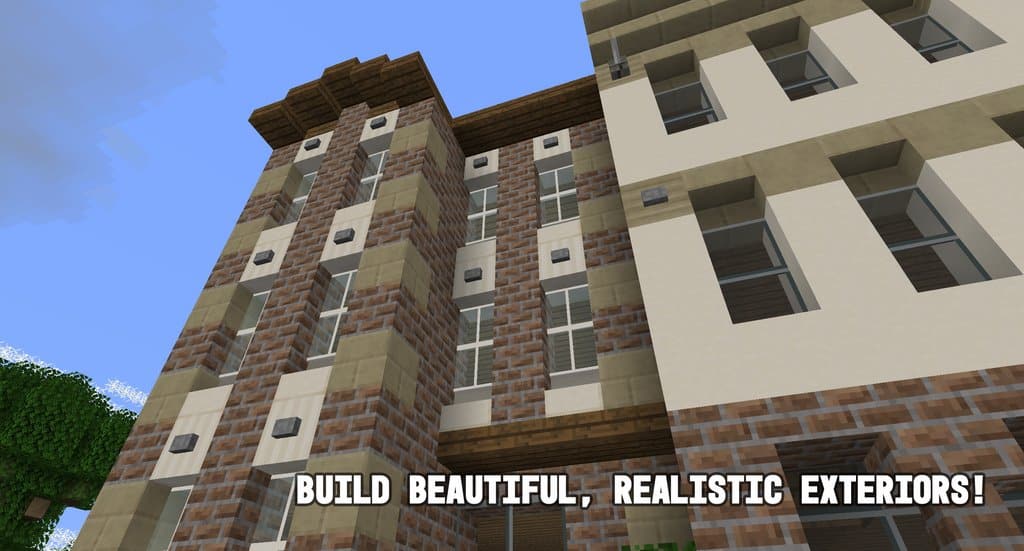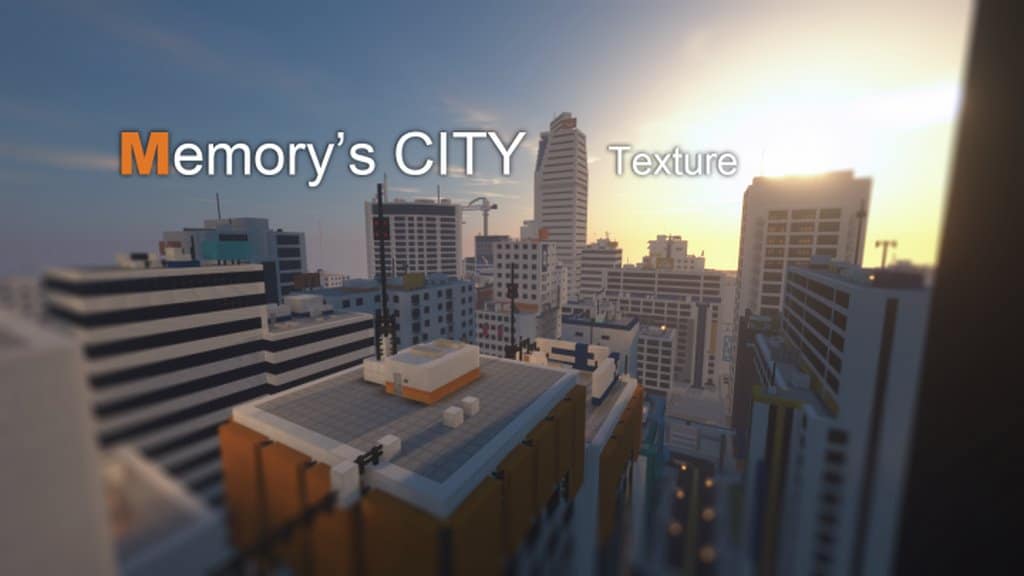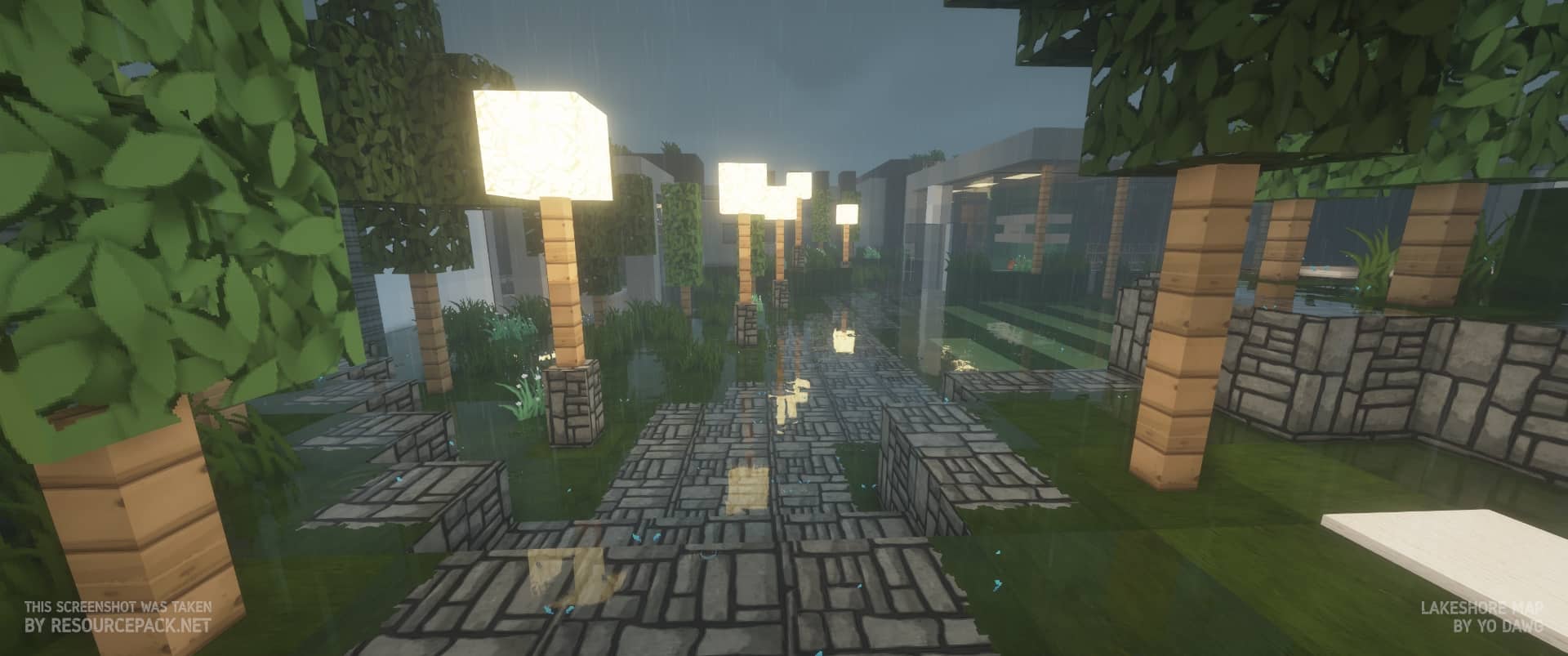
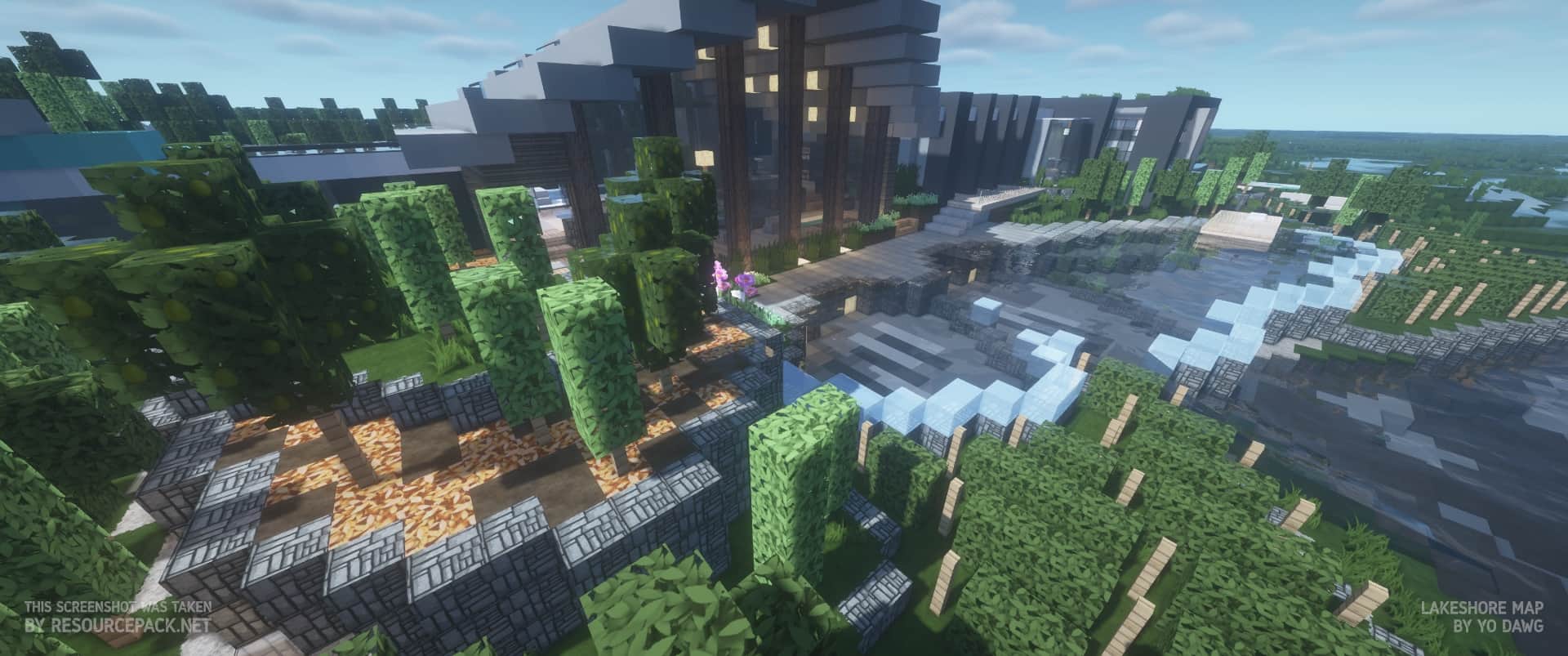
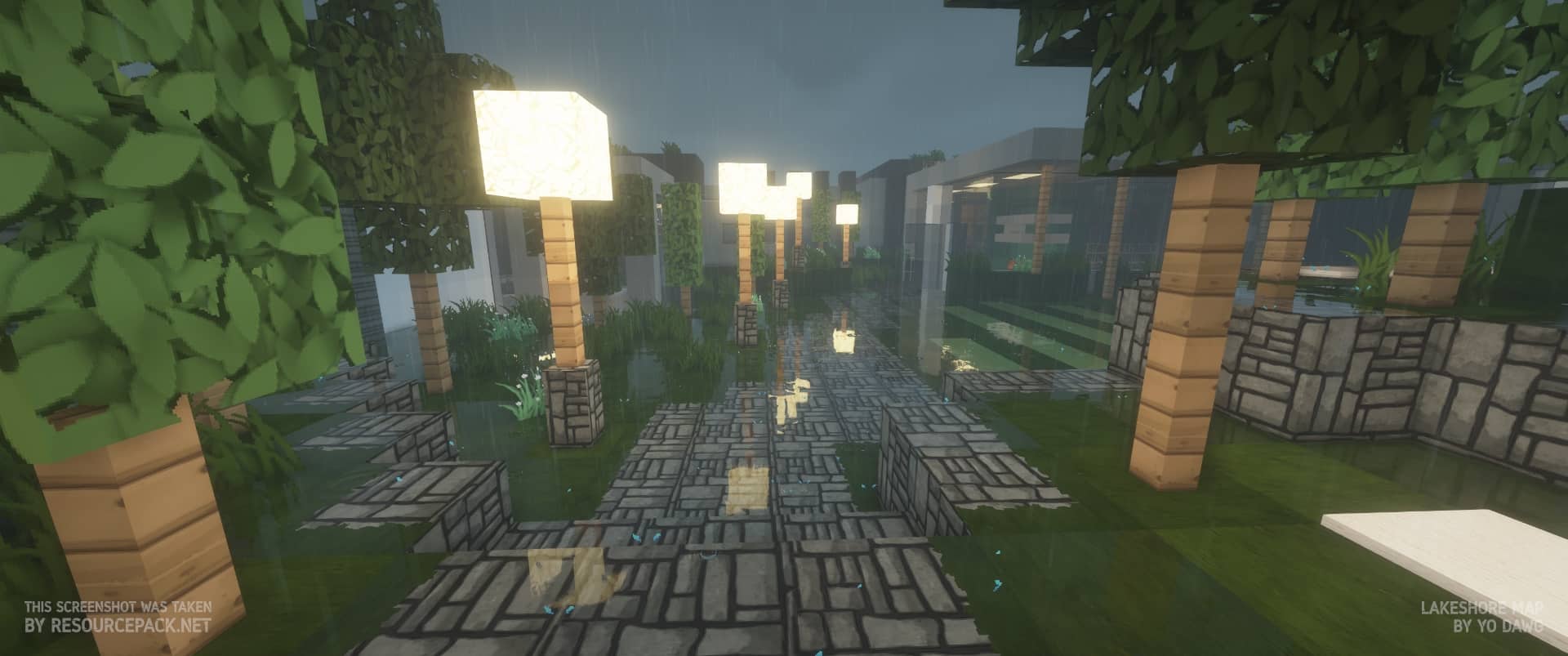
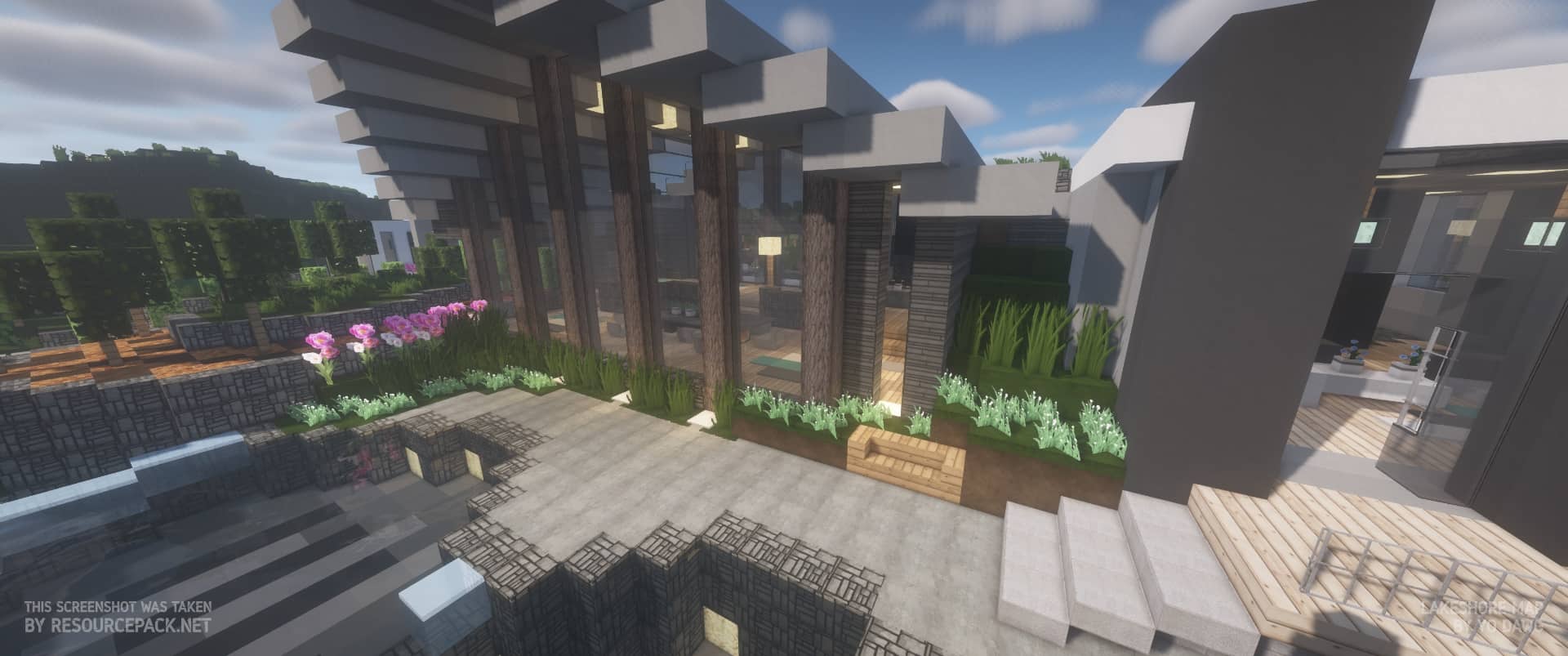
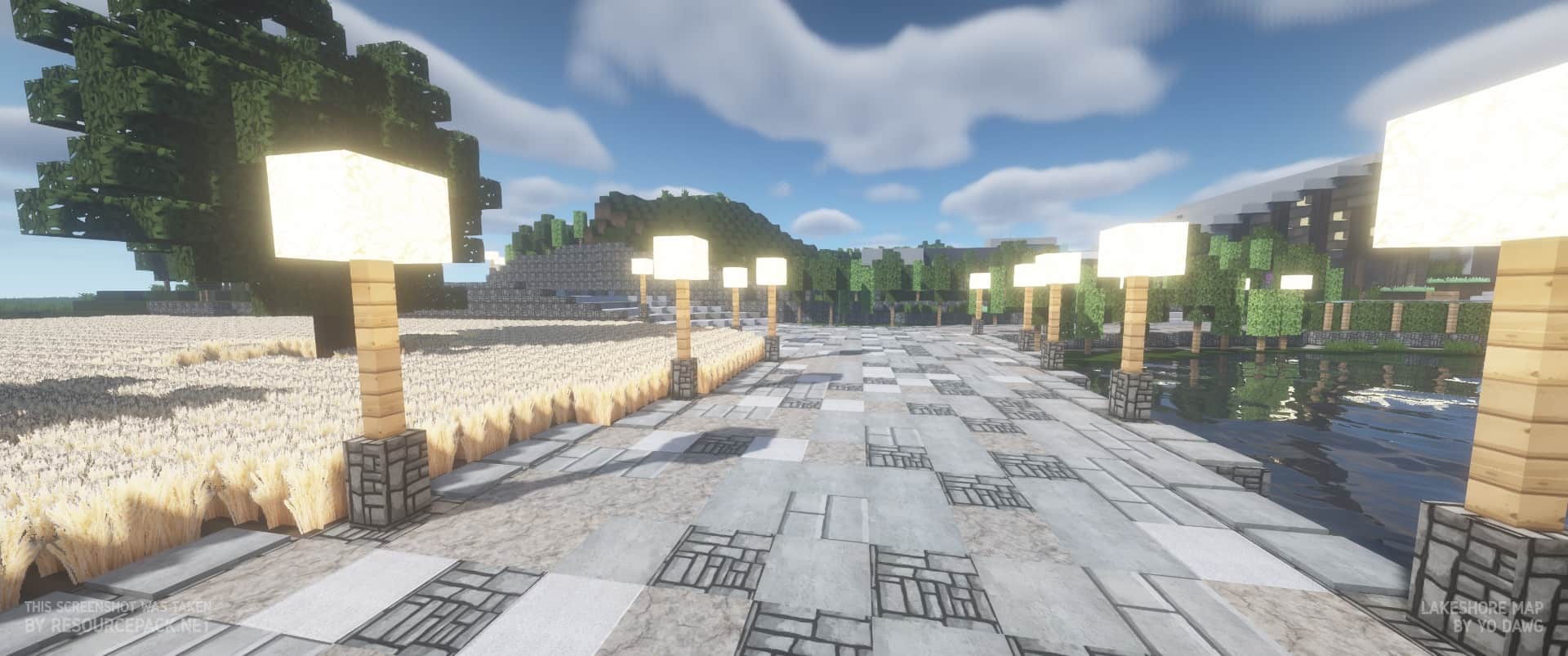
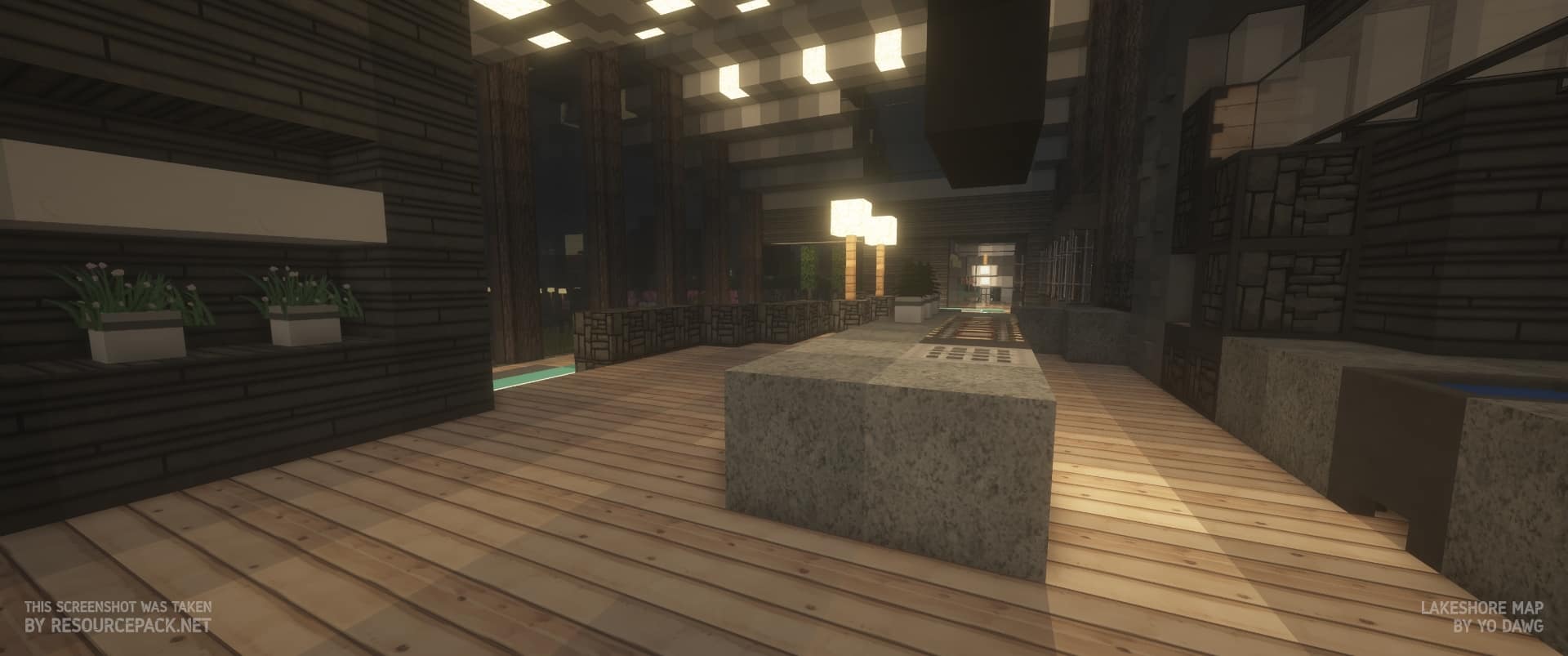
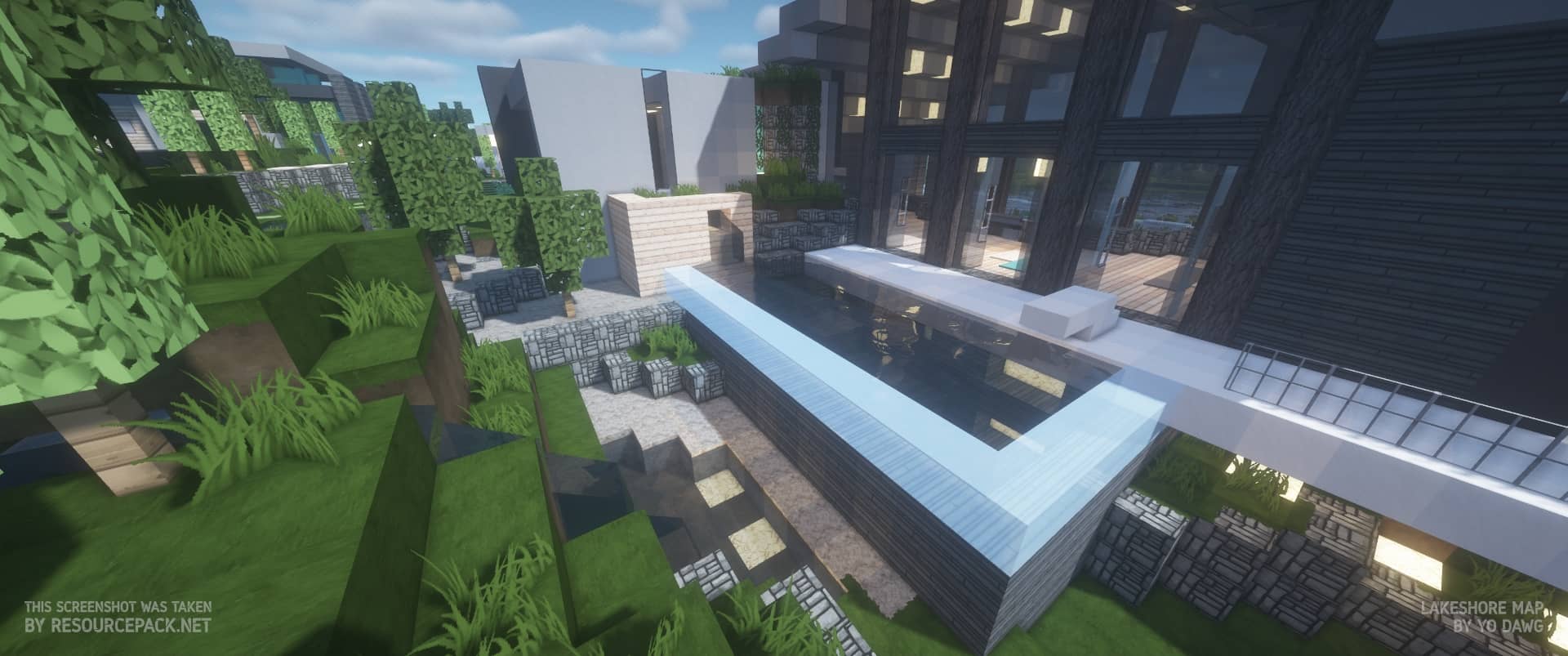
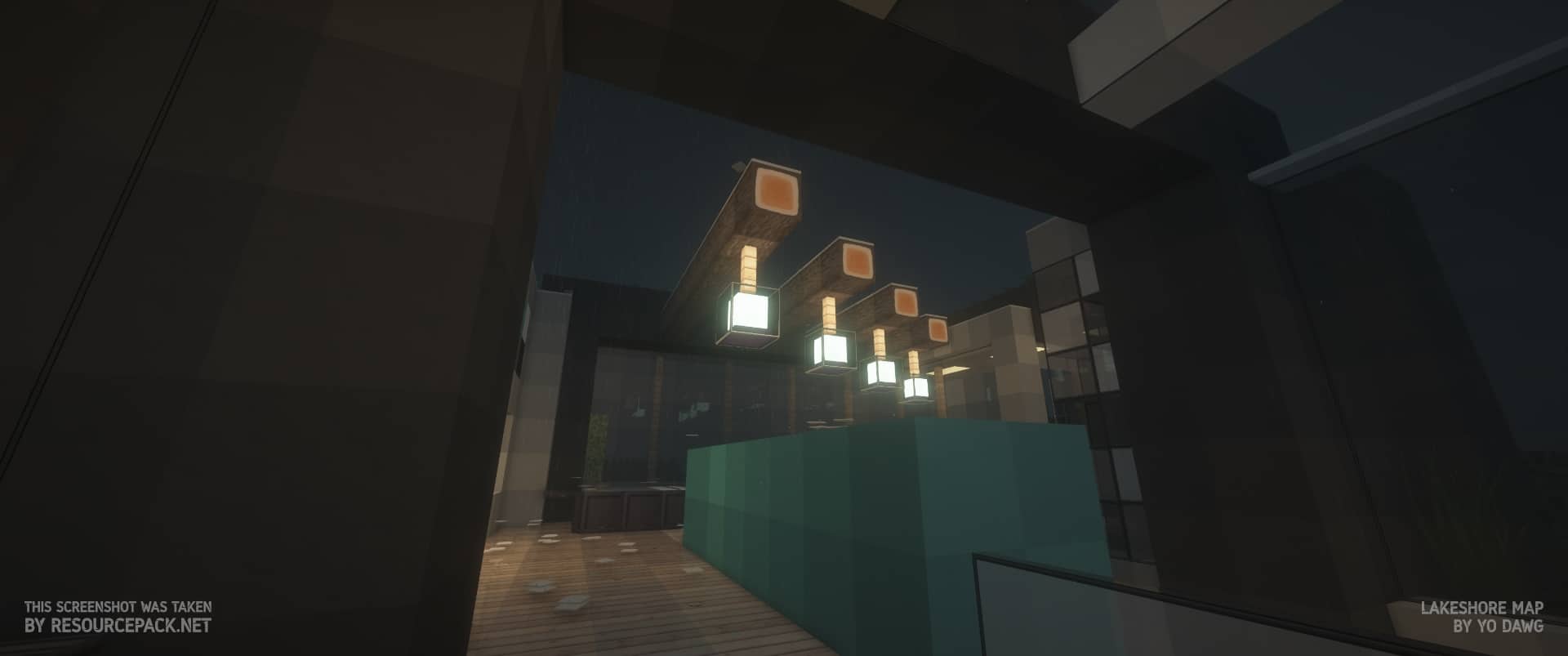
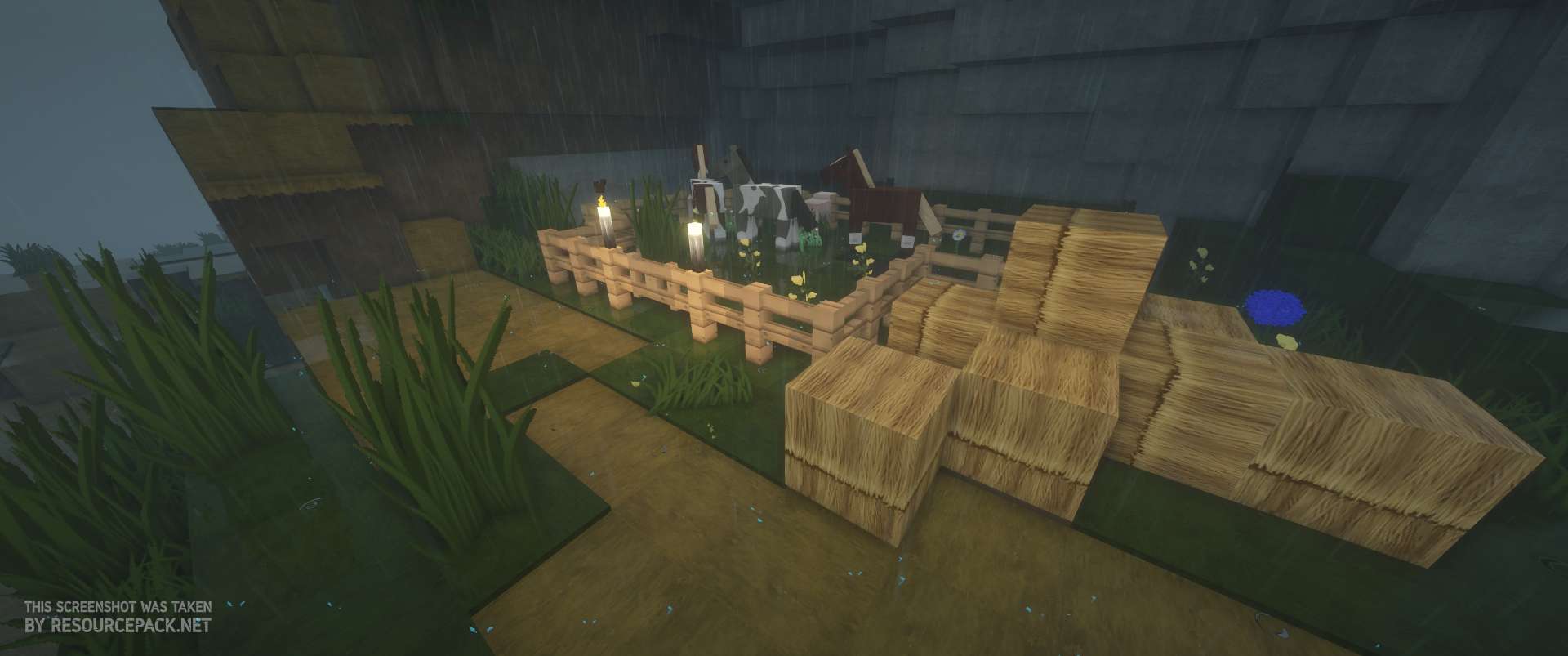
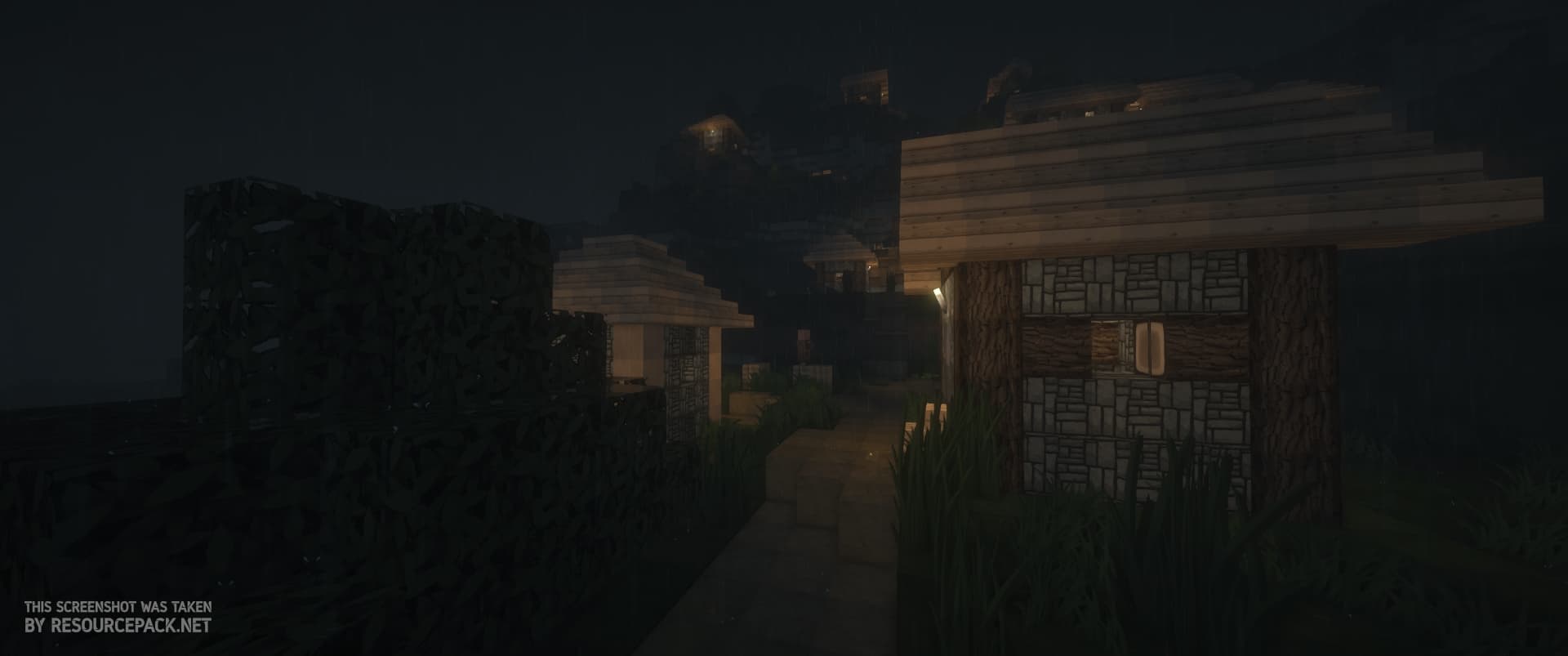
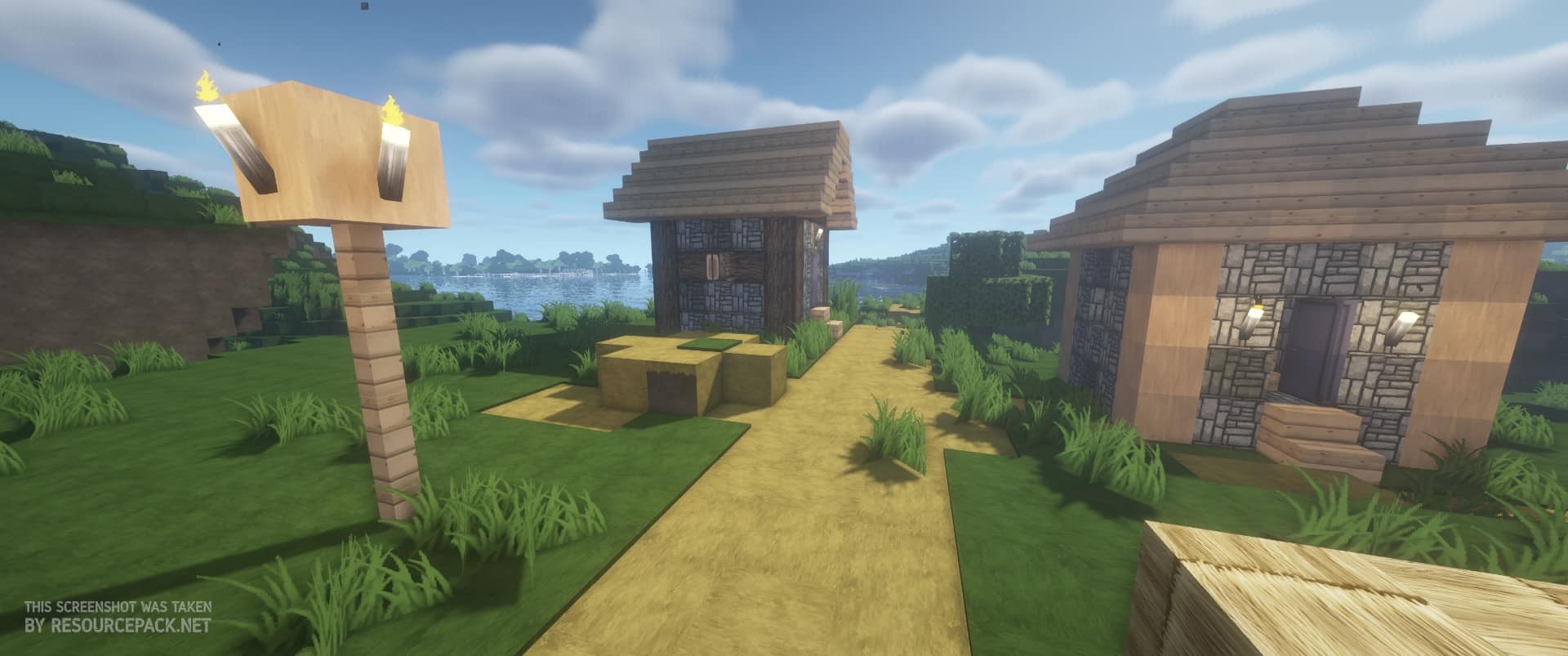
A vibrant, lively appearance is the ultimate trademark of the incredible Flows HD texture pack, and testing it out completely blew me away! Its absolute uniqueness comes from the developer’s brilliant inspiration drawn from numerous resource packs, which led them to combine all their best elements into this remarkably cohesive and unique resource pack. The game-changing textures that it offers are a direct result of years of passionate work that all led up to its current stunning state. The journey of the original Flows HD begins all the way back in 2012, around the time when Minecraft version 1.2.5 was released, serving as the solid foundation for all of the upcoming versions of the pack. However, the earliest developer ArtFlo91 has since passed the development efforts to others, with Eisregen and Lukolaz providing vital updates and later Exevium polishing the textures for quite some time, after which they also retired from the project. Naming out all of the contributors would take a while, so we will leave it here, but trust me, their collective effort shows. Don’t worry though, the Flows HD resource pack is still being regularly updated for the newest Minecraft versions, ensuring you can always enjoy it. When you first load up the game with this pack installed, you’ll immediately notice the breathtaking visuals and high-quality textures that still manage to retain Minecraft’s wonderfully unique features. This was always the main goal: modernizing the game while at the same time carefully preserving its core elements. Flows HD is quite popular with players who like to focus on building, mainly since the textures themselves are masterfully designed in a way that makes almost all of the builds look great, regardless of whether they’re medieval, modern, creepy, or pleasant. Even if you’re not an avid builder and just want to experience the game in a fresh, modern, and sleek light, you should definitely try out this pack for yourself.
A significant change that you’ll probably notice without even looking closely at the blocks is the mesmerizing sky. It has received a complete, gorgeous revamp, taking on a stunning new shade of blue while remaining crystal clear. At night, the moon gives off a wonderfully gloomy glow that positively impacts the game’s overall atmosphere. This goes along perfectly with the fantastic changes concerning the game’s vegetation. Their appearance is now much more natural and considerably less pixelated, featuring lovely spiked grass swaying in all directions. This adjustment is delightfully noticeable even underwater since seagrass is also thoroughly modified. If you’re playing Minecraft on a platform that doesn’t support Java, such as Playstation, Xbox, Android, or iOS, don’t worry at all. A talented developer by the name of PLAYGAMEMPE ported the complete resource pack to Minecraft’s Bedrock edition, meaning you can fully experience the incredible transformation that Flows HD provides since all of the textures are faithfully replicated across versions. Even though it’s not strictly 100% necessary, developers strongly recommend installing Optifine alongside this resource pack; otherwise, some advanced textures might not be able to load precisely as they should. It really helps connect all of the blocks properly, which is quite important since the pack heavily relies on this feature to provide an optimal visual experience. Also, with all of the settings configured correctly, it can help you squeeze out a few extra frames per second. Keep in mind that there’s still no official Optifine version for Minecraft Bedrock, so you can’t rely on it giving you extra performance there. As far as the Flows HD performance goes on Java, it certainly requires quite a few more system resources compared to the vanilla game. Releases for earlier Minecraft versions had two possible resolutions to pick from, 64×64 and 128×128, but since the development team streamlined their focus, they poured their efforts completely into the higher quality version. This means your PC has to render eight times more pixels, which can get a bit problematic if you are running weaker hardware components, making it all the more reason to install Optifine if you are going to be using the pack. If hardware is not a concern for you, you can even use complementary shaders alongside Flows HD to boost the game’s visuals to absolute perfection. Although it can be quite demanding on your system, the Flows HD texture pack truly transforms the game into something entirely new and breathtaking. The clever combination of different styles that makes it ideal for building is something that you will hardly find in any other resource pack out there. Its extensive history means that it has had plenty of time to become thoroughly polished and wonderfully free of bugs. With exciting updates still ongoing, there is zero doubt that we still have a lot of amazing things to see from the brilliant Flows HD resource pack in the future!
Flows HD should be compatible with all of these Minecraft versions: 1.21.11 – 1.21.10 – 1.21.9 – 1.21.8 – 1.21.7 – 1.21.6 – 1.21.5 – 1.21.4 – 1.21.3 – 1.21.2 – 1.21.1 – 1.21 – 1.19.4 – 1.19.3 – 1.19.2 – 1.19.1 – 1.19 – 1.18.2 – 1.18.1 – 1.18 – 1.17.1 – 1.17 – 1.16.5 – 1.16.4 – 1.16.3 – 1.16.2 – 1.16.1 – 1.16 – 1.14.4 – 1.14.3 – 1.14.2 – 1.14 – 1.13.2 – 1.13.1 – 1.13 – 1.12.2 – 1.12 – 1.11.2 – 1.11 – 1.10.2 – 1.10 – 1.9.4 – 1.9 – 1.8.9 – 1.8.8 – 1.8.1 – 1.8.6 – 1.8 – 1.7.10 – 1.7.9 – 1.7.4 – 1.7 – 1.19.4 – 1.19.3 – 1.19.2 – 1.19.1 – 1.19 – Bedrock Edition – PE
Screenshots
How to Install Texture Pack (Simple 10 Steps)
- Download OptiFine: Most of the texture packs and shaders need OptiFine. That’s why, first download and install OptiFine for the version of Minecraft you want to play.
- Download the Texture Pack: Get the texture pack you want from the download section. Choose the version that works with your Minecraft and your PC’s performance.
- Open Minecraft Launcher: Start Minecraft using the official game launcher — or even TLauncher, if you use that.
- Go to Options: From the main menu, click on the “Options” button.
- Open Resource Packs: Inside Options, click on “Resource Packs…”.
- Open the Resource Pack Folder: Click on “Open Resource Pack Folder” — this will open a folder named “resourcepacks”.
- Move the Pack File: Copy or move the .zip file you downloaded into that “resourcepacks” folder. (Don’t unzip the file — Minecraft uses it as-is!)
- Go Back and Refresh: Close the folder and click “Done”, then go back into “Resource Packs…” again.
- Activate the Pack: You’ll see the pack on the left side. Hover over it and click the arrow to move it to the right (active side).
Tip: If you get a message that the pack is for a different version, just click “Yes” — it usually works fine. - Click Done and Enjoy: Click “Done” again. Now your pack is ready to use in-game. It’s that easy!
Credits
Flows HD was originally created by ArtFlo91. We do not own, host, or modify the resource pack files provided here. All rights, ownership, and credits belong fully to ArtFlo91 and the subsequent contributing developers. We strongly encourage visiting their official distribution channels and supporting the creators for their incredible work.
Download Links
Java Edition
- [128x] [1.21.x] Download Flows HD Resource Pack
- [128x] [1.19.x] Download Flows HD Resource Pack
- [128x] [1.18.x – 1.17.x] Download Flows HD Resource Pack
- [128x] [1.16.x] Download Flows HD Resource Pack
- [128x] [1.14.x] Download Flows HD Resource Pack
- [128x] [1.13.x] Download Flows HD Resource Pack
- [128x] [1.12.x] Download Flows HD Resource Pack
- [128x] [1.11.x – 1.9.x] Download Flows HD Resource Pack
- [128x] [1.8.x – 1.7.x] Download Flows HD Resource Pack
- [64x] [1.21.x] Download Flows HD Resource Pack
- [64x] [1.19.x] Download Flows HD Resource Pack
- [64x] [1.14.x] Download Flows HD Resource Pack
- [64x] [1.13.x] Download Flows HD Resource Pack
- [64x] [1.12.x] Download Flows HD Resource Pack
- [64x] [1.11.x – 1.9.x] Download Flows HD Resource Pack
- [64x] [1.8.x – 1.7.x] Download Flows HD Resource Pack
- Connected Textures Add-on
- 3D Models Add-on
- Chisel Mod Add-on
Bedrock Edition
Download Instructions
Curseforge: download starts automatically after a few seconds;
Mediafire: click the big blue button with the text “DOWNLOAD”;
Google Drive: in the top right corner you will see a small download icon (down arrow), click it and the download should start;