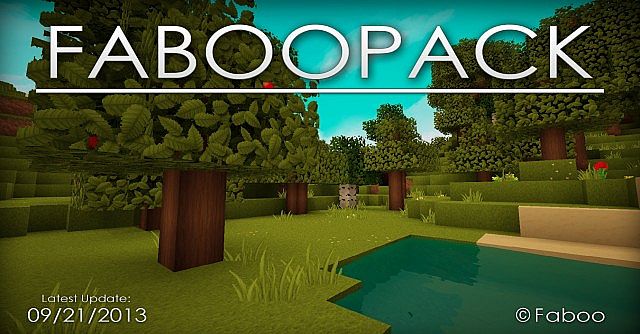
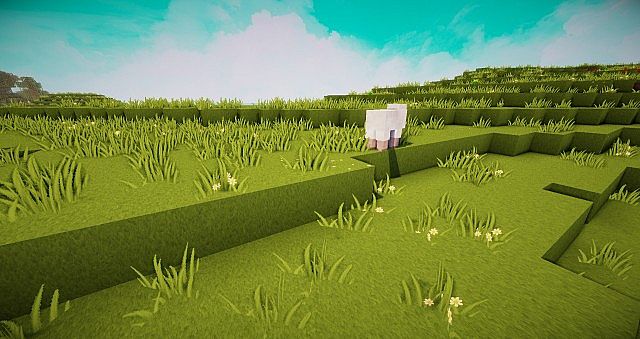
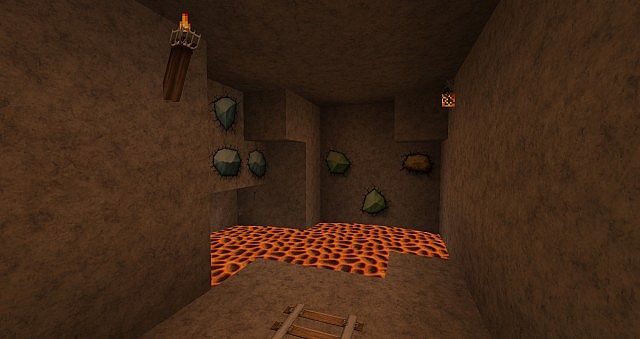
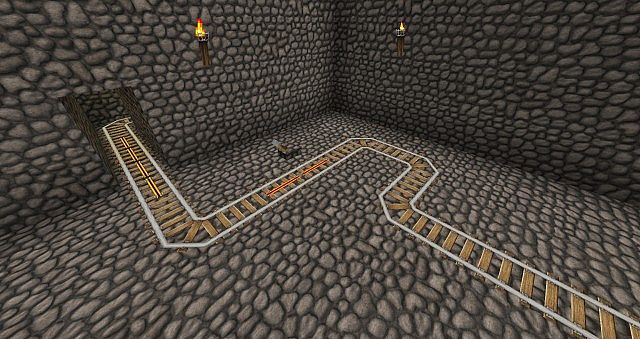
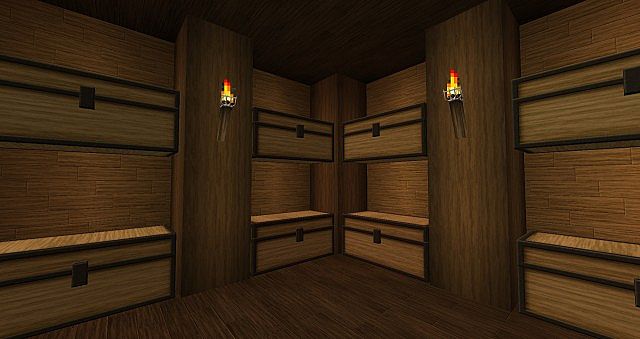
The FabooPack resource pack has truly managed to amass tens of thousands of downloads in the many years since it has been released, and honestly, testing it out made it super clear why! Over time, with each update, the resource pack managed to change vanilla Minecraft in many different ways that make it look stunning without feeling too off from the original game. Amongst the many achievements of the FabooPack, I found that the upscaled textures are by far the most notable. Using a gorgeous 128x resolution for textures makes plenty of room for more details and less boxy details. It still retains the typical Minecraft blocky visuals but with so much more detail packed into the textures. Trees look incredible with more detailed leaves, and the exact same thing goes for grass, flowers, and other types of plants in the game. Weapons are also much more detailed and less boxy, meaning they no longer look as if they are made from large pixels and instead appear to have genuinely improved 3D models.
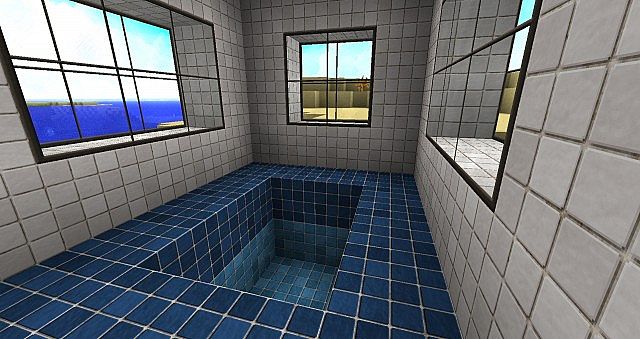
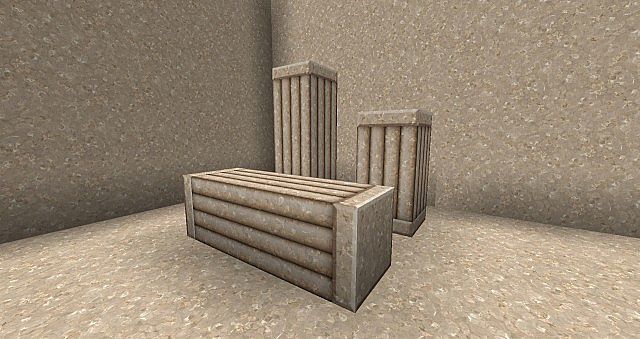
Stone and brick blocks also look much better even when looked at from a close distance, which really blew me away during my exploration. The same goes for wood blocks, sand, gravel, and pretty much every single type of block in the game. These visual upgrades are complemented wonderfully by the change in the color palette, where the colors are noticeably brighter and there is less visual noise overall. All textures appear much clearer and easier to distinguish one from another, making building and mining a visual treat. Water and sky textures were also improved, and I noticed that there is very little that has not been improved in the game with new textures in the FabooPack texture pack. Being a 128x resource pack, keep in mind that it may lead to some framerate drops depending on your hardware. Players with older systems should definitely expect to notice performance degradation as the resolution of the textures is a whopping 8 times higher than in vanilla Minecraft. For the best experience, installation of the resource pack should be done with Optifine HD or MCPatcher since it adds special features such as new sky textures, and I discovered that FabooPack also works exceptionally well with shader resource packs which can further improve and sharpen textures, shadows, and reflections.
FabooPack should be compatible with all of these Minecraft versions: 1.8.9 – 1.8.8 – 1.8.1 – 1.8.6 – 1.8 – 1.7.10 – 1.7.9 – 1.7.4 – 1.7 – 1.6.4 – 1.6.2 – 1.5.2
Screenshots
How to Install Texture Pack (Simple 10 Steps)
- Download OptiFine: Most of the texture packs and shaders need OptiFine. That’s why, first download and install OptiFine for the version of Minecraft you want to play.
- Download the Texture Pack: Get the texture pack you want from the download section. Choose the version that works with your Minecraft and your PC’s performance.
- Open Minecraft Launcher: Start Minecraft using the official game launcher — or even TLauncher, if you use that.
- Go to Options: From the main menu, click on the “Options” button.
- Open Resource Packs: Inside Options, click on “Resource Packs…”.
- Open the Resource Pack Folder: Click on “Open Resource Pack Folder” — this will open a folder named “resourcepacks”.
- Move the Pack File: Copy or move the .zip file you downloaded into that “resourcepacks” folder. (Don’t unzip the file — Minecraft uses it as-is!)
- Go Back and Refresh: Close the folder and click “Done”, then go back into “Resource Packs…” again.
- Activate the Pack: You’ll see the pack on the left side. Hover over it and click the arrow to move it to the right (active side).
Tip: If you get a message that the pack is for a different version, just click “Yes” — it usually works fine. - Click Done and Enjoy: Click “Done” again. Now your pack is ready to use in-game. It’s that easy!
Credits
The FabooPack resource pack was created by Faboo. We do not claim ownership of this content, nor do we host modified files on our servers. All intellectual property rights belong to the original author. We strongly encourage players to support the creator by downloading the pack directly from the official links provided below.
Download Instructions
Curseforge: download starts automatically after a few seconds;
Mediafire: click the big blue button with the text “DOWNLOAD”;
Google Drive: in the top right corner you will see a small download icon (down arrow), click it and the download should start;


