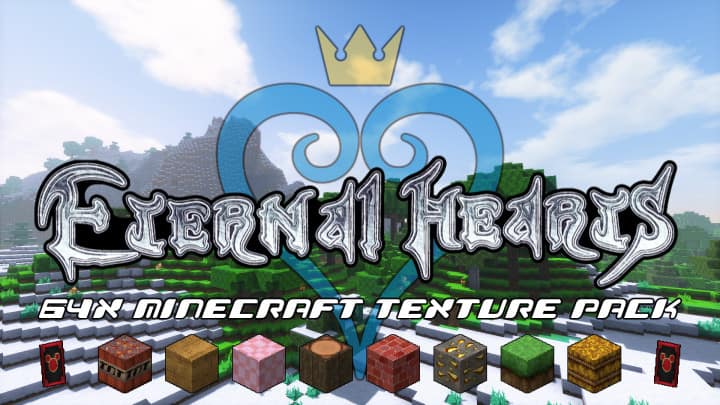
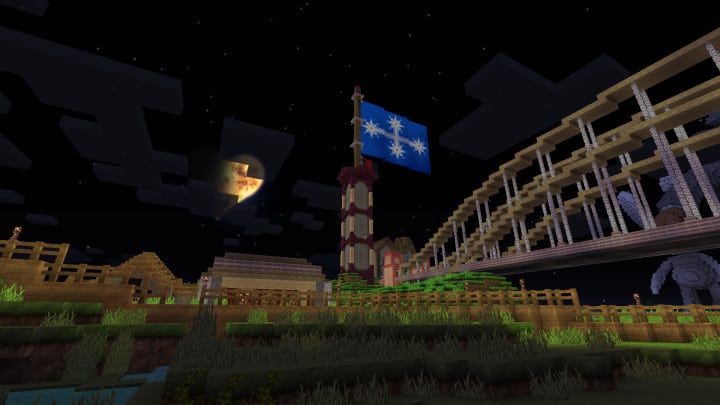
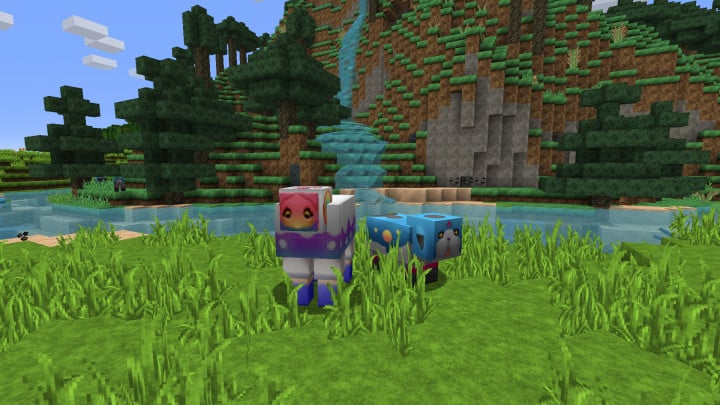
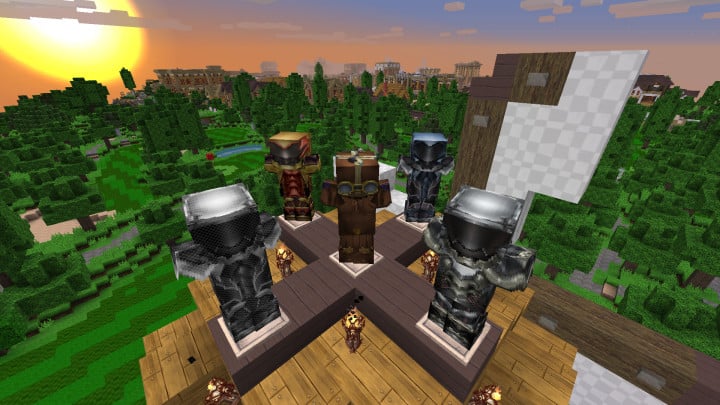
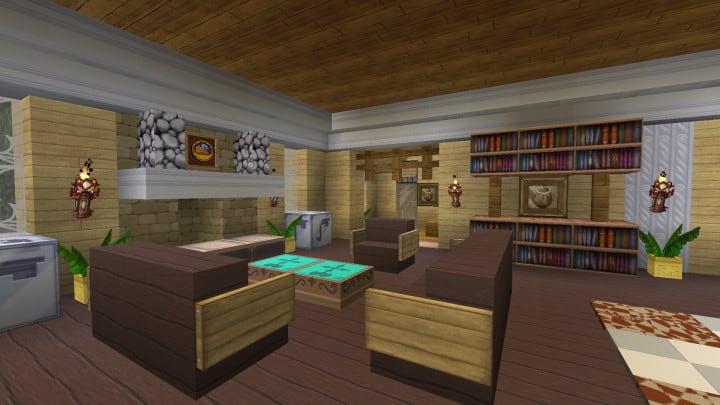
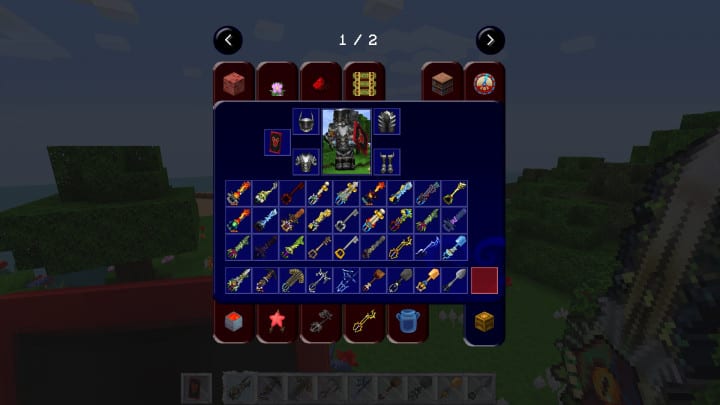
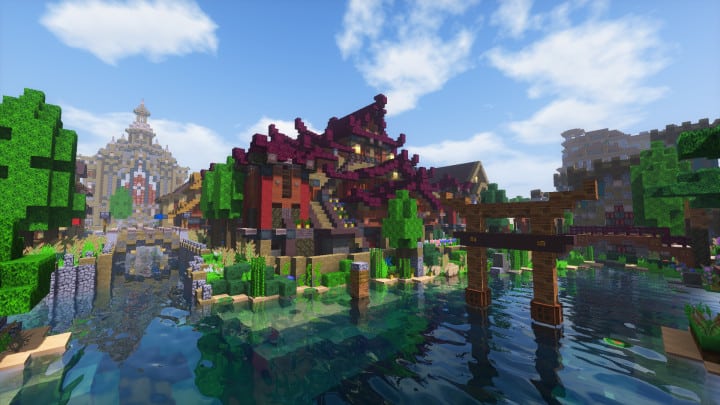
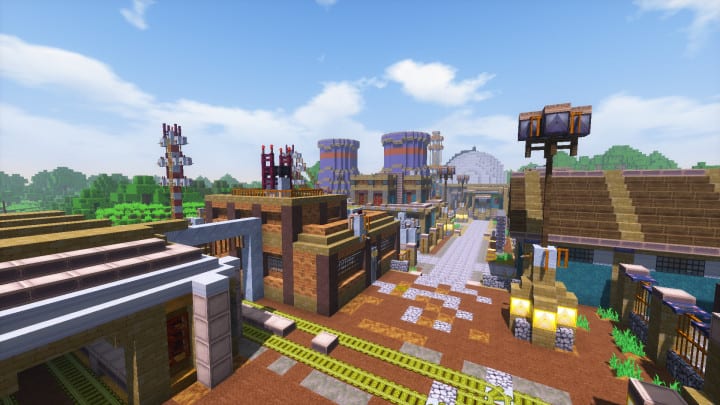
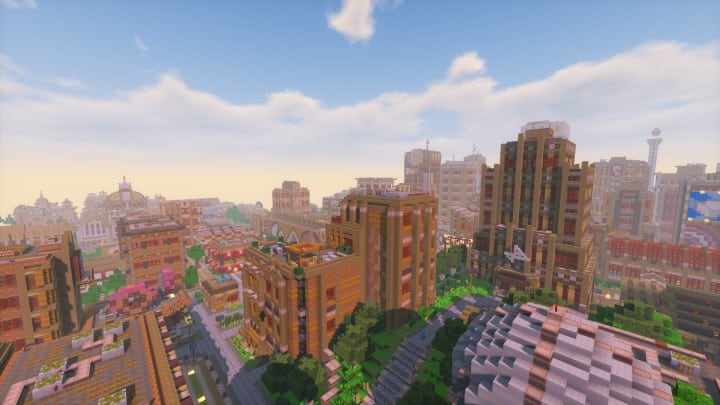
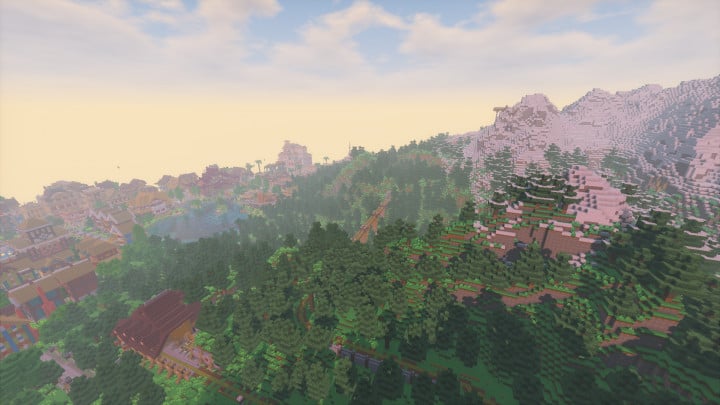
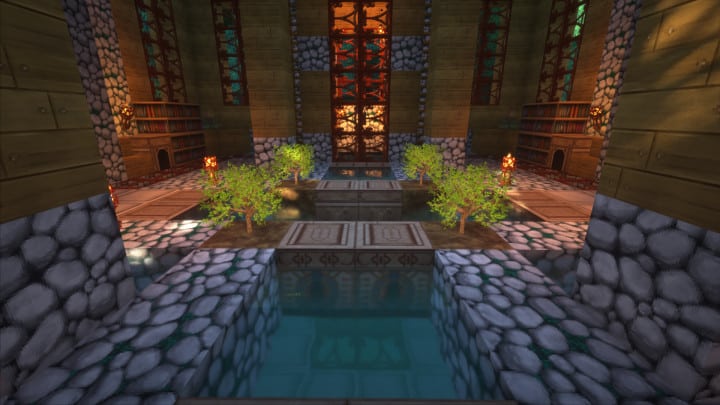
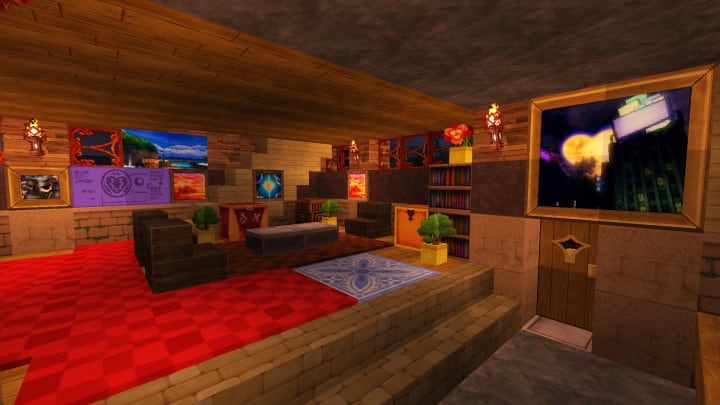
The beloved Kingdom Hearts franchise has triumphantly made its way into Minecraft with the introduction of the stunning Eternal Hearts resource pack, and I am genuinely obsessed with it. Heavily inspired by the iconic series, this resource pack features multiple different assets that come with more detailed textures and plenty of different options to explore. The pack actually includes hundreds of new objects, which completely transforms your inventory and world. It was released not so long ago, thus making it compatible with the latest versions of Minecraft without having any major bugs to ruin your immersion. Being a themed resource pack inspired by Kingdom Hearts, many Minecraft players who are familiar with the franchise will surely enjoy the bonus content and deeply appreciate the extras it adds to the game. Even those who are not familiar with Kingdom Hearts will still thoroughly enjoy the resource pack since it adds plenty of new elements that can be used to build an amazing RPG map. The pack itself features improved textures that show better object detail while still managing to preserve the classic Minecraft experience we all know and love.
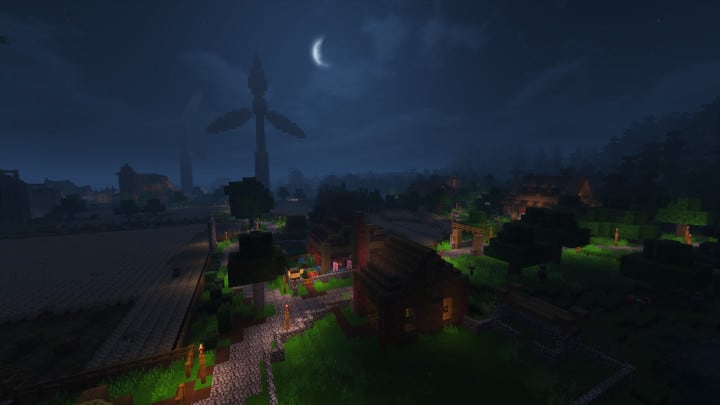
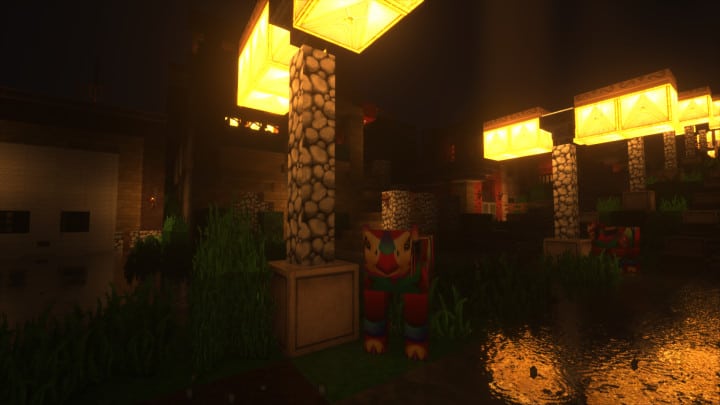
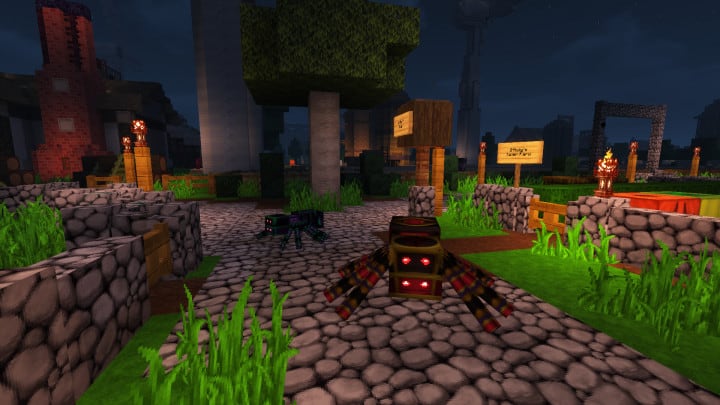
All the new extras happily borrow the exact same art style that is used in the original Kingdom Hearts games. The textures used are much more detailed and really stand out when compared to regular Minecraft blocks. Noise levels have been nicely reduced, and the new objects have a much cleaner look overall. The color palette used for the new textures is a bit on the dark side, which properly reflects the medieval art style that conveys throughout the entire Kingdom Hearts franchise. To keep Minecraft players continuously interested, the pack has been receiving regular updates that introduce brand-new objects and items. Exciting updates are still being planned, and more content is expected to be released in the future. As a great comparison, the Eternal Hearts resource pack uses a high-definition 64x resolution, which is significantly higher than the standard Minecraft 16x resolution. This does increase CPU load, so it might run a bit sluggish on older computers, but the massive improvement for the visuals easily makes it one of the absolute best resource packs released in quite some time.
Eternal Hearts should be compatible with all of these Minecraft versions: 1.13.2 – 1.13.1 – 1.13 – 1.12.2 – 1.12 – 1.11.2 – 1.11
Screenshots
How to Install Texture Pack (Simple 10 Steps)
- Download OptiFine: Most of the texture packs and shaders need OptiFine. That’s why, first download and install OptiFine for the version of Minecraft you want to play.
- Download the Texture Pack: Get the texture pack you want from the download section. Choose the version that works with your Minecraft and your PC’s performance.
- Open Minecraft Launcher: Start Minecraft using the official game launcher — or even TLauncher, if you use that.
- Go to Options: From the main menu, click on the “Options” button.
- Open Resource Packs: Inside Options, click on “Resource Packs…”.
- Open the Resource Pack Folder: Click on “Open Resource Pack Folder” — this will open a folder named “resourcepacks”.
- Move the Pack File: Copy or move the .zip file you downloaded into that “resourcepacks” folder. (Don’t unzip the file — Minecraft uses it as-is!)
- Go Back and Refresh: Close the folder and click “Done”, then go back into “Resource Packs…” again.
- Activate the Pack: You’ll see the pack on the left side. Hover over it and click the arrow to move it to the right (active side).
Tip: If you get a message that the pack is for a different version, just click “Yes” — it usually works fine. - Click Done and Enjoy: Click “Done” again. Now your pack is ready to use in-game. It’s that easy!
Credits
This resource pack was originally created by Cpt. Corn. We do not claim ownership of this content nor have we modified the original files. All rights belong to the original author, and we strongly encourage you to support Cpt. Corn by visiting their official download links and social pages.
Download Links
Java Edition
Download Instructions
Curseforge: download starts automatically after a few seconds;
Mediafire: click the big blue button with the text “DOWNLOAD”;
Google Drive: in the top right corner you will see a small download icon (down arrow), click it and the download should start;


