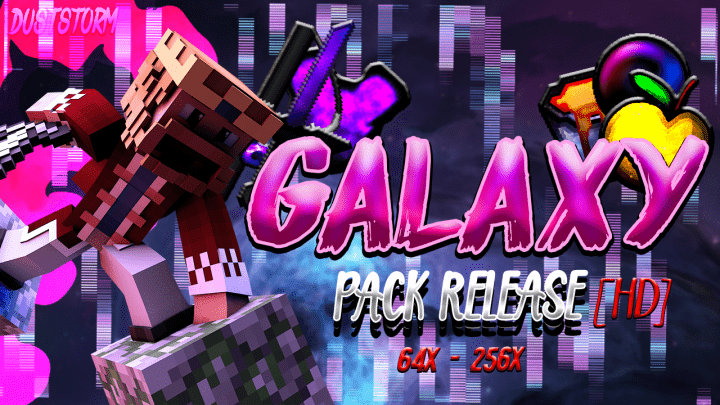
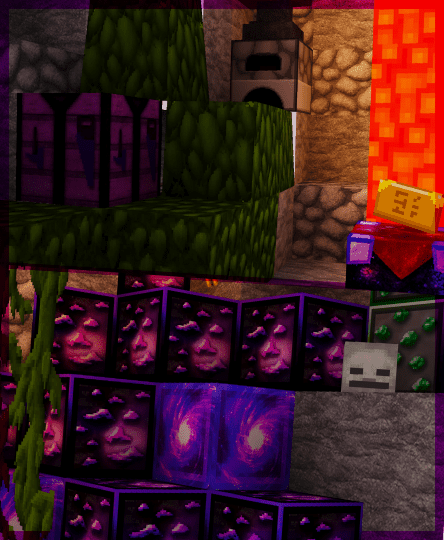
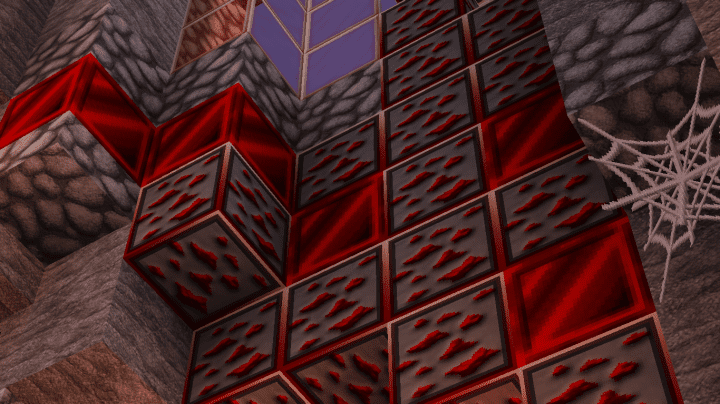
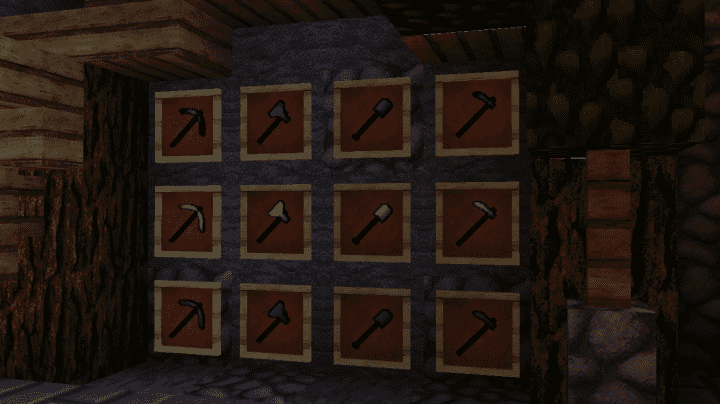
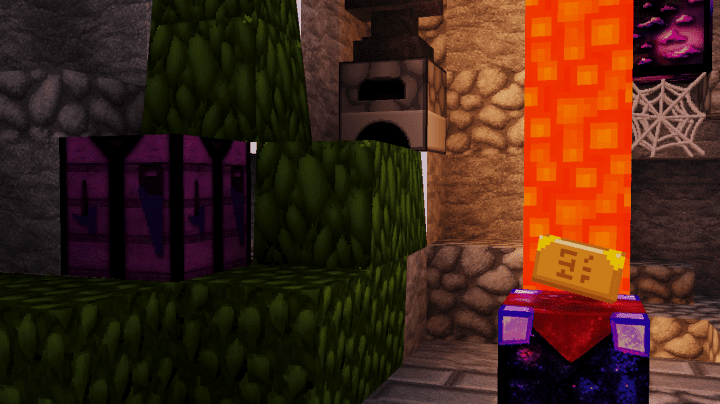
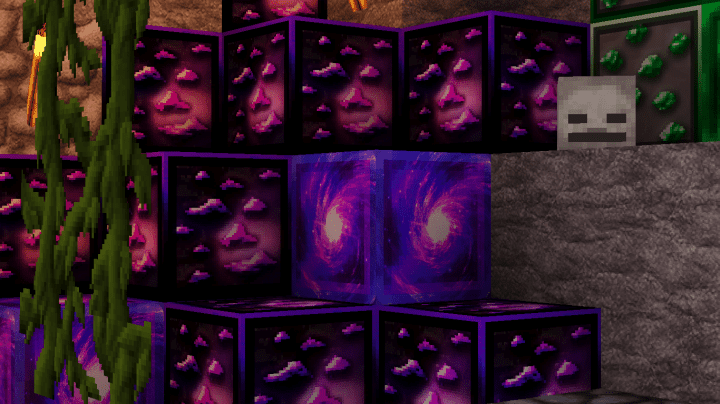
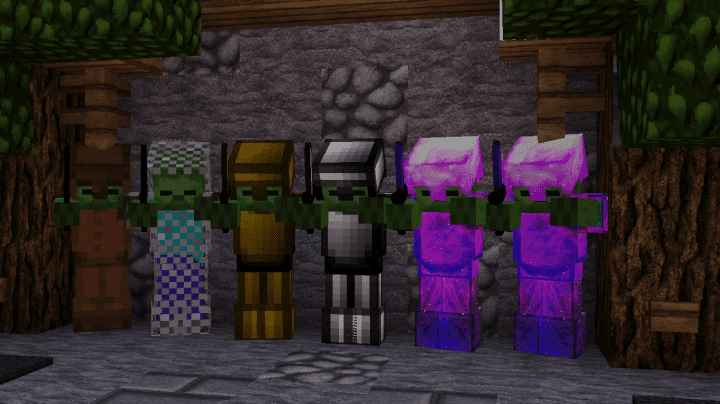
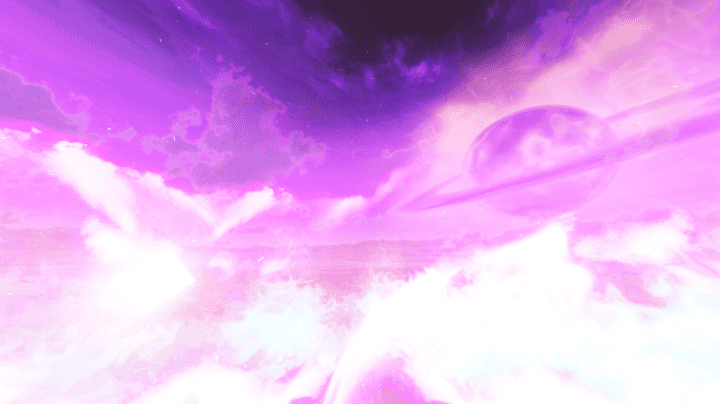
I recently tried out the DustStorm Galaxy PvP Resource Pack, and it really raises some of the PvP experience if you select to try the pack out! However, one thing that should be mentioned is that this specific art style which is used in the pack is not a suitable choice for each and every individual. Still, if you are satisfied with the art style of the different textures, the PvP experience will be improved with the resource pack in a significant manner. The DustStorm Galaxy PvP comes with an intergalactic themed art style which confers an amazing and appealing look that is loved by a wide assortment of people. As you take a look at the pack, you will quickly understand that the primary focus is on a stunning dark purple color.
This is due to the fact that it is the color of a plethora of things that are scattered around the space. Another reason why this pack is liked by people is due to the fact that it is capable of managing the removal of different noticeable noise from every single texture which is altered by it. This results in a higher number of appealing visuals, leading to a much more immersive PvP experience for different players in a significant manner. The type of details in the textures is not overwhelmingly high, but they are definitely known for their unique appeal. The pack comes with an X32 resolution which is higher in comparison to the default look, procuring a much smoother appearance, though it’s worth noting the pack is known to be slightly more demanding on system resources.
DustStorm Galaxy PvP should be compatible with all of these Minecraft versions: 1.8.9 – 1.8.8 – 1.8.1 – 1.8.6 – 1.8
Screenshots
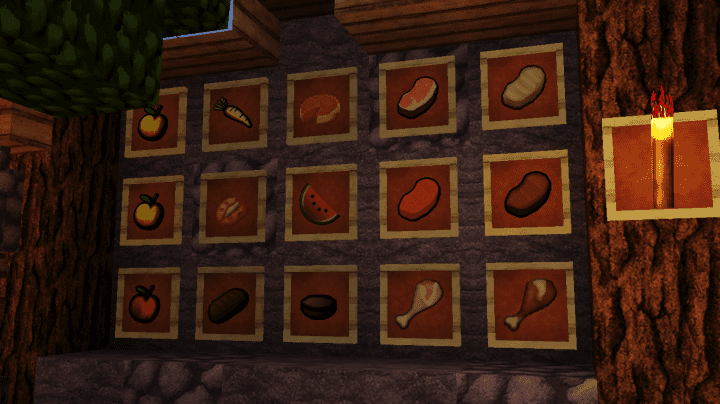
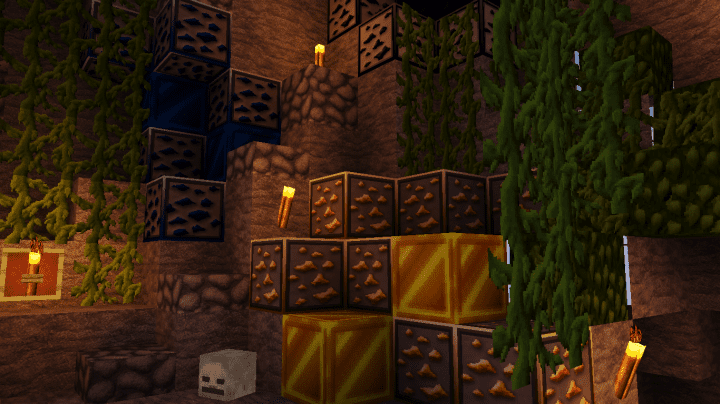
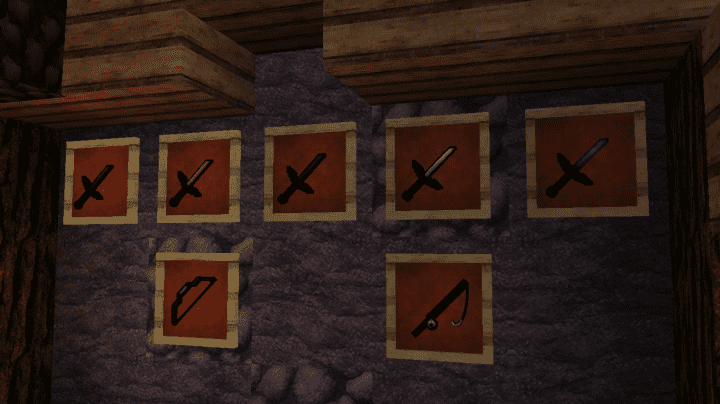
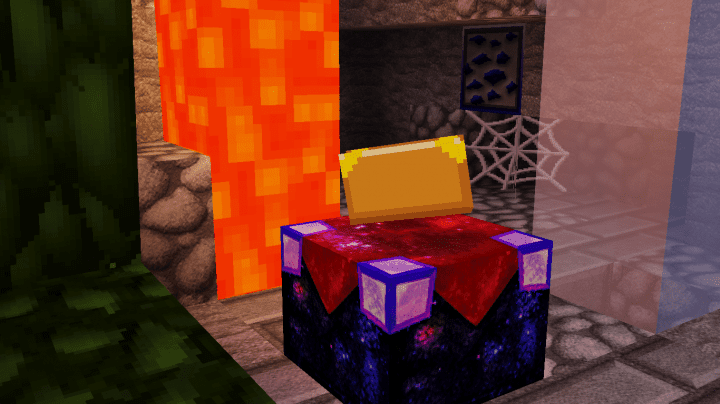
How to Install Texture Pack (Simple 10 Steps)
- Download OptiFine: Most of the texture packs and shaders need OptiFine. That’s why, first download and install OptiFine for the version of Minecraft you want to play.
- Download the Texture Pack: Get the texture pack you want from the download section. Choose the version that works with your Minecraft and your PC’s performance.
- Open Minecraft Launcher: Start Minecraft using the official game launcher — or even TLauncher, if you use that.
- Go to Options: From the main menu, click on the “Options” button.
- Open Resource Packs: Inside Options, click on “Resource Packs…”.
- Open the Resource Pack Folder: Click on “Open Resource Pack Folder” — this will open a folder named “resourcepacks”.
- Move the Pack File: Copy or move the .zip file you downloaded into that “resourcepacks” folder. (Don’t unzip the file — Minecraft uses it as-is!)
- Go Back and Refresh: Close the folder and click “Done”, then go back into “Resource Packs…” again.
- Activate the Pack: You’ll see the pack on the left side. Hover over it and click the arrow to move it to the right (active side).
Tip: If you get a message that the pack is for a different version, just click “Yes” — it usually works fine. - Click Done and Enjoy: Click “Done” again. Now your pack is ready to use in-game. It’s that easy!
Credits
This resource pack was created by DustStorm_YT. We do not own or modify the pack files. All rights belong to the original creator. We strongly recommend supporting DustStorm_YT by downloading the pack through their official links.
Download Instructions
Curseforge: download starts automatically after a few seconds;
Mediafire: click the big blue button with the text “DOWNLOAD”;
Google Drive: in the top right corner you will see a small download icon (down arrow), click it and the download should start;


