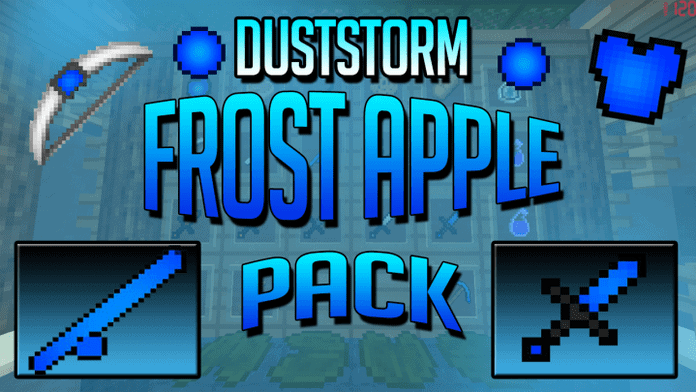
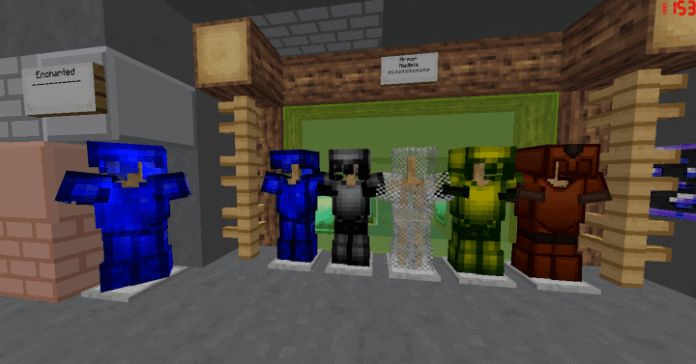
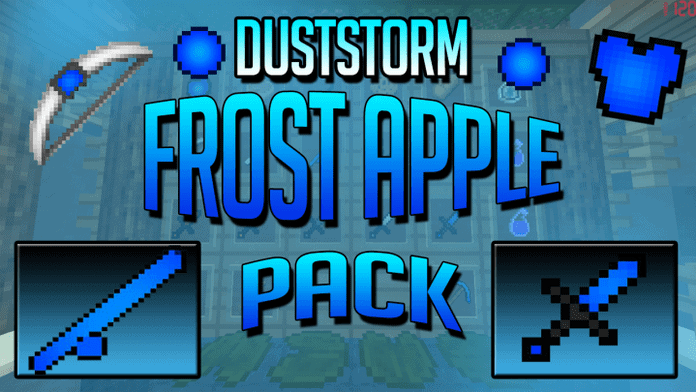
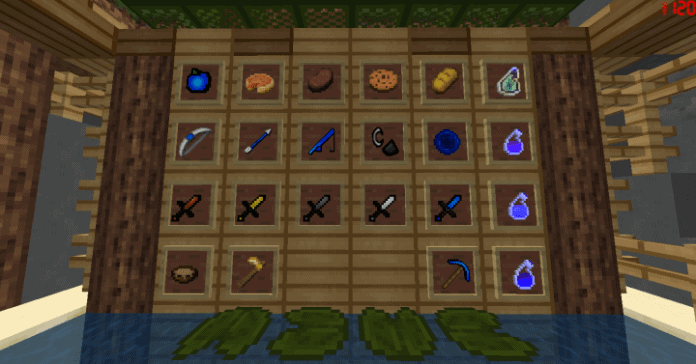
Right now, you might feel like the DustStorm Frost Apple PvP resource pack is just another option on the market, but if you regularly dive into competitive PvP matches, there is a very high chance you will truly admire the top-notch solutions this pack brings to the table. Many PvP resource pack creators fall into the common trap of overloading their designs with unnecessary features, which ultimately ruins the graphics and makes them awkward or unfit for serious gameplay. Thankfully, DustStorm has nailed the art of prioritizing the most crucial features for this specific category, crafting a solution that lets you enjoy the game completely free of any visual clutter or difficulties. If you are looking to take your gameplay experience straight to the next level, I honestly recommend giving DustStorm Frost Apple a try. The creator has already built a remarkably solid reputation for designing high-quality PvP packs, which completely explains why the Frost Apple pack feels so exceptionally polished. Do you know what makes DustStorm’s creations stand out as entirely unique compared to everything else in the same category? Every single item from DustStorm showcases distinct features tailored specifically to elevate your real-time performance and immersion.
Clean designs and elegant themes are the standout traits that truly set DustStorm apart from standard industry competitors, directly boosting the overall effectiveness, performance, and functionality of their work. Once you jump into a match with this pack installed, you will immediately notice how much easier and more fun it is to play alongside your friends. Sticking to a standard 16x resolution, this pack delivers absolute greatness for competitive players. Choosing a lower resolution means that players using older or lower-end PCs can comfortably use this pack without ever having to stress about annoying frame-rate drops. The entire product is thoughtfully engineered to give you smooth, consistent frame rates, meaning you never have to compromise your system’s performance just to secure a victory. With the DustStorm Frost Apple PvP resource pack ready to go, you will finally have the confidence to play at your absolute best.
DustStorm Frost Apple PvP should be compatible with all of these Minecraft versions: 1.8.9 – 1.8.8 – 1.8.1 – 1.8.6 – 1.8
Screenshots

How to Install Texture Pack (Simple 10 Steps)
- Download OptiFine: Most of the texture packs and shaders need OptiFine. That’s why, first download and install OptiFine for the version of Minecraft you want to play.
- Download the Texture Pack: Get the texture pack you want from the download section. Choose the version that works with your Minecraft and your PC’s performance.
- Open Minecraft Launcher: Start Minecraft using the official game launcher — or even TLauncher, if you use that.
- Go to Options: From the main menu, click on the “Options” button.
- Open Resource Packs: Inside Options, click on “Resource Packs…”.
- Open the Resource Pack Folder: Click on “Open Resource Pack Folder” — this will open a folder named “resourcepacks”.
- Move the Pack File: Copy or move the .zip file you downloaded into that “resourcepacks” folder. (Don’t unzip the file — Minecraft uses it as-is!)
- Go Back and Refresh: Close the folder and click “Done”, then go back into “Resource Packs…” again.
- Activate the Pack: You’ll see the pack on the left side. Hover over it and click the arrow to move it to the right (active side).
Tip: If you get a message that the pack is for a different version, just click “Yes” — it usually works fine. - Click Done and Enjoy: Click “Done” again. Now your pack is ready to use in-game. It’s that easy!
Credits
The DustStorm Frost Apple PvP Resource Pack was originally created and developed by DustStorm. We do not claim ownership of this content, nor have we modified the original files. All rights and intellectual property belong exclusively to the original creator. We strongly encourage visiting their official channels and supporting their work.
Download Instructions
Curseforge: download starts automatically after a few seconds;
Mediafire: click the big blue button with the text “DOWNLOAD”;
Google Drive: in the top right corner you will see a small download icon (down arrow), click it and the download should start;


