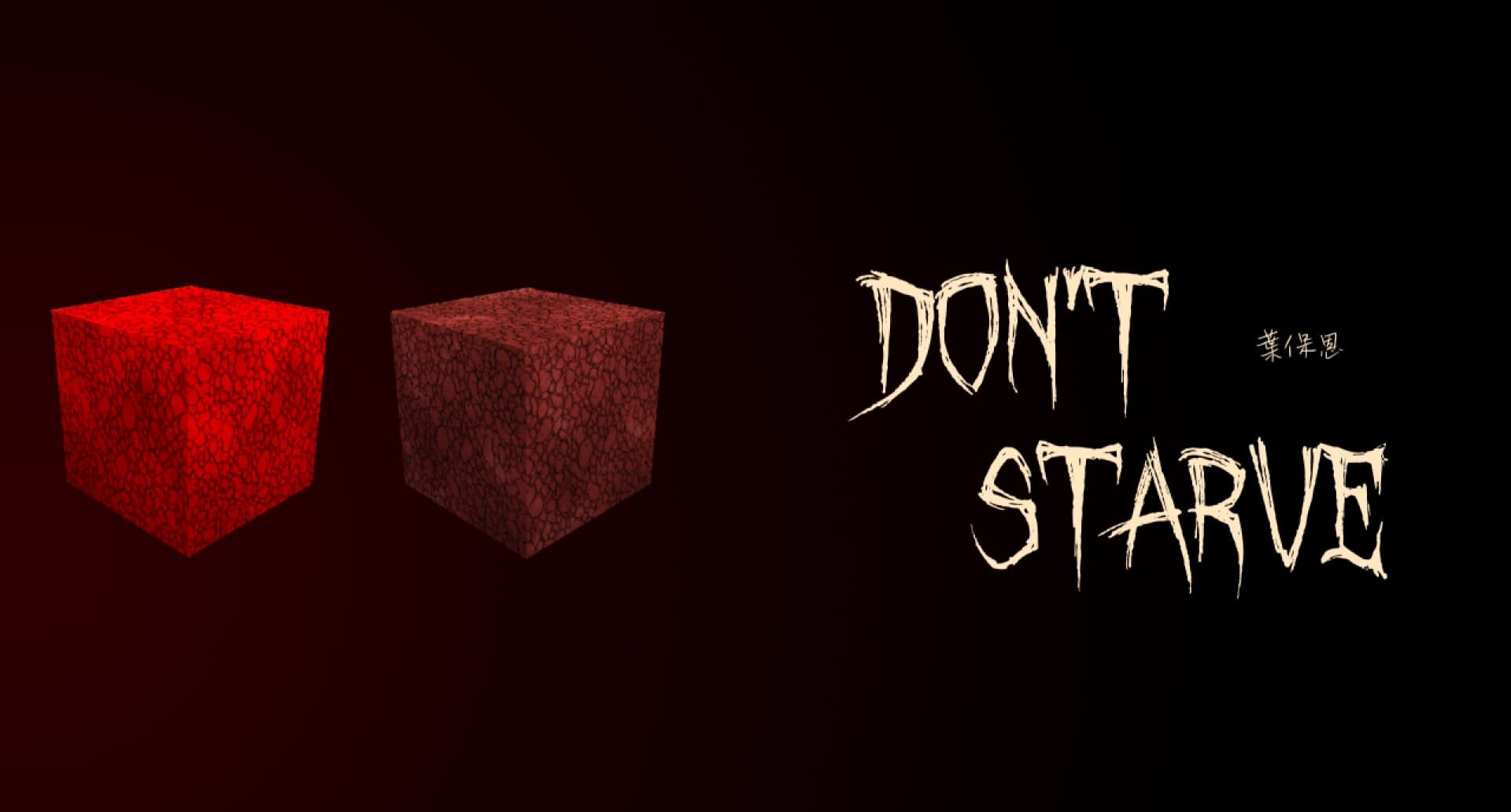
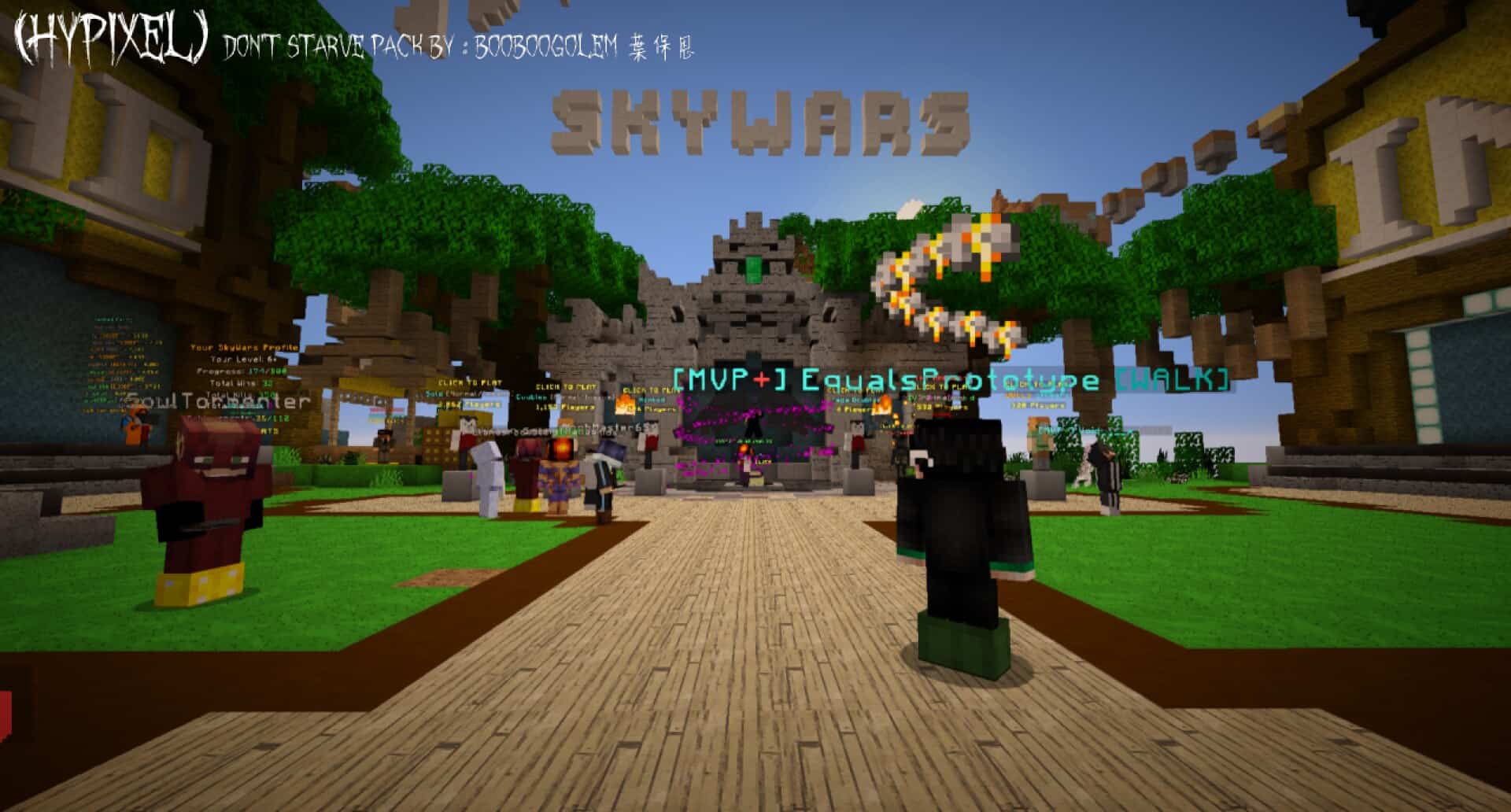
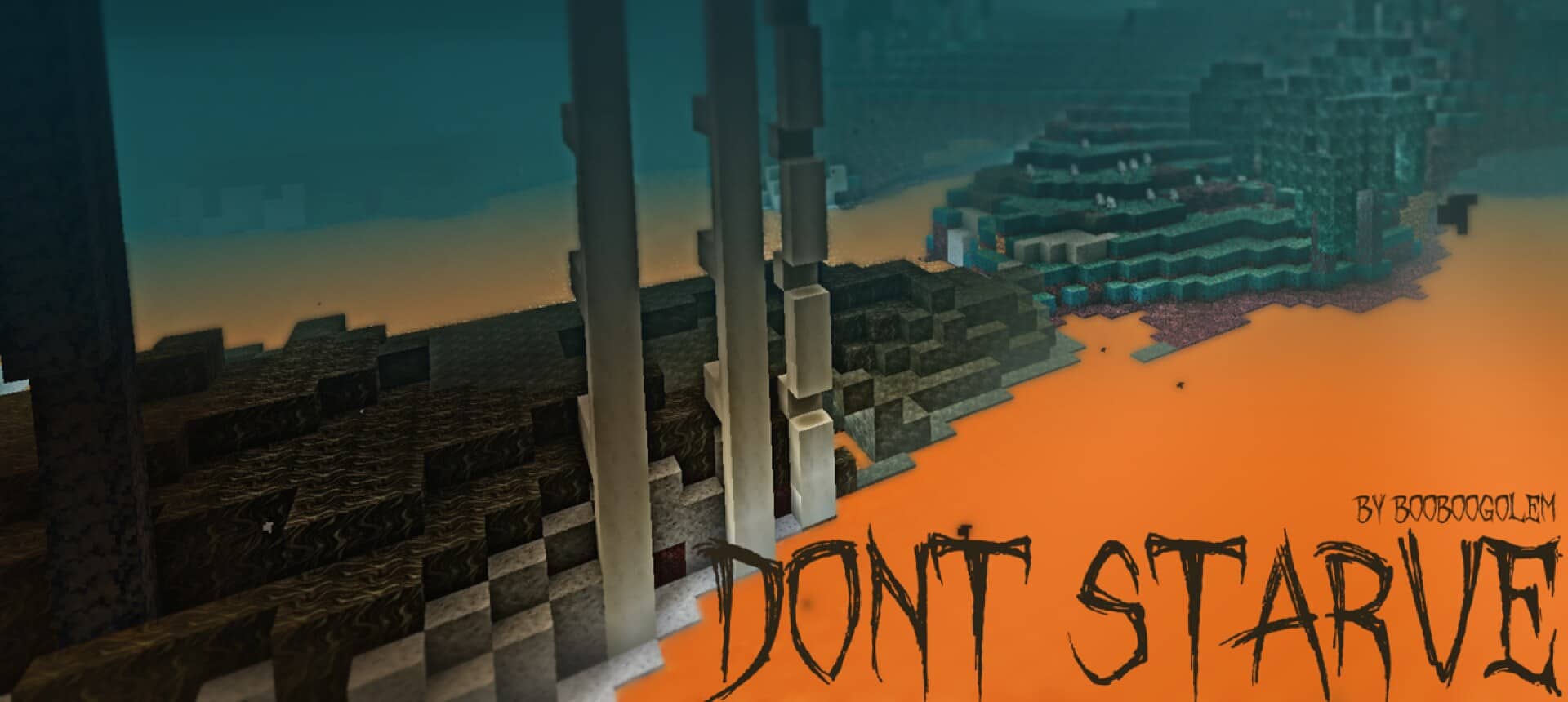
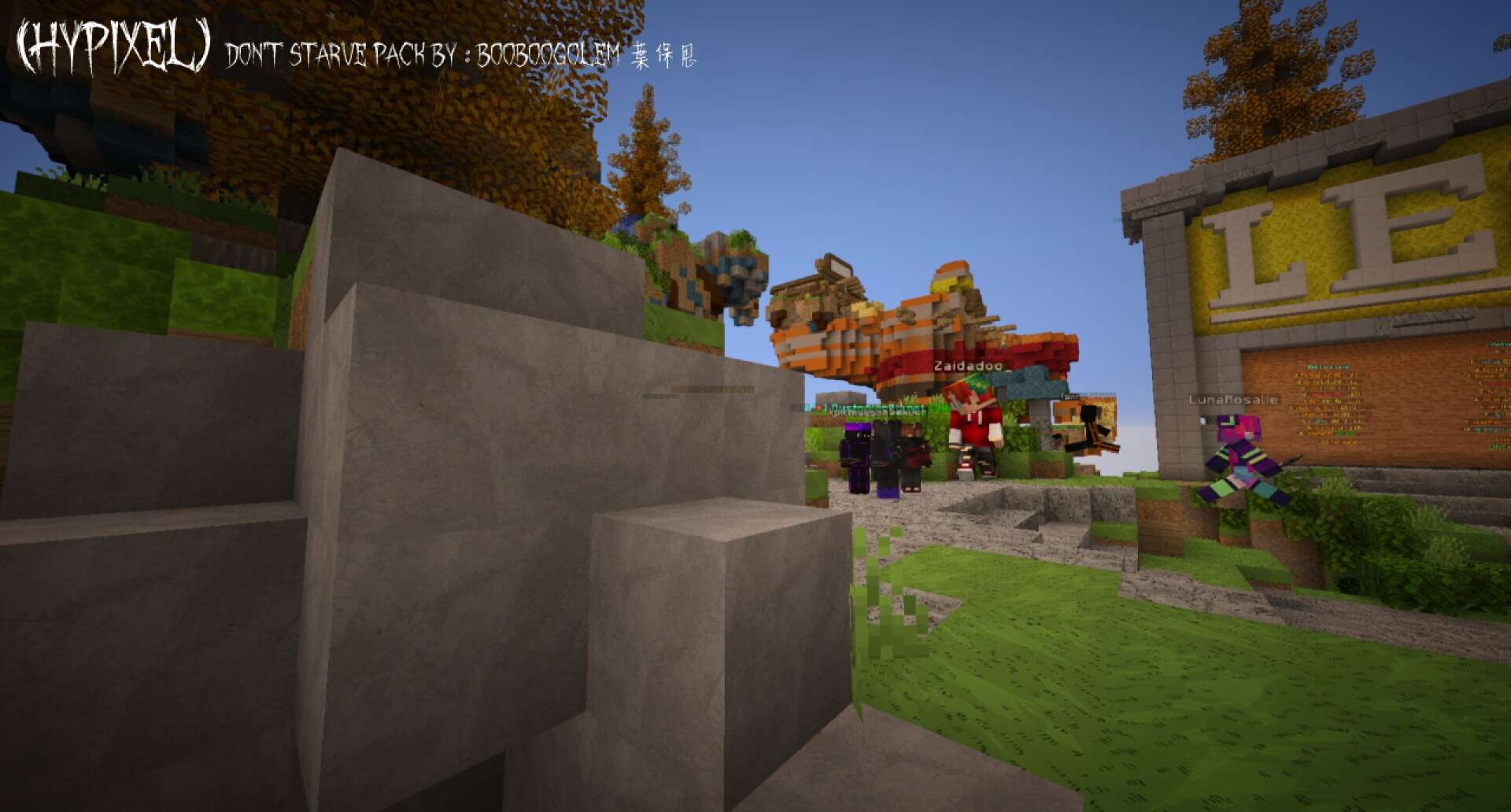
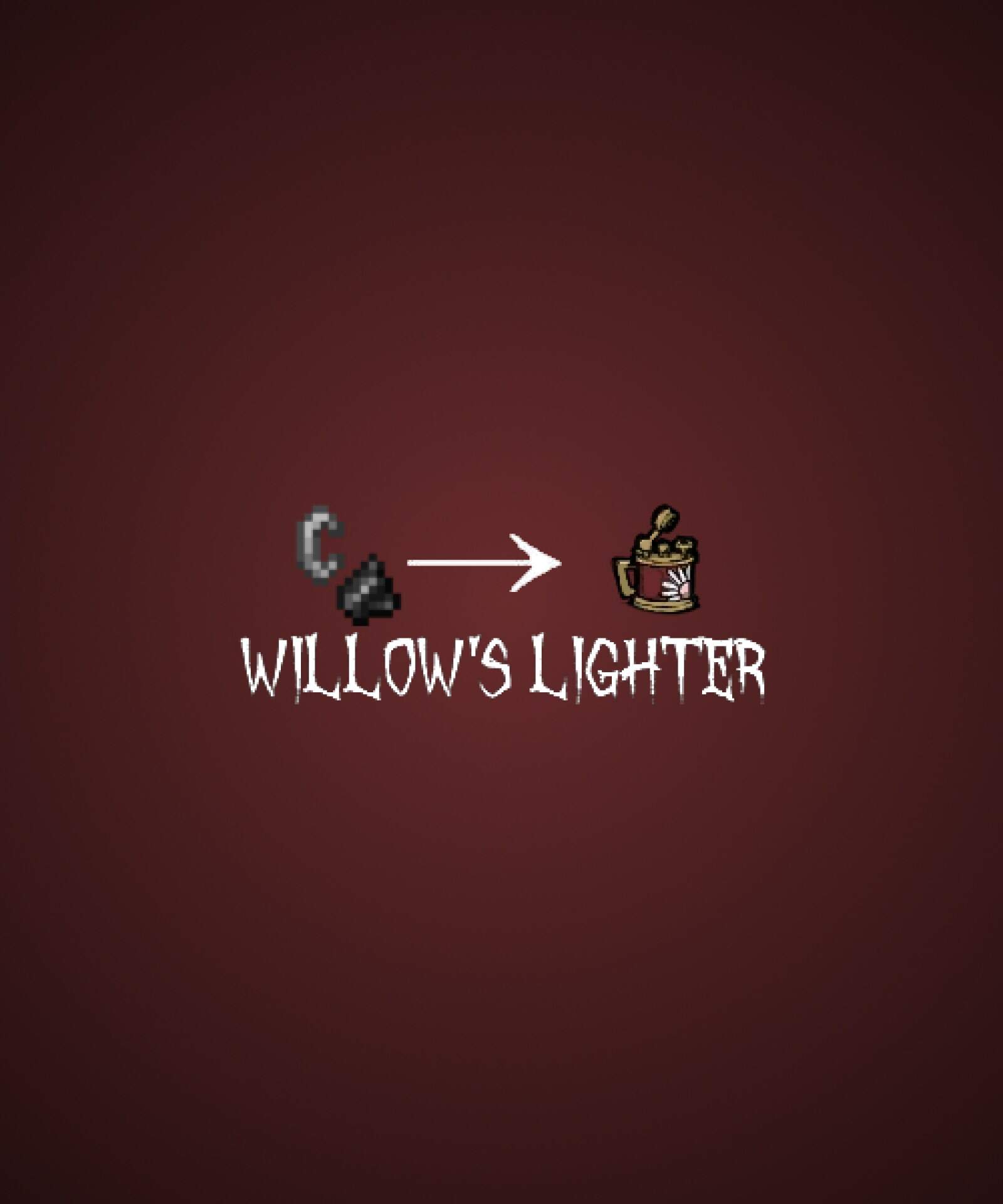
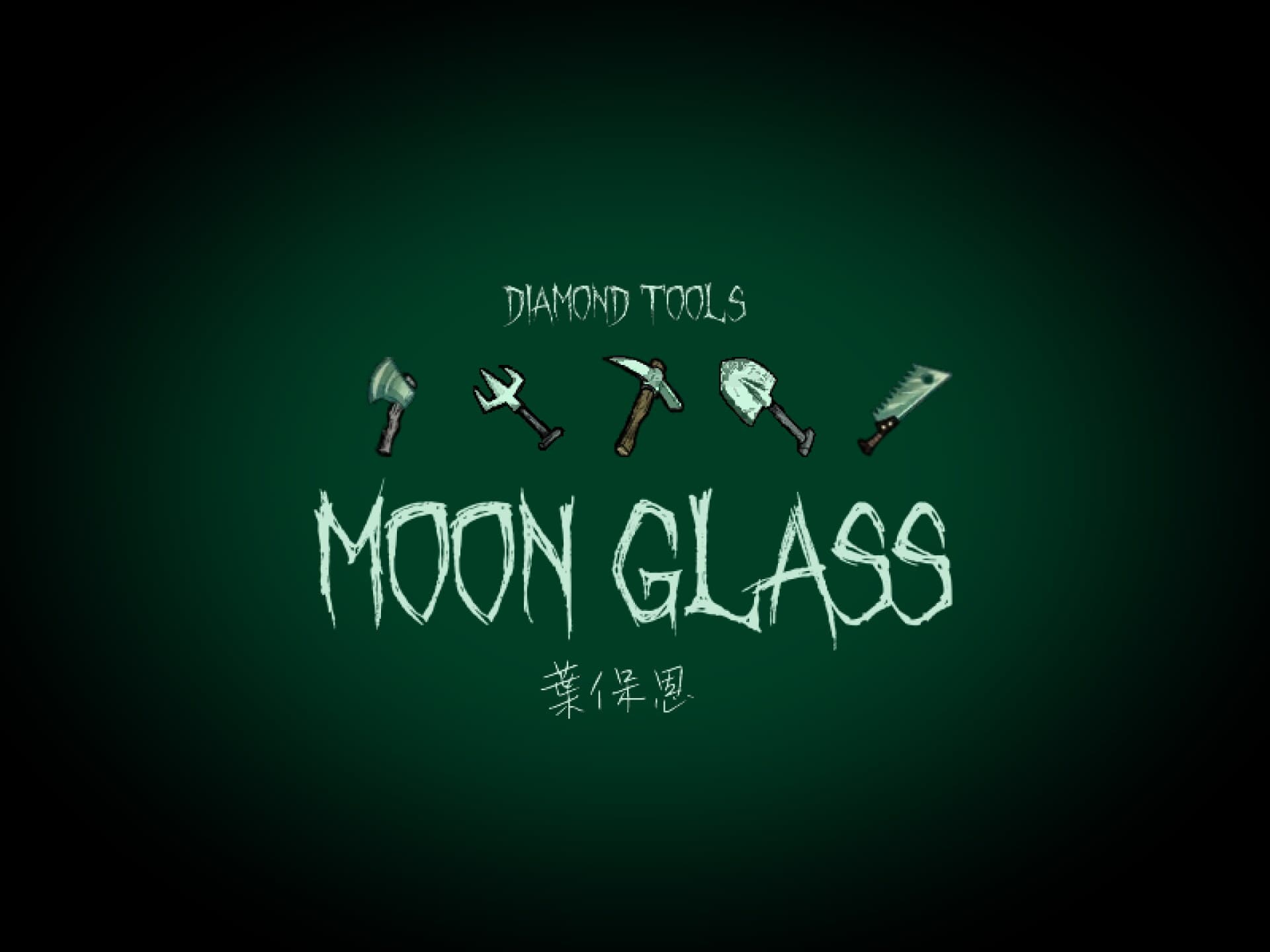
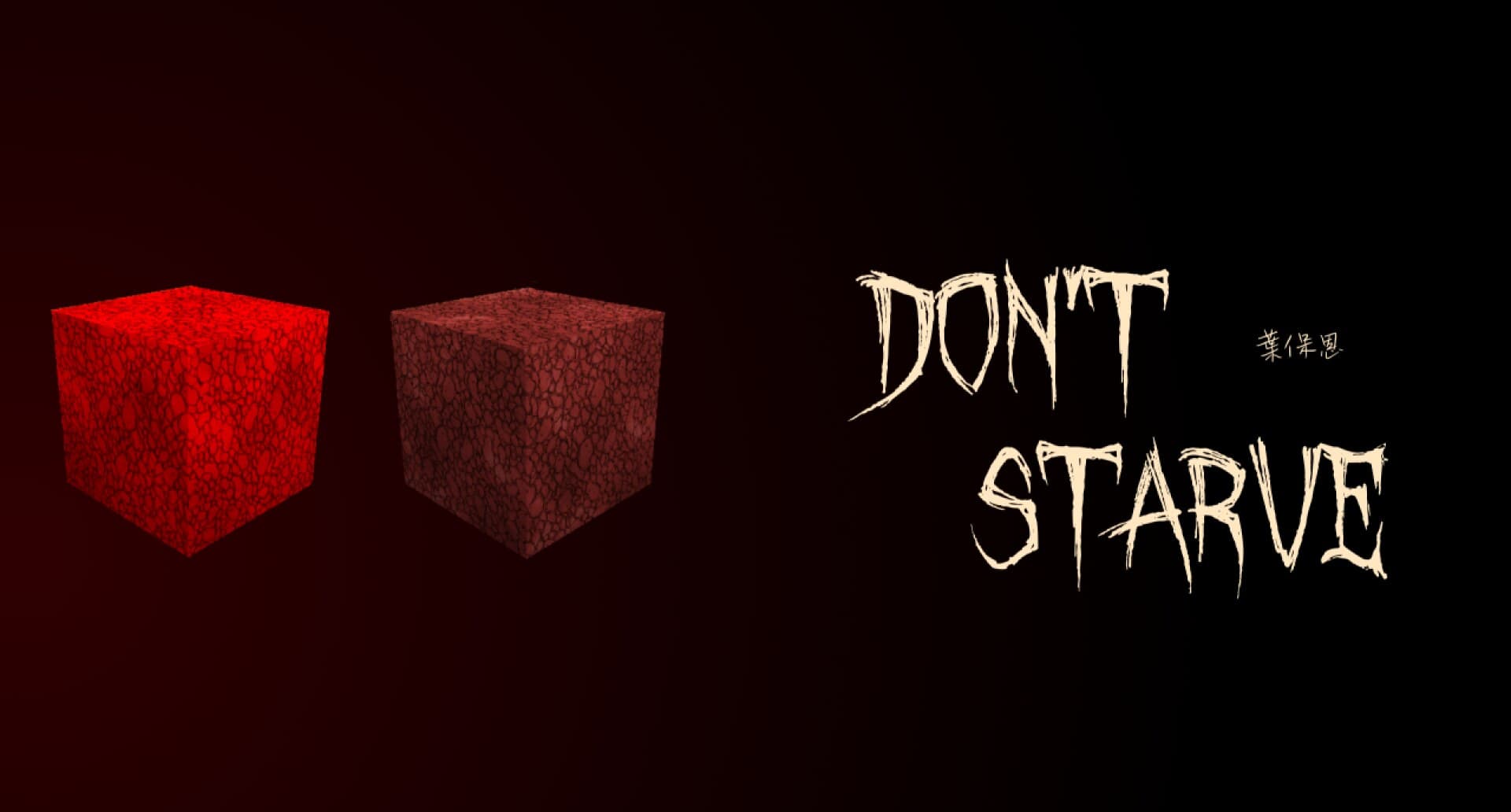
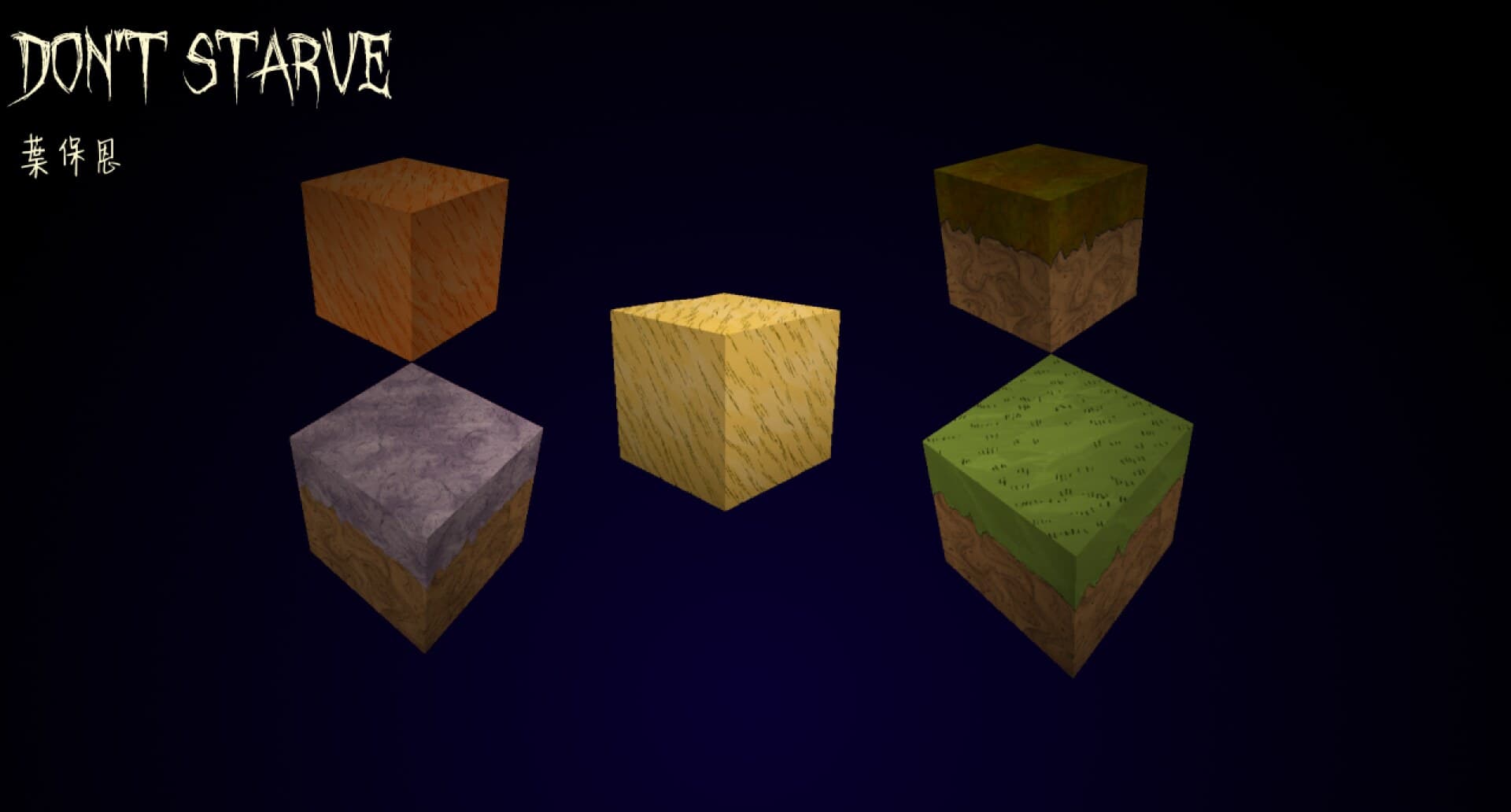
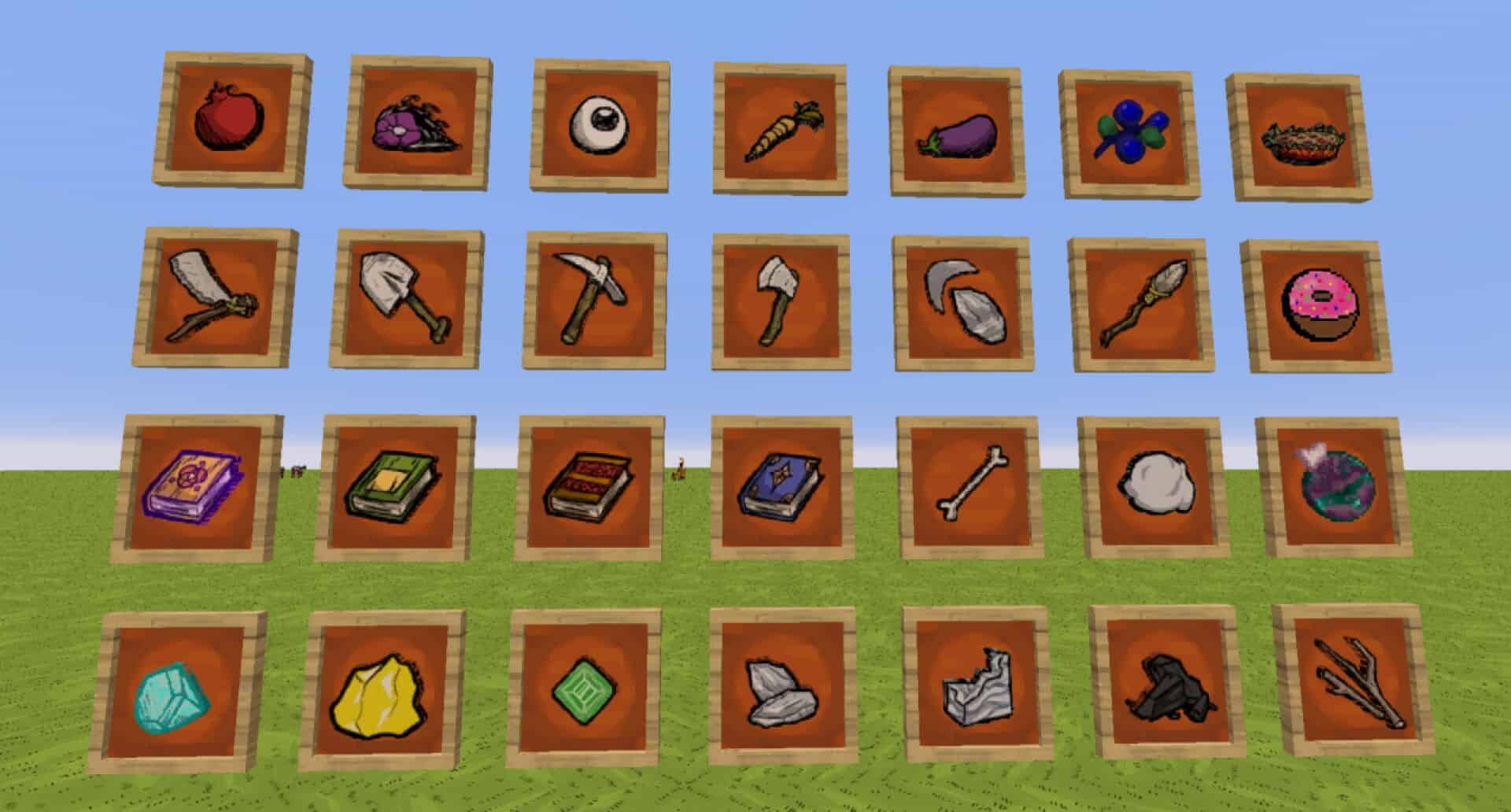
The Don’t Starve resource pack is an absolute masterpiece that feels both surprising and exciting the very first time you fire it up in-game. Heavily inspired by Klei Entertainment’s incredible survival masterpiece Don’t Starve, this Minecraft texture pack completely shakes things up, breaking away from the usual cheerful or hyper-realistic packs we are all so used to seeing. The original Don’t Starve game is widely famous for its wonderfully dark and eerie atmosphere where simply surviving a single day is a massive challenge. Everything about it screams danger, from hostile creatures lurking in the dark to the chilling reality that the night itself will end you if you are unprepared. The unique art style plays a huge role in setting this mood, offering cartoonish yet unsettling graphics that make the world feel wonderfully quirky and menacing all at once. I personally love how this texture pack is a passion project created by a talented fan, BooBoogolem, who successfully merged the unforgettable atmosphere of Don’t Starve with the classic blocky charm of Minecraft. When you try it out, you immediately notice how blocks, items, tools, and weapons all carry that slightly twisted, hand-drawn look. If you have played Don’t Starve, you will instantly spot the resemblance, and even if you haven’t, a quick glance at your inventory is all it takes to appreciate the brilliant aesthetic. What truly sets this pack apart is its stunning 128x resolution, sitting far above the default 16x Minecraft textures and allowing every sharp, hand-drawn detail to genuinely pop.
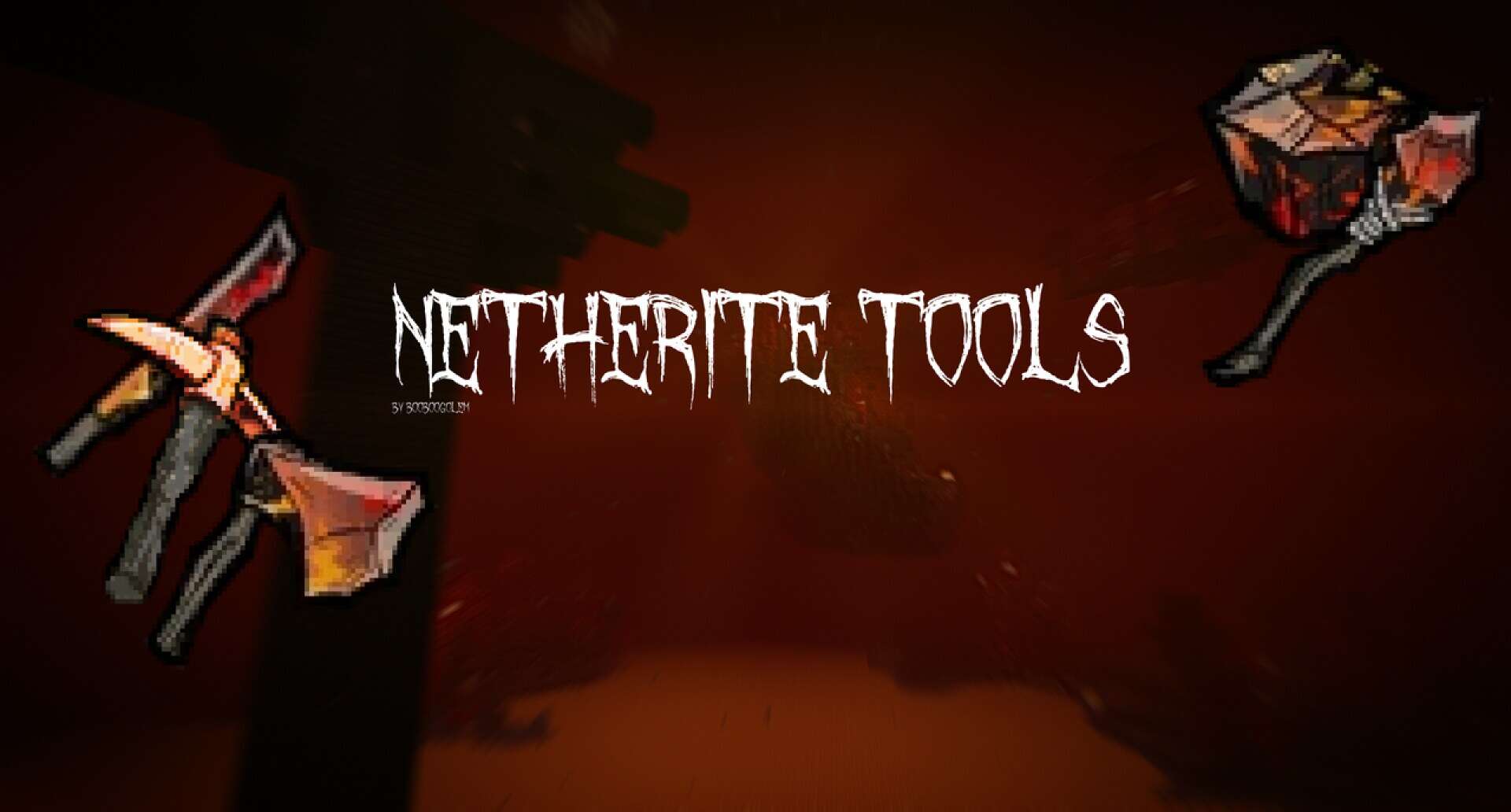
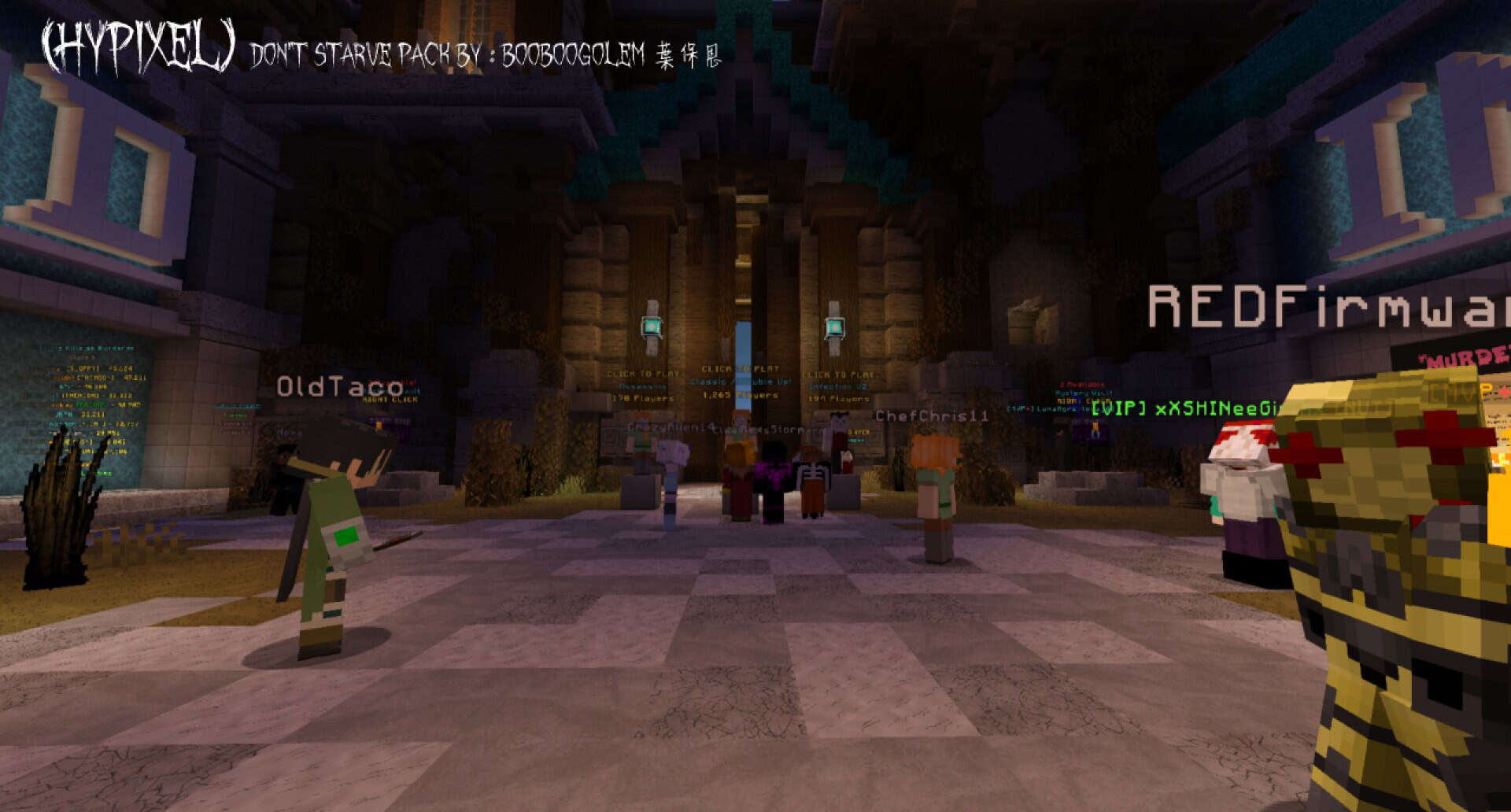
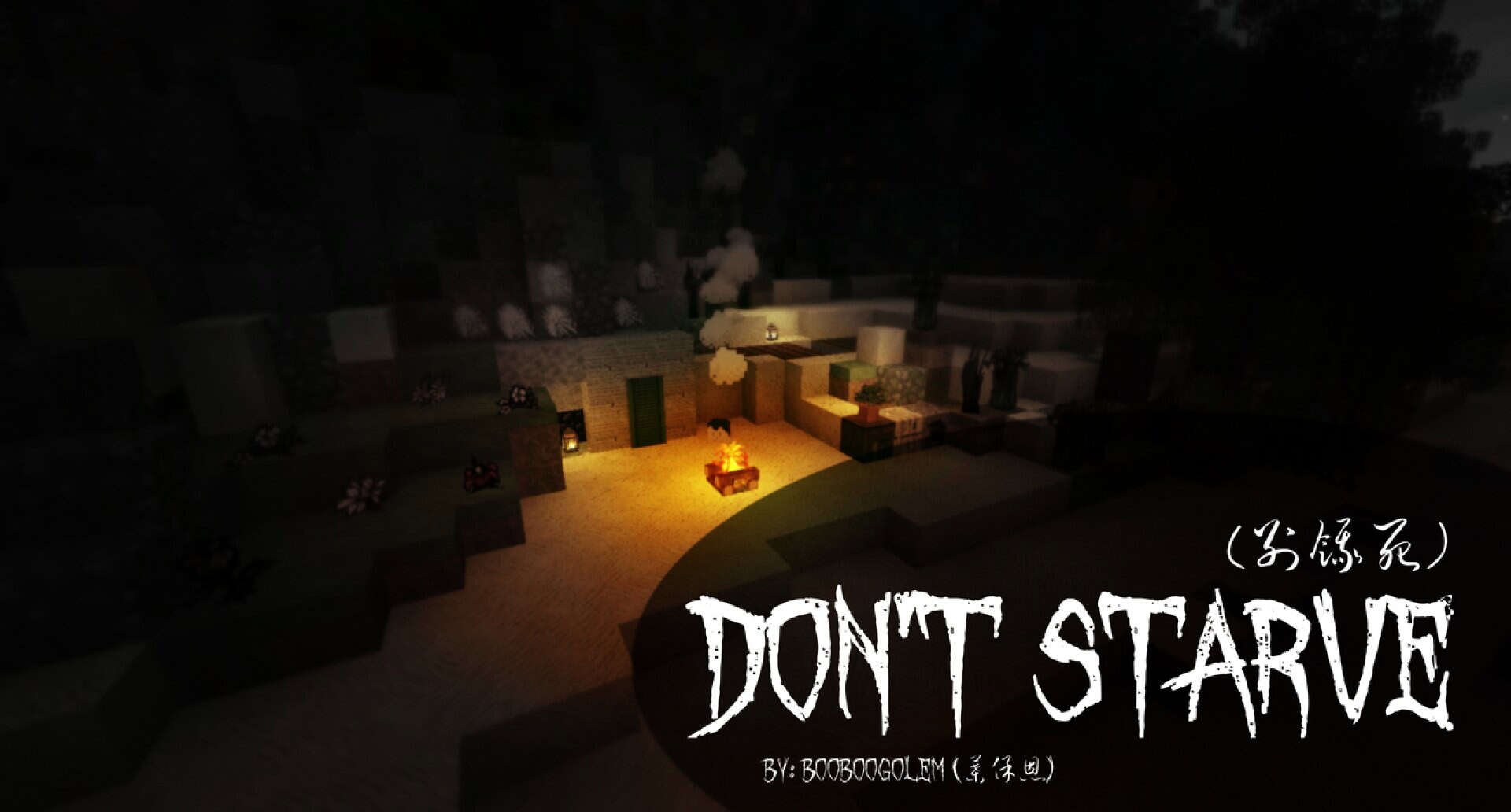
Of course, because of this high fidelity, you will need some decent hardware to run it smoothly. Older or low-end systems might notice a performance hit, especially if you love combining packs with heavy shaders or other demanding modifications. However, if your rig can handle it, the visual payoff is beyond worth it. The darker tones, stylized drawings, and eerie yet cartoon-like vibes breathe an entirely new personality into your worlds. Wooden planks, stone blocks, and natural terrain look beautifully aged and worn, while tools like swords and pickaxes feature sketchy outlines that give them tons of personality. It completely transforms standard survival gameplay into something much more atmospheric and gripping. I found it especially amazing for hardcore survival sessions where you want that heavier emotional tone. This pack truly highlights the incredible creativity of the Minecraft community, perfectly bridging two completely different games into a cohesive, highly enjoyable experience. Whether you are a massive fan of Klei’s survival hit or just want a darker, more stylized look for your builds, I strongly recommend downloading this pack today. Just be sure your computer specs can keep up with that gorgeous 128x detail!
Don’t Starve should be compatible with all of these Minecraft versions: 1.16.5 – 1.16.4 – 1.16.3 – 1.16.2 – 1.16.1 – 1.16 – 1.15.2 – 1.15.1 – 1.15 – 1.14.4 – 1.14.3 – 1.14.2 – 1.14 – 1.13.2 – 1.13.1 – 1.13
Screenshots
How to Install Texture Pack (Simple 10 Steps)
- Download OptiFine: Most of the texture packs and shaders need OptiFine. That’s why, first download and install OptiFine for the version of Minecraft you want to play.
- Download the Texture Pack: Get the texture pack you want from the download section. Choose the version that works with your Minecraft and your PC’s performance.
- Open Minecraft Launcher: Start Minecraft using the official game launcher — or even TLauncher, if you use that.
- Go to Options: From the main menu, click on the “Options” button.
- Open Resource Packs: Inside Options, click on “Resource Packs…”.
- Open the Resource Pack Folder: Click on “Open Resource Pack Folder” — this will open a folder named “resourcepacks”.
- Move the Pack File: Copy or move the .zip file you downloaded into that “resourcepacks” folder. (Don’t unzip the file — Minecraft uses it as-is!)
- Go Back and Refresh: Close the folder and click “Done”, then go back into “Resource Packs…” again.
- Activate the Pack: You’ll see the pack on the left side. Hover over it and click the arrow to move it to the right (active side).
Tip: If you get a message that the pack is for a different version, just click “Yes” — it usually works fine. - Click Done and Enjoy: Click “Done” again. Now your pack is ready to use in-game. It’s that easy!
Credits
This resource pack was created by BooBoogolem. All rights to the original assets and concept belong to the original creator and Klei Entertainment. We do not claim ownership of this content. Please support the creator by downloading from their official links and sharing your feedback within the community.
Download Instructions
Curseforge: download starts automatically after a few seconds;
Mediafire: click the big blue button with the text “DOWNLOAD”;
Google Drive: in the top right corner you will see a small download icon (down arrow), click it and the download should start;


