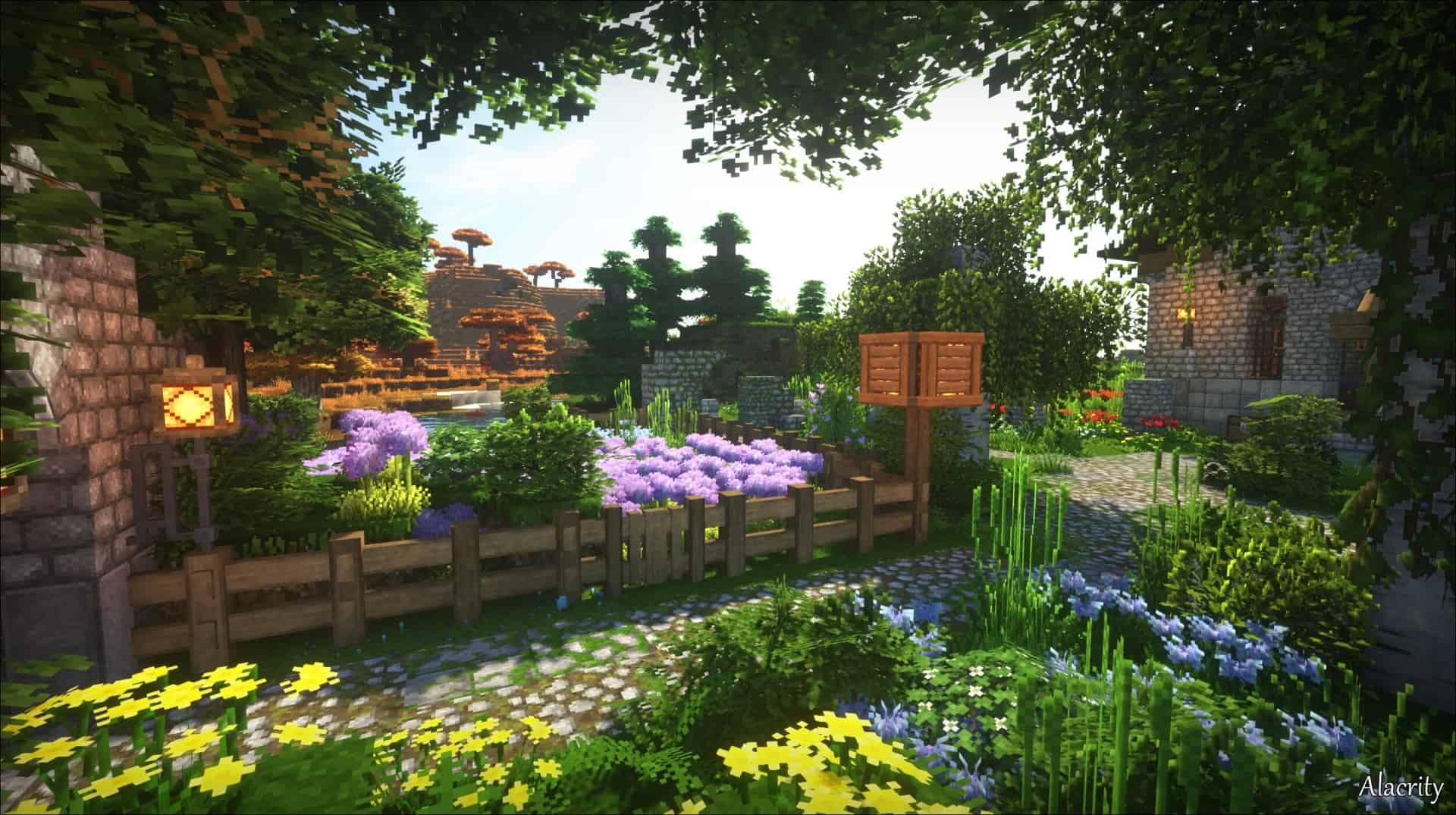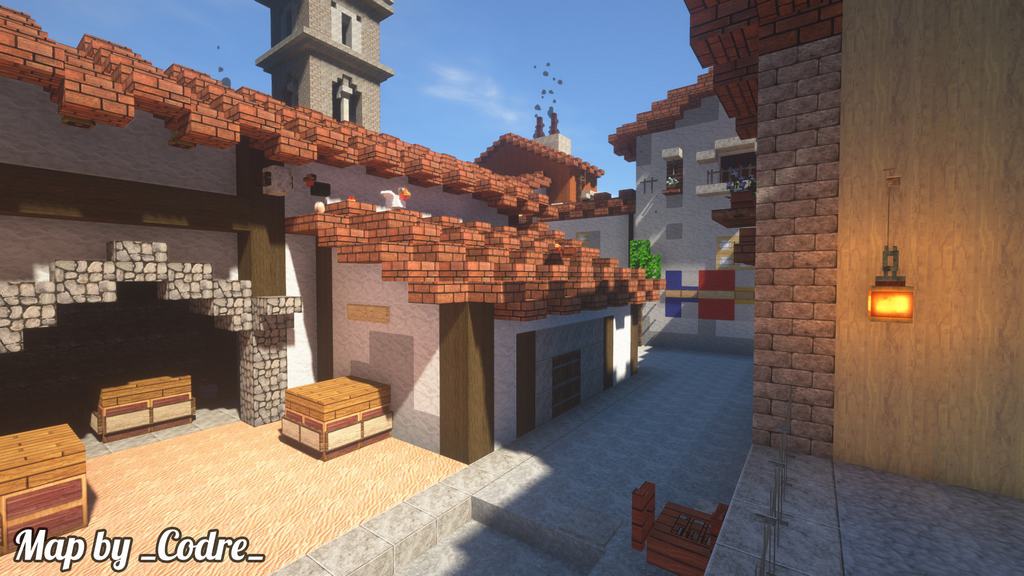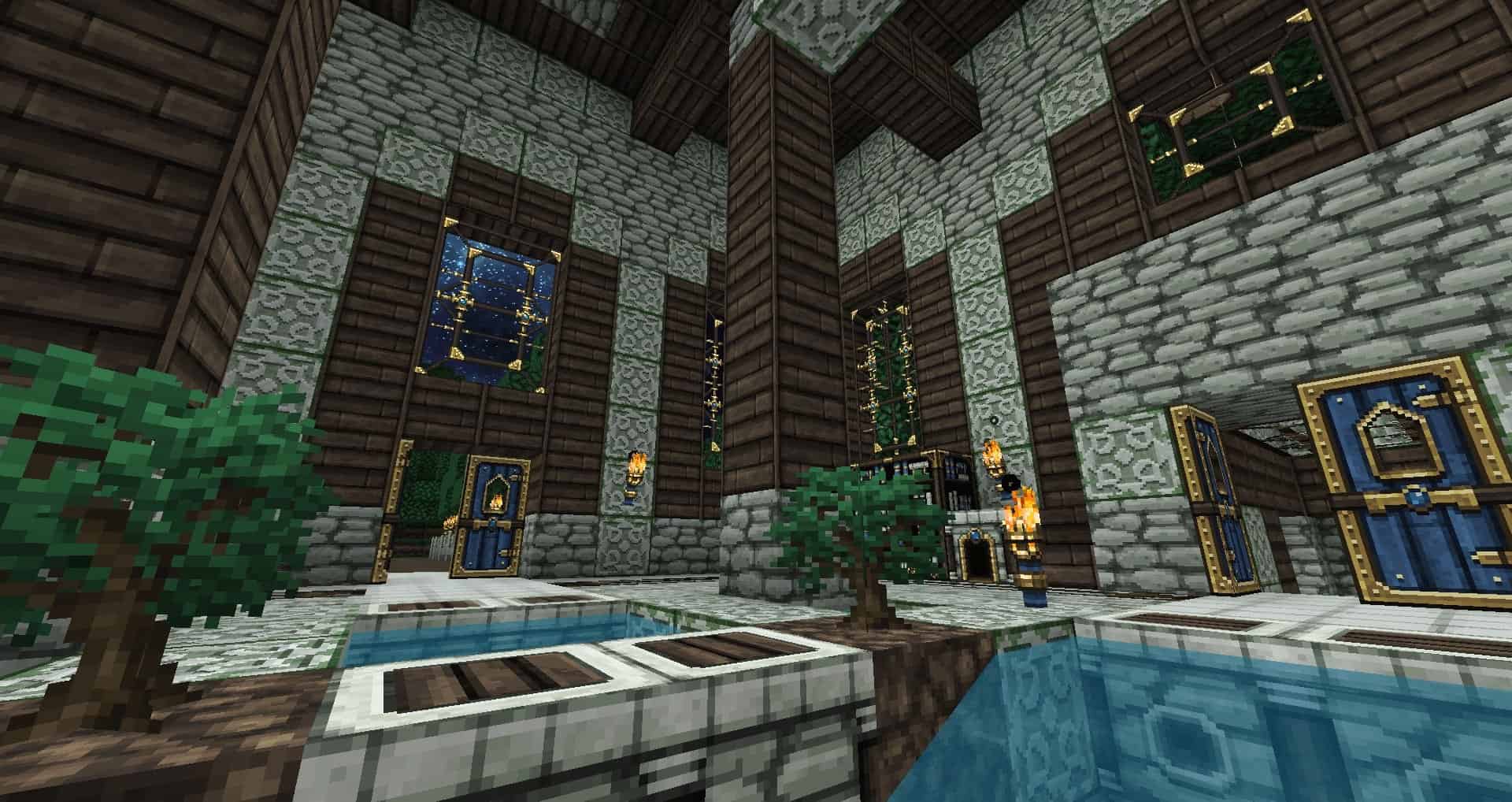
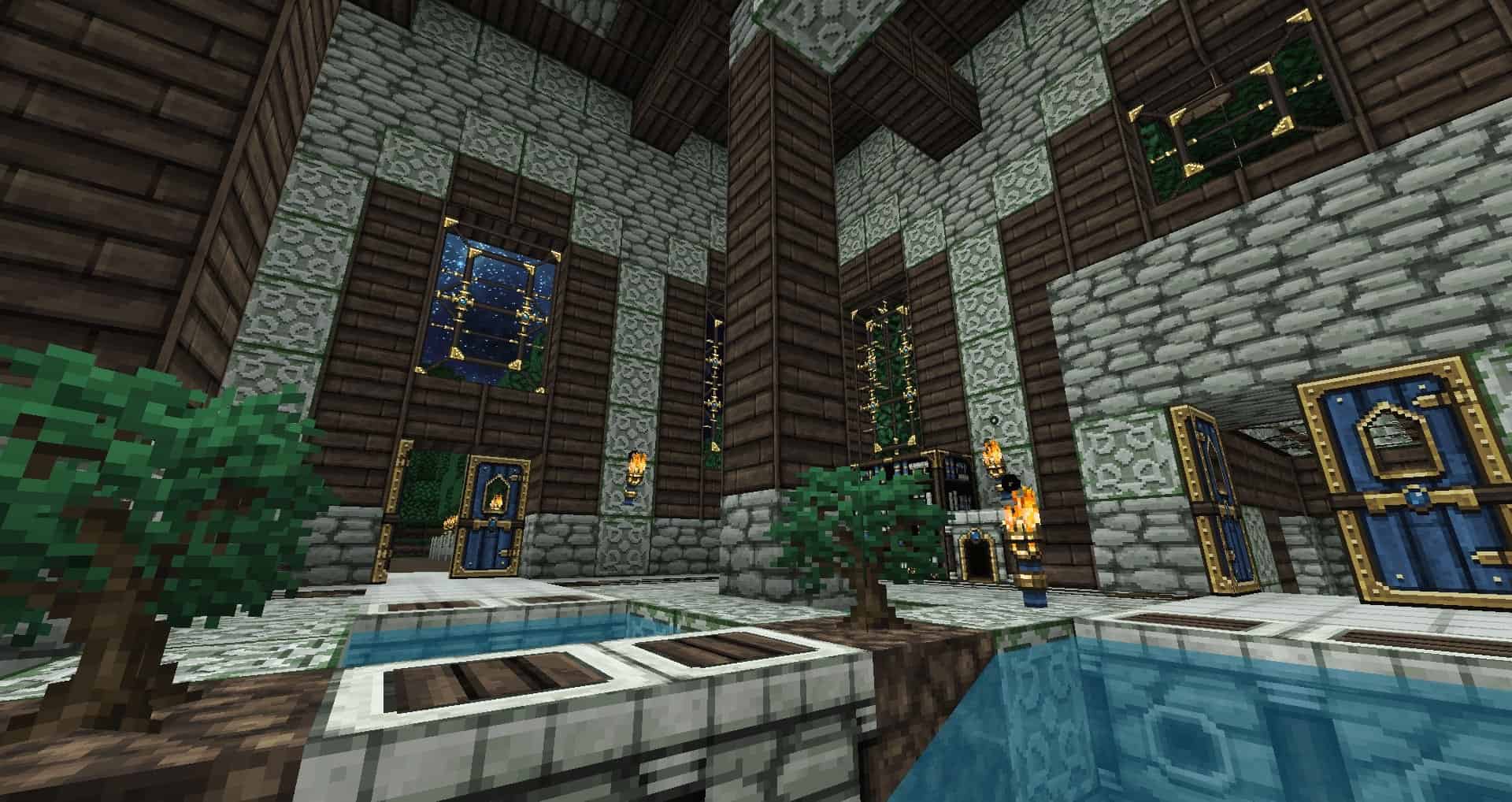
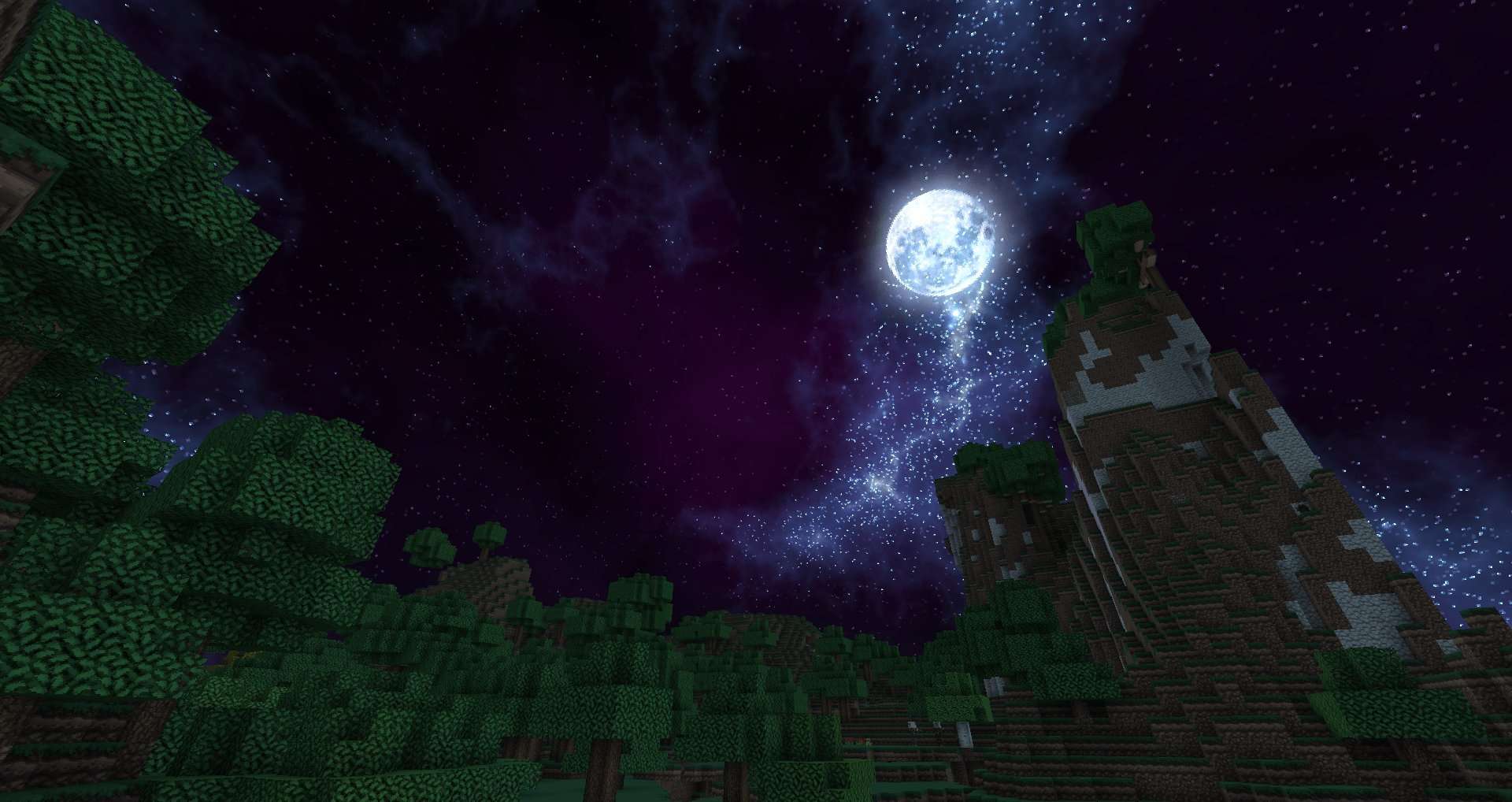
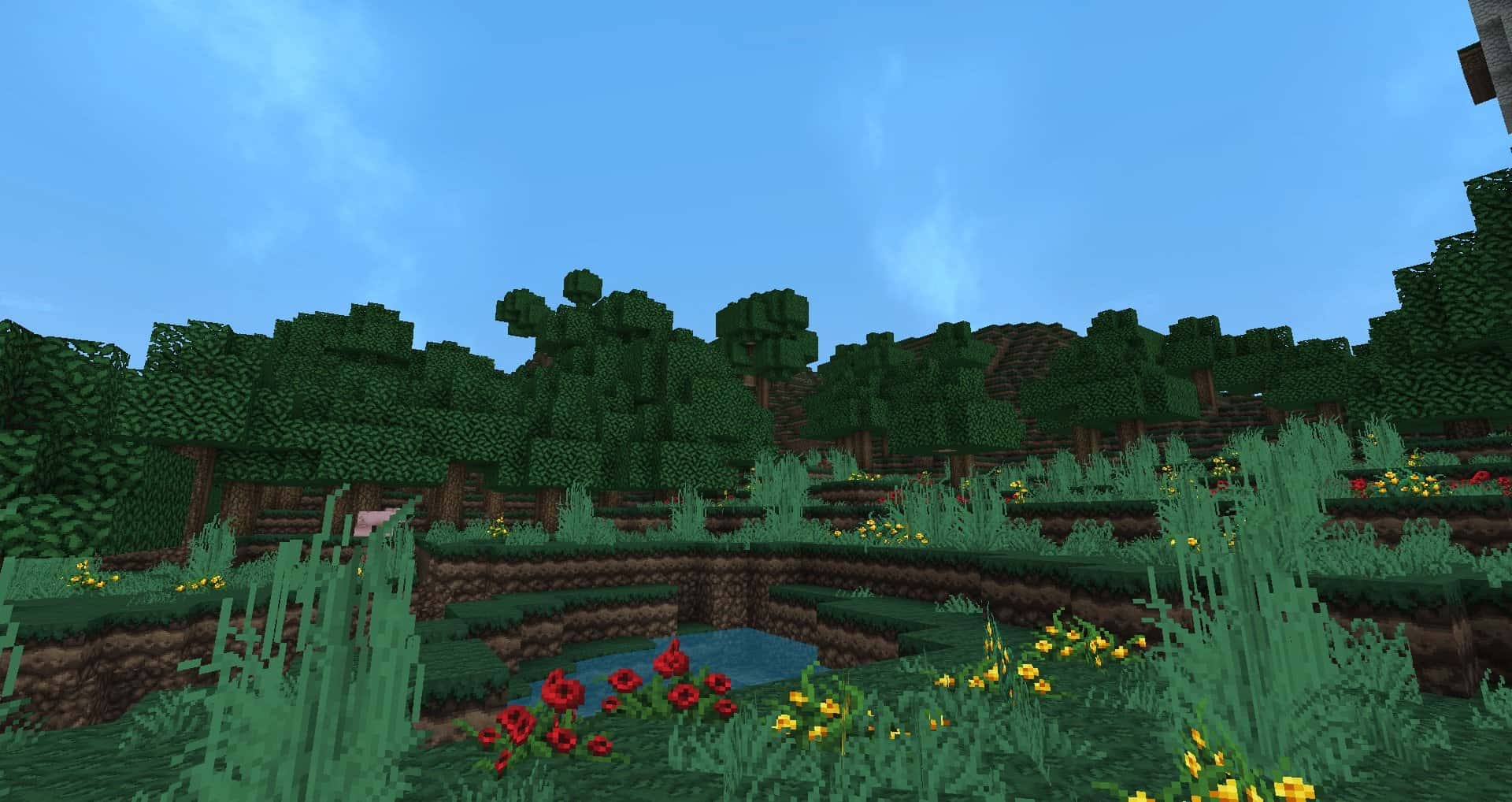
The DokuCraft The Saga Continues resource pack was wonderfully designed to inject a fresh wave of excitement for players who might find themselves getting a bit bored of the standard vanilla Minecraft experience. This fantastic DokuCraft texture pack brings numerous impressive improvements to the base game without ever altering its core gameplay. It introduces multiple visual changes that add a wonderfully darker tone to the game, heavily inspired by the classic art styles of the middle ages. You will be glad to know that the pack is available in 3 different versions featuring distinct lighting effects, making the game darker or lighter depending entirely on each player’s personal preference. Choosing the darkest version makes it wonderfully possible to recreate some amazing goth medieval scenes for a truly authentic experience. The DokuCraft The Saga Continues resource pack makes great use of a comprehensive series of visual changes to the base game. It thoughtfully changes and adds new textures to existing blocks while introducing a few brand new ones as well. You will certainly appreciate the new textures designed for tools, wings, compasses, tridents, scissors, shields, and many more items. Fresh weapon textures have also been added that fit exceptionally well with the overall theme of the resource pack. All weapons and tools feature different quality levels. With DokuCraft, you definitely have the amazing ability to create beautiful medieval libraries and so much more. To please as many players as possible, the DokuCraft The Saga Continues resource pack is proudly made available in a crisp 32x resolution.
Running this resource pack is surprisingly light in terms of system resource utilization, making it easily accessible even for players with older computers. Operating at 32x, the textures offer a truly considerable visual improvement over the standard vanilla version of Minecraft. The textures are much clearer, and the overall visuals make the game feel delightfully more modern. Additionally, the resource pack is readily available in 3 distinct visual styles: Dark, Light, and High, with each bringing its own unique lighting effect, where Dark is the moodiest and Light offers a much more colorful atmosphere. You will also love that the resource pack offers great mod support and runs smoothly on multiple versions of Minecraft. Custom maps built specifically for DokuCraft The Saga Continues can easily be found on their official website. Furthermore, frequent updates are continuously released that introduce new tools, weapons, blocks, and objects that can all be accessed for free. Active Discord community members get the fantastic opportunity to chat directly with the developer, catch early previews of future updates, and even propose their own suggestions for improvements to upcoming releases. Installing the resource pack is super straightforward and no different than installing any other resource pack. DokuCraft The Saga Continues does require OptiFine to run properly. Once OptiFine is installed, simply download the resource pack and launch or install it directly within the game by navigating to the options menu and clicking on “Resource Packs…”. More detailed instructions on how to properly install the DokuCraft texture pack can be easily found right here further down on this page.
DokuCraft, The Saga Continues should be compatible with all of these Minecraft versions: 1.21.10 – 1.21.9 – 1.21.8 – 1.21.7 – 1.21.6 – 1.21.5 – 1.21.4 – 1.21.3 – 1.21.2 – 1.21.1 – 1.21 – 1.20.6 – 1.20.5 – 1.20.4 – 1.20.3 – 1.20.2 – 1.20.1 – 1.20 – 1.19.4 – 1.19.3 – 1.19.2 – 1.19.1 – 1.19 – 1.18.2 – 1.18.1 – 1.18 – 1.17.1 – 1.17 – 1.16.5 – 1.16.4 – 1.16.3 – 1.16.2 – 1.16.1 – 1.16 – 1.15.2 – 1.15.1 – 1.15 – 1.14.4 – 1.14.3 – 1.14.2 – 1.14 – 1.13.2 – 1.13.1 – 1.13 – 1.12.2 – 1.12 – 1.11.2 – 1.11 – 1.10.2 – 1.10 – 1.9.4 – 1.9 – 1.8.9 – 1.8.8 – 1.8.1 – 1.8.6 – 1.8 – 1.7.10 – 1.7.9 – 1.7.4 – 1.7 – 1.6.4 – 1.6.2 – Bedrock Edition – PE
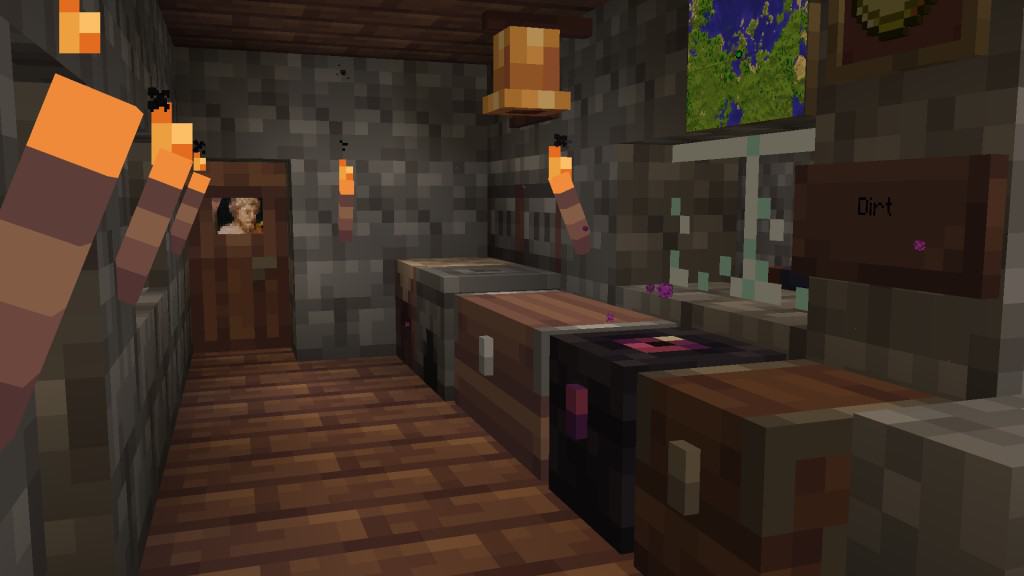
Screenshots
How to Install Texture Pack (Simple 10 Steps)
- Download OptiFine: Most of the texture packs and shaders need OptiFine. That’s why, first download and install OptiFine for the version of Minecraft you want to play.
- Download the Texture Pack: Get the texture pack you want from the download section. Choose the version that works with your Minecraft and your PC’s performance.
- Open Minecraft Launcher: Start Minecraft using the official game launcher — or even TLauncher, if you use that.
- Go to Options: From the main menu, click on the “Options” button.
- Open Resource Packs: Inside Options, click on “Resource Packs…”.
- Open the Resource Pack Folder: Click on “Open Resource Pack Folder” — this will open a folder named “resourcepacks”.
- Move the Pack File: Copy or move the .zip file you downloaded into that “resourcepacks” folder. (Don’t unzip the file — Minecraft uses it as-is!)
- Go Back and Refresh: Close the folder and click “Done”, then go back into “Resource Packs…” again.
- Activate the Pack: You’ll see the pack on the left side. Hover over it and click the arrow to move it to the right (active side).
Tip: If you get a message that the pack is for a different version, just click “Yes” — it usually works fine. - Click Done and Enjoy: Click “Done” again. Now your pack is ready to use in-game. It’s that easy!
Credits
Created by Doku. We do not own or claim ownership of this content, and we distribute it strictly as requested by the original author. All rights belong to Doku. We strongly recommend visiting the official channels to support the creator.
Download Links
Java Edition
- [32x] Minecraft 1.21.x Light
- [32x] Minecraft 1.20.6 – 1.20.2 Light
- [32x] Minecraft 1.20.1 – 1.20 Light
- [32x] Minecraft 1.19.x Light
- [32x] Minecraft 1.19.x Light
- [32x] Minecraft 1.18.x Light
- [32x] Minecraft 1.17.x Light
- [32x] Minecraft 1.16.x Light
- [32x] Minecraft 1.15.x Light
- [32x] Minecraft 1.14.x Light
- [32x] Minecraft 1.13.x Light
- [32x] Minecraft 1.12.x Light
- [32x] Minecraft 1.11.x Light
- [32x] Minecraft 1.10.x – 1.9.x Light
- [32x] Minecraft 1.8.x Light
- [32x] Minecraft 1.21.x High
- [32x] Minecraft 1.20.6 – 1.20.2 High
- [32x] Minecraft 1.20.1 – 1.20 High
- [32x] Minecraft 1.19.x High
- [32x] Minecraft 1.18.x High
- [32x] Minecraft 1.17.x High
- [32x] Minecraft 1.16.x High
- [32x] Minecraft 1.15.x High
- [32x] Minecraft 1.14.x High
- [32x] Minecraft 1.13.x High
- [32x] Minecraft 1.12.x High
- [32x] Minecraft 1.11.x High
- [32x] Minecraft 1.10.x – 1.9.x High
- [32x] Minecraft 1.8.x High
- [32x] Minecraft 1.21.x Dark
- [32x] Minecraft 1.20.6 – 1.20.2 Dark
- [32x] Minecraft 1.20.1 – 1.20 Dark
- [32x] Minecraft 1.19.x Dark
- [32x] Minecraft 1.18.x Dark
- [32x] Minecraft 1.17.x Dark
- [32x] Minecraft 1.16.x Dark
- [32x] Minecraft 1.15.x Dark
- [32x] Minecraft 1.14.x Dark
- [32x] Minecraft 1.13.x Dark
- [32x] Minecraft 1.12.x Dark
- [32x] Minecraft 1.11.x Dark
- [32x] Minecraft 1.10.x – 1.9.x Dark
- [32x] Minecraft 1.8.x Dark
- Get all Dokucraft Add-ons here
Bedrock Edition
Download Instructions
Curseforge: download starts automatically after a few seconds;
Mediafire: click the big blue button with the text “DOWNLOAD”;
Google Drive: in the top right corner you will see a small download icon (down arrow), click it and the download should start;