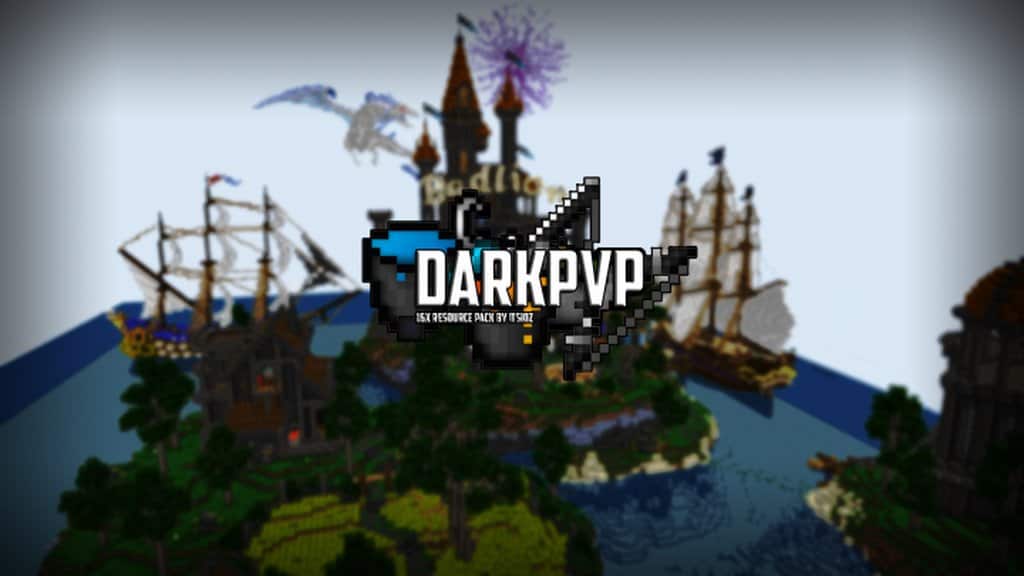
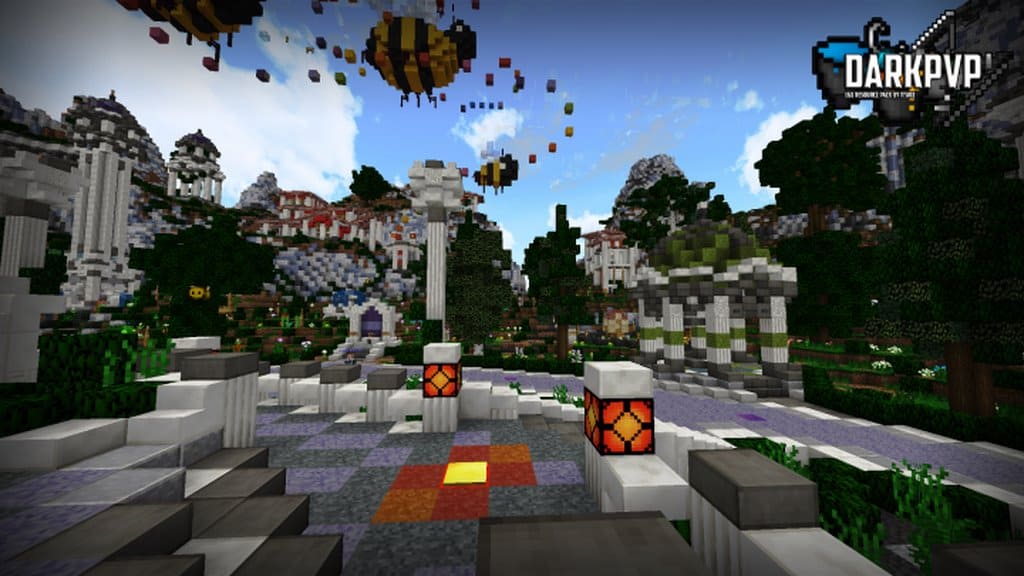
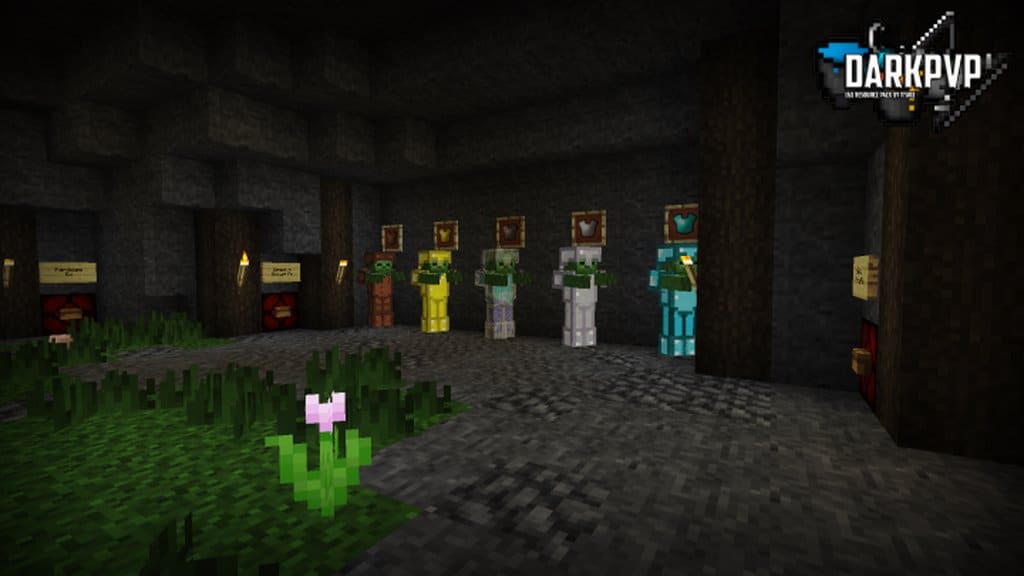
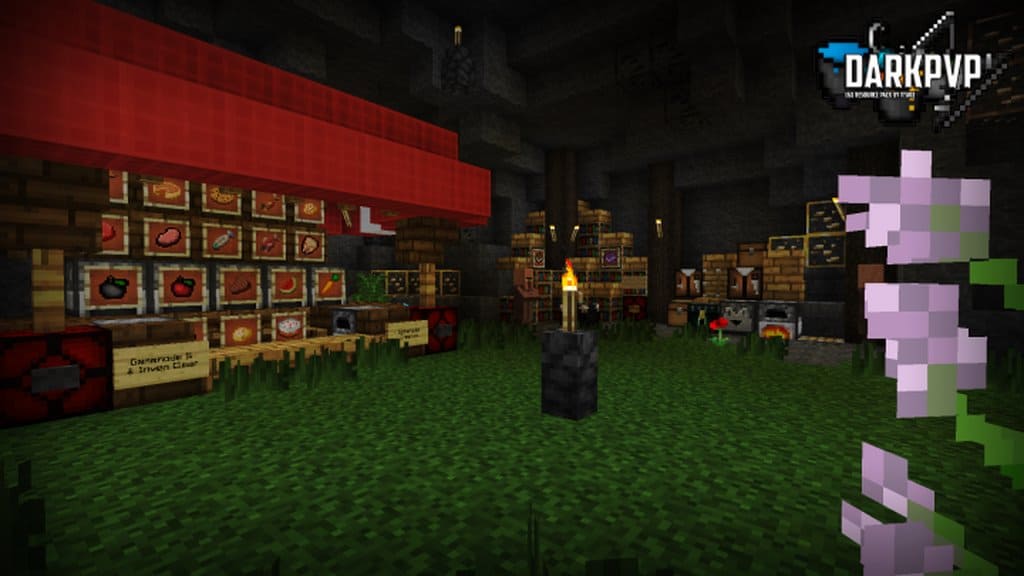
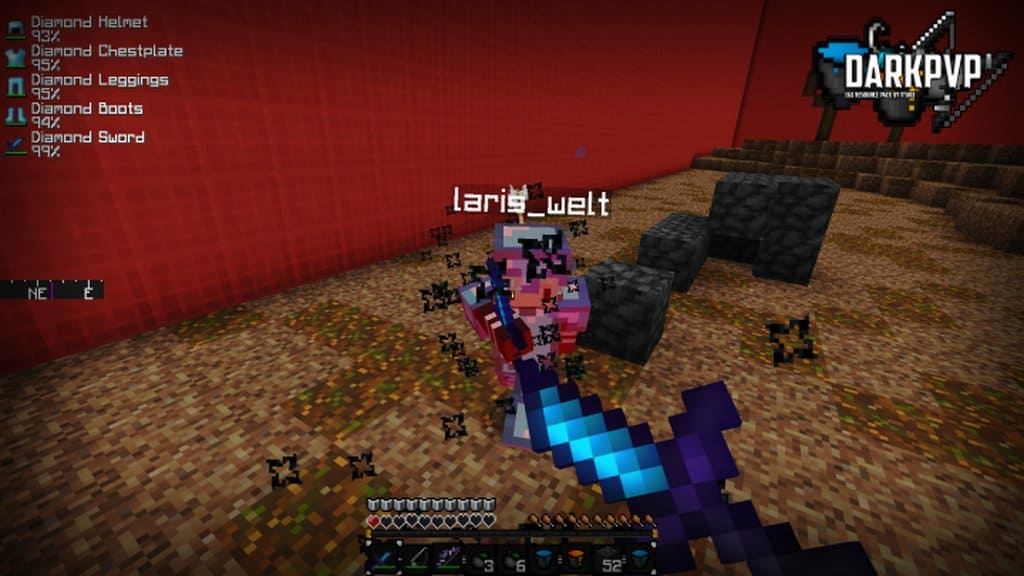
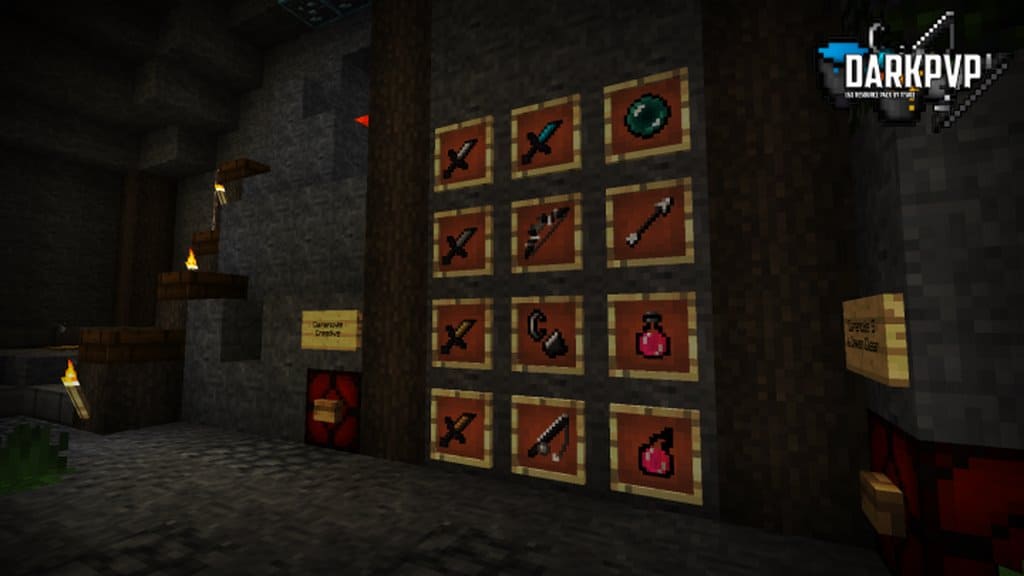
ItsioZ has crafted an incredible new resource pack known as DarkPvP, and I was genuinely amazed by what it brings to the table! The absolute primary goal behind creating this fantastic resource pack is to drastically elevate the competitive PVP experience for every single Minecraft player while simultaneously sharpening the overall aesthetic of Minecraft’s darker environments for anyone who installs it. Even though Minecraft currently boasts an overwhelming variety of resource packs, a frustrating drawback with many of them is how badly they compromise the game’s visuals just to achieve smoother PVP performance. Thankfully, you will find that this is simply not an issue here. The DarkPvP resource pack is intelligently designed to vastly improve your competitive gameplay without ever heavily sacrificing the visual beauty of Minecraft. Because of this careful balance, DarkPvP is honestly more than worth testing out for yourself. A massive number of the standard block textures in the game have been completely reimagined by the DarkPvP creators to give them a much sharper appearance alongside a captivating dark theme.
One of the most remarkable features of this resource pack is that literally every single block texture has been carefully crafted to look exceptionally sharp while incorporating a cohesive dark aesthetic throughout. On top of that, it is fantastic to see that this resource pack offers broad compatibility with game versions ranging from 1.7 all the way up to 1.9, meaning you can easily upgrade or downgrade your Minecraft client whenever you want without worries. Another brilliant visual and technical upgrade bundled with the DarkPvP resource pack is a noticeable and very welcome FPS boost. You can genuinely look forward to experiencing a significant frame rate increase while using this resource pack in action. Operating at a crisp 16x resolution alongside smart extra texture optimizations, the pack guarantees that players maintain remarkably steady frame rates during intense sessions. What truly sets the DarkPvP texture pack apart as one of the absolute best choices for PVP enthusiasts is that even if you are playing on older or outdated PC hardware, the pack ensures you still pull off completely stable frame rates. This incredible optimization makes the pack an absolute must-try because it is guaranteed to completely transform and elevate your entire Minecraft journey.
DarkPvP should be compatible with all of these Minecraft versions: 1.9.4 – 1.9 – 1.8.9 – 1.8.8 – 1.8.1 – 1.8.6 – 1.8 – 1.7.10 – 1.7.9 – 1.7.4 – 1.7
Screenshots
How to Install Texture Pack (Simple 10 Steps)
- Download OptiFine: Most of the texture packs and shaders need OptiFine. That’s why, first download and install OptiFine for the version of Minecraft you want to play.
- Download the Texture Pack: Get the texture pack you want from the download section. Choose the version that works with your Minecraft and your PC’s performance.
- Open Minecraft Launcher: Start Minecraft using the official game launcher — or even TLauncher, if you use that.
- Go to Options: From the main menu, click on the “Options” button.
- Open Resource Packs: Inside Options, click on “Resource Packs…”.
- Open the Resource Pack Folder: Click on “Open Resource Pack Folder” — this will open a folder named “resourcepacks”.
- Move the Pack File: Copy or move the .zip file you downloaded into that “resourcepacks” folder. (Don’t unzip the file — Minecraft uses it as-is!)
- Go Back and Refresh: Close the folder and click “Done”, then go back into “Resource Packs…” again.
- Activate the Pack: You’ll see the pack on the left side. Hover over it and click the arrow to move it to the right (active side).
Tip: If you get a message that the pack is for a different version, just click “Yes” — it usually works fine. - Click Done and Enjoy: Click “Done” again. Now your pack is ready to use in-game. It’s that easy!
Credits
This resource pack was originally created by ItsioZ. We do not own, host, or modify this content. All rights belong to the original author. We strongly recommend supporting ItsioZ by downloading the pack from the official sources.
Download Instructions
Curseforge: download starts automatically after a few seconds;
Mediafire: click the big blue button with the text “DOWNLOAD”;
Google Drive: in the top right corner you will see a small download icon (down arrow), click it and the download should start;


