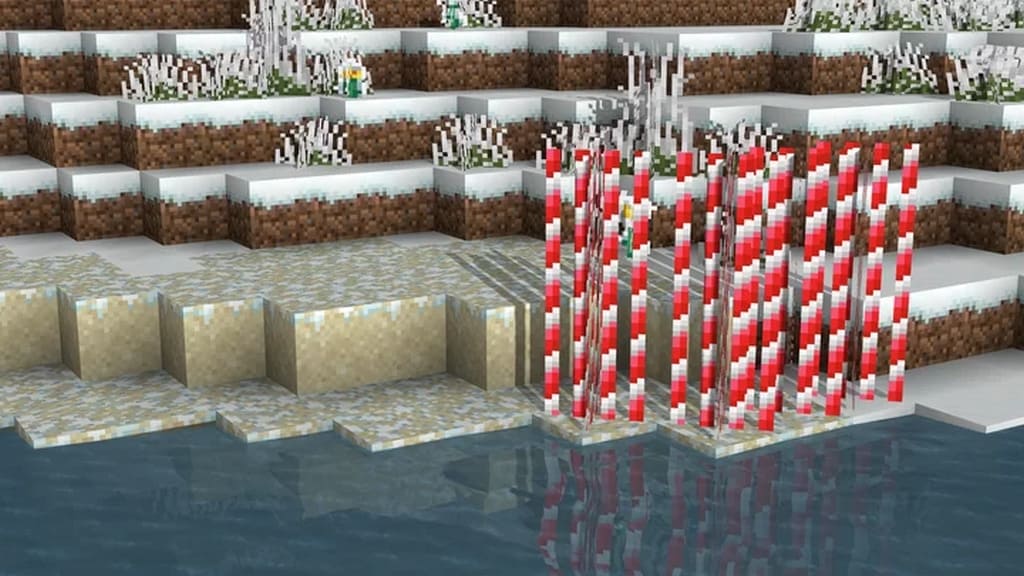
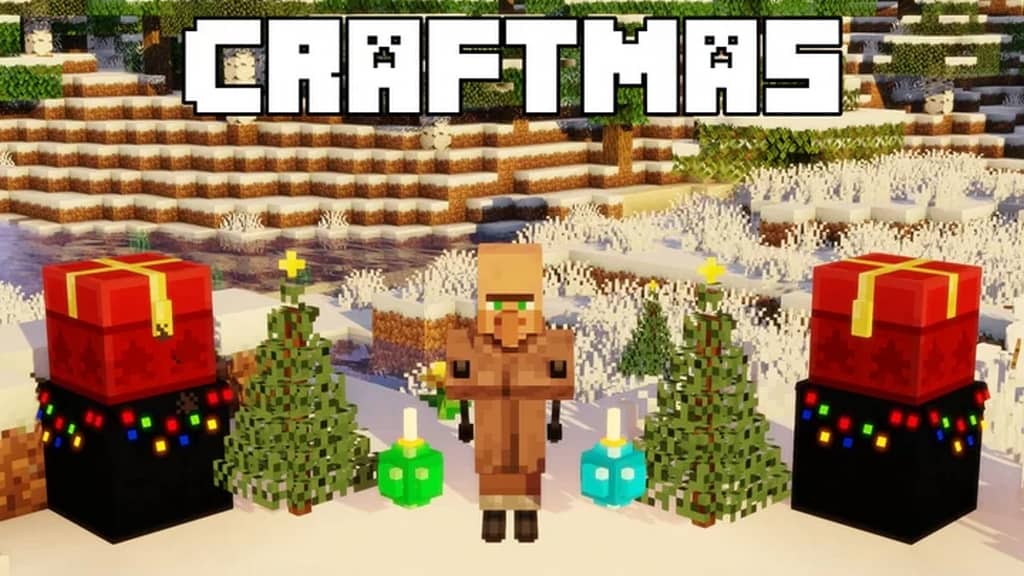
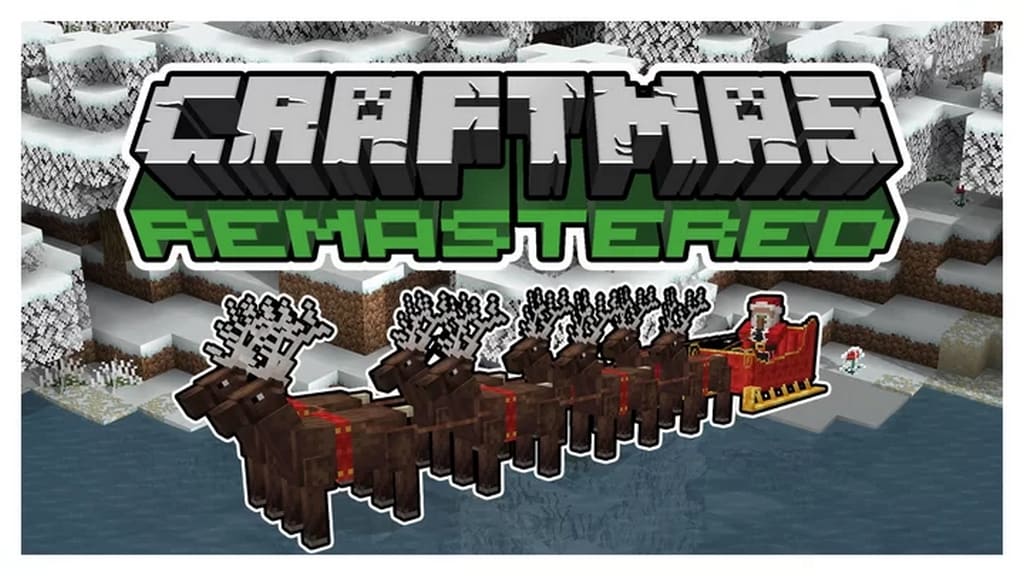
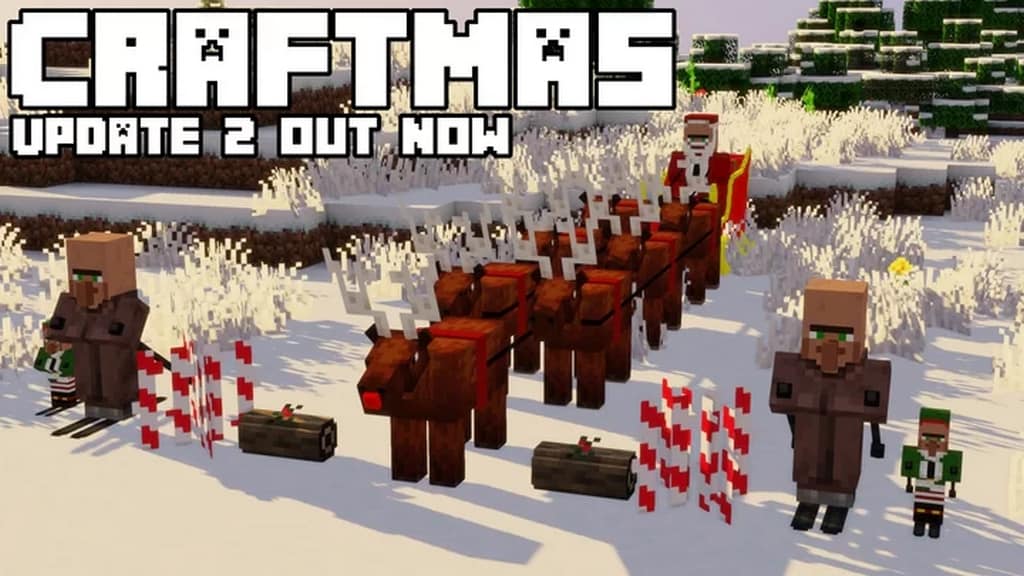
Christmas is finally arriving, and we are honestly not surprised that the Craftmas resource pack has popped up recently! As the cozy Christmas winter holiday season approaches, we get to witness more and more fantastic content for Minecraft based on a joyful Christmas theme. Of course, you might be looking forward to a ton of brand new stuff. In the case of the Craftmas texture pack, it truly will not disappoint you at all, and it will effortlessly engulf you straight into the true Christmas spirit once you check it out for yourself. Although the year was quite a wild ride, it turned out to be an excellent year for Minecraft with plenty of amazing holiday-themed content. We have seen exciting releases since the very beginning of December. Resource packs are no exception, as there have been several wonderful ones based on winter themes. The Craftmas texture pack is the newest brilliant addition to this list. If you are really looking forward to getting into the holiday mood by having a deeply engaging experience, you definitely must check out Craftmas or Craftmas Remastered, which, as the name suggests, is a gorgeous remastered version of the original Craftmas pack. Just like similar resource packs keeping a classic default theme, this pack cleverly adopts several unique methods, including stunning textures for providing the absolute best visuals possible.
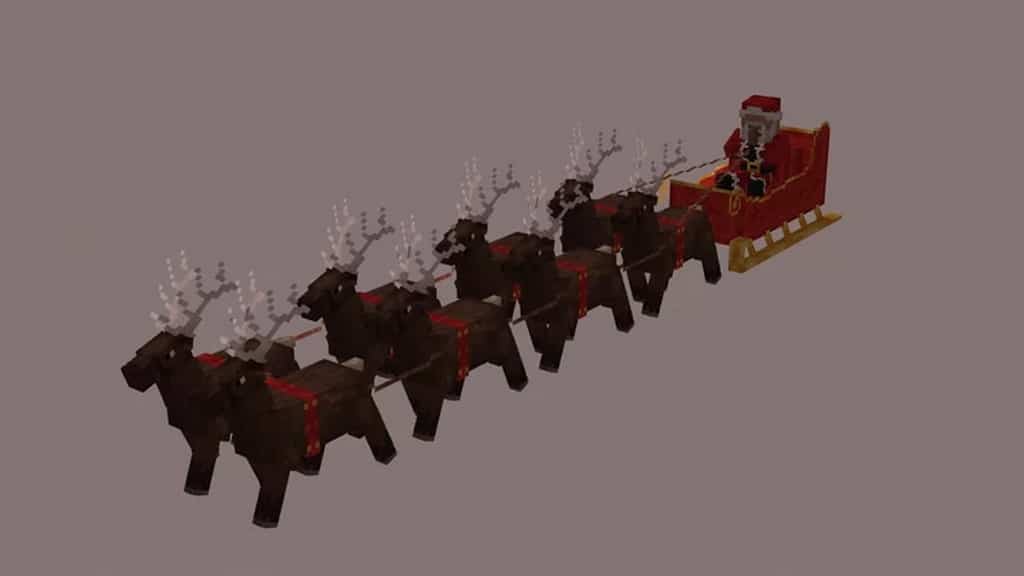
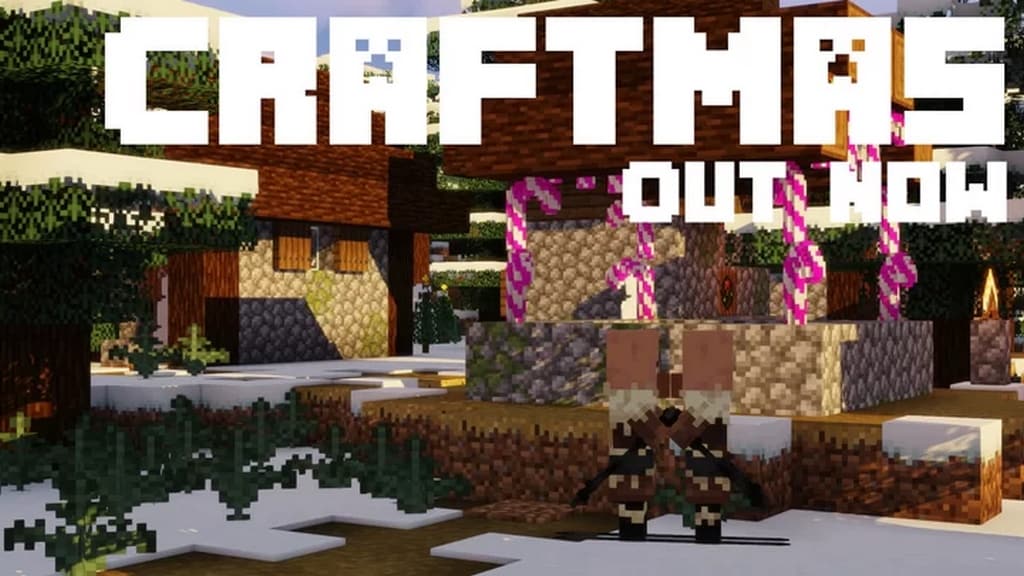
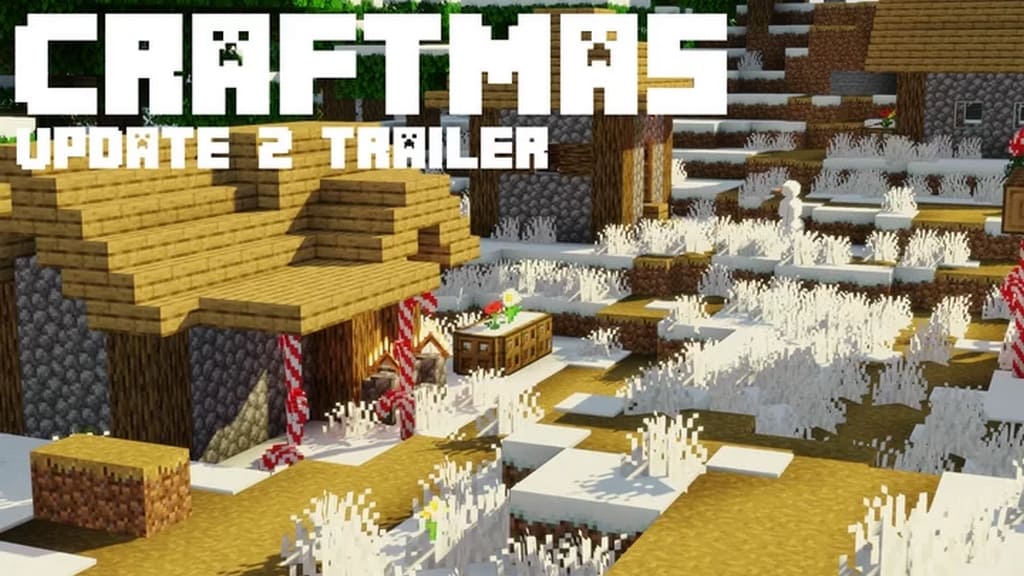
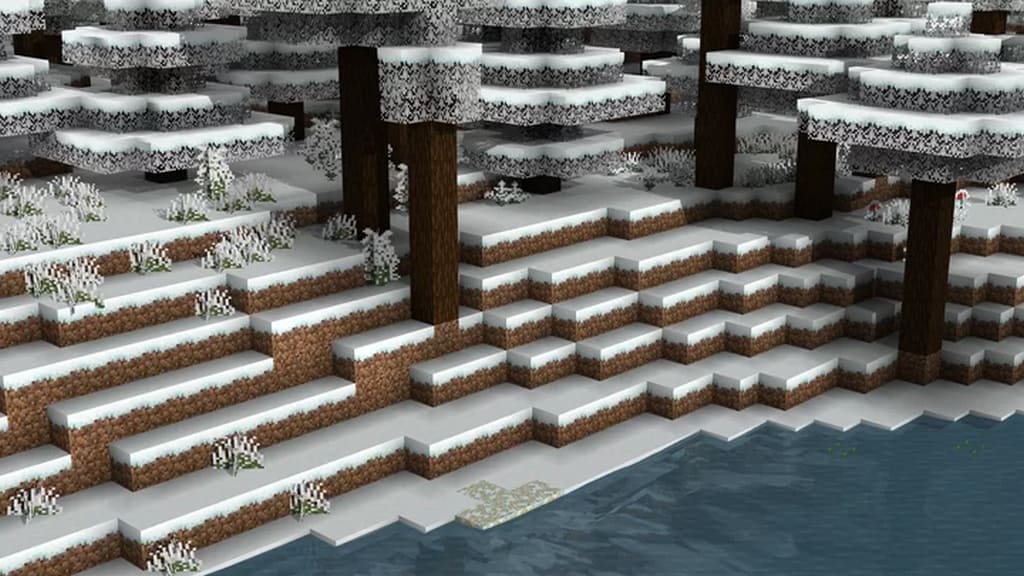
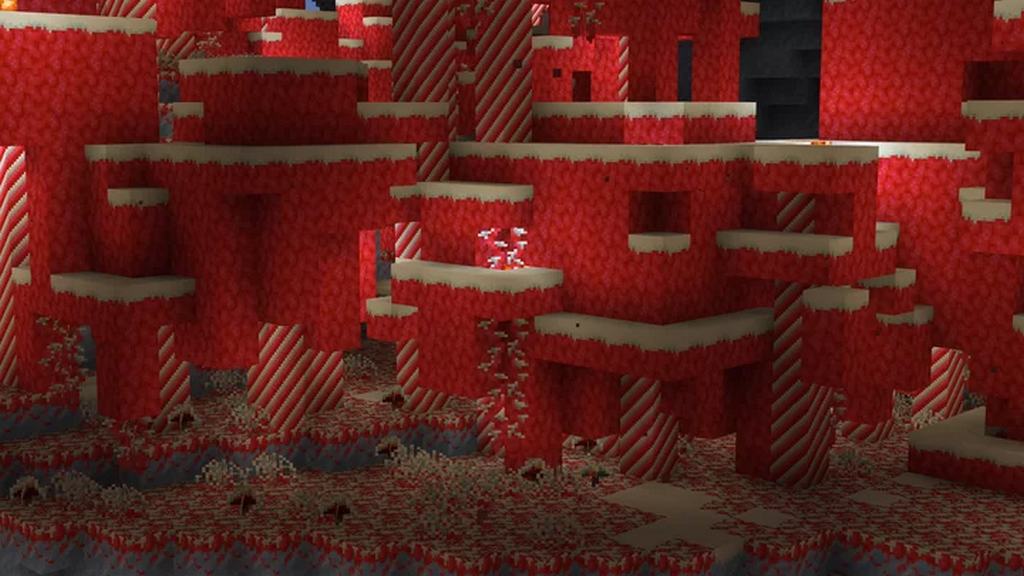
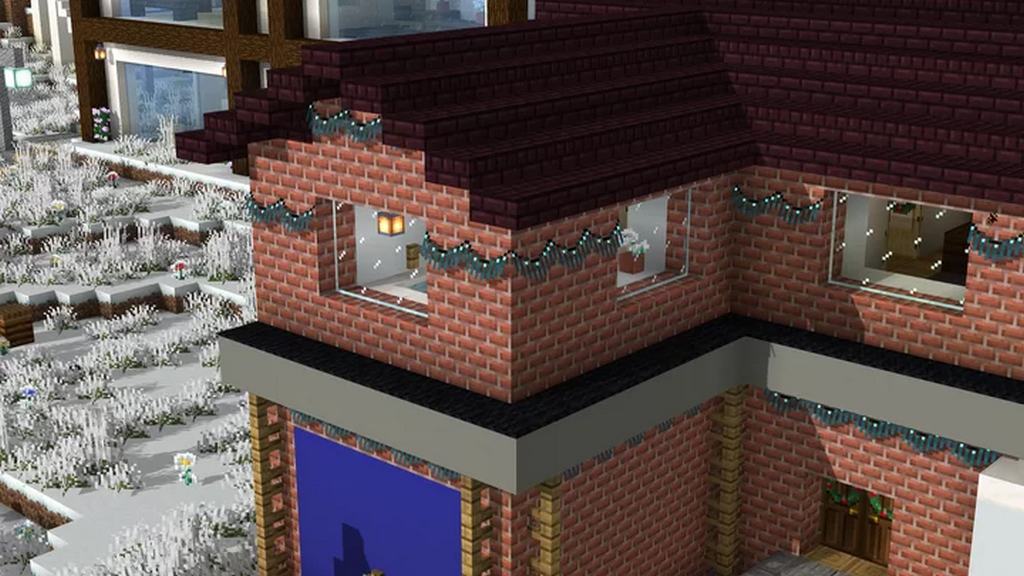
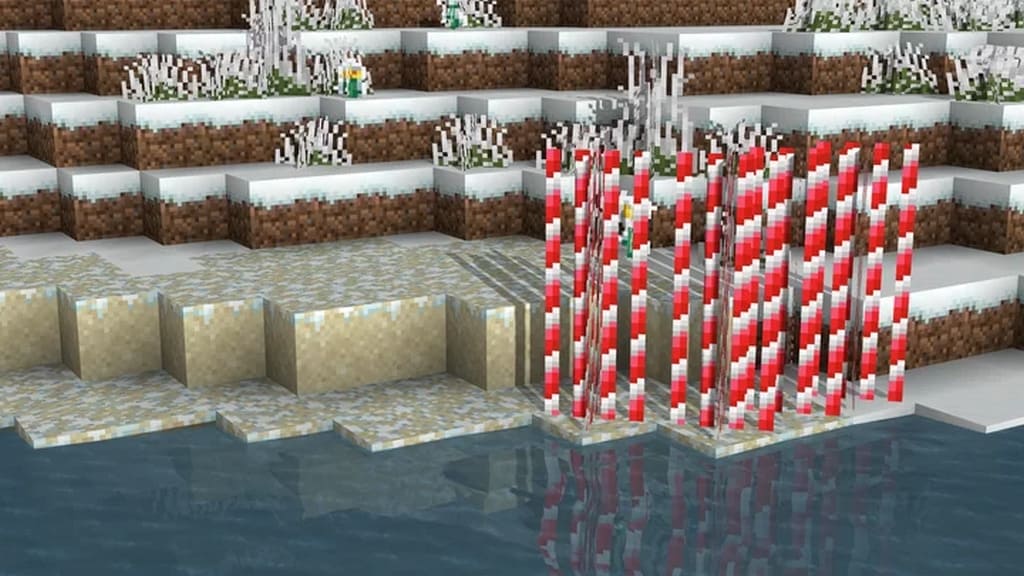
However, this time the authors have also added a few wonderful twists to dramatically improve the immersive experience by including a few beautiful textures focused entirely on winter and Christmas themes. Exploring the game’s world with this new resource pack is an absolute treat to your eyes as it provides various item textures with an exquisite Christmas theme. The entire Minecraft world covered with thick snow appears simply spectacular. You can truly experience winter and Christmas vibes in the game with full force, featuring delightful changes in essential elements like the trees, snowmen, and the land completely covered with snow. You can see many other iconic visual aspects in a snow-clad texture style, including the all-new skiing villager. You can also notice some neat GUI changes here and there, alongside much more creative content to keep you totally engaged. However, you must remember one crucial thing: you will definitely need Optifine to experience a vast majority of the visuals in this resource pack smoothly. Hence, we strongly suggest installing Optifine beforehand so that you do not run into any annoying issues. Moreover, it comes in a lightweight default 16x texture resolution, meaning you can easily experience this new pack without any pesky problems of dropping frame rates. If you happen to have a system that plays the standard Minecraft version without any hiccups, you will not experience any trouble running this resource pack at all!
Craftmas & Craftmas Remastered should be compatible with all of these Minecraft versions: 1.16.5 – 1.16.4 – 1.16.3 – 1.16.2 – 1.16.1 – 1.16 – 1.15.2 – 1.15.1 – 1.15 – 1.14.4 – 1.14.3 – 1.14.2 – 1.14
Screenshots
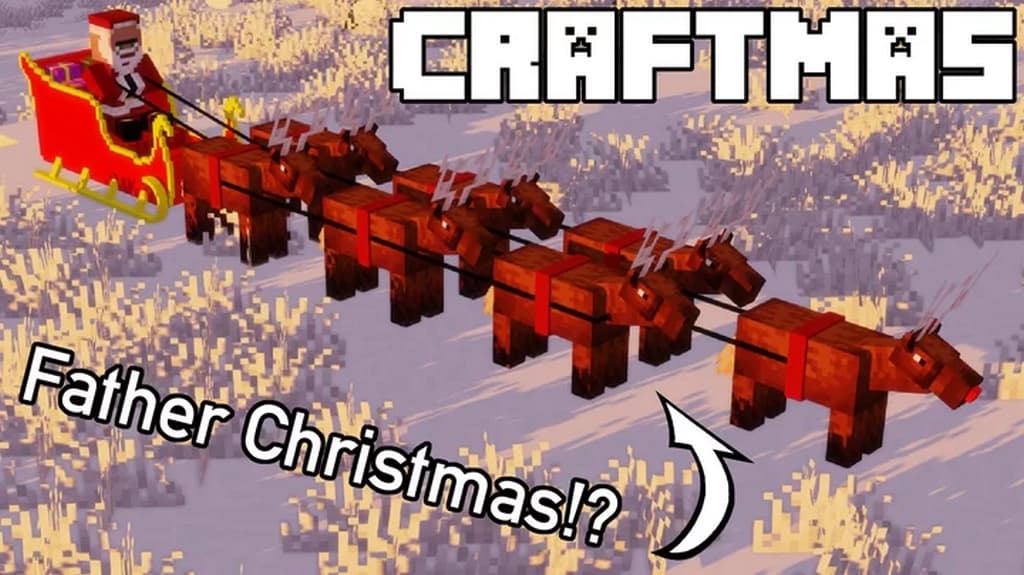
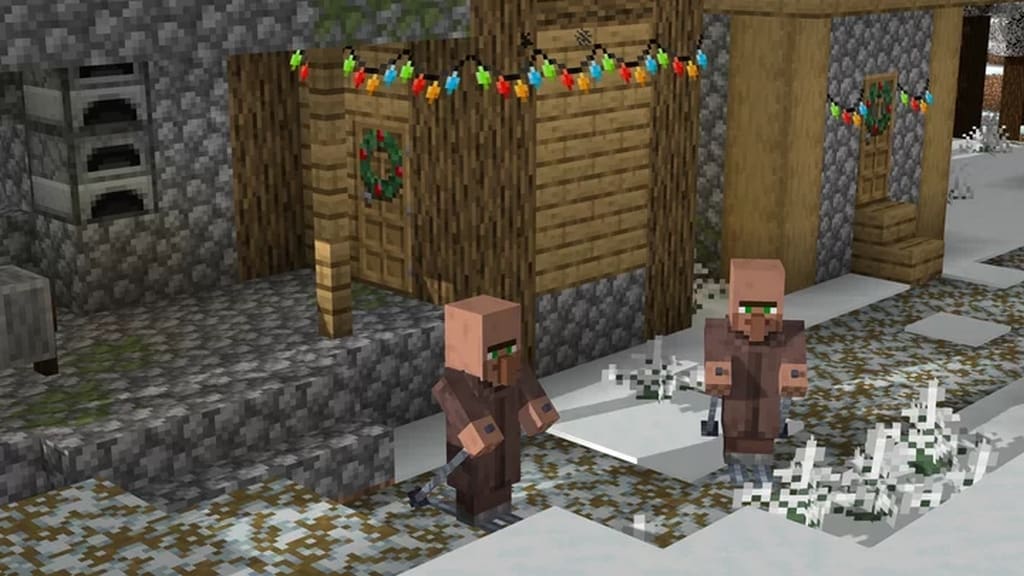
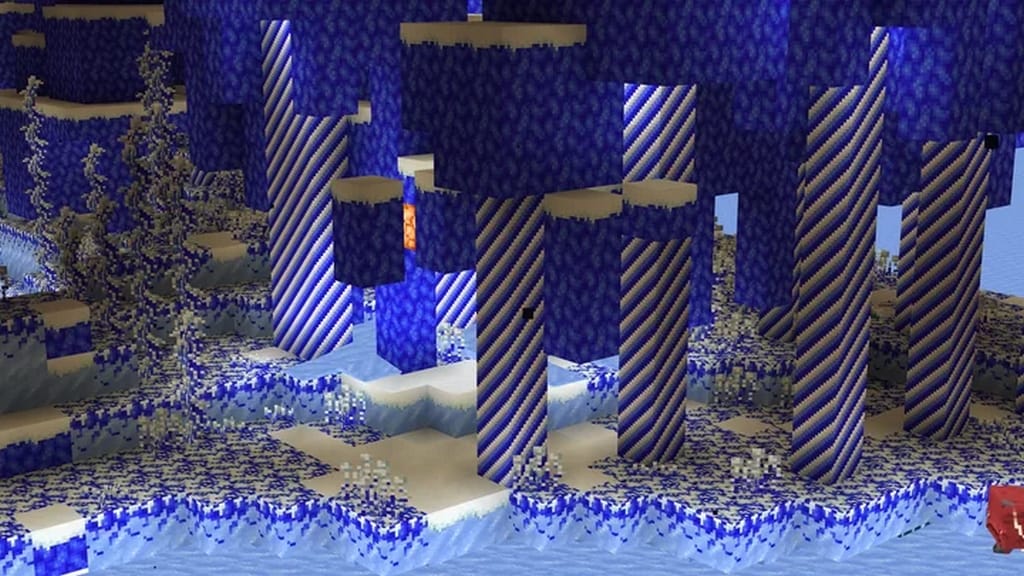
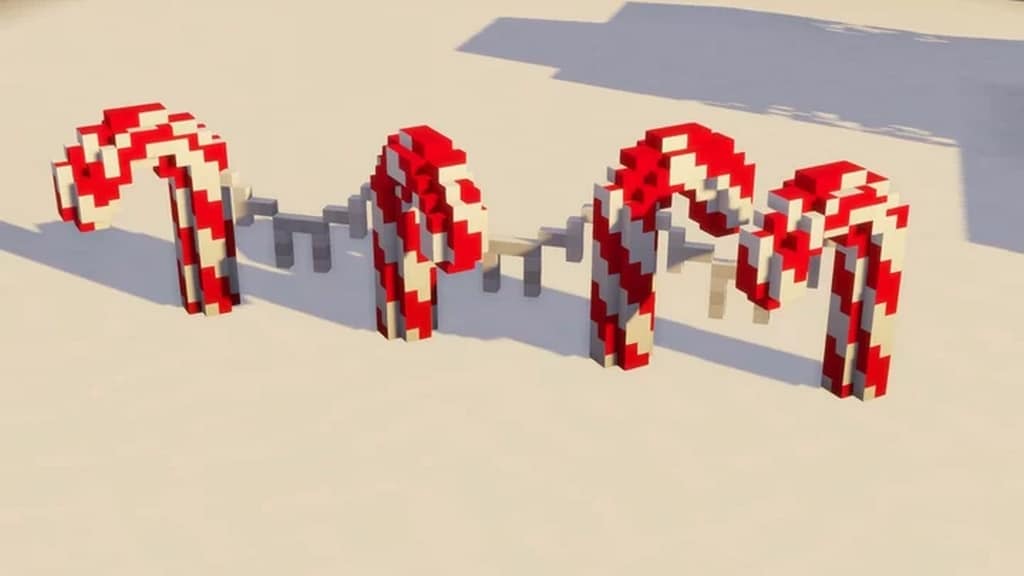

How to Install Texture Pack (Simple 10 Steps)
- Download OptiFine: Most of the texture packs and shaders need OptiFine. That’s why, first download and install OptiFine for the version of Minecraft you want to play.
- Download the Texture Pack: Get the texture pack you want from the download section. Choose the version that works with your Minecraft and your PC’s performance.
- Open Minecraft Launcher: Start Minecraft using the official game launcher — or even TLauncher, if you use that.
- Go to Options: From the main menu, click on the “Options” button.
- Open Resource Packs: Inside Options, click on “Resource Packs…”.
- Open the Resource Pack Folder: Click on “Open Resource Pack Folder” — this will open a folder named “resourcepacks”.
- Move the Pack File: Copy or move the .zip file you downloaded into that “resourcepacks” folder. (Don’t unzip the file — Minecraft uses it as-is!)
- Go Back and Refresh: Close the folder and click “Done”, then go back into “Resource Packs…” again.
- Activate the Pack: You’ll see the pack on the left side. Hover over it and click the arrow to move it to the right (active side).
Tip: If you get a message that the pack is for a different version, just click “Yes” — it usually works fine. - Click Done and Enjoy: Click “Done” again. Now your pack is ready to use in-game. It’s that easy!
Credits
This resource pack was originally created and developed by ewanhowell5195. We do not claim ownership of this content, nor have we modified the original files. All rights and credits belong entirely to the original creator. We highly encourage you to visit the official source and support ewanhowell5195 for their amazing work.
Download Links
Java Edition
Download Instructions
Curseforge: download starts automatically after a few seconds;
Mediafire: click the big blue button with the text “DOWNLOAD”;
Google Drive: in the top right corner you will see a small download icon (down arrow), click it and the download should start;


