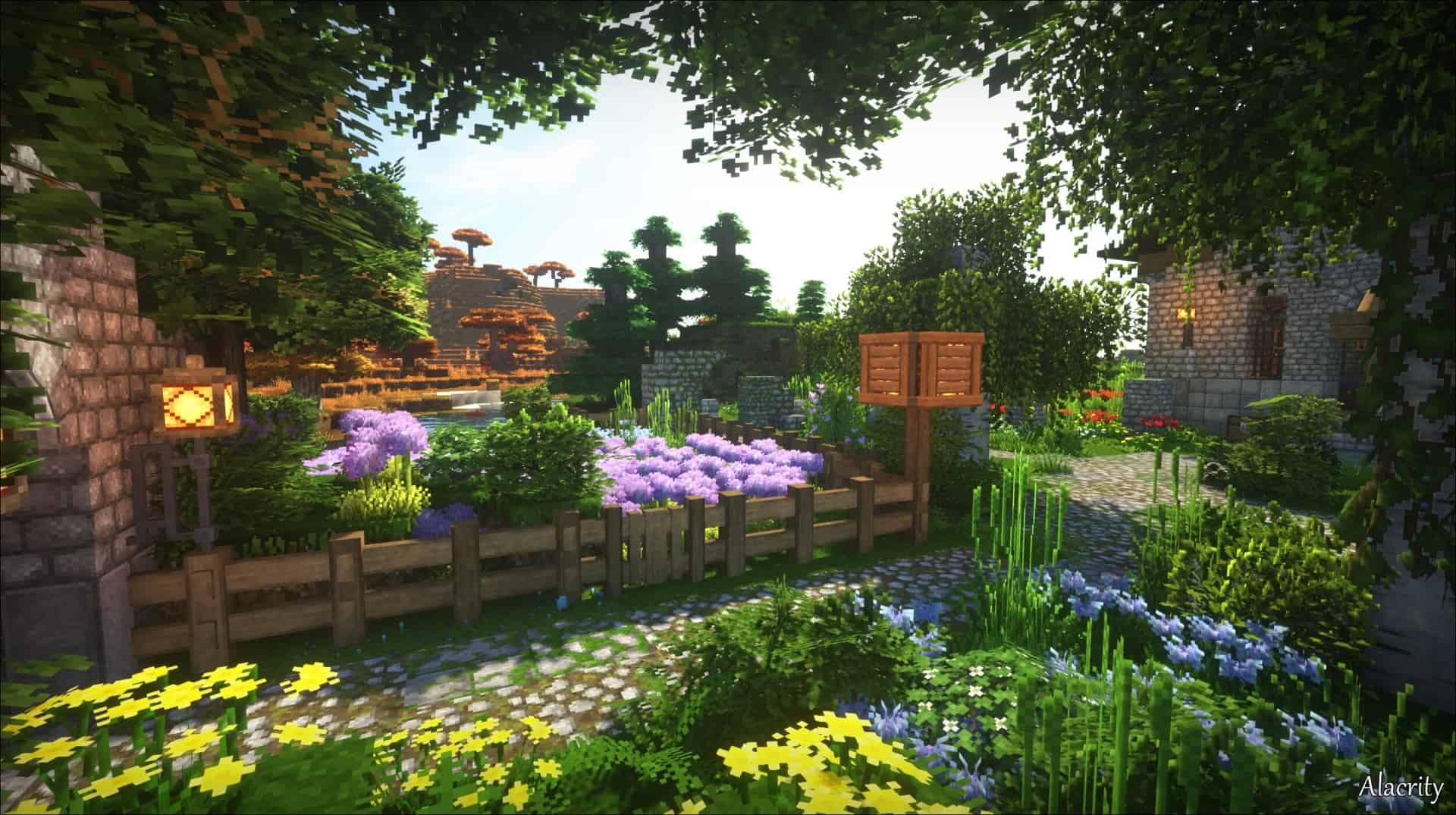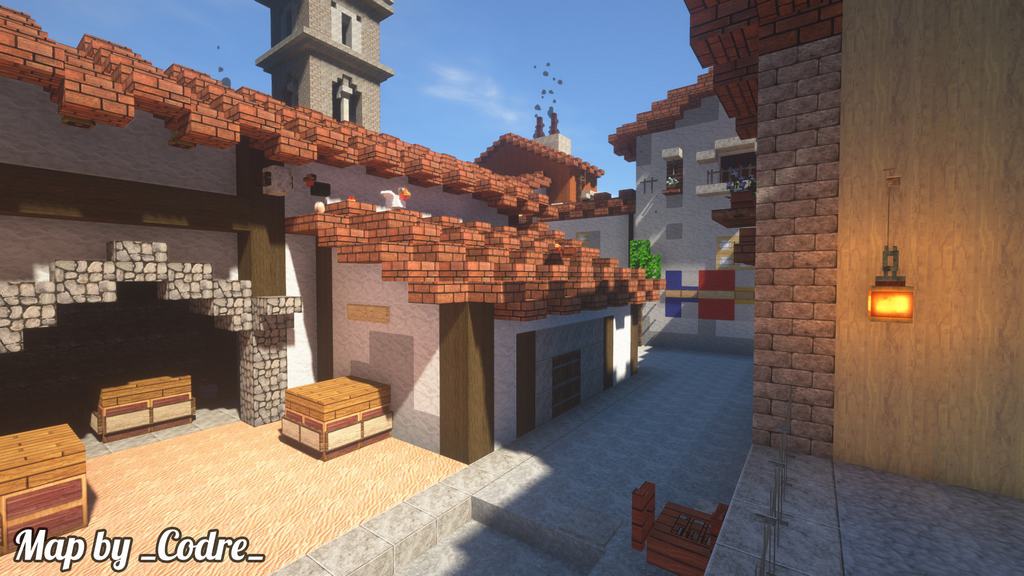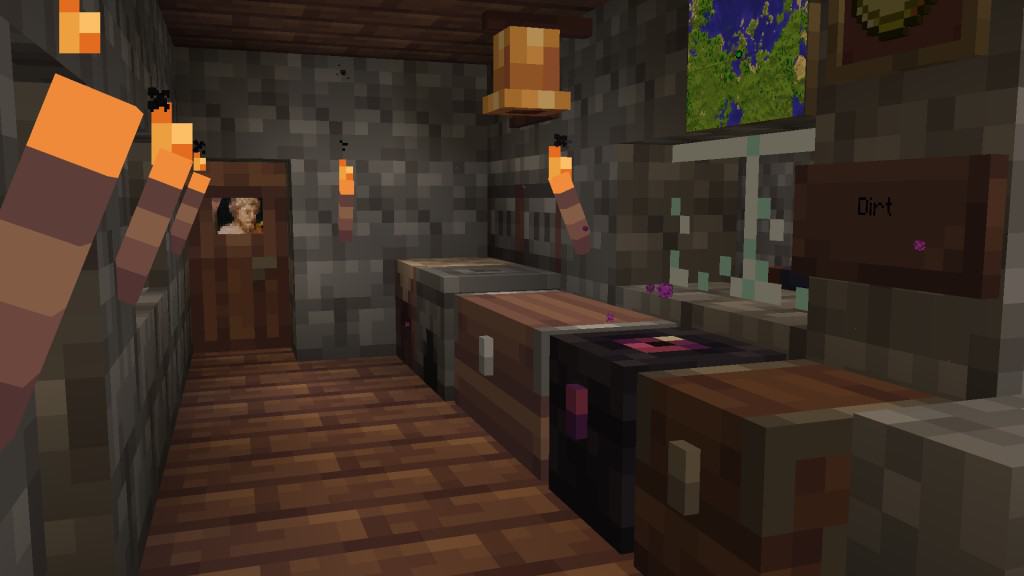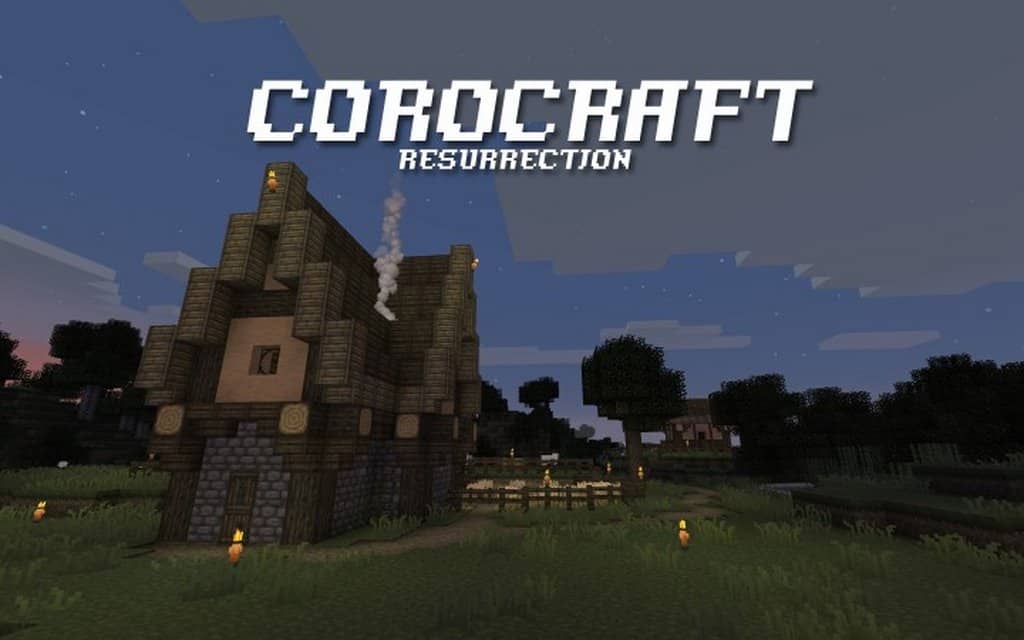
I was thrilled when I finally got my hands on Corocraft Resurrection, a resource pack brilliantly crafted by the talented community member Dcorona! This pack has been in development for a surprisingly long period, and because it hasn’t always been completely available to the public in an updated version, getting to finally play with it feels extra special. It is absolute must-read news for anyone aiming to achieve a fantasy-themed look in their world, as it fully embraces the RPG elements that serve as Corocraft’s true focal point. Honestly, Corocraft feels much more advanced than other RPG-themed resource packs we have tested. The single biggest attribute that makes Corocraft stand out from the crowd is its flawless execution, and I can genuinely say that committing your time to this pack is entirely worth it if you are hunting for a quality fantasy-themed experience.
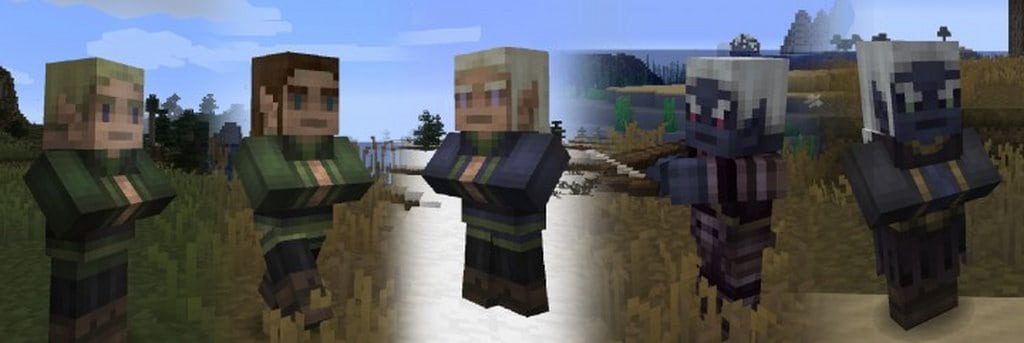
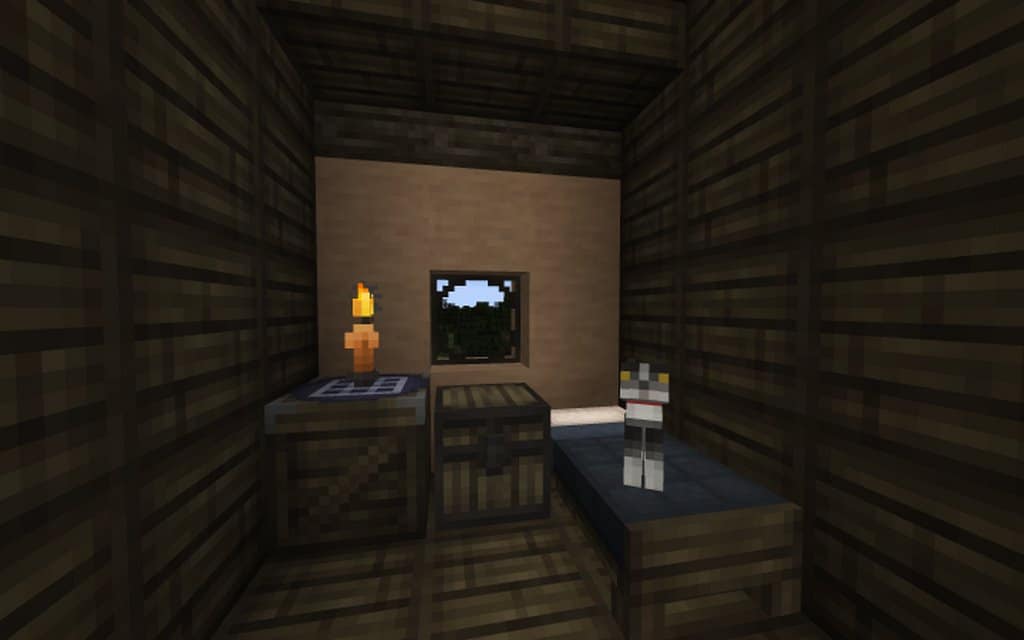
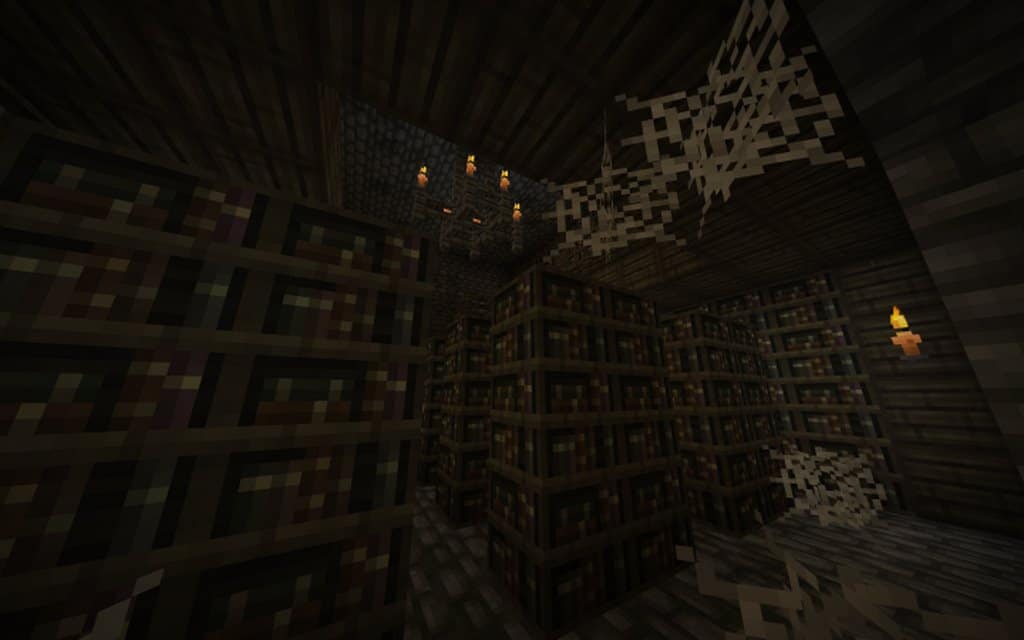
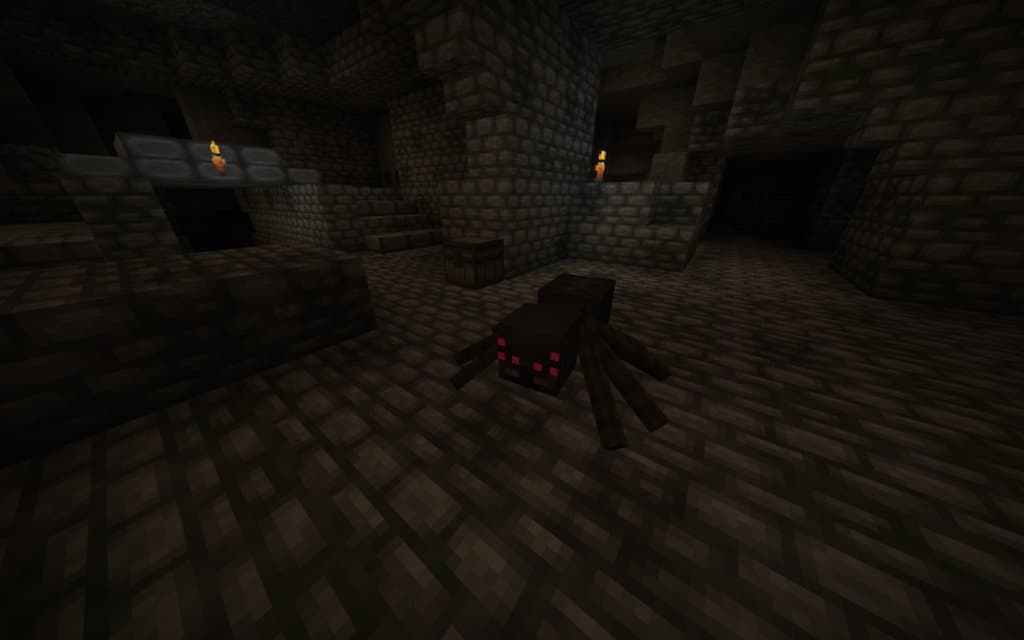
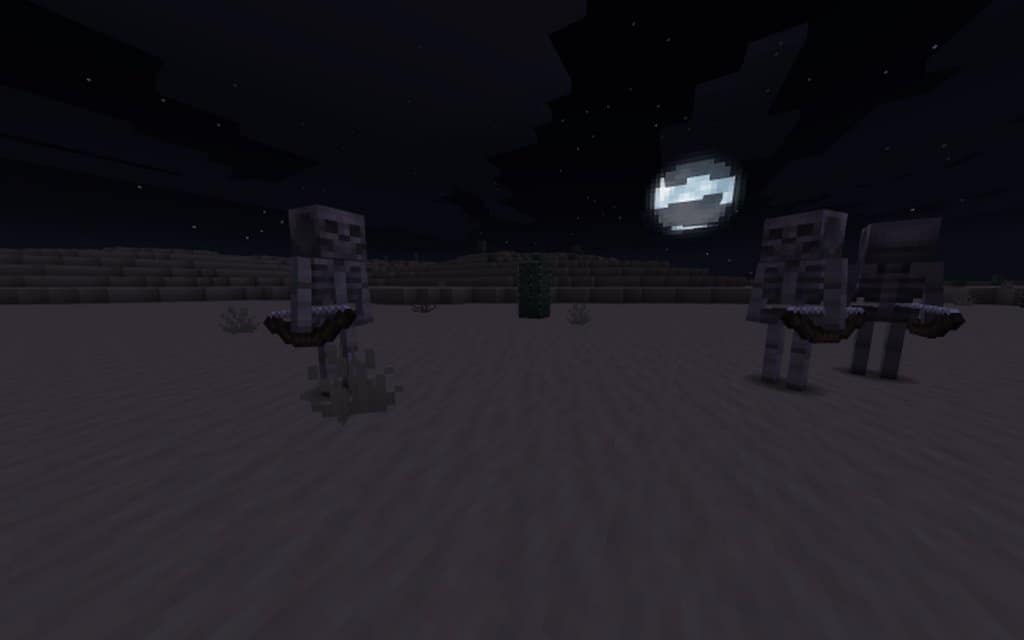
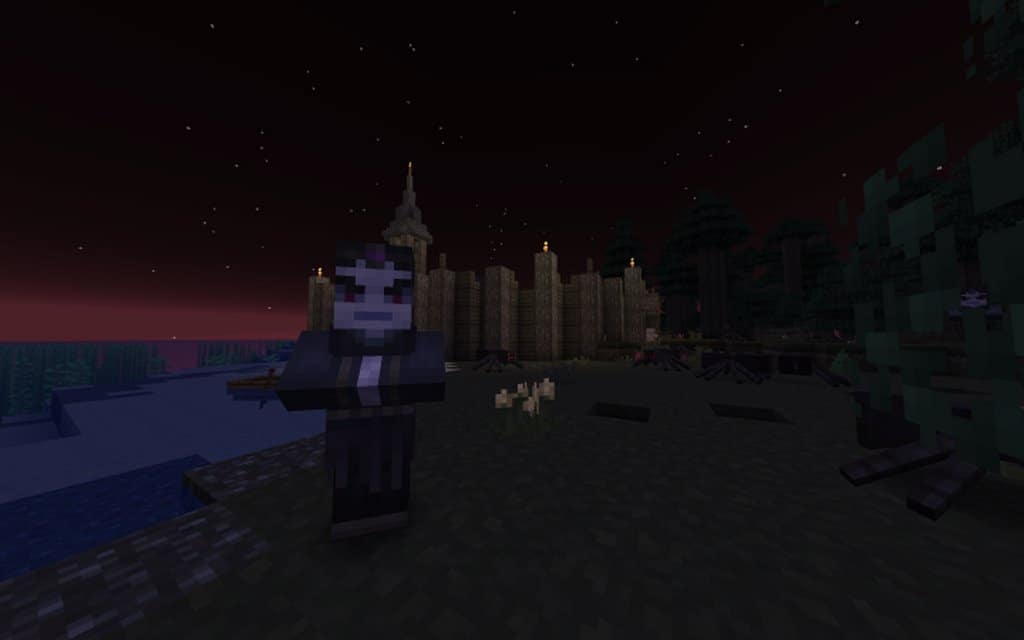
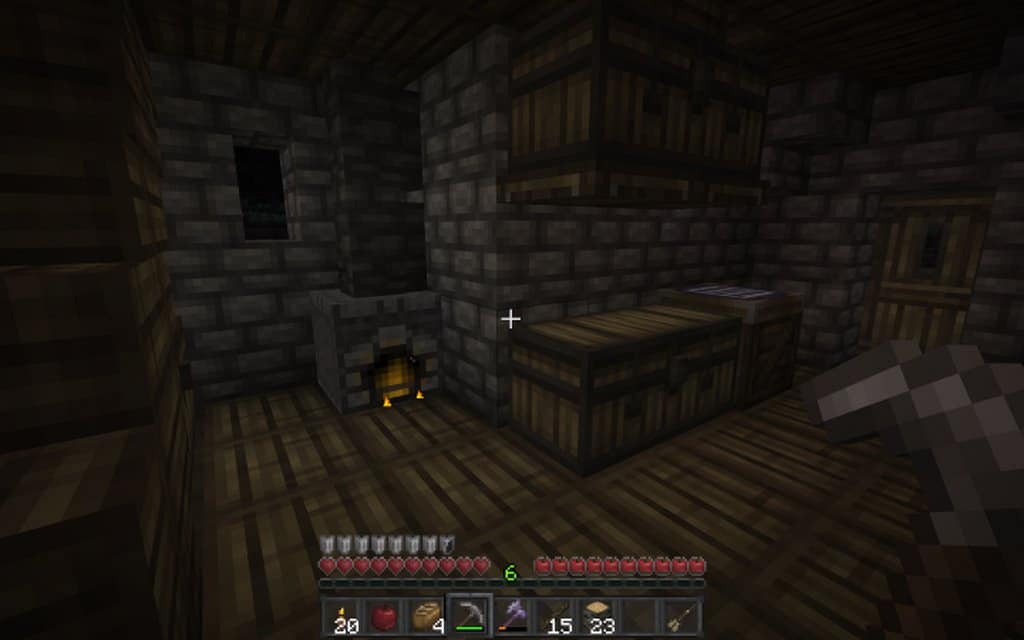
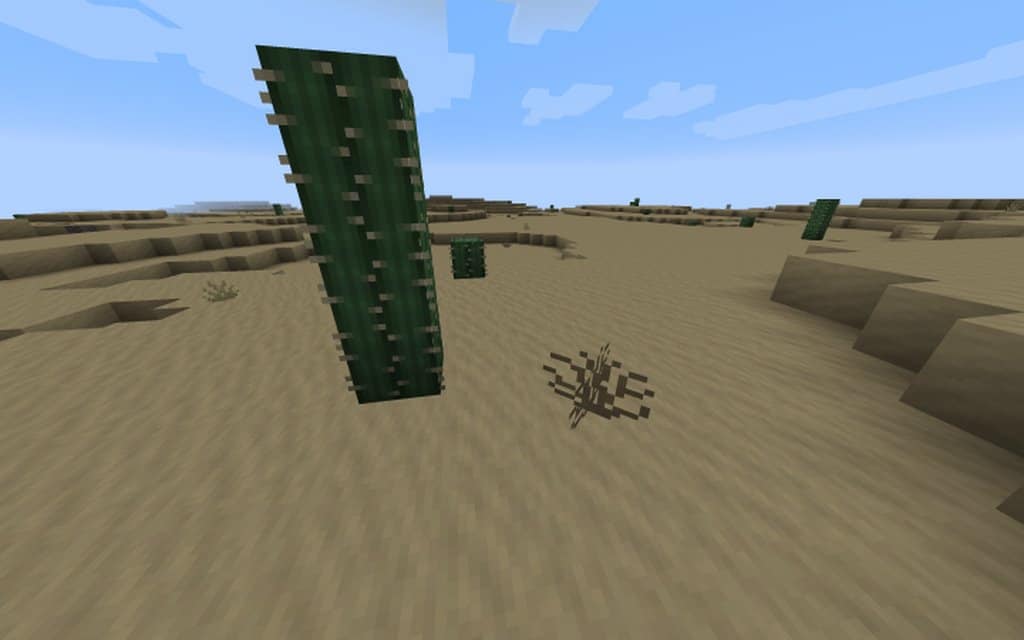
There are large areas of the Corocraft texture pack that are directly based or inspired by the legendary fantasy war game Dungeons and Dragons, and you can see this clearly woven into every single texture. One of the most significant features of Corocraft is its truly outstanding art style. While the pure detail level might not precisely shape up to some ultra high-end packs on the absolute peak of the spectrum, the textures brilliantly exclude noticeable visual noise, delivering an exceptionally fresh look that you will instantly grow to respect. The toned-down color palette works together harmoniously and completely complements the fantasy-themed art style that the pack strives to achieve. Best of all, it keeps to a classic 16×16 resolution that most Minecraft users already know and love, meaning you will experience zero system performance faults as long as your computer can handle vanilla Minecraft without any complications. Thanks to the careful, slow, and dedicated work put in by Dcorona, this project has turned out to be a wonderfully planned success that you should definitely try out today!
Corocraft Resurrection should be compatible with all of these Minecraft versions: 1.14.4 – 1.14.3 – 1.14.2 – 1.14 – 1.13.2 – 1.13.1 – 1.13
Screenshots
How to Install Texture Pack (Simple 10 Steps)
- Download OptiFine: Most of the texture packs and shaders need OptiFine. That’s why, first download and install OptiFine for the version of Minecraft you want to play.
- Download the Texture Pack: Get the texture pack you want from the download section. Choose the version that works with your Minecraft and your PC’s performance.
- Open Minecraft Launcher: Start Minecraft using the official game launcher — or even TLauncher, if you use that.
- Go to Options: From the main menu, click on the “Options” button.
- Open Resource Packs: Inside Options, click on “Resource Packs…”.
- Open the Resource Pack Folder: Click on “Open Resource Pack Folder” — this will open a folder named “resourcepacks”.
- Move the Pack File: Copy or move the .zip file you downloaded into that “resourcepacks” folder. (Don’t unzip the file — Minecraft uses it as-is!)
- Go Back and Refresh: Close the folder and click “Done”, then go back into “Resource Packs…” again.
- Activate the Pack: You’ll see the pack on the left side. Hover over it and click the arrow to move it to the right (active side).
Tip: If you get a message that the pack is for a different version, just click “Yes” — it usually works fine. - Click Done and Enjoy: Click “Done” again. Now your pack is ready to use in-game. It’s that easy!
Credits
Corocraft Resurrection was created by Dcorona. We do not own or claim ownership of this resource pack, nor do we host modified versions of these files. All rights and intellectual property remain with the original creator. We encourage all players to support Dcorona by downloading the resource pack from the official sources provided below.
Download Links
Java Edition
Download Instructions
Curseforge: download starts automatically after a few seconds;
Mediafire: click the big blue button with the text “DOWNLOAD”;
Google Drive: in the top right corner you will see a small download icon (down arrow), click it and the download should start;