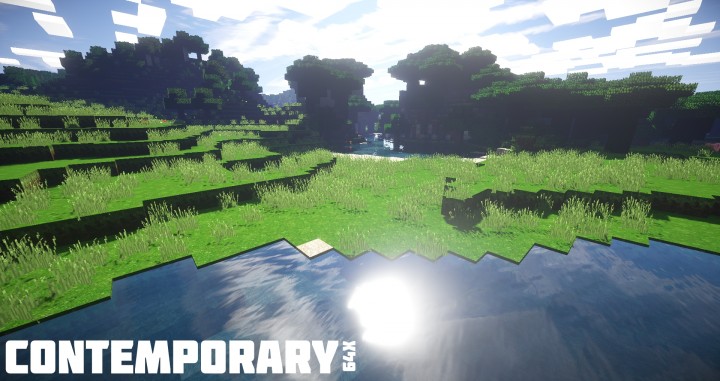
Are you looking for an exciting resource pack that will blow your mind up with fun? For those users who are looking to have a mind blowing and realistic experience, then contemporary 64x is the way to go. The look of the pack is not in any way different from the traditional setting which is what most users are looking for. Its visuals have been upgraded to look more eye catching and immersive. Compared to other nowadays packs contemporary 64x resource pack is more colorful and its texturing techniques are awesome. You definitely want to try out this solid pack mostly if you like a more realistic minecraft. The textures in the contemporary 64x have been polished to look way much better than default ones and this you cannot fail to notice. There are no needless clutters which makes the game look more appealing and cleaner than before this is due to elimination of some unwanted textures.
You have to try out some of the best water textures, this is a an experience that will be mind-blowing because they are unique and striking. The landscape is something that you have to check out, it has an exceptional color palette and also the in game grass is more enhanced than before. The most amazing thing is that contemporary 64x pack is still being enhanced, this means that great features and more mind blowing adventures are still in progress. It has only been 35% done in a few months. To ensure that the users don’t get impatient while waiting it is updated on a regular basis. It is suggested that you consider using Sonic Ethers Unbelievable shaders with this game. This will be fun but you also need to avoid frame rate problems by using a heavy PC. Enjoy and don’t forget to share with your friends.
Contemporary 64x should be compatible with all of these Minecraft versions: 1.13.2 – 1.13.1 – 1.13 – 1.12.2 – 1.12 – 1.11.2 – 1.11 – 1.10.2 – 1.10 – 1.9.4 – 1.9 – 1.8.9 – 1.8.8 – 1.8.1 – 1.8.6 – 1.8
Screenshots
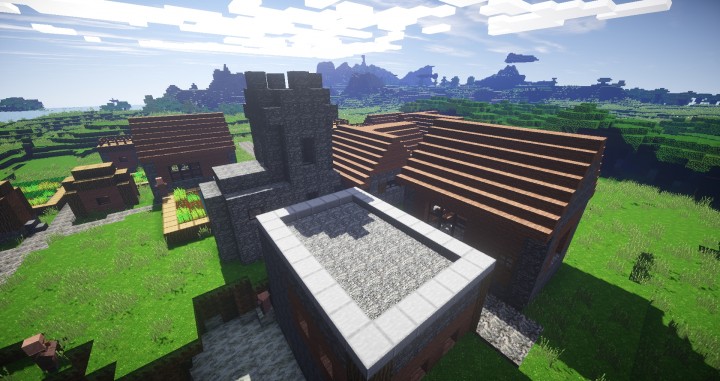
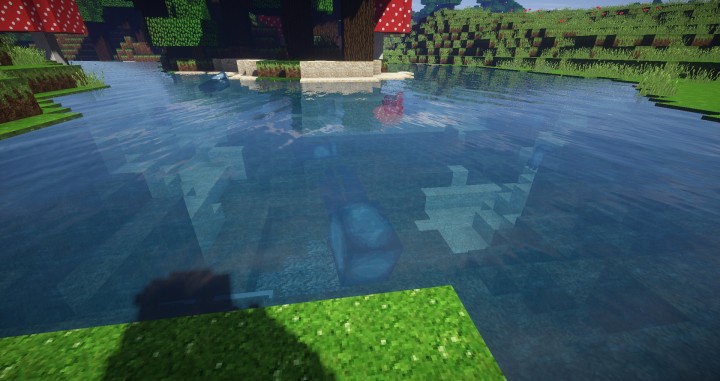
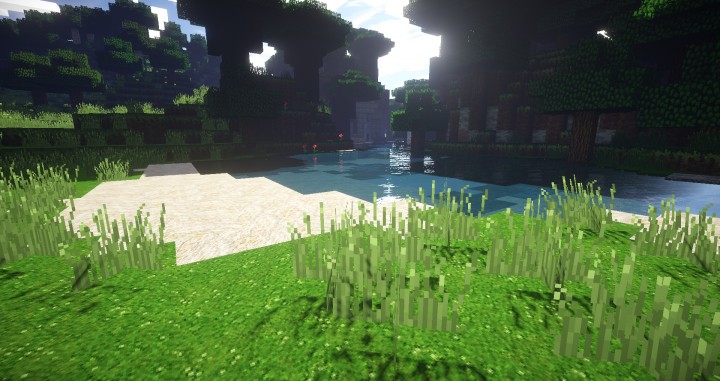
How to Install Texture Pack (Simple 10 Steps)
- Download OptiFine: Most of the texture packs and shaders need OptiFine. That’s why, first download and install OptiFine for the version of Minecraft you want to play.
- Download the Texture Pack: Get the texture pack you want from the download section. Choose the version that works with your Minecraft and your PC’s performance.
- Open Minecraft Launcher: Start Minecraft using the official game launcher — or even TLauncher, if you use that.
- Go to Options: From the main menu, click on the “Options” button.
- Open Resource Packs: Inside Options, click on “Resource Packs…”.
- Open the Resource Pack Folder: Click on “Open Resource Pack Folder” — this will open a folder named “resourcepacks”.
- Move the Pack File: Copy or move the .zip file you downloaded into that “resourcepacks” folder. (Don’t unzip the file — Minecraft uses it as-is!)
- Go Back and Refresh: Close the folder and click “Done”, then go back into “Resource Packs…” again.
- Activate the Pack: You’ll see the pack on the left side. Hover over it and click the arrow to move it to the right (active side).
Tip: If you get a message that the pack is for a different version, just click “Yes” — it usually works fine. - Click Done and Enjoy: Click “Done” again. Now your pack is ready to use in-game. It’s that easy!
Credits
The Contemporary Resource Pack was created by Nibblets. We do not claim ownership of this modification, nor do we host or modify the original files. All rights and intellectual property remain strictly with the original creator. We strongly encourage you to support Nibblets by downloading the pack through their official links and exploring their other creative works.
Download Instructions
Curseforge: download starts automatically after a few seconds;
Mediafire: click the big blue button with the text “DOWNLOAD”;
Google Drive: in the top right corner you will see a small download icon (down arrow), click it and the download should start;


