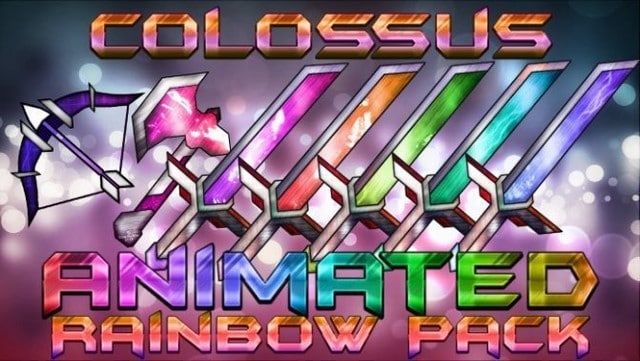
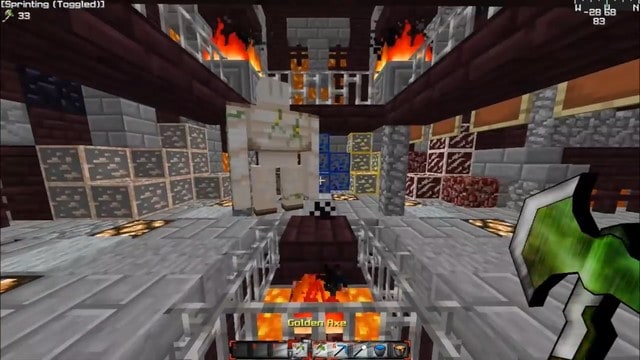
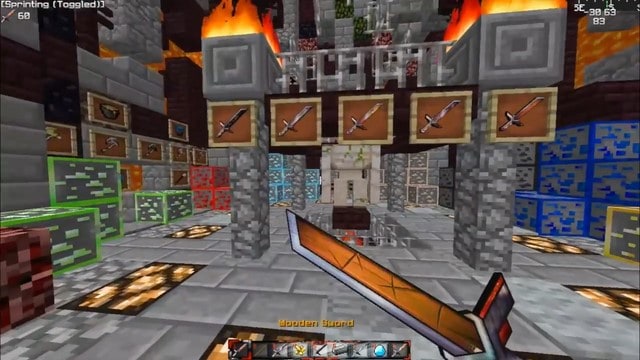
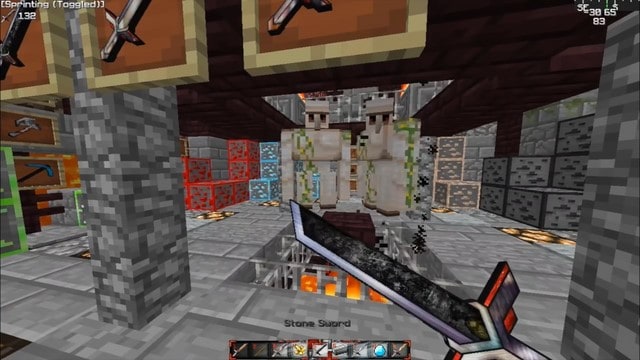
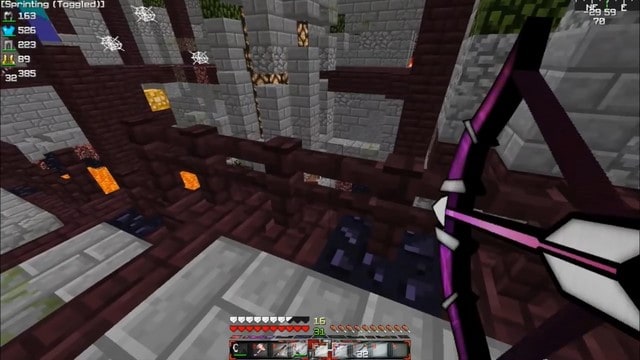
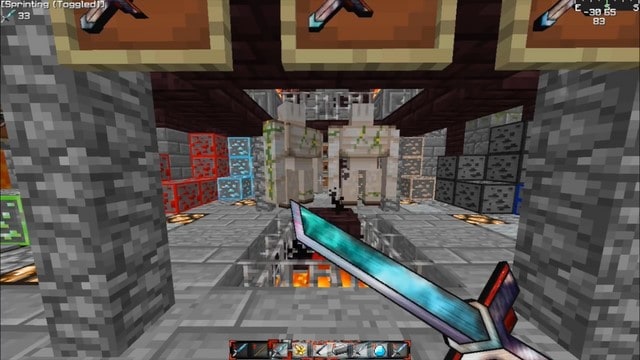
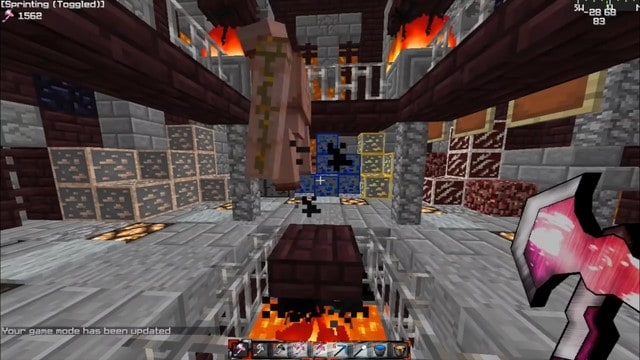
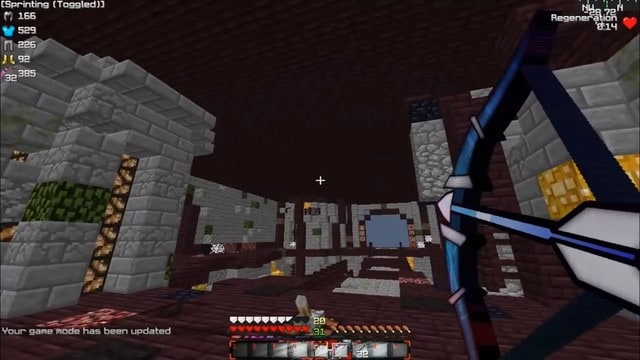
If you have not tried the newly released Colossus Animated Resource Pack yet, which features incredible color-altering animated weapons, you truly are missing out on what feeling cool in Minecraft is all about. The unique features included in this latest pack let you seamlessly transform the color of texture items while simultaneously incorporating unique effects or modifying existing ones. You honestly cannot begin to imagine the absolute brilliance of the Colossus Animated PvP pack, especially with its stunning weapons that glow brilliantly with vibrant rainbow colors. Beyond performing exceptionally well on Ultra Hardcore servers, players will find it remarkably easy to locate and explore valuable ores thanks to the fact that they are heavily highlighted for visibility. Ultimately, the vast majority of HUD elements in this pack are enhanced by striking new visuals that will instantly make you stand out and look far cooler compared to other gamers. Since this pack is specifically crafted with UHC and PvP in mind, you will notice that blocks other than the essential ores remain completely unchanged to keep your focus sharp. I genuinely think you should try it out for yourself and experience all the exciting new features firsthand. Just remember that it is highly advisable to use Optifine HD to get the absolute best visual performance out of your game.
Colossus Animated should be compatible with all of these Minecraft versions: 1.12.2 – 1.12 – 1.11.2 – 1.11 – 1.10.2 – 1.10 – 1.9.4 – 1.9 – 1.8.9 – 1.8.8 – 1.8.1 – 1.8.6 – 1.8
Screenshots
How to Install Texture Pack (Simple 10 Steps)
- Download OptiFine: Most of the texture packs and shaders need OptiFine. That’s why, first download and install OptiFine for the version of Minecraft you want to play.
- Download the Texture Pack: Get the texture pack you want from the download section. Choose the version that works with your Minecraft and your PC’s performance.
- Open Minecraft Launcher: Start Minecraft using the official game launcher — or even TLauncher, if you use that.
- Go to Options: From the main menu, click on the “Options” button.
- Open Resource Packs: Inside Options, click on “Resource Packs…”.
- Open the Resource Pack Folder: Click on “Open Resource Pack Folder” — this will open a folder named “resourcepacks”.
- Move the Pack File: Copy or move the .zip file you downloaded into that “resourcepacks” folder. (Don’t unzip the file — Minecraft uses it as-is!)
- Go Back and Refresh: Close the folder and click “Done”, then go back into “Resource Packs…” again.
- Activate the Pack: You’ll see the pack on the left side. Hover over it and click the arrow to move it to the right (active side).
Tip: If you get a message that the pack is for a different version, just click “Yes” — it usually works fine. - Click Done and Enjoy: Click “Done” again. Now your pack is ready to use in-game. It’s that easy!
Credits
This resource pack was originally created by 2Sneaky4You. We do not claim ownership of this content, nor have we modified the original files. All rights and ownership belong strictly to the original creator. We strongly encourage you to support 2Sneaky4You by visiting their official download pages and checking out their other projects.
Download Instructions
Curseforge: download starts automatically after a few seconds;
Mediafire: click the big blue button with the text “DOWNLOAD”;
Google Drive: in the top right corner you will see a small download icon (down arrow), click it and the download should start;


