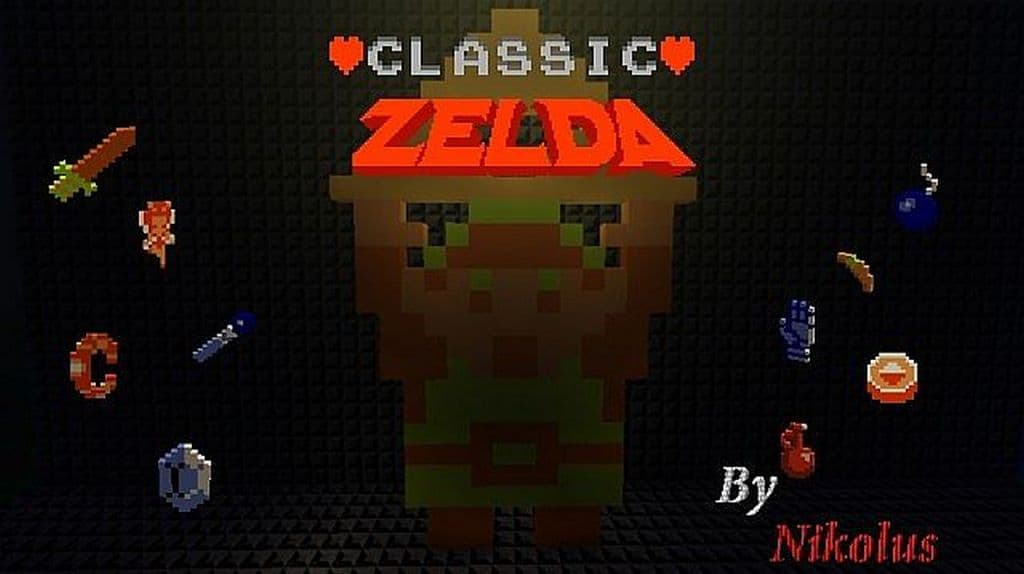
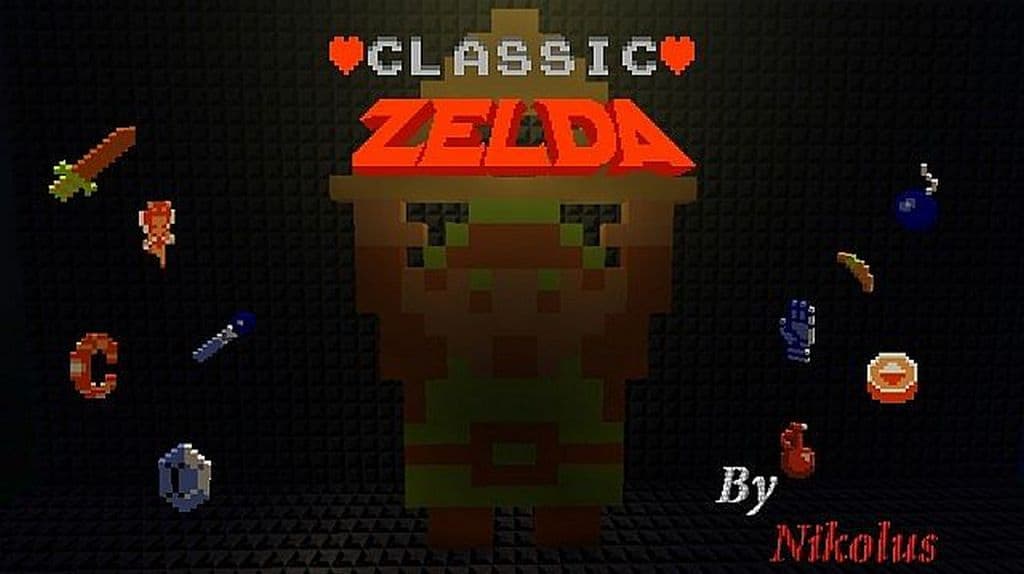
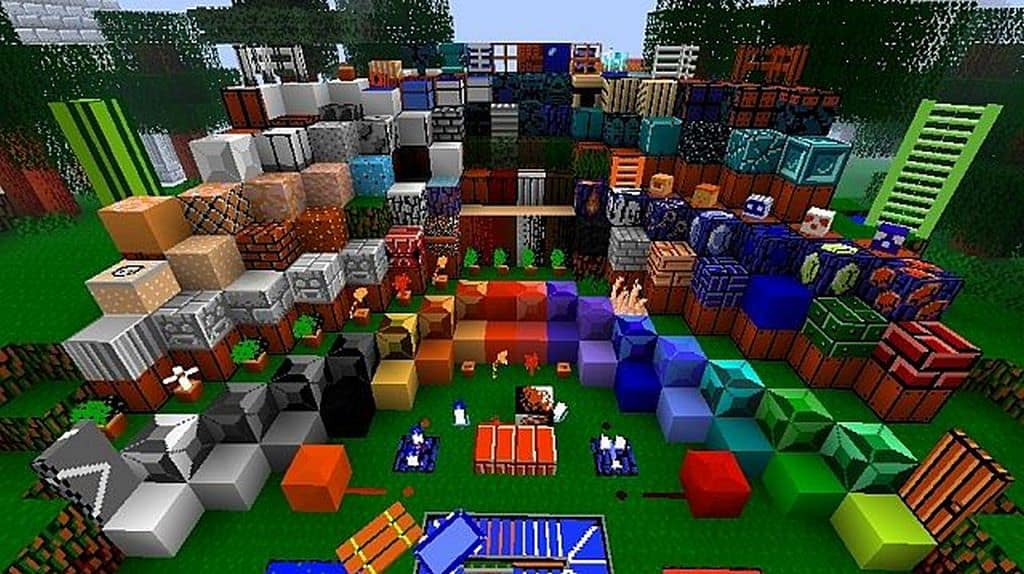
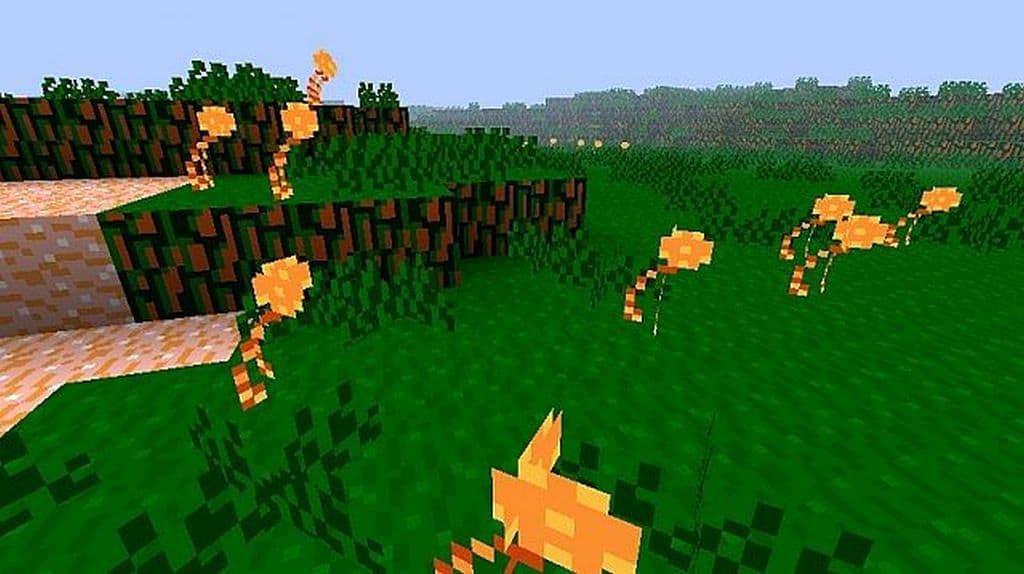
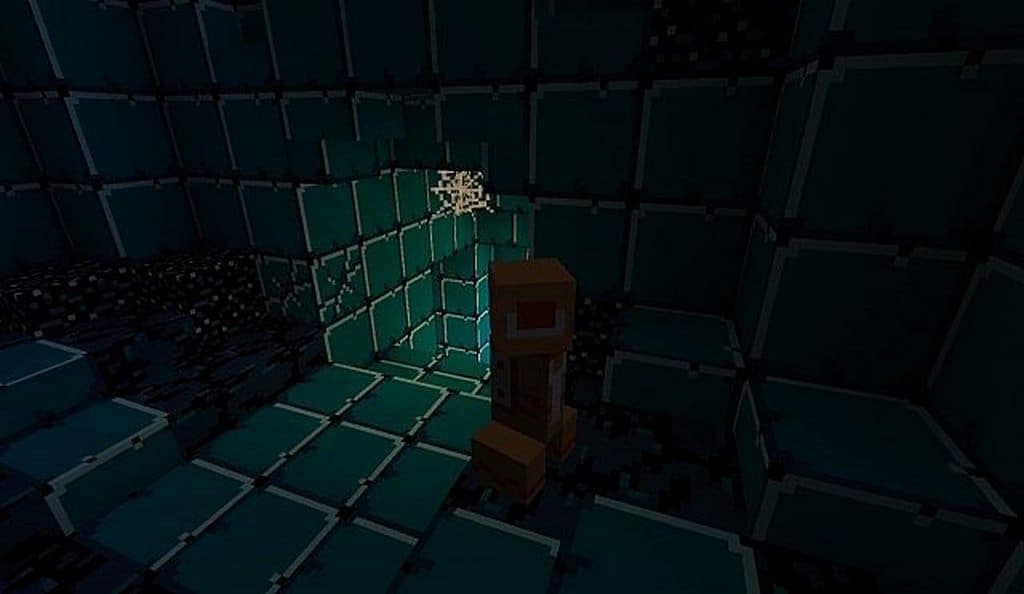
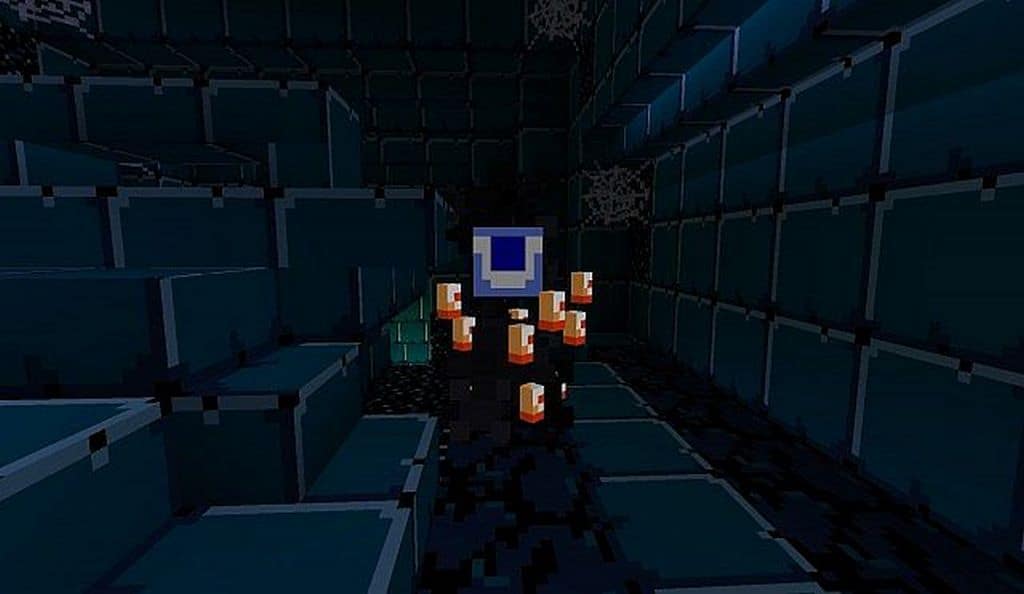
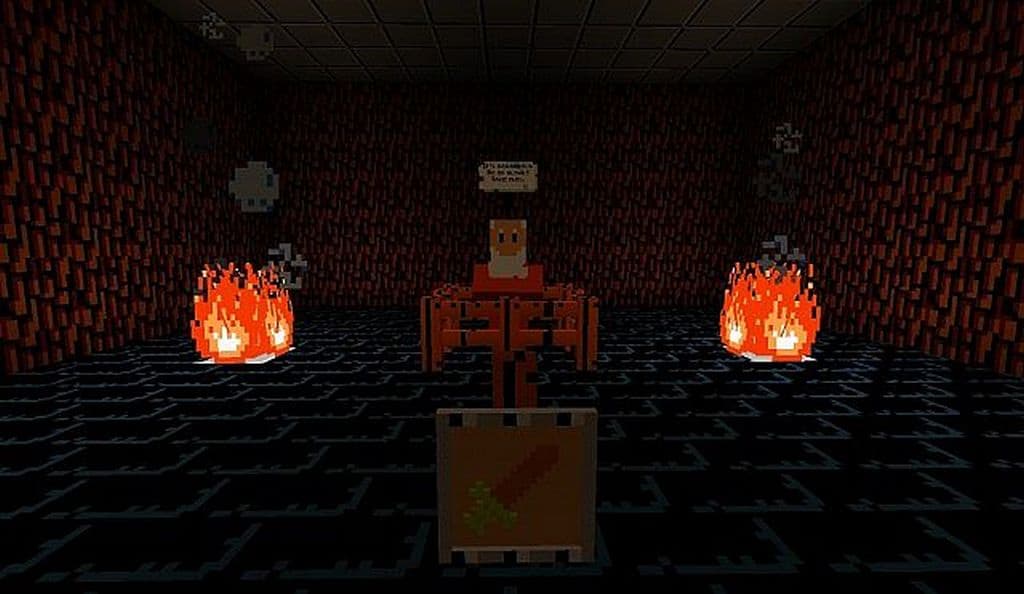
It really feels like there is an endless stream of resource packs out there claiming to draw inspiration from The Legend of Zelda series. While many of them certainly try, honestly very few truly succeed in capturing that authentic vibe of the Legend of Zelda games inside of Minecraft. I was genuinely impressed to find that the Classic Zelda resource pack is the ultimate exception to that rule. It stands out as one of the most downloaded resource packs inspired by those classic Nintendo games, and it manages to pull it off brilliantly without completely turning vanilla Minecraft into a whole different game. The Classic Zelda texture pack introduces genuinely amazing new textures while gracefully preserving the original Minecraft 16x resolution. This clever design makes it a wonderfully lightweight resource pack that does not alter Minecraft too drastically. In my experience, it runs just as smoothly as vanilla Minecraft despite the impressive number of texture and model changes it adds to the game. It brings in several fresh blocks, entirely new textures for bricks, ores, stone, various types of terrain, vibrant new grass textures, and so much more that makes exploring an absolute treat.
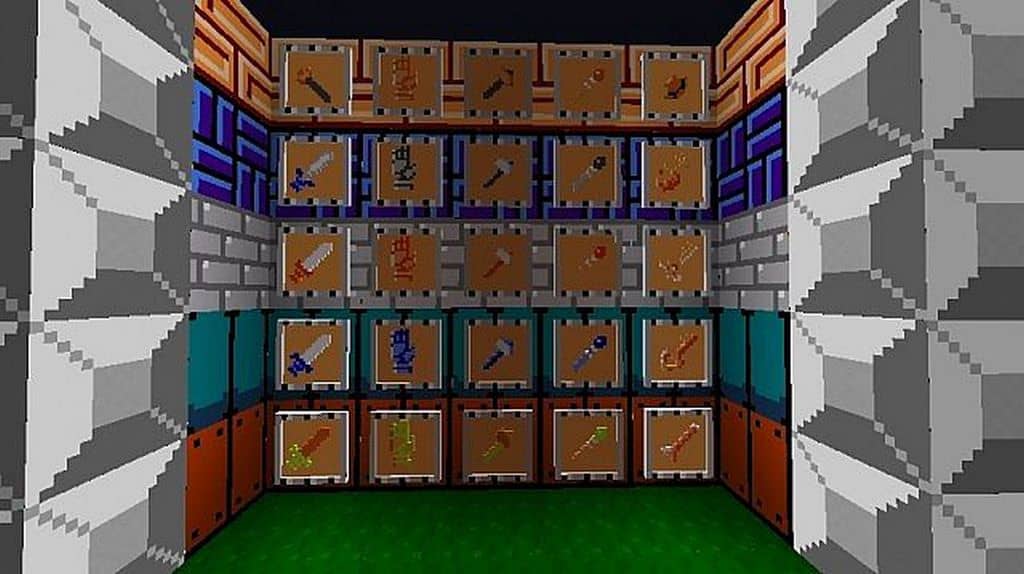
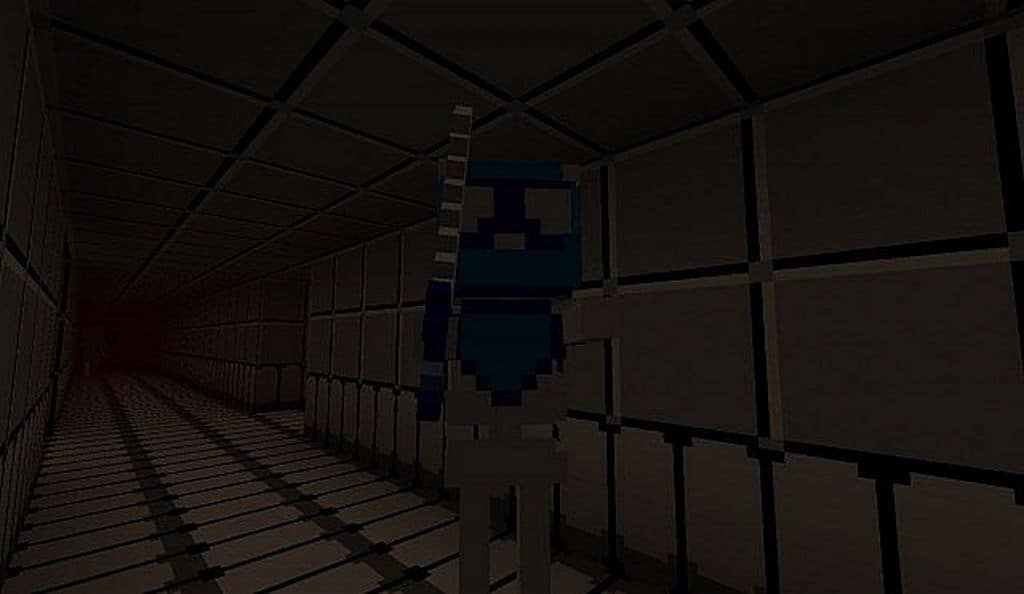
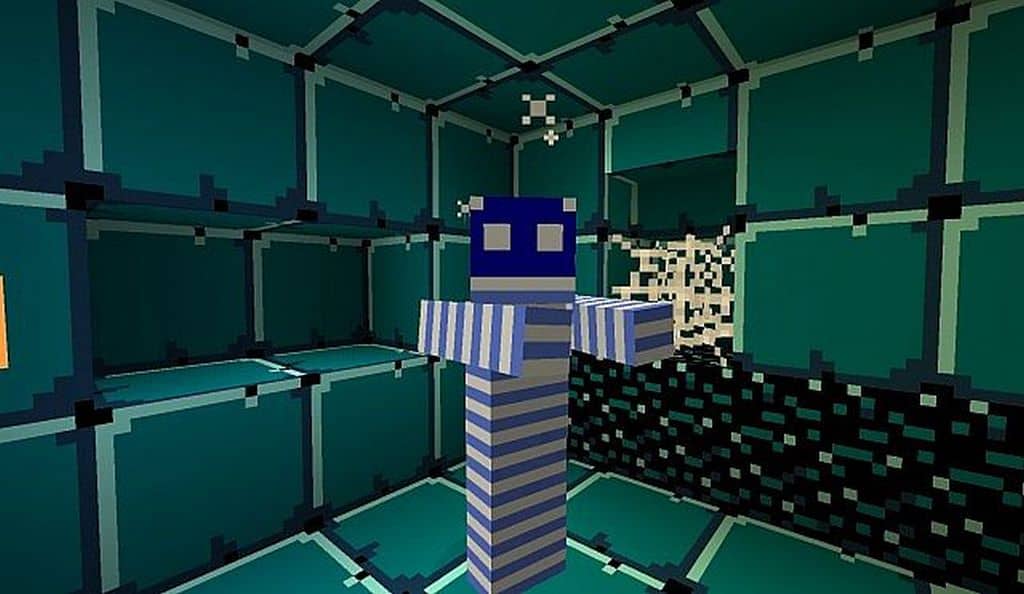
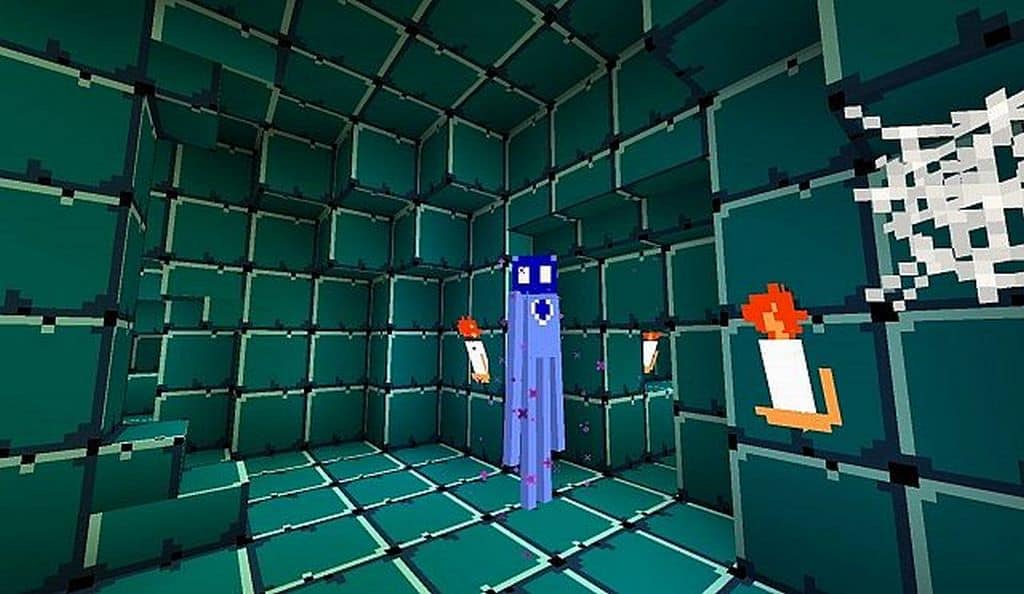
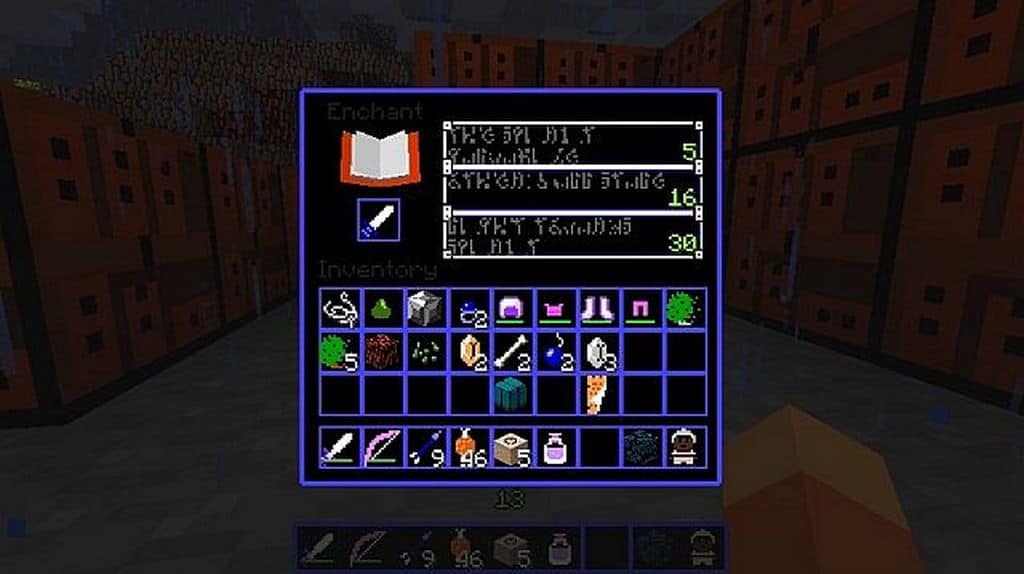
I noticed right away that the ores in the game feature fresh new textures, making them significantly easier to tell apart during long mining sessions. Even so, the most notable and exciting addition that comes bundled with the Classic Zelda resource pack has got to be the raft. Just like in the classic Zelda games where the raft serves as such an iconic means of travel, you can now enjoy navigating the waters with a raft right here in Minecraft as well. Beyond the stunning block textures, a ton of effort clearly went into introducing brand-new textures specifically for tools and weapons, all of which are lovingly inspired by the Zelda universe. One particularly fascinating aspect I discovered is the inclusion of a few unique armor pieces; as the developer astutely points out, Link himself does not wear traditional armor, so these armor pieces in the resource pack are cleverly themed after the Darknut, a formidable enemy from the original games. All of these fantastic new items and weapons have also been given wonderful new inventory icons. To top it all off, the inventory interface has been neatly tweaked, and the developer truly went the extra mile to craft a lovely, nostalgic custom main menu screen. Drawing heavily from both the very first game and the second NES title, hostile mobs have also been delightfully redesigned with new textures to look like classic monsters from the Legend of Zelda games.
Classic Zelda should be compatible with all of these Minecraft versions: 1.8.9 – 1.8.8 – 1.8.1 – 1.8.6 – 1.8 – 1.7.10 – 1.7.9 – 1.7.4 – 1.7
Screenshots
How to Install Texture Pack (Simple 10 Steps)
- Download OptiFine: Most of the texture packs and shaders need OptiFine. That’s why, first download and install OptiFine for the version of Minecraft you want to play.
- Download the Texture Pack: Get the texture pack you want from the download section. Choose the version that works with your Minecraft and your PC’s performance.
- Open Minecraft Launcher: Start Minecraft using the official game launcher — or even TLauncher, if you use that.
- Go to Options: From the main menu, click on the “Options” button.
- Open Resource Packs: Inside Options, click on “Resource Packs…”.
- Open the Resource Pack Folder: Click on “Open Resource Pack Folder” — this will open a folder named “resourcepacks”.
- Move the Pack File: Copy or move the .zip file you downloaded into that “resourcepacks” folder. (Don’t unzip the file — Minecraft uses it as-is!)
- Go Back and Refresh: Close the folder and click “Done”, then go back into “Resource Packs…” again.
- Activate the Pack: You’ll see the pack on the left side. Hover over it and click the arrow to move it to the right (active side).
Tip: If you get a message that the pack is for a different version, just click “Yes” — it usually works fine. - Click Done and Enjoy: Click “Done” again. Now your pack is ready to use in-game. It’s that easy!
Credits
This resource pack was originally created by Nikolus. We do not claim ownership of this modification, nor do we host or distribute modified versions of the original files. All rights and intellectual property belong strictly to the original author. We strongly encourage you to support the creator by downloading the pack through their official links and channels.
Download Instructions
Curseforge: download starts automatically after a few seconds;
Mediafire: click the big blue button with the text “DOWNLOAD”;
Google Drive: in the top right corner you will see a small download icon (down arrow), click it and the download should start;


