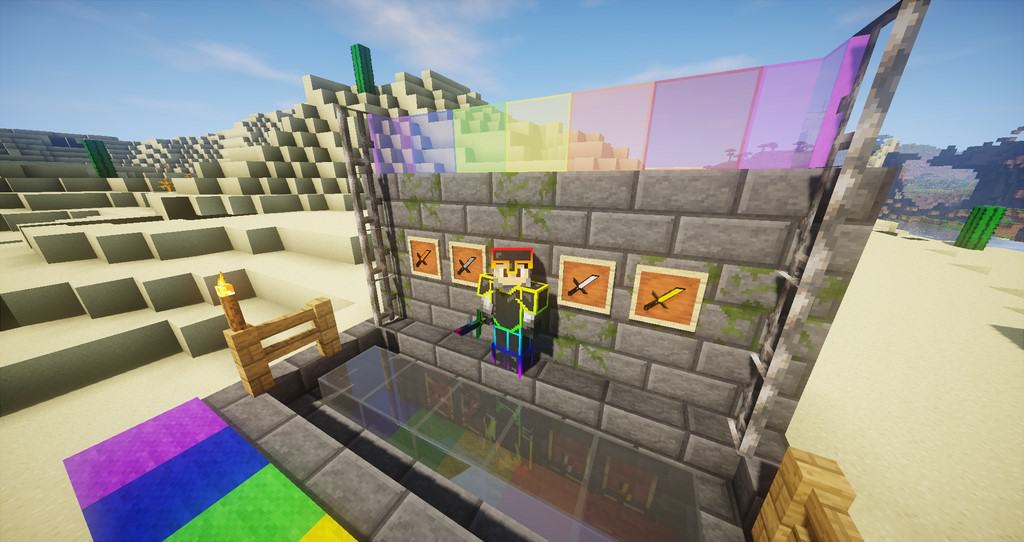
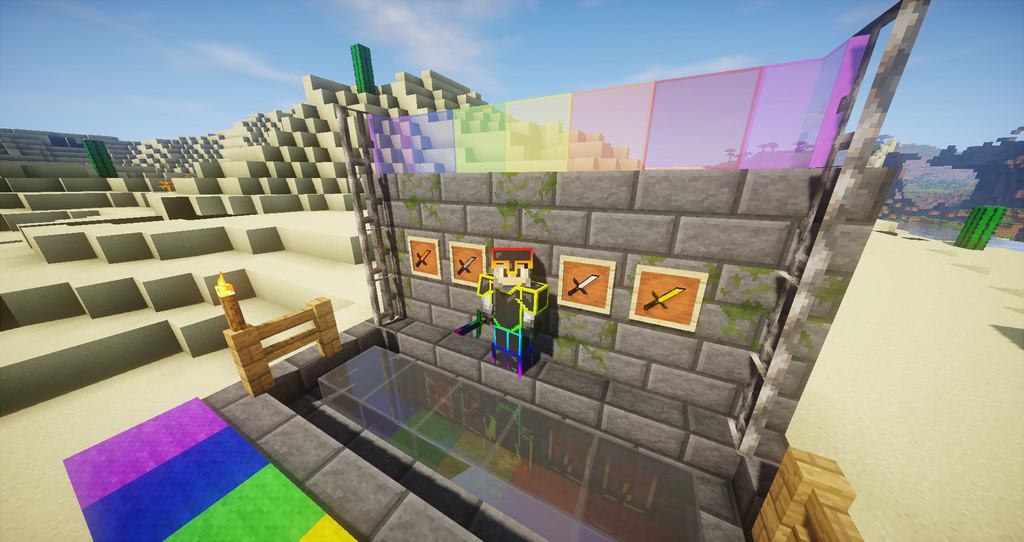
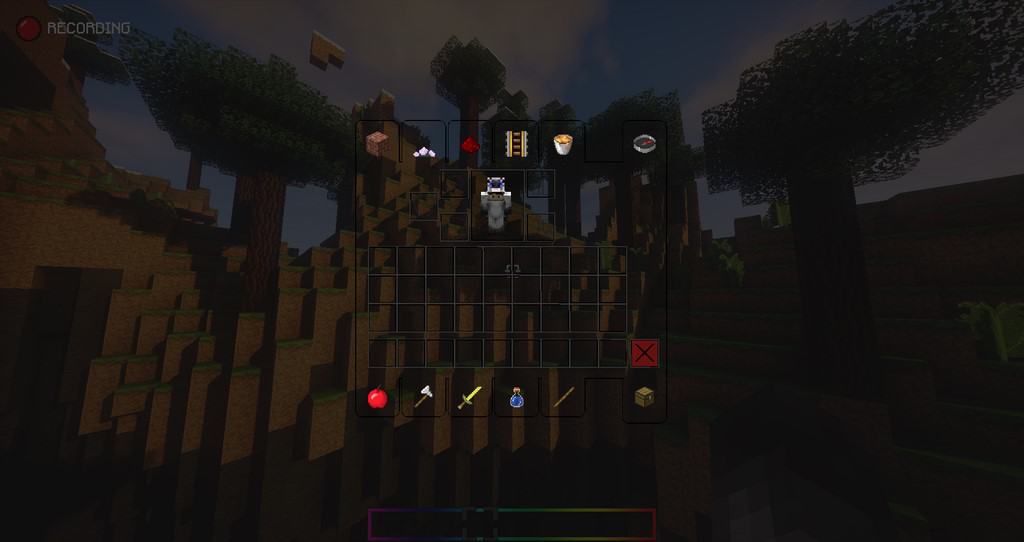
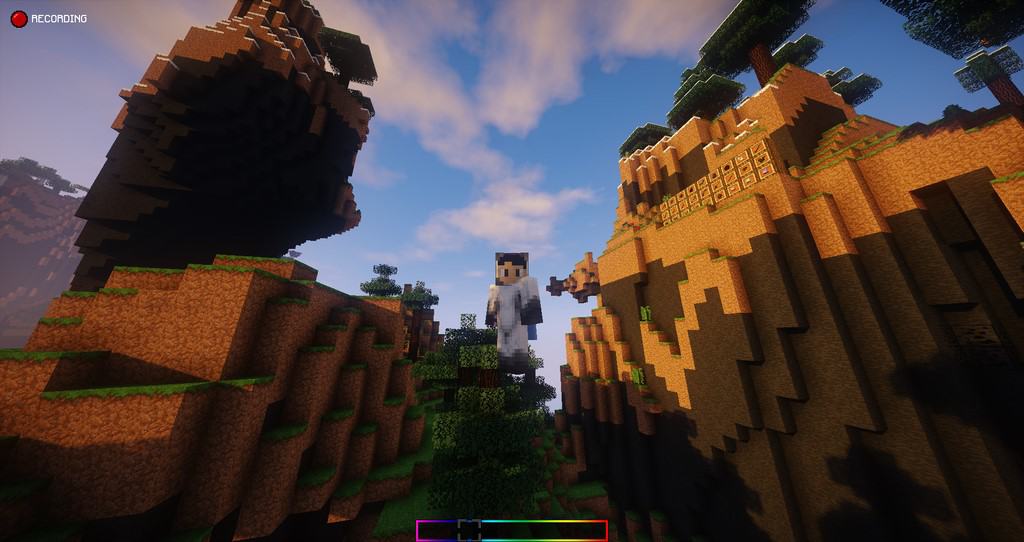
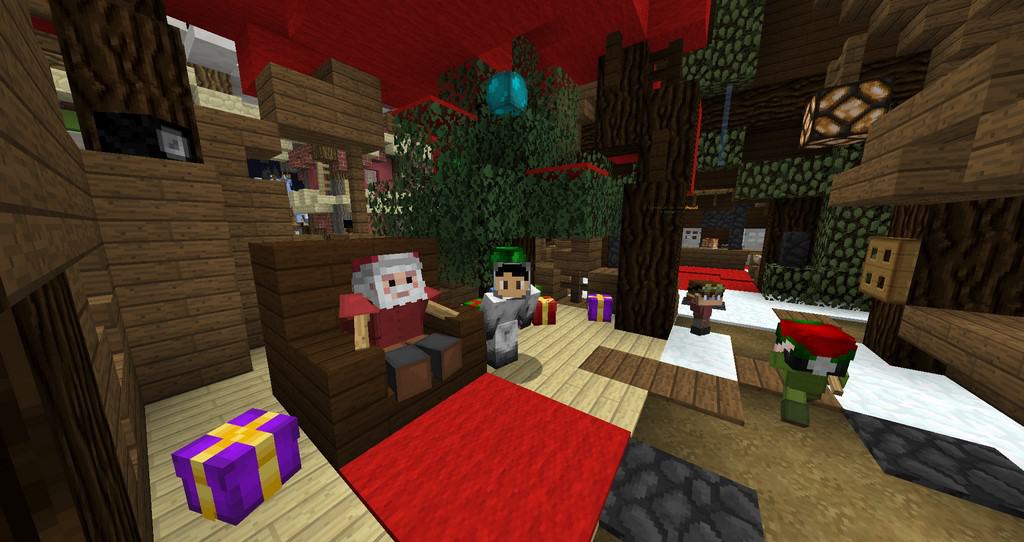
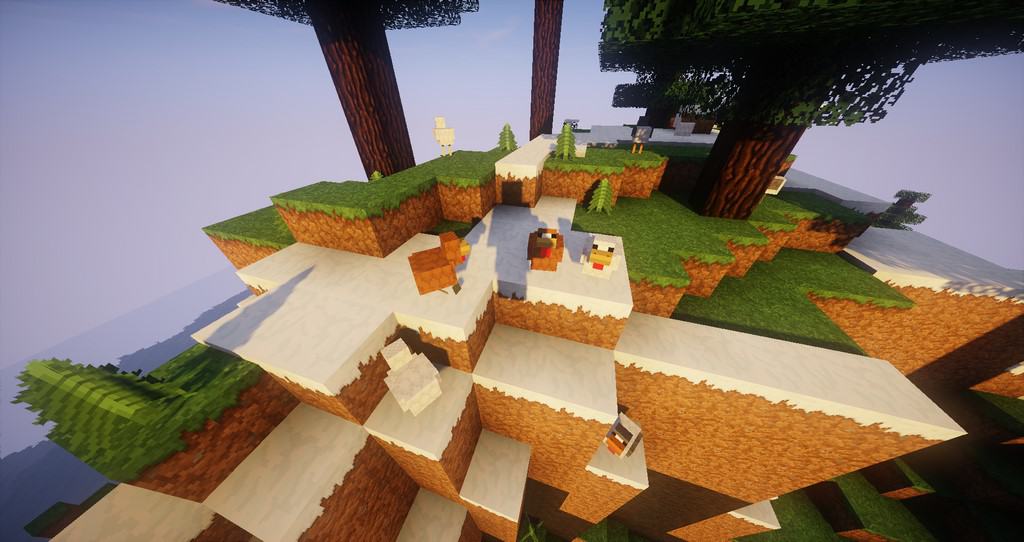
If we look at it from a simpler perspective, the Chroma Faithful resource pack can truly be described as a wonderful imitation of vanilla Minecraft and its classic visuals. Eldwen is the brilliant designer behind this pack, which arrives with precisely fabulous textures that will amicably fit the current needs of the Minecraft community. One of the standout features that immediately catches your eye when you apply the Chroma Faithful resource pack is an exceptionally clean and friendly user interface that you will genuinely want to interact with every single second. This resource pack is designed to make subtle, refined changes to the overall textures, meaning players should not expect a complete overhaul of the traditional Minecraft look. Even though it makes fewer overall changes, it delivers marvelous improvements that will thoroughly impress and attract you to keep using the pack once it is installed. Most players are so accustomed to the standard vanilla interface that it can occasionally feel dull and drain their enthusiasm, but Chroma Faithful completely eliminates this monotony by offering a massive array of visual enhancements that provide unlimited enjoyment during gameplay.
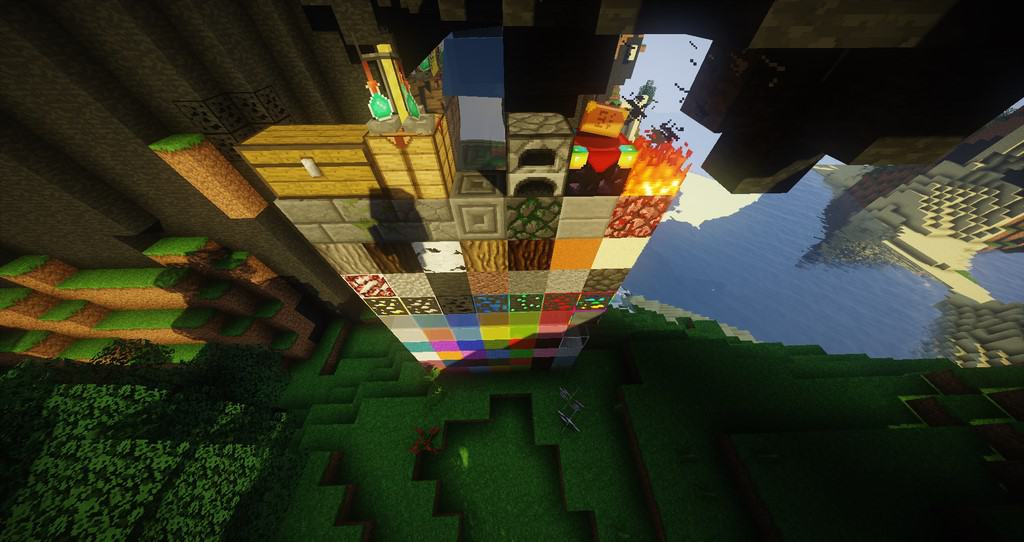
The enhancements you will discover in the Chroma Faithful texture set include amazingly smooth block textures, sleek and fluid animation effects, crystal-clear glass, and many more fine details that make PvP much more enticing and keep you completely hooked without getting tired. It is important to keep in mind that many of these changes are so finely tuned that you might barely notice them at first glance, ensuring the game stays very close to the default Minecraft experience you know and love. Chroma Faithful features a double-resolution of 32x, which is noticeably sharper than the default 16x, requiring users to have a slightly more capable PC to achieve the most amazing experience possible while running the pack. We strongly recommend enthusiast players to use this pack alongside Optifine, as it elevates the visuals to brilliant new heights and makes the entire experience simply irresistible.
Chroma Faithful should be compatible with all of these Minecraft versions: 1.16.5 – 1.16.4 – 1.16.3 – 1.16.2 – 1.16.1 – 1.16 – 1.15.2 – 1.15.1 – 1.15 – 1.12.2 – 1.12 – 1.11.2 – 1.11 – 1.10.2 – 1.10
Screenshots

How to Install Texture Pack (Simple 10 Steps)
- Download OptiFine: Most of the texture packs and shaders need OptiFine. That’s why, first download and install OptiFine for the version of Minecraft you want to play.
- Download the Texture Pack: Get the texture pack you want from the download section. Choose the version that works with your Minecraft and your PC’s performance.
- Open Minecraft Launcher: Start Minecraft using the official game launcher — or even TLauncher, if you use that.
- Go to Options: From the main menu, click on the “Options” button.
- Open Resource Packs: Inside Options, click on “Resource Packs…”.
- Open the Resource Pack Folder: Click on “Open Resource Pack Folder” — this will open a folder named “resourcepacks”.
- Move the Pack File: Copy or move the .zip file you downloaded into that “resourcepacks” folder. (Don’t unzip the file — Minecraft uses it as-is!)
- Go Back and Refresh: Close the folder and click “Done”, then go back into “Resource Packs…” again.
- Activate the Pack: You’ll see the pack on the left side. Hover over it and click the arrow to move it to the right (active side).
Tip: If you get a message that the pack is for a different version, just click “Yes” — it usually works fine. - Click Done and Enjoy: Click “Done” again. Now your pack is ready to use in-game. It’s that easy!
Credits
This resource pack was originally created and developed by ValentinJdrd. We do not claim ownership of this content, nor do we host modified versions of the files. All rights remain with the original creator. We highly recommend visiting the official download links to support ValentinJdrd and their continued work.
Download Links
Java Edition
Download Instructions
Curseforge: download starts automatically after a few seconds;
Mediafire: click the big blue button with the text “DOWNLOAD”;
Google Drive: in the top right corner you will see a small download icon (down arrow), click it and the download should start;


