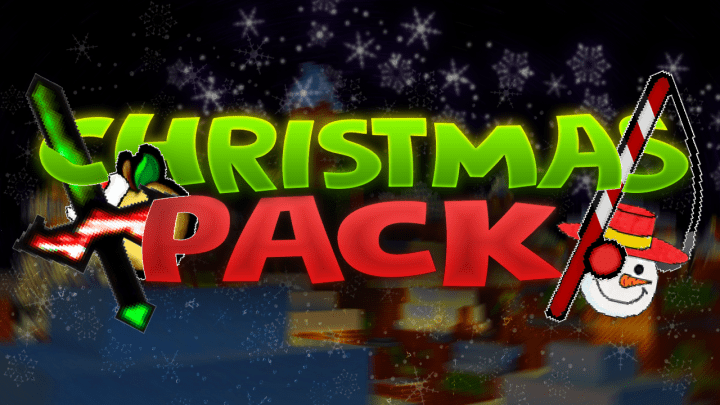
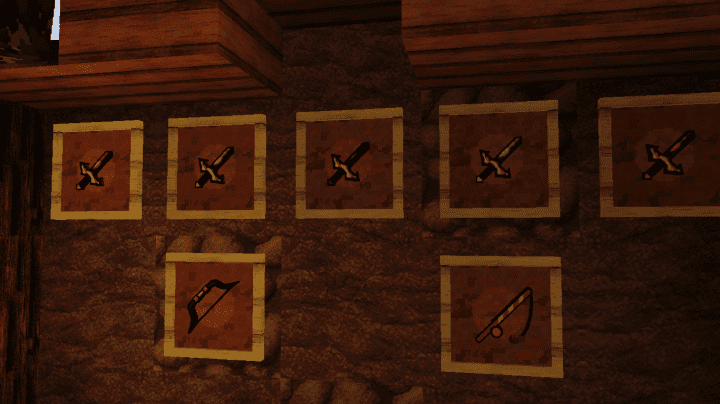
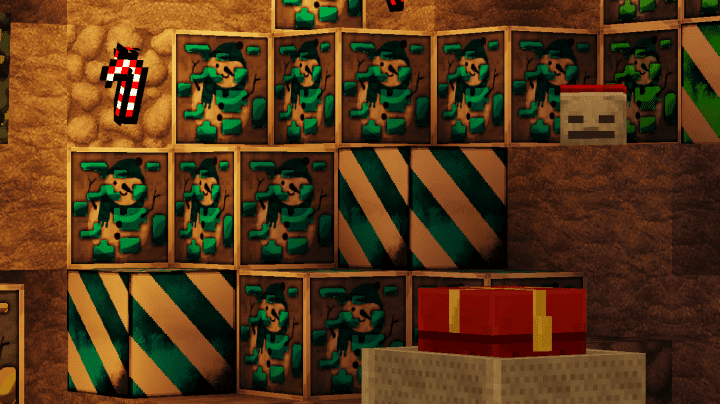
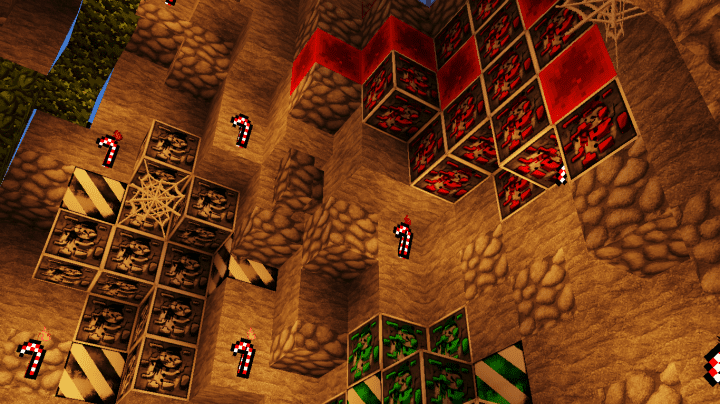
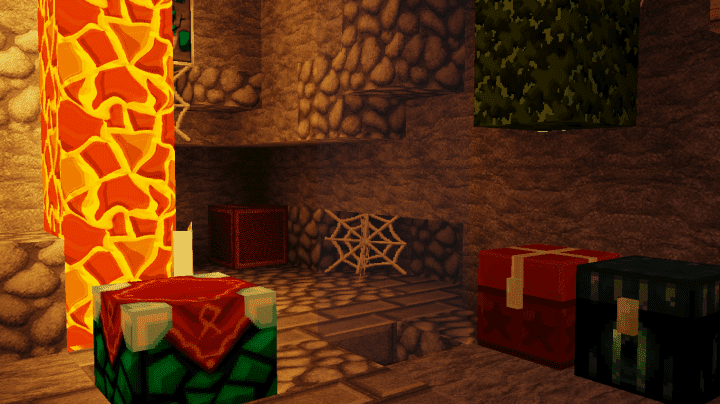
Did you know that Minecraft is arguably the absolute best game to play during the Christmas season? During this time, Minecraft ensures that players get new and improved content releases tailored specifically to the festive holiday season. For example, players can thoroughly enjoy Christmas themed releases such as the Christmas PvP release. What is it? It is a fantastic holiday resource pack created by DustStorm_YT that enables PvP fans to enjoy the festive season in true style. It brilliantly brings out the spirit of Christmas coupled with the best PvP experience possible. Christmas PvP was released last Christmas and it has recently been updated to support the latest releases of Minecraft. Some of the notable improvements in this Christmas PvP resource pack include superior visuals and an incredible user experience. Apart from these visuals being truly stunning, they are fully inspired by Christmas festivities to ensure that players enjoy the holidays to the fullest while playing the game.
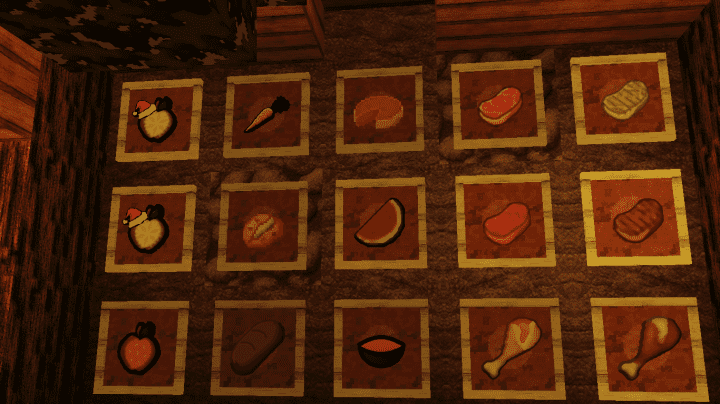
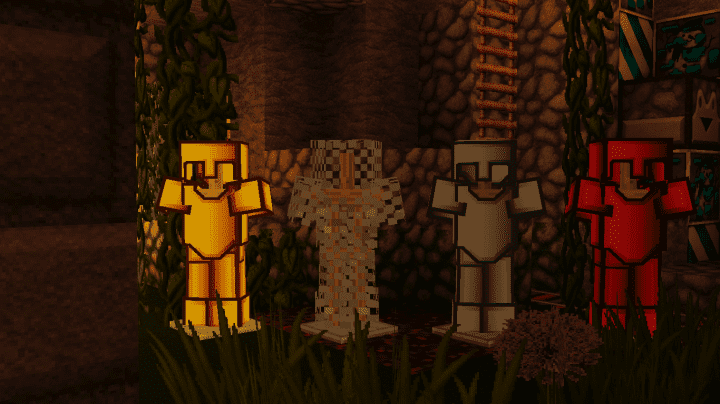
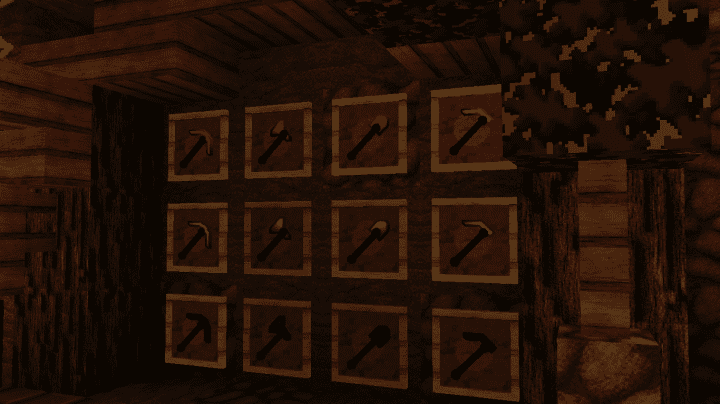
Even if a player spends a lot of time playing Minecraft, the gorgeous Christmas themes will always successfully remind the player that it is indeed the Christmas holidays. Most of the PvP resource packs out there tend to concentrate much on the gameplay hence sacrificing the visuals. For this pack, thankfully, that is not the case at all. Why? Because players get a wonderfully smooth gameplay experience while also enjoying top-quality visuals. In terms of textures, this Christmas pack definitely comes out on top. All of its textures are vibrant and lively, leading to a deeply engaging and immersive PvP experience. Unsurprisingly, there is one thing in these textures that players love which has never been seen before in typical PvP packs, and that is the astounding amount of detail packed into them. Christmas PvP textures feature a high resolution of 128 by 128. One thing to point out here though is that its ultimate smoothness may not be entirely at par with extremely old-style low-res PvP resource packs. However, at resolutions that are higher than normal, this fantastic PvP pack still easily outperforms many other high-resolution packs. Primarily, this is because of its incredible texture optimization levels and remarkably smooth design.
Christmas PvP should be compatible with all of these Minecraft versions: 1.8.9 – 1.8.8 – 1.8.1 – 1.8.6 – 1.8
Screenshots


How to Install Texture Pack (Simple 10 Steps)
- Download OptiFine: Most of the texture packs and shaders need OptiFine. That’s why, first download and install OptiFine for the version of Minecraft you want to play.
- Download the Texture Pack: Get the texture pack you want from the download section. Choose the version that works with your Minecraft and your PC’s performance.
- Open Minecraft Launcher: Start Minecraft using the official game launcher — or even TLauncher, if you use that.
- Go to Options: From the main menu, click on the “Options” button.
- Open Resource Packs: Inside Options, click on “Resource Packs…”.
- Open the Resource Pack Folder: Click on “Open Resource Pack Folder” — this will open a folder named “resourcepacks”.
- Move the Pack File: Copy or move the .zip file you downloaded into that “resourcepacks” folder. (Don’t unzip the file — Minecraft uses it as-is!)
- Go Back and Refresh: Close the folder and click “Done”, then go back into “Resource Packs…” again.
- Activate the Pack: You’ll see the pack on the left side. Hover over it and click the arrow to move it to the right (active side).
Tip: If you get a message that the pack is for a different version, just click “Yes” — it usually works fine. - Click Done and Enjoy: Click “Done” again. Now your pack is ready to use in-game. It’s that easy!
Credits
This resource pack was originally created by DustStorm_YT. We do not claim ownership of this content, nor do we modify the original files. All rights and credits belong entirely to DustStorm_YT. We highly recommend supporting the creator by visiting their official download links and channels.
Download Instructions
Curseforge: download starts automatically after a few seconds;
Mediafire: click the big blue button with the text “DOWNLOAD”;
Google Drive: in the top right corner you will see a small download icon (down arrow), click it and the download should start;


