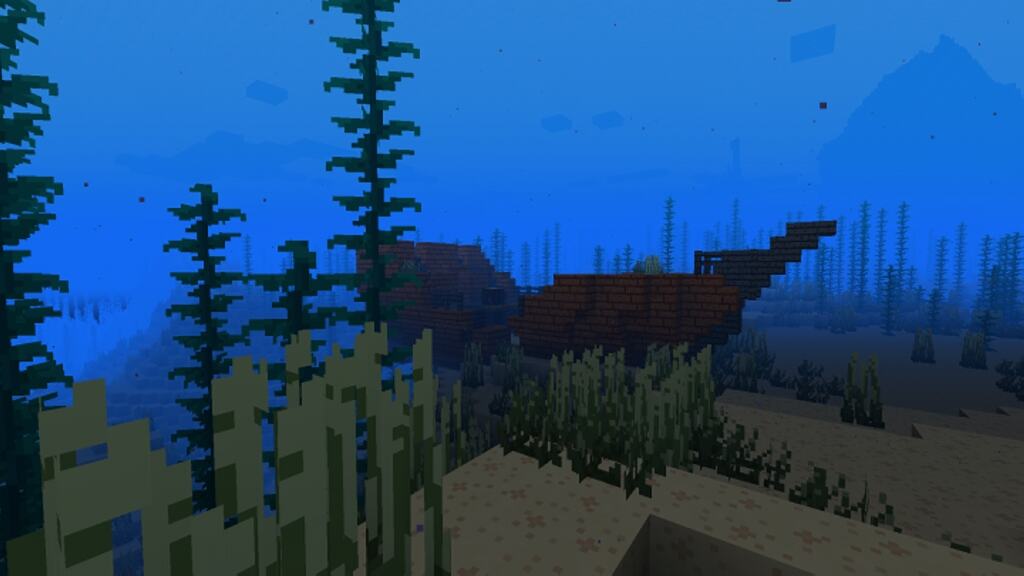
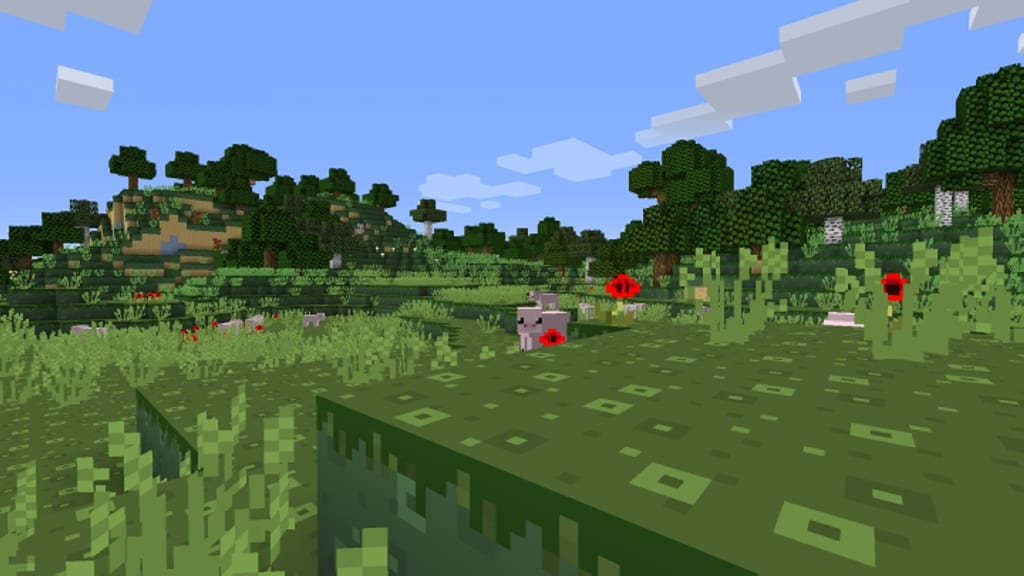
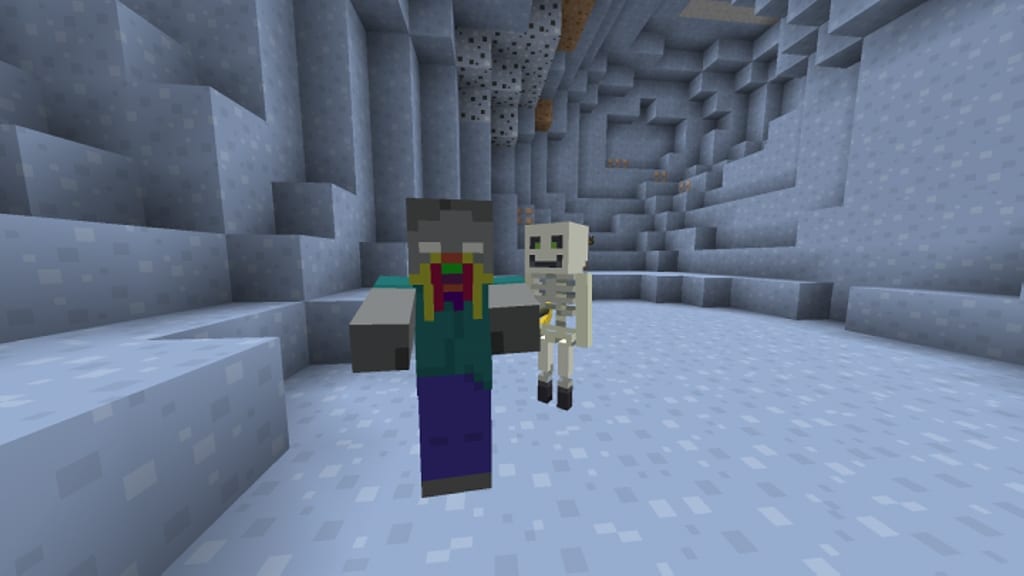
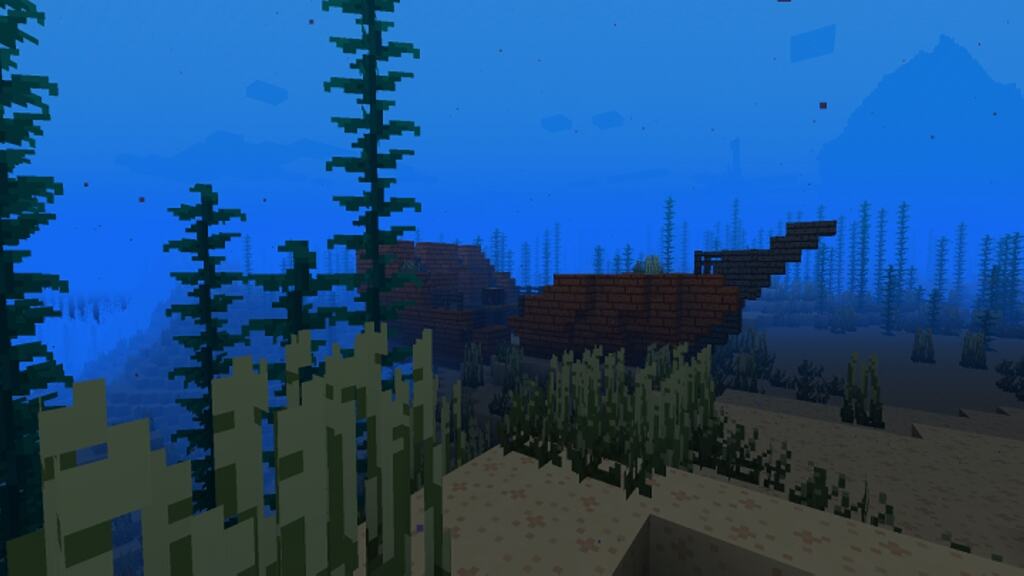
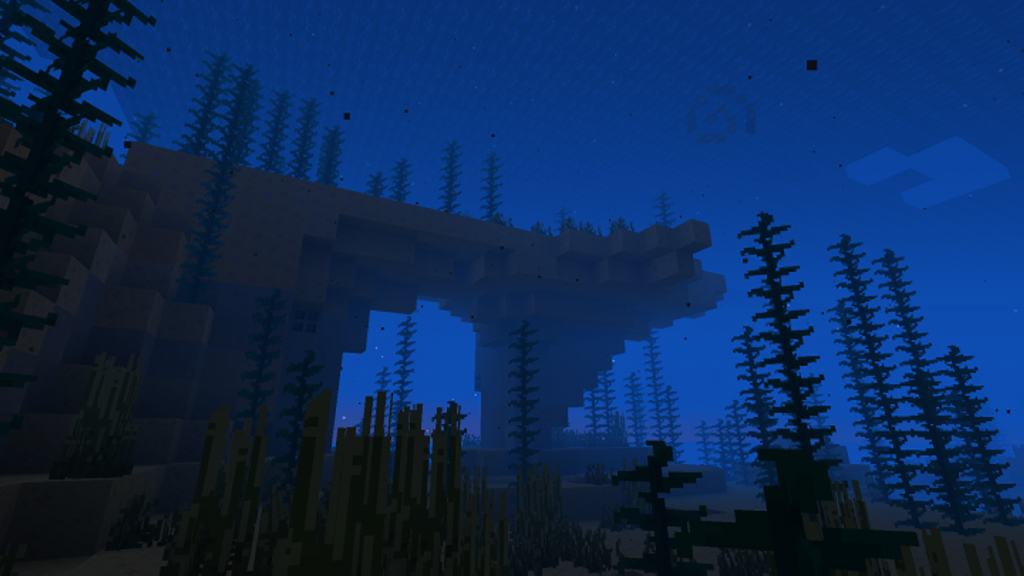
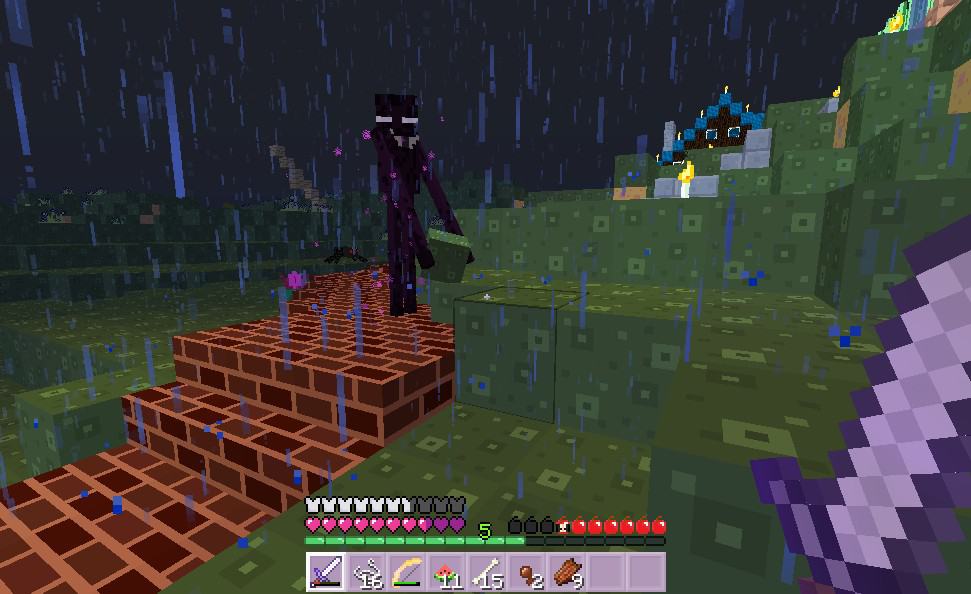
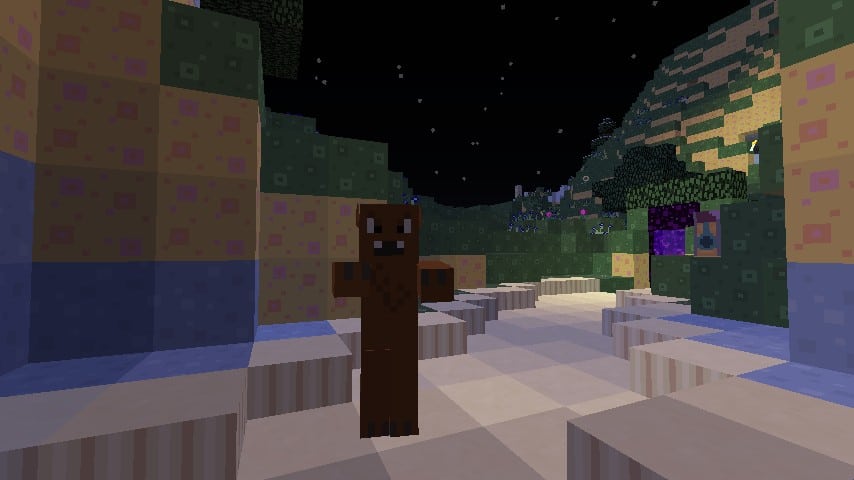
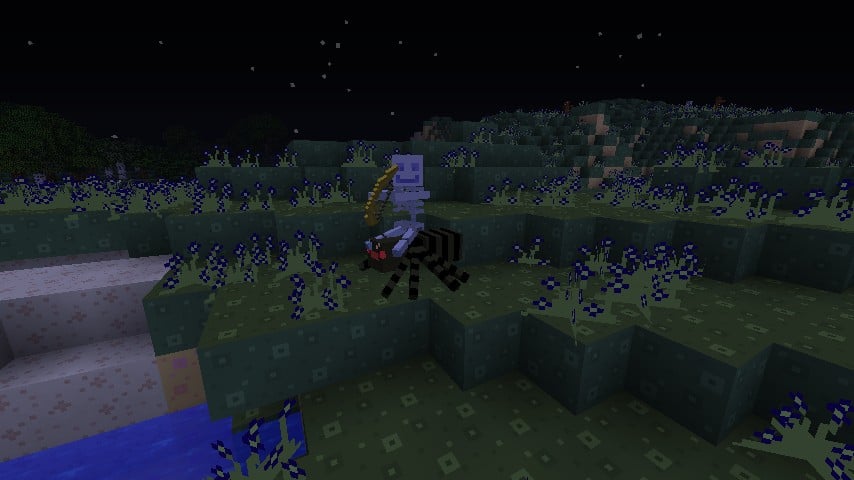
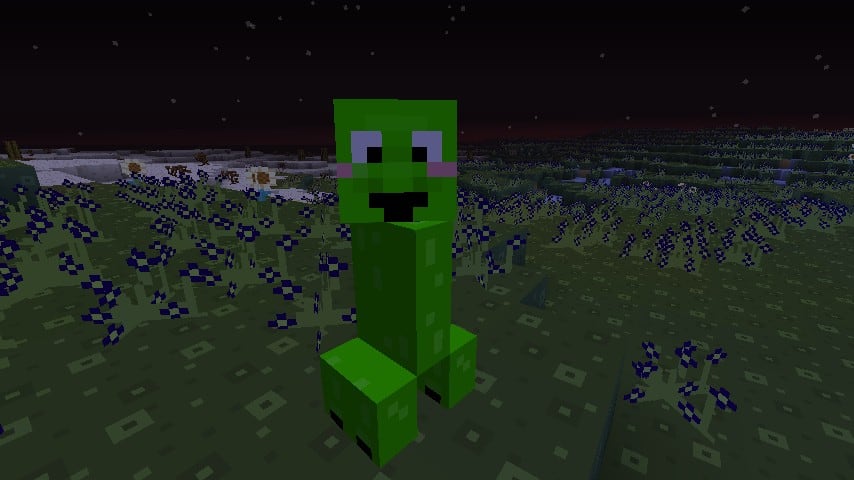
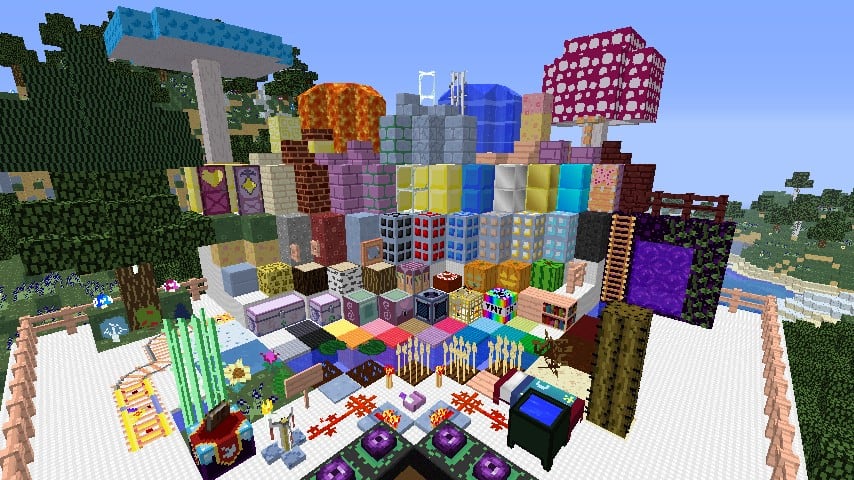
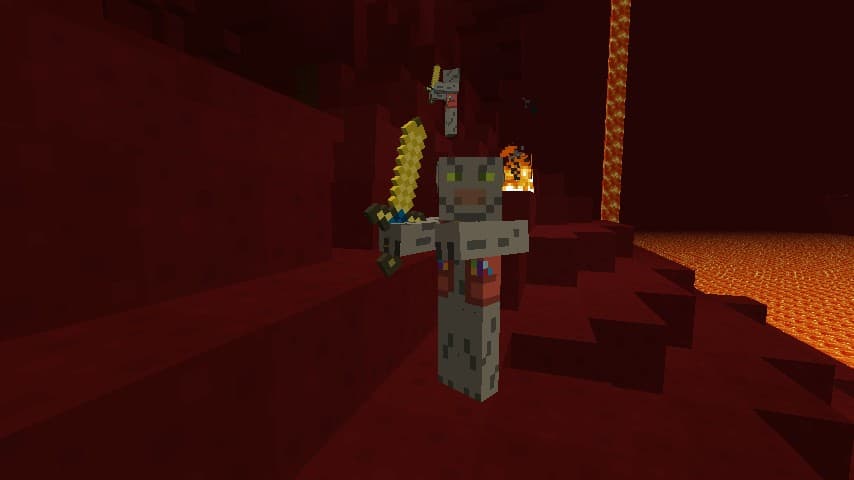
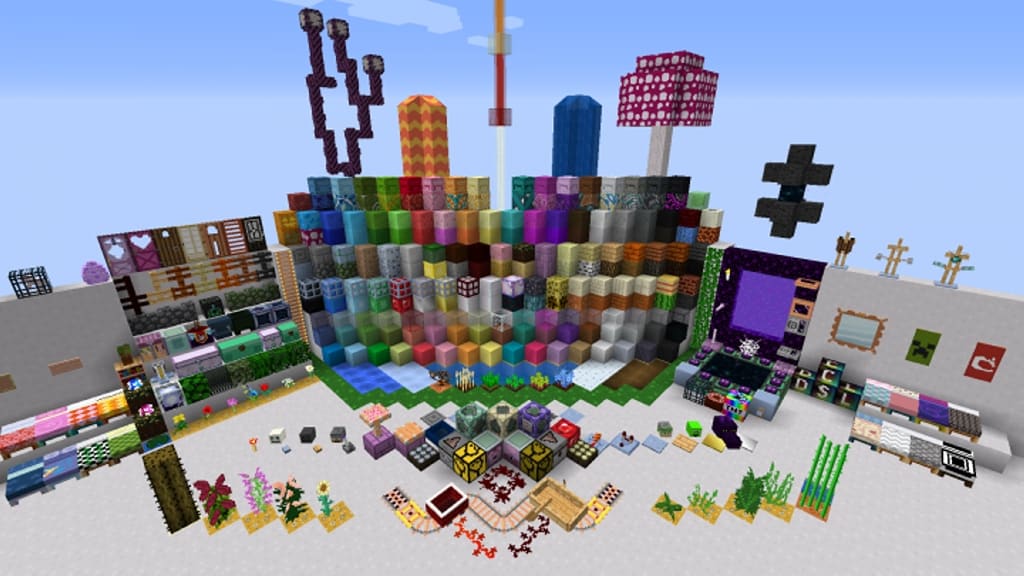
CanterlotCraft resource pack is one of those genuinely special Minecraft texture packs that I found takes inspiration directly from a beloved TV show, and in this case, it is My Little Pony Friendship is Magic with an influence that is visible from the very first screenshot. I really love how the pack uses bright colors and cheerful tones that instantly remind players of the show’s atmosphere, where everything from blocks to mobs has been carefully recolored and redesigned to match the lively style. Instead of sticking with boring vanilla shades, the resource pack introduces much more vibrant and saturated palettes, successfully turning the blocky world into something far more colorful and cartoonish. Unlike some other packs that only modify blocks or a few select items, CanterlotCraft goes further by bringing changes not only to terrain but also to mobs, animals, and even the user interface. Cows, pigs, and other familiar creatures retain their original shapes but now feature playful colors that feel straight out of Equestria, while paintings have also been replaced with designs inspired by the series and trees display brighter foliage that makes landscapes feel like true fantasy meadows.
The interface itself has been given a cheerful makeover with a pink tinted design that fits perfectly with the theme, and I think the result is a world that feels instantly more magical while still keeping the familiarity of vanilla Minecraft models. Originally released in 2016, CanterlotCraft has been around for quite a while, and over the years Minecraft has gone through many updates, which unfortunately means compatibility became a limitation for this pack since a more recent update made it incompatible with versions 1.14 and above. However, it still runs smoothly on older editions ranging from 1.6 up to 1.13, which leaves plenty of versions for players to enjoy the pack. For long time fans of My Little Pony or those who want a nostalgic, lighthearted touch, I can confirm it remains a solid choice. One of the greatest advantages of CanterlotCraft is that it comes in the standard 16x resolution, meaning it does not demand extra resources from your computer and can be used even on older machines without lowering performance. Visual fidelity stays close to vanilla, but the new color schemes, redesigned mobs, and playful textures bring an entirely different mood, and while it may not offer high definition detail, it offers something that many players will appreciate just as much: a joyful and cartoonish take on Minecraft inspired by a show that has charmed millions.
CanterlotCraft should be compatible with all of these Minecraft versions: 1.13.2 – 1.13.1 – 1.13 – 1.12.2 – 1.12 – 1.11.2 – 1.11 – 1.10.2 – 1.10 – 1.9.4 – 1.9 – 1.8.9 – 1.8.8 – 1.8.1 – 1.8.6 – 1.8 – 1.7.10 – 1.7.9 – 1.7.4 – 1.7 – 1.6.4 – 1.6.2
Screenshots


How to Install Texture Pack (Simple 10 Steps)
- Download OptiFine: Most of the texture packs and shaders need OptiFine. That’s why, first download and install OptiFine for the version of Minecraft you want to play.
- Download the Texture Pack: Get the texture pack you want from the download section. Choose the version that works with your Minecraft and your PC’s performance.
- Open Minecraft Launcher: Start Minecraft using the official game launcher — or even TLauncher, if you use that.
- Go to Options: From the main menu, click on the “Options” button.
- Open Resource Packs: Inside Options, click on “Resource Packs…”.
- Open the Resource Pack Folder: Click on “Open Resource Pack Folder” — this will open a folder named “resourcepacks”.
- Move the Pack File: Copy or move the .zip file you downloaded into that “resourcepacks” folder. (Don’t unzip the file — Minecraft uses it as-is!)
- Go Back and Refresh: Close the folder and click “Done”, then go back into “Resource Packs…” again.
- Activate the Pack: You’ll see the pack on the left side. Hover over it and click the arrow to move it to the right (active side).
Tip: If you get a message that the pack is for a different version, just click “Yes” — it usually works fine. - Click Done and Enjoy: Click “Done” again. Now your pack is ready to use in-game. It’s that easy!
Credits
This resource pack was created by jenbelowzero. We do not claim ownership of this content, nor have we modified the download files. All rights and intellectual property belong strictly to the original author. We strongly encourage visiting the original creator’s official release pages to show your support.
Download Instructions
Curseforge: download starts automatically after a few seconds;
Mediafire: click the big blue button with the text “DOWNLOAD”;
Google Drive: in the top right corner you will see a small download icon (down arrow), click it and the download should start;


